
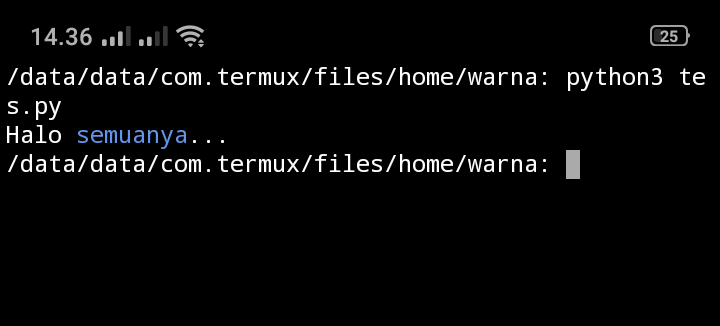
Menambahkan warna di Terminal

Project description


Download files
Download the file for your platform. If you're not sure which to choose, learn more about installing packages.
Source Distribution
warna-1.1.3.tar.gz
(1.6 kB
view details)
File details
Details for the file warna-1.1.3.tar.gz.
File metadata
- Download URL: warna-1.1.3.tar.gz
- Upload date:
- Size: 1.6 kB
- Tags: Source
- Uploaded using Trusted Publishing? No
- Uploaded via: twine/3.4.1 importlib_metadata/4.0.1 pkginfo/1.7.0 requests/2.25.1 requests-toolbelt/0.9.1 tqdm/4.60.0 CPython/3.6.9
File hashes
| Algorithm | Hash digest | |
|---|---|---|
| SHA256 |
401e7d8b852bc5a83db85231565c247244d336c8eac5d66e1f75be9beab47c0f
|
|
| MD5 |
559bc07a1fd3b6f3171540329464d72c
|
|
| BLAKE2b-256 |
ab043c488243bd47c1abe8561ed77fab905e01a62016bc4afccc9804b302a2df
|






