
Watchdogs to keep an eye on the world's change. Read more: https://github.com/ClericPy/watchdogs.

Project description
watchdogs 




Keep an eye on the world's change.
Such as steam price fluctuation / new post articals / news on the web portal / server api health, and so on...
Intro
- This is a web app based on fastapi, databases, uniparser, torequests.
- Smoothly deploy it by pip:
pip install -U watchdogs;python3 -m watchdogs - Simple to create new crawler with the Web UI, not like old ways to duplicate crawler code.
- All the crawlers keep runing in the async environment.
- Almost all the elements have a title attribute to describe the features in the Web UI, which means docs lay on the UI.
- Release your hands from repetitive refreshing on the browser.
- Subscribe the change events with RSS reminder extensions, such as Feedbro or RSS Feed Reader.
- Or implement custom reminders by inheriting
watchdogs.callbacks.Callback.
Usage
-
pip install -U watchdogs
-
python -m watchdogs
-
Open with a browser: http://127.0.0.1:9901
Command line args
python -m watchdogs -- -h
- db_url:
sqlite / mysql / postgresql(not test) url, which databases supports. Defaults to 'sqlite:///{HOME_PATH}/watchdogs/storage.sqlite'
- password:
init password, if null can be set on the first visit on web.
- mute_std_log:
remove stdout log for clean stream
- mute_file_log:
ignore file log located at {HOME_PATH}/watchdogs folder.
- md5_salt:
md5_salt for custom md5(password) / md5(rss_tag)
- config_dir:
config dir to save the logs and config files, if using sqlite include sqlite file. defaults to {HOME_PATH}/watchdogs
- use_default_cdn:
If Config.cdn_urls not set, and use_default_cdn is True, will use online js/css cdn from staticfile.org.
- **uvicorn_kwargs:
uvicorn startup kwargs, such as port, host. Which can be set like:
python -m watchdogs --port=9999 --host=127.0.0.1
Quick Start to Create New Task
Screenshots
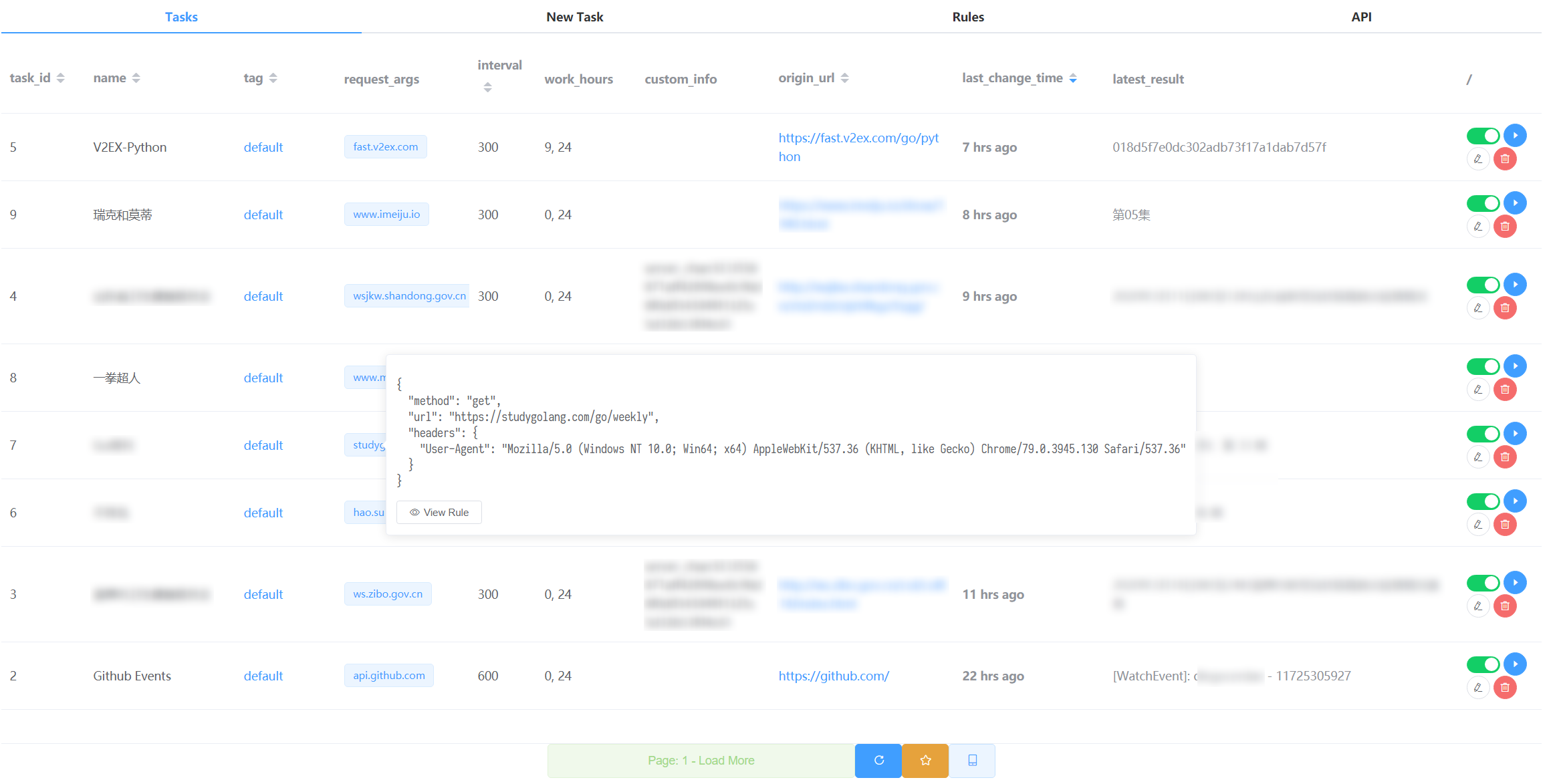
- Welcome Page (Tasks Page).
Here you can see all the tasks meta, goto RSS / Mobile Lite Page, and do some operations to the tasks.
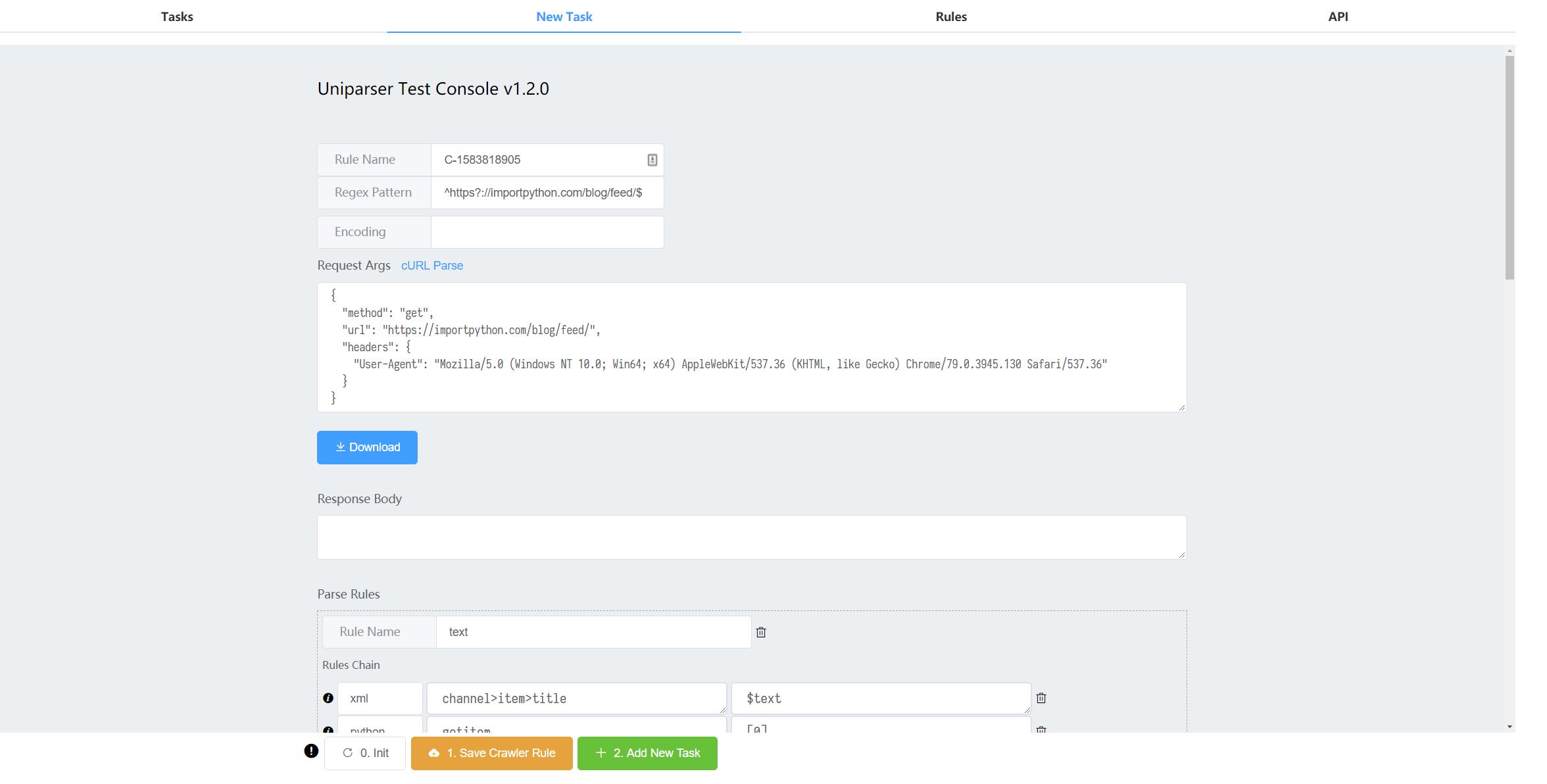
- New Task Page.
Here based on the latest uniparser web app, to create new rules and also tasks.
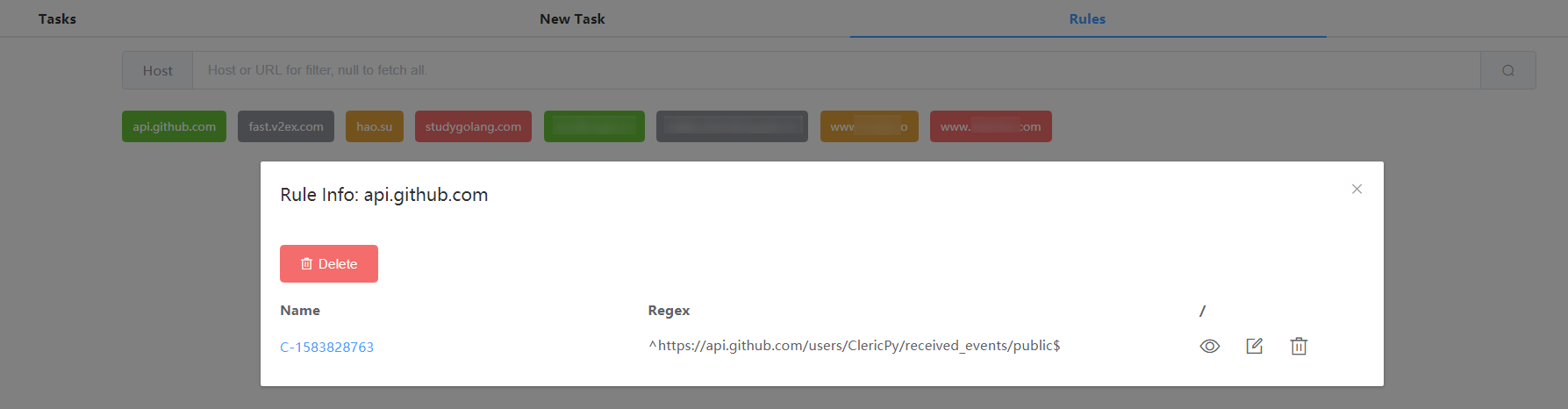
- Rules Page.
Do some operations for the rules.
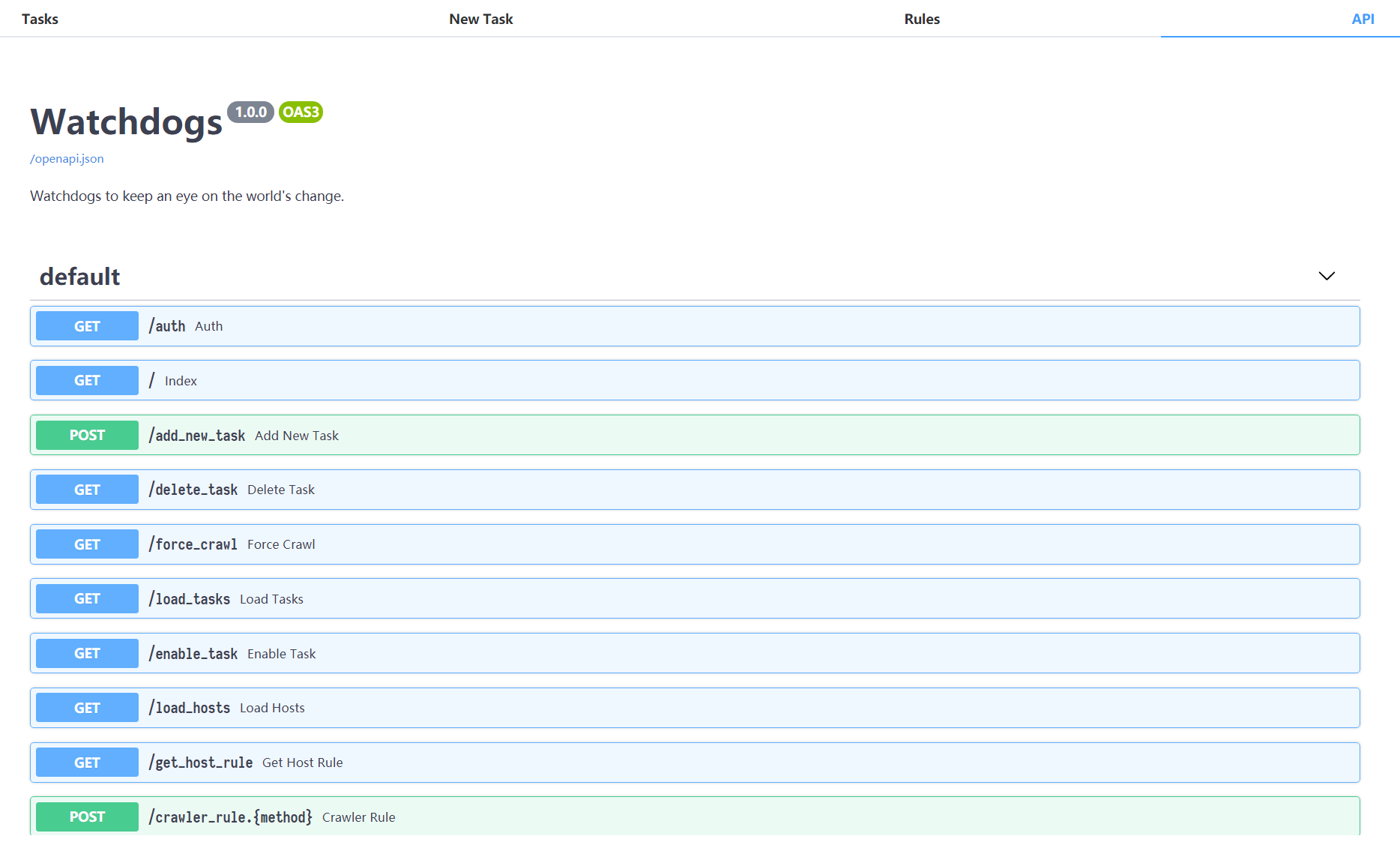
- API page.
Based on fastapi
/docswhich is generated automatically.
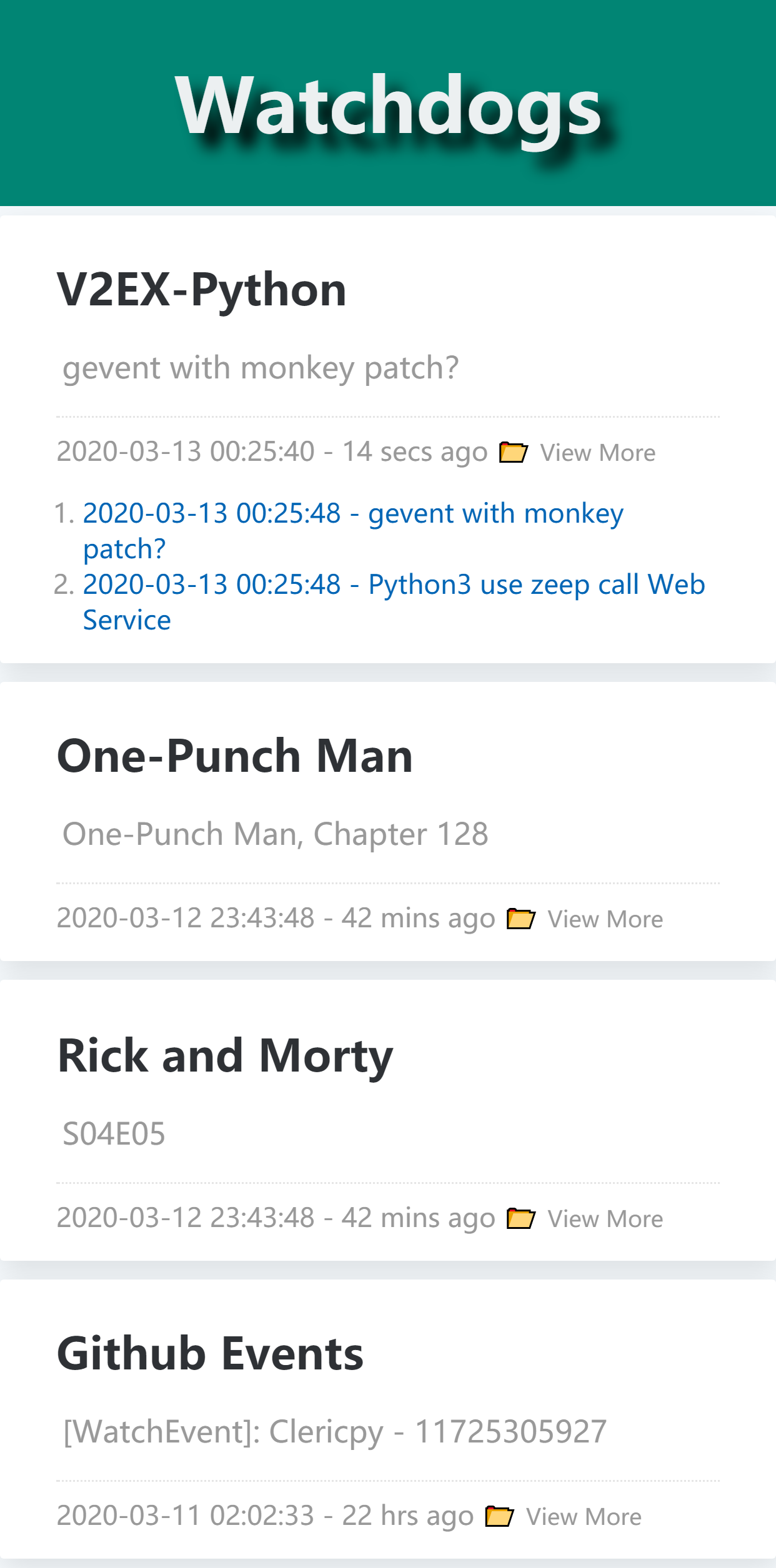
- Mobile Page (Lite View).
For mobile phone to glimpse the latest result for the current 30 tasks.
Release history Release notifications | RSS feed


Download files
Download the file for your platform. If you're not sure which to choose, learn more about installing packages.
Source Distributions
Built Distribution
Filter files by name, interpreter, ABI, and platform.
If you're not sure about the file name format, learn more about wheel file names.
Copy a direct link to the current filters
File details
Details for the file watchdogs-1.3.7-py3-none-any.whl.
File metadata
- Download URL: watchdogs-1.3.7-py3-none-any.whl
- Upload date:
- Size: 302.5 kB
- Tags: Python 3
- Uploaded using Trusted Publishing? No
- Uploaded via: twine/1.13.0 pkginfo/1.4.2 requests/2.22.0 setuptools/41.0.1 requests-toolbelt/0.8.0 tqdm/4.28.1 CPython/3.7.1
File hashes
| Algorithm | Hash digest | |
|---|---|---|
| SHA256 |
305ac2521184ab96c1175d4f96de1e28f624ad7e34c8517784776a2e23492c20
|
|
| MD5 |
d816a122a414851ed6185afdd506bd38
|
|
| BLAKE2b-256 |
b3cc38ccd39f528048733aaddf56ad3a4d73cc68be7e369295d485f2f9e0d7cc
|






