
Python API client for AUTOMATIC1111/stable-diffusion-webui

Project description
sdwebuiapi
API client for AUTOMATIC1111/stable-diffusion-webui
Supports txt2img, img2img, extra-single-image, extra-batch-images API calls.
API support have to be enabled from webui. Add --api when running webui. It's explained here.
You can use --api-auth user1:pass1,user2:pass2 option to enable authentication for api access. (Since it's basic http authentication the password is transmitted in cleartext)
API calls are (almost) direct translation from http://127.0.0.1:7860/docs as of 2022/11/21.
Install
pip install webuiapi
Usage
webuiapi_demo.ipynb contains example code with original images. Images are compressed as jpeg in this document.
create API client
import webuiapi

# create API client
api = webuiapi.WebUIApi()

# create API client with custom host, port
#api = webuiapi.WebUIApi(host='127.0.0.1', port=7860)

# create API client with custom host, port and https
#api = webuiapi.WebUIApi(host='webui.example.com', port=443, use_https=True)

# create API client with default sampler, steps.
#api = webuiapi.WebUIApi(sampler='Euler a', steps=20)

# optionally set username, password when --api-auth is set on webui.
api.set_auth('username', 'password')
txt2img
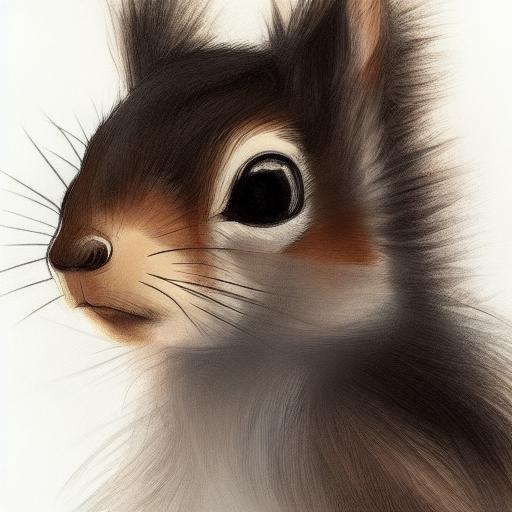
result1 = api.txt2img(prompt="cute squirrel",
                    negative_prompt="ugly, out of frame",
                    seed=1003,
                    styles=["anime"],
                    cfg_scale=7,
#                      sampler_index='DDIM',
#                      steps=30,
#                      enable_hr=True,
#                      hr_scale=2,
#                      hr_upscaler=webuiapi.HiResUpscaler.Latent,
#                      hr_second_pass_steps=20,
#                      hr_resize_x=1536,
#                      hr_resize_y=1024,
#                      denoising_strength=0.4,

                    )
# images contains the returned images (PIL images)
result1.images

# image is shorthand for images[0]
result1.image

# info contains text info about the api call
result1.info

# info contains paramteres of the api call
result1.parameters

result1.image
img2img
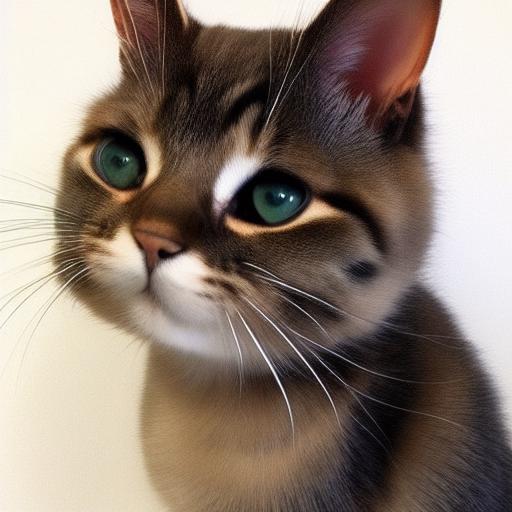
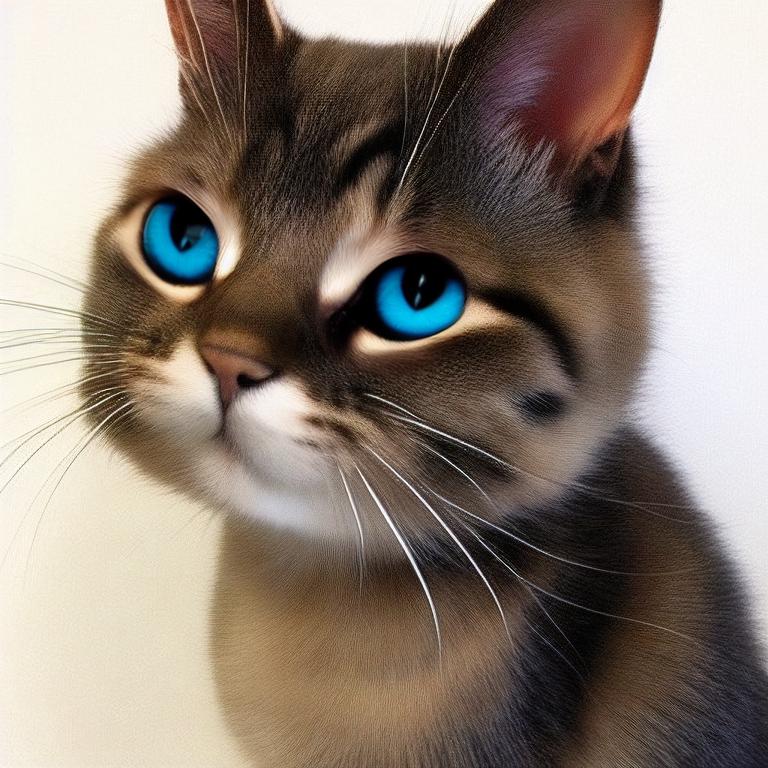
result2 = api.img2img(images=[result1.image], prompt="cute cat", seed=5555, cfg_scale=6.5, denoising_strength=0.6)
result2.image
img2img inpainting
from PIL import Image, ImageDraw

mask = Image.new('RGB', result2.image.size, color = 'black')
# mask = result2.image.copy()
draw = ImageDraw.Draw(mask)
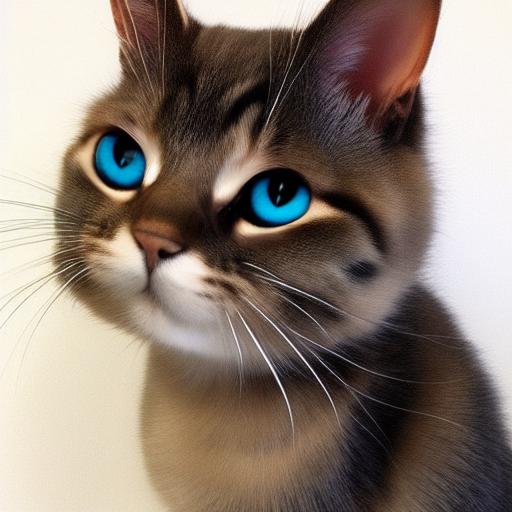
draw.ellipse((210,150,310,250), fill='white')
draw.ellipse((80,120,160,120+80), fill='white')

mask

inpainting_result = api.img2img(images=[result2.image],
                                mask_image=mask,
                                inpainting_fill=1,
                                prompt="cute cat",
                                seed=104,
                                cfg_scale=5.0,
                                denoising_strength=0.7)
inpainting_result.image
extra-single-image
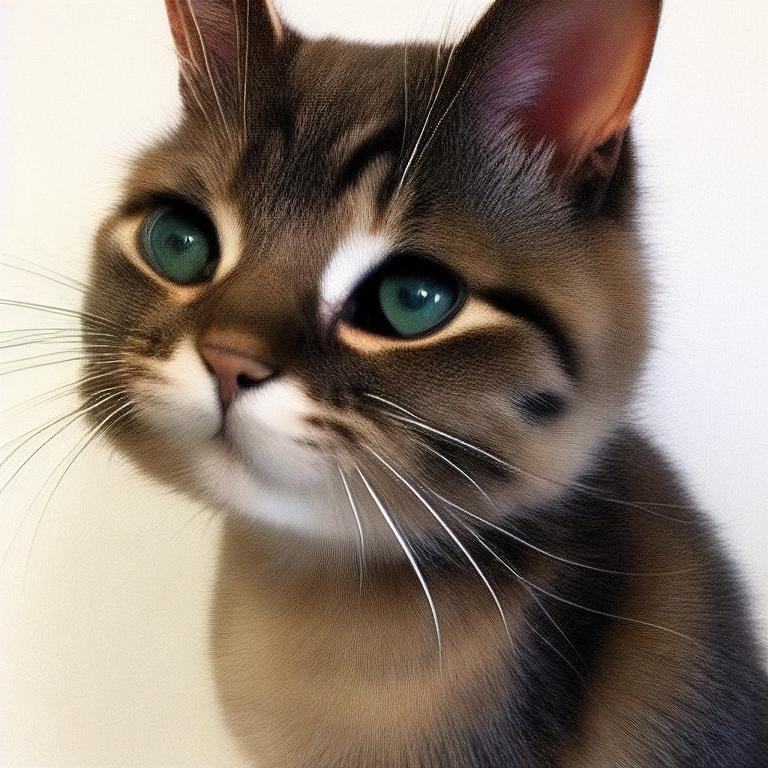
result3 = api.extra_single_image(image=result2.image,
                                 upscaler_1=webuiapi.Upscaler.ESRGAN_4x,
                                 upscaling_resize=1.5)
print(result3.image.size)
result3.image
(768, 768)
extra-batch-images
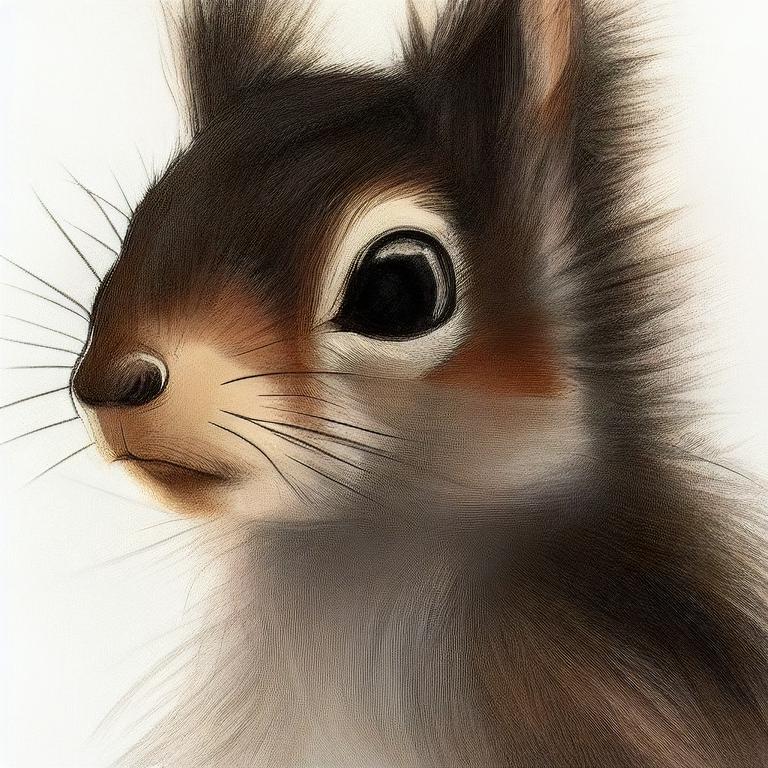
result4 = api.extra_batch_images(images=[result1.image, inpainting_result.image],
                                 upscaler_1=webuiapi.Upscaler.ESRGAN_4x,
                                 upscaling_resize=1.5)
result4.images[0]
result4.images[1]
Scripts support
Scripts from AUTOMATIC1111's Web UI are supported, but there aren't official models that define a script's interface.
To find out the list of arguments that are accepted by a particular script look up the associated python file from
AUTOMATIC1111's repo scripts/[script_name].py. Search for its run(p, **args) function and the arguments that come
after 'p' is the list of accepted arguments
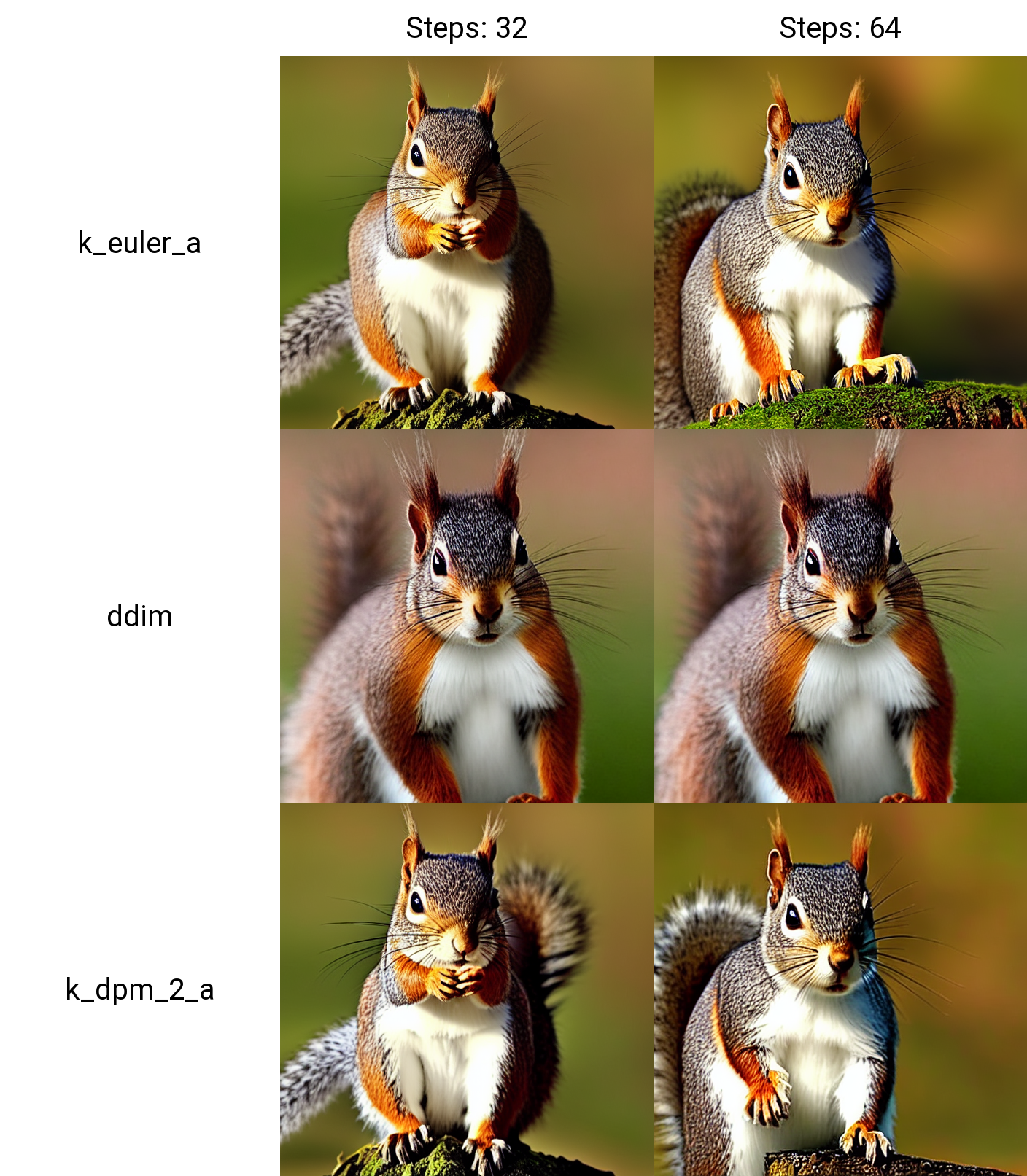
Example for X/Y Plot script:
(scripts/xy_grid.py file from AUTOMATIC1111's repo)

def run(self, p, x_type, x_values, y_type, y_values, draw_legend, include_lone_images, no_fixed_seeds):
    ...
List of accepted arguments:
- x_type: Index of the axis for X axis. Indexes start from [0: Nothing]
- x_values: String of comma-separated values for the X axis
- y_type: Index of the axis type for Y axis. As the X axis, indexes start from [0: Nothing]
- y_values: String of comma-separated values for the Y axis
- draw_legend: "True" or "False". IMPORTANT: It needs to be a string and not a Boolean value
- include_lone_images: "True" or "False". IMPORTANT: It needs to be a string and not a Boolean value
- no_fixed_seeds: "True" or "False". IMPORTANT: It needs to be a string and not a Boolean value
# Available Axis options
XYPlotAvailableScripts = [
    "Nothing",
    "Seed",
    "Var. seed",
    "Var. strength",
    "Steps",
    "CFG Scale",
    "Prompt S/R",
    "Prompt order",
    "Sampler",
    "Checkpoint Name",
    "Hypernetwork",
    "Hypernet str.",
    "Sigma Churn",
    "Sigma min",
    "Sigma max",
    "Sigma noise",
    "Eta",
    "Clip skip",
    "Denoising",
    "Hires upscaler",
    "Cond. Image Mask Weight",
    "VAE",
    "Styles"
]

# Example call
XAxisType = "Steps"
XAxisValues = "8,16,32,64"
YAxisType = "Sampler"
YAxisValues = "k_euler_a, k_euler, k_lms, plms, k_heun, ddim, k_dpm_2, k_dpm_2_a"
drawLegend = "True"
includeSeparateImages = "False"
keepRandomSeed = "False"

result = api.txt2img(
                    prompt="cute squirrel",
                    negative_prompt="ugly, out of frame",
                    seed=1003,
                    styles=["anime"],
                    cfg_scale=7,
                    script_name="X/Y Plot",
                    script_args=[
                        XYPlotAvailableScripts.index(XAxisType),
                        XAxisValues,
                        XYPlotAvailableScripts.index(YAxisType),
                        YAxisValues,
                        drawLegend,
                        includeSeparateImages,
                        keepRandomSeed
                        ]
                    )
Configuration APIs
# return map of current options
options = api.get_options()

# change sd model
options = {}
options['sd_model_checkpoint'] = 'model.ckpt [7460a6fa]'
api.set_options(options)

# when calling set_options, do not pass all options returned by get_options().
# it makes webui unusable (2022/11/21).

# get available sd models
api.get_sd_models()

# misc get apis
api.get_samplers()
api.get_cmd_flags()
api.get_hypernetworks()
api.get_face_restorers()
api.get_realesrgan_models()
api.get_prompt_styles()
api.get_artist_categories()
api.get_artists()
api.get_progress()
Utility methods
# save current model name
old_model = api.util_get_current_model()

# get list of available models
models = api.util_get_model_names()

# set model (use exact name)
api.util_set_model(models[0])

# set model (find closest match)
api.util_set_model('robodiffusion')

# wait for job complete
api.util_wait_for_ready()
Extension support - Model-Keyword
# https://github.com/mix1009/model-keyword
mki = webuiapi.ModelKeywordInterface(api)
mki.get_keywords()
ModelKeywordResult(keywords=['nousr robot'], model='robo-diffusion-v1.ckpt', oldhash='41fef4bd', match_source='model-keyword.txt')
Extension support - Instruct-Pix2Pix
# https://github.com/Klace/stable-diffusion-webui-instruct-pix2pix
ip2p = webuiapi.InstructPix2PixInterface(api)
r = ip2p.img2img(prompt='sunset', images=[pil_img], text_cfg=7.5, image_cfg=1.5)
r.image
Extension support - ControlNet
# https://github.com/Mikubill/sd-webui-controlnet
cn = webuiapi.ControlNetInterface(api)
cn.model_list()
['control_canny-fp16 [e3fe7712]',
 'control_depth-fp16 [400750f6]',
 'control_hed-fp16 [13fee50b]',
 'control_mlsd-fp16 [e3705cfa]',
 'control_normal-fp16 [63f96f7c]',
 'control_openpose-fp16 [9ca67cc5]',
 'control_scribble-fp16 [c508311e]',
 'control_seg-fp16 [b9c1cc12]']
Use of ControlNetInterface txt2img/img2img is deprecated. Please use the txt2img and img2img api with controlnet_units parameter.
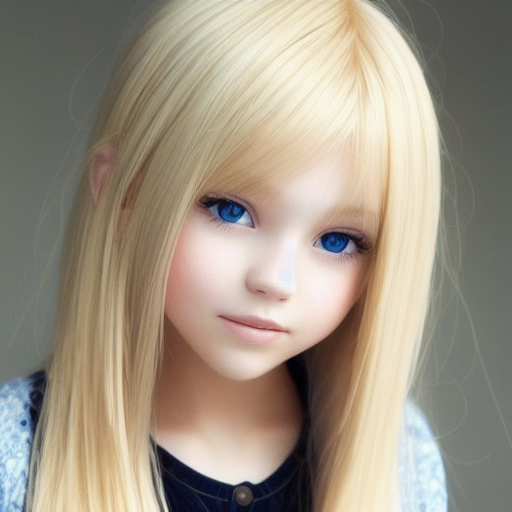
# normal txt2img
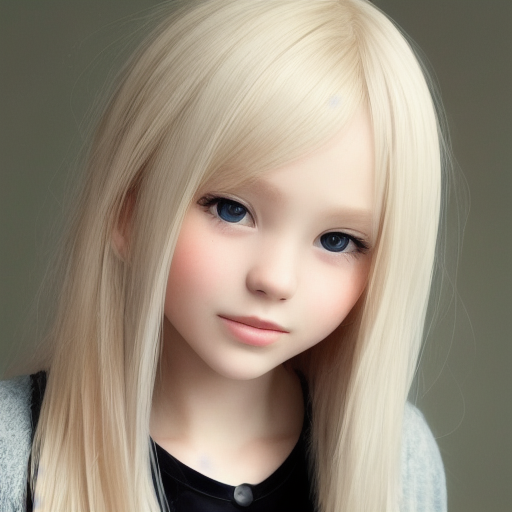
r = api.txt2img(prompt="photo of a beautiful girl with blonde hair", height=512, seed=100)
img = r.image
img
# txt2img with ControlNet
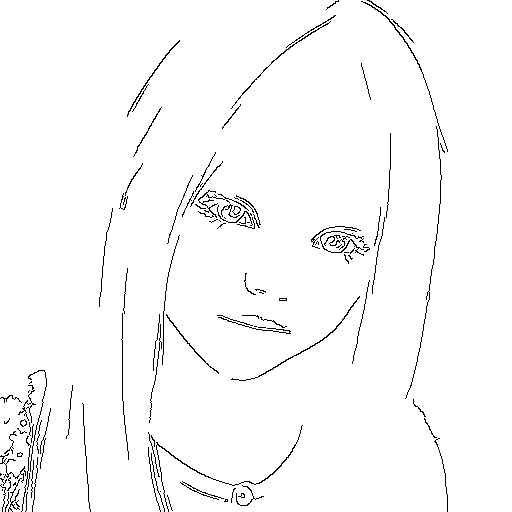
unit1 = webuiapi.ControlNetUnit(input_image=img, module='canny', model='control_canny-fp16 [e3fe7712]')

r = api.txt2img(prompt="photo of a beautiful girl", controlnet_units=[unit1])
r.image

# img2img with multiple ControlNets
unit1 = webuiapi.ControlNetUnit(input_image=img, module='canny', model='control_canny-fp16 [e3fe7712]')
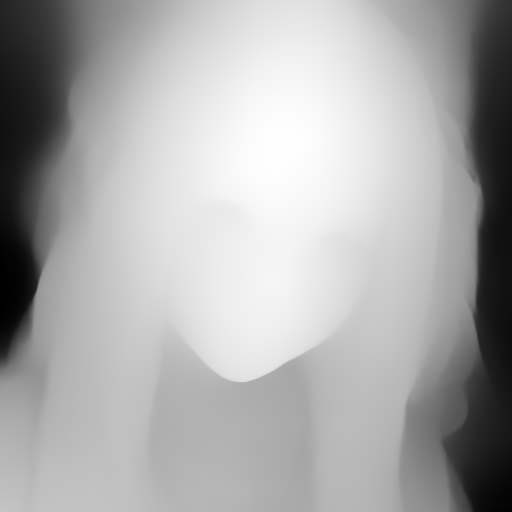
unit2 = webuiapi.ControlNetUnit(input_image=img, module='depth', model='control_depth-fp16 [400750f6]', weight=0.5)

r2 = api.img2img(prompt="girl",
            images=[img],
            width=512,
            height=512,
            controlnet_units=[unit1, unit2],
            sampler_name="Euler a",
            cfg_scale=7,
           )
r2.image
r2.images[1]
r2.images[2]
Release history Release notifications | RSS feed


Download files
Download the file for your platform. If you're not sure which to choose, learn more about installing packages.
Source Distributions
Built Distribution
Filter files by name, interpreter, ABI, and platform.
If you're not sure about the file name format, learn more about wheel file names.
Copy a direct link to the current filters
File details
Details for the file webuiapi-0.5.0-py3-none-any.whl.
File metadata
- Download URL: webuiapi-0.5.0-py3-none-any.whl
- Upload date:
- Size: 11.3 kB
- Tags: Python 3
- Uploaded using Trusted Publishing? No
- Uploaded via: twine/3.8.0 pkginfo/1.9.6 readme-renderer/34.0 requests/2.21.0 requests-toolbelt/0.10.1 urllib3/1.26.14 tqdm/4.31.1 importlib-metadata/4.8.3 keyring/18.0.0 rfc3986/1.5.0 colorama/0.4.5 CPython/3.6.8
File hashes
| Algorithm | Hash digest | |
|---|---|---|
| SHA256 |
4e7098e667c1e26f23b32a2e8c92daa32a9c58e2fe8d2b520982905534d0d8cd
|
|
| MD5 |
231dd2e9ade39519c88a36d9c63ce9f7
|
|
| BLAKE2b-256 |
b15500eb6b45973cfdc7a9c0565d24c191befb96bad066be5e0d9f7752ec737e
|






