


Web based visualization for ERT
⚠️ This project is deprecated and no longer maintained, all functionality has moved into the ert package: https://github.com/equinor/ert
What is Webviz-ert
Webviz-ert is a visualization tool for ERT based on dash and webviz-config.
Download project
The code is hosted on GitHub: https://github.com/equinor/webviz-ert
# From the downloaded project's root folder - to install
pip install .
Running tests
Make sure that you have a browser and driver available for running the tests, e.g. chrome / chromium and the chrome driver, which should be installed / downloaded as binaries and made available in the path.
# From the downloaded project's root folder - to run tests
pip install -r test_requirements.txt
cd tests
pytest
Run Webviz-ert
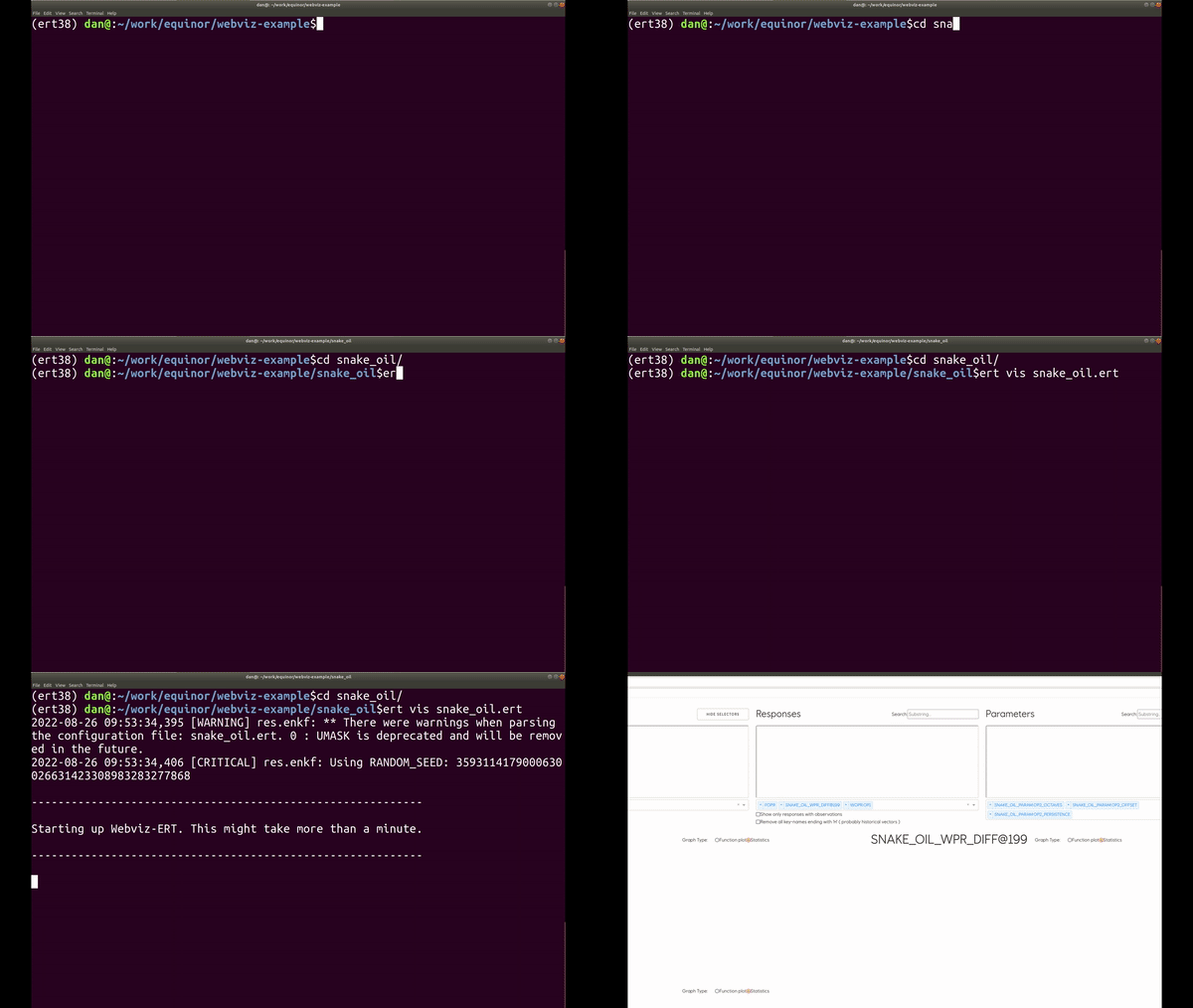
Webviz-ert connects automatically to a storage server running in ERT. Here are a few steps to get an example version of webviz-ert running.
# Run simulations in ert - <ert-root-folder>/test-data/ert/poly_example/
ert ensemble_smoother --target-ensemble smoother_%d poly.ert

# After simulation has finished, start webviz-ert from the same location with
ert vis

# Alternatively, you might have to supply the config file if you're using the
# classic ert storage solution:
ert vis poly.ert
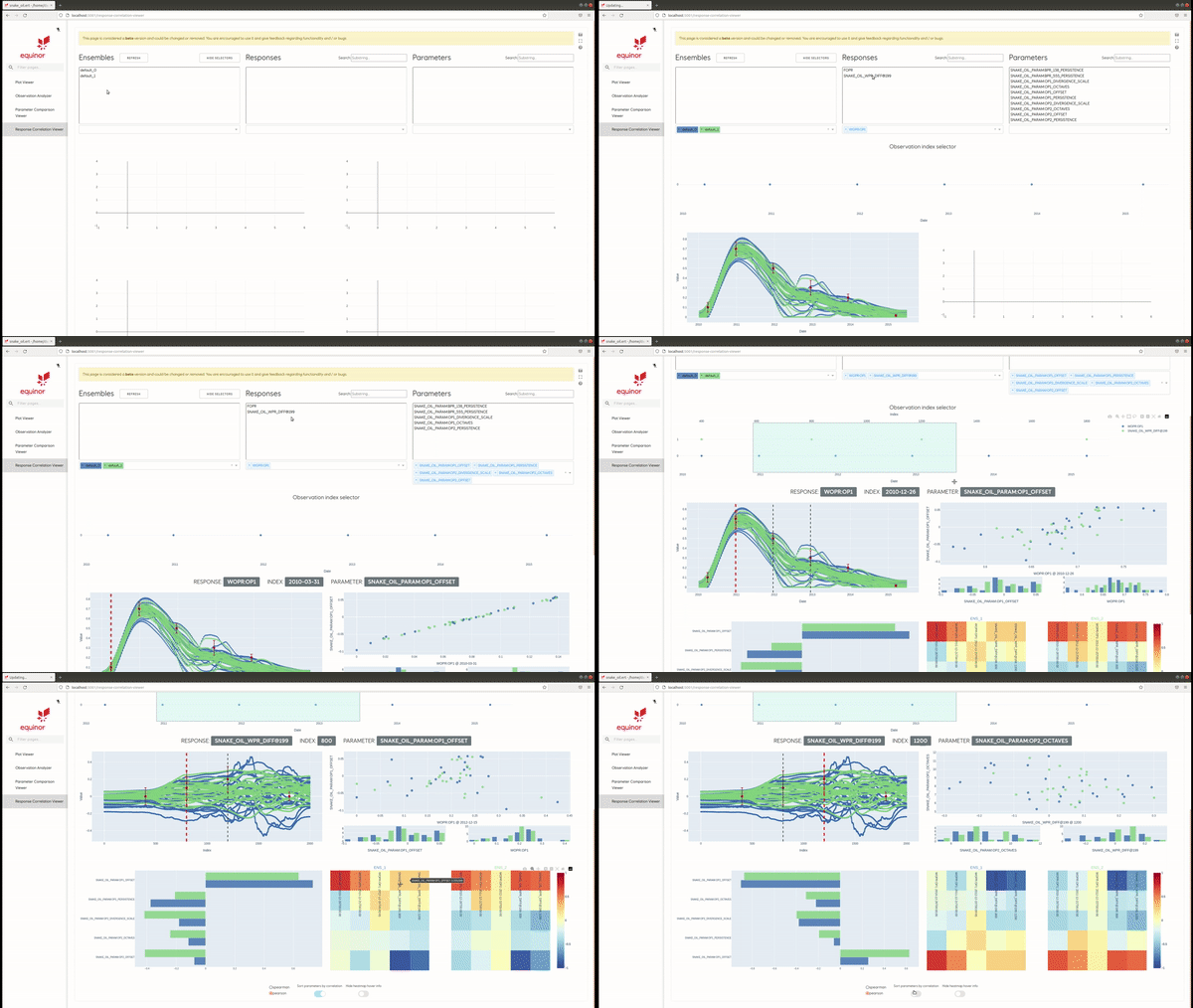
Example
Start up
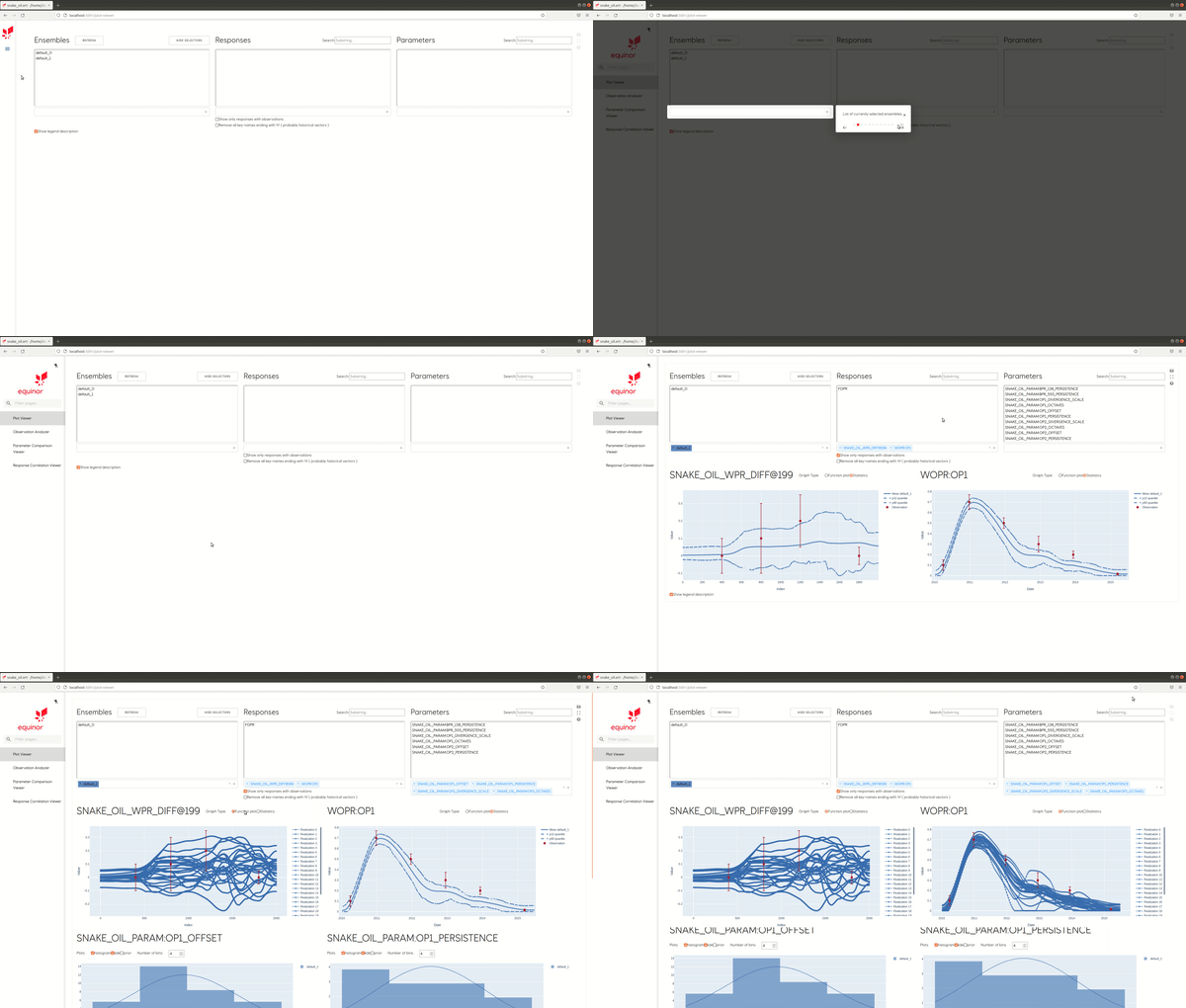
Plot viewer
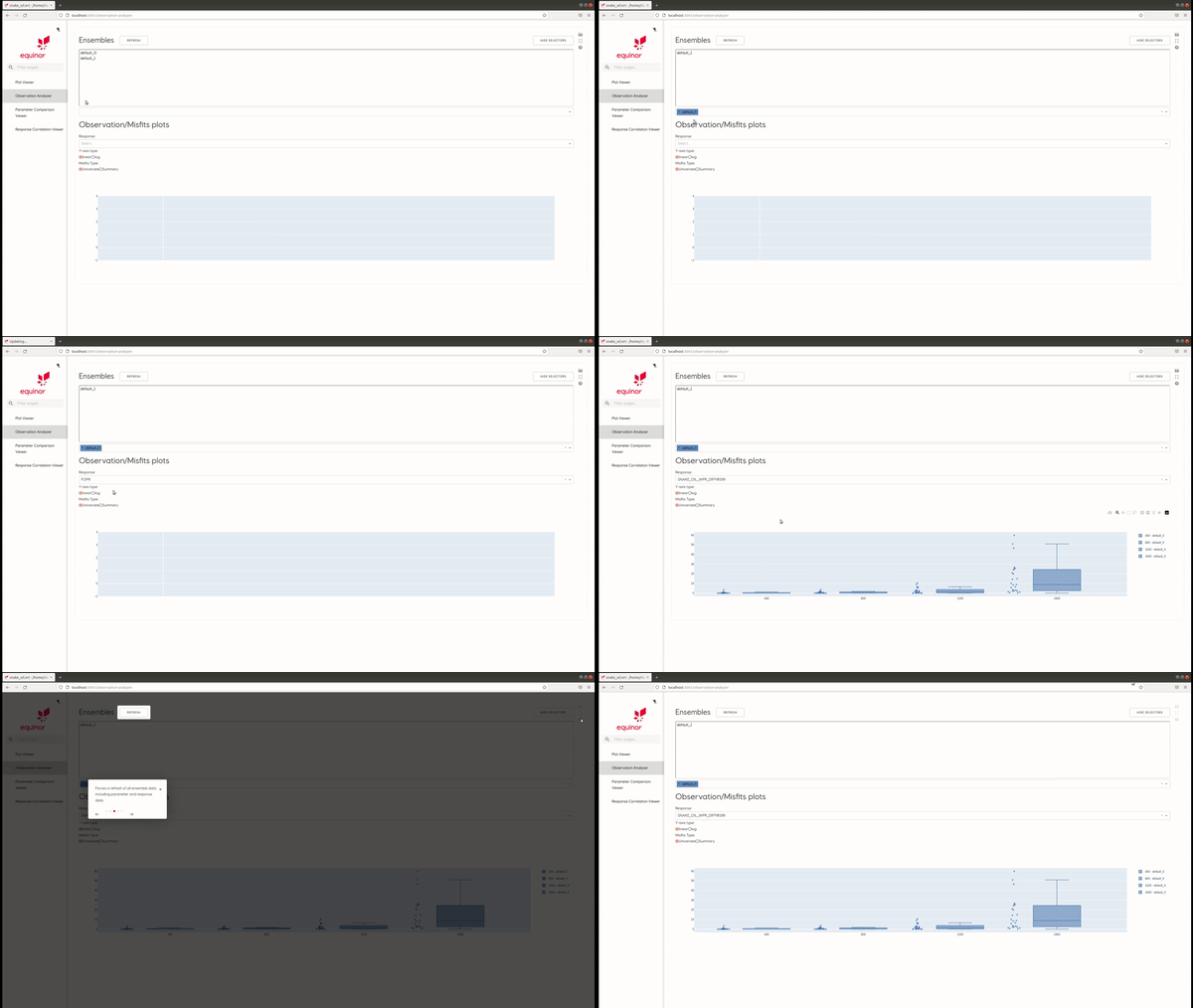
Observation Analyzer
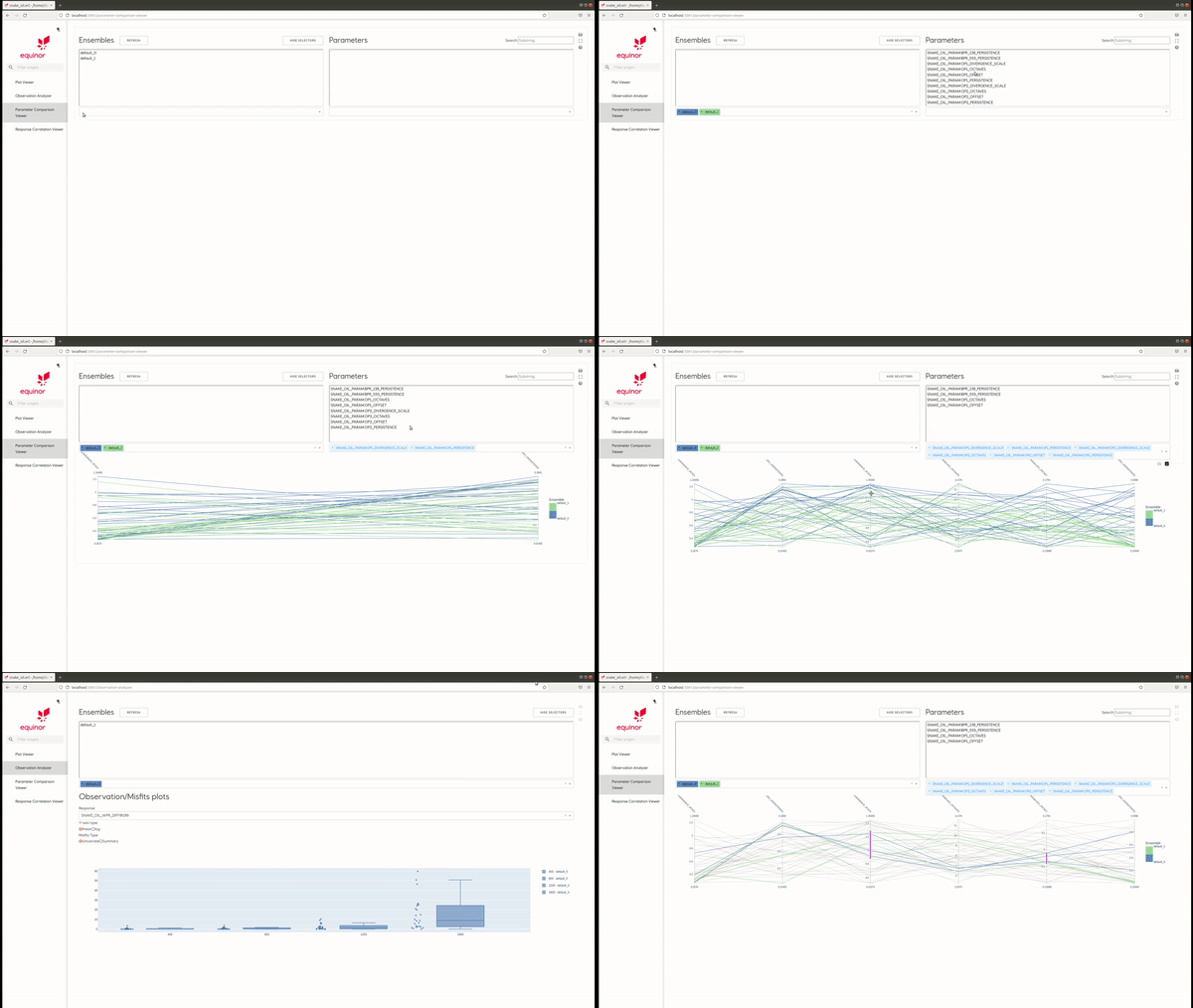
Parameter comparison
Response correlation
1 maintainer

Metadata
1 maintainer
Release files for webviz-ert 0.7.1
For a detailed explanation of source distributions (sdists) and built distributions (wheels), please see the package formats documentation.
Source distribution (sdist)
| File | Size | Uploaded | Provenance | Actions |
|---|---|---|---|---|
| webviz_ert-0.7.1.tar.gz | 116.3 kB | Without provenance | Details for webviz_ert-0.7.1.tar.gz |
Built distribution (wheel)
| File | Interpreter | ABI | Platform | Actions Reset |
|---|---|---|---|---|
| webviz_ert-0.7.1-py3-none-any.whl | Python 3 | none | any | Details for webviz_ert-0.7.1-py3-none-any.whl |
Total release size: 233.7 kB
Release files / webviz_ert-0.7.1.tar.gz
| Download URL | webviz_ert-0.7.1.tar.gz |
|---|---|
| Size | 116.3 kB |
| Tags | Source |
|
SHA-256 checksum How to use checksums |
5c0007f10e1e430c777d1eb7169f2372671952b7b75cf006dbeef4486ce39591
|
|
BLAKE2b-256 checksum How to use checksums |
660fbf57f49889ae61b545354a2d851295cd1ffc1484dd2ecd6a002e9529ad98
|
| Upload date | |
|
Uploaded using Trusted Publishing? What is trusted publishing? |
No |
| Uploaded via |
twine/6.2.0 CPython/3.12.13
|
Release files / webviz_ert-0.7.1-py3-none-any.whl
| Download URL | webviz_ert-0.7.1-py3-none-any.whl |
|---|---|
| Size | 117.4 kB |
| Tags | Python 3 |
|
SHA-256 checksum How to use checksums |
ec29d4da53779baec2615a438fd20d85f6339a854c563bee3922f8822adda6f9
|
|
BLAKE2b-256 checksum How to use checksums |
cf5d716764fd30fa88bce3086dfbcb82addb616f361bd62ac1c6ee548ee5258e
|
| Upload date | |
|
Uploaded using Trusted Publishing? What is trusted publishing? |
No |
| Uploaded via |
twine/6.2.0 CPython/3.12.13
|
Security for webviz-ert 0.7.1
Provenance
Provenance describes where a file came from. On PyPI, provenance is shared via attestations, which provide a verifiable record of the build or publishing details. View details, limitations and caveats.
No provenance found
None of the files in this release were uploaded with provenance metadata.
A note on package security
PyPI is a repository for distributing packages, not a service for auditing them. While third-party security researchers and our staff do their best to detect and remove malicious packages, PyPI cannot guarantee the quality, security or suitability of any given package.
To learn more about protecting yourself from malicious actors, visit our package security documentation.














