
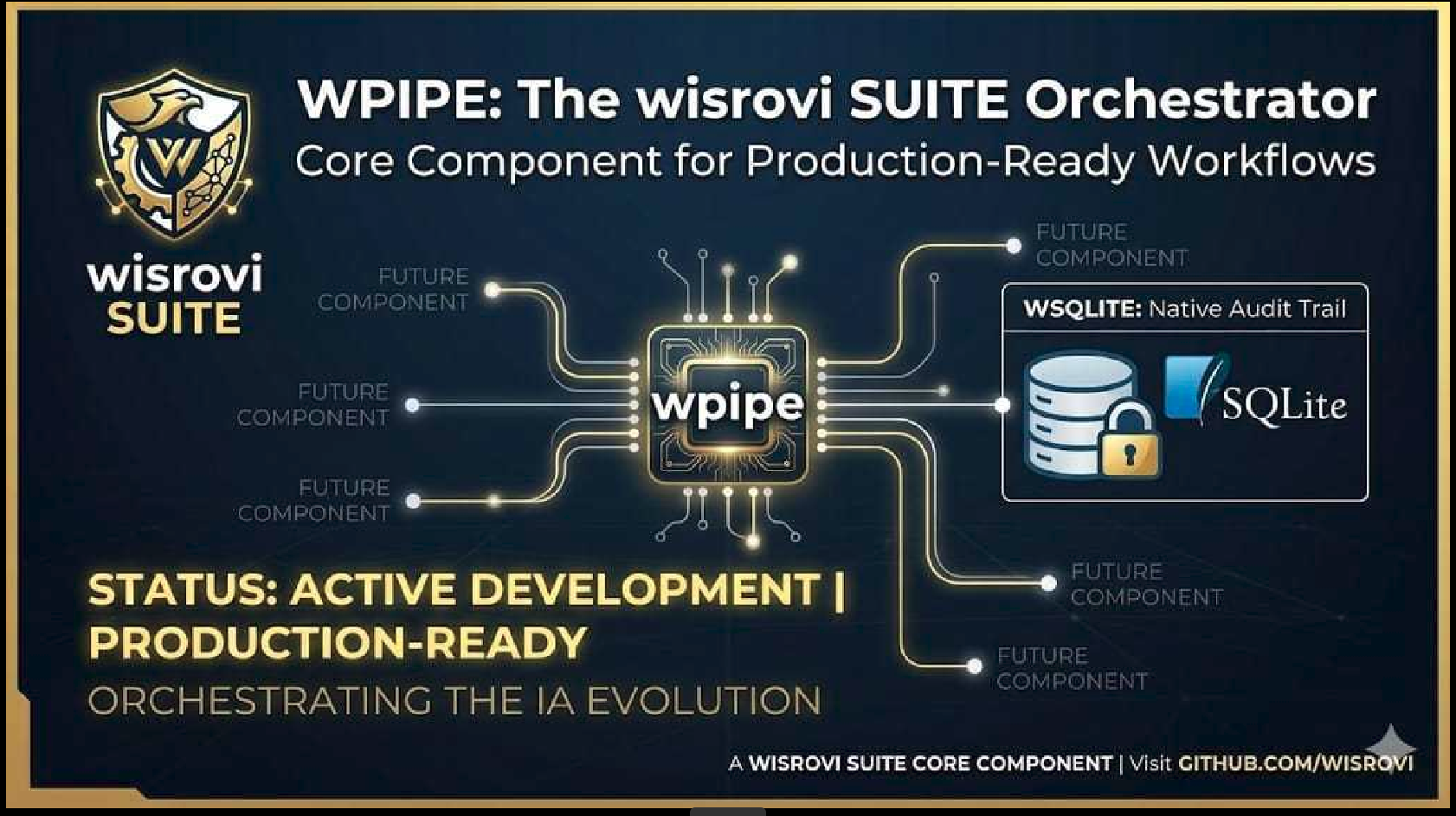







🚀 WPipe: Enterprise Pipeline & Directed Acyclic Graph (DAG) Orchestrator
The fastest, most resilient, and purest pipeline orchestration engine for Python.
WPipe is an enterprise-grade framework designed to automate complex, high-throughput computational workflows. It guarantees zero data loss, ultra-low execution latency, and deterministic post-mortem diagnosis. Featuring native sync & async runtime parity, transparent GIL-bypass multiprocessing, forensic error capture, and an interactive Live Real-time Web Dashboard.
📑 Table of Contents
- 🏛️ Architectural Overview
- 💎 Why WPipe?
- 📦 Installation
- 🛠️ Key Technologies and Libraries
- 🧩 VS Code Official Extension (WPipe Tools)
- 🚀 5-Minute Quick Start
- 🧩 Core Composition Blocks
- 🔍 Forensic Error Capture & Telemetry
- 📊 Real-time Visual Web Dashboard
- ⚙️ Configuration & Database Tracking
- 🧪 Unit Testing & Quality Assurance
- 👤 Author & Official Affiliation
- 📜 License
🏛️ Architectural Overview
+========================================================================================+
|                                    WPIPE ECOSYSTEM                                     |
+========================================================================================+
|                                                                                        |
|   🔌 DECLARATIVE ORCHESTRATION ENGINE (`Pipeline` / `PipelineAsync`)                   |
|   +--------------------------------------------------------------------------------+   |
|   |  • Dual Runtime: Synchronous and Asynchronous (`asyncio`) complete parity       |   |
|   |  • Composition Blocks: Parallel (Processes/Threads), Condition, For, Background |   |
|   |  • Step Decorator: Inline `@step` with strict type hints & auto-DTO reflection |   |
|   +--------------------------------------------------------------------------------+   |
|                                          |                                             |
|                                          v                                             |
|   🛡️ RESILIENCE, INTEGRITY & RECOVERY LAYER                                           |
|   +--------------------------------------------------------------------------------+   |
|   |  • Forensic Error Capture: Line-accurate exception traces and context dumps    |   |
|   |  • Automatic Checkpointing: Resume execution from latest committed state        |   |
|   |  • Lightning Database Engine: High-concurrency WAL mode via `wsqlite`           |   |
|   +--------------------------------------------------------------------------------+   |
|                                          |                                             |
|                                          v                                             |
|   📊 TELEMETRY, METRICS & VISUAL OBSERVABILITY                                         |
|   +--------------------------------------------------------------------------------+   |
|   |  • Real-time Web Dashboard: Interactive DAG graphs, metrics, and event alerts  |   |
|   |  • Resource Monitoring: Non-intrusive CPU & RAM consumption tracking           |   |
|   |  • VS Code WPipe Tools: Live DAG visualization, snippets, and step catalog      |   |
|   +--------------------------------------------------------------------------------+   |
+========================================================================================+
💎 Why WPipe?
Traditional linear scripts and ad-hoc pipelines lack resilience, observability, and structured error handling.
| Capability | Impact & Engineering Benefit |
|---|---|
| ⚡ Lightning Storage Engine | Uses wsqlite with WAL mode and thread-safe connection pooling for sub-millisecond tracking persistence. |
| 🧵 Native Multiprocessing & Multithreading | Transparently runs CPU-heavy steps across isolated processes to bypass the Python GIL or lightweight I/O threads. |
| 🛡️ Intelligent Checkpointing | Resilient against non-serializable objects and circular references. Recovers cleanly after system halts. |
| 🔍 Forensic Error Capturing | Pinpoints the exact file, line number, and execution context that caused failures, preventing silent dropouts. |
⚡ Background Tasks (Background) |
Fire-and-forget asynchronous tasks that execute without blocking the critical DAG execution path. |
| 🔄 Sync / Async Parity | 100% architectural parity between synchronous Pipeline and coroutine-driven PipelineAsync. |
📦 Installation
# Standard installation from PyPI
pip install wpipe

# Using poetry
poetry add wpipe
🛠️ Key Technologies and Libraries
WPipe is built on top of high-performance modern Python standards:
- Python (3.9 - 3.14): Modern typed runtime with strict type annotations.
- WSQLite (
wsqlite): Optimized SQLite persistence engine operating in high-concurrency WAL (Write-Ahead Logging) mode. - Pydantic (v1 / v2): Strict data contract validation and automatic DTO model serialization.
- FastAPI & Uvicorn: Underlying REST server powering the real-time interactive web dashboard.
- Loguru: Structured, asynchronous diagnostic logging.
- PSUtil: Real-time system telemetry tracking per-step CPU and RAM utilization.
- Pytest: Comprehensive test suite ensuring zero-regression execution across all modules.
🧩 VS Code Official Extension (WPipe Tools)
WPipe features an official VS Code extension (WPipe Tools) to accelerate development, debugging, and live visual inspection:
- Installation: Search for
WPipe Toolsin the VS Code Marketplace or run:ext install wpipe.wpipe-vscode
- Live DAG Visualizer: Open the Command Palette (
Ctrl+Shift+P) and selectWPipe: Preview Pipeline DAG.
🧠 Developer Snippets
Type wp in any Python file to trigger productive scaffolding:
| Snippet | Keyword | Description |
|---|---|---|
| WPipe Complete | wppipecomplete |
Complete enterprise pipeline with error capture, break-on-error, checkpoints, and resource metrics. |
| WPipe Advanced | wppipeadv |
Resilient pipeline with retries, configuration handling, and alerts. |
| WPipe Basic | wppipe |
Clean standard pipeline with database tracking. |
| WPipe Step Func | wpstep |
Lightweight functional step. |
| WPipe Step Class | wpstepadv |
Class-based step with retries, timeouts, and Pydantic DTO typing. |
| WPipe Error Capture | wperrorcapture |
Registers forensic error handler. |
🚀 5-Minute Quick Start
Basic Pipeline with Step Decorators
from wpipe import Pipeline, step

# 1. Define modular pipeline steps
@step(name="IngestData", version="1.0.0")
def ingest_data(context: dict) -> dict:
    context["raw_records"] = [10, 20, 30, 40]
    return context

@step(name="ProcessData", version="1.0.0")
def process_data(context: dict) -> dict:
    context["sum_total"] = sum(context["raw_records"])
    return context

# 2. Instantiate and run pipeline
pipe = Pipeline(pipeline_name="quickstart_pipeline")
pipe.set_steps([ingest_data, process_data])

result = pipe.run({"status": "INIT"})
print(f"Pipeline Result: {result['sum_total']}")  # 100
🧩 Core Composition Blocks
WPipe allows flexible workflow assembly using 5 native orchestration blocks:
from wpipe import Pipeline, PipelineAsync, Background, Condition, For, Parallel, step
1. Sequential Pipeline (Pipeline / PipelineAsync)
Executes a linear sequence of steps, validating outputs and recording telemetry.
pipe = Pipeline(pipeline_name="order_processing")
pipe.set_steps([validate_order, charge_payment, notify_customer])
pipe.run(order_payload)
2. Parallel Execution (Parallel)
Executes multiple steps simultaneously using either threads (I/O bound) or isolated processes (CPU bound):
pipe.set_steps([
    Parallel([
        generate_pdf_report,
        generate_excel_summary,
        broadcast_webhook,
    ], mode="threads", max_workers=3)
])
3. Conditional Routing (Condition)
Branches execution paths dynamically based on data inside the context:
pipe.set_steps([
    Condition(
        condition=lambda ctx: ctx.get("is_vip", False),
        if_true=[apply_vip_discount, priority_dispatch],
        if_false=[apply_standard_discount]
    )
])
4. Iterative Execution (For)
Iterates over a list in the context, processing items with configurable merge policies (accumulate, last_wins):
pipe.set_steps([
    For(
        items="image_urls",
        step=download_and_resize_image,
        merge_policy="accumulate"
    )
])
5. Background Fire & Forget Tasks (Background)
Offloads non-critical, slow operations (e.g. audit logs, cleanup, telemetry pushes) to daemon threads without blocking pipeline throughput:
pipe.set_steps([
    process_transaction,
    Background(send_audit_telemetry),  # Runs in daemon thread; does not block pipeline!
    return_response_to_client
])
🔍 Forensic Error Capture & Telemetry
Configure fail-fast guarantees and pinpoint exact exception origins:
def on_pipeline_failure(error_info: dict) -> None:
    print(f"🚨 Failed at Step: {error_info['step_name']}")
    print(f"   Exception: {error_info['error_message']}")
    print(f"   Origin: {error_info['file_name']}:{error_info['line_number']}")

pipe = Pipeline(pipeline_name="critical_billing")
pipe.add_error_capture(on_pipeline_failure, break_on_error=True)
📊 Real-time Visual Web Dashboard
Launch the embedded real-time web dashboard with a single command to inspect DAG execution, latency waterfalls, and database checkpoints:
from wpipe import start_dashboard

# Starts dashboard on http://localhost:8080
start_dashboard(db_path="wpipe_tracking.db", port=8080)
⚙️ Configuration & Database Tracking
| Parameter | Type | Default | Description |
|---|---|---|---|
pipeline_name |
str |
"Pipeline" |
Human-readable pipeline identifier. |
tracking_db |
str |
None |
Path to SQLite tracking database (WAL mode). |
collect_system_metrics |
bool |
False |
Enables real-time CPU and RAM percentage tracking. |
show_progress |
bool |
True |
Displays rich console progress indicators in terminal. |
max_retries |
int |
0 |
Number of automated step retries on failure. |
retry_delay |
float |
0.0 |
Delay in seconds between retries. |
🧪 Unit Testing & Quality Assurance
WPipe maintains an exhaustive test suite verifying sync/async pipelines, parallel execution, loop iterations, and database integrity:
# Run all unit tests
pytest test/ -v
👤 Author & Official Affiliation
- William Steve Rodriguez Villamizar (Wisrovi)
- Role: AI Leader & Solutions Architect at eCaptureDtech | Principal AI Engineer
- 📧 Email: wisrovi.rodriguez@gmail.com
- 🌐 Official Portal: wisrovi.dev
- 💼 LinkedIn: wisrovi-rodriguez
- 🆔 ORCID: 0009-0005-0710-1861
- 📦 PyPI: pypi.org/user/wisrovi/
- 🐙 GitHub: @wisrovi
📜 License
Distributed under the MIT License. Free for commercial, enterprise, and academic research use.
1 maintainer

Metadata
1 maintainer
Release files for wpipe 2.5.14
For a detailed explanation of source distributions (sdists) and built distributions (wheels), please see the package formats documentation.
Source distribution (sdist)
| File | Size | Uploaded | Provenance | Actions |
|---|---|---|---|---|
| wpipe-2.5.14.tar.gz | 142.1 kB | Without provenance | Details for wpipe-2.5.14.tar.gz |
Built distribution (wheel)
| File | Interpreter | ABI | Platform | Actions Reset |
|---|---|---|---|---|
| wpipe-2.5.14-py3-none-any.whl | Python 3 | none | any | Details for wpipe-2.5.14-py3-none-any.whl |
Total release size: 279.4 kB
Release files / wpipe-2.5.14.tar.gz
| Download URL | wpipe-2.5.14.tar.gz |
|---|---|
| Size | 142.1 kB |
| Tags | Source |
|
SHA-256 checksum How to use checksums |
4be235aba4c35866c0cab400907888ae24e380bdf2440159bc89a56d78d531e5
|
|
BLAKE2b-256 checksum How to use checksums |
423beba3b68a75d7d4e14bcc8f1194917ac13e09f239e3687d3ef0677a535c1e
|
| Upload date | |
|
Uploaded using Trusted Publishing? What is trusted publishing? |
No |
| Uploaded via |
twine/7.0.0 CPython/3.13.5
|
Release files / wpipe-2.5.14-py3-none-any.whl
| Download URL | wpipe-2.5.14-py3-none-any.whl |
|---|---|
| Size | 137.2 kB |
| Tags | Python 3 |
|
SHA-256 checksum How to use checksums |
295b06a48f3025a000deab0685992a588f6fefded54981739c626d8ac387ef80
|
|
BLAKE2b-256 checksum How to use checksums |
ec11807e296f31b223c4c3fdf09900081a59d9bbea14362343383bd7c5d51a3e
|
| Upload date | |
|
Uploaded using Trusted Publishing? What is trusted publishing? |
No |
| Uploaded via |
twine/7.0.0 CPython/3.13.5
|
Security for wpipe 2.5.14
Provenance
Provenance describes where a file came from. On PyPI, provenance is shared via attestations, which provide a verifiable record of the build or publishing details. View details, limitations and caveats.
No provenance found
None of the files in this release were uploaded with provenance metadata.
A note on package security
PyPI is a repository for distributing packages, not a service for auditing them. While third-party security researchers and our staff do their best to detect and remove malicious packages, PyPI cannot guarantee the quality, security or suitability of any given package.
To learn more about protecting yourself from malicious actors, visit our package security documentation.














