
A package I developed for my daily work.

Project description


wppkg is a package I developed for my daily work.
🔥About Me
Installation
Environment Setup
Step 1: Set up a python environment
We recommend creating a virtual Python environment with Anaconda:
- Required version:
python >= 3.10
conda create -n wppkg python=3.10
conda activate wppkg
Step 2: Install pytorch
Install PyTorch based on your system configuration. Refer to PyTorch installation instructions
For the exact command, for example:
- You may choose any version to install, but make sure the PyTorch version is not too old.
- We recommend
torch ≥ 2.6.
# Installation Example: torch v2.8.0
# CUDA 12.6
pip install torch==2.8.0 torchvision==0.23.0 torchaudio==2.8.0 --index-url https://download.pytorch.org/whl/cu126
# CUDA 12.8
pip install torch==2.8.0 torchvision==0.23.0 torchaudio==2.8.0 --index-url https://download.pytorch.org/whl/cu128
# CUDA 12.9
pip install torch==2.8.0 torchvision==0.23.0 torchaudio==2.8.0 --index-url https://download.pytorch.org/whl/cu129
Step 3: Install deepspeed (optional)
Install DeepSpeed based on your system configuration. Refer to DeepSpeed installation instructions
For the exact command, for example:
pip install deepspeed
Step 4: Install wppkg and dependencies
To install wppkg, run:
pip install wppkg
Or install from github:
git clone https://github.com/Peg-Wu/wppkg
cd wppkg
pip install [-e] .

# w/o dependencies
pip install [-e] . --no-deps
Update wppkg
If you want to update all dependencies of wppkg except torch, you can run the following command:
pip install -U $(pip show wppkg | sed -n 's/^Requires: //p' | tr ',' ' ' | xargs -n1 | grep -vi '^torch$')
Trainer Tips
- Early stopping does not currently support resuming training. If training is forcibly resumed, the early stopping callback will be reinitialized.
- If you enable early stopping, ensure that
eval_every_n_epochsandcheckpointing_stepsare aligned, as the Trainer does not automatically save the best model. - The final model is always saved at the end of training, even if early stopping is triggered.
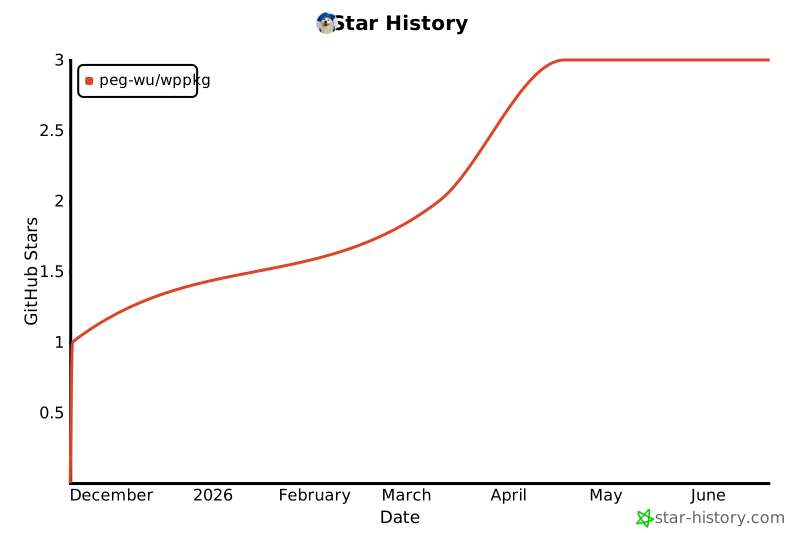
Star History
Release history Release notifications | RSS feed


Download files
Download the file for your platform. If you're not sure which to choose, learn more about installing packages.
Source Distribution
Built Distribution
Filter files by name, interpreter, ABI, and platform.
If you're not sure about the file name format, learn more about wheel file names.
Copy a direct link to the current filters
File details
Details for the file wppkg-0.1.4.tar.gz.
File metadata
- Download URL: wppkg-0.1.4.tar.gz
- Upload date:
- Size: 4.0 MB
- Tags: Source
- Uploaded using Trusted Publishing? No
- Uploaded via: twine/6.2.0 CPython/3.12.8
File hashes
| Algorithm | Hash digest | |
|---|---|---|
| SHA256 |
0d1f7402ca415db101c47c58aa40e962fbd6d22892332cafcbe4480908ba7e39
|
|
| MD5 |
ef3d2cda4a5c636a5905d08606434d54
|
|
| BLAKE2b-256 |
b3d6a7fbc80aa6d41f269f15611e672774cd0e830040580ebaa5fb05aa2c2859
|
File details
Details for the file wppkg-0.1.4-py3-none-any.whl.
File metadata
- Download URL: wppkg-0.1.4-py3-none-any.whl
- Upload date:
- Size: 34.5 kB
- Tags: Python 3
- Uploaded using Trusted Publishing? No
- Uploaded via: twine/6.2.0 CPython/3.12.8
File hashes
| Algorithm | Hash digest | |
|---|---|---|
| SHA256 |
58b9a2da36e5f553ea6b48909fab001aeab196e14924e5f1af1b178b0e1def5a
|
|
| MD5 |
7ad8abc8656baef7f2dab886f7a8cb00
|
|
| BLAKE2b-256 |
ad81126f9c5b4d4f27c9989fcbe294d8ac888e40c2d73185c2392b39bda30905
|






