
K3D Jupyter







K3D lets you create 3D plots backed by WebGL with high-level API (surfaces, isosurfaces, voxels, mesh, point clouds, vtk objects, volume renderer, colormaps, etc). The primary aim of K3D-jupyter is to be easy to use as a standalone package like matplotlib, but also to allow interoperation with existing libraries as VTK. K3D can be run as:
- Jupyter Notebook / JupyterLab widget (anywidget) 🚀
- Google Colab widget 🎉
- VS Code notebooks 🧩
- Standalone HTML/JS 📑
Since 3.0.0 a plot also chooses how it is lit, through plot.renderer: simple (the
default rasteriser), advanced (image-based lighting with ambient occlusion) or cinematic
(progressive path tracing). cinematic is experimental — it needs WebGL2 with renderable
float textures, does not cover every object (volume_slice is not drawn, mip stays
outside the light simulation, only the first volume is path traced), and its API and
output may still change; simple and advanced are the stable choices. See
Renderers.
Documentation: https://k3d-jupyter.org
Showcase:
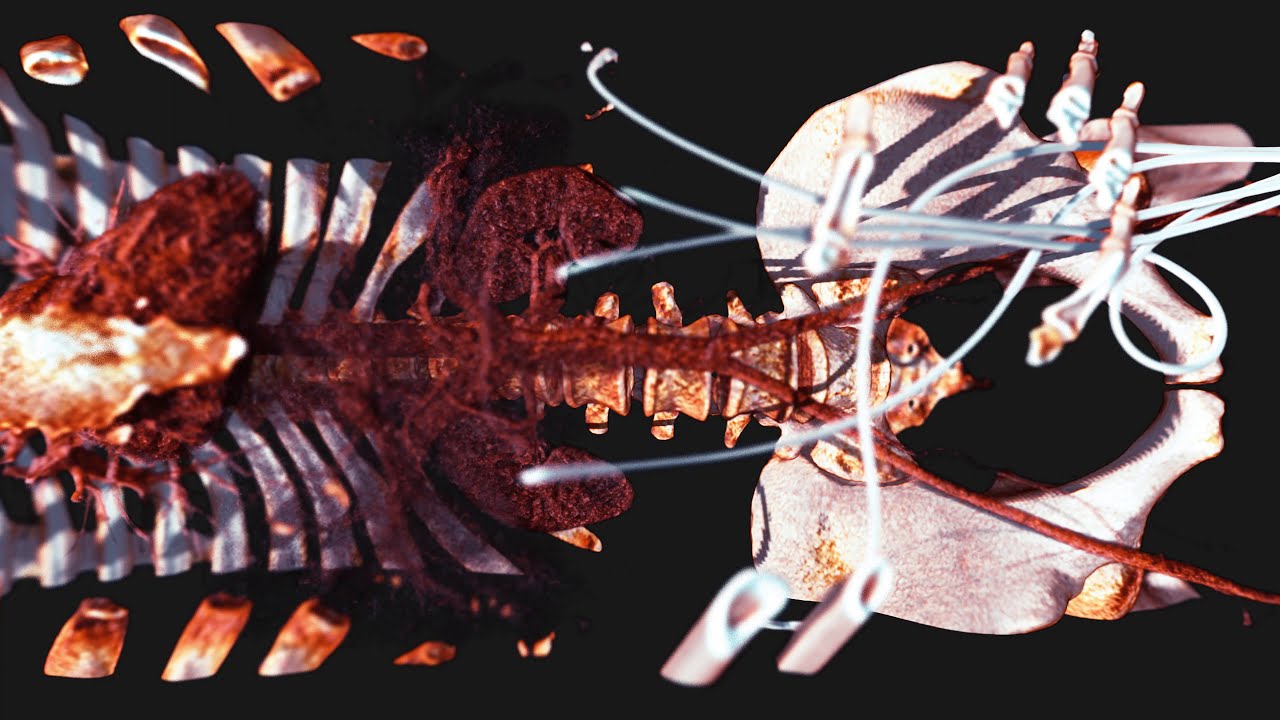
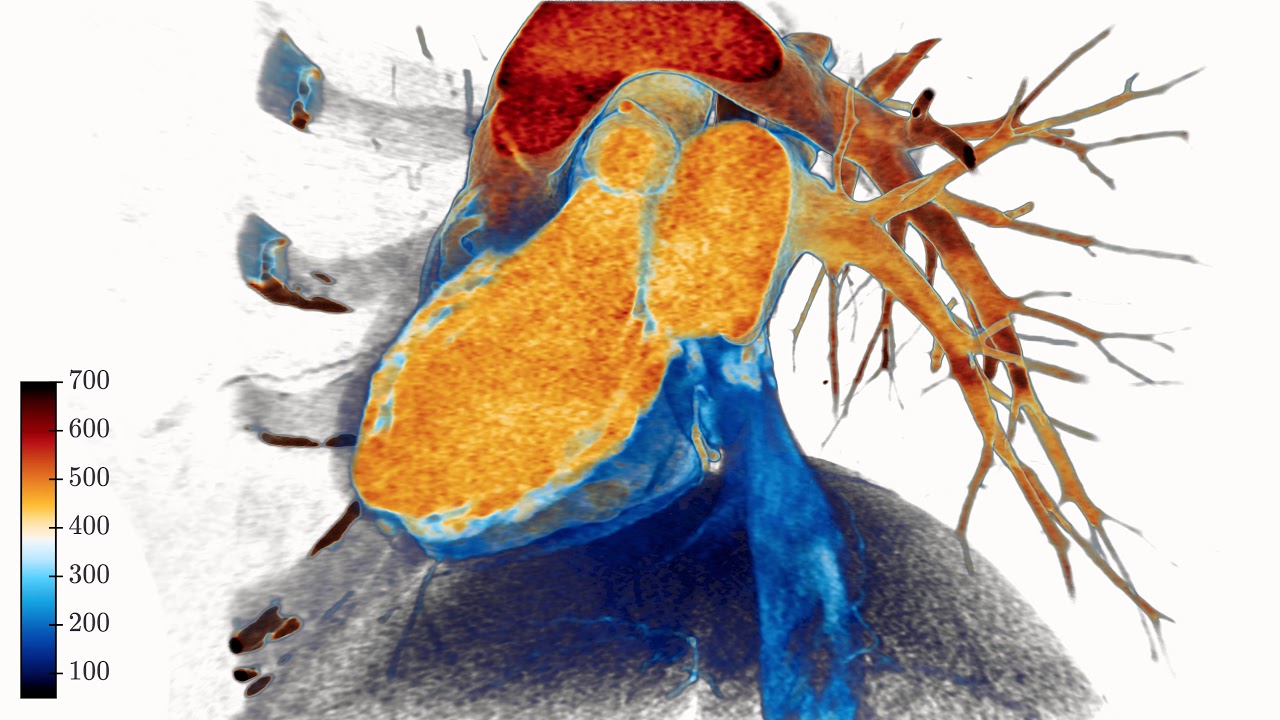
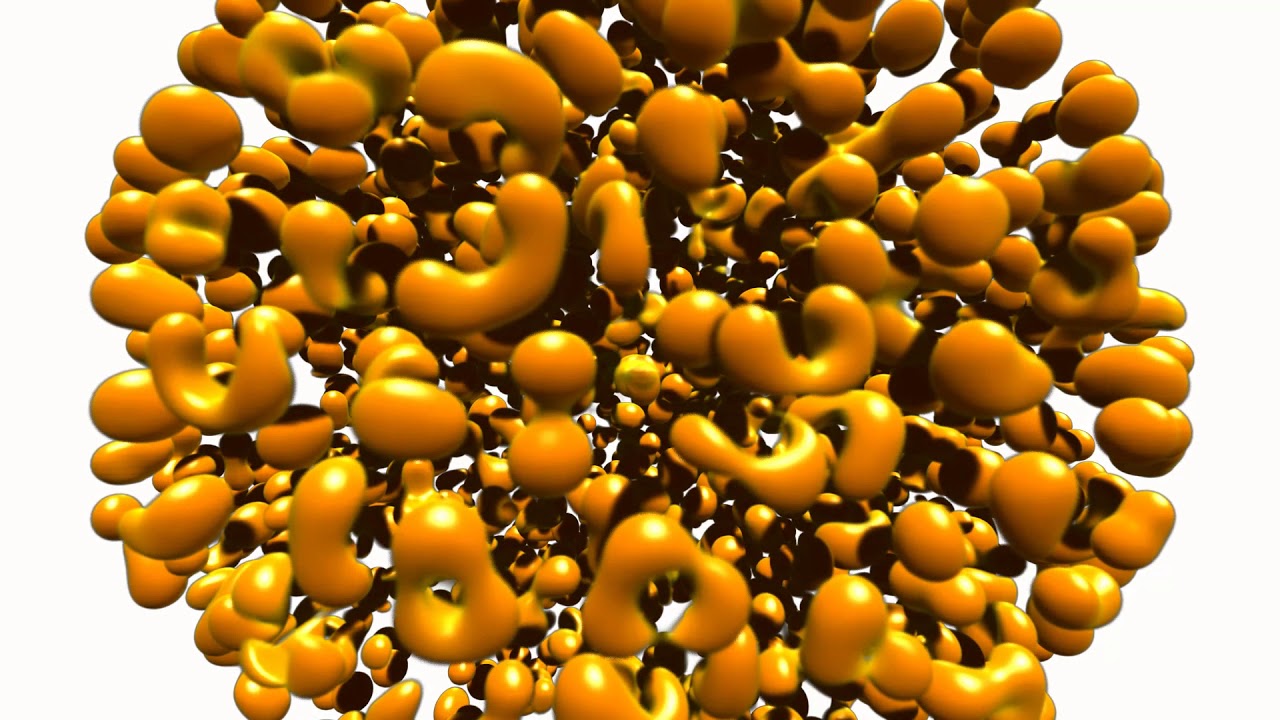
Two frames from the renderers 3.0.0 added, both produced by the code in this repository — click either one for how it works.

advanced: image-based lighting and ambient occlusion. A million analytic sphere impostors,
with the occlusion in the crevices between strands doing the sculpting.

cinematic: progressive path tracing. 871k triangles read through VTK, 512 samples, lit only
by an environment map — the shadow under the belly and the light the floor throws back into
the flank are consequences of the simulation, not effects.


YouTube:
Click to watch at YouTube:

Try it Now!
Watch: Interactive showcase gallery
Installation
PyPI
To install from PyPI use pip:
$ pip install k3d
Conda/Anaconda
To install from conda-forge use:
$ conda install -c conda-forge k3d
Google Colab
Since 3.0.0 (the anywidget migration) no extra steps are needed:
!pip install k3d
import k3d and plot - custom widget activation and the text protocol
are no longer required.
Installing directly from GitHub
To install directly from this repository (requires git and node.js + npm to build):
$ pip install git+https://github.com/K3D-tools/K3D-jupyter
This also makes possible installing the most up-to-date development version (same requirements):
$ pip install git+https://github.com/K3D-tools/K3D-jupyter@devel
To install any historical version, replace devel above with any tag or commit hash.
Source
For a development installation (requires npm and node.js),
$ git clone https://github.com/K3D-tools/K3D-jupyter.git
$ cd K3D-jupyter
$ pip install -e .
No separate JupyterLab extension step is needed - the widget ships its own frontend module (anywidget).
Code of Conduct
K3D-jupyter follows the Python Software Foundation Code of Conduct in everything we do.
Kudos
- Jupyter is my ❤️
- OpenDreamKit is 🚀
- Three.js is 🥇
- The
cinematicrenderer traces its light with three-gpu-pathtracer and three-mesh-bvh by Garrett Johnson - thank you 🙏 - Its denoiser is Intel's Open Image Denoise, run in the browser by oidn-web
Acknowledgments

|
Research Infrastructure project This package was created as part of the Horizon 2020 European OpenDreamKit (grant agreement #676541). |
1 maintainer

Metadata
1 maintainer
Release files for k3d 3.2.0
For a detailed explanation of source distributions (sdists) and built distributions (wheels), please see the package formats documentation.
Source distribution (sdist)
| File | Size | Uploaded | Provenance | |
|---|---|---|---|---|
| k3d-3.2.0.tar.gz | 12.3 MB | Without provenance | Details |
Built distribution (wheel)
| File | Interpreter | ABI | Platform | Reset |
|---|---|---|---|---|
| k3d-3.2.0-py3-none-any.whl | Python 3 | none | any | Details |
Total release size: 20.8 MB
Release files / k3d-3.2.0.tar.gz
| Download URL | k3d-3.2.0.tar.gz |
|---|---|
| Size | 12.3 MB |
| Tags | Source |
|
SHA-256 checksum How to use checksums |
c4a3614d9c3df89f7276ce499a8a6174214d3e5b5b3f9d5b0374fce4f9beffb5
|
|
BLAKE2b-256 checksum How to use checksums |
7950bc752d84d628441fc2f1828f294783fb6a69a39e9b3cf84d7fdb399f7521
|
| Upload date | |
|
Uploaded using Trusted Publishing? What is trusted publishing? |
No |
| Uploaded via |
twine/7.0.0 CPython/3.12.13
|
Release files / k3d-3.2.0-py3-none-any.whl
| Download URL | k3d-3.2.0-py3-none-any.whl |
|---|---|
| Size | 8.5 MB |
| Tags | Python 3 |
|
SHA-256 checksum How to use checksums |
be2bb002da03af5264eef79abcca381db43ea49702319a5973eef736e50fd986
|
|
BLAKE2b-256 checksum How to use checksums |
e0e9bf87ee302f62d168b47af658c7e556cdbf1850f8983432903a21b4859f4f
|
| Upload date | |
|
Uploaded using Trusted Publishing? What is trusted publishing? |
No |
| Uploaded via |
twine/7.0.0 CPython/3.12.13
|
Security for k3d 3.2.0
Provenance
Provenance describes where a file came from. On PyPI, provenance is shared via attestations, which provide a verifiable record of the build or publishing details. View details, limitations and caveats.
No provenance found
None of the files in this release were uploaded with provenance metadata.
A note on package security
PyPI is a repository for distributing packages, not a service for auditing them. While third-party security researchers and our staff do their best to detect and remove malicious packages, PyPI cannot guarantee the quality, security or suitability of any given package.
To learn more about protecting yourself from malicious actors, visit our package security documentation.














