
A Python library and CLI tool for converting images and videos into ASCII art.

Project description
ASCII Art Python - Convert Images & Videos to Terminal Graphics




ASCII Art Python is a powerful tool to transform your images and videos into ASCII art. Export your creations as text, images, or videos (with audio) and play them directly in your terminal.
Preview
Below is an example of an image featuring the Python logo:
                 ||||||*{{*||||||
             ///{{{****{{{{{{{{{{{\\
             |{{//-\*{{{{{{{{{{{{{{{\
            |*{*|   |{{{{{{{{{{{{{{{{|
            |*{{{*-*{{{{{{{{{{{{{{{{{|
             \{{{{{{{{{{{{{{{{{{{{{{{|
        -----           /*{{{{{{{{{{{| -----
   //{{{{{{{{{{{{{{{{{{{{{{{{{{{{{{{{| |::::::\\
 //{*****{{{{{{{{{{{{{{{{{{{{{{{{{{{{| |::::::::\
-******{{{{{{{{{{{{{{{{{{{{{{{{{{{{{{| |:::::::::-
-{***{{{{{{{{{{{{{{{{{{{{{{{{{{{{{{{| .::::::::::-
-{**{{{{{{{{{{{{{{{{{{{{{{{{{{{{{{//  /:::::::::::
*{{{{{{{{{{{{{/-----------------    .:::::::::::::
-{{{{{{{{{{{//  .----------------:::::::::::::::::
-{{{{{{{{{{|  .......::::::::::::::::::::::::::::-
-{{{{{{{{{{| |.....::::::::::::::::::::::::::::::-
 |{{{{{{{{{| |....::::::::::::::::::::::::::::::/
 \\{{{{{{{{| |..:::::::::::::::::::::::::::::::/
   \\-{{{{/| |::::::::::::-----------:::::---/
            |:::::::::::.\----------\
            |::::::::::::::::::::::::|
            |::::::::::::::::::.:::::|
            |::::::::::::::::|   |:::|
             |::::::::::::::::\-//::|
              \\::::::::::::::::::///
                 |||||:::::::||||
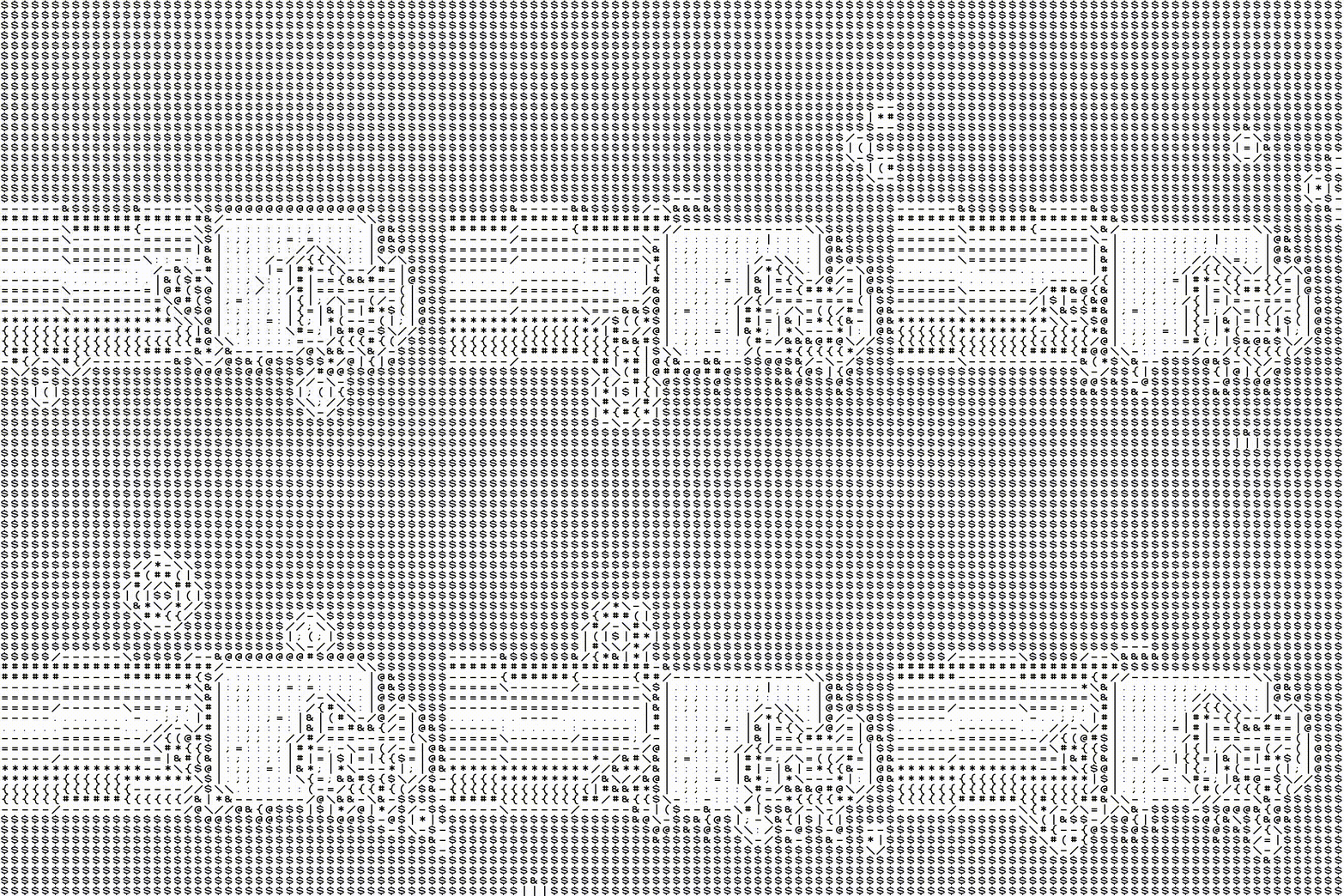
And below, an example of a video featuring Nyan Cat:
Installation
pip install ascii-art-python
OpenCV Note: This module uses opencv-python-headless. To avoid conflicts with opencv-python, it is highly recommended to use a virtual environment (venv).
Quick Start
1. Command-Line Interface (CLI)
# Display an image in the terminal
aap-echo my_image.jpg -m full_mode
# Export a video to ASCII (.mp4)
aap-export my_video.mp4 result.mp4 -l 100
2. Python Usageimport ascii_art_python as aap
# Convert an image (Hybrid Mode)
img = aap.full_mode.Image.from_path("photo.jpg", max_size=50_000)
print(img)
# Play a video in the terminal (Edge-Detection Mode)
vid = aap.old_skool.Video("movie.mp4", fps=15)
vid.print_in_terminal()
Rendering Modes
- New Skool: Density-based (classic shading).
- Old Skool: Edge-detection based (line art style).
- Full Mode: Hybrid combining sharp contours and shading.
Full Documentation
To check the complete API, class details, and advanced export options, visit: the doc.
License
Distributed under the MIT License. See LICENSE for more information.
Release history Release notifications | RSS feed


Download files
Download the file for your platform. If you're not sure which to choose, learn more about installing packages.
Source Distribution
Built Distribution
Filter files by name, interpreter, ABI, and platform.
If you're not sure about the file name format, learn more about wheel file names.
Copy a direct link to the current filters
File details
Details for the file ascii_art_python-2.0.0.tar.gz.
File metadata
- Download URL: ascii_art_python-2.0.0.tar.gz
- Upload date:
- Size: 301.0 kB
- Tags: Source
- Uploaded using Trusted Publishing? No
- Uploaded via: twine/6.2.0 CPython/3.14.4
File hashes
| Algorithm | Hash digest | |
|---|---|---|
| SHA256 |
a666b5640c267ec743d3934fa38a6ddecaee85b1214337ad098df7b1b71549d7
|
|
| MD5 |
50262af1eb969b27c16401d70091c700
|
|
| BLAKE2b-256 |
0afc5eefacdcb247995f9afacc1291eee441ef81d1ee6d4012adf001e177e73f
|
File details
Details for the file ascii_art_python-2.0.0-py3-none-any.whl.
File metadata
- Download URL: ascii_art_python-2.0.0-py3-none-any.whl
- Upload date:
- Size: 305.1 kB
- Tags: Python 3
- Uploaded using Trusted Publishing? No
- Uploaded via: twine/6.2.0 CPython/3.14.4
File hashes
| Algorithm | Hash digest | |
|---|---|---|
| SHA256 |
c9f09907e334d53241cf7750ac5064a89a6351e5dad88167780547d8f7d3234c
|
|
| MD5 |
5e9b0fefbe5ab74e417f3665c542a59a
|
|
| BLAKE2b-256 |
c3c82a04618b5de414065a3788f6a548a6b616aaee1ca2429e6b61f2ddafbe34
|






