
ASCII Art Python - Convert Images & Videos to Terminal Graphics




ASCII Art Python is a powerful tool to transform your images and videos into ASCII art. Export your creations as text, images, or videos (with audio) and play them directly in your terminal.
Preview
Below is an example of an image featuring the Python logo:
                 ||||||*{{*||||||
             ///{{{****{{{{{{{{{{{\\
             |{{//-\*{{{{{{{{{{{{{{{\
            |*{*|   |{{{{{{{{{{{{{{{{|
            |*{{{*-*{{{{{{{{{{{{{{{{{|
             \{{{{{{{{{{{{{{{{{{{{{{{|
        -----           /*{{{{{{{{{{{| -----
   //{{{{{{{{{{{{{{{{{{{{{{{{{{{{{{{{| |::::::\\
 //{*****{{{{{{{{{{{{{{{{{{{{{{{{{{{{| |::::::::\
-******{{{{{{{{{{{{{{{{{{{{{{{{{{{{{{| |:::::::::-
-{***{{{{{{{{{{{{{{{{{{{{{{{{{{{{{{{| .::::::::::-
-{**{{{{{{{{{{{{{{{{{{{{{{{{{{{{{{//  /:::::::::::
*{{{{{{{{{{{{{/-----------------    .:::::::::::::
-{{{{{{{{{{{//  .----------------:::::::::::::::::
-{{{{{{{{{{|  .......::::::::::::::::::::::::::::-
-{{{{{{{{{{| |.....::::::::::::::::::::::::::::::-
 |{{{{{{{{{| |....::::::::::::::::::::::::::::::/
 \\{{{{{{{{| |..:::::::::::::::::::::::::::::::/
   \\-{{{{/| |::::::::::::-----------:::::---/
            |:::::::::::.\----------\
            |::::::::::::::::::::::::|
            |::::::::::::::::::.:::::|
            |::::::::::::::::|   |:::|
             |::::::::::::::::\-//::|
              \\::::::::::::::::::///
                 |||||:::::::||||
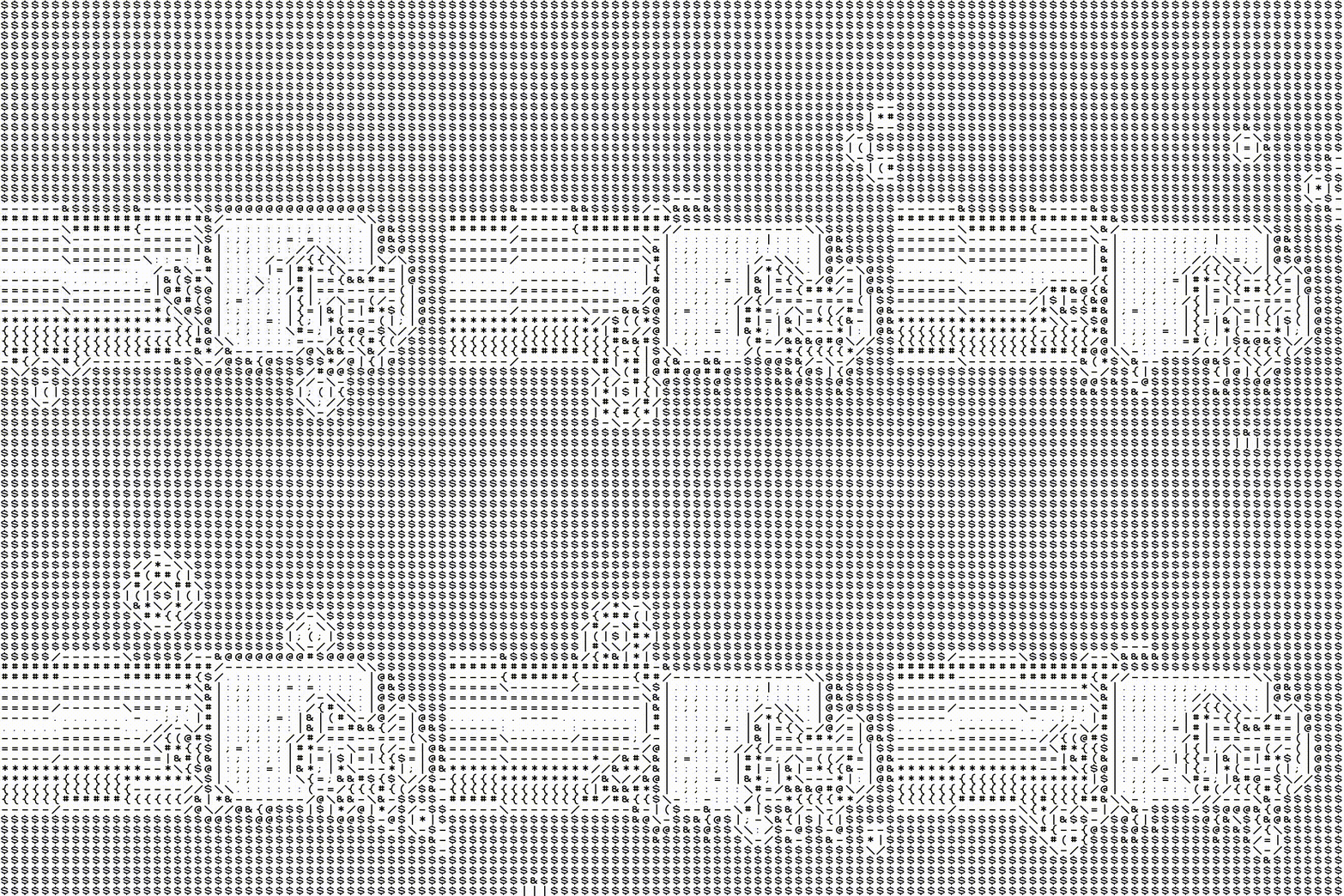
And below, an example of a video featuring Nyan Cat:
Installation
pip install ascii-art-python
OpenCV Note: This module uses opencv-python-headless. To avoid conflicts with opencv-python, it is highly recommended to use a virtual environment (venv).
Quick Start
1. Command-Line Interface (CLI)
# Display an image in the terminal
aap-echo my_image.jpg -m full_mode
# Export a video to ASCII (.mp4)
aap-export my_video.mp4 result.mp4 -h 100
2. Python Usageimport ascii_art_python as aap
# Convert an image (Hybrid Mode)
img = aap.full_mode.Image.from_path("photo.jpg", width=500)
print(img)
# Play a video in the terminal (Edge-Detection Mode)
vid = aap.old_skool.Video("movie.mp4", fps=15)
vid.print_in_terminal()
Rendering Modes
- New Skool: Density-based (classic shading).
- Old Skool: Edge-detection based (line art style).
- Full Mode: Hybrid combining sharp contours and shading.
Full Documentation
To check the complete API, class details, and advanced export options, visit: the doc.
License
Distributed under the MIT License. See LICENSE for more information.
1 maintainer

Metadata
1 maintainer
Release files for ascii-art-python 2.1.1
For a detailed explanation of source distributions (sdists) and built distributions (wheels), please see the package formats documentation.
Source distribution (sdist)
| File | Size | Uploaded | |
|---|---|---|---|
| ascii_art_python-2.1.1.tar.gz | 301.8 kB | Details |
Built distribution (wheel)
| File | Interpreter | ABI | Platform | Reset |
|---|---|---|---|---|
| ascii_art_python-2.1.1-py3-none-any.whl | Python 3 | none | any | Details |
Total release size: 608.1 kB
Release files / ascii_art_python-2.1.1.tar.gz
| Download URL | ascii_art_python-2.1.1.tar.gz |
|---|---|
| Size | 301.8 kB |
| Tags | Source |
|
SHA-256 checksum How to use checksums |
29b7b6b7233783005d8f476e8bc8175610d812676f1204e85cb584a1a3eb95af
|
|
BLAKE2b-256 checksum How to use checksums |
4b37cc7425f0f2e1b3f9189234f82795046f7dd8c3344b46cc632f6faab7f8dc
|
| Upload date | |
|
Uploaded using Trusted Publishing? What is trusted publishing? |
No |
| Uploaded via |
twine/6.2.0 CPython/3.14.4
|
Release files / ascii_art_python-2.1.1-py3-none-any.whl
| Download URL | ascii_art_python-2.1.1-py3-none-any.whl |
|---|---|
| Size | 306.3 kB |
| Tags | Python 3 |
|
SHA-256 checksum How to use checksums |
227897bf78660205fbe503ffab8558a84722aa62086c4d5a7474ceac533cfdea
|
|
BLAKE2b-256 checksum How to use checksums |
b3ffb0aa6877ff39fa157156d6057faf905ba52a861bb907bcafdd836801d8bb
|
| Upload date | |
|
Uploaded using Trusted Publishing? What is trusted publishing? |
No |
| Uploaded via |
twine/6.2.0 CPython/3.14.4
|














