
A unified experience for AI in your terminal.

Project description
Toad
Welcome to the Toad repository!
This repository is currently private. If you are here, it is because you had a personal invite from me, and I value your opinion. I'm looking for early feedback, and potential collaboration in the future (if you're interested).
I am particularly interested in your feedback on usability right now. This class of apps is so new, I think there is plenty of room for innovation.
Please use the Discussions tab for your feedback and bug reports. Avoid issues and PRs for now, unless we've agreed on them in the Discussions tab.
Toad is very much a work in progress. See notes.md for details about what to expect.
 |
 |
 |
 |
What is Toad?
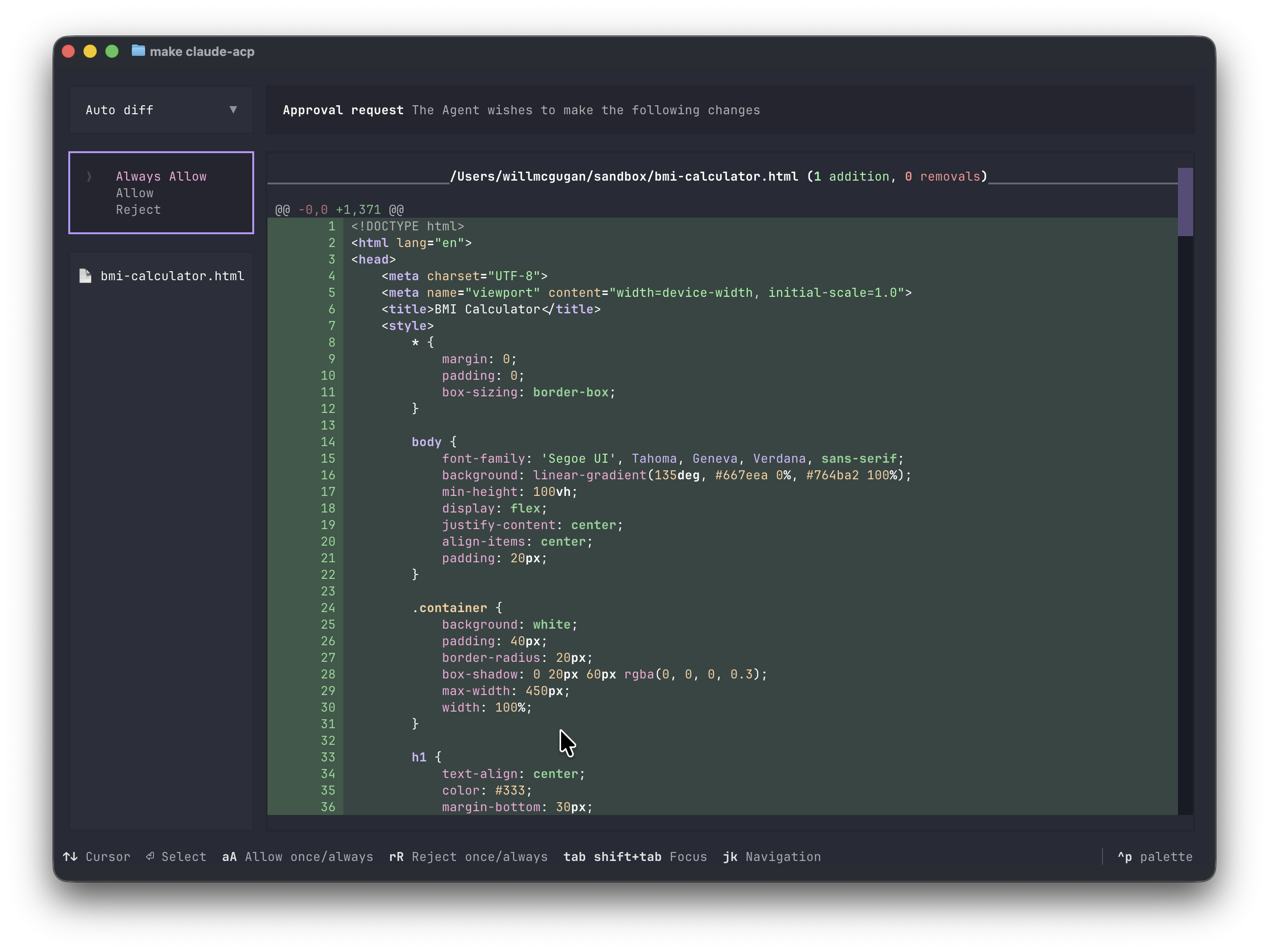
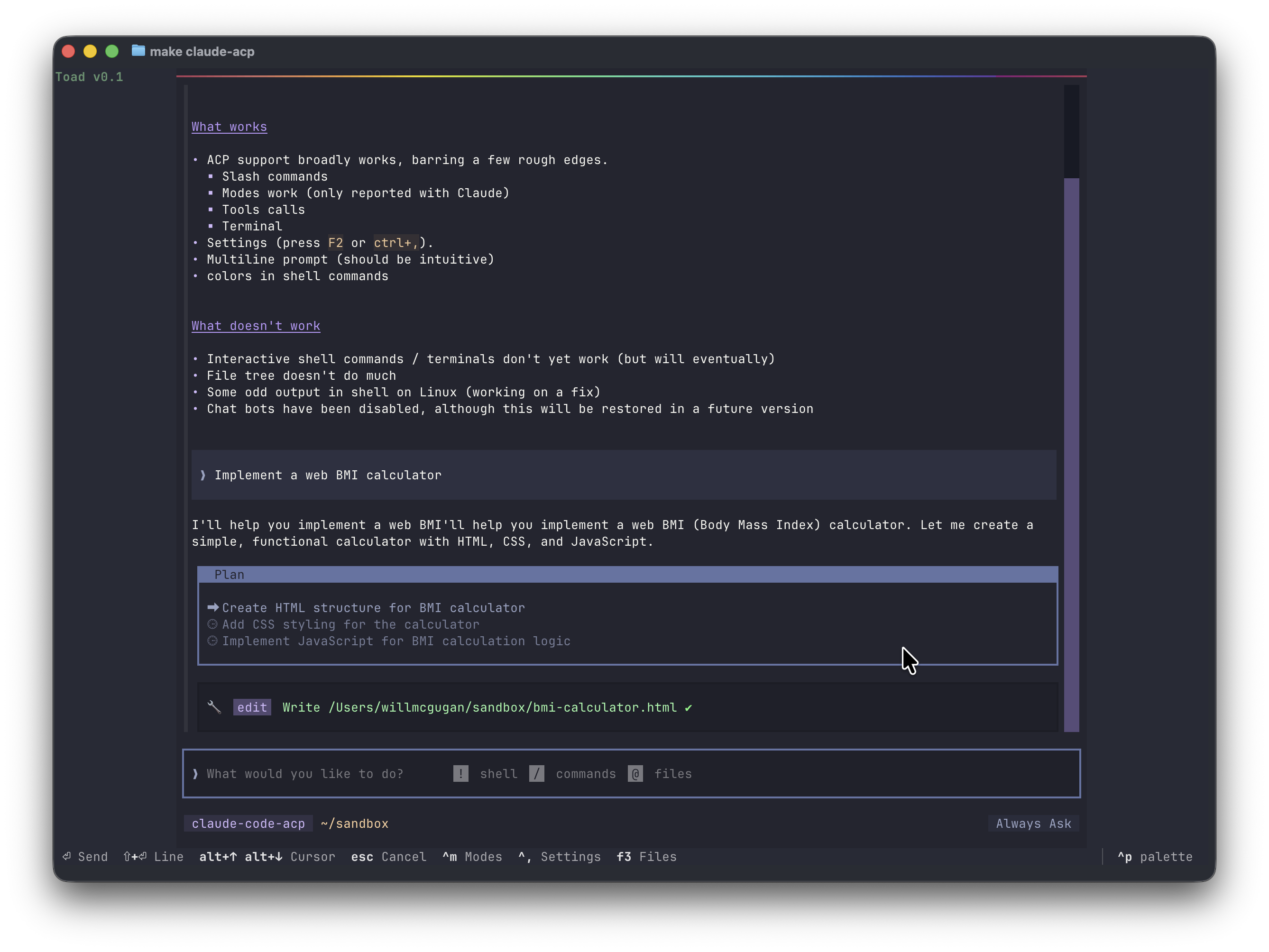
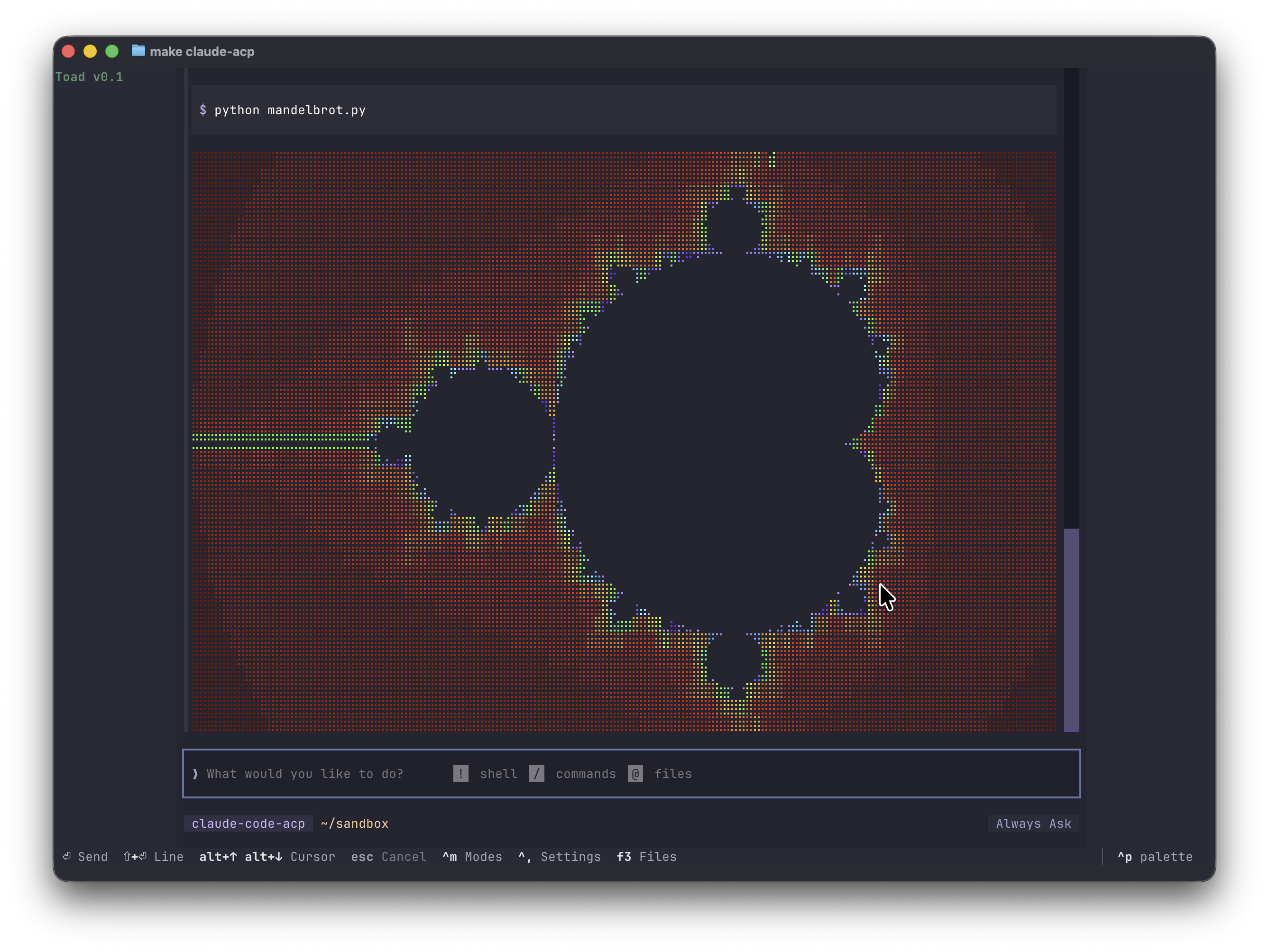
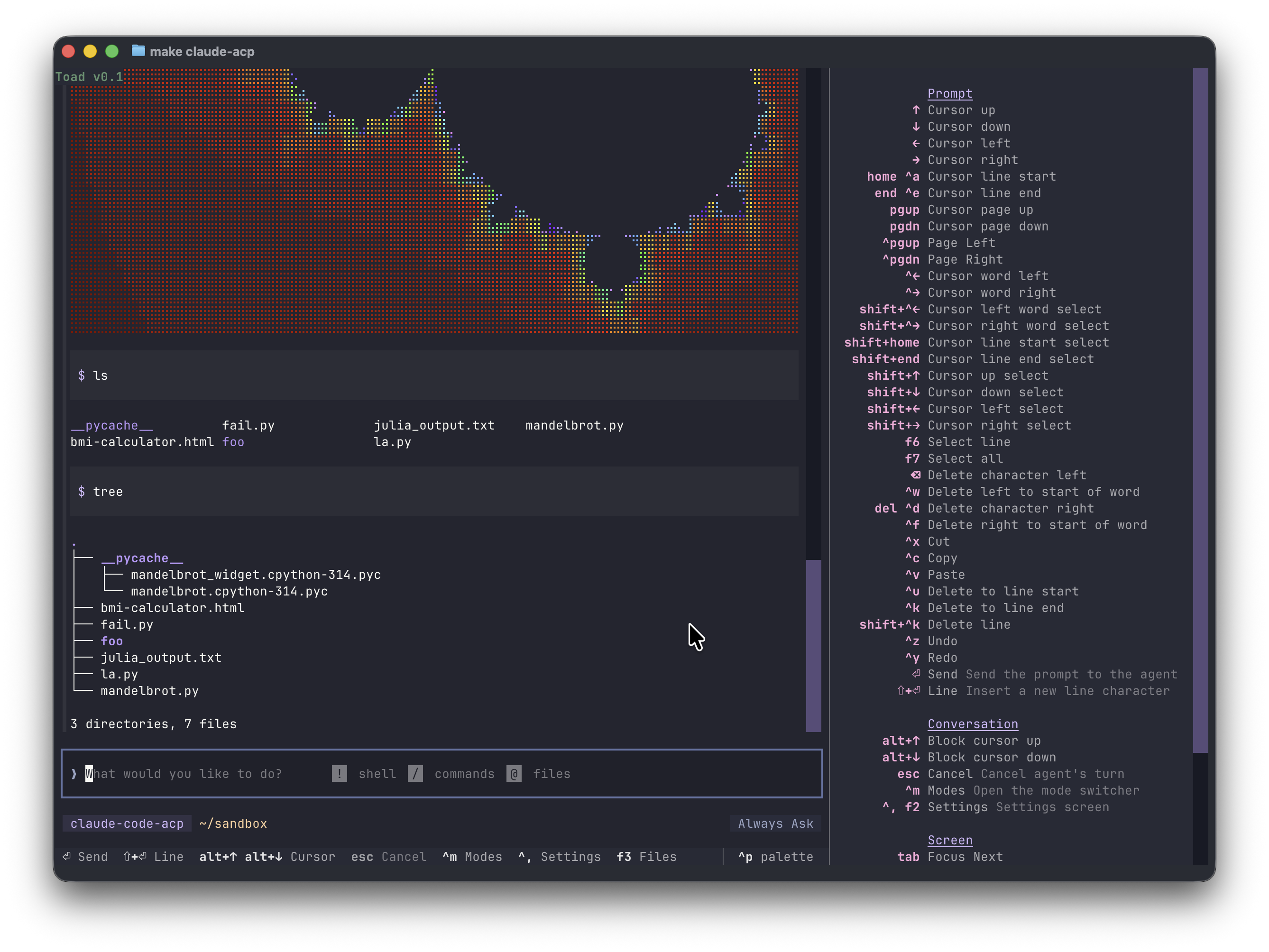
Toad is a universal interface to AI agents, which includes chat bots and agentic coding. Here's a tongue-in-check write up on my blog: https://willmcgugan.github.io/announcing-toad/
Talk about Toad!
Please do talk about Toad! Generating a buzz ahead of the first open release will be very beneficial.
You may share your thoughts on social media in addition to screenshots and videos (but obviously no code from this repository). Please tag me in your posts.
I intend to release a first public version when there is enough core functionality. Progress has been good. So I would expect a release in December.
Requirements
Works on Linux and Mac. Windows works with WSL.
Any terminal will work, although if you are using the default terminal on macOS you will get a much reduced experience. I recommend Ghostty which is fully featured and has amazing performance.
Getting started
Assuming you have UV installed, running toad should be as simple as cloning the repository and running the following:
uv run toad
If your favorite agent isn't listed, you can use the acp subcommand:
uv run toad acp "gemini --experimental-acp"
Web terminal
There is an experimental web server mode. Add --serve to the CLI command and click the URL in the terminal.
Installing agents
Agents need to be installed separately, and require support for ACP.
You will need to install the agent and authenticate at least once with the agent's own CLI tool. After that you can use Toad to interact with it.
Thanks
Thanks for being a part of this!
See you in discussions.
I'm also in the #toad channel on the Textualize discord server.
Release history Release notifications | RSS feed


Download files
Download the file for your platform. If you're not sure which to choose, learn more about installing packages.
Source Distribution
Built Distribution
Filter files by name, interpreter, ABI, and platform.
If you're not sure about the file name format, learn more about wheel file names.
Copy a direct link to the current filters
File details
Details for the file batrachian_toad-0.5.0a8.tar.gz.
File metadata
- Download URL: batrachian_toad-0.5.0a8.tar.gz
- Upload date:
- Size: 222.5 kB
- Tags: Source
- Uploaded using Trusted Publishing? No
- Uploaded via: uv/0.9.15 {"installer":{"name":"uv","version":"0.9.15","subcommand":["publish"]},"python":null,"implementation":{"name":null,"version":null},"distro":{"name":"macOS","version":null,"id":null,"libc":null},"system":{"name":null,"release":null},"cpu":null,"openssl_version":null,"setuptools_version":null,"rustc_version":null,"ci":null}
File hashes
| Algorithm | Hash digest | |
|---|---|---|
| SHA256 |
7b11c30f391bde0e2d14ad49d31f7c7d54565d29440a20712c44255d36bb741d
|
|
| MD5 |
2dc47cbff57f0ab7160031a68f2adea0
|
|
| BLAKE2b-256 |
e967b6f73f1b1ef9b4c73ed411a2977525977a9246be5de98aac2fb3294ae9e2
|
File details
Details for the file batrachian_toad-0.5.0a8-py3-none-any.whl.
File metadata
- Download URL: batrachian_toad-0.5.0a8-py3-none-any.whl
- Upload date:
- Size: 193.5 kB
- Tags: Python 3
- Uploaded using Trusted Publishing? No
- Uploaded via: uv/0.9.15 {"installer":{"name":"uv","version":"0.9.15","subcommand":["publish"]},"python":null,"implementation":{"name":null,"version":null},"distro":{"name":"macOS","version":null,"id":null,"libc":null},"system":{"name":null,"release":null},"cpu":null,"openssl_version":null,"setuptools_version":null,"rustc_version":null,"ci":null}
File hashes
| Algorithm | Hash digest | |
|---|---|---|
| SHA256 |
073dc2b7ced3b326980dc6f702dc6f5e8e2eec274375ab11bd3665517e017fbd
|
|
| MD5 |
5cb988ecd163aa58b0246be3a6d38fae
|
|
| BLAKE2b-256 |
df96a5d7fee66d794d9265fe5d0d0bda54f0f8f25772e2a28acc493d8acbf8c5
|






