
A unified experience for AI in your terminal.

Project description
Toad
A unified interface for AI in your terminal (release announcement).
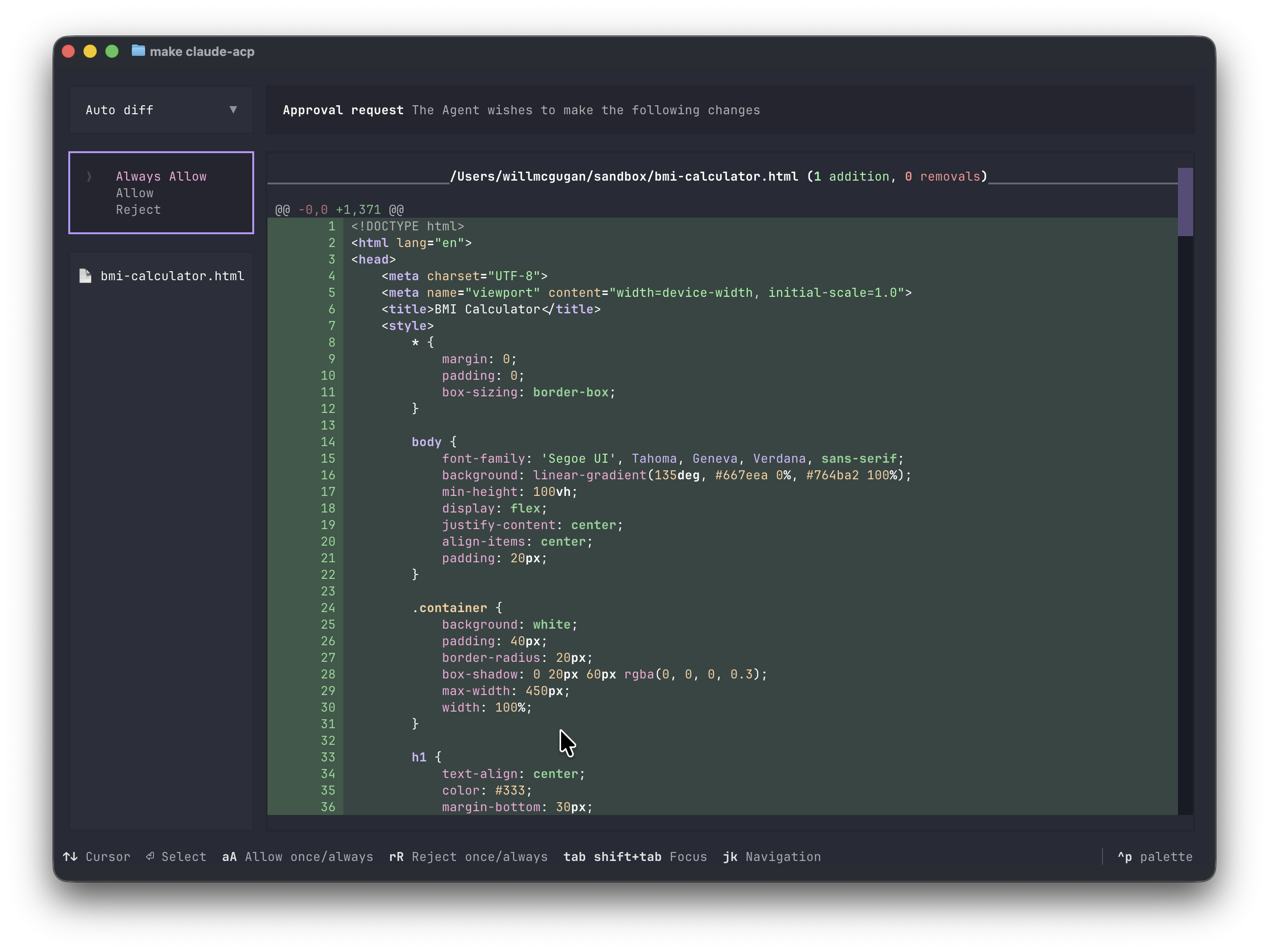
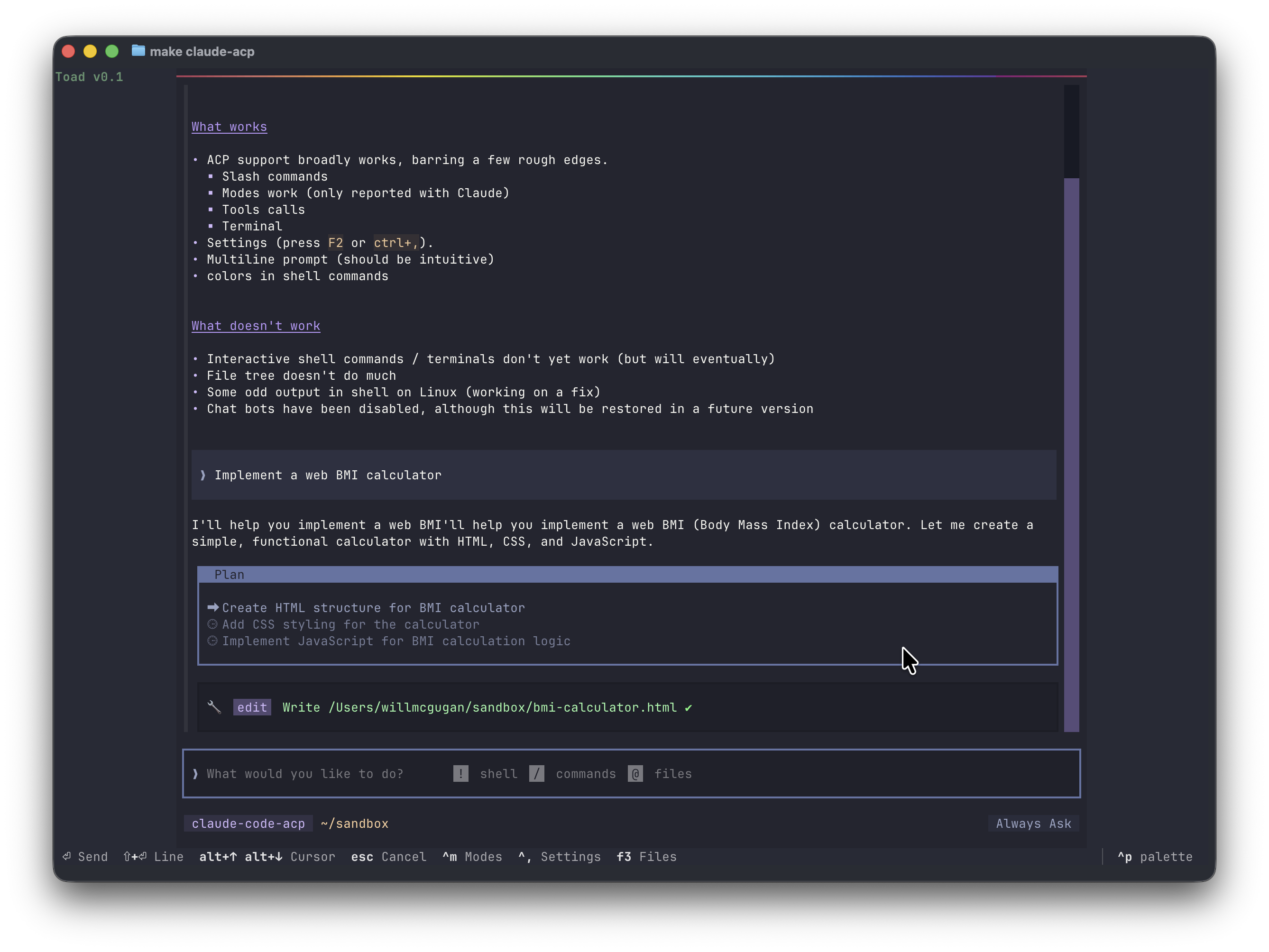
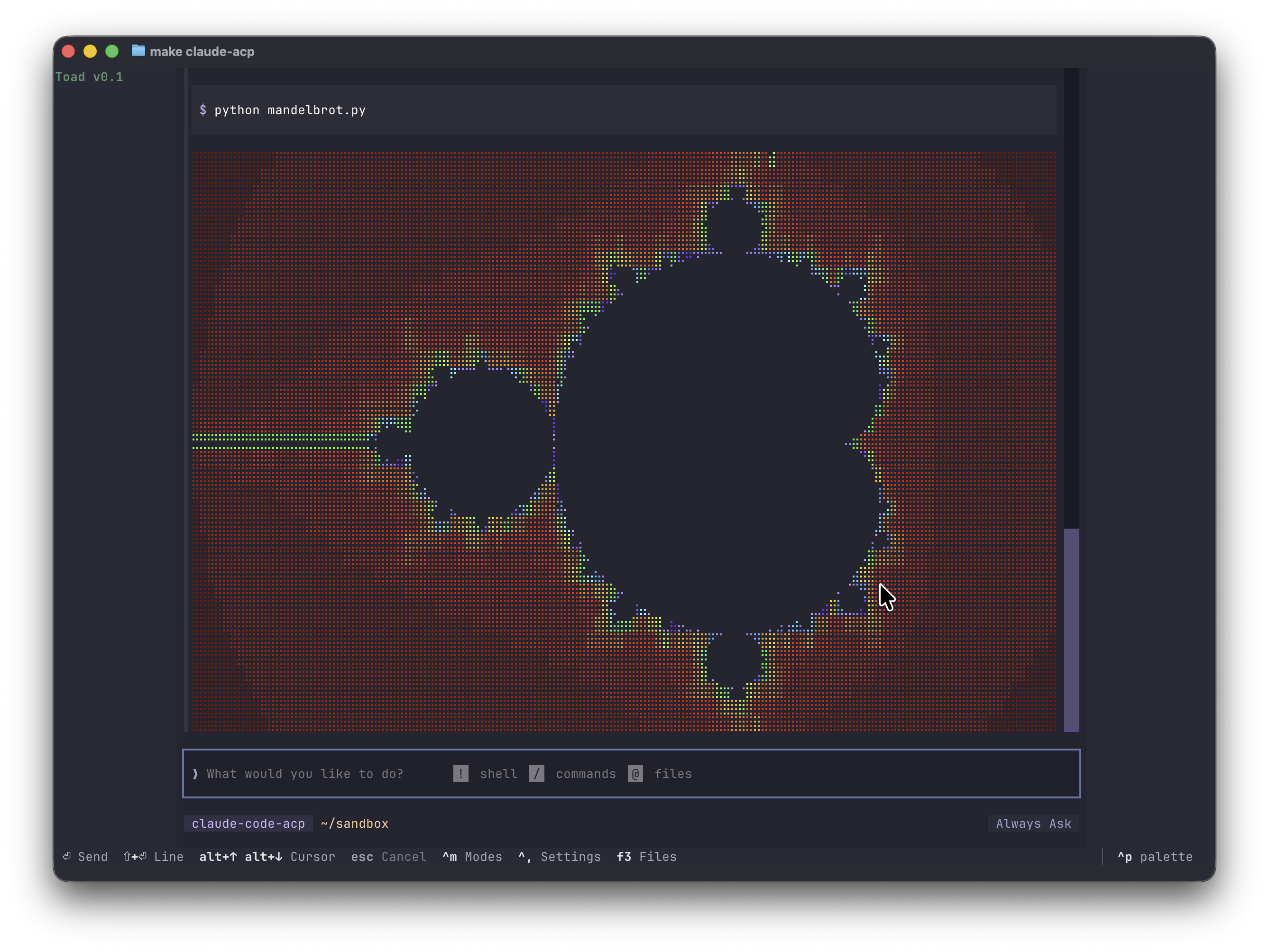
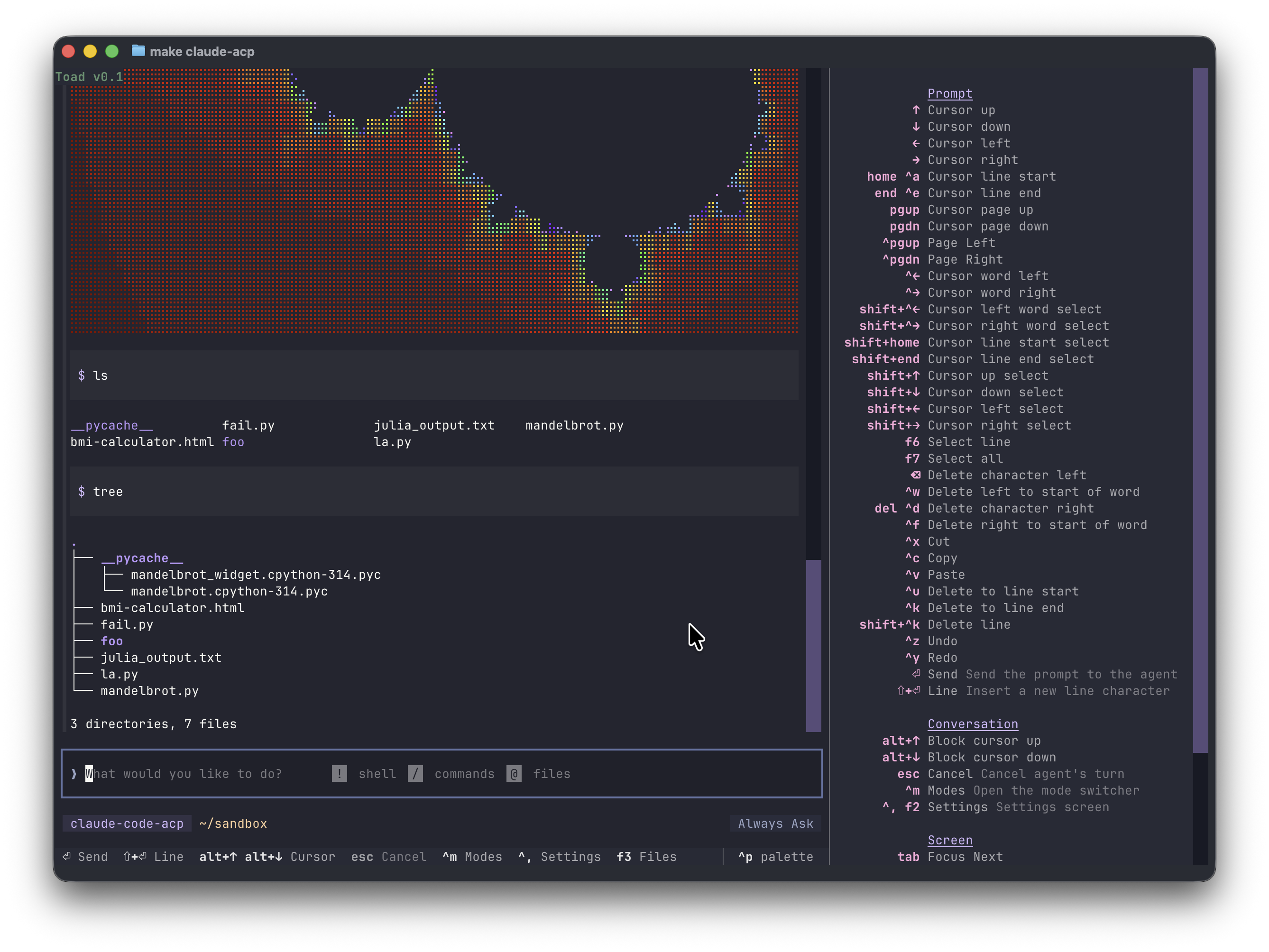
Run coding agents seamlessly under a single beautiful terminal UI, thanks to the ACP protocol.
 |
 |
 |
 |
Compatibility
Toad runs on Linux and macOS. Native Windows support is currently lacking (but on the roadmap), but Toad will run quite well with WSL.
Toad is a terminal application. Any terminal will work, although if you are using the default terminal on macOS you will get a much reduced experience. I recommend Ghostty which is fully featured and has amazing performance.
Clipboard
On Linux, you may need to install xclip to enable clipboard support.
sudo apt install xclip
Alternative shells
I'd like Toad to run multiple shells, but there are some compatibility issues I need to work out first, so for the moment the default is to use /bin/sh.
You can change the shell in settings. If you have any success, let me know.
Getting Started
The easiest way to install Toad is by pasting the following in to your terminal:
curl -fsSL batrachian.ai/install | sh
You should now have toad installed.
If that doesn't work for any reason, then you can install with the following steps:
First install UV:
curl -LsSf https://astral.sh/uv/install.sh | sh
Then use UV to install toad:
uv tool install -U batrachian-toad --python 3.14
Using Toad
Launch Toad with the following:
toad
You should see something like this:
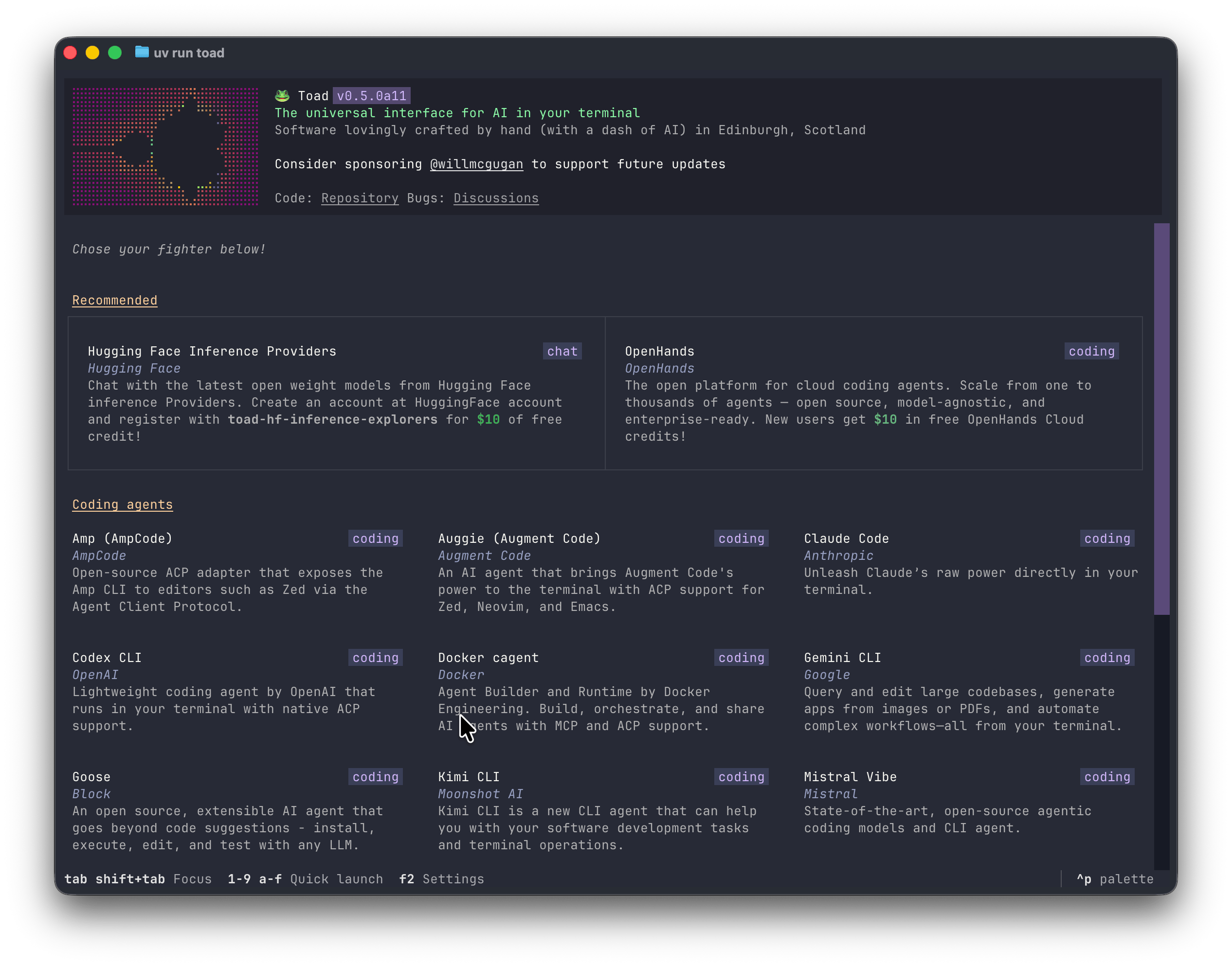
From this screen you will be able to find, install, and launch a coding agent. If you already have an agent installed, you can skip the install step. To launch an agent, select it and press space.
The footer will always display the most significant keys for the current context.
To see all the keys, summon the command palette with ctrl+p and search for "keys".
Toad CLI
When running Toad, the current working directory is assumed to be your project directory. To use another project directory, add the path to the command. For example:
toad ~/projects/my-awesome-app
If you want to skip the initial agent screen, add the -a switch with the name of your chosen agent.
For example:
toad -a open-hands
To see all subcommands and switches, add the --help switch:
toad --help
Web server
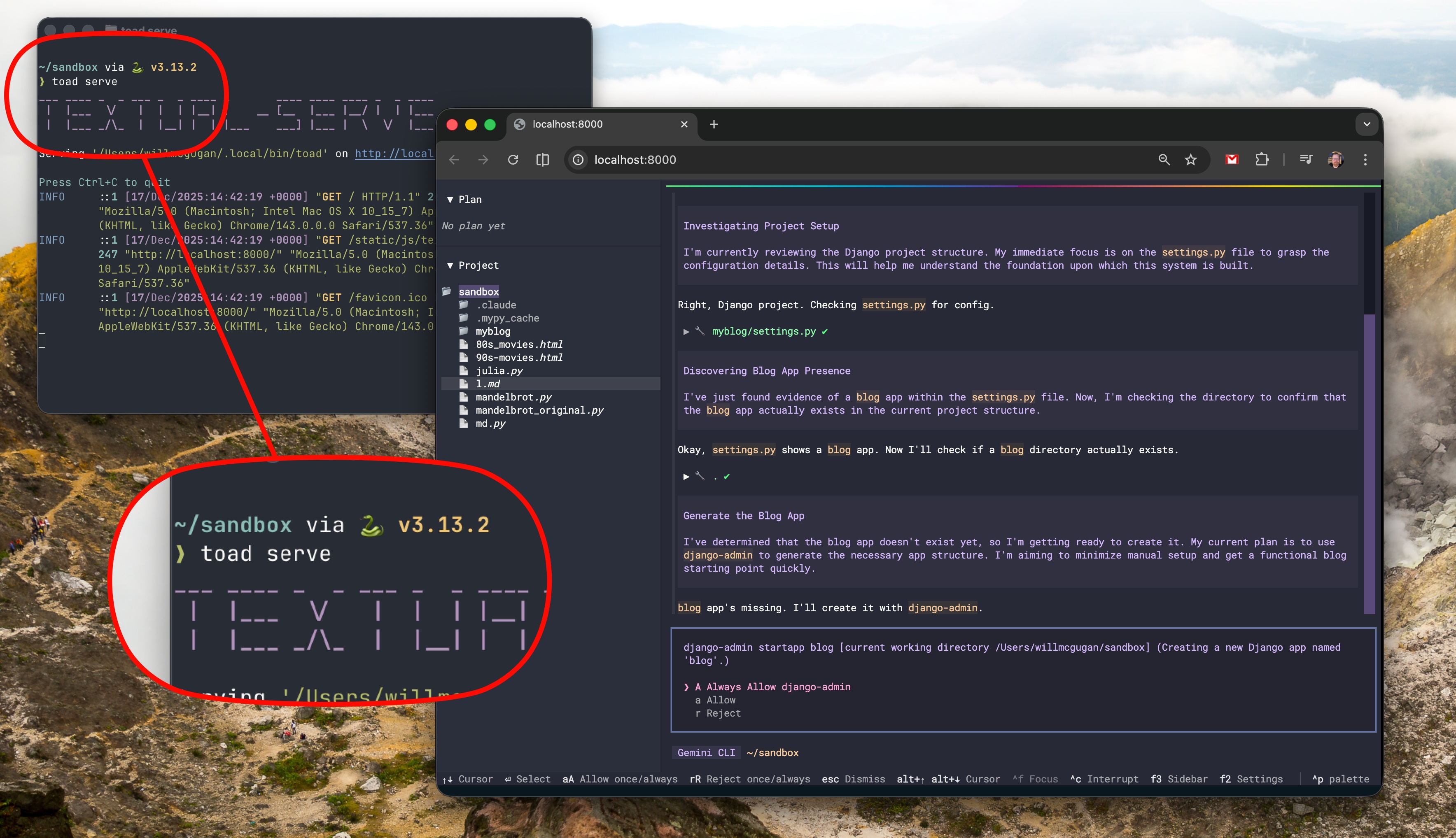
You can run Toad as a web application.
Run the following, and click the link in the terminal:
toad serve
Toad development
Toad was built by Will McGugan and is currently under active development.
To discuss Toad, see the Discussions tab, or join the #toad channel on the Textualize discord server.
Roadmap
Some planned features:
- UI for MCP servers
- Expose model selection (waiting on ACP update)
- Sessions
- Multiple agents
- Windows native support
Reporting bugs
This project is trialling a non-traditional approach to issues. Before an issue is created, there must be a post in Dicussions, approved by a Toad dev (Currently @willmcgugan).
By allowing the discussions to happen in the Discussion tabs, issues can be reserved for actionable tasks with a clear description and goal.
Release history Release notifications | RSS feed


Download files
Download the file for your platform. If you're not sure which to choose, learn more about installing packages.
Source Distribution
Built Distribution
Filter files by name, interpreter, ABI, and platform.
If you're not sure about the file name format, learn more about wheel file names.
Copy a direct link to the current filters
File details
Details for the file batrachian_toad-0.5.15.tar.gz.
File metadata
- Download URL: batrachian_toad-0.5.15.tar.gz
- Upload date:
- Size: 1.3 MB
- Tags: Source
- Uploaded using Trusted Publishing? No
- Uploaded via: uv/0.9.18 {"installer":{"name":"uv","version":"0.9.18","subcommand":["publish"]},"python":null,"implementation":{"name":null,"version":null},"distro":{"name":"macOS","version":null,"id":null,"libc":null},"system":{"name":null,"release":null},"cpu":null,"openssl_version":null,"setuptools_version":null,"rustc_version":null,"ci":null}
File hashes
| Algorithm | Hash digest | |
|---|---|---|
| SHA256 |
eb2b0c791a0c7e50efc500f4fe3897d75765ed6788a255632bddfa91b250ab63
|
|
| MD5 |
19363d4f30dad4f466cac92d60cbe47d
|
|
| BLAKE2b-256 |
2f34b5be0ae201b59dd74d941b42b072ba45af8aae8eaf506a00788bd55811ef
|
File details
Details for the file batrachian_toad-0.5.15-py3-none-any.whl.
File metadata
- Download URL: batrachian_toad-0.5.15-py3-none-any.whl
- Upload date:
- Size: 1.3 MB
- Tags: Python 3
- Uploaded using Trusted Publishing? No
- Uploaded via: uv/0.9.18 {"installer":{"name":"uv","version":"0.9.18","subcommand":["publish"]},"python":null,"implementation":{"name":null,"version":null},"distro":{"name":"macOS","version":null,"id":null,"libc":null},"system":{"name":null,"release":null},"cpu":null,"openssl_version":null,"setuptools_version":null,"rustc_version":null,"ci":null}
File hashes
| Algorithm | Hash digest | |
|---|---|---|
| SHA256 |
2dc8bc1aee845af32b4af077bd82e5507a2896c70f14293c24d26059f703483c
|
|
| MD5 |
db27be3031f108241884f4a9262200f2
|
|
| BLAKE2b-256 |
65f096213fab37d08d5546553e6615f5367a4578248abd154042bb9d8830ae72
|






