
ASCII Termnial Animation Package

Project description
bruhanimate



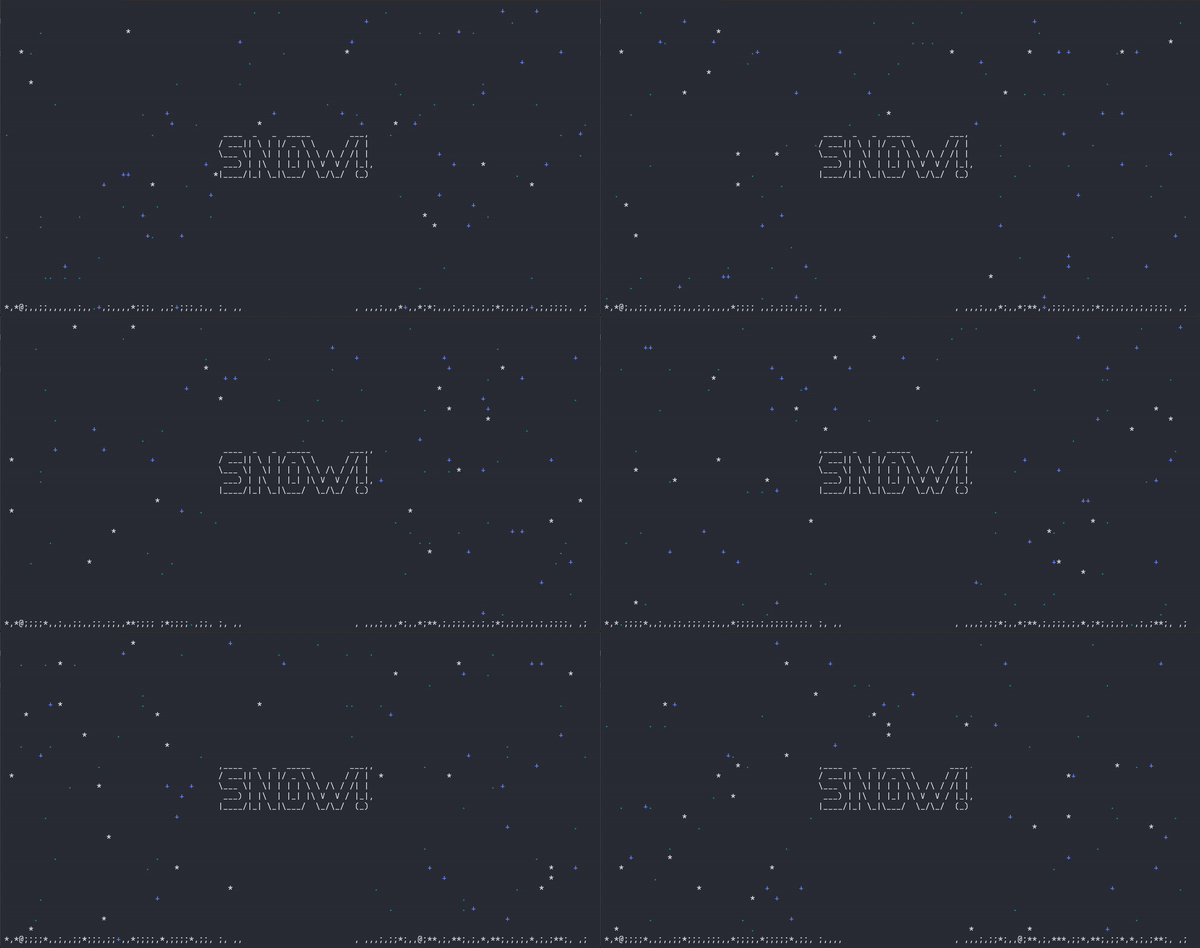
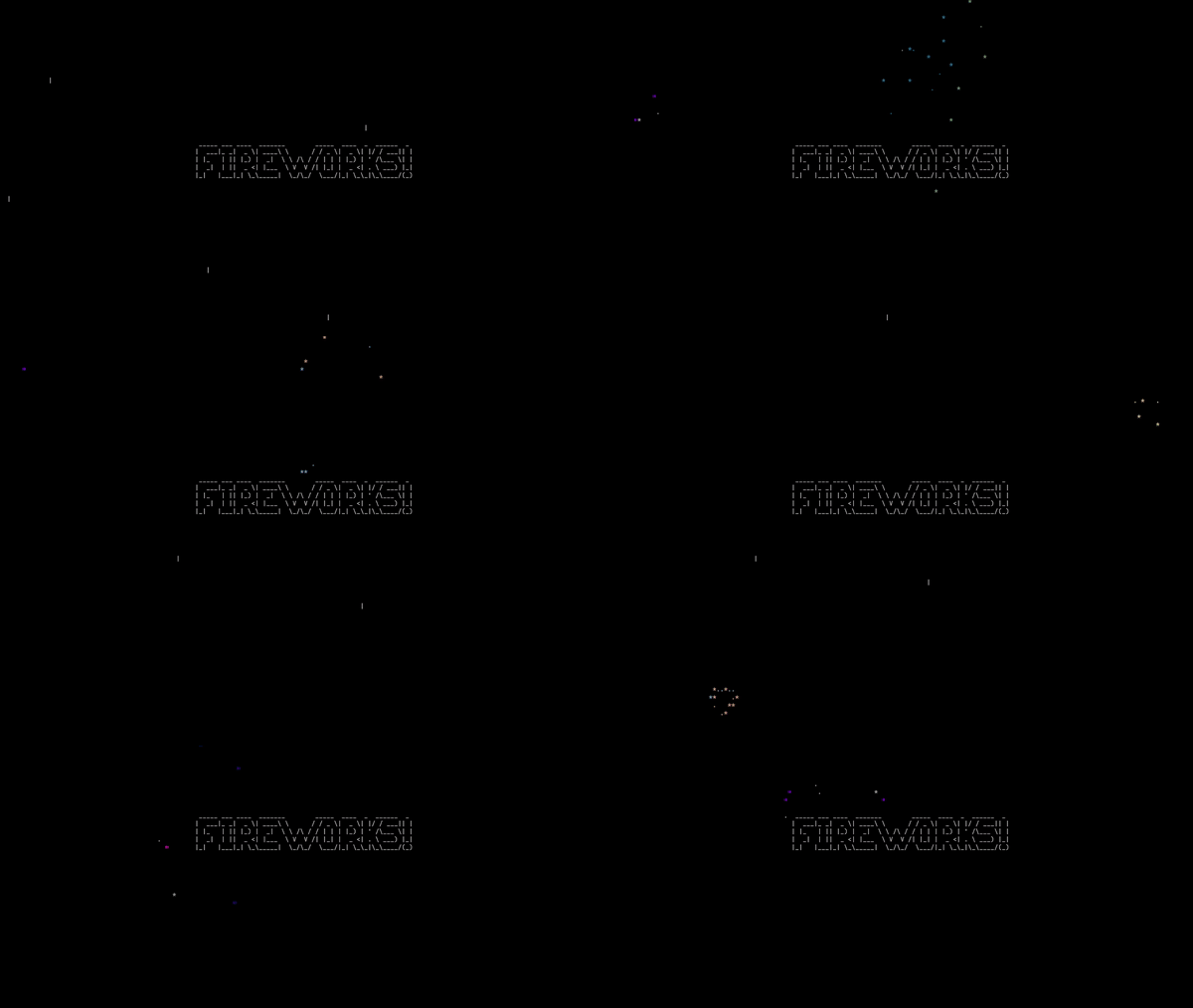

bruhanimate provides a set of tools for creating and rendering animations directly in the terminal. Designed for ease of use, this package enables developers to incorporate dynamic animations into command-line applications. While drawing inspiration from existing terminal animation libraries, bruhanimate brings a fresh approach and offers a unique set of features tailored for flexibility and creativity in terminal-based projects.
Inspired by the Asciimatics package.
Installation
From PyPI
pip install --upgrade bruhanimate
From source
git clone https://github.com/FNBBDevs/bruhanimate
cd bruhanimate
python -m pip install .
Quick Start
Use some of the built in demos to see what is possible. There are demos for each effect. Simply import <effect>_demo from bruhanimate and call the <effect>_demo.run() to run the demo!
- static
- offset
- noise
- stars
- snow
- rain
- plasma
- gol (Conway's Game of Life)
- matrix
- twinkle
# Import a demo
from bruhanimate import plasma_demo
# run the demo
plasma_demo.run()
Usage
Here are some examples on how bruhanimate might be used.
Pass in arguments through the show() command.
"""
Here is a simple program that uses the EffectRenderer passing in
the arguments to the main function
"""
from bruhanimate import Screen, CenterRenderer, images


def demo(screen, img, frames, time, effect_type, background, transparent):
    renderer = CenterRenderer(screen, frames, time, img, effect_type, background, transparent)
    renderer.update_smart_transparent(True)
    renderer.effect.update_color(True)
    renderer.effect.update_intensity(100)
    renderer.run()


def main():
    Screen.show(demo, args=(images.get_image("twopoint"), 300, 0, "noise", " ", False))


if __name__ == "__main__":
    main()
Set the arguments directly in the function invoked by show().
"""
Here is a simple program that uses the EffectRenderer setting the arguments
directly in the main function.
"""
from bruhanimate import Screen, EffectRenderer


def demo(screen: Screen):
    renderer = EffectRenderer(
        screen=screen,
        frames=float("inf"),
        frame_time=0.1,
        effect_type="snow",
        background=" ",
        transparent=False
    )
    renderer.run()


if __name__ == "__main__":
    Screen.show(main)
Release history Release notifications | RSS feed


Download files
Download the file for your platform. If you're not sure which to choose, learn more about installing packages.
Source Distribution
Built Distribution
Filter files by name, interpreter, ABI, and platform.
If you're not sure about the file name format, learn more about wheel file names.
Copy a direct link to the current filters
File details
Details for the file bruhanimate-0.2.98.tar.gz.
File metadata
- Download URL: bruhanimate-0.2.98.tar.gz
- Upload date:
- Size: 65.5 kB
- Tags: Source
- Uploaded using Trusted Publishing? No
- Uploaded via: poetry/2.2.0 CPython/3.13.7 Windows/11
File hashes
| Algorithm | Hash digest | |
|---|---|---|
| SHA256 |
21f056bdc276b46cf8fbdce19926b3b0d201afb362738579f783e84969cab4a1
|
|
| MD5 |
b5de1ff362e58db1b5c0a9abd62d817f
|
|
| BLAKE2b-256 |
b44da8eb22f8942eba23e9032d70914546cb012da6faf3594725c5e6df725861
|
File details
Details for the file bruhanimate-0.2.98-py3-none-any.whl.
File metadata
- Download URL: bruhanimate-0.2.98-py3-none-any.whl
- Upload date:
- Size: 105.6 kB
- Tags: Python 3
- Uploaded using Trusted Publishing? No
- Uploaded via: poetry/2.2.0 CPython/3.13.7 Windows/11
File hashes
| Algorithm | Hash digest | |
|---|---|---|
| SHA256 |
0dc4cc1940e2b829baf40ff274eefec4074d5aada0286c2d7a6c6977c6f19542
|
|
| MD5 |
b8b689fb43c4758c95288d1bf6920b83
|
|
| BLAKE2b-256 |
234a547c45efd8a87ac24821cb9d7d749b8d183be54d1adef1678e3e24050e9e
|






