
Cadenza Lab - The SDK to build in physical AI

Project description

Run and deploy complex robot actions with a simple Python SDK.
Robots • Quickstart • Docs • Deploy
Cadenza lets you write complex motion-targeted code and run it in MuJoCo or on hardware. Three robots are supported out of the box.
Website: www.cadenzalabs.xyz • pip package: cadenza-lab • Deploy to hardware: DEPLOY.md
🤖 Supported robots
| Robot | Type | Actions | Control model |
|---|---|---|---|
| Go1 | Unitree quadruped | 21 | Gaits + phases (walk, trot, turn, jump, sit, …) |
| G1 | Unitree humanoid | 20 | Bipedal locomotion + arms |
| Arm | 6-axis articulated arm | 6 | Cartesian move_to / pick / place (IK + grasp) |
Go1 and G1 deploy to real hardware (see DEPLOY.md); the arm is simulation-only today. Want drones, other arms, or custom hardware? Reach out — acparekh@stanford.edu.
⚡ Quickstart
pip install cadenza-lab
Each robot follows the same shape: create a controller, build a list of actions,
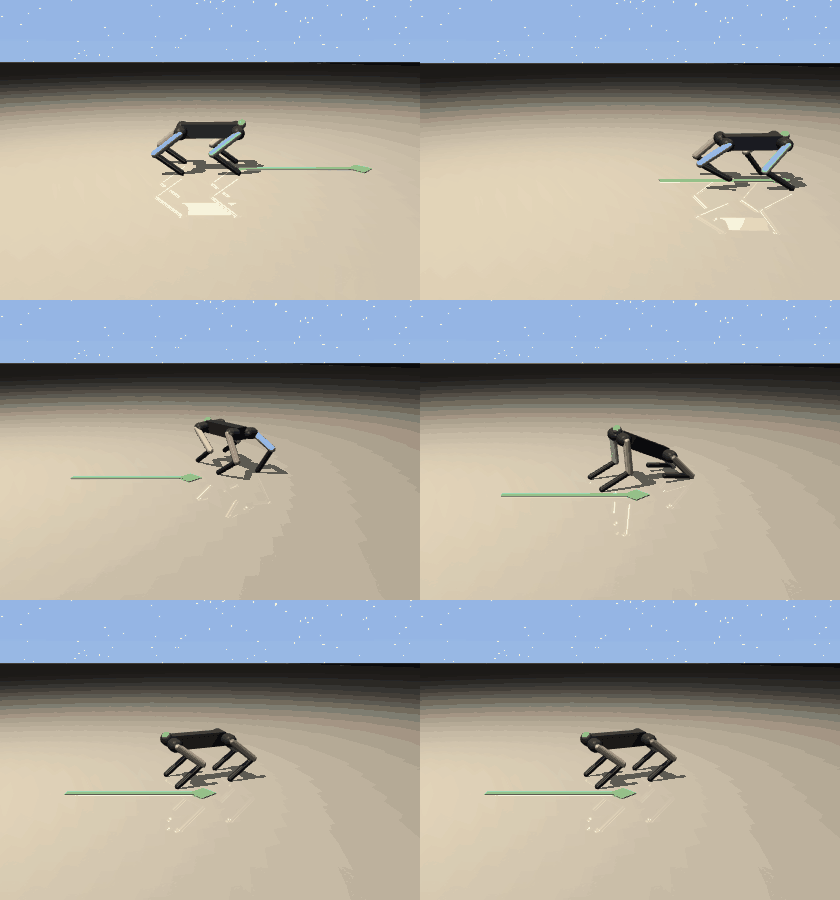
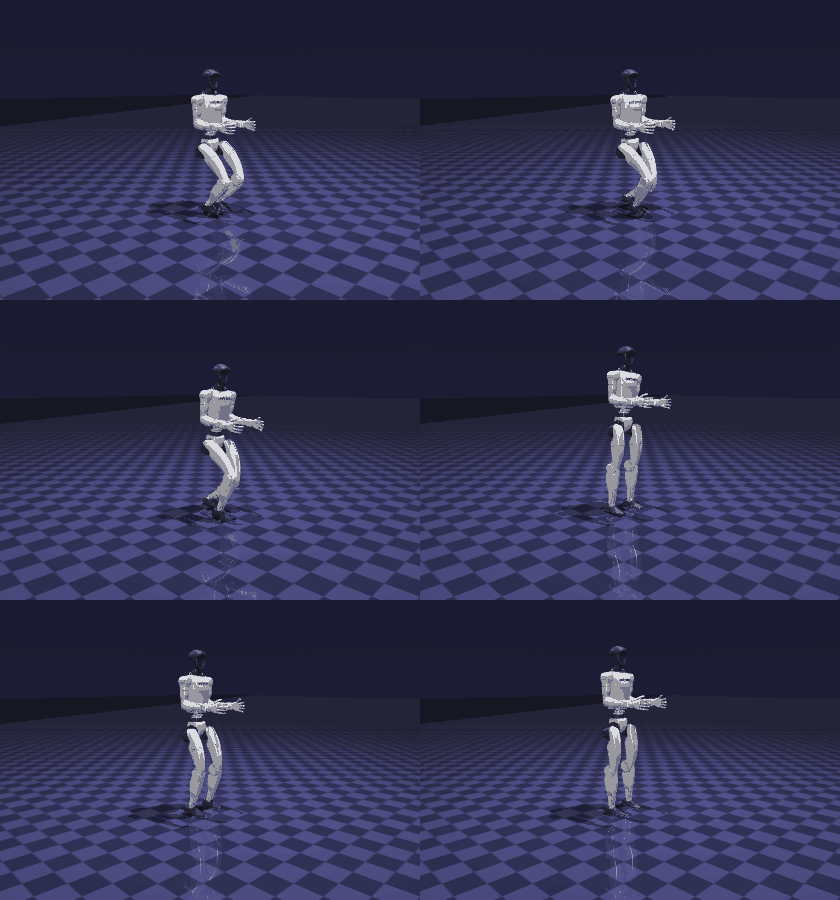
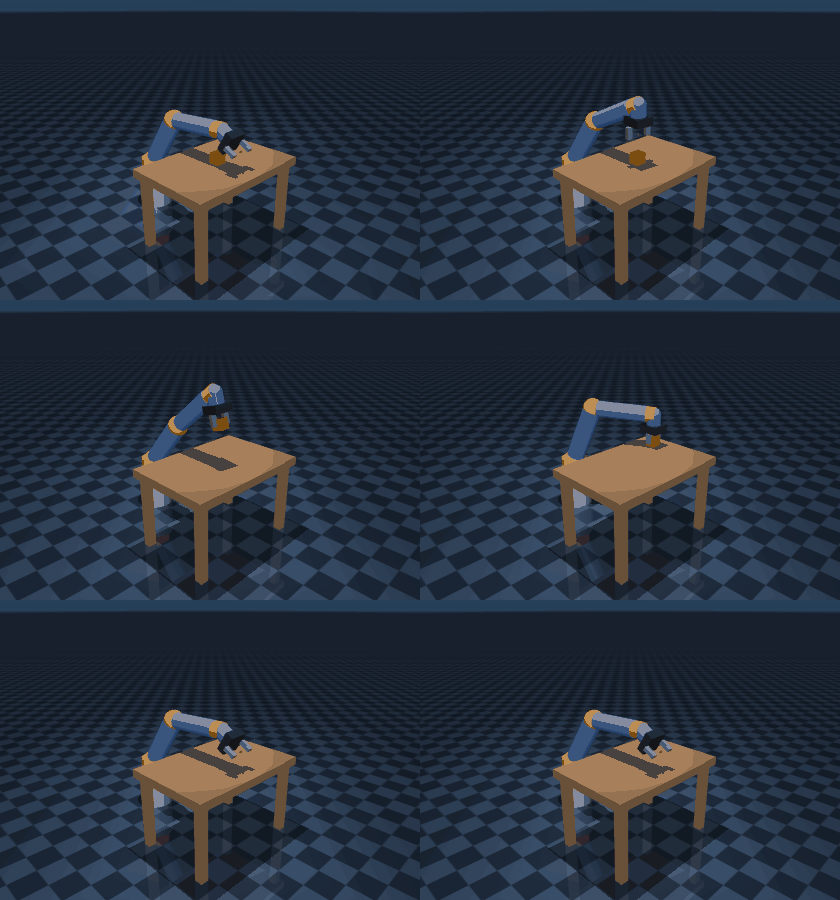
run(). The clips below are each rendered straight from the snippet above them.
🐾 Go1 — quadruped
The Go1 stands, walks 2 m, arcs through a turn (nested list = concurrent), jumps, and sits.
import cadenza_lab as cadenza

go1 = cadenza.go1()
go1.run([
    go1.stand(),
    go1.walk_forward(speed=1.5, distance_m=2.0),
    [go1.turn_left(), go1.walk_forward()],   # concurrent: walking arc
    go1.jump(speed=2.0, extension=1.2),
    go1.sit(),
])
🦾 G1 — humanoid
The G1 walks forward with a trajectory-optimized bipedal gait, comes to a balanced stop, then jumps — all under active balance stabilization.
import cadenza_lab as cadenza

g1 = cadenza.g1()
g1.run([
    g1.walk_forward(distance_m=1.0),  # walk, then settle to a stand
    g1.jump(),                        # jump from the balanced stop
])
🤖 Arm — 6-axis pick & place
The arm homes, picks the cube off the table, places it to the side, and returns
home. Targets are Cartesian (x, y, z); motion is IK-driven and the grasp is a
weld the controller activates when the gripper closes.
import cadenza_lab as cadenza

arm = cadenza.arm()
arm.run([
    arm.home(),
    arm.pick((0.50, 0.00, 0.43)),   # grab the cube on the table
    arm.place((0.40, 0.22, 0.43)),  # set it down to the side
    arm.home(),
])
📚 Next steps
| Full SDK docs | www.cadenzalabs.xyz — robots, actions, scenes, gym adapter, inference stack, multi-robot coordination |
| Deploy to hardware | DEPLOY.md — SSH, DDS direct, and bridge modes for Go1 / G1 |
| CLI | cadenza list go1 · cadenza sim go1 "walk forward then jump" · cadenza list arm |
| Examples | example.py, examples/ |
💚 Community
| Links | |
|---|---|
| GitHub | aparekh02/cadenza |
| Issues | Report a bug or request a feature |
| License | Apache 2.0 |
Release history Release notifications | RSS feed


Download files
Download the file for your platform. If you're not sure which to choose, learn more about installing packages.
Source Distribution
Built Distribution
Filter files by name, interpreter, ABI, and platform.
If you're not sure about the file name format, learn more about wheel file names.
Copy a direct link to the current filters
File details
Details for the file cadenza_lab-1.7.0.tar.gz.
File metadata
- Download URL: cadenza_lab-1.7.0.tar.gz
- Upload date:
- Size: 192.3 kB
- Tags: Source
- Uploaded using Trusted Publishing? No
- Uploaded via: twine/6.2.0 CPython/3.12.13
File hashes
| Algorithm | Hash digest | |
|---|---|---|
| SHA256 |
9b1a798bb73a85576bc702526983673e7a60a05f5c11a735e72118f241025607
|
|
| MD5 |
edfff96252eac749b90beea63db5dba2
|
|
| BLAKE2b-256 |
f8853759c824f978bf3af92fbc005591318de5391de255ec5413a926c1af4345
|
File details
Details for the file cadenza_lab-1.7.0-py3-none-any.whl.
File metadata
- Download URL: cadenza_lab-1.7.0-py3-none-any.whl
- Upload date:
- Size: 215.2 kB
- Tags: Python 3
- Uploaded using Trusted Publishing? No
- Uploaded via: twine/6.2.0 CPython/3.12.13
File hashes
| Algorithm | Hash digest | |
|---|---|---|
| SHA256 |
6a5a879d3103902befa1f546a52239a4f47cc4d9d26c516b2c981dce40095c06
|
|
| MD5 |
98eb32f8ad5dec417eb18eb32ca8c561
|
|
| BLAKE2b-256 |
826aa38fa7996888cebc03f2437ba425008556070a57b483efdacb5a943865f5
|






