
Flowa — lightweight pipeline orchestration

Project description

A lightweight pipeline orchestration tool inspired by Apache Airflow. Define workflows in YAML, run them from the CLI, schedule them with cron, and monitor everything through a REST API and web UI.

Features
- DAG-based execution — topological sort with cycle detection
- Parallel steps — independent steps run concurrently via thread pool
- Retry & timeout — configurable per step
- Continue on error — mark steps as non-blocking for their dependents
- Cron scheduling — schedule pipelines by day/time/interval
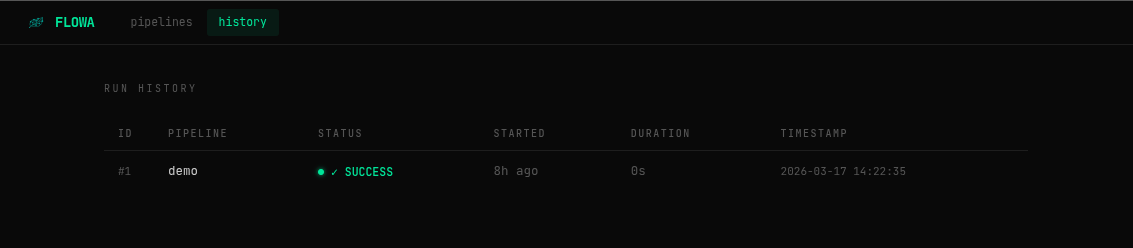
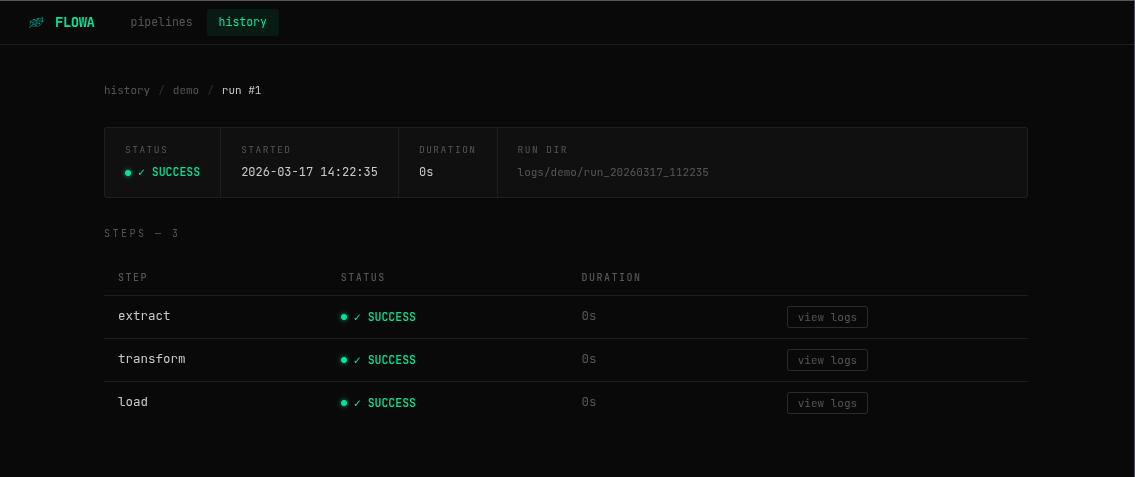
- SQLite history — every run and step is recorded automatically
- REST API — trigger pipelines and query history programmatically
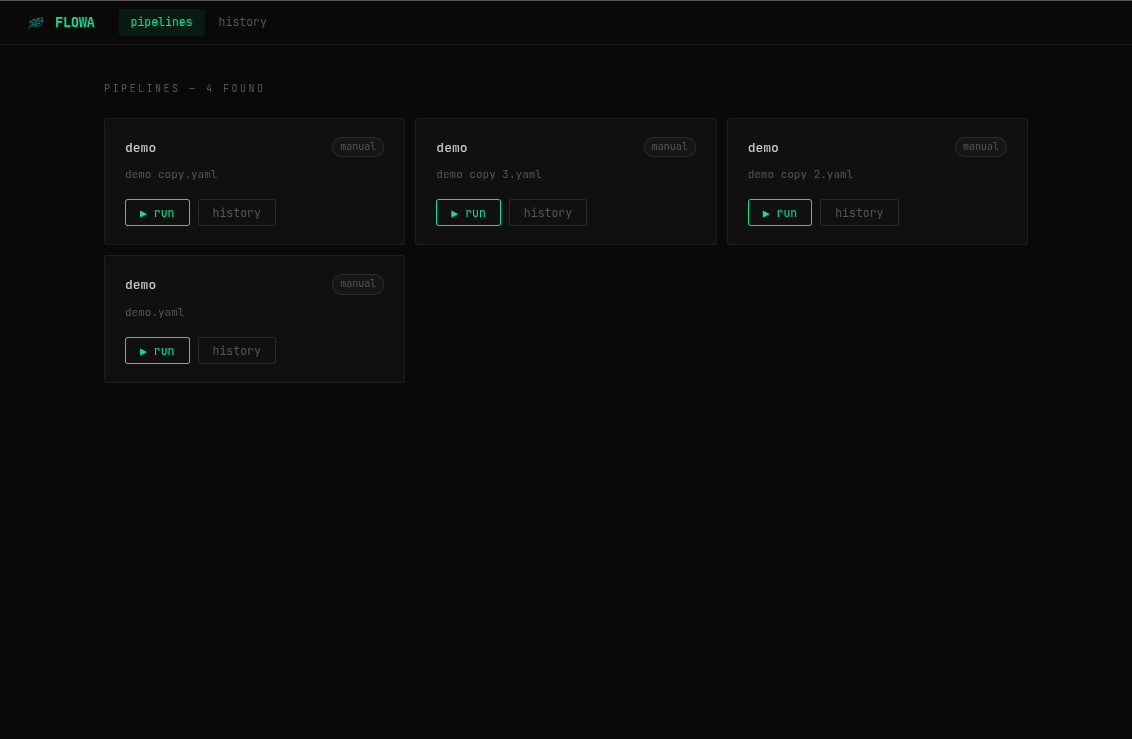
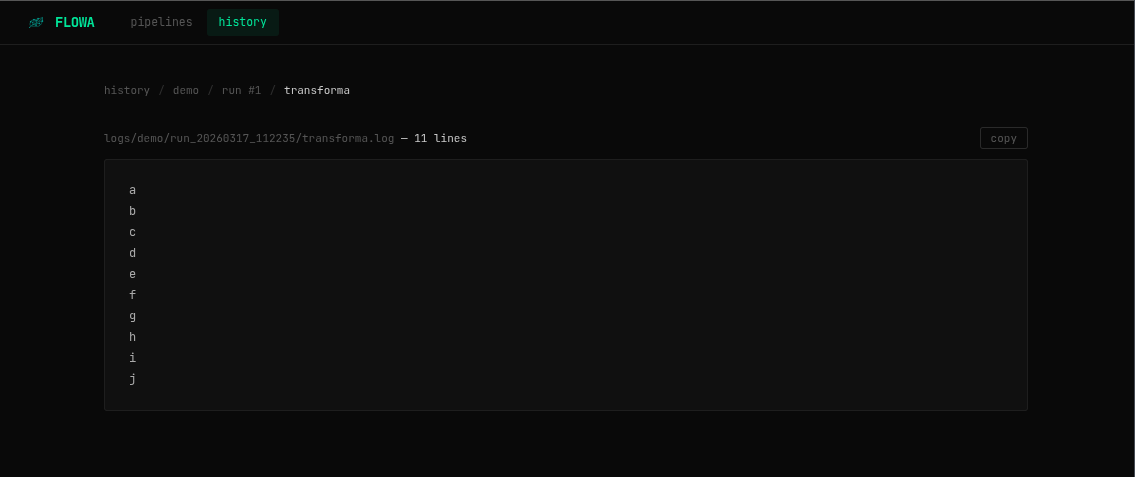
- Web UI — built-in dashboard to manage and monitor pipelines
Installation
pip install flowa-core
After install, a flowa_pipelines/ directory with a ready-to-use etl.yaml template is created automatically in your project folder.
Requirements: Python 3.11+
Getting Started
New to flowa? Follow these 4 steps and you'll have a pipeline running in minutes.
Step 1 — Install
pip install flowa-core
Step 2 — Initialize your project
flowa init
This creates flowa_pipelines/etl.yaml — a pre-configured ETL template with extract, transform, and load steps. Edit it to match your scripts.
Step 3 — Run a pipeline manually
flowa run flowa_pipelines/etl.yaml
Step 4 — Start the server
flowa server
# → API + scheduler running at http://127.0.0.1:8000
That's it. Open http://127.0.0.1:8000 to see the dashboard, monitor runs, and trigger pipelines.
Pipeline YAML Reference
name: my_pipeline          # required
max_parallel: 4            # max concurrent steps (default: 4)

schedule:                  # optional
  days: All Days           # All Days | Mon,Tue,Wed,Thu,Fri | ["Mon", "Fri"]
  start: "09:00"
  end:   "18:00"
  interval_minutes: 60

steps:
  - name: step_name        # required, must be unique
    run: command to run    # required, executed in shell
    depends_on: other_step # optional — string or list
    retries: 0             # optional, default 0
    timeout_seconds: 60    # optional, no limit by default
    continue_on_error: false  # optional, default false
depends_on
Accepts a single step name or a list:
depends_on: extract
# or
depends_on: [extract, validate]
Step status values
| Status | Description |
|---|---|
SUCCESS |
Step completed with exit code 0 |
FAILED |
Step failed after all retries |
FAILED (ignored) |
Step failed but continue_on_error: true |
SKIPPED |
Step skipped because a dependency hard-failed |
CLI Reference
flowa init                          # create flowa_pipelines/ and etl.yaml template
flowa run <pipeline.yaml>           # run a pipeline manually
flowa start                         # start only the scheduler (blocking)
flowa server                        # start API + web UI + scheduler
flowa history                       # show recent runs
flowa history <pipeline_name>       # filter by pipeline
flowa logs <run_id>                 # show steps for a run
flowa server vs flowa start
| Command | What it does |
|---|---|
flowa server |
Starts the API, web UI, and the scheduler — the recommended way to run flowa |
flowa start |
Starts only the scheduler, no API or UI |
flowa server --no-scheduler |
Starts only the API and UI, without scheduling |
flowa server options
flowa server --host 0.0.0.0 --port 8080
flowa server --no-scheduler
REST API
| Method | Endpoint | Description |
|---|---|---|
GET |
/pipelines |
List available pipelines |
POST |
/pipelines/{name}/run |
Trigger a pipeline (async) |
GET |
/runs |
Execution history |
GET |
/runs/{id} |
Run detail with steps |
GET |
/runs/{id}/steps/{step}/logs |
Step log content |
GET |
/health |
Health check |
Interactive docs available at http://localhost:8000/docs.
Trigger a pipeline:
curl -X POST http://localhost:8000/pipelines/etl/run
# {"run_id": 42, "status": "RUNNING", ...}
Check run status:
curl http://localhost:8000/runs/42
Configuration
All settings are controlled via environment variables:
| Variable | Default | Description |
|---|---|---|
FLOWA_PIPELINES_DIR |
flowa_pipelines |
Directory scanned by the scheduler |
FLOWA_LOGS_DIR |
logs |
Where step log files are written |
FLOWA_DB_PATH |
flowa.db |
SQLite database file path |
FLOWA_LOG_LEVEL |
INFO |
Log level (DEBUG, INFO, WARNING, ERROR) |
Project Layout
A typical project using flowa:
my-project/
├── flowa_pipelines/
│   ├── etl.yaml
│   └── reporting.yaml
├── scripts/
│   ├── extract.py
│   ├── transform.py
│   └── load.py
├── logs/           ← created automatically
└── flowa.db        ← created automatically
License
MIT
Release history Release notifications | RSS feed


Download files
Download the file for your platform. If you're not sure which to choose, learn more about installing packages.
Source Distribution
Built Distribution
Filter files by name, interpreter, ABI, and platform.
If you're not sure about the file name format, learn more about wheel file names.
Copy a direct link to the current filters
File details
Details for the file flowa_core-0.1.2.tar.gz.
File metadata
- Download URL: flowa_core-0.1.2.tar.gz
- Upload date:
- Size: 22.5 kB
- Tags: Source
- Uploaded using Trusted Publishing? No
- Uploaded via: twine/6.2.0 CPython/3.12.3
File hashes
| Algorithm | Hash digest | |
|---|---|---|
| SHA256 |
6b4f948ca0e7ce472b379a1f8537e3b2b121ea0854c6ea06d2c49655bec5cfda
|
|
| MD5 |
d90f09fff1ef2688c5667ed6fdb33f21
|
|
| BLAKE2b-256 |
7a111e558c9404907549d4ba7d7536bc8a3251ef94b954e1828c154f70761f9d
|
File details
Details for the file flowa_core-0.1.2-py3-none-any.whl.
File metadata
- Download URL: flowa_core-0.1.2-py3-none-any.whl
- Upload date:
- Size: 18.8 kB
- Tags: Python 3
- Uploaded using Trusted Publishing? No
- Uploaded via: twine/6.2.0 CPython/3.12.3
File hashes
| Algorithm | Hash digest | |
|---|---|---|
| SHA256 |
d2af1fa1d77cf0f6890df3657c118c09557e1cbb73ba58efcc7ca99376522c3f
|
|
| MD5 |
a1c12a85ef0884e03f4424ff2d2b8a99
|
|
| BLAKE2b-256 |
e4c4ce815f0734e1eb9488df70e88c11e5473c998a6800a6f1860ba97765c6af
|






