
gdown
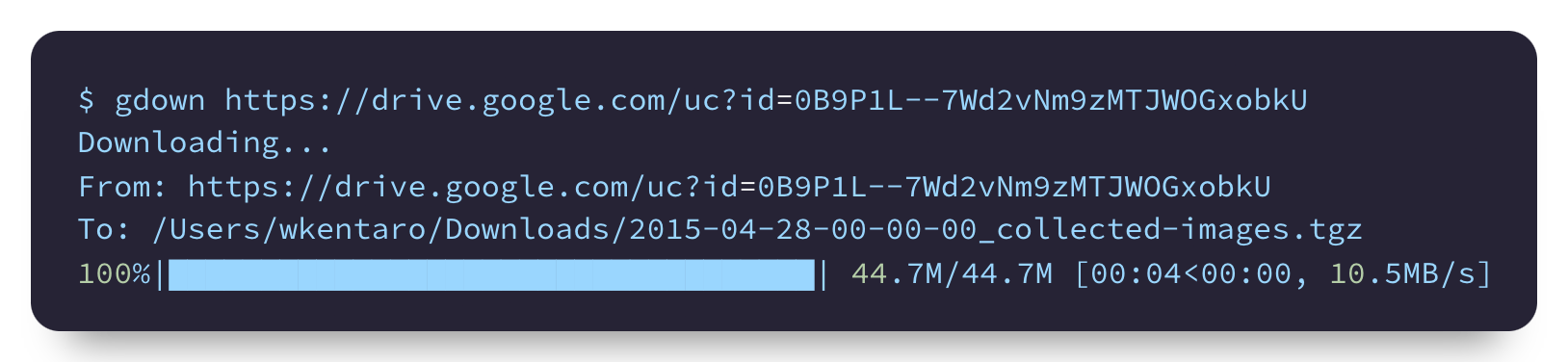
Download a large file from Google Drive.


Description
Download a large file from Google Drive.
If you use curl/wget, it fails with a large file because of
the security warning from Google Drive.
Supports downloading from Google Drive folders (max 50 files per folder).
Installation
pip install gdown
Usage
From Command Line
$ gdown --help
usage: gdown [-h] [-V] [-O OUTPUT] [-q] [--fuzzy] [--id]  [--proxy PROXY]
             [--speed SPEED] [--no-cookies] [--no-check-certificate]
             [--continue] [--folder]
             url_or_id
...

$ # a large file (~500MB)
$ gdown https://drive.google.com/uc?id=1l_5RK28JRL19wpT22B-DY9We3TVXnnQQ
$ # gdown --id 1l_5RK28JRL19wpT22B-DY9We3TVXnnQQ
$ md5sum fcn8s_from_caffe.npz
256c2a8235c1c65e62e48d3284fbd384

$ # a small file
$ gdown https://drive.google.com/uc?id=0B9P1L--7Wd2vU3VUVlFnbTgtS2c
$ cat spam.txt
spam

$ # download with fuzzy extraction of a file ID
$ gdown --fuzzy 'https://drive.google.com/file/d/0B9P1L--7Wd2vU3VUVlFnbTgtS2c/view?usp=sharing&resourcekey=0-WWs_XOSctfaY_0-sJBKRSQ'
$ cat spam.txt
spam

$ # --fuzzy option also works with Microsoft Powerpoint files
$ gdown --fuzzy "https://docs.google.com/presentation/d/15umvZKlsJ3094HNg5S4vJsIhxcFlyTeK/edit?usp=sharing&ouid=117512221203072002113&rtpof=true&sd=true"

$ # a folder
$ gdown https://drive.google.com/drive/folders/1ivUsJd88C8rl4UpqpxIcdI5YLmRD0Mfj -O /tmp/folder --folder

$ # as an alternative to curl/wget
$ gdown https://httpbin.org/ip -O ip.json
$ cat ip.json
{
  "origin": "126.169.213.247"
}

$ # write stdout and pipe to extract
$ gdown https://github.com/wkentaro/gdown/archive/refs/tags/v4.0.0.tar.gz -O - --quiet | tar zxvf -
$ ls gdown-4.0.0
From Python
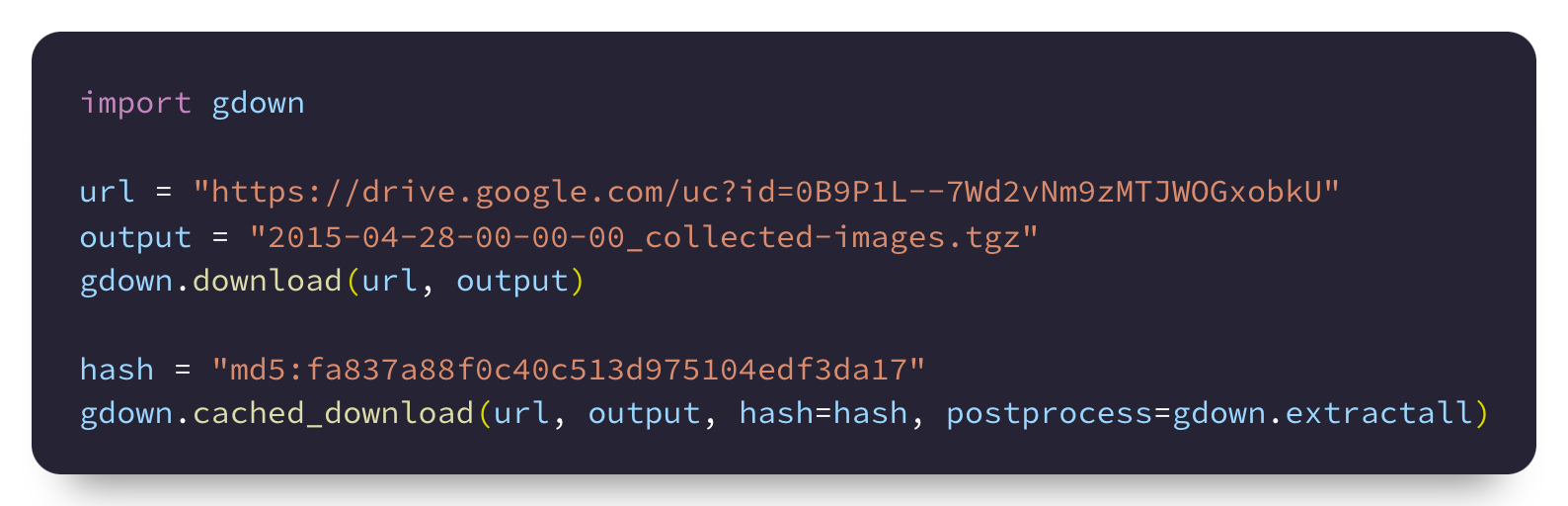
import gdown

url = 'https://drive.google.com/uc?id=0B9P1L--7Wd2vNm9zMTJWOGxobkU'
output = '20150428_collected_images.tgz'
gdown.download(url, output, quiet=False)

md5 = 'fa837a88f0c40c513d975104edf3da17'
gdown.cached_download(url, output, md5=md5, postprocess=gdown.extractall)

url = 'https://drive.google.com/drive/folders/1ivUsJd88C8rl4UpqpxIcdI5YLmRD0Mfj'
gdown.download_folder(url, quiet=True, no_cookies=True)
License
See LICENSE.
1 maintainer

Metadata
1 maintainer
Release files for gdown 4.1.1
For a detailed explanation of source distributions (sdists) and built distributions (wheels), please see the package formats documentation.
Source distribution (sdist)
| File | Size | Uploaded | Provenance | Actions |
|---|---|---|---|---|
| gdown-4.1.1.tar.gz | 13.6 kB | Without provenance | Details for gdown-4.1.1.tar.gz |
Release files / gdown-4.1.1.tar.gz
| Download URL | gdown-4.1.1.tar.gz |
|---|---|
| Size | 13.6 kB |
| Tags | Source |
|
SHA-256 checksum How to use checksums |
2df6cb88c358bc5293c30ddbd7a685b5ca76290252b96ea77549c850195964ad
|
|
BLAKE2b-256 checksum How to use checksums |
ef7c8feaa2190e161f2bb31c11f3b6bdbcc9f4f62ee33f295bfa91bbd5cdbdc8
|
| Upload date | |
|
Uploaded using Trusted Publishing? What is trusted publishing? |
No |
| Uploaded via |
twine/3.4.2 importlib_metadata/4.8.1 pkginfo/1.7.1 requests/2.20.0 requests-toolbelt/0.9.1 tqdm/4.62.3 CPython/3.9.7
|
Security for gdown 4.1.1
Provenance
Provenance describes where a file came from. On PyPI, provenance is shared via attestations, which provide a verifiable record of the build or publishing details. View details, limitations and caveats.
No provenance found
None of the files in this release were uploaded with provenance metadata.
A note on package security
PyPI is a repository for distributing packages, not a service for auditing them. While third-party security researchers and our staff do their best to detect and remove malicious packages, PyPI cannot guarantee the quality, security or suitability of any given package.
To learn more about protecting yourself from malicious actors, visit our package security documentation.














