
Google Drive Public File/Folder Downloader

Project description
gdown
Google Drive Public File Downloader when Curl/Wget Fails
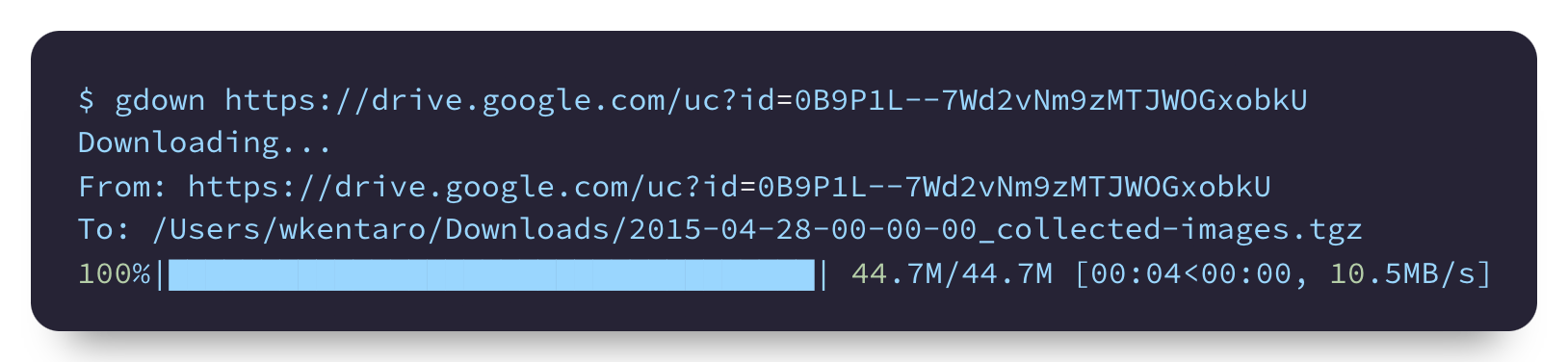
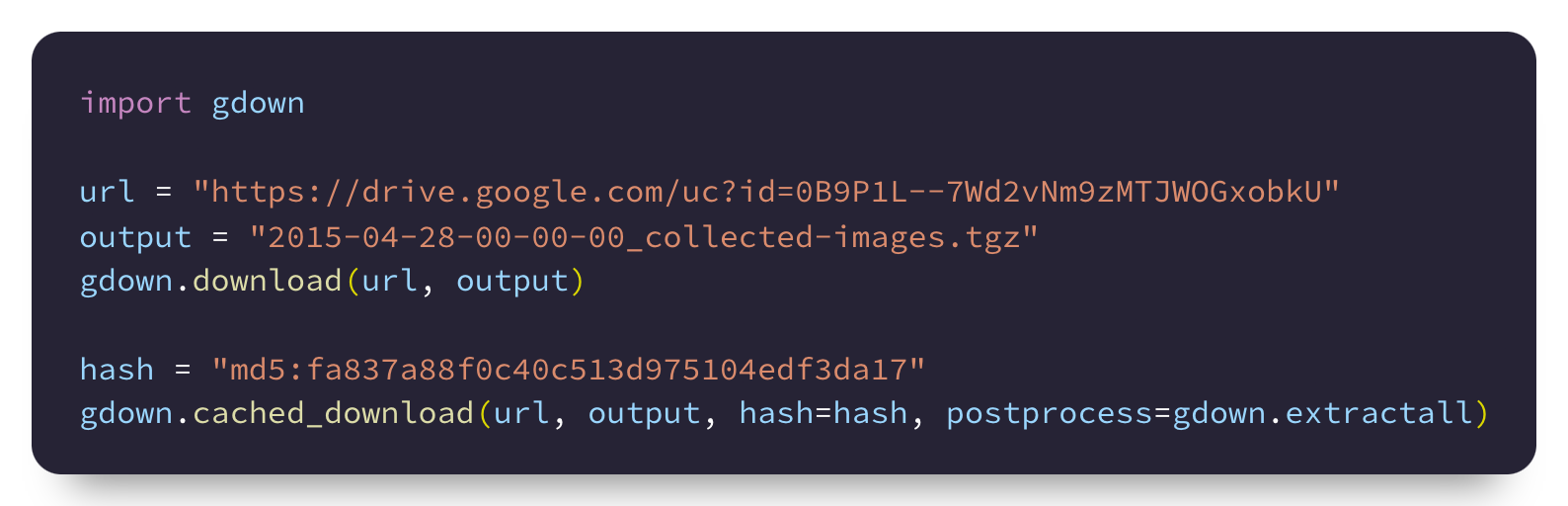
Gdown downloads a public file/folder from Google Drive.
Gdown provides what curl/wget doesn't for Google Drive:
- Skip the security notice allowing you to download large files (curl/wget fails);
- Recursive download of files in a folder (maximum 50 files per folder);
- Specify download file format for Google Slides/Sheet/Docs like PDF/XML/CSV.
Installation


pip install gdown

# to upgrade
pip install --upgrade gdown
Usage
via Command Line
$ gdown --help
usage: gdown [-h] [-V] [-O OUTPUT] [-q] [--fuzzy] [--id] [--proxy PROXY]
             [--speed SPEED] [--no-cookies] [--no-check-certificate]
             [--continue] [--folder] [--remaining-ok]
             url_or_id
...

$ # a large file (~500MB)
$ gdown https://drive.google.com/uc?id=1l_5RK28JRL19wpT22B-DY9We3TVXnnQQ
$ md5sum fcn8s_from_caffe.npz
256c2a8235c1c65e62e48d3284fbd384

$ # same as the above but with the file ID
$ gdown 1l_5RK28JRL19wpT22B-DY9We3TVXnnQQ

$ # a small file
$ gdown https://drive.google.com/uc?id=0B9P1L--7Wd2vU3VUVlFnbTgtS2c
$ cat spam.txt
spam

$ # download with fuzzy extraction of a file ID
$ gdown --fuzzy 'https://drive.google.com/file/d/0B9P1L--7Wd2vU3VUVlFnbTgtS2c/view?usp=sharing&resourcekey=0-WWs_XOSctfaY_0-sJBKRSQ'
$ cat spam.txt
spam

$ # --fuzzy option also works with Microsoft Powerpoint files
$ gdown --fuzzy "https://docs.google.com/presentation/d/15umvZKlsJ3094HNg5S4vJsIhxcFlyTeK/edit?usp=sharing&ouid=117512221203072002113&rtpof=true&sd=true"

$ # a folder
$ gdown https://drive.google.com/drive/folders/15uNXeRBIhVvZJIhL4yTw4IsStMhUaaxl -O /tmp/folder --folder

$ # as an alternative to curl/wget
$ gdown https://httpbin.org/ip -O ip.json
$ cat ip.json
{
  "origin": "126.169.213.247"
}

$ # write stdout and pipe to extract
$ gdown https://github.com/wkentaro/gdown/archive/refs/tags/v4.0.0.tar.gz -O - --quiet | tar zxvf -
$ ls gdown-4.0.0/
gdown  github2pypi  LICENSE  MANIFEST.in  pyproject.toml  README.md  setup.cfg  setup.py  tests
via Python
import gdown

# a file
url = "https://drive.google.com/uc?id=1l_5RK28JRL19wpT22B-DY9We3TVXnnQQ"
output = "fcn8s_from_caffe.npz"
gdown.download(url, output)

# same as the above, but with the file ID
id = "0B9P1L--7Wd2vNm9zMTJWOGxobkU"
gdown.download(id=id, output=output)

# same as the above, and you can copy-and-paste a URL from Google Drive with fuzzy=True
url = "https://drive.google.com/file/d/0B9P1L--7Wd2vNm9zMTJWOGxobkU/view?usp=sharing"
gdown.download(url=url, output=output, fuzzy=True)

# Cached download with identity check via MD5 (or SHA1, SHA256, etc).
# Pass postprocess function e.g., extracting compressed file.
md5 = "md5:fa837a88f0c40c513d975104edf3da17"
gdown.cached_download(url, output, hash=hash, postprocess=gdown.extractall)

# a folder
url = "https://drive.google.com/drive/folders/15uNXeRBIhVvZJIhL4yTw4IsStMhUaaxl"
gdown.download_folder(url)

# same as the above, but with the folder ID
id = "15uNXeRBIhVvZJIhL4yTw4IsStMhUaaxl"
gdown.download_folder(id=id)
FAQ
I get a 'Permission Denied' error.
Have you made sure you set the file permission to 'Anyone with Link'?
I set the permission 'Anyone with Link', but I still can't download.
Google restricts access to a file when the download is concentrated.
If you can still access to the file from your browser, downloading cookies file might
help. Follow this step: 1) download cookies.txt using browser extensions like
(Get cookies.txt LOCALLY);
2) mv the cookies.txt to ~/.cache/gdown/cookies.txt; 3) run download again.
If you're using gdown>=5.0.0, it should be able to use the cookies same as your browser.
License
MIT
Release history Release notifications | RSS feed


Download files
Download the file for your platform. If you're not sure which to choose, learn more about installing packages.
Source Distribution
Built Distribution
Filter files by name, interpreter, ABI, and platform.
If you're not sure about the file name format, learn more about wheel file names.
Copy a direct link to the current filters
File details
Details for the file gdown-5.2.2.tar.gz.
File metadata
- Download URL: gdown-5.2.2.tar.gz
- Upload date:
- Size: 360.2 kB
- Tags: Source
- Uploaded using Trusted Publishing? No
- Uploaded via: twine/6.2.0 CPython/3.11.15
File hashes
| Algorithm | Hash digest | |
|---|---|---|
| SHA256 |
a4bafbaa627d67bdaa68d274e9e957127ba810b4bcf4505e2b57ea45aa0aa1e6
|
|
| MD5 |
acddc83135b8fe2023d7916c3cf9c0b5
|
|
| BLAKE2b-256 |
5de2831920e510e3cce91627adab9997944b32842f7cd0dc4c023f24655531e0
|
File details
Details for the file gdown-5.2.2-py3-none-any.whl.
File metadata
- Download URL: gdown-5.2.2-py3-none-any.whl
- Upload date:
- Size: 18.6 kB
- Tags: Python 3
- Uploaded using Trusted Publishing? No
- Uploaded via: twine/6.2.0 CPython/3.11.15
File hashes
| Algorithm | Hash digest | |
|---|---|---|
| SHA256 |
e1ed2638abb931668725c79298900629b31e20f02b7c55a2685e9249edb51e09
|
|
| MD5 |
0dd6f49e9453e629b07fd2c2f263f035
|
|
| BLAKE2b-256 |
20ad0e30d078a2cc84a17a81c0a1f226d617edf12ddd375dafe021fb66a2c8b0
|






