
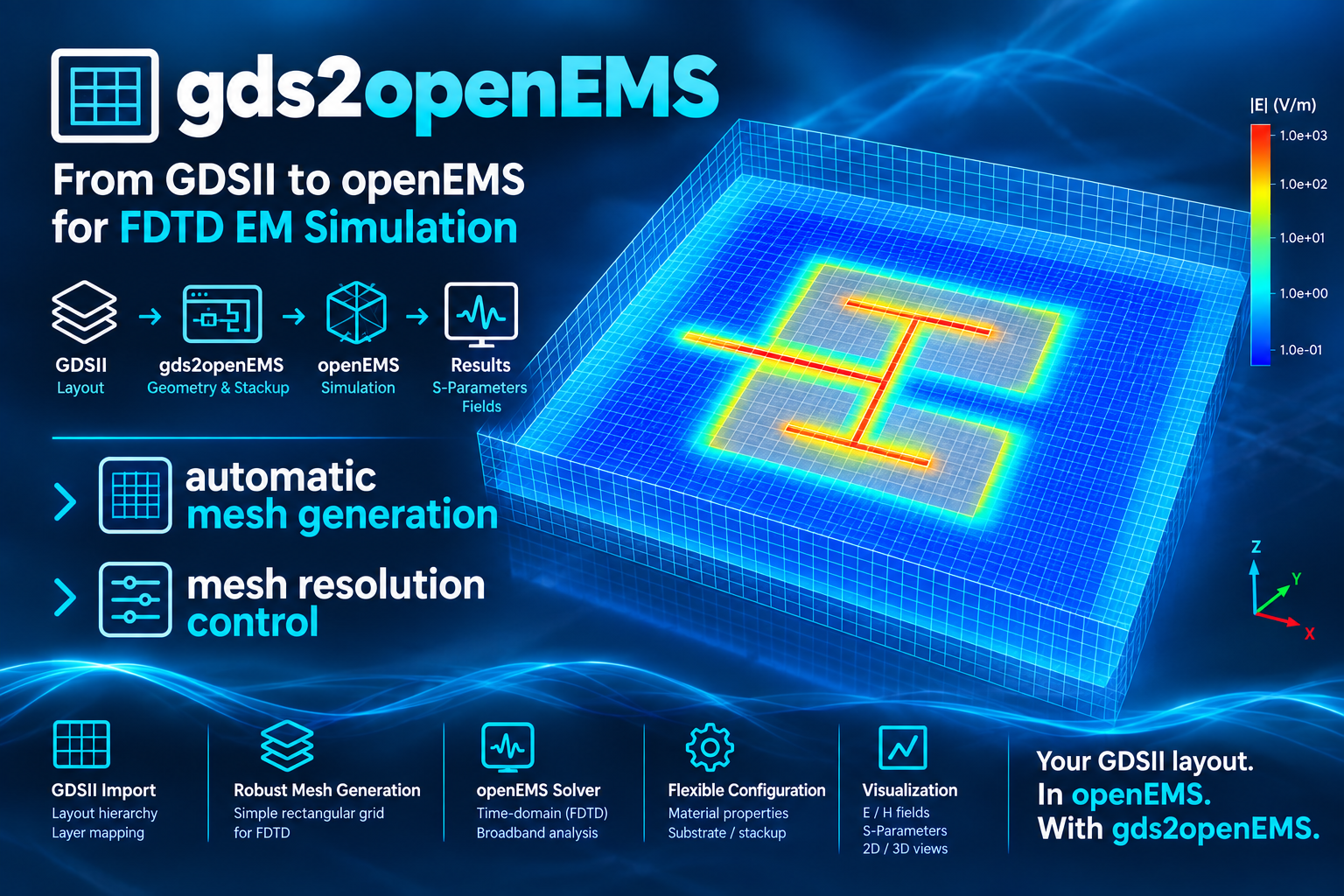
gds2openEMS: FDTD simulation workflow for RFIC
The files provided here enable openEMS EM simulation with layouts created for the IHP SG13G2 RFIC technology.
Install
pip install gds2openEMS
Full documentation, installation guide, and usage walkthrough: https://github.com/VolkerMuehlhaus/gds2openEMS
Recent changes
22-Oct-2026
Stackup XML Editor, ADS Momentum (*.ltd) import: metals with an EXPAND thickness operation now make the dielectric next to them thicker, as in ADS, instead of reaching into the dielectric below. Before, a thick EXPAND DOWN metal (e.g. MET1/MET2 in a GaAs stackup) overlapped the layers underneath it, and a via could end up with zero height. Files where long lines are wrapped or END_... markers follow the last entry on the same line now import too; before, they failed with "No usable dielectric slabs".
16-Oct-2026
Stackup XML Editor: while the stackup has errors, the cross-section preview can't be redrawn and keeps the last valid drawing. It is now marked as not up to date: dimmed, crossed by a thin red line, with a banner above it. Show errors in the banner opens the editor's XML Preview tab, which lists the errors. The status line now points there too, instead of to Save.
12-Oct-2026
Bugfix: port de-embedding in scripts/deembed_openEMS.py put the negative inductance of all ports in series at port 1, and the other ports were not de-embedded. For a 3-port, port 1 got the sum of all three values. Now each port gets the value for its own port number; a port without geometry data in port_information.json is not de-embedded. The raw .sNp files were not affected. De-embedded files created with earlier versions should be created again by running deembed_openEMS.py again. The same bug was fixed in gds2palace, where Gianluca Simone and David Lurz (FAU) found it.
Full history: CHANGES.md
Note: the gds2openEMS PyPI package itself only requires:
- gdspy>1.6.0
- CSXCAD
- openEMS
- numpy
- shapely
- PySide6
(Other Python modules mentioned above are only needed to run the example/model scripts in this repository, not to use the installed package.)
1 maintainer

Metadata
1 maintainer
Release files for gds2openEMS 0.6.2
For a detailed explanation of source distributions (sdists) and built distributions (wheels), please see the package formats documentation.
Source distribution (sdist)
| File | Size | Uploaded | Provenance | |
|---|---|---|---|---|
| gds2openems-0.6.2.tar.gz | 198.8 kB | Without provenance | Details |
Built distribution (wheel)
| File | Interpreter | ABI | Platform | Reset |
|---|---|---|---|---|
| gds2openems-0.6.2-py3-none-any.whl | Python 3 | none | any | Details |
Total release size: 401.0 kB
Release files / gds2openems-0.6.2.tar.gz
| Download URL | gds2openems-0.6.2.tar.gz |
|---|---|
| Size | 198.8 kB |
| Tags | Source |
|
SHA-256 checksum How to use checksums |
e48bd1fadbd6b26d0a249ff32b99b2a70919326c7dca33800407b3434a3eb849
|
|
BLAKE2b-256 checksum How to use checksums |
d02c5f1f54a939feedb940ac7c1490fef919709839ca0a31cc5a8f2ab89ea03f
|
| Upload date | |
|
Uploaded using Trusted Publishing? What is trusted publishing? |
No |
| Uploaded via |
twine/7.0.0 CPython/3.13.14
|
Release files / gds2openems-0.6.2-py3-none-any.whl
| Download URL | gds2openems-0.6.2-py3-none-any.whl |
|---|---|
| Size | 202.2 kB |
| Tags | Python 3 |
|
SHA-256 checksum How to use checksums |
303b54eac6389c0a68e305d1ff4131014293c033cbf61571f12d7946d49b78db
|
|
BLAKE2b-256 checksum How to use checksums |
7bad02baeb8ad7117e441f58632e60d7a69dc8eaea652d2579f722d4fcaa74ad
|
| Upload date | |
|
Uploaded using Trusted Publishing? What is trusted publishing? |
No |
| Uploaded via |
twine/7.0.0 CPython/3.13.14
|
Security for gds2openEMS 0.6.2
Provenance
Provenance describes where a file came from. On PyPI, provenance is shared via attestations, which provide a verifiable record of the build or publishing details. View details, limitations and caveats.
No provenance found
None of the files in this release were uploaded with provenance metadata.
A note on package security
PyPI is a repository for distributing packages, not a service for auditing them. While third-party security researchers and our staff do their best to detect and remove malicious packages, PyPI cannot guarantee the quality, security or suitability of any given package.
To learn more about protecting yourself from malicious actors, visit our package security documentation.














