


ilo_arena
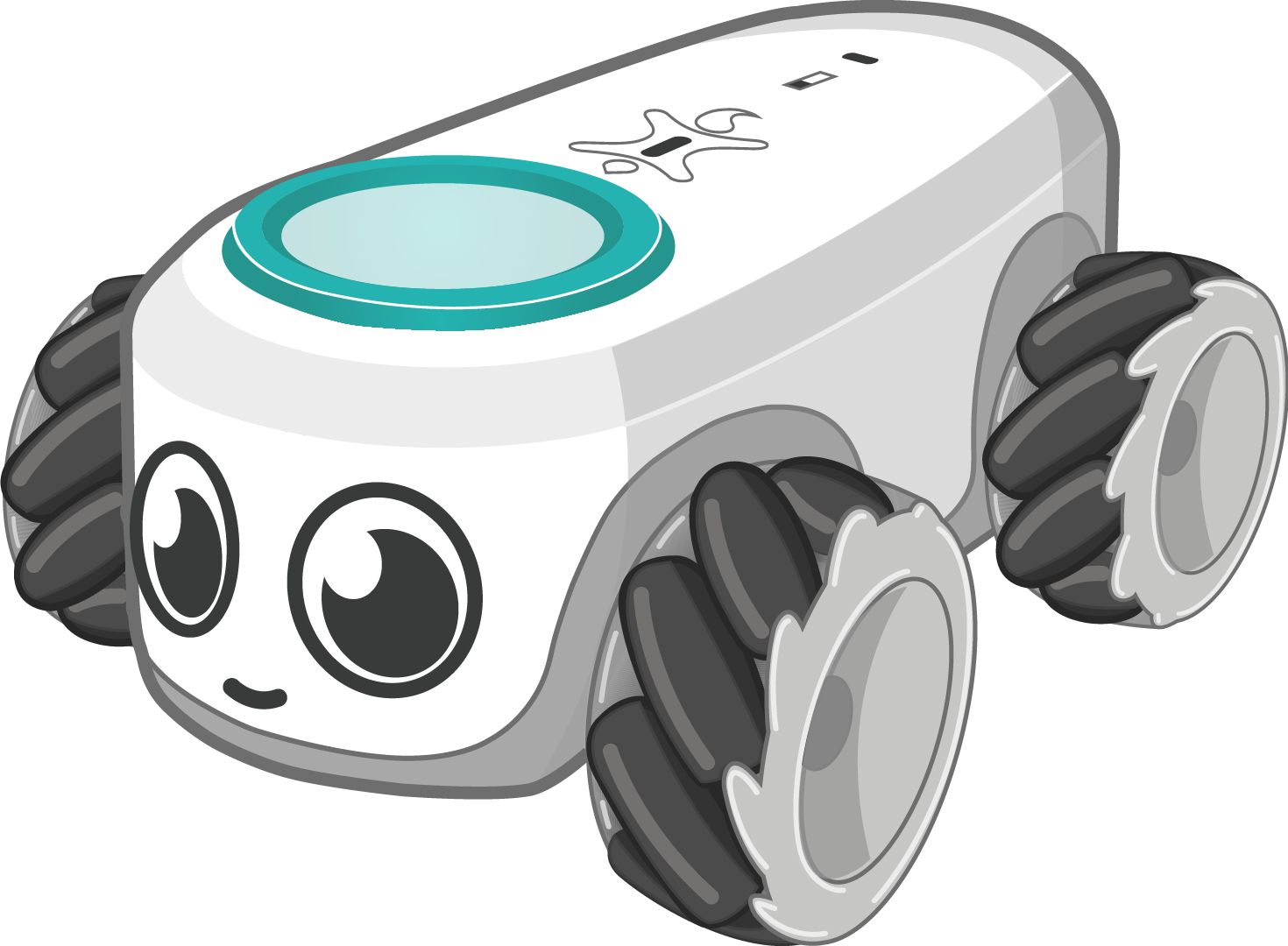
ilo_arena is a computer vision and hardware streaming interface designed for education. It provides a powerful Python package to control ilo, the new educational robot, directly from your computer based on a video feed using AI to track the robot.
It allows you to move the robot, read sensors, interact with LEDs, and create autonomous behaviors—all in just a few lines of Python.
🌟 Features
- Automatic Connection: Seamlessly connect to robots detected in the camera's field of view.
- AI Element Detection: Automatically detect and track elements (robots, boxes, etc.) using YOLO vision models.
- Intuitive Movement: Move the robot in multiple directions using Python commands and create complex movement loops.
- LED Matrix Control: Draw and animate using the robot's LED matrix.
- Real-time Play: Interact with the robot in real time using your keyboard.
- Sensor Integration: Control and read sensors wirelessly over Bluetooth.
- Built-in Studio UI: Includes a graphical interface for training custom AI models and visualizing inference streams.
⚙️ Installation and Updates
ilo_arena requires Python 3.8 or higher. You can install it easily using pip.
Install the package
pip install ilo_arena
Update to the latest version
pip install ilo_arena --upgrade
🚀 How to Run
1. Launching the AI Training program
The package comes with a built-in graphical application that lets you train YOLO models. To launch the UI, simply run the following command in your terminal:
ilo_train_ai
2. Running a Custom Robot Script
To control the robot programmatically, write your logic in a Python file and run it using Python:
python your_script.py
💻 Code Example
Here is a simple example to get you started. This script initializes the arena, finds detected elements, and commands the robot to perform a simple movement sequence.
from ilo_arena import Robot, Arena, start_arena, Element

def my_robot_logic(arena: Arena):
    while True:
        try:
            # Fetch all items detected by the AI in the camera view
            elements: list[Element] = arena.get_all_elements()

            for element in elements:
                # Attempt to get the connected robot associated with this element
                robot: Robot | None = element.get_robot(element._id)

                if robot is not None:
                    # Move forward
                    robot.move("front", 45, 100)
                    arena.sleep(2.0)

                    # Rotate 90 degrees
                    robot.rotation(90, finish_state=True)

                    # Move backward
                    robot.move("back", 70, 100)
                    arena.sleep(2.0)

                    # Stop the robot
                    robot.stop()
                    arena.sleep(1.0)

        except Exception as e:
            print(f"Error encountered: {e}")

        # Yield time to the background thread
        arena.sleep(0.1)

if __name__ == "__main__":
    # Start the arena and run the logic in a background thread
    start_arena(my_robot_logic)
📚 Documentation
The physical control of the robot heavily depends on the underlying ilo library. For advanced hardware interactions, refer to the ilo documentation.
To have a list of all available function, you can use
import ilo_arena

ilo_arena.list_function()
🤝 Contributing
Bug reports, patches, and suggestions are welcome! Questions? Contact us via our website.

1 maintainer

Metadata
1 maintainer
Release files for ilo-arena 1.0.6
For a detailed explanation of source distributions (sdists) and built distributions (wheels), please see the package formats documentation.
Source distribution (sdist)
| File | Size | Uploaded | Provenance | |
|---|---|---|---|---|
| ilo_arena-1.0.6.tar.gz | 39.2 kB | Without provenance | Details |
Built distribution (wheel)
| File | Interpreter | ABI | Platform | Reset |
|---|---|---|---|---|
| ilo_arena-1.0.6-py3-none-any.whl | Python 3 | none | any | Details |
Total release size: 86.8 kB
Release files / ilo_arena-1.0.6.tar.gz
| Download URL | ilo_arena-1.0.6.tar.gz |
|---|---|
| Size | 39.2 kB |
| Tags | Source |
|
SHA-256 checksum How to use checksums |
09ef0d881b56c3d1a43a6b43d65cf35bd2bcfc09b60d41aa60f314c5c41a3394
|
|
BLAKE2b-256 checksum How to use checksums |
03ed7850bfb6686b5bf5f639683a32919514f0ab18fc155d82d90774e7ff76a8
|
| Upload date | |
|
Uploaded using Trusted Publishing? What is trusted publishing? |
No |
| Uploaded via |
twine/6.2.0 CPython/3.12.12
|
Release files / ilo_arena-1.0.6-py3-none-any.whl
| Download URL | ilo_arena-1.0.6-py3-none-any.whl |
|---|---|
| Size | 47.6 kB |
| Tags | Python 3 |
|
SHA-256 checksum How to use checksums |
869739fc21de6ba586906cc052278d83c2f736a80de6273039ee0522ef446210
|
|
BLAKE2b-256 checksum How to use checksums |
82f85b2b04742522c59d92d338aa8cbfeb3959d89b69f735796cec99569c45e5
|
| Upload date | |
|
Uploaded using Trusted Publishing? What is trusted publishing? |
No |
| Uploaded via |
twine/6.2.0 CPython/3.12.12
|
Security for ilo-arena 1.0.6
Provenance
Provenance describes where a file came from. On PyPI, provenance is shared via attestations, which provide a verifiable record of the build or publishing details. View details, limitations and caveats.
No provenance found
None of the files in this release were uploaded with provenance metadata.
A note on package security
PyPI is a repository for distributing packages, not a service for auditing them. While third-party security researchers and our staff do their best to detect and remove malicious packages, PyPI cannot guarantee the quality, security or suitability of any given package.














