


ilo_arena
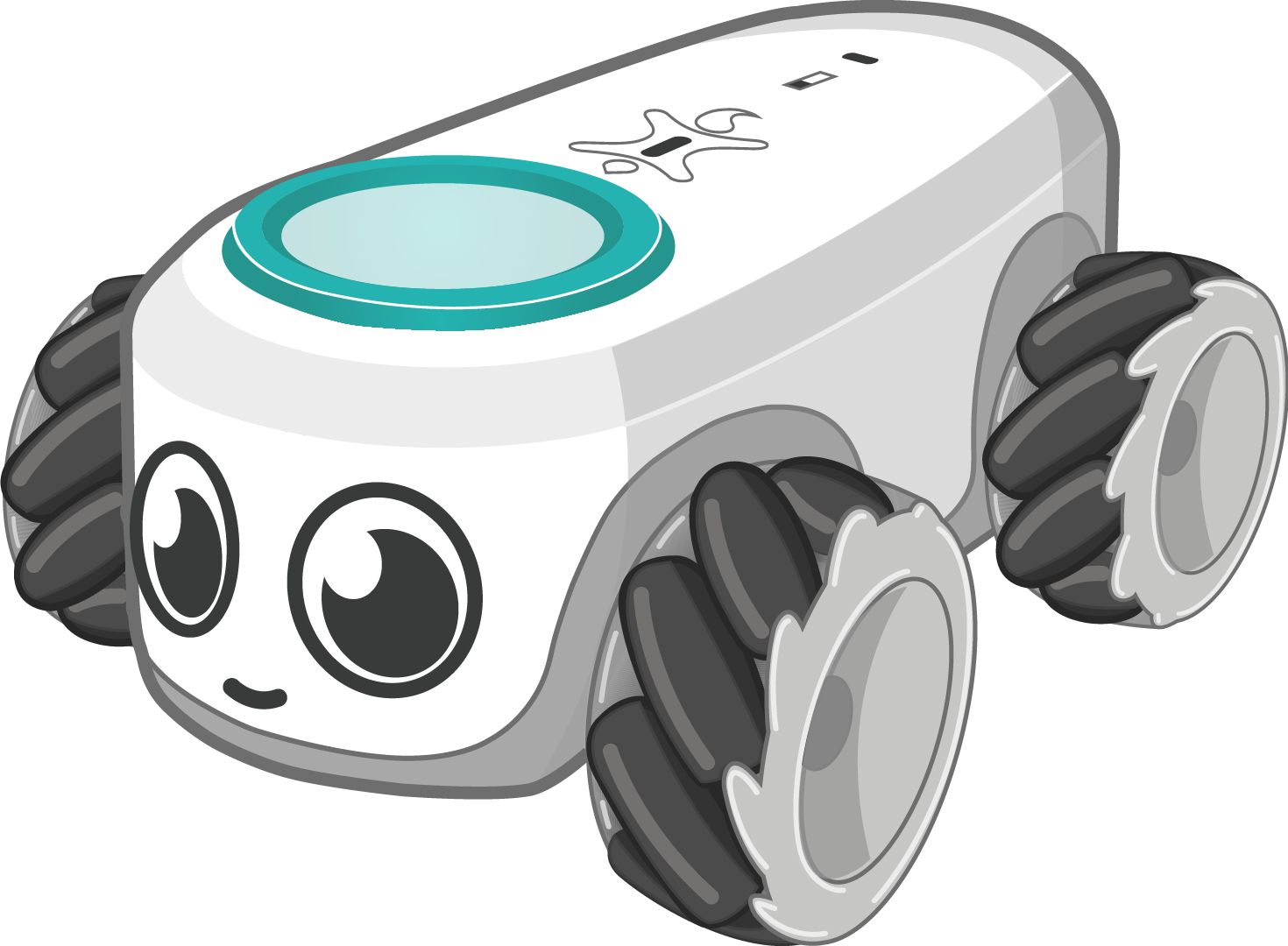
ilo_arena is a computer vision and hardware streaming interface designed for education. It provides a powerful Python package to control ilo, the new educational robot, directly from your computer based on a video feed using AI to track the robot.
It allows you to move the robot, read sensors, interact with LEDs, and create autonomous behaviors—all in just a few lines of Python.
🌟 Features
- Automatic Connection: Seamlessly connect to robots detected in the camera's field of view.
- AI Element Detection: Automatically detect and track elements (robots, boxes, etc.) using YOLO vision models.
- Intuitive Movement: Move the robot in multiple directions using Python commands and create complex movement loops.
- LED Matrix Control: Draw and animate using the robot's LED matrix.
- Real-time Play: Interact with the robot in real time using your keyboard.
- Sensor Integration: Control and read sensors wirelessly over Bluetooth.
- Built-in Studio UI: Includes a graphical interface for training custom AI models and visualizing inference streams.
⚙️ Installation and Updates
ilo_arena requires Python 3.8 or higher. You can install it easily using pip.
Install the package
pip install ilo_arena
Update to the latest version
pip install ilo_arena --upgrade
🚀 How to Run
1. Launching the AI Training program
The package comes with a built-in graphical application that lets you train YOLO models. To launch the UI, simply run the following command in your terminal:
ilo_train_ai
2. Running a Custom Robot Script
To control the robot programmatically, write your logic in a Python file and run it using Python:
python your_script.py
💻 Code Example
Here is a simple example to get you started. This script initializes the arena, finds detected elements, and commands the robot to perform a simple movement sequence.
from ilo_arena import Robot, Arena, start_arena, Element

def my_robot_logic(arena: Arena):
    while True:
        try:
            # Fetch all items detected by the AI in the camera view
            elements: list[Element] = arena.get_all_elements()

            for element in elements:
                # Attempt to get the connected robot associated with this element
                robot: Robot | None = element.get_robot(element._id)

                if robot is not None:
                    # Move forward
                    robot.move("front", 45, 100)
                    arena.sleep(2.0)

                    # Rotate 90 degrees
                    robot.rotation(90, finish_state=True)

                    # Move backward
                    robot.move("back", 70, 100)
                    arena.sleep(2.0)

                    # Stop the robot
                    robot.stop()
                    arena.sleep(1.0)

        except Exception as e:
            print(f"Error encountered: {e}")

        # Yield time to the background thread
        arena.sleep(0.1)

if __name__ == "__main__":
    # Start the arena and run the logic in a background thread
    start_arena(my_robot_logic)
📚 Documentation
The physical control of the robot heavily depends on the underlying ilo library. For advanced hardware interactions, refer to the ilo documentation.
To have a list of all available function, you can use
import ilo_arena

ilo_arena.list_function()
🤝 Contributing
Bug reports, patches, and suggestions are welcome! Questions? Contact us via our website.

1 maintainer

Download files
Download the file for your platform. If you're not sure which to choose, learn more about installing packages.
Source Distribution
Built Distribution
Filter files by name, interpreter, ABI, and platform.
If you're not sure about the file name format, learn more about wheel file names.
Copy a direct link to the current filters
File details
Details for the file ilo_arena-1.0.3.tar.gz.
File metadata
- Download URL: ilo_arena-1.0.3.tar.gz
- Upload date:
- Size: 38.5 kB
- Tags: Source
- Uploaded using Trusted Publishing? No
- Uploaded via:
twine/6.2.0 CPython/3.12.12
File hashes
| Algorithm | Hash digest | |
|---|---|---|
| SHA256 |
3adfb21b6fcb0cb3f86e39da5d7970547a45165a27b67610dde65c6c9a41a5ca
|
|
| MD5 |
82ab6635850cf75cb508405a2ed0f516
|
|
| BLAKE2b-256 |
464e56e0fd6f2b13b30b38aac5677a2d8da171d0c8a1e1717d75b8bb4ff1ee3a
|
File details
Details for the file ilo_arena-1.0.3-py3-none-any.whl.
File metadata
- Download URL: ilo_arena-1.0.3-py3-none-any.whl
- Upload date:
- Size: 46.8 kB
- Tags: Python 3
- Uploaded using Trusted Publishing? No
- Uploaded via:
twine/6.2.0 CPython/3.12.12
File hashes
| Algorithm | Hash digest | |
|---|---|---|
| SHA256 |
68555783ec3cc0afe4b37fb19947461973c1f0ee87a88998b7d8f5ba0a463ee8
|
|
| MD5 |
510de56a0074cd3a00badb8e2cd5affd
|
|
| BLAKE2b-256 |
75f48f64d4b2863ee80db80a2df505cf732dd9593e6163e4dba9bf63682d785b
|














