
ipyspeck
A Jupyter Widget for rendering beautiful molecular structures using Speck.
| Latest Release |

|
| PyPI Downloads |


|
About
Speck is a molecule renderer with the goal of producing figures that are as attractive as they are practical. Express your molecule clearly and with style.
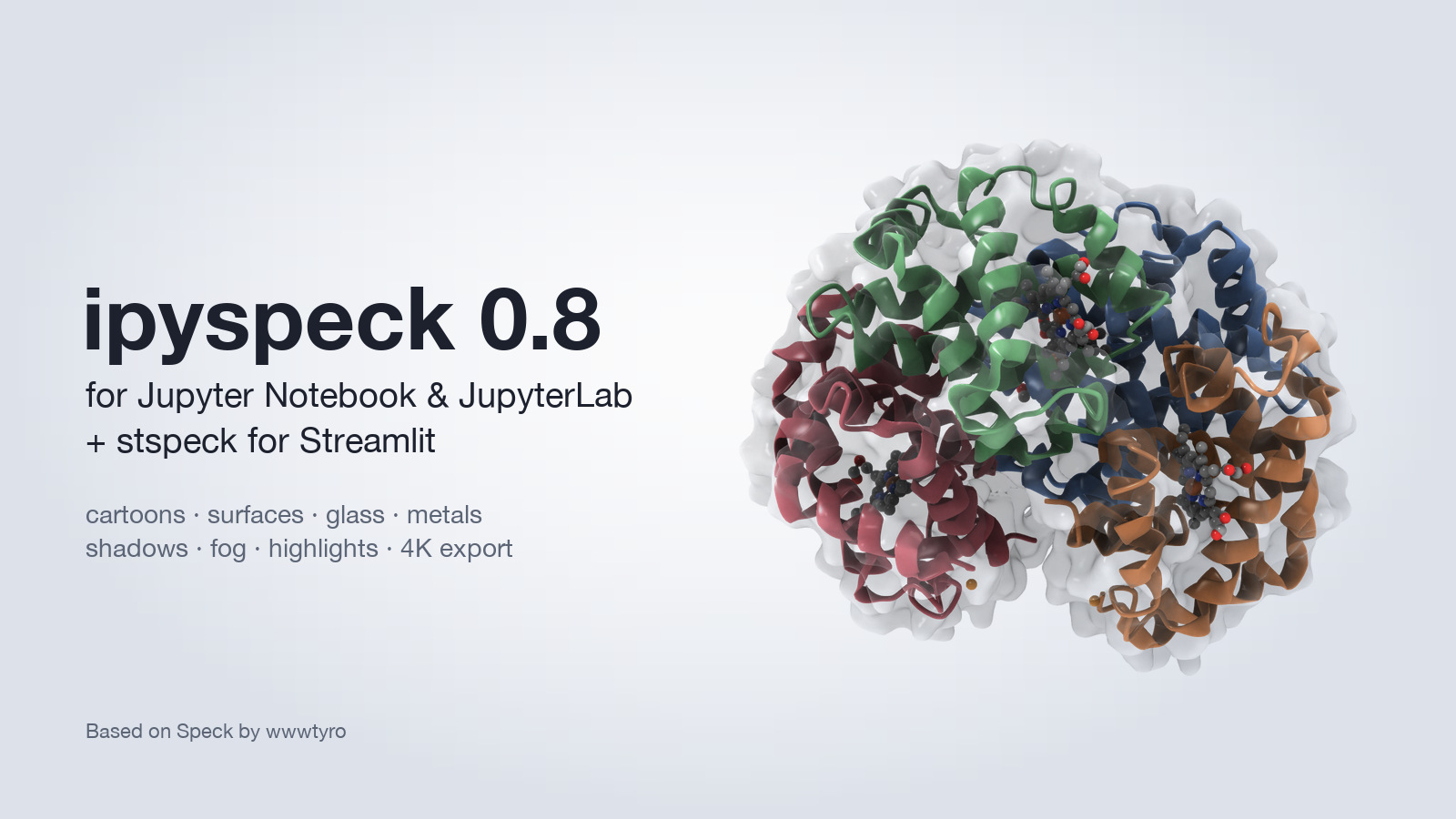
ipyspeck brings Speck to Jupyter Notebook and JupyterLab: ambient-occlusion rendering of atoms and bonds, protein and nucleic-acid cartoons, molecular surfaces (optionally transparent), metallic and glossy materials, shadows, depth fog, highlighting, trajectories, unit cells and high-resolution image and animation export. The same viewer is available for Streamlit as stspeck.
Version Compatibility
⚠️ IMPORTANT: Version Compatibility Notice
ipyspeck 0.8.x requires:
- Jupyter Notebook 6 or JupyterLab 3 / 4
- ipywidgets 7 or 8
- Python >= 3.8
For older environments, use ipyspeck 0.6.x:
- JupyterLab 2.x → use
ipyspeck<0.7- ipywidgets < 7.0 → use
ipyspeck<0.7- Python < 3.8 → use
ipyspeck<0.7Migration Notes:
- Version 0.8.0 works with Classic Notebook 6 and JupyterLab 3 and 4, on ipywidgets 7 and 8
- Version 0.7.0+ uses the modern JupyterLab 3+ federated extension system
- Version 0.7.0+ supports both ipywidgets 7.x and 8.x with backward compatibility
- Version 0.7.0+ uses Lumino (LuminoJS) instead of deprecated PhosphorJS
Installation
Standard Installation
For JupyterLab 3+ and ipywidgets 7+:
pip install ipyspeck
That's it! The extension will be automatically enabled in JupyterLab 3+.
Legacy Installation (JupyterLab 2.x)
For older JupyterLab versions:
pip install "ipyspeck<0.7"
jupyter nbextension enable --py --sys-prefix ipyspeck
jupyter labextension install ipyspeck
Development Installation
For developers who want to contribute:
git clone https://github.com/denphi/speck.git
cd speck/jupyter
npm install && npm run build
pip install -e .
Usage
Quick start
from ipyspeck import Speck

Speck.from_pdb_id("4HHB")                  # RCSB entry, shown as a cartoon
Speck.from_alphafold("Q8W3K0")             # AlphaFold model, colored by confidence
Speck(data=open("molecule.xyz").read())    # any XYZ / extended XYZ / PDB text
Every setting below is a constructor argument and can also be changed live
(w.surface = True). The toolbar in the top right switches styles, toggles
cartoon, surface and ligands, sets standard views, cycles color schemes and
saves a PNG. Set the size with w.layout.height = "500px".
Cartoons, surfaces and ligands
w = Speck.from_pdb_id("4HHB", cartoonColor="chain")   # 'ss', 'chain', 'rainbow', 'plddt' or '#rrggbb'
w.surface = True                  # solvent-excluded molecular surface
w.surfaceOpacity = 0.3            # see the cartoon and ligands through it
w.cartoonAtoms = "sidechains"     # also 'ligands' (default), 'all', 'none'
w.ligands = False                 # hide ligands in any view
Looks, lighting and materials
w.apply_preset("cover")           # default, matte, glossy, toon, cover, metal, glass
w.shadows = 0.6                   # cast shadows from the key light
w.fog = 0.4                       # depth cue toward fogColor
w.rim = 0.3                       # rim light along silhouettes
w.specular, w.gloss = 0.5, 0.7    # highlights
w.metallic, w.metallicAtoms = 1.0, "metals"   # shiny metals, matte organics
w.outline, w.outlineColor = 0.5, "#2d2466"
Macro look (depth of field)
Blur grows with the distance to the focal plane and with zoom, like a macro lens:
zoom in on a detail and keep it sharp with dofFocus.
w = Speck.from_pdb_id("4HHB", cartoon=True, highlight={"resName": "HEM", "chain": "A"})
w.dofFocus = {"resName": "HEM", "chain": "A"}   # stays in focus as you rotate
w.dofStrength = 1.2                              # 1 - 2 for a macro look (max 3)
Highlighting
w.highlight = {"resName": "HEM"}   # keys: index, chain, resName, resSeq, name, element, ligands
w.highlight = {"chain": "A", "resSeq": ["40-60"]}
w.highlightScale = 1.3
w.ghost = 0.6                      # fade everything else
Figures and animations
w.save_image("figure.png", width=3000)                 # supersampled PNG, up to 4096 px
w.save_animation("turn.gif", frames=60)                # turntable; .mp4 needs imageio
w.save_animation("traj.mp4", mode="trajectory")        # every frame of the data
saved = w.camera                                       # ...later: w.camera = saved
Exports render in the browser after the cell finishes; the file appears a moment later.
Structures from Python
Speck.from_file("structure.pdb")
Speck.from_ase(atoms)              # ase.Atoms or a list (trajectory); periodic cells shown
Speck.from_rdkit(mol)              # needs 3D coordinates (AllChem.EmbedMolecule)
Speck.from_pymatgen(structure)     # Structure (with its cell) or Molecule
Multi-frame XYZ and multi-model PDB data are trajectories: set w.frame, or display
w.trajectory_controls() for a play button and slider.
See example/showcase.ipynb for a tour of every feature.
Streamlit
The same viewer and settings are available for Streamlit apps in the separate stspeck package:
pip install stspeck
import stspeck
stspeck.speck(**stspeck.fetch_alphafold("Q8W3K0"), preset="cover", height=500)
Features
- 🎨 Publication-quality rendering: ambient occlusion, shadows, fog, rim light, outlines
- 🧬 Protein and nucleic-acid cartoons with computed or file secondary structure
- 🫧 Molecular surfaces, optionally transparent, colored by element, chain, residue or pLDDT
- ✨ Glossy and metallic materials, with metal-only reflections for nanoparticles and crystals
- 🔦 Highlighting and ghosting of any atom selection
- 🎞️ Trajectories, unit cells, and high-resolution image, GIF and MP4 export
- 🧪 Loaders for RCSB, AlphaFold DB, ASE, RDKit and pymatgen
- 🔌 Jupyter Notebook 6, JupyterLab 3 and 4, ipywidgets 7 and 8; Streamlit via stspeck
Gallery
Rendered with ipyspeck (see example/showcase.ipynb for the settings behind these looks).
Macro photography (depth of field)
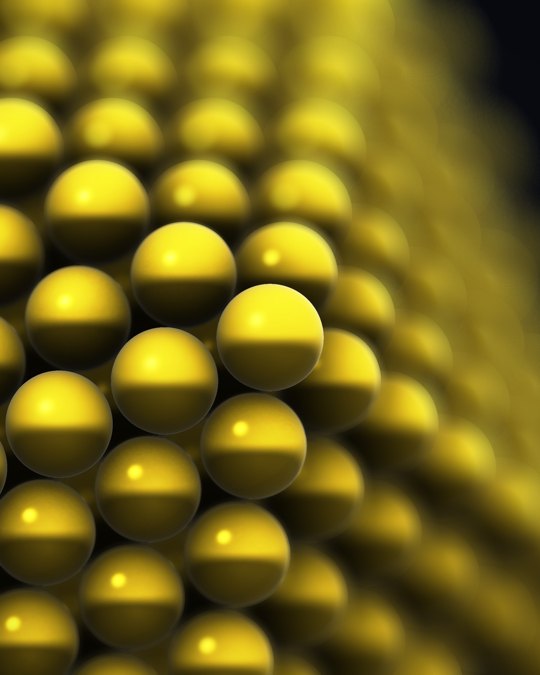 Gold nanoparticle, 923 atoms |
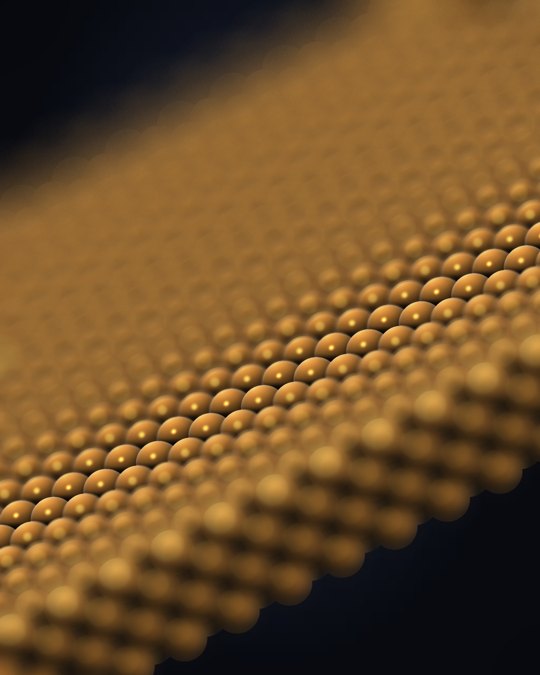 Copper surface |
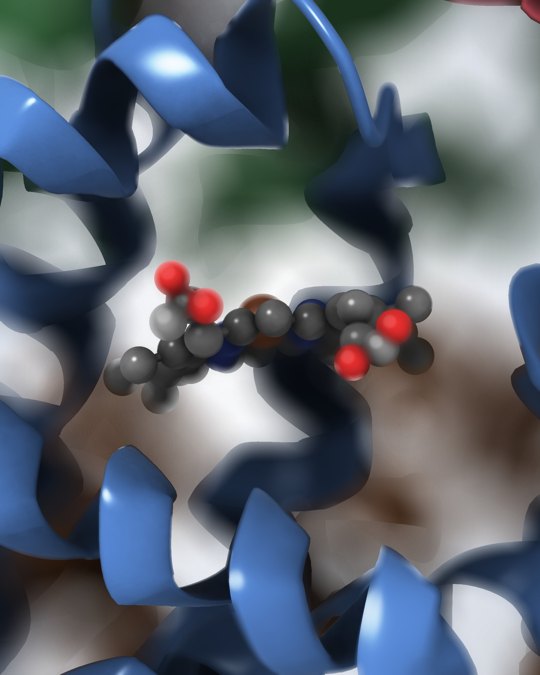 Heme in hemoglobin (4HHB) |
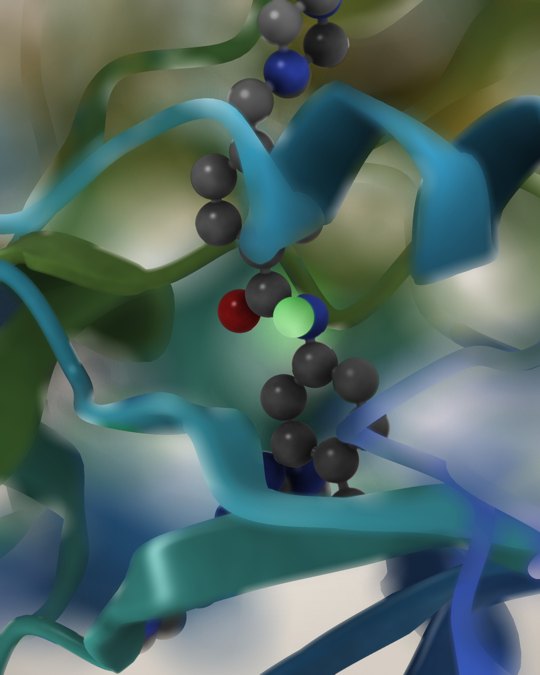 Imatinib in ABL kinase (1IEP) |
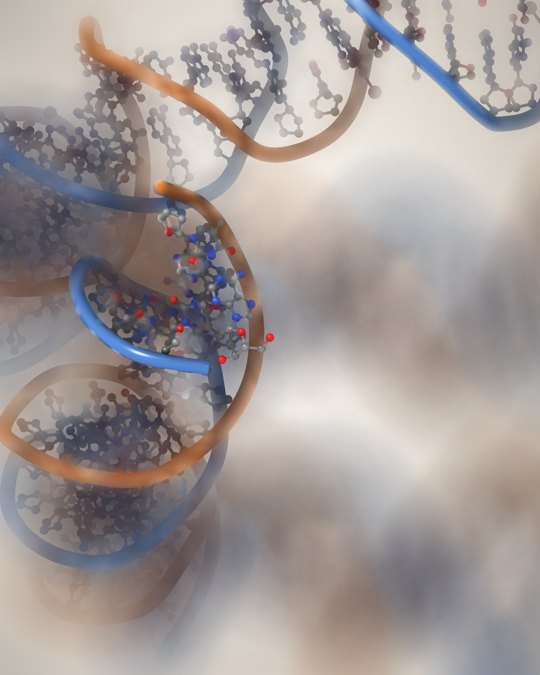 Nucleosome DNA (1KX5) |
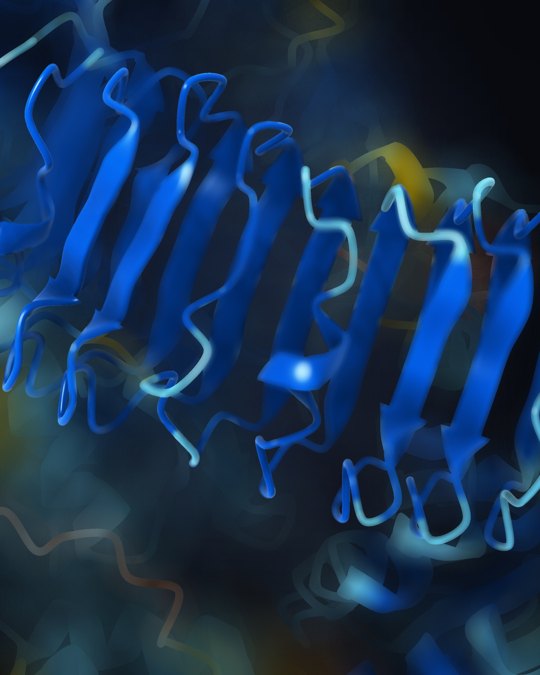 AlphaFold RPP7 repeat domain |
Proteins and complexes
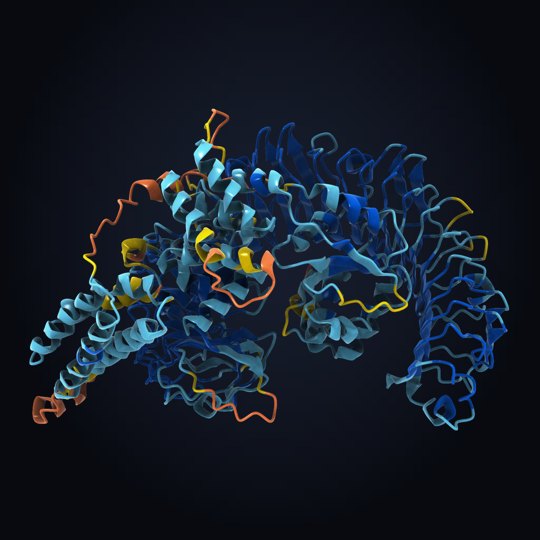 AlphaFold RPP7, by pLDDT |
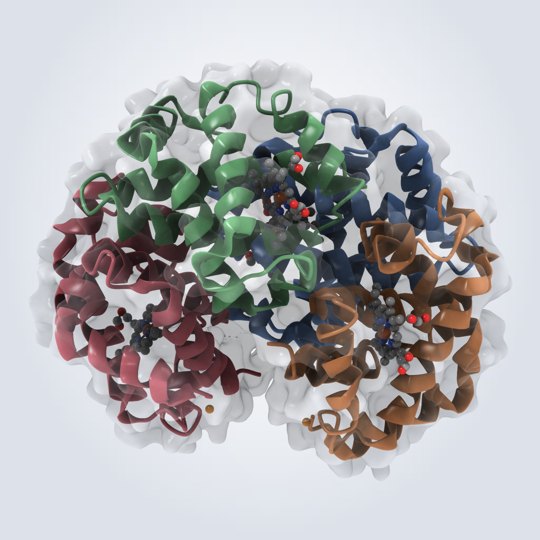 Hemoglobin, glass surface (4HHB) |
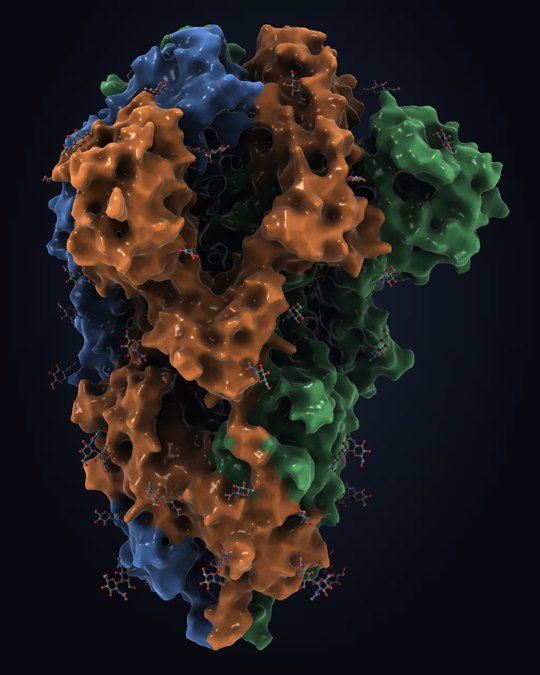 SARS-CoV-2 spike (6VXX) |
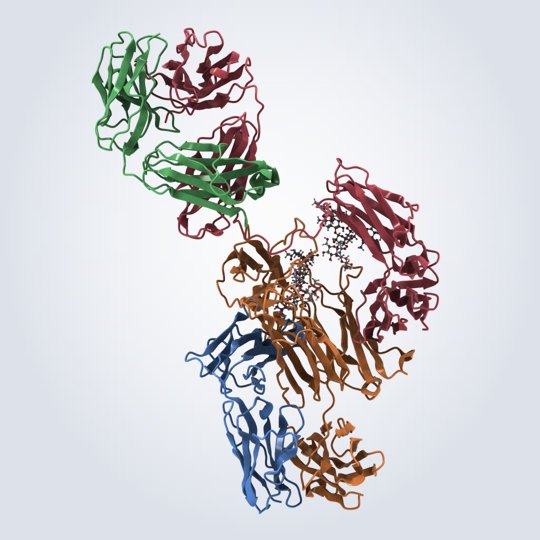 IgG antibody (1IGT) |
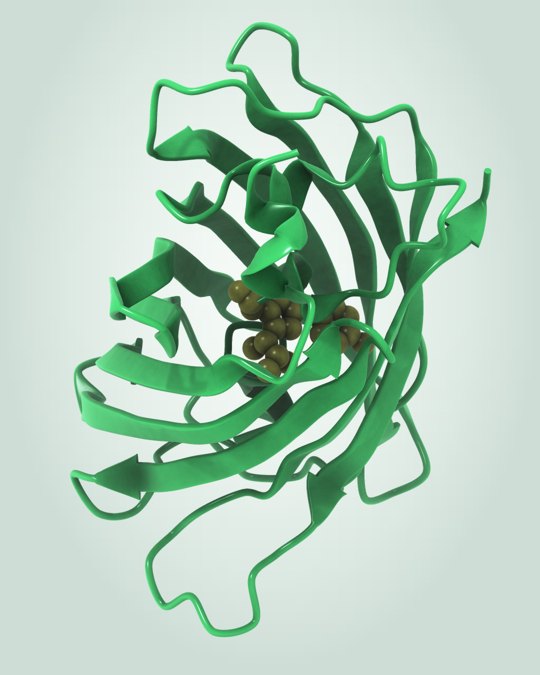 Green fluorescent protein (1EMA) |
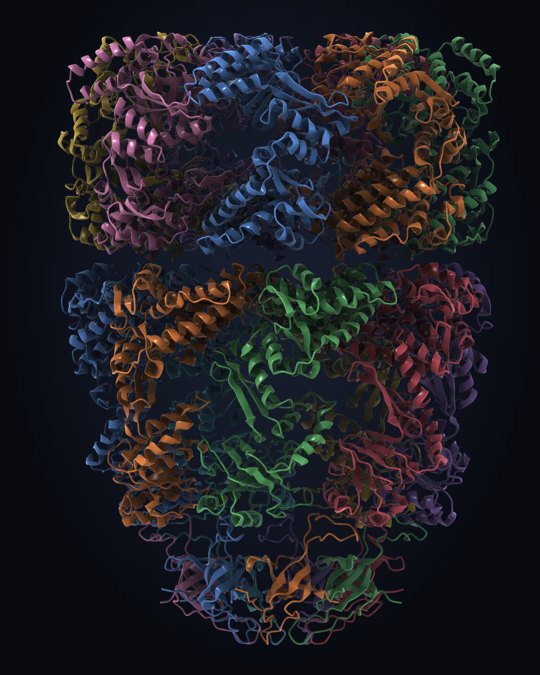 GroEL–GroES chaperonin (1AON) |
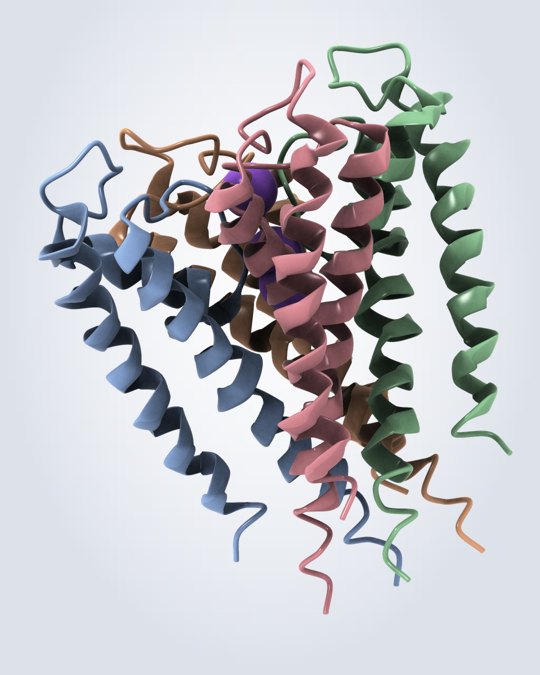 KcsA K⁺ channel (1BL8) |
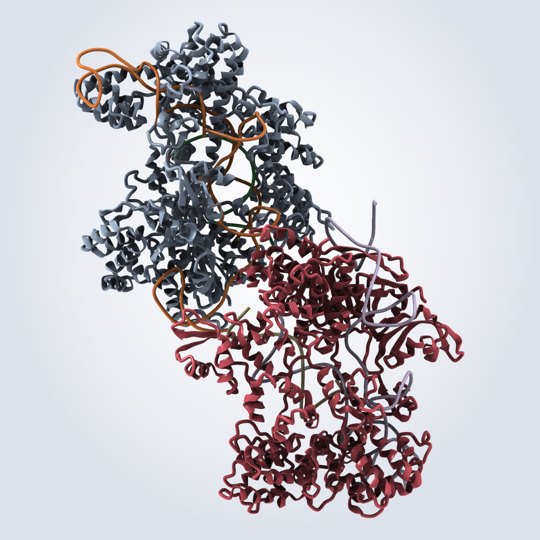 CRISPR-Cas9 with guide RNA (4OO8) |
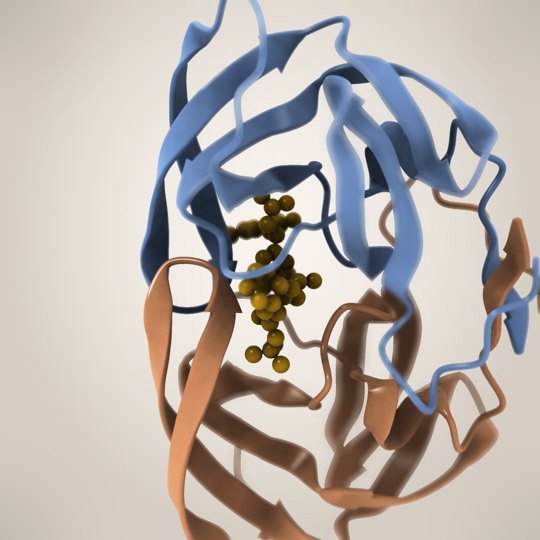 HIV protease + saquinavir (1HXB) |
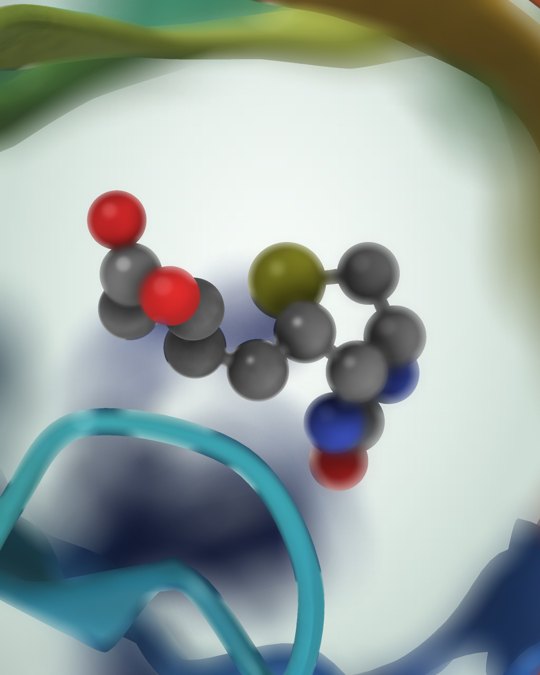 Streptavidin–biotin (1STP) |
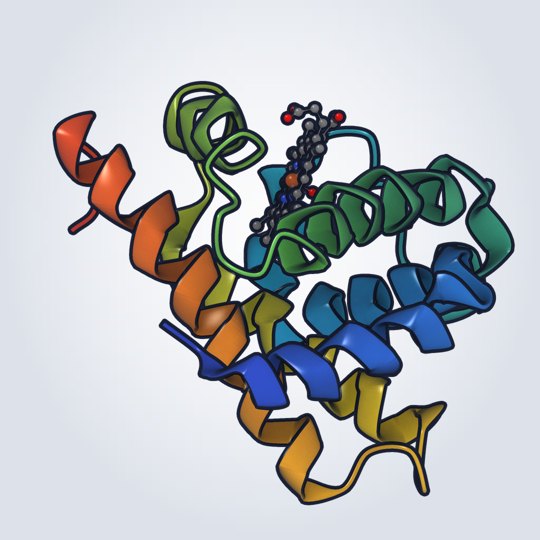 Myoglobin, toon style (1MBN) |
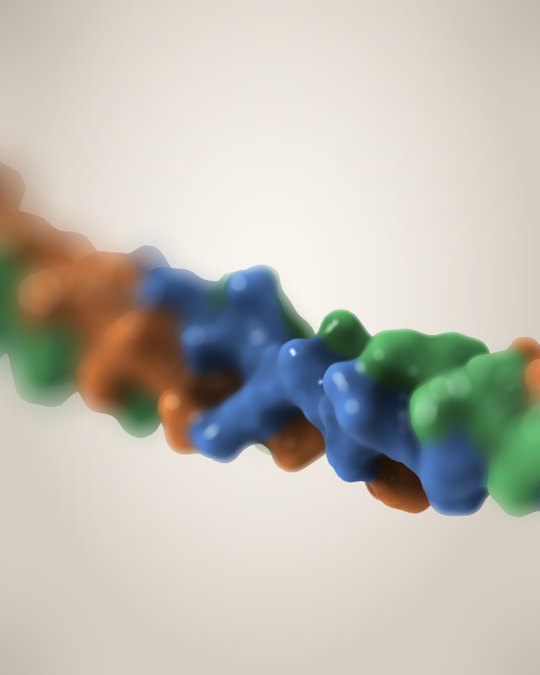 Collagen triple helix (1BKV) |
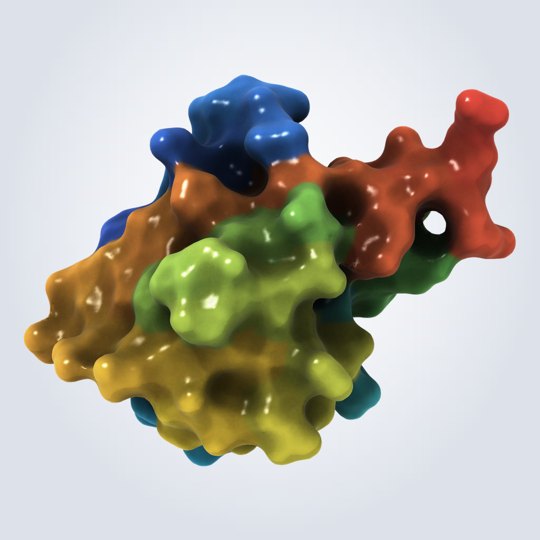 Ubiquitin surface (1UBQ) |
Nucleic acids
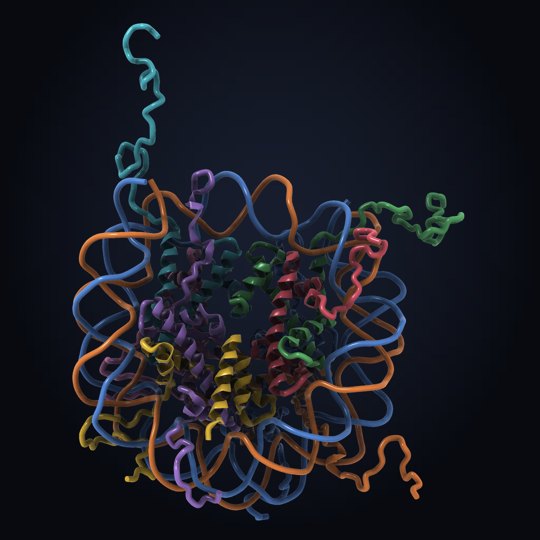 Nucleosome (1KX5) |
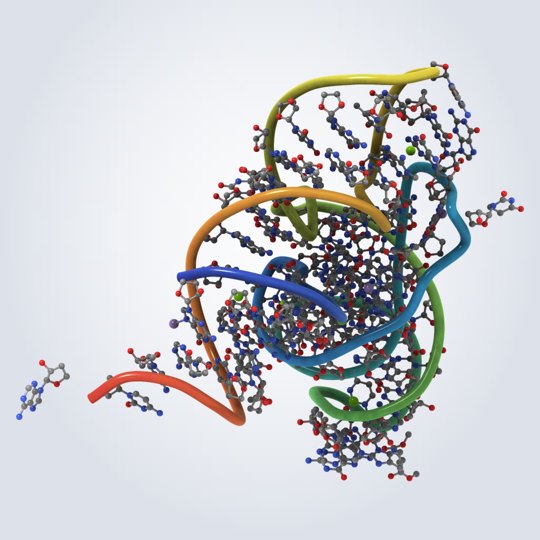 Transfer RNA (1EHZ) |
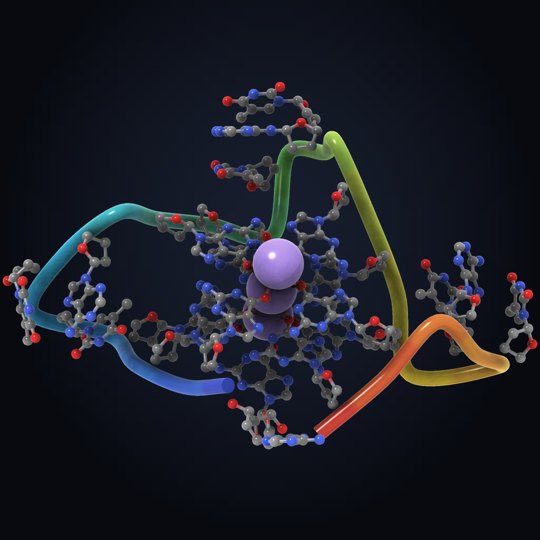 G-quadruplex with K⁺ (1KF1) |
Chemistry and materials
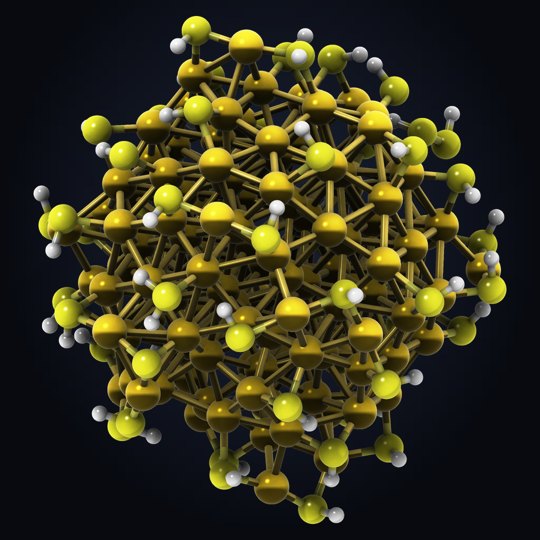 Gold–thiolate cluster |
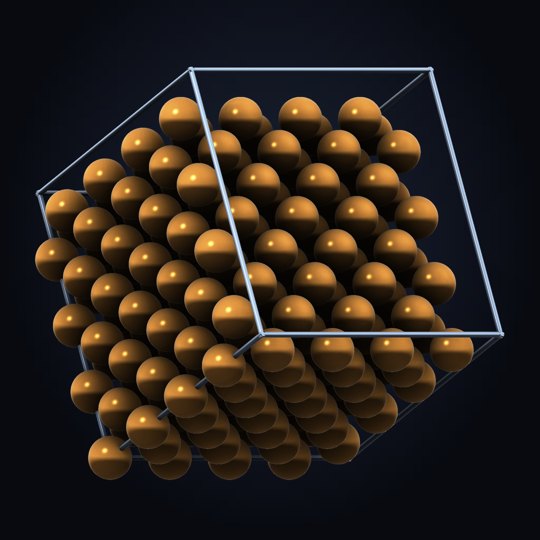 Copper crystal and unit cell |
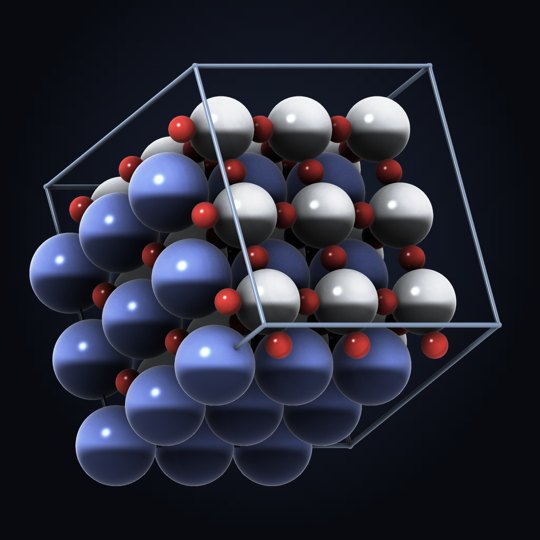 SrTiO₃ perovskite |
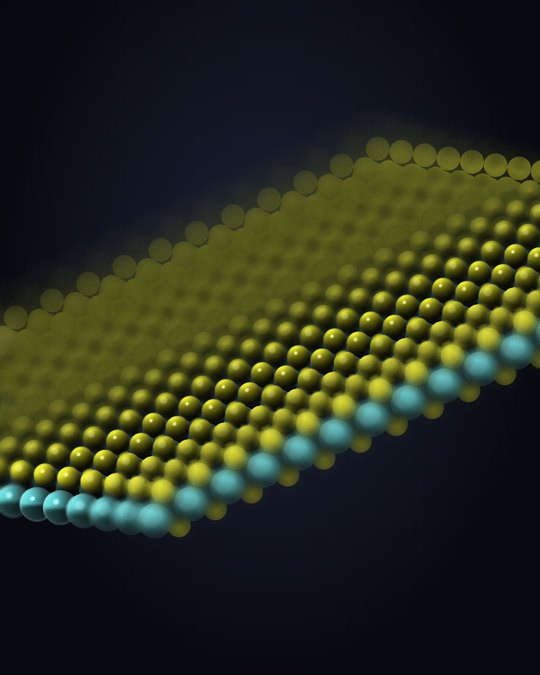 MoS₂ monolayer |
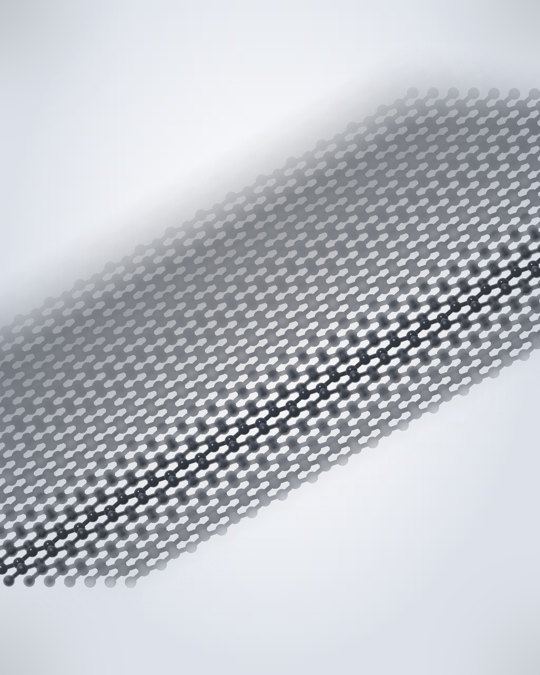 Graphene |
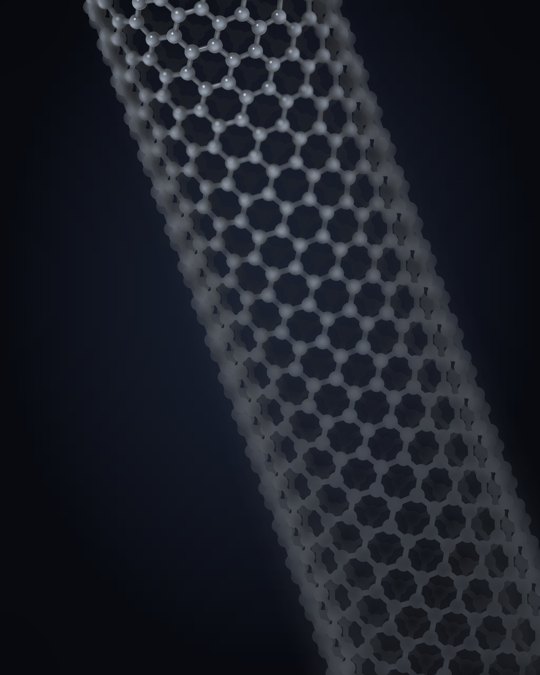 Carbon nanotube |
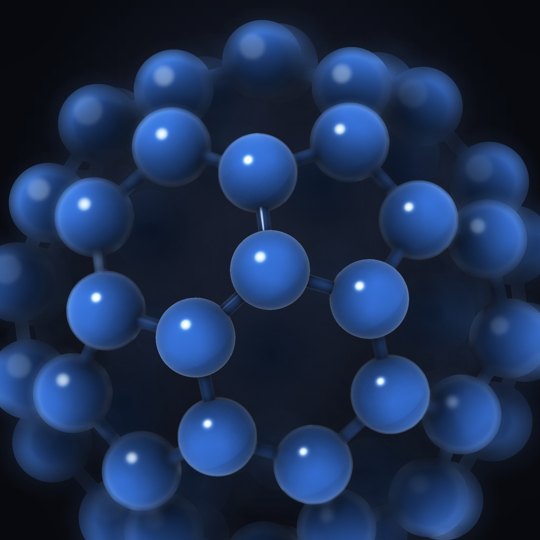 C₆₀ buckminsterfullerene |
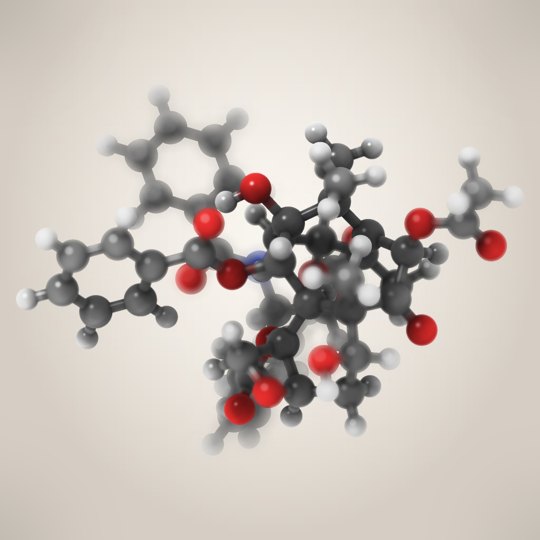 Taxol (paclitaxel) |
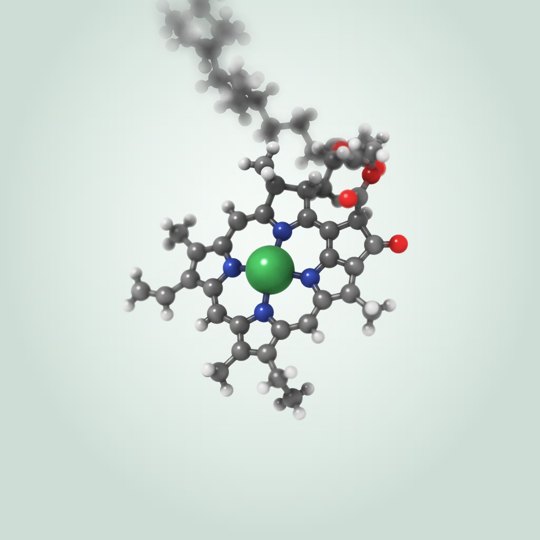 Chlorophyll a |
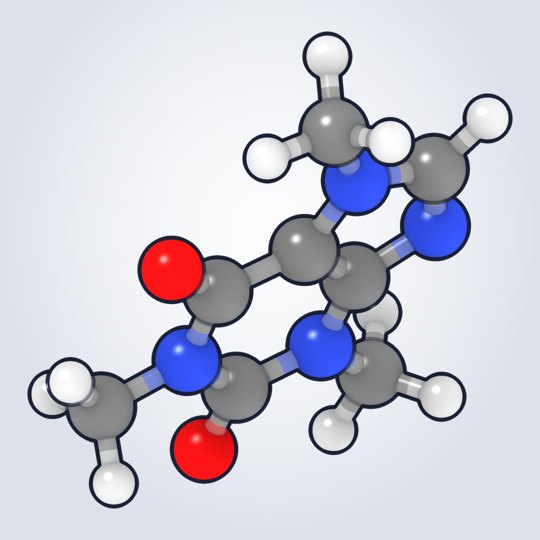 Caffeine |
Development
The widget lives in jupyter/; the renderer and viewer it shares with stspeck live in
core/ and are built first.
cd jupyter
npm install
npm run build          # core, TypeScript, notebook and lab extensions (dev)
npm run build:prod     # production build
npm test               # model unit tests
pip install -e .
License
BSD-3-Clause
Author
Daniel Mejia (Denphi) - denphi@denphi.com
Links
1 maintainer

Release files for ipyspeck 0.8.1
For a detailed explanation of source distributions (sdists) and built distributions (wheels), please see the package formats documentation.
Source distribution (sdist)
| File | Size | Uploaded | |
|---|---|---|---|
| ipyspeck-0.8.1.tar.gz | 353.7 kB | Details |
Built distribution (wheel)
| File | Interpreter | ABI | Platform | Reset |
|---|---|---|---|---|
| ipyspeck-0.8.1-py3-none-any.whl | Python 3 | none | any | Details |
Total release size: 816.1 kB
Release files / ipyspeck-0.8.1.tar.gz
| Download URL | ipyspeck-0.8.1.tar.gz |
|---|---|
| Size | 353.7 kB |
| Tags | Source |
|
SHA-256 checksum How to use checksums |
9f2fa73733ebb93f60a72f3be94bc4e517f99e441aa7a2e27ca783504927a349
|
|
BLAKE2b-256 checksum How to use checksums |
15264494eb622187a2509334fedc254f529ce88a0bb60e704a1bdd0da6151ab9
|
| Upload date | |
|
Uploaded using Trusted Publishing? What is trusted publishing? |
No |
| Uploaded via |
twine/7.0.0 CPython/3.12.13
|
Release files / ipyspeck-0.8.1-py3-none-any.whl
| Download URL | ipyspeck-0.8.1-py3-none-any.whl |
|---|---|
| Size | 462.3 kB |
| Tags | Python 3 |
|
SHA-256 checksum How to use checksums |
769039c7bf1f8e7938071e780c5f44b53623bc8bdb474b082c3a108c592b8461
|
|
BLAKE2b-256 checksum How to use checksums |
e27b1b80f7410f9845e061bf0b62c310a1538755c01c0dbb13d7f0819b66e7eb
|
| Upload date | |
|
Uploaded using Trusted Publishing? What is trusted publishing? |
No |
| Uploaded via |
twine/7.0.0 CPython/3.12.13
|














