



Scene Editor for MuJoCo
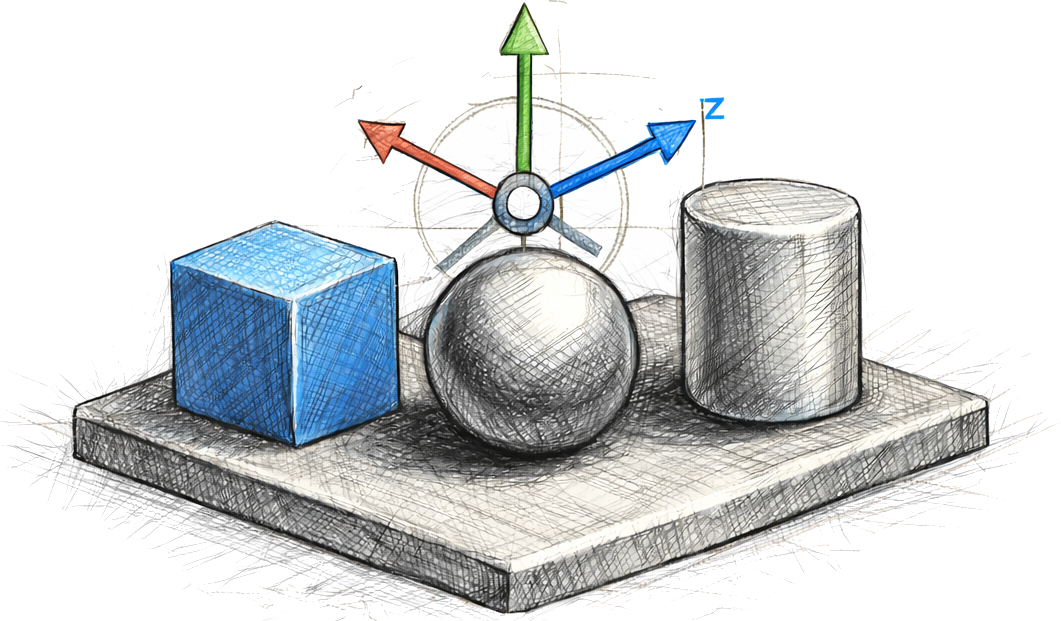
Lightweight, interactive scene editor for MuJoCo 3.x. Create or edit scenes in your browser to place shapes, import meshes, add robots, and edit elements interactively.
Quickstart
pip install mujoco-scene-editor

# Start a fresh, empty scene
mjcreate

# Load from MJCF XML or a blueprint JSON
mjedit path/to/scene.xml
Installation
Install the package on PyPi with
pip install mujoco-scene-editor
This installs necessary dependencies and exposes console scripts.
The following entry points are available and they are also accessible as scene-editor subcommands:
mjcreate: Create an empty scene (opens the web browser)mjedit: Edit an existing scene (opens the web browser)mjprompt: Generate a scene from a prompt and save it as a MuJoCo XML
From a local checkout:
pip install -e .
# or with dev tools
pip install -e '.[dev]'
To run with uv, use
# Run the installed console script via uv
uv run scene-editor --help
uv run scene-editor new
When the server starts, it prints the URL and opens your browser. Quit with Ctrl+C or the "Quit server" button.
Examples
Use the provided chemistry lab MJCF as a starting point:
# With pip-installed package
mjedit examples/prompt/scene_chemistry_lab.xml

# With uv (no install)
uv run --with mujoco-scene-editor mjedit examples/prompt/scene_chemistry_lab.xml
Then:
- Use "Add Box/Sphere/Cylinder" to place primitive geoms.
- Use "Add Asset" to insert a local mesh from your file system.
- Drag the gizmo to change pose; use “Export” to write MJCF/JSON.
Robot models are detected using a heuristic. See the section below on how to configure the editor to use different robot models.
Prompting / Scene Generation Examples
You can conveniently generate a MuJoCo scene from a natural-language prompt (requires an OpenAI API key):
# Set this to your API key
export OPENAI_API_KEY=...
# Generate a scene from a prompt string
mjprompt

# Edit the generated scene.
mjedit examples/prompt/scene_coffee_shop.xml
Loading a generated scene might not work out of the box in all cases. Generated scenes can have inconsistencies in geometry, but can be easily edited.
Examples
Below are some generated example scenes. More examples are available in the examples/prompt folder.
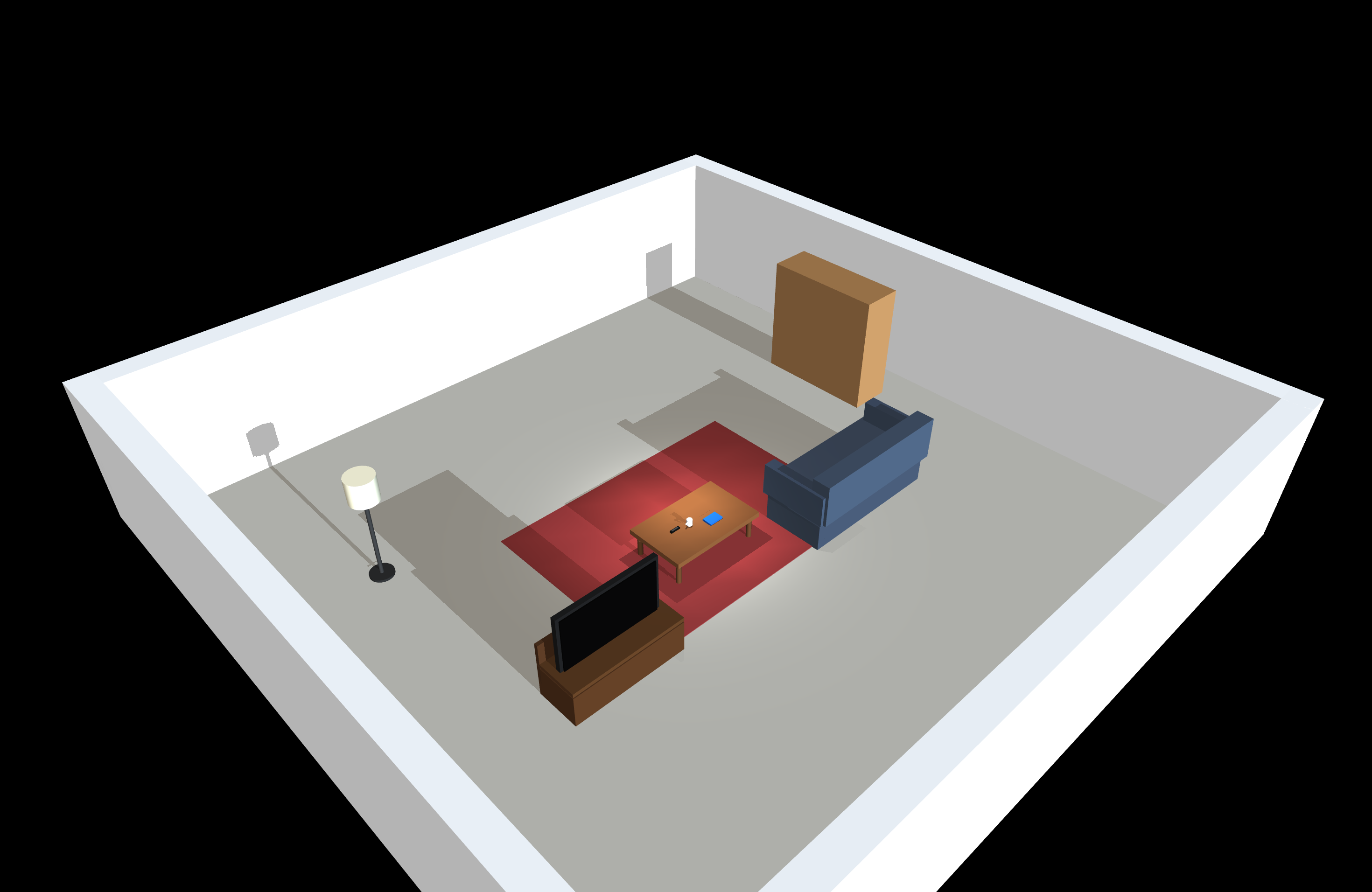
Living Room |
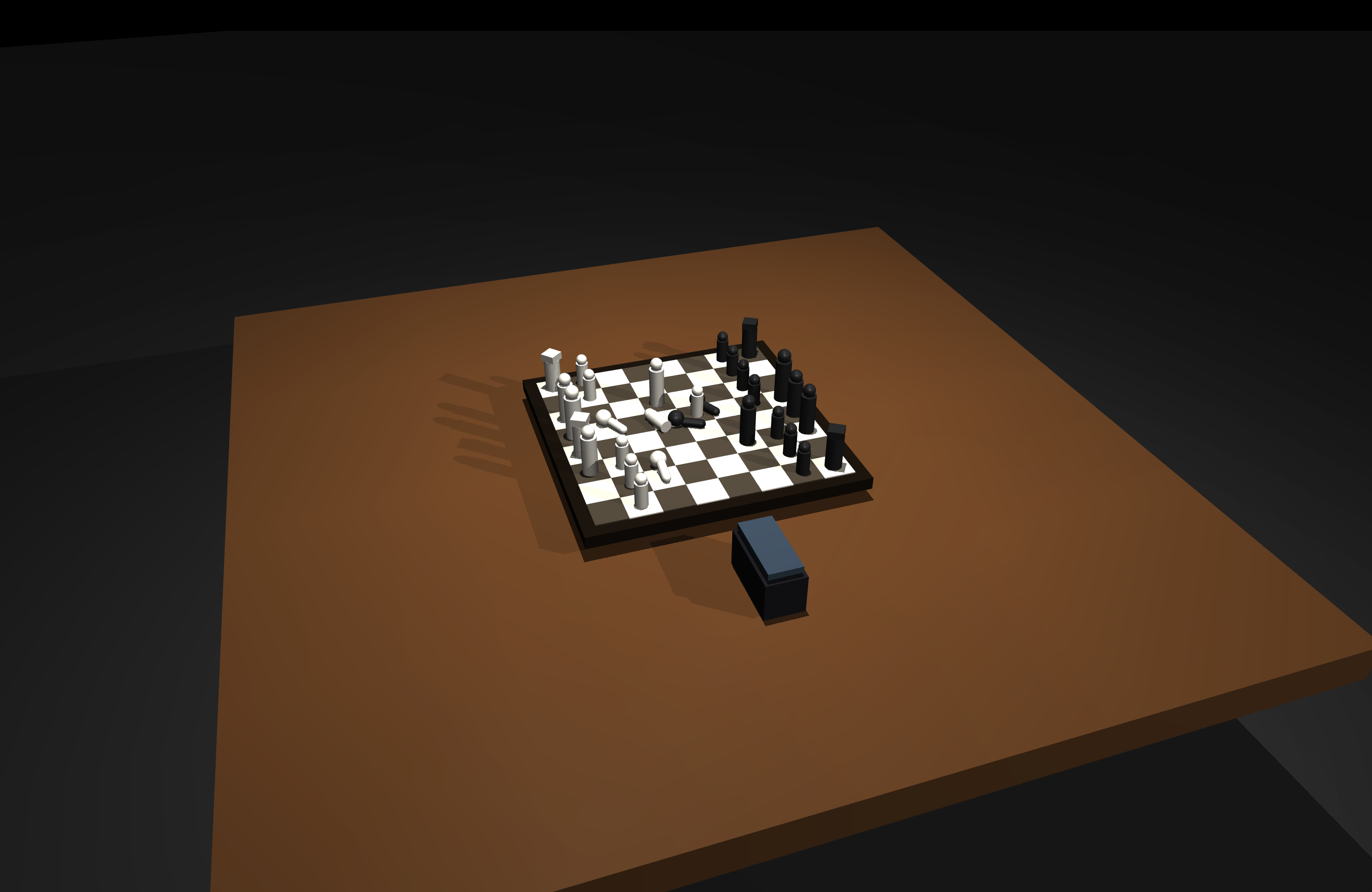
Chess Table |
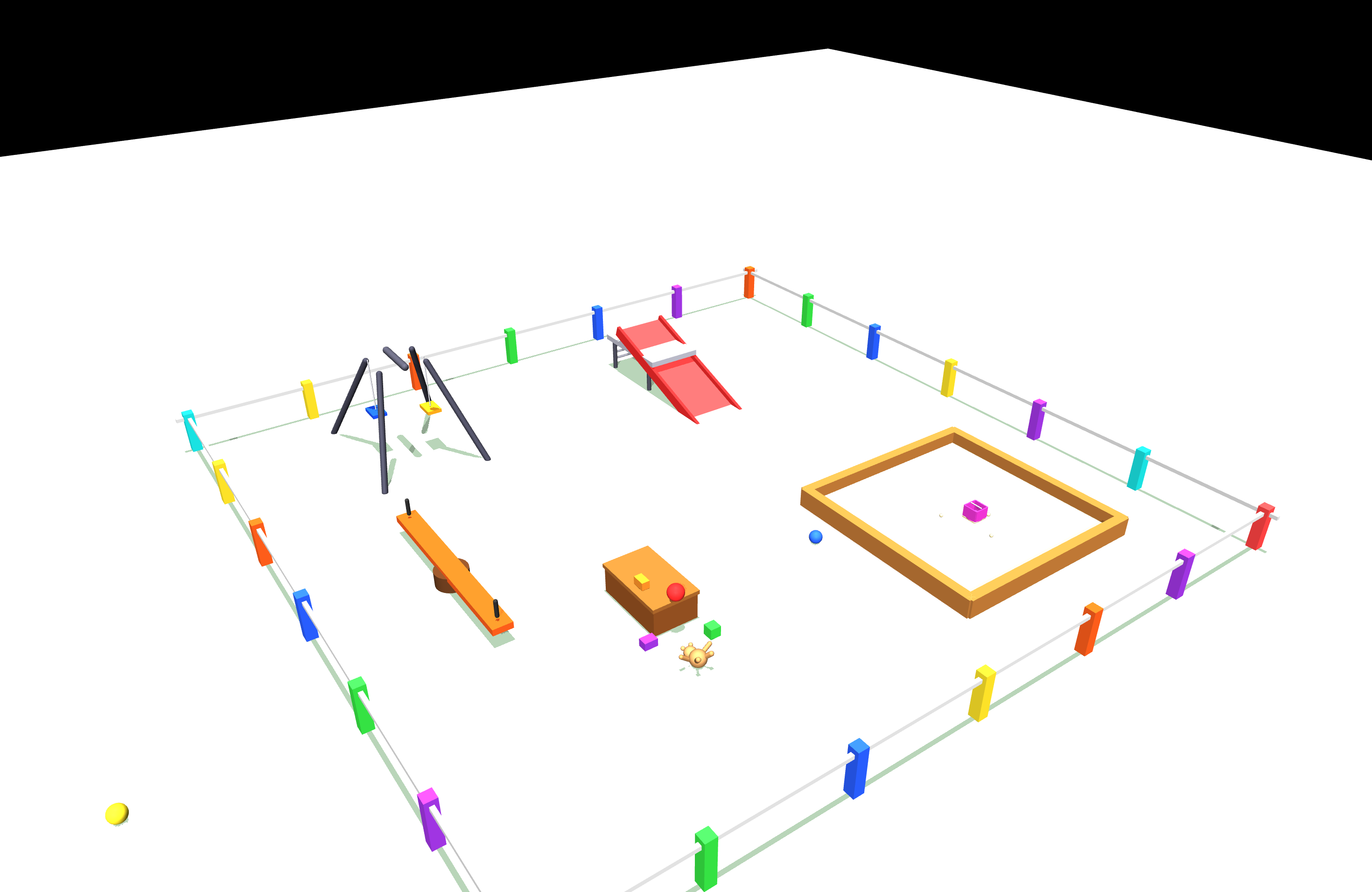
Playground |
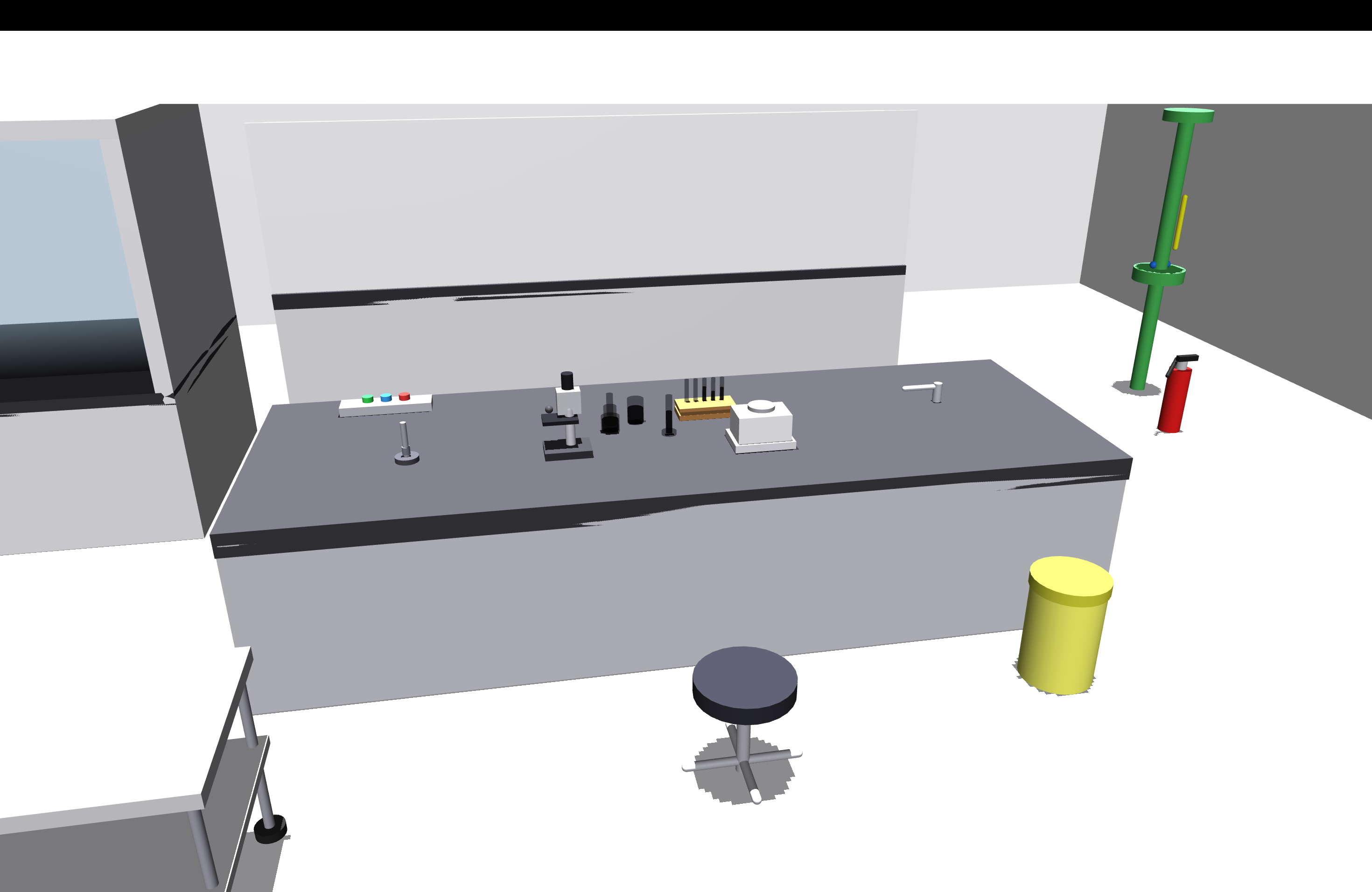
Chemistry Lab |
Working with different robots or cameras
Robot models must be specified with a JSON configuration.
To work with additional robot models, set the ROBITS_CONFIG_DIR environment variable to another config folder. See the RoBits documentation for more details.
  export ROBITS_CONFIG_DIR=$HOME/code/robits/robits_config/additional_config_sim
  mjedit examples/prompt/scene_coffee_shop.xml
Limitations
- Importing MuJoCo XML files may alter the internal structure, and some tags are discarded.
- Joints/actuators are discarded if they are not part of a robot description.
- Additional geom tags, including friction, conaffinity, or contype are not yet supported and discarded.
- Light/option/compiler elements are not implemented yet.
If you are looking for a robot editor for MuJoCo that supports all the assets please checkout Robola web
- Not all MuJoCo robot descriptions have an equivalent URDF representation.
Links
1 maintainer

Metadata
1 maintainer
Release files for mujoco-scene-editor 0.1.3
For a detailed explanation of source distributions (sdists) and built distributions (wheels), please see the package formats documentation.
Source distribution (sdist)
| File | Size | Uploaded | |
|---|---|---|---|
| mujoco_scene_editor-0.1.3.tar.gz | 23.9 kB | Details |
Built distribution (wheel)
| File | Interpreter | ABI | Platform | Reset |
|---|---|---|---|---|
| mujoco_scene_editor-0.1.3-py3-none-any.whl | Python 3 | none | any | Details |
Total release size: 56.6 kB
Release files / mujoco_scene_editor-0.1.3.tar.gz
| Download URL | mujoco_scene_editor-0.1.3.tar.gz |
|---|---|
| Size | 23.9 kB |
| Tags | Source |
|
SHA-256 checksum How to use checksums |
4a7887cc8944cfed9c0c4c95f147b6e5d3f3de58ec5246edfe41ce3ade2ff27b
|
|
BLAKE2b-256 checksum How to use checksums |
30ee2d11fd6e1b5e15c6e7fb32b3781ed13846e71b052efaa96f384632c83819
|
| Upload date | |
|
Uploaded using Trusted Publishing? What is trusted publishing? |
Yes |
| Uploaded via |
twine/6.1.0 CPython/3.13.7
|
Provenance
Provenance describes where a file came from. On PyPI, provenance is shared via attestations, which provide a verifiable record of the build or publishing details. View details, limitations and caveats.


PyPI Publish Attestation
PyPI verified that this artifact, at this checksum, originated from the publisher listed below.
Signed by GitHub Actions, verified by PyPI on Mar 31, 2026.
Transparency logRelease files / mujoco_scene_editor-0.1.3-py3-none-any.whl
| Download URL | mujoco_scene_editor-0.1.3-py3-none-any.whl |
|---|---|
| Size | 32.7 kB |
| Tags | Python 3 |
|
SHA-256 checksum How to use checksums |
0b2bd000ccdf3fff8dd07110a123e4d384b7fea8f187b2e854eb19f433ee95e6
|
|
BLAKE2b-256 checksum How to use checksums |
fe3bf125578e19f17f61d723e79c21cc272d79e1d8dce43621043e9207ba9e67
|
| Upload date | |
|
Uploaded using Trusted Publishing? What is trusted publishing? |
Yes |
| Uploaded via |
twine/6.1.0 CPython/3.13.7
|
Provenance
Provenance describes where a file came from. On PyPI, provenance is shared via attestations, which provide a verifiable record of the build or publishing details. View details, limitations and caveats.
PyPI Publish Attestation
PyPI verified that this artifact, at this checksum, originated from the publisher listed below.
Signed by GitHub Actions, verified by PyPI on Mar 31, 2026.
Transparency log













