
Lightweight scene editor for mujoco

Project description
Scene Editor



Lightweight, interactive scene editor for MuJoCo 3.x. Create or edit scenes in your browser to place shapes, import meshes, add robots, and edit elements interactively.
Install
From a local checkout:
pip install -e .
# or with dev tools
pip install -e '.[dev]'
Without installing, you can also run with uv:
# Run the installed console script via uv
uv run scene_editor --help
uv run scene_editor new
The following entry points do a exit, which are part of the scene_editor sub commands:
- mjcreate
- mjedit
- mjprompt
Quickstart
# Start a fresh, empty scene
mjcreate

# Load from MJCF XML or a blueprint JSON
mjedit --model-name path/to/scene.xml
mjedit --model-name path/to/scene.json

# Scan a directory for supported assets (obj, stl, ply, glb, gltf, usd)
scene_editor list-assets --root ~/path/to/assets
When the server starts, it prints a local URL and opens your browser. Quit with Ctrl+C or the "Quit server" button.
Example
Use the provided chemistry lab MJCF as a starting point:
# With pip-installed package
mjedit --model-name examples/prompt/scene_chemistry_lab.xml

# With uv (no install)
uv run mjedit --model-name examples/prompt/scene_chemistry_lab.xml
Then:
- Use "Add Box/Sphere/Cylinder" to place primitive geoms.
- Use "Add Asset" to insert a local mesh from your file system.
- Drag the gizmo to change pose; use “Export” to write MJCF/JSON.
Prompting / Scene Generation Examples
You can conveniently generate a MuJoCo scene from a natural-language prompt (requires an OpenAI API key):
# Set this to your API key
export OPENAI_API_KEY=...
# Generate a scene from a prompt string
mjprompt

# Edit the generated scene.
mjedit --model-name examples/prompt/scene_coffee_shop.xml
Loading a generated scene might not work out of the box in all cases. Generated scenes can have inconsistencies in geometry but can be easily edited.
Examples
Below are some generated example scenes. More examples are available in the examples/prompt folder.
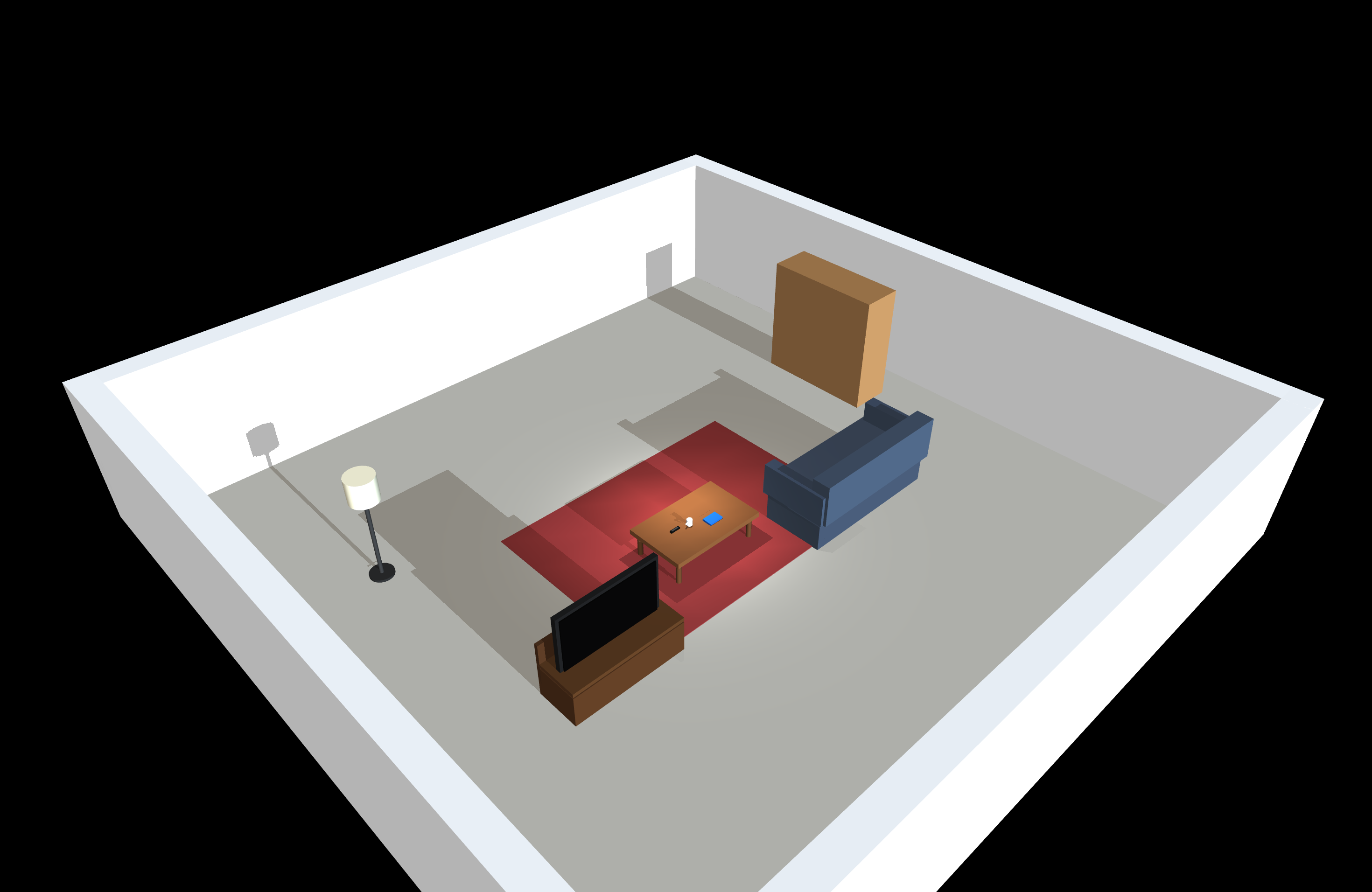
Living Room |
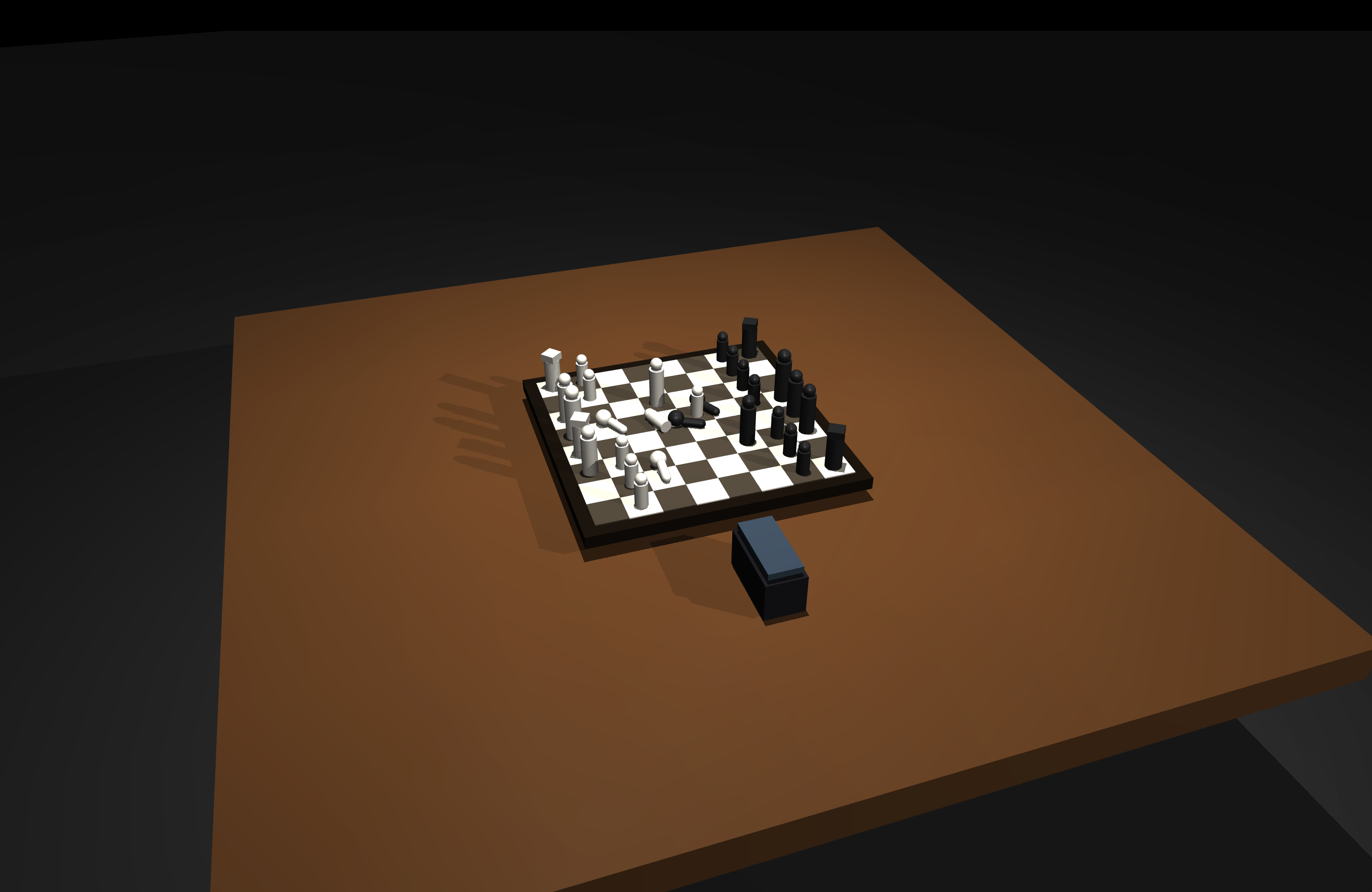
Chess Table |
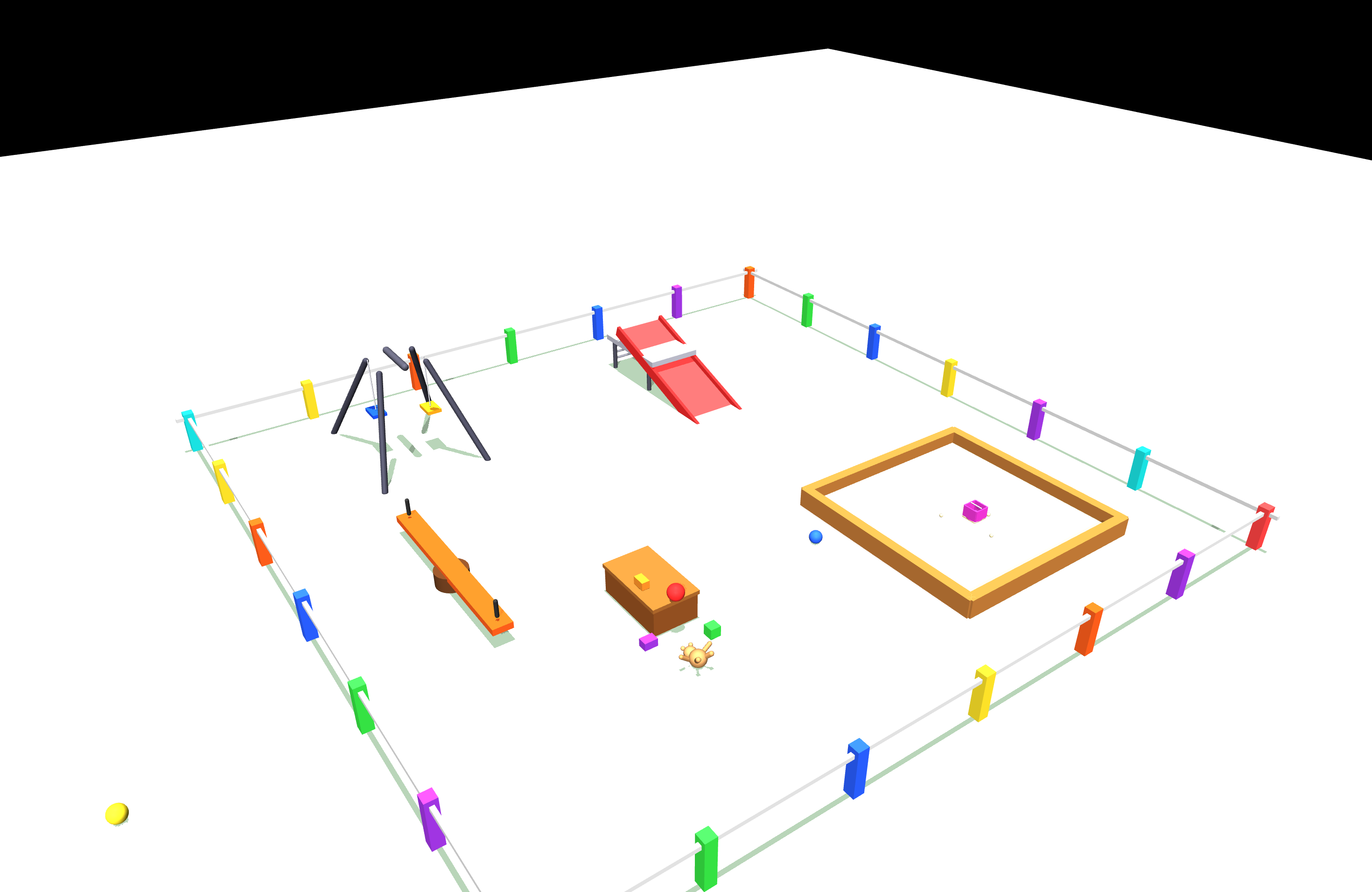
Playground |
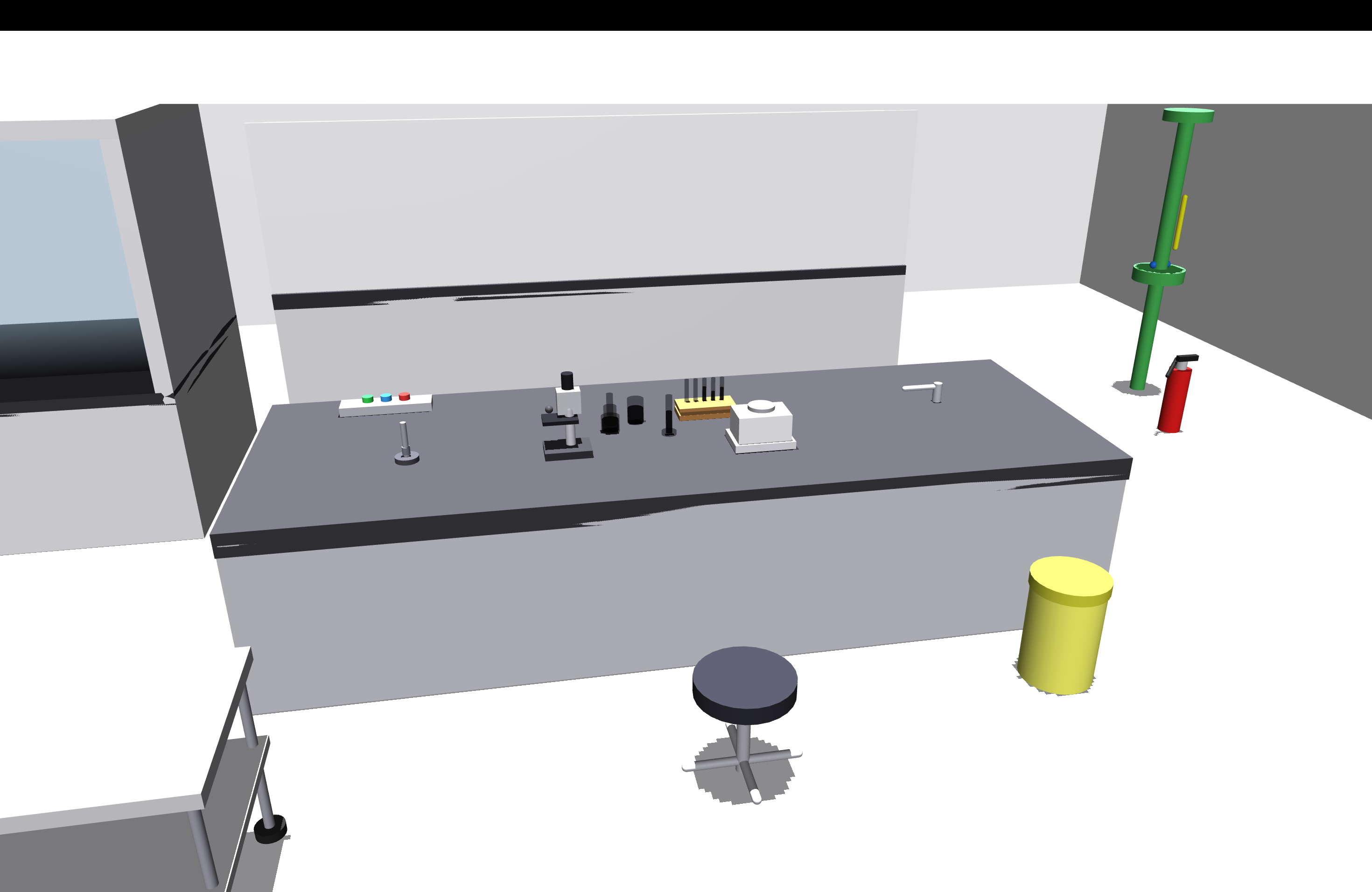
Chemistry Lab |
Limitations
- Importing MuJoCo XML files may alter the internal structure, and some tags are discarded.
- Not all MuJoCo robot descriptions have an equivalent URDF representation.
Links


Download files
Download the file for your platform. If you're not sure which to choose, learn more about installing packages.
Source Distribution
Built Distribution
Filter files by name, interpreter, ABI, and platform.
If you're not sure about the file name format, learn more about wheel file names.
Copy a direct link to the current filters
File details
Details for the file mujoco_scene_editor-0.1.0.tar.gz.
File metadata
- Download URL: mujoco_scene_editor-0.1.0.tar.gz
- Upload date:
- Size: 23.1 kB
- Tags: Source
- Uploaded using Trusted Publishing? Yes
- Uploaded via: twine/6.1.0 CPython/3.13.7
File hashes
| Algorithm | Hash digest | |
|---|---|---|
| SHA256 |
0034716e31ec01aec80f3ec0ce0becdd1551f976ff7d2e88bf1689d8daff93dc
|
|
| MD5 |
d1fc09d44f718559abe84dfc777cdd31
|
|
| BLAKE2b-256 |
4cb8aaba8eb43655a5070d515d6ed9eac16139294c30907fc5a132834e3827c8
|
Provenance
The following attestation bundles were made for mujoco_scene_editor-0.1.0.tar.gz:
Publisher:
publish-to-test-pypi.yml on markusgrotz/mujoco-scene-editor
-
Statement:
-
Statement type:
https://in-toto.io/Statement/v1 -
Predicate type:
https://docs.pypi.org/attestations/publish/v1 -
Subject name:
mujoco_scene_editor-0.1.0.tar.gz -
Subject digest:
0034716e31ec01aec80f3ec0ce0becdd1551f976ff7d2e88bf1689d8daff93dc - Sigstore transparency entry: 864803766
- Sigstore integration time:
-
Permalink:
markusgrotz/mujoco-scene-editor@b52d45fa7a9e9fdfc658418237e9e408e481780e -
Branch / Tag:
refs/tags/v0.1.0 - Owner: https://github.com/markusgrotz
-
Access:
public
-
Token Issuer:
https://token.actions.githubusercontent.com -
Runner Environment:
github-hosted -
Publication workflow:
publish-to-test-pypi.yml@b52d45fa7a9e9fdfc658418237e9e408e481780e -
Trigger Event:
push
-
Statement type:
File details
Details for the file mujoco_scene_editor-0.1.0-py3-none-any.whl.
File metadata
- Download URL: mujoco_scene_editor-0.1.0-py3-none-any.whl
- Upload date:
- Size: 31.9 kB
- Tags: Python 3
- Uploaded using Trusted Publishing? Yes
- Uploaded via: twine/6.1.0 CPython/3.13.7
File hashes
| Algorithm | Hash digest | |
|---|---|---|
| SHA256 |
66d72444824101633ed19941991b611889d198ffcec854d3c86377a12a64d43c
|
|
| MD5 |
2869632eec28d82c8ee79729150be374
|
|
| BLAKE2b-256 |
0d698a0e3e67dd0a014346522de47eb942668c1774dc77bb86a65bc5e253205b
|
Provenance
The following attestation bundles were made for mujoco_scene_editor-0.1.0-py3-none-any.whl:
Publisher:
publish-to-test-pypi.yml on markusgrotz/mujoco-scene-editor
-
Statement:
-
Statement type:
https://in-toto.io/Statement/v1 -
Predicate type:
https://docs.pypi.org/attestations/publish/v1 -
Subject name:
mujoco_scene_editor-0.1.0-py3-none-any.whl -
Subject digest:
66d72444824101633ed19941991b611889d198ffcec854d3c86377a12a64d43c - Sigstore transparency entry: 864803804
- Sigstore integration time:
-
Permalink:
markusgrotz/mujoco-scene-editor@b52d45fa7a9e9fdfc658418237e9e408e481780e -
Branch / Tag:
refs/tags/v0.1.0 - Owner: https://github.com/markusgrotz
-
Access:
public
-
Token Issuer:
https://token.actions.githubusercontent.com -
Runner Environment:
github-hosted -
Publication workflow:
publish-to-test-pypi.yml@b52d45fa7a9e9fdfc658418237e9e408e481780e -
Trigger Event:
push
-
Statement type:






