
Overview
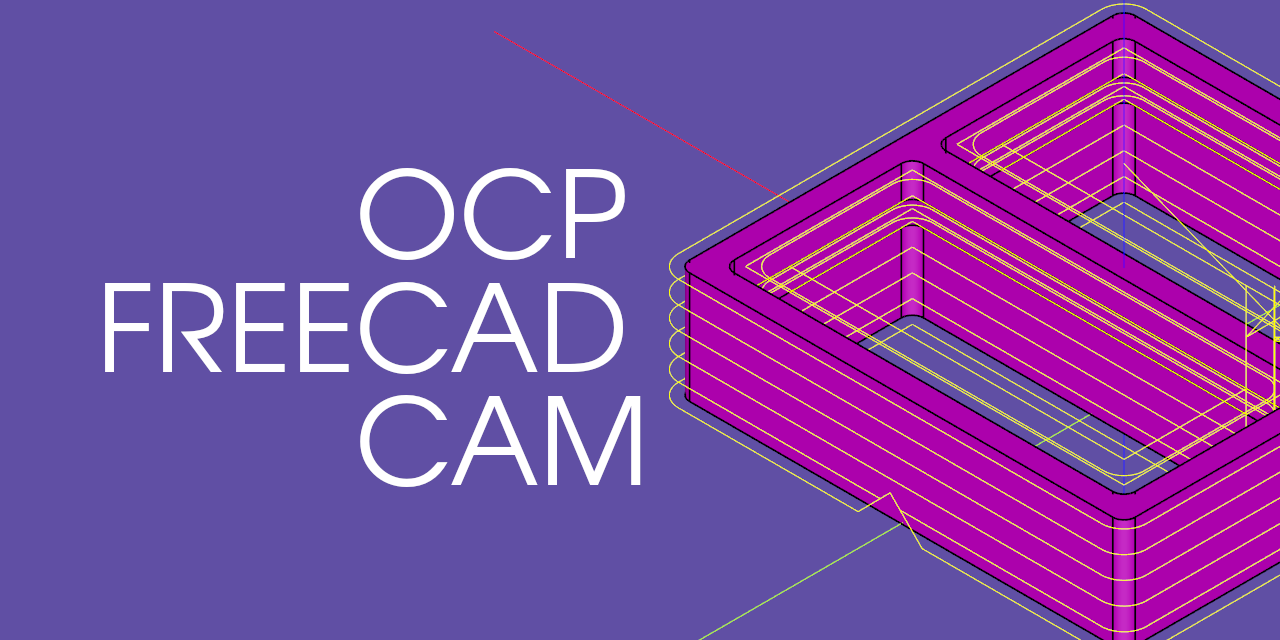
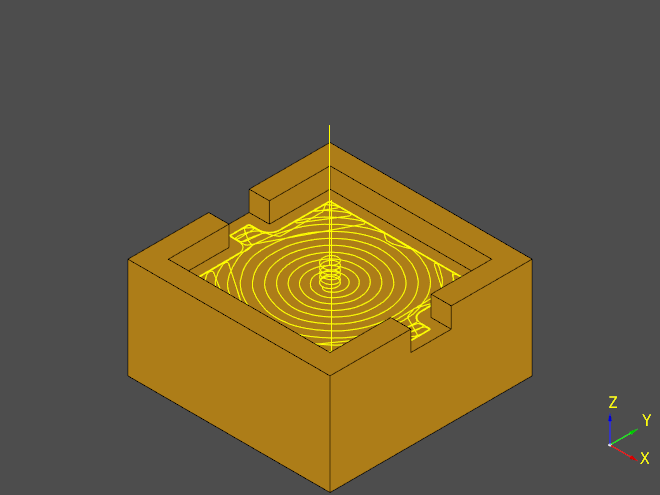
oc-freecad-cam exposes FreeCAD's Path workbench in a fluent python API that takes OCP TopoDS_Shape objects and their wrappers from CadQuery and Build123d to enable generating parametric tool paths from the comfort of your keyboard.
⚠ NOTE ⚠
This project is fairly experimental at this stage. Expect bugs and always double-check the generated gcode for naughty surprises.
Usage
See documentation at https://ocp-freecad-cam.readthedocs.io/en/latest/
Installation
ocp-freecad-cam is available on pypi: https://pypi.org/project/ocp-freecad-cam/ ocp-freecad-cam does not attempt to install runtime dependencies since it's designed to run with any combination of these three:
Additionally, FreeCAD module needs to be available.
General guideline for hooking on FreeCAD
There are at least three options to approach this
- Using the FreeCAD Python interpreter
- Using system interpreter with the same major version as the FreeCAD Python interpreter
- Compiling FreeCAD to use the system interpreter
Number one is now the recommended way and will be documented below
Acquiring FreeCAD and supported versions
| FreeCAD version | FreeCAD Python version | ocp-freecad-cam version | ocp-freecad-cam status |
|---|---|---|---|
| weekly | 3.11 | - | work in progress |
| 1.1.1 | 3.11 | v2.0.0 | ✅ dev |
| 1.0.1 - 1.0.2 | 3.11 | v1.1.0 | ❌ EOL |
| 0.21 | 3.10 | v0.9.4 | ❌ EOL |
- Official distributions https://www.freecad.org/downloads.php
- Official portable packages https://github.com/FreeCAD/FreeCAD/releases
- includes weekly packages
Linux AppImage installation example using a venv
This is fairly straightforward. Download the AppImage, extract it, create a virtual environment from the included interpreter, include lib, activate it and install your preferred packages.
mkdir freecad
cd freecad
wget https://github.com/voneiden/FreeCAD-Bundle/releases/download/0.21.2/FreeCAD_0.21.2-2023-12-26-conda-Linux-x86_64-py311.AppImage
chmod +x FreeCAD_0.21.2-2023-12-26-conda-Linux-x86_64-py311.AppImage
./FreeCAD_0.21.2-2023-12-26-conda-Linux-x86_64-py311.AppImage --appimage-extract
./squashfs-root/usr/bin/python -m venv --system-site-packages fcvenv
echo "$PWD/squashfs-root/usr/lib" > fcvenv/lib/python3.11/site-packages/freecad.pth
source fcvenv/bin/activate
pip install cadquery build123d ocp-freecad-cam
Test that your interpreter works by running
python -c "import FreeCAD"
Windows 7z installation example
While I would suggest using WLS, if you want to stick to pure windows, the general idea is the same as above in the linux example with two exceptions.
- Instead of
"$PWD/squashfs-root/usr/lib" > fcvenv/lib/python3.11/site-packages/freecad.pthuse
"$($PWD)\..\src" | Out-File -FilePath "fcvenv\Lib\site-packages\ocp_freecad_cam.pth"
or create the pth file manually somehow. Just note that the venv file structure is a bit different on Windows.
- Instead of
sourceyou activate the venv with just
.\fcvenv\Scripts\activate
Dev dependencies
Dev dependencies are listed in requirements-dev.txt, generated from requirements-dev.in with pip-compile
Limitations
Pocket3D does not work, possibly related to https://github.com/FreeCAD/FreeCAD/issues/6815 - shouldn't be a big loss though, Surface3D can get the same things done IMO.
VCarve can produce unstable toolpaths, but that is probably a bug in the underlying openvoronoi library. Tweaking the job params may help.
Contributing
Contributions are welcome.
- Missing params, fixes
- Tests
- Documentation
Development Setup (Optional)
You can optionally use pre-commit hooks to automatically check your code before committing:
pip install pre-commit
pre-commit install
This will run ruff formatting, linting, and commitlint checks on your changes.
PR's
Format and lint your code with ruff and ensure that tests pass. Preferably also include test coverage for new code.
ruff format src tests
ruff check src tests
pytest
Commit messages should follow Conventional Commits format.
1 maintainer

Download files
Download the file for your platform. If you're not sure which to choose, learn more about installing packages.
Source Distribution
Built Distribution
Filter files by name, interpreter, ABI, and platform.
If you're not sure about the file name format, learn more about wheel file names.
Copy a direct link to the current filters
File details
Details for the file ocp_freecad_cam-2.0.1.tar.gz.
File metadata
- Download URL: ocp_freecad_cam-2.0.1.tar.gz
- Upload date:
- Size: 158.7 kB
- Tags: Source
- Uploaded using Trusted Publishing? No
- Uploaded via: twine/6.1.0 CPython/3.13.14
File hashes
| Algorithm | Hash digest | |
|---|---|---|
| SHA256 |
45540ae53f96ecc6a5147b8e16186f7044dd2d685c2fc57589e866991f85da5c
|
|
| MD5 |
1a82b0d205e303a847e55ef12d8bcd21
|
|
| BLAKE2b-256 |
6bd7923bc98d5523a82517f94d5af1bcc86fa411c7af64bbba4ccfe50a313ffa
|
File details
Details for the file ocp_freecad_cam-2.0.1-py3-none-any.whl.
File metadata
- Download URL: ocp_freecad_cam-2.0.1-py3-none-any.whl
- Upload date:
- Size: 33.8 kB
- Tags: Python 3
- Uploaded using Trusted Publishing? No
- Uploaded via: twine/6.1.0 CPython/3.13.14
File hashes
| Algorithm | Hash digest | |
|---|---|---|
| SHA256 |
505267b58d9da67f193c35174d83f083543c1ae798b4fdde2595c883f2d47a3e
|
|
| MD5 |
3639827ae4b3735e6d26f3656136f9bf
|
|
| BLAKE2b-256 |
676aa6e8f93c357a31e259fff4e7cd76651c982879ea9124bed3a3957b12c639
|







