
open-image
Tiny CLI for OpenAI image generation. Prompt in, PNG out. Model-agnostic.




Why another CLI?
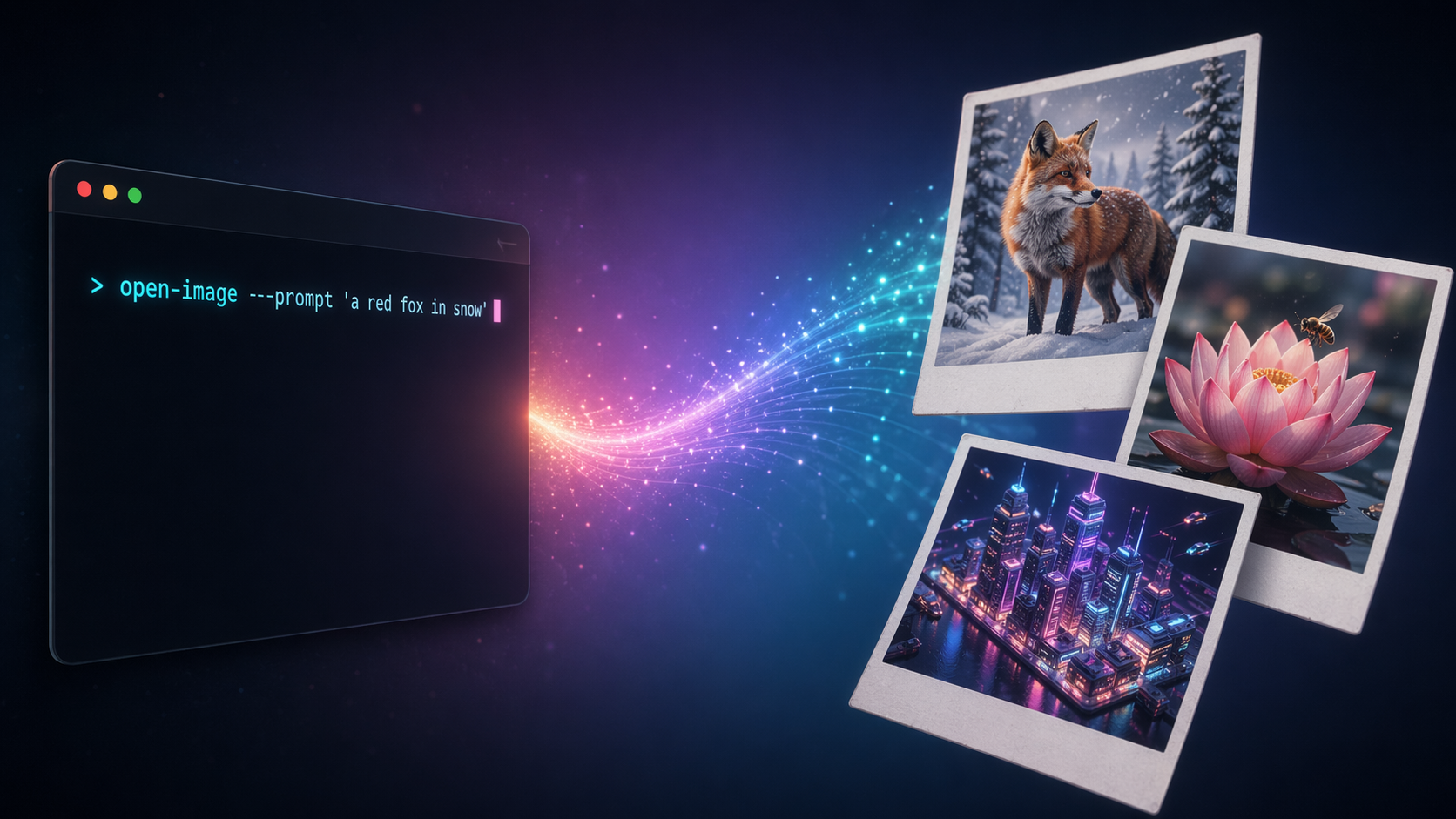
Every serious image-gen workflow needs a stable, forgettable command — one you can pipe into, script around, and re-run six months later without rewriting. The official SDKs are fine for apps; they're heavy for "just give me a PNG."
open-image is ~340 lines of Python, pure stdlib + openai — one file for the CLI (gen.py), two tiny stdlib-only helpers for the Claude Code skill. No framework, no config, no lock-in to a specific model.
pip install open-image
export OPENAI_API_KEY=sk-...
open-image --prompt "a red fox in a snowy forest, cinematic"
# → /abs/path/output/20260423-223012-a1b2c3d4.png
That's it.
Features
Four ways to feed a prompt
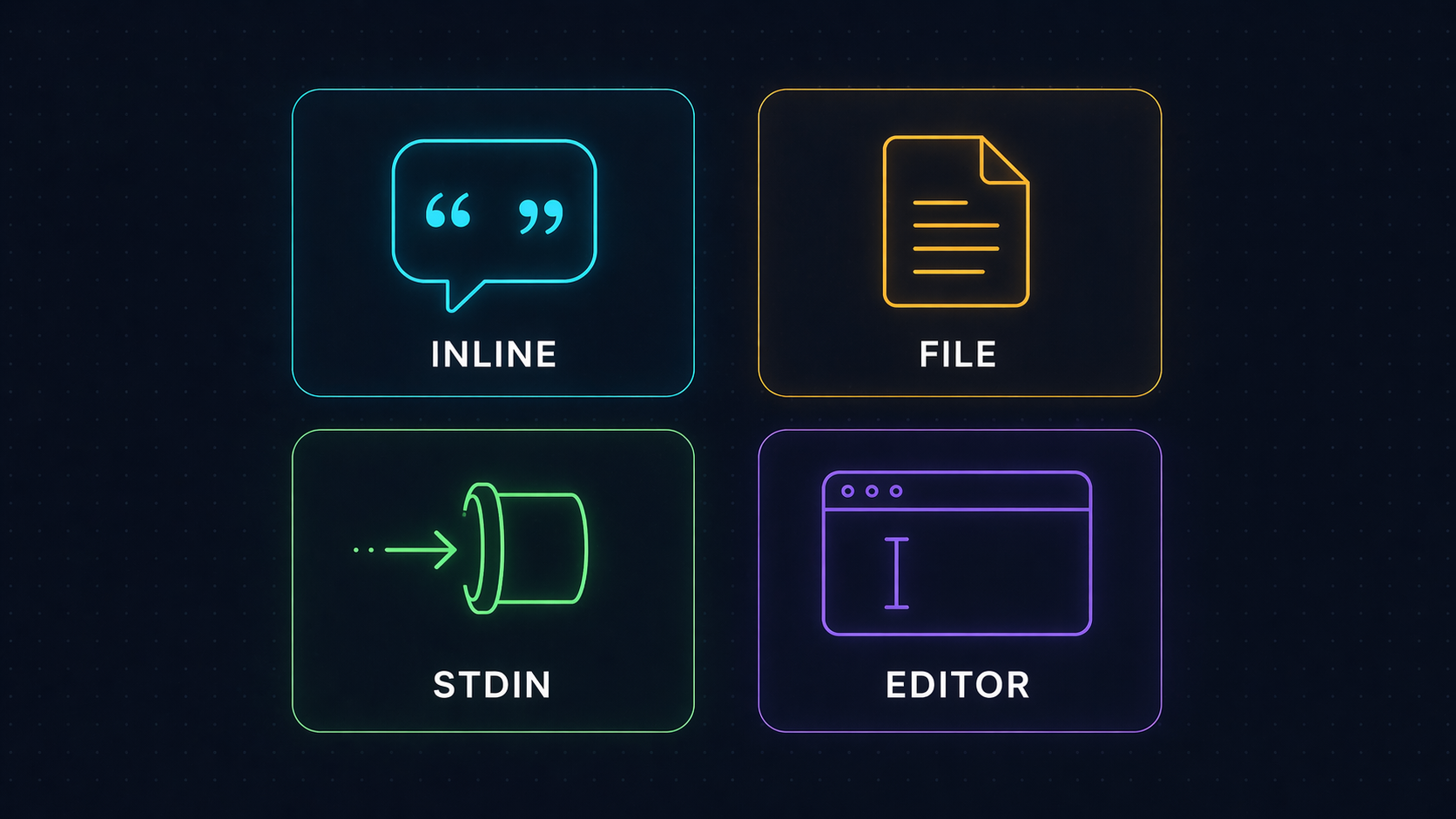
| Method | Example |
|---|---|
| Inline | open-image --prompt "a red fox in snow" |
| File | open-image --prompt-file prompts/scene.txt |
| Stdin | echo "a blue cat" | open-image |
| Editor | open-image (no args in a TTY → opens $EDITOR, or notepad on Windows, vi otherwise) |
The resolver picks them in that order. Lines starting with # in the editor buffer are stripped — write notes to yourself without polluting the prompt.
Model-agnostic by design
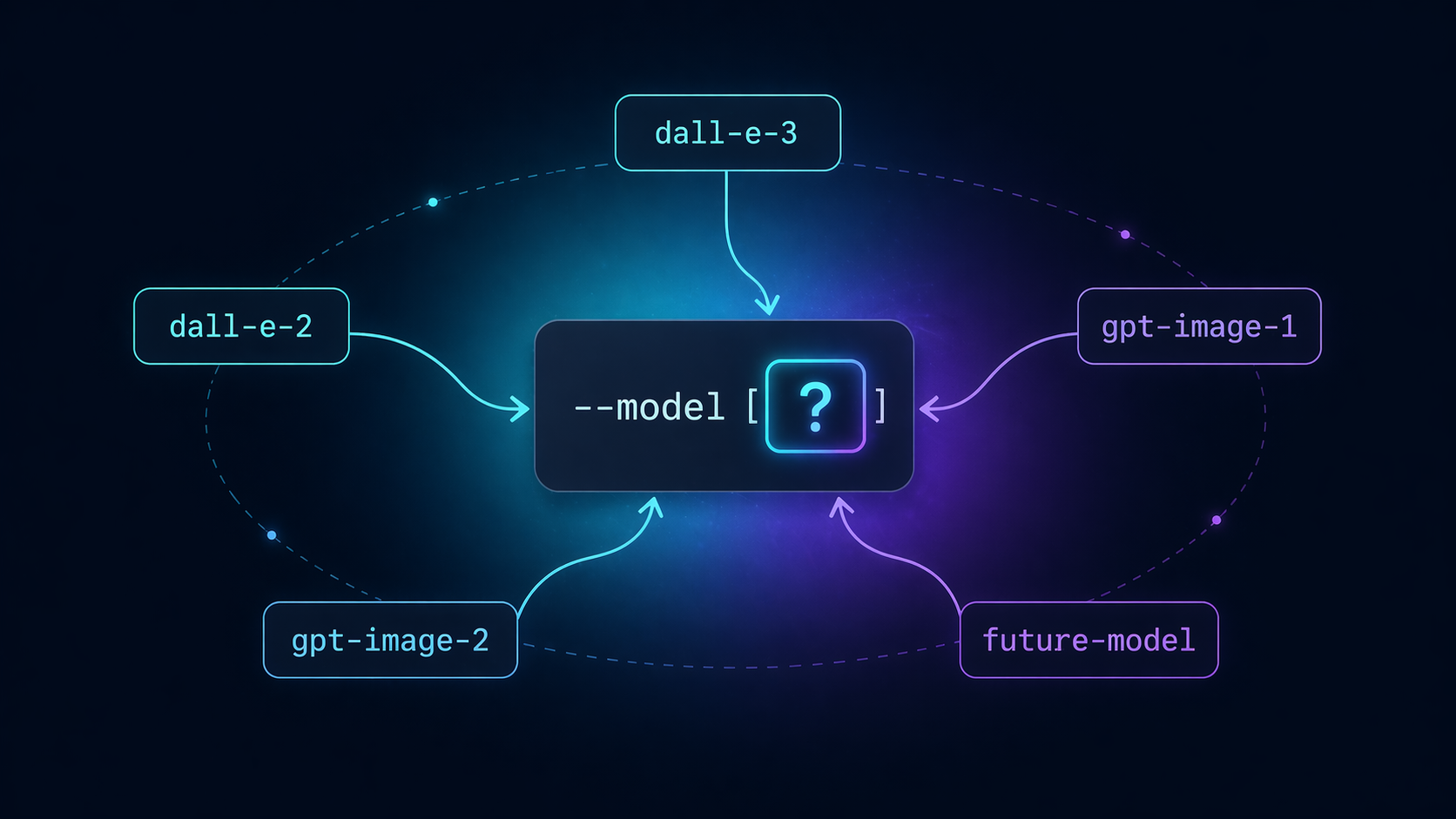
--model is a flag, not a constant. The day a new image model ships, swap the string — no code change, no version bump, no fork:
open-image --model gpt-image-2   --prompt "..."   # default; requires org verification
open-image --model gpt-image-1   --prompt "..."   # transparency, output_format support
open-image --model future-model  --prompt "..."   # whenever it arrives
Default is gpt-image-2. Change per call, or alias open-image='open-image --model gpt-image-1' in your shell if you prefer a different default.
Curated styles + aspect shortcuts
Quick prompt modifiers — no need to memorize style fragments or --extra JSON for common sizes:
# Style preset: appends "3D render, octane render, hyperrealistic detail, 8k" to the prompt
open-image --style 3d-render --prompt "a cat astronaut"

# Aspect shortcut: equivalent to --extra '{"size":"1024x1792"}'
open-image --portrait --prompt "a tall waterfall"

# Combine freely — portrait 3D render
open-image --style 3d-render --portrait --prompt "a cat astronaut"

# Discover what's available
open-image --list-styles
8 styles: 3d-render, anime, watercolor, cyberpunk, photoreal, sketch, oil-painting, minimalist. Hard-capped at 10 forever — for more variety, use --extra or write style words directly in your prompt. This isn't a style library.
3 aspect flags: --portrait (1024×1792), --landscape (1792×1024), --square (1024×1024). Mutually exclusive. If you also pass --extra '{"size":...}', your --extra value wins (explicit beats implicit). Filename slug always derives from the original prompt, never the style-augmented one — so filenames stay short and readable.
Image edit + inpainting
Pass --input-image to route to OpenAI's images.edit endpoint instead of images.generate. All other flags (--style, aspect shortcuts, --extra, --name, --keep) work identically. Add --mask for inpainting — the mask's transparent pixels mark the regions to regenerate:
# Image-to-image (edit whole image, no mask)
open-image --input-image cat.png --prompt "give the cat a top hat"

# Inpainting (only transparent regions in mask are changed)
open-image --input-image room.png --mask window-hole.png --prompt "a sunny garden visible through the window"

# Combine with style + aspect — every existing flag still works
open-image --input-image street.png --style cyberpunk --portrait --prompt "neon-soaked rain"
--mask without --input-image is rejected (mask is meaningless on its own). Filename slug always derives from the prompt — never from the input image filename. Note: not every model supports edit yet — if you hit an API error, try --model gpt-image-1.
--extra escape hatch
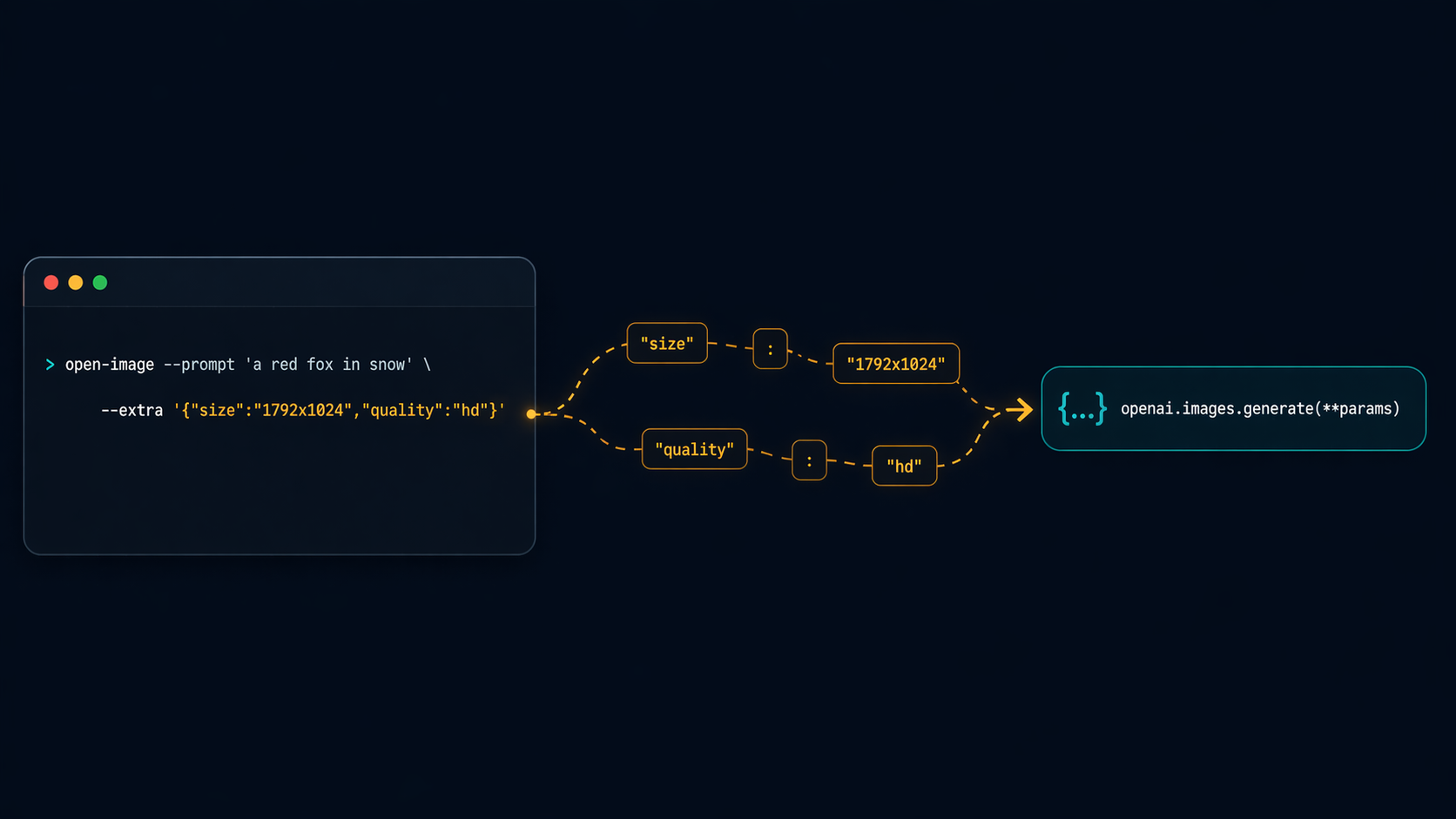
Any keyword the API accepts, --extra forwards verbatim to openai.images.generate(**params). Zero client-side validation — the API is the source of truth:
open-image \
  --model gpt-image-2 \
  --extra '{"size":"1024x1024","quality":"high"}' \
  --prompt "a lone surfer at dawn, Hokusai woodblock style"

open-image \
  --model gpt-image-1 \
  --extra '{"size":"1024x1024","output_format":"png","transparency":true}' \
  --prompt "a minimalist cat icon on a transparent background"
If you pass a wrong key, the API error surfaces verbatim — exactly what you want for debugging. No wrapper in the way.
Install
From PyPI (recommended)
pip install open-image
With pipx (isolated global command)
pipx install open-image
From source
git clone https://github.com/tvtdev94/open-image
cd open-image
pip install -e .
Upgrade later
open-image upgrade        # subcommand form
open-image --upgrade      # equivalent flag form
Auto-detects pipx vs pip from sys.executable and runs the right upgrade command. Exit code propagates from the underlying tool.
Setup
Set your OpenAI API key (must have image-generation credit):
# Option A — environment variable (recommended)
export OPENAI_API_KEY=sk-...

# Option B — per-call flag
open-image --api-key sk-... --prompt "..."
Flags
| Flag | Default | Purpose |
|---|---|---|
--prompt |
— | Inline prompt text |
--prompt-file |
— | Path to a file containing the prompt |
--model |
gpt-image-2 |
Any OpenAI image model (gpt-image-2, gpt-image-1, dall-e-3, dall-e-2, …) |
--extra |
{} |
JSON object forwarded to images.generate / images.edit |
--out-dir |
./output |
Where to save PNGs (auto-created) |
--api-key |
$OPENAI_API_KEY |
Override via flag if not in env |
--keep |
50 |
Keep only N newest PNGs in --out-dir after save; 0 disables pruning |
--name |
auto-derived from prompt | Custom slug for output filename (kebab-case, ASCII) |
--style |
— | Append a curated prompt fragment (one of 8 — run --list-styles) |
--input-image |
— | Path to an existing PNG. Routes to images.edit for image-to-image / inpainting |
--mask |
— | Optional mask PNG for inpainting (requires --input-image) |
--list-styles |
— | List known styles with full fragments, then exit |
--portrait |
— | Shortcut for --extra '{"size":"1024x1792"}' (mutually exclusive with --landscape/--square) |
--landscape |
— | Shortcut for --extra '{"size":"1792x1024"}' |
--square |
— | Shortcut for --extra '{"size":"1024x1024"}' |
--list-models |
— | List known OpenAI image models with notes, then exit |
--install-skill |
— | Re-install Claude Code skill at ~/.claude/skills/open-image/ (overwrites) |
--upgrade |
— | Upgrade to latest PyPI release (auto-detects pipx vs pip). Equivalent: open-image upgrade subcommand |
Output
./output/{YYYYMMDD-HHMMSS}-{slug}-{uuid8}.png
{slug} is auto-derived from the prompt (kebab-case, ASCII-folded, max 40 chars — handles diacritics, Vietnamese horn/stroke letters, emoji-stripped, falls back to image). Override with --name "my-slug".
One PNG per response.data item (so n=4 → four files). Absolute path(s) printed to stdout, one per line — friendly to xargs, fzf, wl-copy, whatever you pipe into.
open-image --prompt "a red fox in snowy forest"
# → ./output/20260426-183246-a-red-fox-in-snowy-forest-a1b2c3d4.png

open-image --prompt "anything" --name "hero-shot"
# → ./output/20260426-183246-hero-shot-a1b2c3d4.png

open-image --prompt "a corgi" | tee -a log.txt
open-image --prompt "a corgi" | head -n1 | xargs -I{} open {}    # macOS preview
Gallery
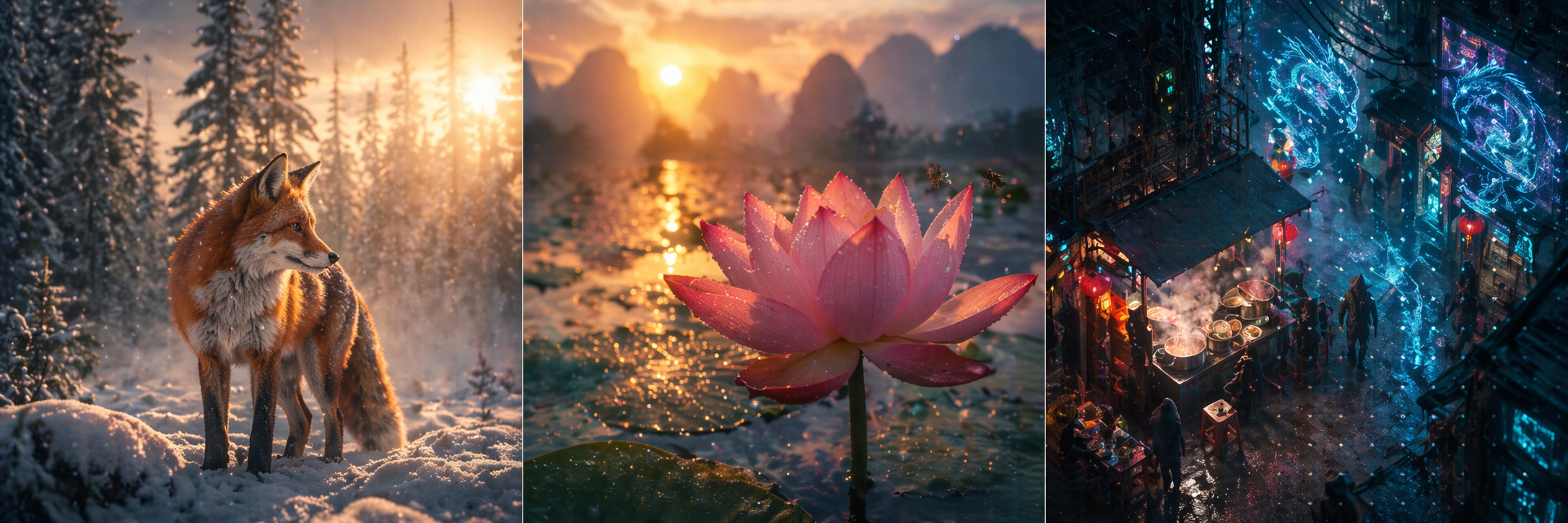
All generated by open-image with gpt-image-2:
 |
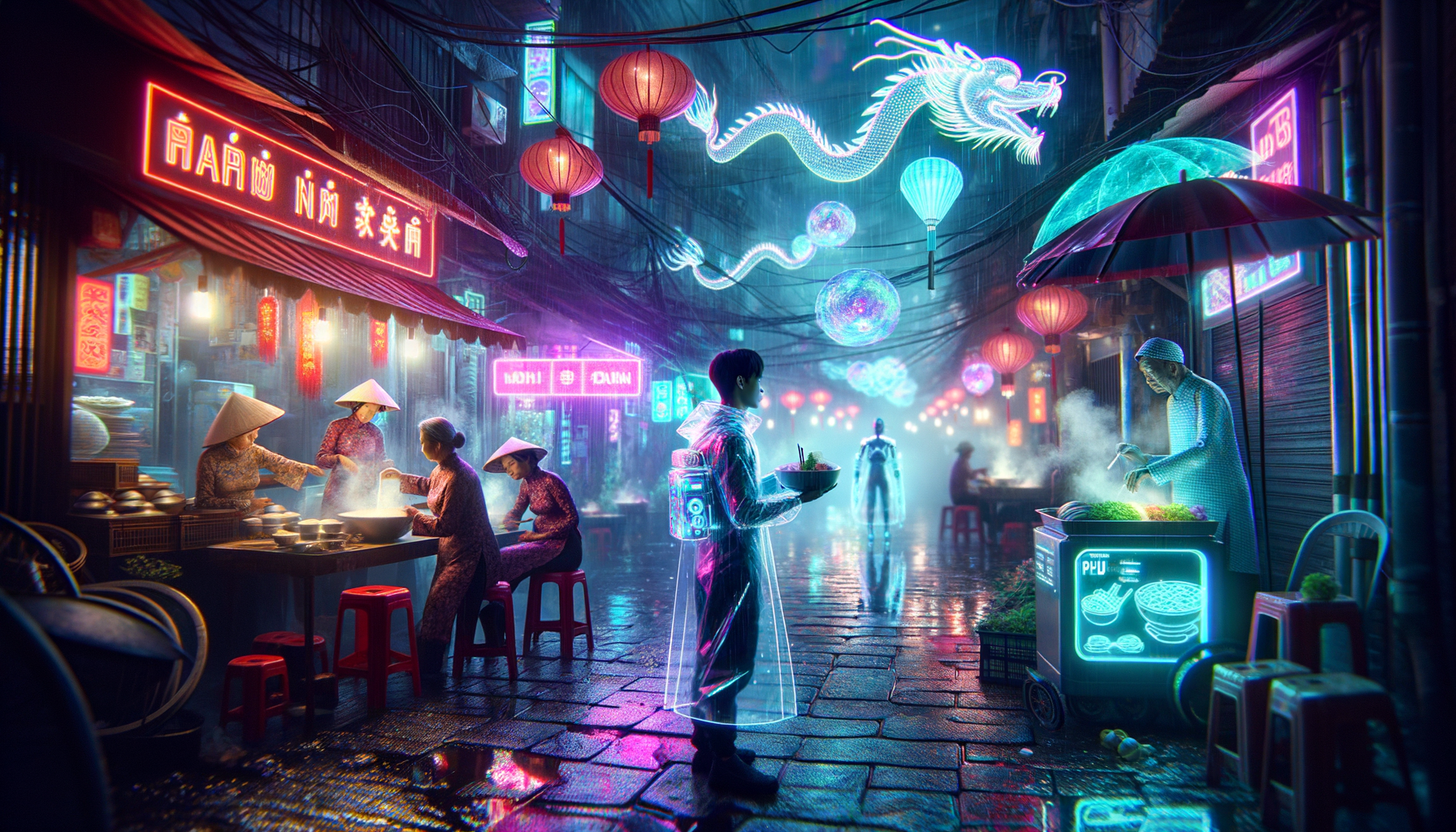 |
| A close-up cinematic macro of a bee hovering over a lotus at sunrise. | A bustling night market in a cyberpunk Hanoi alleyway. |
Error handling
Every error path exits with a clear, actionable message:
- No API key →
ERROR: No API key. Set OPENAI_API_KEY env or pass --api-key. --extranot valid JSON → parser error with column offset- Empty prompt →
ERROR: Empty prompt. - API failure (auth, model access, invalid params) → API error string forwarded verbatim
- Un-writable
--out-dir→PermissionErrorsurfaced with the path
Models supported
The CLI is model-agnostic — --model accepts any string. These are the models known at write time; pass any future model ID without a code change.
| Model | Notes |
|---|---|
gpt-image-2 |
Default. Requires org verification on OpenAI dashboard. Returns b64_json. |
gpt-image-1 |
Newer GPT image model. Supports input_fidelity, transparency, output_format. |
dall-e-3 |
n=1 only. Sizes: 1024x1024 / 1792x1024 / 1024x1792. quality: standard / hd. style: vivid / natural. Pass response_format=b64_json via --extra for offline storage. |
dall-e-2 |
n>1 supported. Sizes: 256x256 / 512x512 / 1024x1024. |
Run open-image --list-models to print this table at any time.
Claude Code integration
If you use Claude Code, open-image ships a Claude skill that teaches the agent how to use this CLI — no manual prompt setup.
- Zero-step install:
pip install open-imageis enough. On the next Python startup (any Python invocation on that machine — no CLI required), the skill is silently written to~/.claude/skills/open-image/SKILL.md. Skipped entirely if~/.claude/doesn't exist. - Auto-update on upgrade:
pip install -U open-image→ next Python startup → skill content auto-syncs to the new version. No manual step. - Force re-install (rarely needed, e.g. after editing the skill):
open-image --install-skill.
Once installed, Claude Code knows when to call open-image, which models exist, how --extra works, and how to capture the stdout paths.
How it works (transparency)
open-image ships a tiny .pth file to your Python site-packages/ so the skill is synced on every Python startup (idempotent — only writes when content changes). Cost: a couple of stat() calls per Python startup, sub-millisecond. Removing the package via pip uninstall open-image removes the .pth and stops the sync.
Philosophy
Three principles:
- YAGNI — no MCP server, no HTTP wrapper, no runtime plugins. The optional Claude Code skill is just markdown — Claude reads it, no daemon, no IPC. If your agent has a shell, it can use this.
- KISS — argparse + stdlib + one SDK call. Zero abstractions between you and the API.
- DRY —
--extrameans the tool never needs a new flag per new API param.
The whole tool fits in your head. When a future model adds a parameter, you already know how to use it.
License
MIT © 2026 tvtdev94
1 maintainer

Metadata
1 maintainer
Release files for open-image 0.6.0
For a detailed explanation of source distributions (sdists) and built distributions (wheels), please see the package formats documentation.
Source distribution (sdist)
| File | Size | Uploaded | |
|---|---|---|---|
| open_image-0.6.0.tar.gz | 21.0 kB | Details |
Built distribution (wheel)
| File | Interpreter | ABI | Platform | Reset |
|---|---|---|---|---|
| open_image-0.6.0-py3-none-any.whl | Python 3 | none | any | Details |
Total release size: 39.0 kB
Release files / open_image-0.6.0.tar.gz
| Download URL | open_image-0.6.0.tar.gz |
|---|---|
| Size | 21.0 kB |
| Tags | Source |
|
SHA-256 checksum How to use checksums |
e98b9b72d61531427c6551764523877258315b4dfdb17607e36c7c4f906afd98
|
|
BLAKE2b-256 checksum How to use checksums |
0f3f8606369e121d053faf8e4beb477b5a1d461a010df48eb88c8770339e2dbc
|
| Upload date | |
|
Uploaded using Trusted Publishing? What is trusted publishing? |
No |
| Uploaded via |
twine/6.1.0 CPython/3.13.12
|
Release files / open_image-0.6.0-py3-none-any.whl
| Download URL | open_image-0.6.0-py3-none-any.whl |
|---|---|
| Size | 18.0 kB |
| Tags | Python 3 |
|
SHA-256 checksum How to use checksums |
ca409013b303b0bdd041a357a269d2a4300711f4cb6ffbd9c2ed007127fffb72
|
|
BLAKE2b-256 checksum How to use checksums |
f064888150485456b906206b82d69476cdd943fbcd6fc2fe2dc1458a793fe76e
|
| Upload date | |
|
Uploaded using Trusted Publishing? What is trusted publishing? |
No |
| Uploaded via |
twine/6.1.0 CPython/3.13.12
|














