
Tiny CLI for OpenAI image generation. Prompt in, PNG out. Model-agnostic.

Project description

open-image
Tiny CLI for OpenAI image generation. Prompt in, PNG out. Model-agnostic.




Why another CLI?
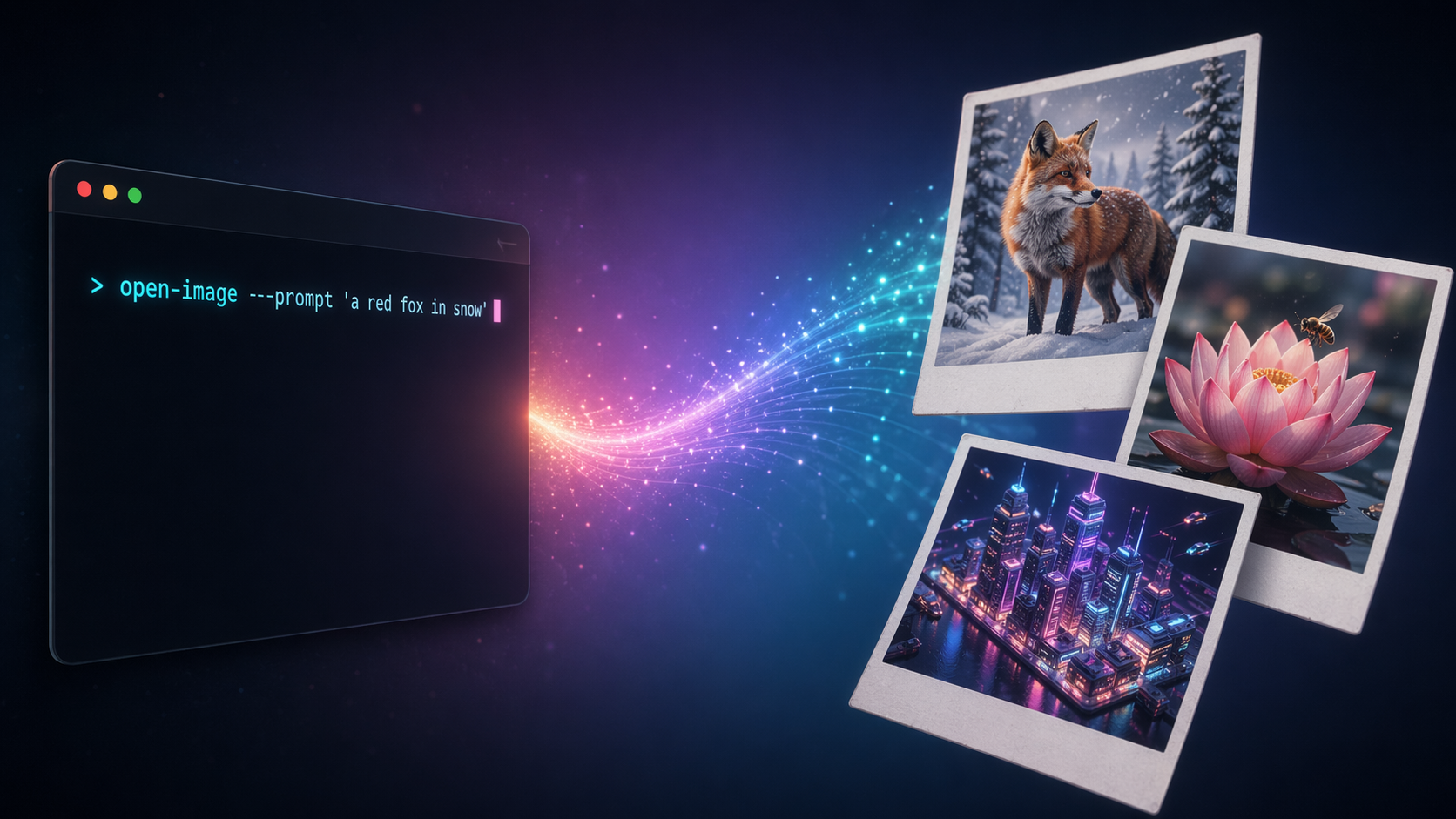
Every serious image-gen workflow needs a stable, forgettable command — one you can pipe into, script around, and re-run six months later without rewriting. The official SDKs are fine for apps; they're heavy for "just give me a PNG."
open-image is one file, ~120 lines, pure stdlib + openai. No framework, no config, no lock-in to a specific model.
pip install open-image
export OPENAI_API_KEY=sk-...
open-image --prompt "a red fox in a snowy forest, cinematic"
# → /abs/path/output/20260423-223012-a1b2c3d4.png
That's it.
Features
Four ways to feed a prompt
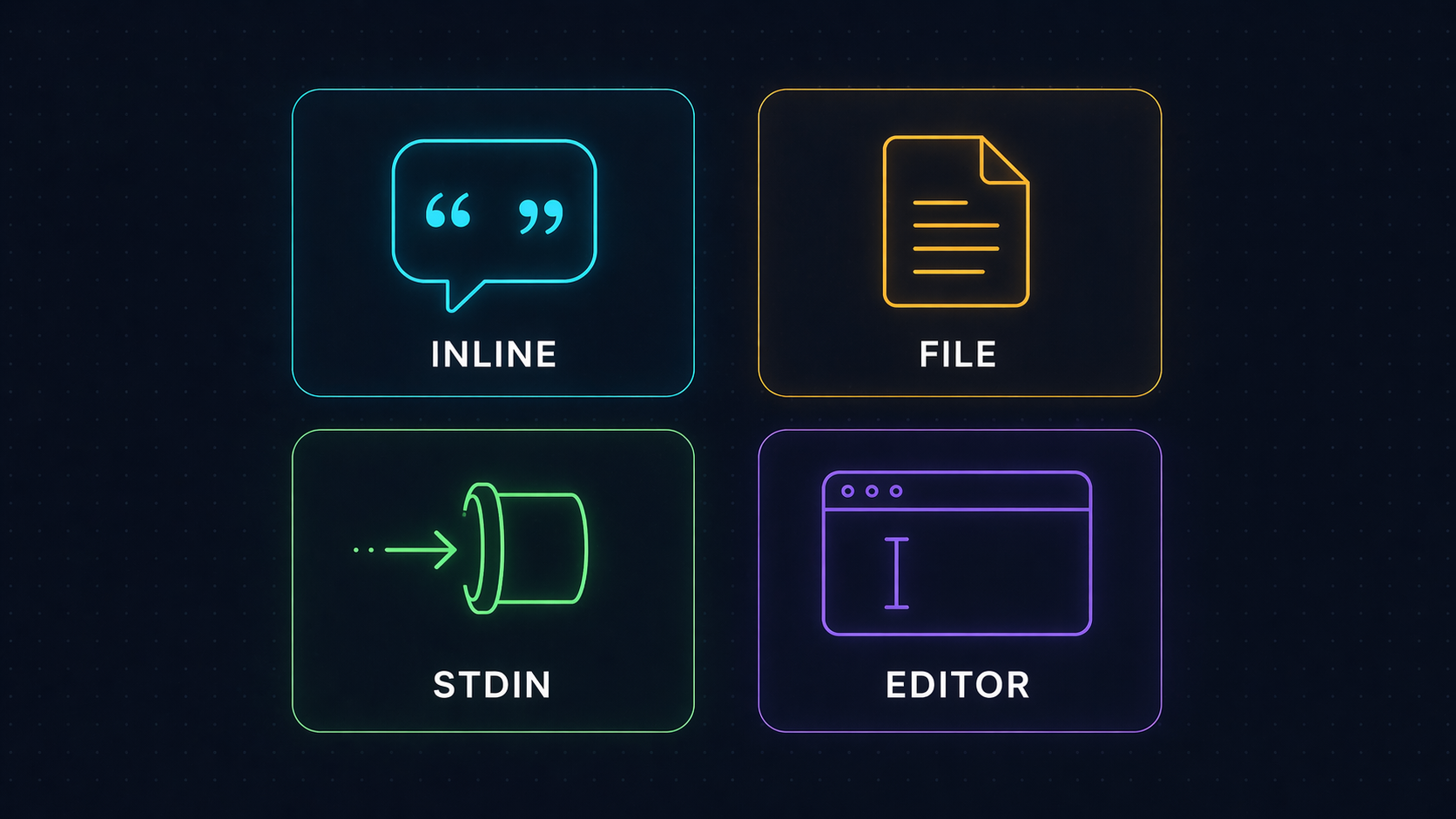
| Method | Example |
|---|---|
| Inline | open-image --prompt "a red fox in snow" |
| File | open-image --prompt-file prompts/scene.txt |
| Stdin | echo "a blue cat" | open-image |
| Editor | open-image (no args in a TTY → opens $EDITOR, or notepad on Windows, vi otherwise) |
The resolver picks them in that order. Lines starting with # in the editor buffer are stripped — write notes to yourself without polluting the prompt.
Model-agnostic by design
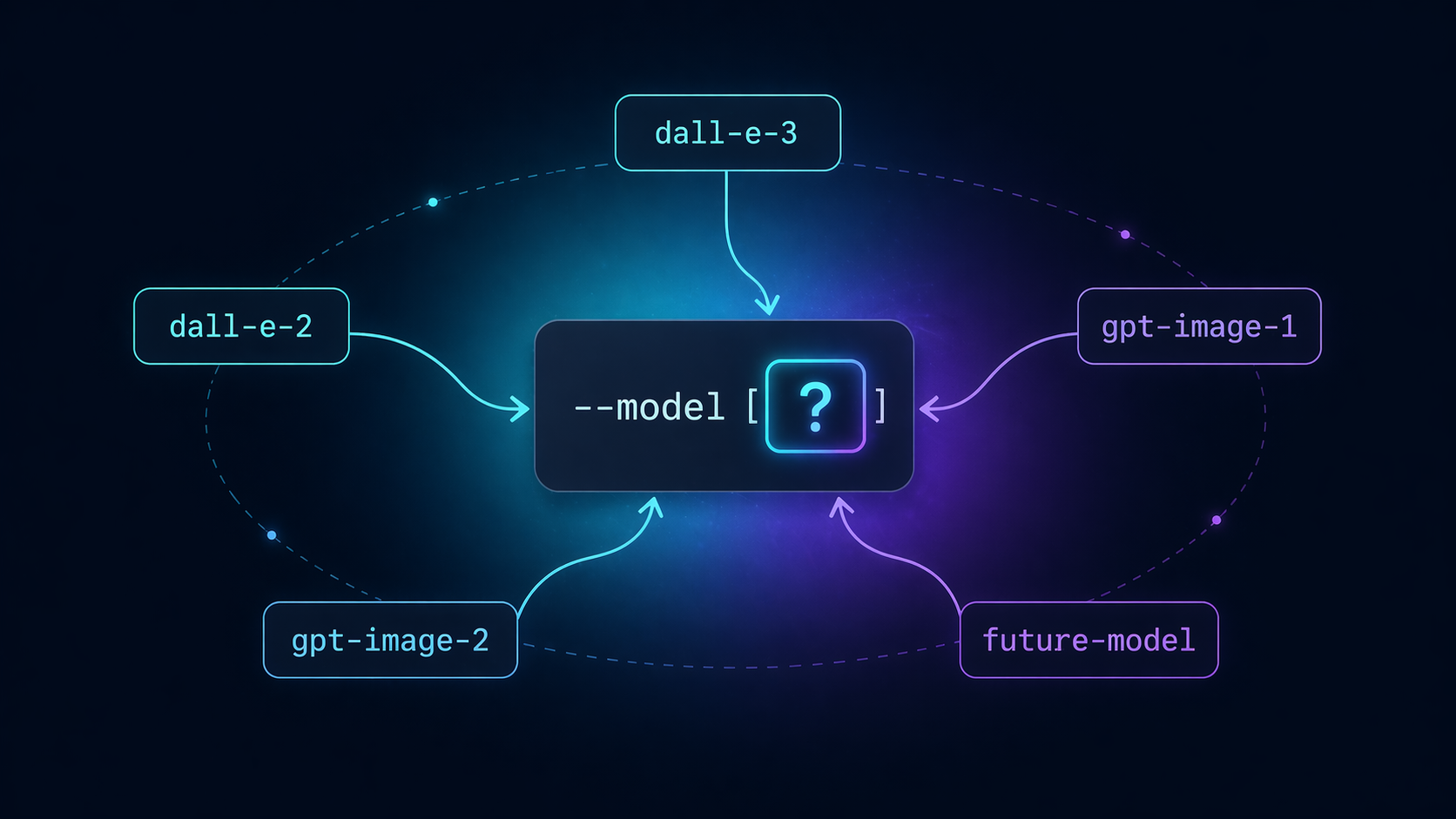
--model is a flag, not a constant. The day a new image model ships, swap the string — no code change, no version bump, no fork:
open-image --model dall-e-3      --prompt "..."
open-image --model gpt-image-2   --prompt "..."   # when your org is verified
open-image --model future-model  --prompt "..."   # whenever it arrives
Default is gpt-image-2. Change per call, or alias open-image='open-image --model dall-e-3' in your shell if you prefer a different default.
--extra escape hatch
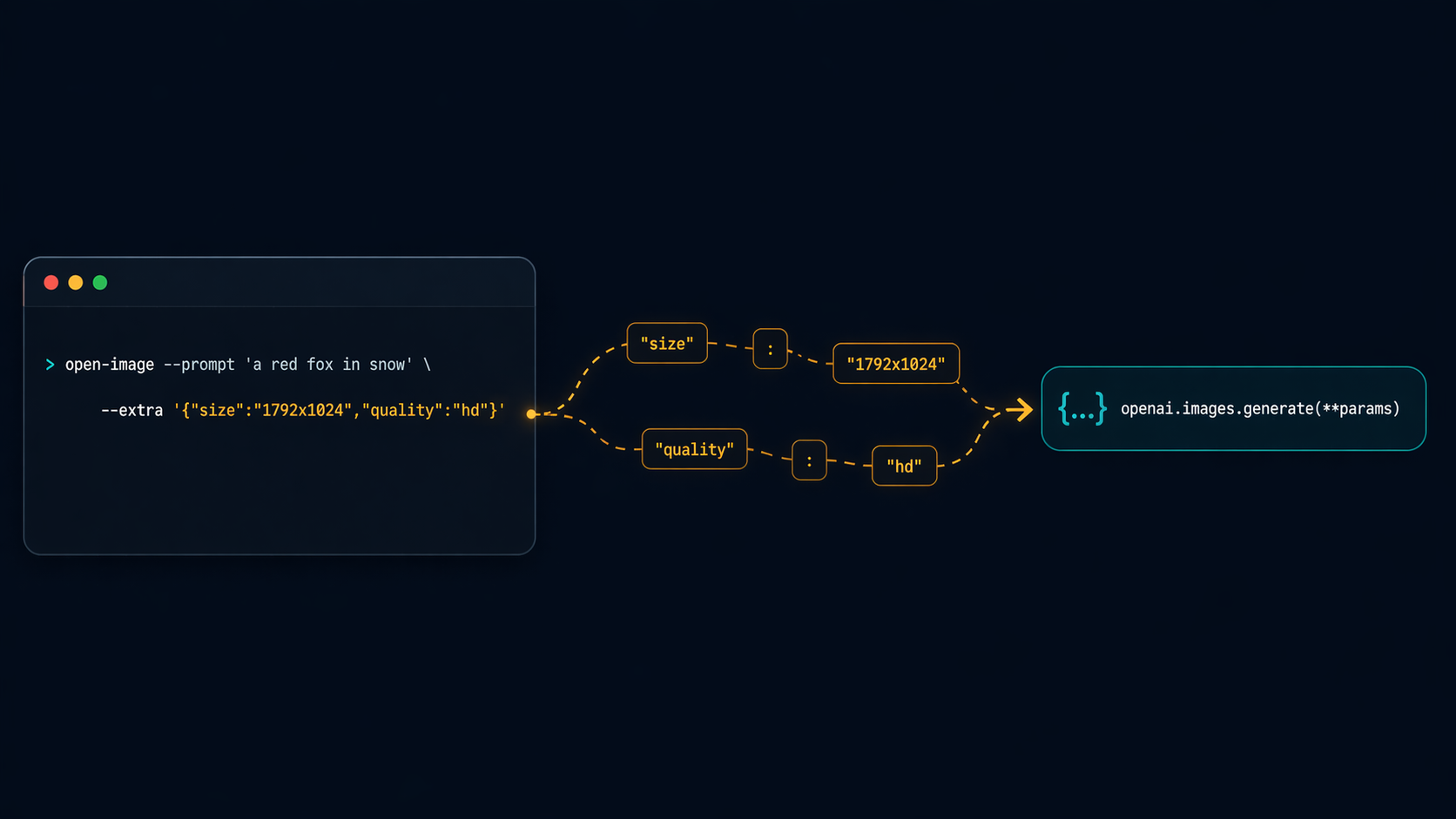
Any keyword the API accepts, --extra forwards verbatim to openai.images.generate(**params). Zero client-side validation — the API is the source of truth:
open-image \
  --model dall-e-3 \
  --extra '{"size":"1792x1024","quality":"hd","style":"vivid"}' \
  --prompt "a lone surfer at dawn, Hokusai woodblock style"

open-image \
  --model dall-e-2 \
  --extra '{"size":"512x512","n":4}' \
  --prompt "abstract watercolor studies"
If you pass a wrong key, the API error surfaces verbatim — exactly what you want for debugging. No wrapper in the way.
Install
From PyPI (recommended)
pip install open-image
With pipx (isolated global command)
pipx install open-image
From source
git clone https://github.com/tvtdev94/open-image
cd open-image
pip install -e .
Setup
Set your OpenAI API key (must have image-generation credit):
# Option A — environment variable (recommended)
export OPENAI_API_KEY=sk-...

# Option B — per-call flag
open-image --api-key sk-... --prompt "..."
Flags
| Flag | Default | Purpose |
|---|---|---|
--prompt |
— | Inline prompt text |
--prompt-file |
— | Path to a file containing the prompt |
--model |
gpt-image-2 |
Any OpenAI image model (dall-e-3, dall-e-2, gpt-image-1, …) |
--extra |
{} |
JSON object forwarded to images.generate |
--out-dir |
./output |
Where to save PNGs (auto-created) |
--api-key |
$OPENAI_API_KEY |
Override via flag if not in env |
--keep |
50 |
Keep only N newest PNGs in --out-dir after save; 0 disables pruning |
Output
./output/{YYYYMMDD-HHMMSS}-{uuid8}.png
One PNG per response.data item (so n=4 → four files). Absolute path(s) printed to stdout, one per line — friendly to xargs, fzf, wl-copy, whatever you pipe into.
open-image --prompt "a corgi" | tee -a log.txt
open-image --prompt "a corgi" | head -n1 | xargs -I{} open {}    # macOS preview
Gallery
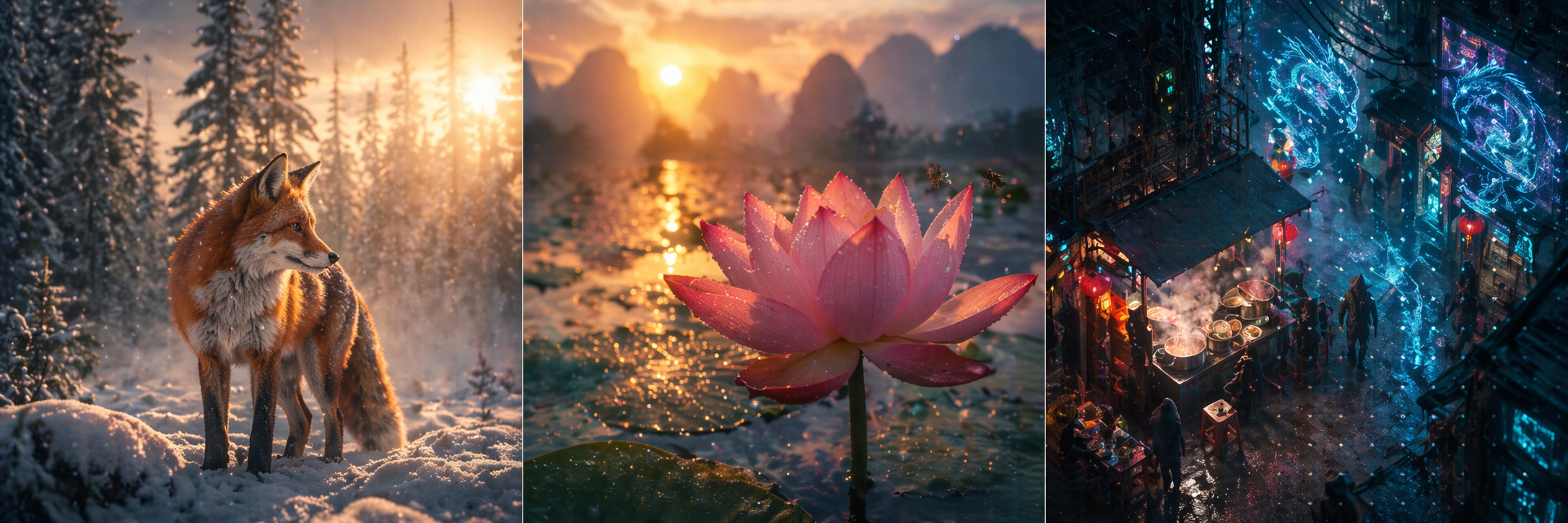
All generated by open-image at dall-e-3 / quality=hd:
 |
 |
| A close-up cinematic macro of a bee hovering over a lotus at sunrise. | A bustling night market in a cyberpunk Hanoi alleyway. |
Error handling
Every error path exits with a clear, actionable message:
- No API key →
ERROR: No API key. Set OPENAI_API_KEY env or pass --api-key. --extranot valid JSON → parser error with column offset- Empty prompt →
ERROR: Empty prompt. - API failure (auth, model access, invalid params) → API error string forwarded verbatim
- Un-writable
--out-dir→PermissionErrorsurfaced with the path
Model notes
gpt-image-2requires an organization verification step on the OpenAI dashboard. First call returns403until you verify.dall-e-3works out of the box. It returns a URL by default; always pass"response_format": "b64_json"in--extrafor deterministic offline storage.dall-e-2supportsn > 1and smaller sizes — ideal for batch ideation.
Philosophy
Three principles, one file:
- YAGNI — no MCP server, no HTTP wrapper, no plugin system. If your agent has a shell, it can use this.
- KISS — argparse + stdlib + one SDK call. Zero abstractions between you and the API.
- DRY —
--extrameans the tool never needs a new flag per new API param.
The whole tool fits in your head. When a future model adds a parameter, you already know how to use it.
License
MIT © 2026 tvtdev94
Release history Release notifications | RSS feed


Download files
Download the file for your platform. If you're not sure which to choose, learn more about installing packages.
Source Distribution
Built Distribution
Filter files by name, interpreter, ABI, and platform.
If you're not sure about the file name format, learn more about wheel file names.
Copy a direct link to the current filters
File details
Details for the file open_image-0.2.0.tar.gz.
File metadata
- Download URL: open_image-0.2.0.tar.gz
- Upload date:
- Size: 7.5 kB
- Tags: Source
- Uploaded using Trusted Publishing? No
- Uploaded via: twine/6.2.0 CPython/3.12.0
File hashes
| Algorithm | Hash digest | |
|---|---|---|
| SHA256 |
b28af9d98fd4837518cba58fb784916cb83cdc016150111d1362d39c8ad366bd
|
|
| MD5 |
99916e77050f3547b82de189f2265b1b
|
|
| BLAKE2b-256 |
f9f9060f9a2cafe0052202c9b1eb4805aa29463de0c922407c81bbef67ee4d56
|
File details
Details for the file open_image-0.2.0-py3-none-any.whl.
File metadata
- Download URL: open_image-0.2.0-py3-none-any.whl
- Upload date:
- Size: 7.4 kB
- Tags: Python 3
- Uploaded using Trusted Publishing? No
- Uploaded via: twine/6.2.0 CPython/3.12.0
File hashes
| Algorithm | Hash digest | |
|---|---|---|
| SHA256 |
60e9aa134927cb0a5d54e2f2ac49aac01a9491d5cae4de8bcccdad6db8fc8891
|
|
| MD5 |
fbf4e1106cb1a44b81b1e85ec73833d3
|
|
| BLAKE2b-256 |
b1678ac56e30feedc776ed6c2fc31fd17c22c70c914b2f907c88cca36aaebbdb
|






