






Introduction
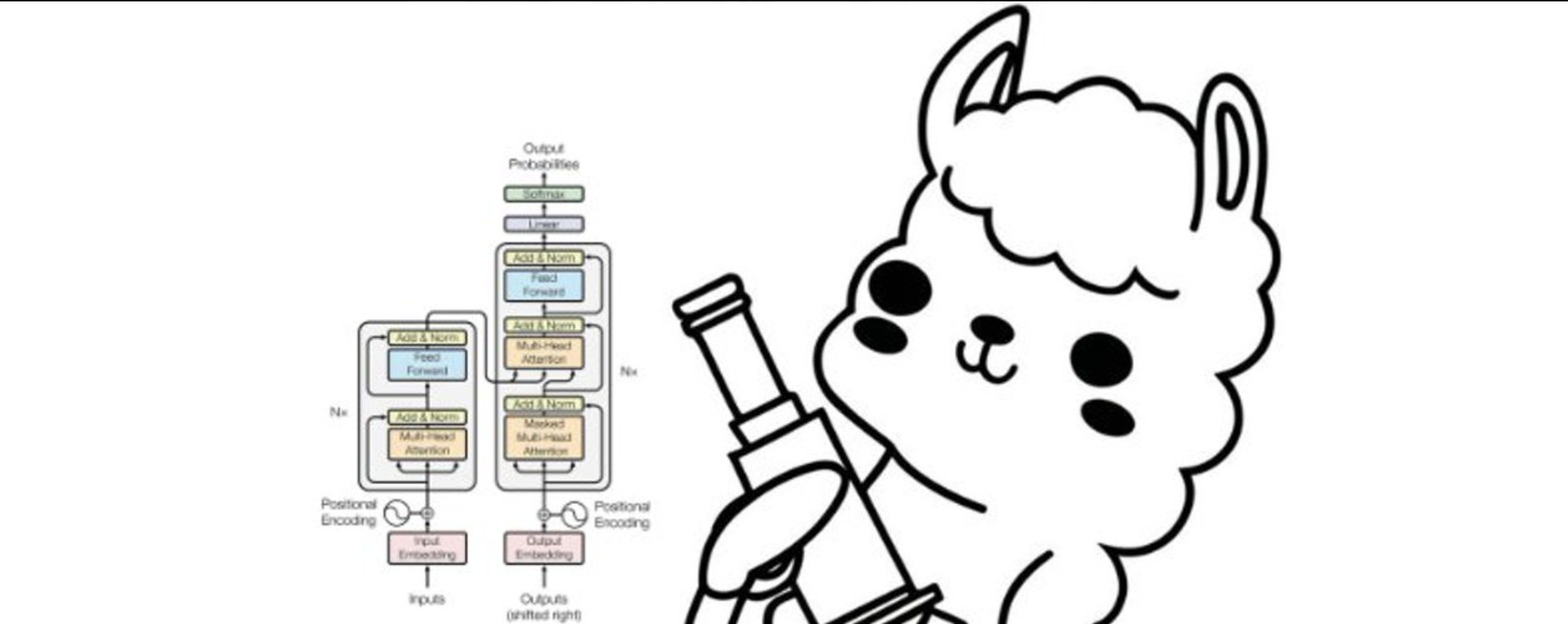
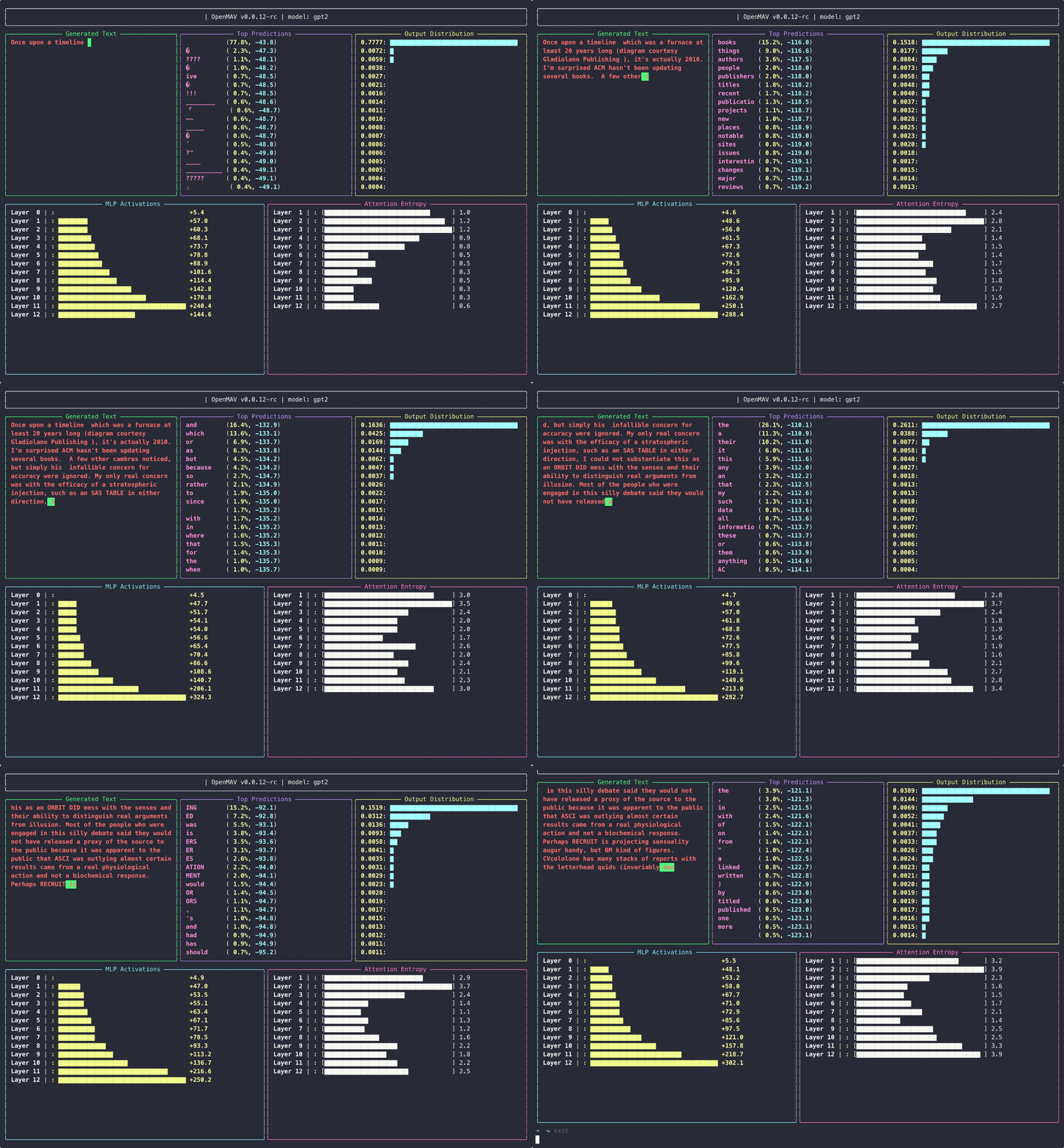
MAV - Model Activity Visualiser (for LLMs)
Getting started
METHOD 1: If uv is installed:
uv run --with openmav mav
or
uv run --with git+https://github.com/attentionmech/mav mav --model gpt2 --prompt "hello mello"
METHOD 2: Without uv:
-
Set up and activate a virtual environment
-
Install the package:
pip install openmav
or
pip install git+https://github.com/attentionmech/mav
-
Run:
mav --model gpt2 --prompt "hello mello"
-
or Import
from openmav.mav import MAV

MAV("gpt2", "Hello")
METHOD 3: Locally from scratch
- git clone https://github.com/attentionmech/mav
- cd mav
- Set up and activate a virtual environment
- Install the package:
pip install .
- Run:
mav --model gpt2 --prompt "hello mello"
METHOD 4: Inside Jupyter notebook/Colab

You can replace gpt2 with other Hugging Face models for example:
meta-llama/Llama-3.2-1BHuggingFaceTB/SmolLM-135Mgpt2-mediumgpt2-large
Tutorials
Writing your custom plugin tutorial in colab
running MAV with a training loop with a custom model (not pretrained one)
uv run examples/test_vis_train_loop.py
running MAV with custom panel selection and arrangement
uv run --with git+https://github.com/attentionmech/mav mav --model gpt2 --num-grid-rows 3 --selected-panels generated_text attention_entropy top_predictions --max-bar-length 20 --refresh-rate 0 --max-new-tokens 10000
Demos
- Basic plugins
- Entropy Fire plugin
- interactive mode
- limit chars
- sample with temperature
- running with custom model
- panel selection
- running in colab notebook
Note: explore it using the command line help as well, since many sampling params are exposed.
Contributing
Clone the repository and install the package in development mode:
git clone https://github.com/attentionmech/mav
cd mav

# recommended
uv sync

# if you don't use uv
pip install -e .
1 maintainer

Metadata
1 maintainer
Release files for openmav 0.0.12
For a detailed explanation of source distributions (sdists) and built distributions (wheels), please see the package formats documentation.
Source distribution (sdist)
| File | Size | Uploaded | |
|---|---|---|---|
| openmav-0.0.12.tar.gz | 14.7 kB | Details |
Built distribution (wheel)
| File | Interpreter | ABI | Platform | Reset |
|---|---|---|---|---|
| openmav-0.0.12-py3-none-any.whl | Python 3 | none | any | Details |
Total release size: 32.6 kB
Release files / openmav-0.0.12.tar.gz
| Download URL | openmav-0.0.12.tar.gz |
|---|---|
| Size | 14.7 kB |
| Tags | Source |
|
SHA-256 checksum How to use checksums |
c4726b00f453bcf40714f9db375d19f6d17f4bd79fcb83b1040aa790881c83d5
|
|
BLAKE2b-256 checksum How to use checksums |
cfc5177d2157090b5f8d12cb7562d65c46a44287a6ae0ac4bf745580f997ab59
|
| Upload date | |
|
Uploaded using Trusted Publishing? What is trusted publishing? |
No |
| Uploaded via |
twine/6.1.0 CPython/3.12.7
|
Release files / openmav-0.0.12-py3-none-any.whl
| Download URL | openmav-0.0.12-py3-none-any.whl |
|---|---|
| Size | 17.9 kB |
| Tags | Python 3 |
|
SHA-256 checksum How to use checksums |
0a8e4876a9ca76f5b550737b85dca93f291280c9d21e781146099874c0dc19cc
|
|
BLAKE2b-256 checksum How to use checksums |
80f404ec800d997da14aeb9e838c30c0035ddbfb5b3eb393d8a9eb14f360a7ec
|
| Upload date | |
|
Uploaded using Trusted Publishing? What is trusted publishing? |
No |
| Uploaded via |
twine/6.1.0 CPython/3.12.7
|














