
MAV

Project description






Introduction
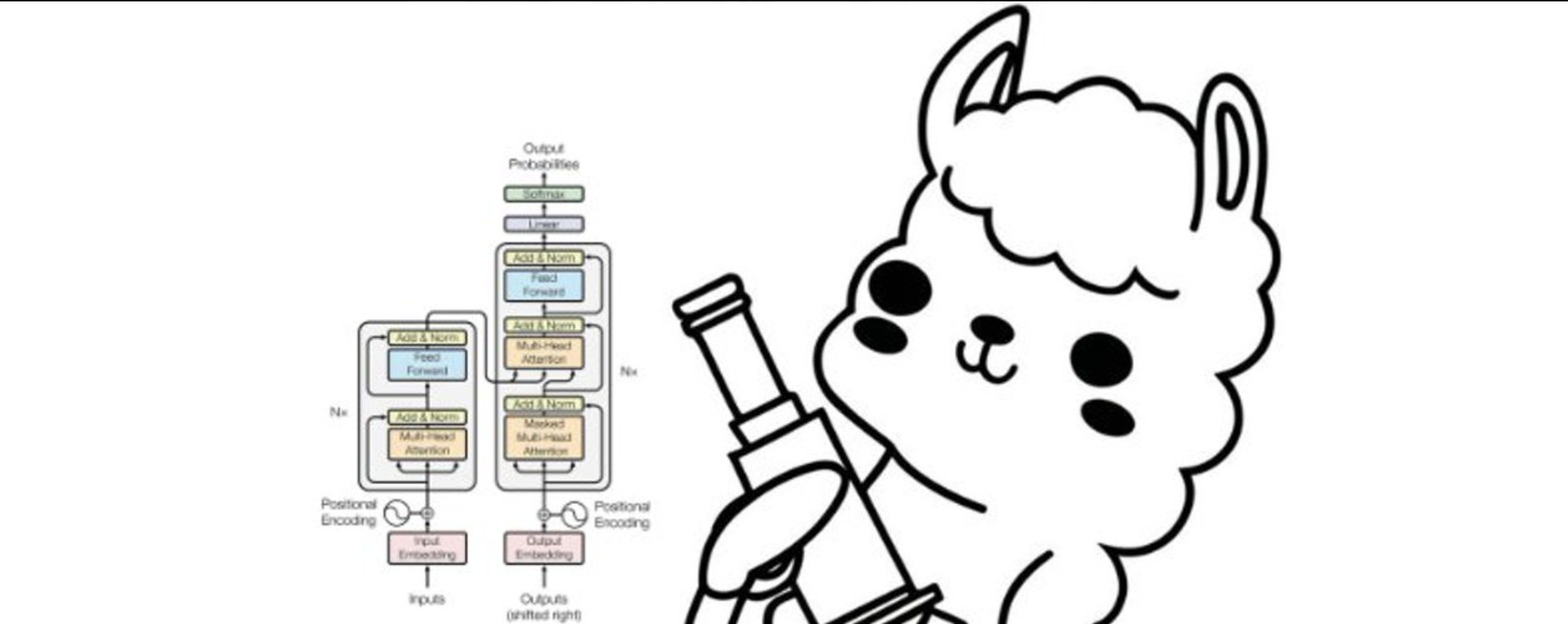
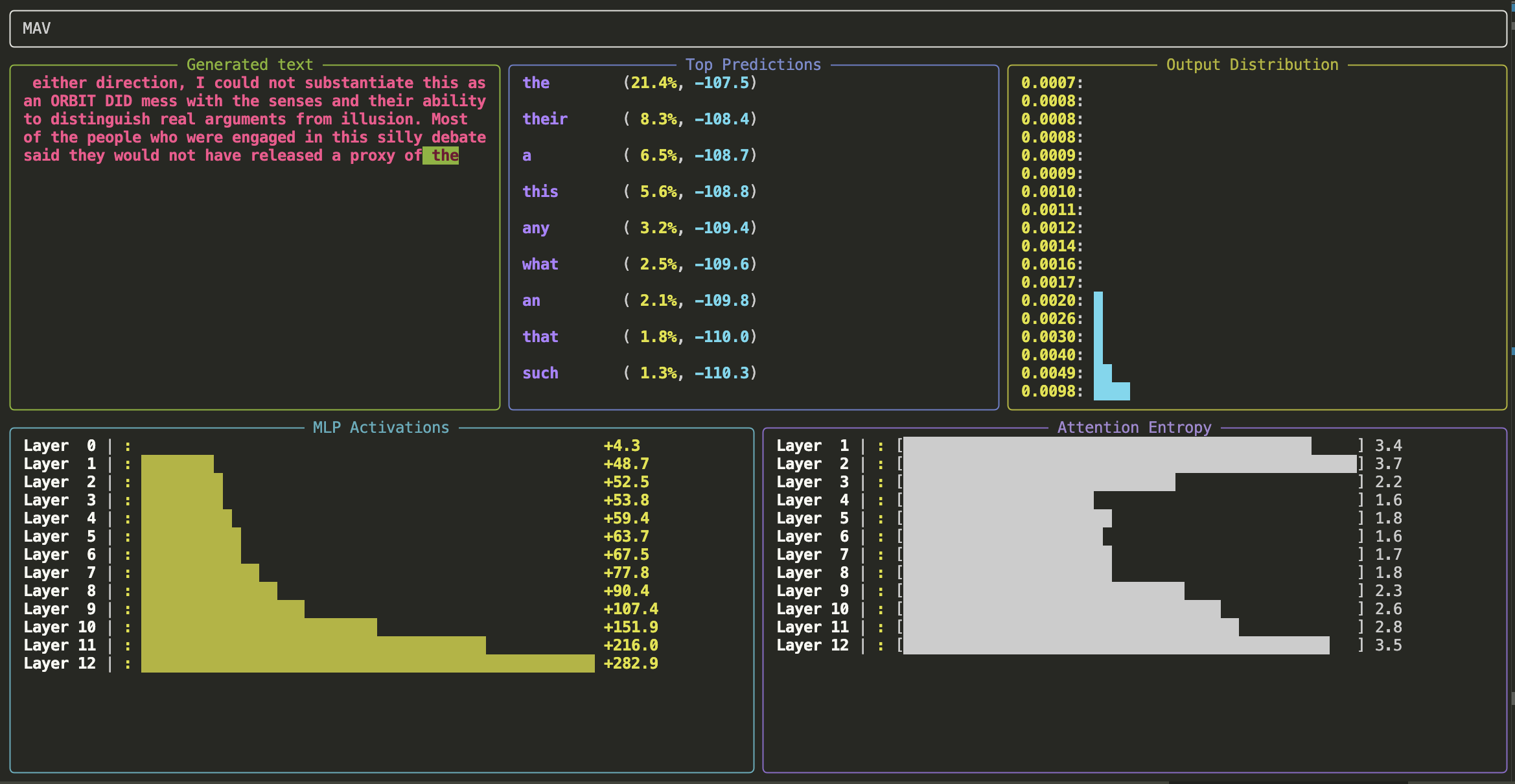
MAV - Model Activations Visualiser
Getting started
METHOD 1: If uv is installed:
uv run --with openmav mav
or
uv run --with git+https://github.com/attentionmech/mav mav --model gpt2 --prompt "hello mello"
METHOD 2: Without uv:
-
Set up and activate a virtual environment
-
Install the package:
pip install openmav
or
pip install git+https://github.com/attentionmech/mav
-
Run:
mav --model gpt2 --prompt "hello mello"
-
or Import
from openmav.mav import MAV

MAV("gpt2", "Hello")
METHOD 3: Locally from scratch
- git clone https://github.com/attentionmech/mav
- cd mav
- Set up and activate a virtual environment
- Install the package:
pip install .
- Run:
mav --model gpt2 --prompt "hello mello"
METHOD 4: Inside Jupyter notebook/Colab

You can replace gpt2 with other Hugging Face models for example:
meta-llama/Llama-3.2-1BHuggingFaceTB/SmolLM-135Mgpt2-mediumgpt2-large
Tutorials
Writing your custom plugin tutorial in colab
running MAV with a training loop with a custom model (not pretrained one)
uv run examples/vis_train_loop.py
running MAV with custom panel selection and arrangement
uv run --with git+https://github.com/attentionmech/mav mav --model gpt2 --num-grid-rows 3 --selected-panels generated_text attention_entropy top_predictions --max-bar-length 20 --refresh-rate 0 --max-new-tokens 10000
Demos
- Basic plugins
- Entropy Fire plugin
- interactive mode
- limit chars
- sample with temperature
- running with custom model
- panel selection
- running in colab notebook
Note: explore it using the command line help as well, since many sampling params are exposed.
Release history Release notifications | RSS feed


Download files
Download the file for your platform. If you're not sure which to choose, learn more about installing packages.
Source Distribution
Built Distribution
Filter files by name, interpreter, ABI, and platform.
If you're not sure about the file name format, learn more about wheel file names.
Copy a direct link to the current filters
File details
Details for the file openmav-0.0.11.tar.gz.
File metadata
- Download URL: openmav-0.0.11.tar.gz
- Upload date:
- Size: 14.6 kB
- Tags: Source
- Uploaded using Trusted Publishing? No
- Uploaded via: twine/6.1.0 CPython/3.13.2
File hashes
| Algorithm | Hash digest | |
|---|---|---|
| SHA256 |
5f0342a5737045fbc1198a1b414c8bc88fecbb92ce9b7dc37a4cf1b8d517507b
|
|
| MD5 |
6012b0be7ae70f7365b14e2edf6710ab
|
|
| BLAKE2b-256 |
62b48e2b444fc649c75d71593bca4ea374e653d28f74885358134c9d2c492623
|
File details
Details for the file openmav-0.0.11-py3-none-any.whl.
File metadata
- Download URL: openmav-0.0.11-py3-none-any.whl
- Upload date:
- Size: 17.8 kB
- Tags: Python 3
- Uploaded using Trusted Publishing? No
- Uploaded via: twine/6.1.0 CPython/3.13.2
File hashes
| Algorithm | Hash digest | |
|---|---|---|
| SHA256 |
a55e6ca93a27f5fe8ec34677b6331977f7afe9daa9fc6325976bf9f760bda726
|
|
| MD5 |
95387e473320c61bed9f8561c8fcc155
|
|
| BLAKE2b-256 |
4200a1e2a9b9d536e2e36a3437e8b942e4c5879c102f559cbaaa689bff93d261
|






