
Create rofi menus via python

Project description

rofi-menu
Rofi allows defining custom modes (see the spec).
This lib is a reference implementation with some extra "sugar".
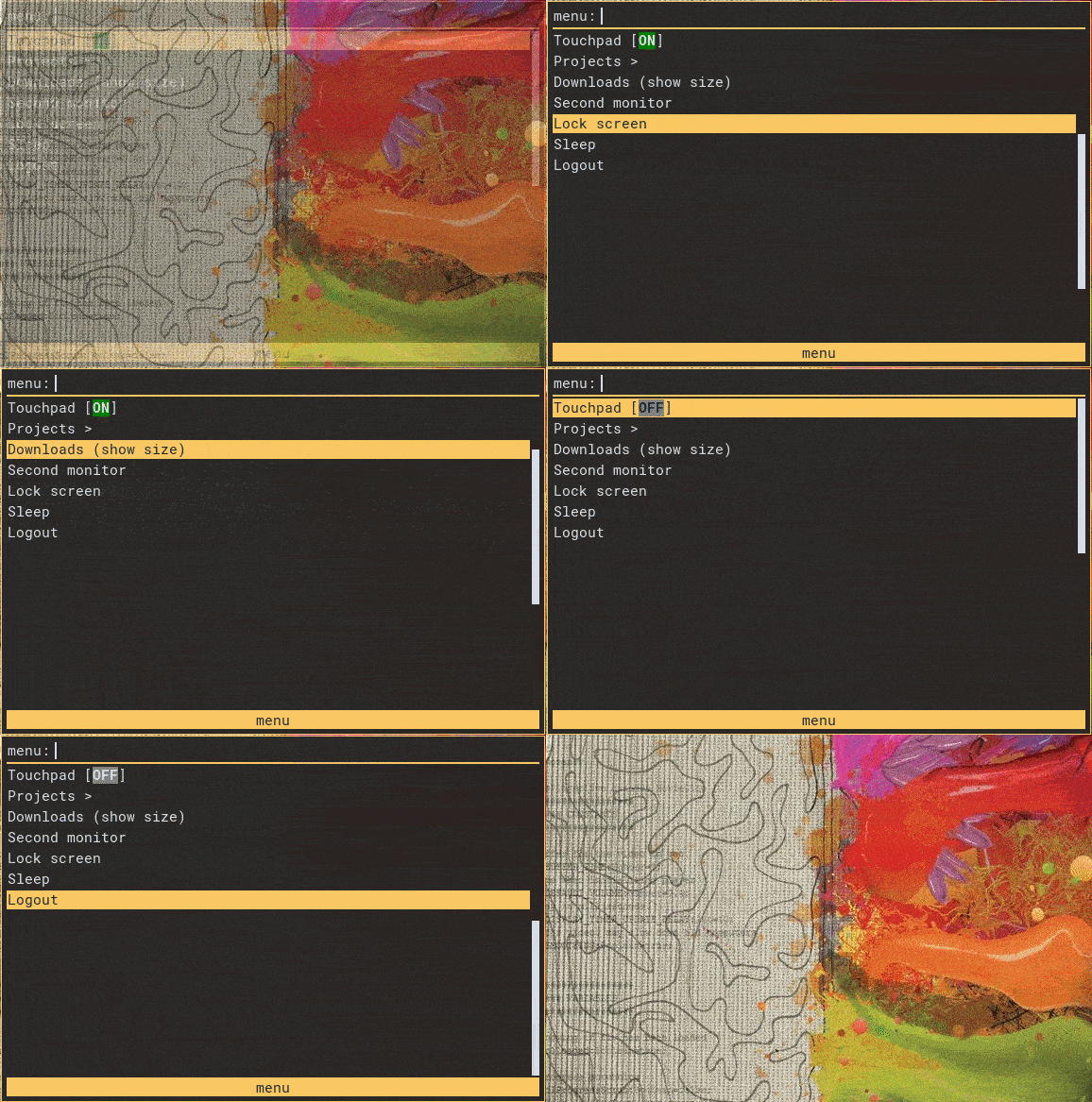
Simple demo:
Installation
Using pip
$ pip install rofi-menu
Example
Create a python script which will be used for rofi mode
e.g. example.py (don't forget to mark it as executable -- chmod +x ./example.py)
Assuming you installed rofi-menu into a virtual environment (let's say it's ~/.pyenv/versions/rofi/bin/python).
Make sure shebang points to the right python executable, e.g. #!/home/user/pyenv/versions/rofi/bin/python.
#!/home/user/pyenv/versions/rofi/bin/python
import rofi_menu


class ProjectsMenu(rofi_menu.Menu):
    prompt = "Projects"
    items = [
        rofi_menu.BackItem(),
        rofi_menu.ShellItem("Project 1", "code-insiders ~/Develop/project1"),
        rofi_menu.ShellItem("Project 2", "code-insiders ~/Develop/project2"),
        rofi_menu.ShellItem("Project X", "code-insiders ~/Develop/projectx"),
    ]


class LogoutMenu(rofi_menu.Menu):
    prompt = "Logout"
    items = [
        rofi_menu.ShellItem("Yes", "i3-msg exit", flags={rofi_menu.FLAG_STYLE_URGENT}),
        rofi_menu.ExitItem("No", flags={rofi_menu.FLAG_STYLE_ACTIVE}),
    ]


class MainMenu(rofi_menu.Menu):
    prompt = "menu"
    items = [
        rofi_menu.TouchpadItem(),
        rofi_menu.NestedMenu("Projects >", ProjectsMenu()),
        rofi_menu.ShellItem(
            "Downloads (show size)", "du -csh ~/Downloads", show_output=True
        ),
        rofi_menu.NestedMenu("Second monitor", rofi_menu.SecondMonitorMenu()),
        rofi_menu.ShellItem("Lock screen", "i3lock -i ~/.config/i3/bg.png"),
        rofi_menu.ShellItem("Sleep", "systemctl suspend"),
        rofi_menu.NestedMenu("Logout", LogoutMenu()),
    ]


if __name__ == "__main__":
    rofi_menu.run(MainMenu())
Run it as:
$ rofi -modi mymenu:/path/to/example.py -show mymenu
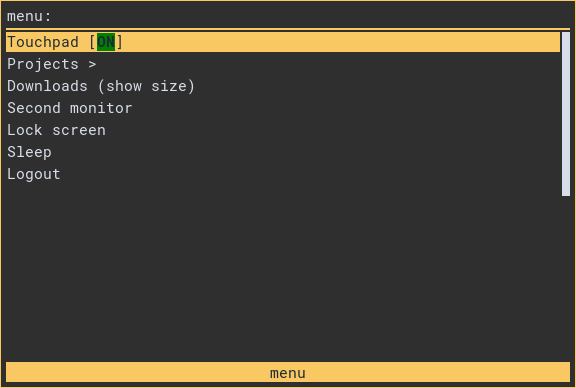
It'll result in
Release history Release notifications | RSS feed


Download files
Download the file for your platform. If you're not sure which to choose, learn more about installing packages.
Source Distribution
Built Distribution
Filter files by name, interpreter, ABI, and platform.
If you're not sure about the file name format, learn more about wheel file names.
Copy a direct link to the current filters






