Scanpath Studio






Scanpath Studio shows you how people read. Load eye-tracking-while-reading data and watch each reading unfold over the text, exactly where it sat on the screen — then compare readers, analyse a corpus, and export figures ready for a paper.
Get started
-
In the browser: the live demo at https://scanpath-studio.streamlit.app.
-
With pip (Python 3.11–3.14):
pip install scanpath-studio
scanpath-studio      # opens the app in your browser
-
As a desktop app: Windows · macOS (Apple silicon) · Linux.
The pip and desktop installs keep your data on your own machine; the hosted demo runs on Streamlit Community Cloud.
What you can do
- See the reading: fixations, saccades, heatmaps and raw gaze over the text at its true on-screen position, with fixations colored by any column.
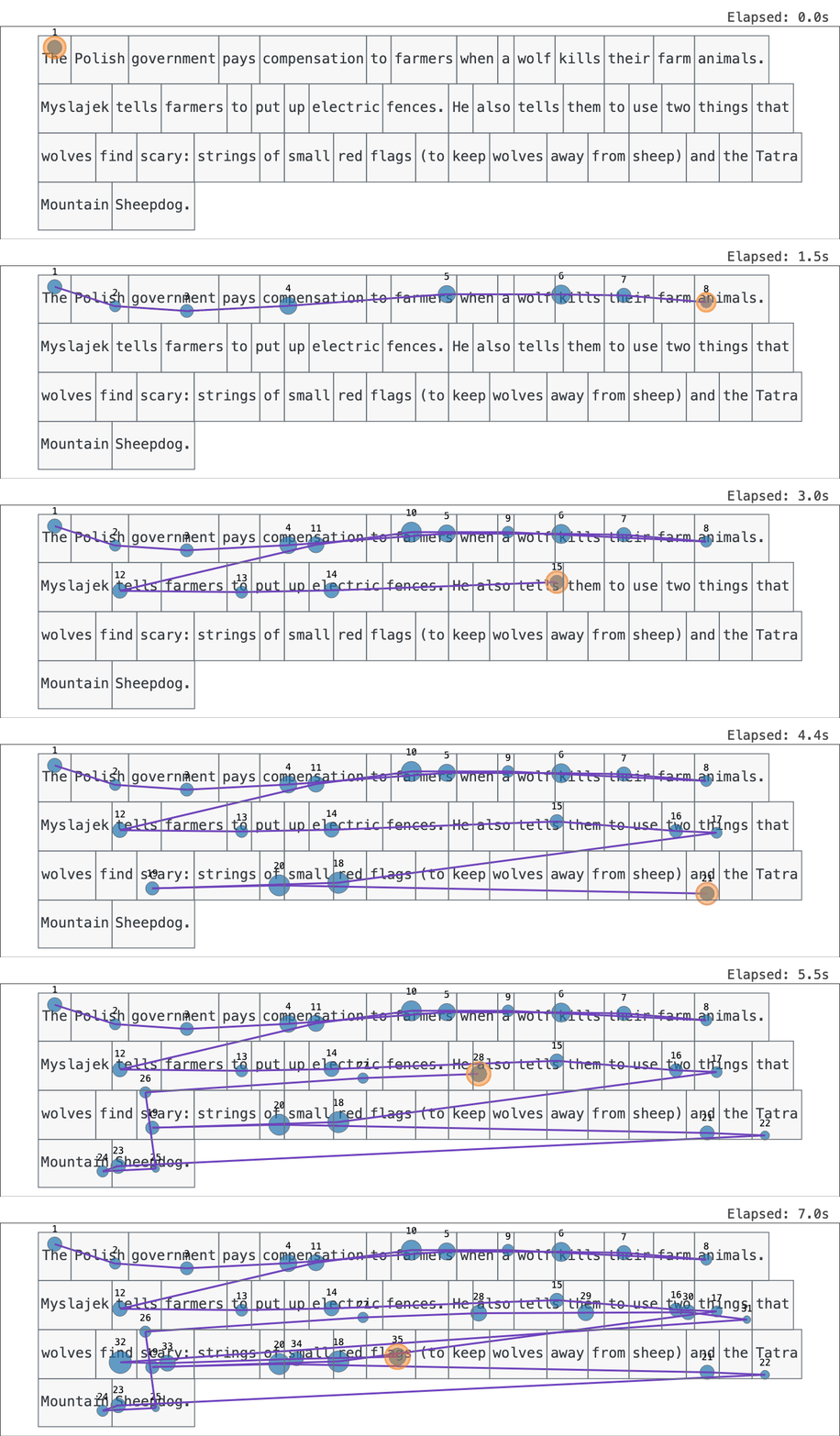
- Replay it in real time or faster, and export it as HTML, GIF or MP4.
- Compare readers: overlay two trials or place them side by side — even from two different datasets.
- Analyse a corpus per text, sentence, reader or group, with every measure documented in the computation register.
- Triage, export and share: tag and filter trials, export one figure or a zip for every trial, and share a link that reopens the exact view.
 |
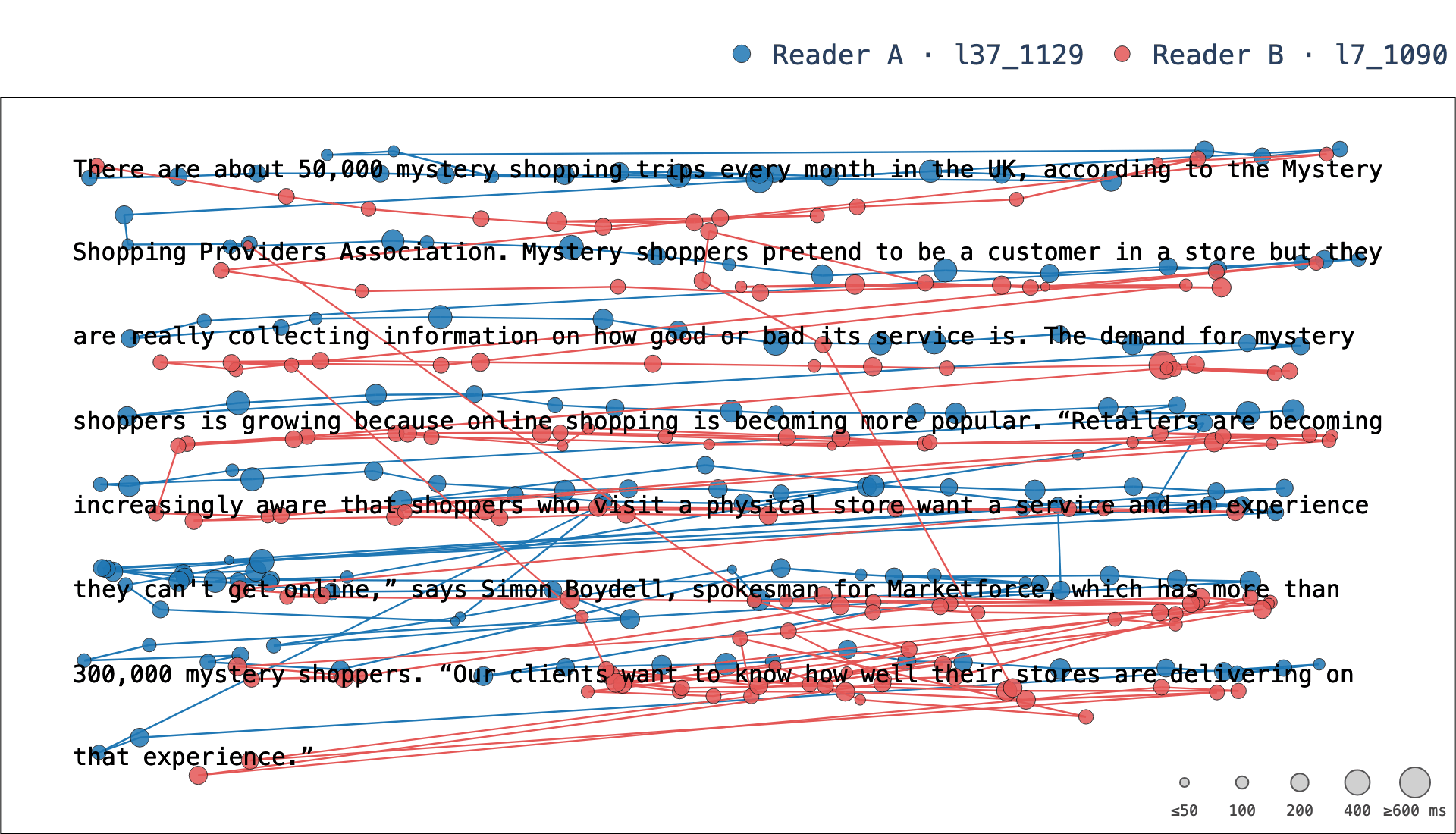 |
| A reading, replayed fixation by fixation | Two readers of one paragraph, overlaid (animated) |
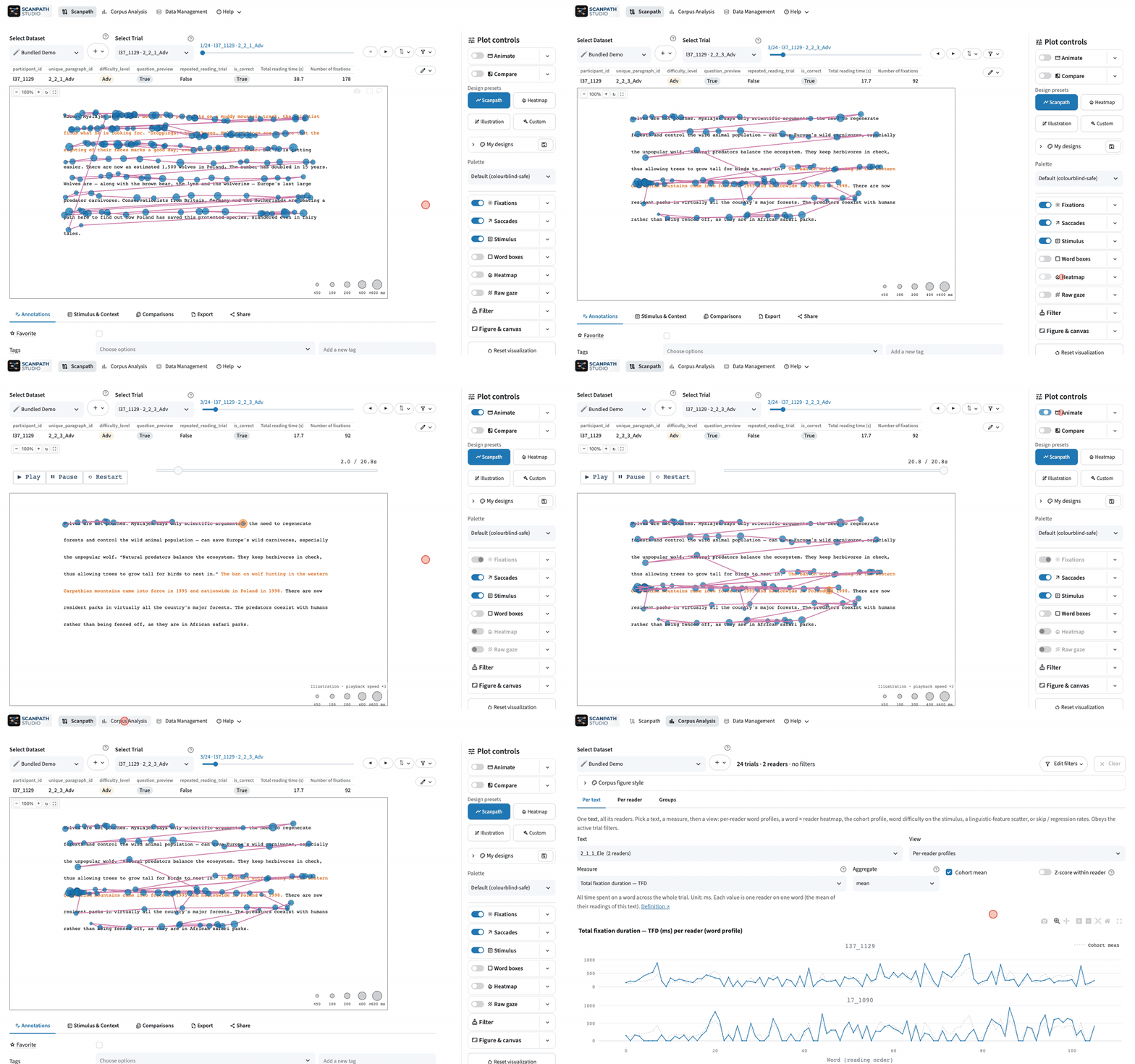
The app has three views: 🗺️ Scanpath for one trial at a time, 📊 Corpus Analysis for the whole dataset, and 🗂️ Data for loading and configuring datasets. The feature guides walk through each one.
Your data
Load word, fixation and raw-gaze tables in CSV, Parquet, Excel or another common format. Scanpath Studio adapts to how your study was recorded, so there is rarely anything to reformat first — see Loading public and own data.
Command line & Python API
Everything the app draws is also available headless — same pipeline, same figure. These run as-is on the bundled demo:
scanpath-studio render --sample --list-trials          # the demo's trials
scanpath-studio render --sample -o scanpath.html       # one trial, interactive HTML
scanpath-studio render --sample --animate -o replay.html
scanpath-studio render --sample -p l37_1129 -t l37_1129_2_1_1_Ele_r0 \
  --compare-with l7_1090:l7_1090_2_1_1_Ele_r0 -o compare.html
import scanpath_studio as sps

words, fixations = sps.load_sample_data()
print(sps.list_trials(words, fixations).head())
fig = sps.plot_scanpath(words, fixations, "l37_1129", "l37_1129_2_1_1_Ele_r0")
sps.save_figure(fig, "scanpath.html")
measures = sps.compute_word_metrics(words, fixations)  # FFD, FPRT, RPD, TFD, …
For your own files, pass --words ia.csv --fixations fix.csv to render, or
use sps.load_scanpath_data("ia.csv", "fix.csv"). HTML output needs nothing
else; PNG, SVG, PDF, GIF and MP4 go through Kaleido, which needs Chrome once:
plotly_get_chrome -y. The
CLI reference and the
Python API reference list
every flag and parameter.
Where next
The full documentation is at https://lacclab.github.io/scanpath-studio/:
- Getting started: install, launch and a first trial
- Tutorials: task walk-throughs, from checking a pilot to a figure for a paper
- Feature guides: every view and control
- Loading public and own data: what the loader accepts and how to map it
- CLI and Python API: scripting and batch rendering
- Gallery: the figures it draws, each with the code that makes it
- Computation register: how each measure is derived
- FAQ · Cite
Contributing
git clone https://github.com/lacclab/scanpath-studio.git
cd scanpath-studio
pip install -e ".[test]"          # or: uv sync --extra test --extra lint
streamlit run streamlit_app.py --server.address 127.0.0.1
pytest -n auto
CONTRIBUTING.md
covers setup, the checks that gate CI, and how work is tracked in
GitHub Issues;
AGENTS.md is
the architectural map. To preview the docs site locally, run
pip install -e ".[docs]" and then mkdocs serve.
Taking part means following the Code of Conduct.
Citation
A paper is in preparation. Until then, cite the software by its DOI, 10.5281/zenodo.22933884 (GitHub's Cite this repository button formats it as APA or BibTeX). If you use the bundled demo, a subset of OneStop Eye Movements, please also cite:
@article{berzak2025onestop,
  title     = {{OneStop}: A 360-Participant {E}nglish Eye Tracking Dataset
               with Different Reading Regimes},
  author    = {Berzak, Yevgeni and Malmaud, Jonathan and Shubi, Omer
               and Meiri, Yoav and Lion, Ella and Levy, Roger},
  journal   = {Scientific Data},
  year      = {2025},
  publisher = {Nature Publishing Group},
  doi       = {10.1038/s41597-025-06272-2},
  url       = {https://www.nature.com/articles/s41597-025-06272-2},
}
AI-assisted software
Scanpath Studio was built with AI assistance. Cross-check results before publishing. If something looks wrong — or if you have a feature request or suggestion — report it.
1 maintainer

Metadata
1 maintainer
Release files for scanpath-studio 0.32.0
For a detailed explanation of source distributions (sdists) and built distributions (wheels), please see the package formats documentation.
Source distribution (sdist)
| File | Size | Uploaded | |
|---|---|---|---|
| scanpath_studio-0.32.0.tar.gz | 2.9 MB | Details |
Built distribution (wheel)
| File | Interpreter | ABI | Platform | Reset |
|---|---|---|---|---|
| scanpath_studio-0.32.0-py3-none-any.whl | Python 3 | none | any | Details |
Total release size: 5.9 MB
Release files / scanpath_studio-0.32.0.tar.gz
| Download URL | scanpath_studio-0.32.0.tar.gz |
|---|---|
| Size | 2.9 MB |
| Tags | Source |
|
SHA-256 checksum How to use checksums |
d696f3ba5d124d445b899686114098327edb95095d058b93fba5f2f4aa6720e4
|
|
BLAKE2b-256 checksum How to use checksums |
37bcf342af2d78ae4d991c38cd646c93dcf7125b0b8fbe25ee3c6b6b31bdc59b
|
| Upload date | |
|
Uploaded using Trusted Publishing? What is trusted publishing? |
Yes |
| Uploaded via |
twine/7.0.0 CPython/3.13.14
|
Provenance
Provenance describes where a file came from. On PyPI, provenance is shared via attestations, which provide a verifiable record of the build or publishing details. View details, limitations and caveats.


PyPI Publish Attestation
PyPI verified that this artifact, at this checksum, originated from the publisher listed below.
Signed by GitHub Actions, verified by PyPI on Sep 30, 2026.
Transparency logRelease files / scanpath_studio-0.32.0-py3-none-any.whl
| Download URL | scanpath_studio-0.32.0-py3-none-any.whl |
|---|---|
| Size | 3.0 MB |
| Tags | Python 3 |
|
SHA-256 checksum How to use checksums |
89ba2818b68a5fa8d22b7f555ba345fdc5411ecacfad1428b47ed3520b213821
|
|
BLAKE2b-256 checksum How to use checksums |
fcfe1b149779e5b4b0615d8b10e1c240f6f7d06c8758cdc6a5b06aa0568f36f8
|
| Upload date | |
|
Uploaded using Trusted Publishing? What is trusted publishing? |
Yes |
| Uploaded via |
twine/7.0.0 CPython/3.13.14
|
Provenance
Provenance describes where a file came from. On PyPI, provenance is shared via attestations, which provide a verifiable record of the build or publishing details. View details, limitations and caveats.
PyPI Publish Attestation
PyPI verified that this artifact, at this checksum, originated from the publisher listed below.
Signed by GitHub Actions, verified by PyPI on Sep 30, 2026.
Transparency log