




Ask another session to review a change, report progress, or pick up a task. session-peer uses native agent inboxes and queues; the receiving agent decides how to respond.
Demo
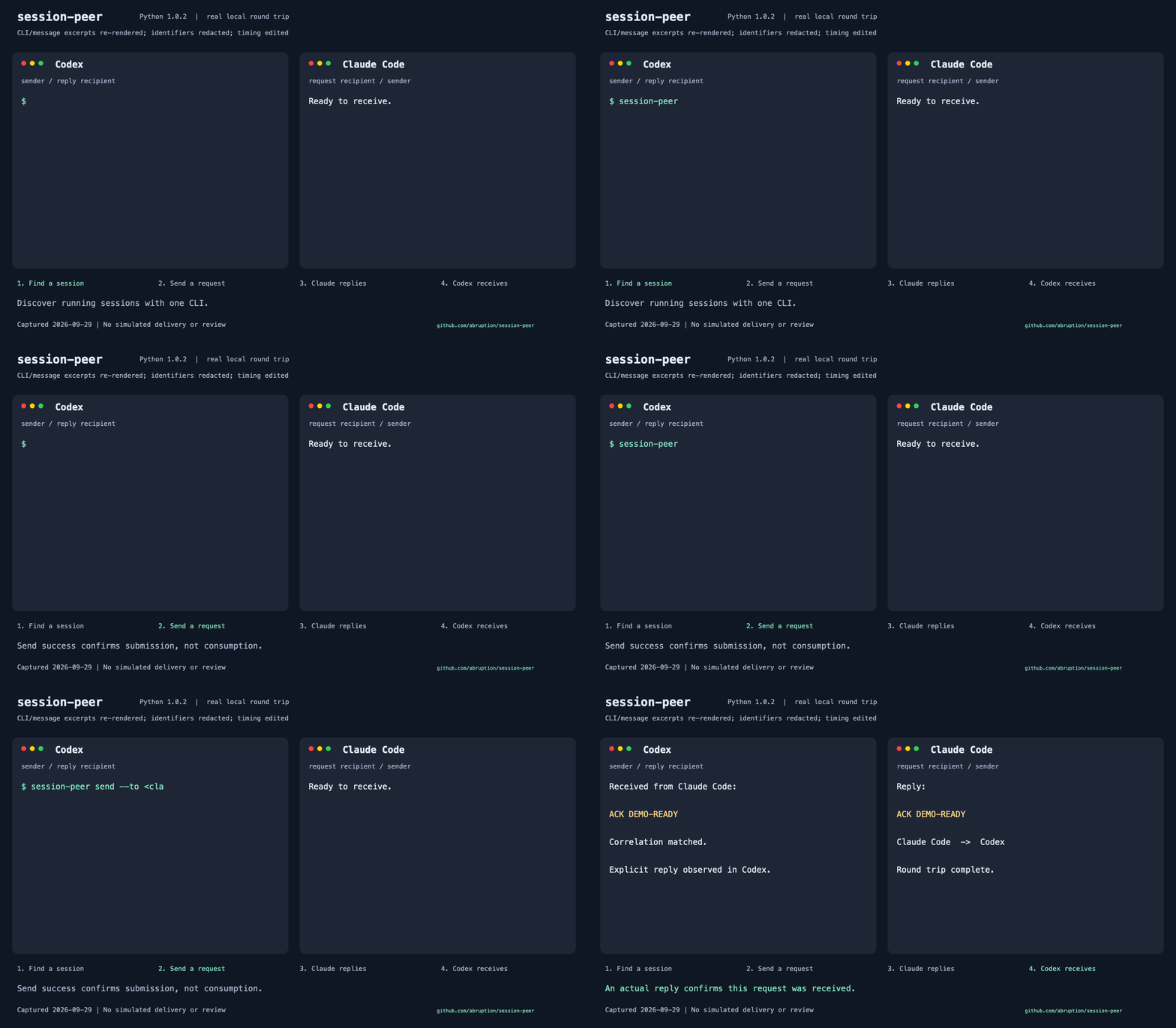
A real local request and reply using session-peer 1.0.2: Codex contacts Claude Code
and receives ACK DEMO-READY. CLI and message excerpts are anonymized and re-rendered
in this ~22-second animation, not a screen recording; send success alone is not an ACK.
Quick Start
Install
Python 3.9+. The core local/SSH CLI has no third-party Python dependencies. Source version: 1.3.1. At the 2026-10-27 preparation checkpoint, the last verified published stable release was 1.3.0. See the maintenance release notes for the Control source dependency fix and the compatibility skill asset in the GitHub release. Neither component is included in the Python wheel or sdist.
Version 1.3.0 adds delivery explanations, local/SSH route presets and recipient addresses, bounded handoff observation, trusted SSH configuration, pairing links and per-version notice preferences. See the release scope and verification gates for supported combinations and limits. Package publication and operational deployment are separate.
Check GitHub Releases and PyPI for available versions; a source version alone does not establish package availability.
Experimental handoff is opt-in: local POSIX Claude supports receipt ACKs; Codex and SSH support correlation-only submission, not ACK observation. See the handoff guide for the shipped scope and remaining acceptance gates.
pipx install session-peer
session-peer --version
session-peer list
Use uv tool install session-peer instead if you prefer uv. Native Windows,
virtual-environment pip, and standalone/SSH installation variants are in the
installation guide.
For SSH discovery, replace the example host worker with your host or alias.
Then replace the fictional session name and full UUID with the listed destination:
session-peer list --host worker
session-peer send --to api-worker --message "Report progress"
session-peer send --host worker --to 'codex:00000000-0000-4000-8000-000000000001' --message "Review the change"
The SSH destination needs Python and the target agent's native inbox or queue,
but not an installed session-peer CLI. For a custom Codex home, pass the listed
codexHome with --codex-home; use --dry-run to validate without sending.
Use the destination account that owns the session (--host USER@HOST).
SSH access and receiver permissions still apply.
posted / queued confirms submission, not consumption, ACK, or completion.
Ask for an explicit reply when needed. Ordinary sends refuse inactive Codex destinations
by default and do not start them. Never automatically retry an uncertain send.
The optional agent skill is installed separately from the runtime; see the installation guide for its Skills CLI command.
Update
Use the same manager that installed the runtime:
pipx upgrade session-peer
# or: uv tool upgrade session-peer
# or, in its virtual environment: python -m pip install --upgrade session-peer
For local installations, session-peer update replaces standalone runtime files;
package-managed installs receive upgrade guidance instead. It never updates agent skills:
use their original installer (Skills CLI, or install.sh only for an installer-owned compatibility copy). The compatibility copy is separate from the independently released skill; existing manager-owned skills are preserved.
See update details and remote limitations.
Docs
- Documentation map: user, integration, operator, and development guides.
- CLI reference: options, JSON, installation variants, and migration.
- Diagnostics and replies · Multiple Codex homes.
- AI-assisted setup · Project site · Release notes.
- Release process.
Paired devices / encrypted Relay
require Unix, Python 3.11+, and session-peer[relay], with pinned identities and
explicit receiver policy. Package publication does not guarantee hosted-service availability.
The blind Relay cannot decrypt application message content.
MCP / Codex plugin requires Python 3.10+
and session-peer[mcp]; MCP wake requires both send and wake capabilities.
Wake runs only when explicitly requested
and can start a turn, consume usage, and change project files.
The Antigravity bridge remains experimental.
English is canonical; Korean, Japanese, and Simplified Chinese guides are kept aligned. Translations do not change the CLI output language.
License
MIT.
Support and security
Use GitHub Issues for bugs and features. Report vulnerabilities privately under the security policy, not in public issues. Redact secrets, conversation text, session IDs, and personal paths from shared diagnostics.
For private questions or an alternative security contact, email
support@abruption.dev with [session-peer] in the subject.
Support is best effort, with no guaranteed response time. Emails are reviewed manually, never automatically published as issues.
English and Korean reports are welcome.
1 maintainer

Metadata
1 maintainer
Release files for session-peer 1.3.1
For a detailed explanation of source distributions (sdists) and built distributions (wheels), please see the package formats documentation.
Source distribution (sdist)
| File | Size | Uploaded | Provenance | Actions |
|---|---|---|---|---|
| session_peer-1.3.1.tar.gz | 1.2 MB | With provenance | Details for session_peer-1.3.1.tar.gz |
Built distribution (wheel)
| File | Interpreter | ABI | Platform | Actions Reset |
|---|---|---|---|---|
| session_peer-1.3.1-py3-none-any.whl | Python 3 | none | any | Details for session_peer-1.3.1-py3-none-any.whl |
Total release size: 1.5 MB
Release files / session_peer-1.3.1.tar.gz
| Download URL | session_peer-1.3.1.tar.gz |
|---|---|
| Size | 1.2 MB |
| Tags | Source |
|
SHA-256 checksum How to use checksums |
e0d12960133d25399a43efedf0dbcfcfb5835fd8e5816b5282d1da37d02fb4fe
|
|
BLAKE2b-256 checksum How to use checksums |
bbbaacde0d73ab20b3ba5b0a7070ee31ff8b501c1ff67a67b391cfd752baed2c
|
| Upload date | |
|
Uploaded using Trusted Publishing? What is trusted publishing? |
Yes |
| Uploaded via |
twine/7.0.0 CPython/3.13.14
|
Provenance
Provenance describes where a file came from. On PyPI, provenance is shared via attestations, which provide a verifiable record of the build or publishing details. View details, limitations and caveats.


PyPI Publish Attestation
PyPI verified that this artifact, at this checksum, originated from the publisher listed below.
Signed by GitHub Actions, verified by PyPI on Oct 26, 2026.
Transparency logRelease files / session_peer-1.3.1-py3-none-any.whl
| Download URL | session_peer-1.3.1-py3-none-any.whl |
|---|---|
| Size | 243.3 kB |
| Tags | Python 3 |
|
SHA-256 checksum How to use checksums |
5297b432803ddb2645f44e01318d03be8b0dd9cad18dbb3bdc175a631f52bfd2
|
|
BLAKE2b-256 checksum How to use checksums |
f043b2bb98288be50169cf877fc21e208bb83530abdc4bad5003050992e69e68
|
| Upload date | |
|
Uploaded using Trusted Publishing? What is trusted publishing? |
Yes |
| Uploaded via |
twine/7.0.0 CPython/3.13.14
|
Provenance
Provenance describes where a file came from. On PyPI, provenance is shared via attestations, which provide a verifiable record of the build or publishing details. View details, limitations and caveats.
PyPI Publish Attestation
PyPI verified that this artifact, at this checksum, originated from the publisher listed below.
Signed by GitHub Actions, verified by PyPI on Oct 26, 2026.
Transparency logSecurity for session-peer 1.3.1
Provenance
Provenance describes where a file came from. On PyPI, provenance is shared via attestations, which provide a verifiable record of the build or publishing details. View details, limitations and caveats.
Full provenance
All 2 files in this release have been uploaded with provenance metadata.
Attestation for session_peer-1.3.1.tar.gz
PyPI Publish Attestation
PyPI verified that this artifact, at this checksum, originated from the publisher listed below.
Signed by GitHub Actions, verified by PyPI on Oct 26, 2026.
Transparency logA note on package security
PyPI is a repository for distributing packages, not a service for auditing them. While third-party security researchers and our staff do their best to detect and remove malicious packages, PyPI cannot guarantee the quality, security or suitability of any given package.
To learn more about protecting yourself from malicious actors, visit our package security documentation.














