
superwand
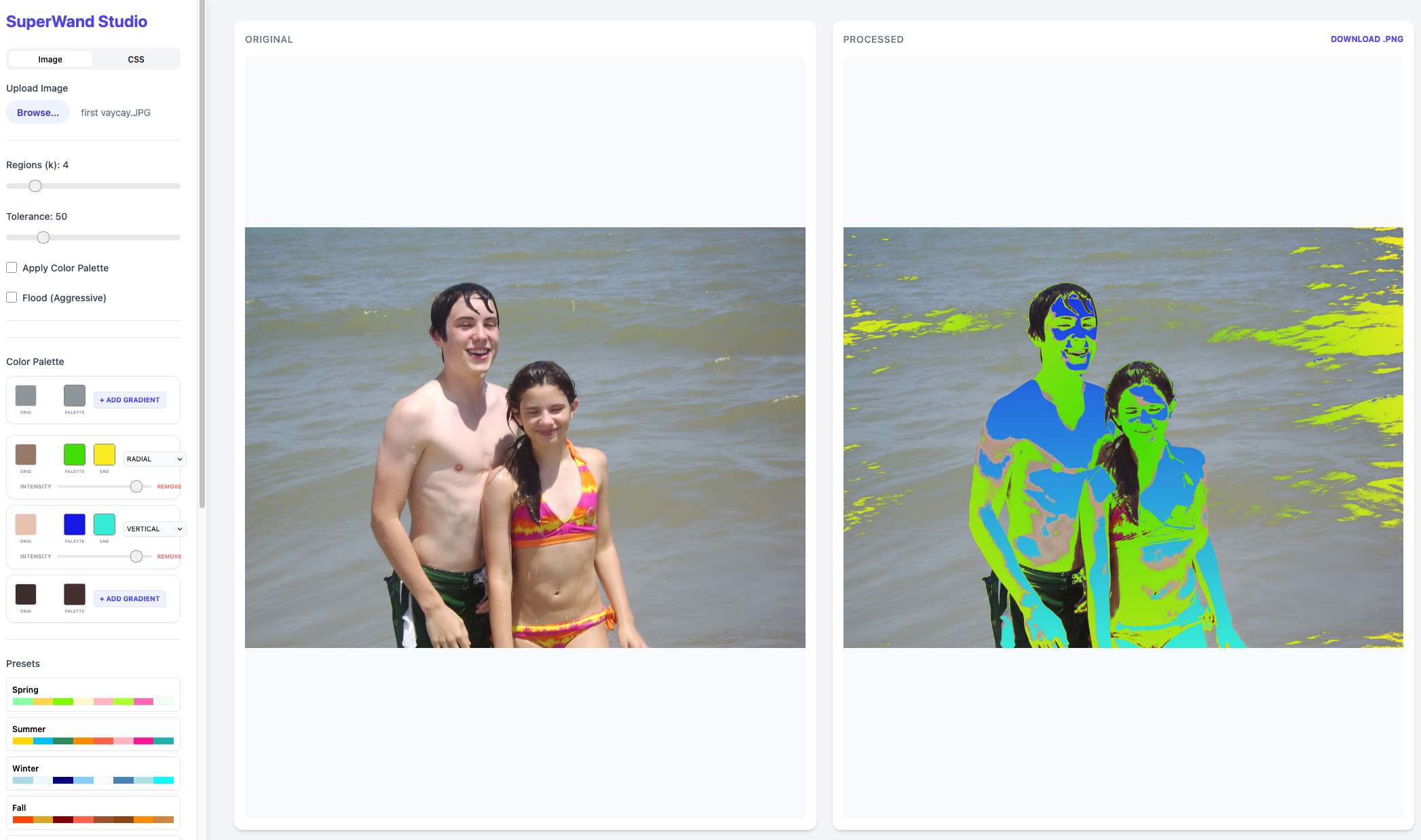
Leverage magic wand to breath life to images, especially posterized and vector art images.
Setup
pip install superwand
or, from a clone:
uv sync
SuperWand Studio
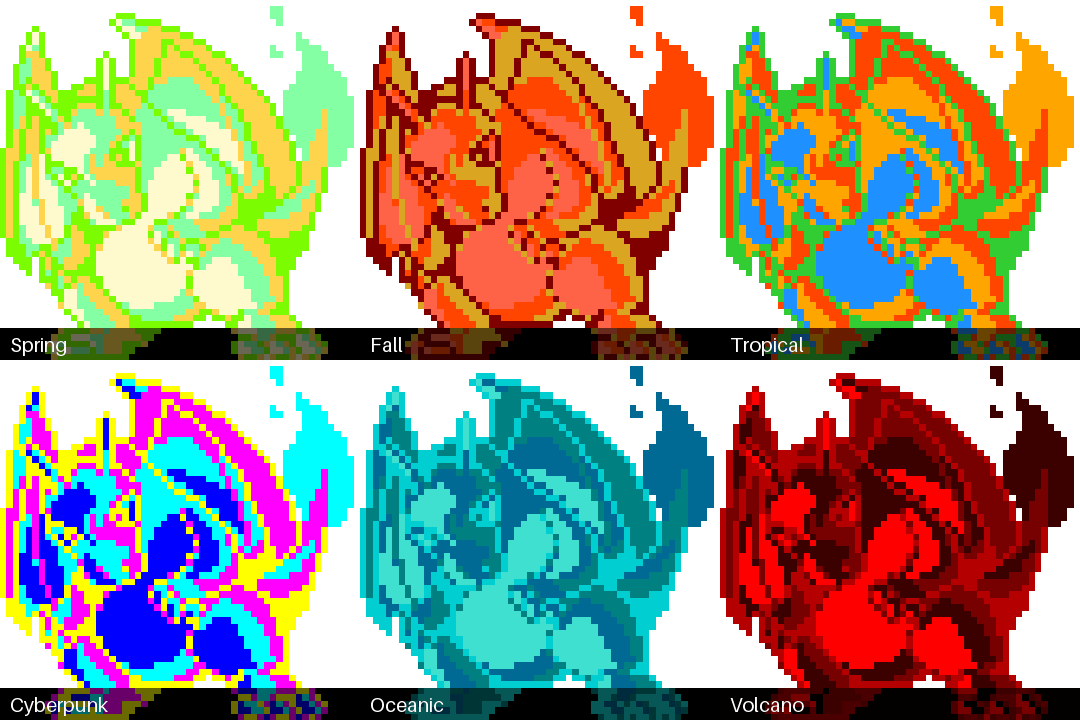
The SuperWand Studio provides an interactive web interface for real-time image retheming, CSS retheming, and gradient application.
Running the Studio
Simply run the superwand command without applying a theme:
superwand
Access the UI
Once the server is running, open your browser and navigate to http://127.0.0.1:5001. Use --port to pick another port and --debug for Flask debug mode.
CLI Usage
Apply a Theme
superwand examples/images/zebra.png -theme Urban
Arguments
image_path: Path to the input image file (optional if starting studio).-theme: Theme to apply (Tropical, Urban, Winter, etc.).-k: Number of regions to identify (default: 4).-tolerance: Color matching tolerance (default: 50).-flood: Apply morphological flood filling (default: False).-gradient: Gradient style (none, auto, vertical, horizontal, radial, bottom-up, top-down, left-right, right-left) (default: none). When a theme is applied, the gradient transitions from the primary theme color of the region to the next color in the theme.-polarity: Where along the gradient the 50/50 blend lands (0.0 to 1.0, default: 0.5). 0.5 is linear; lower values reach the end color sooner, higher values hold the start color longer.-match: How regions are paired with palette colors.order(default for themes) maps the largest region to the first theme color;luminance(default for-palette-from) maps the darkest region to the darkest color, preserving light and shadow.-palette-from: Use thekdominant colors of another image as the theme.-gif: Write an animated GIF cycling through every theme (or only-theme).-palette: Print the image'skdominant colors as hex and exit.-o,--output-dir: Directory for output files (default: current directory).--list-themes: Print every theme with its hex colors.
Without -theme, --headless writes one image per theme.
More examples
superwand examples/images/charizard.png -gif                     # charizard_themes.gif
superwand rocket.jpeg -palette-from mantis_shrimp.jpeg -k 6       # steal a photo's palette
superwand skyline.jpg -theme Midnight -k 5 -match luminance -o out/
superwand charizard.png -palette -k 4                             # print dominant colors
Enforce Gradients
gradient-enforce examples/images/charizard.png --style radial --color1 "#FF0000" --color2 "#0000FF"
Arguments
image_path: Path to the input image.--style: Direction of gradients (auto, vertical, horizontal, radial, bottom-up, top-down, left-right, right-left) (default: auto).--completeness: Impacted regions (auto, aggressive, filter) (default: auto).--opacity: Opacity handling (default: auto).--polarity: Gradient midpoint bias (0.0 to 1.0, default: 0.5).--output: Path to the output image (default: gradient_<style>_.png).--color1: Start color for the gradient (e.g., '255,0,0' or '#FF0000').--color2: End color for the gradient (e.g., '0,0,255' or '#0000FF').
Note on Colors: By default, the start and end colors are automatically derived from each region's original color by adjusting its brightness. To explicitly define the gradient colors, use
--color1and--color2. When provided, all prominent regions will be replaced with a gradient transitioning between these two colors.
Python API
from superwand import retheme, transfer_palette, extract_palette, theme_cycle_gif, css_retheme

img = retheme("charizard.png", "Vaporwave", k=6, gradient="radial")    # returns a PIL Image
img = retheme("charizard.png", [(255, 0, 128), (0, 255, 255), (20, 0, 40)])  # custom palette
img = transfer_palette("rocket.jpeg", "mantis_shrimp.jpeg", k=6)        # palette from a photo
colors = extract_palette("mantis_shrimp.jpeg", 6)                     # [(r, g, b), ...]
theme_cycle_gif("charizard.png", "charizard_themes.gif")
css = css_retheme("site.css", "Tropical")
Demos
All demo images are regenerated by uv run python scripts/generate_demos.py.
Choosing k
More regions means finer-grained recoloring.

Palette transfer
-palette-from extracts the dominant colors of a reference image and applies them with luminance matching, so dark stays dark and light stays light.

Matching by order vs. luminance
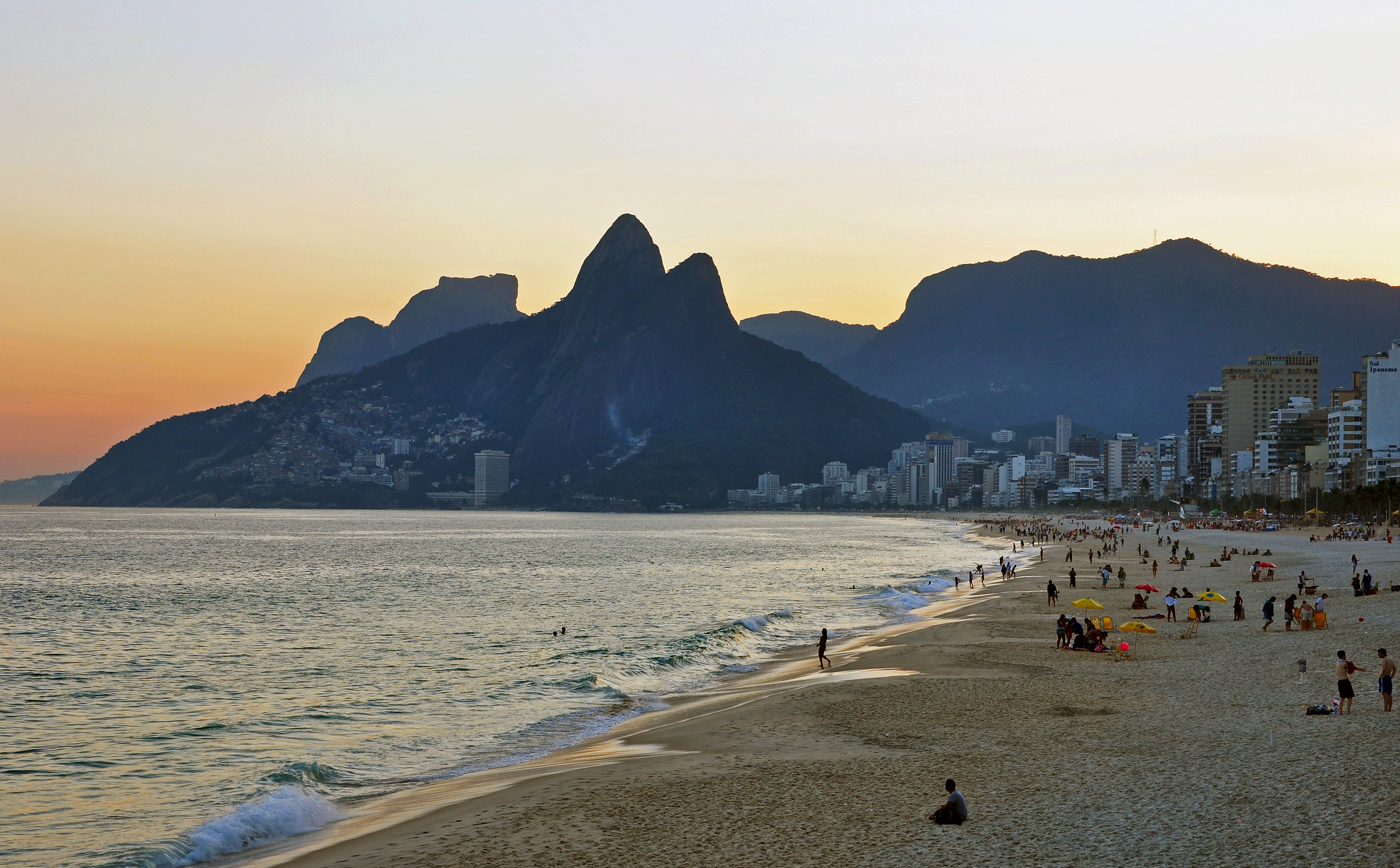
With match=order colors are assigned by region size, so the bright sunset sky turns dark navy. With match=luminance the sky gets the theme's lightest color and the silhouetted mountains its darkest.

Gradient polarity

Gradients
Included: bottom-up, top-down, left-right, right-left, radial
bottom-up 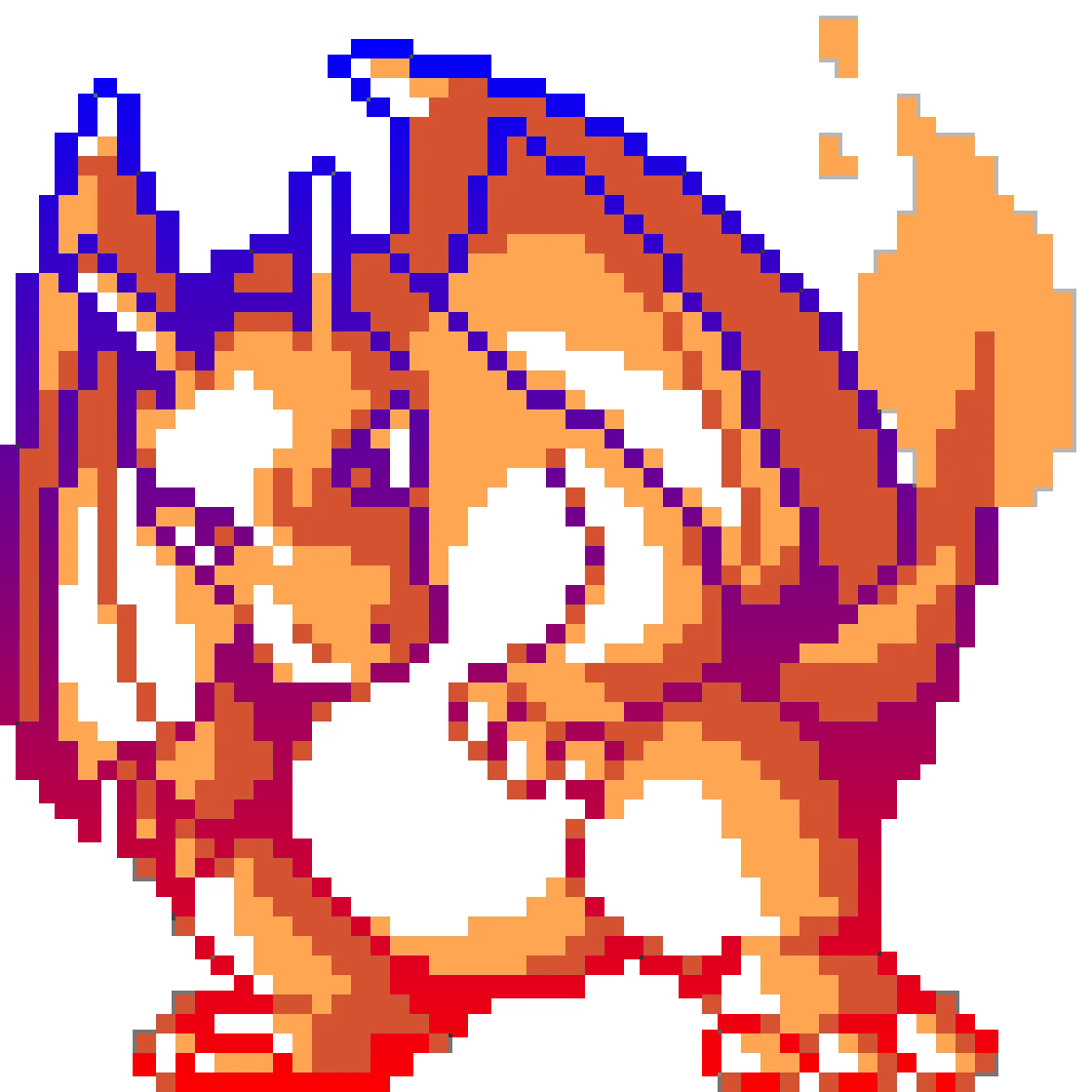 |
top-down 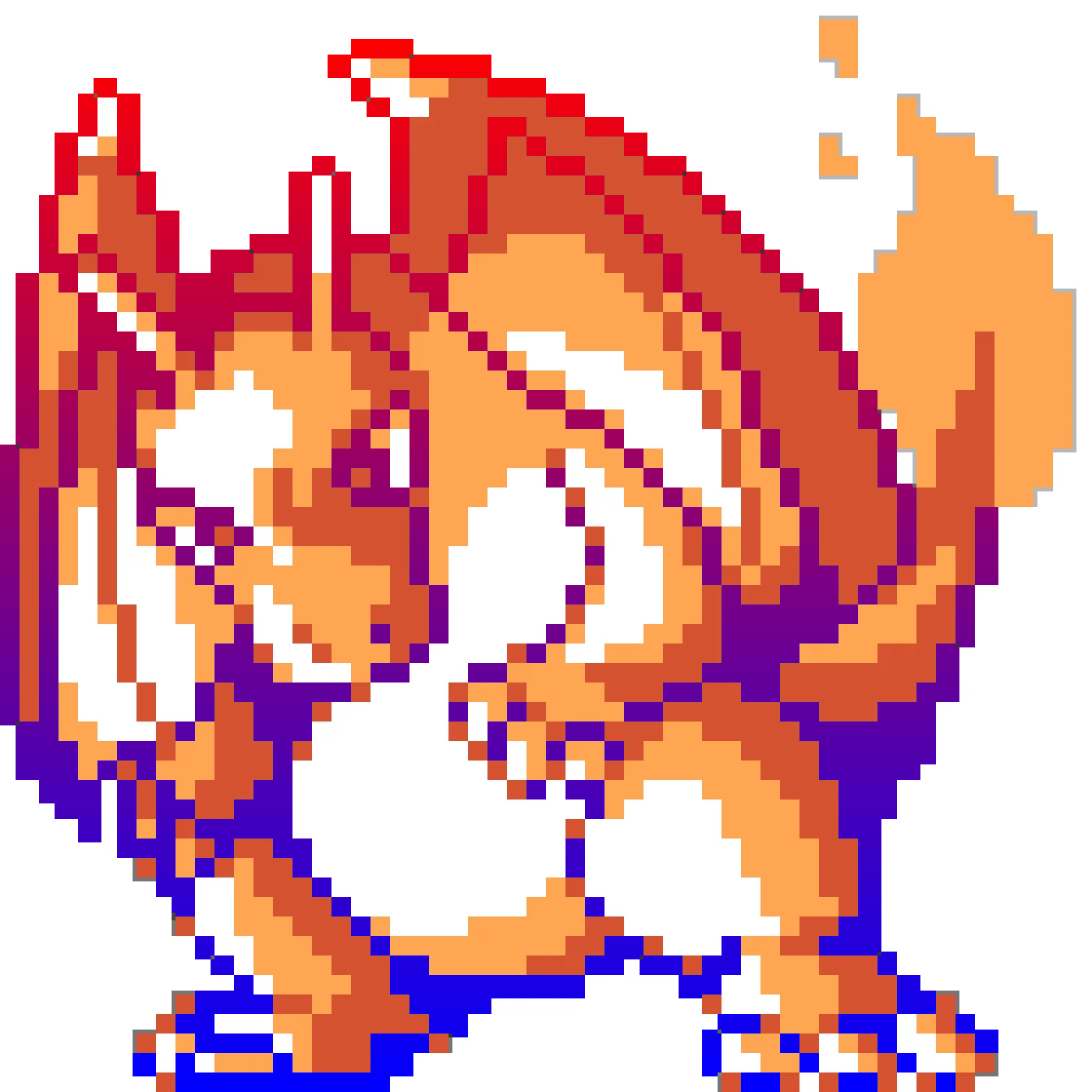 |
left-right 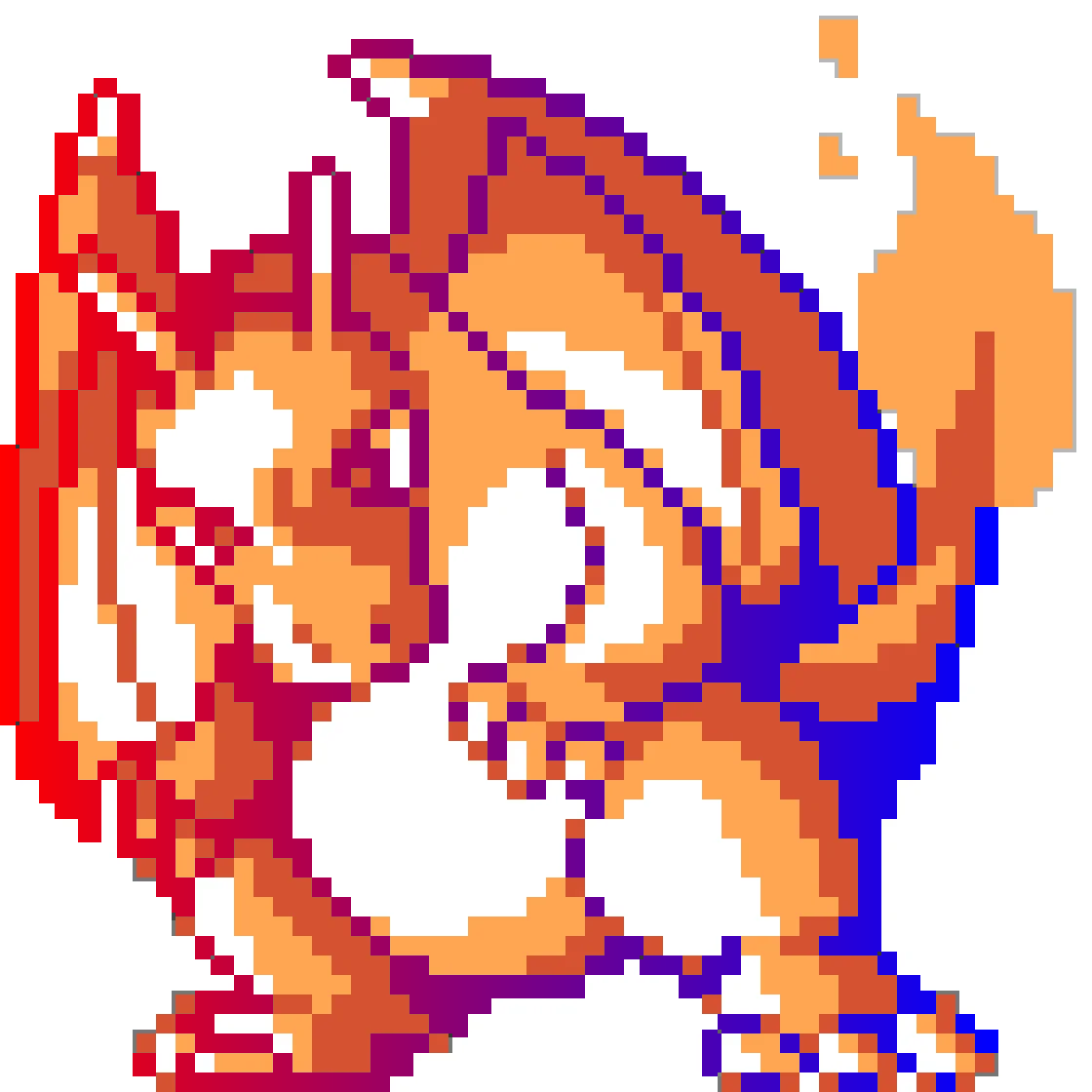 |
right-left 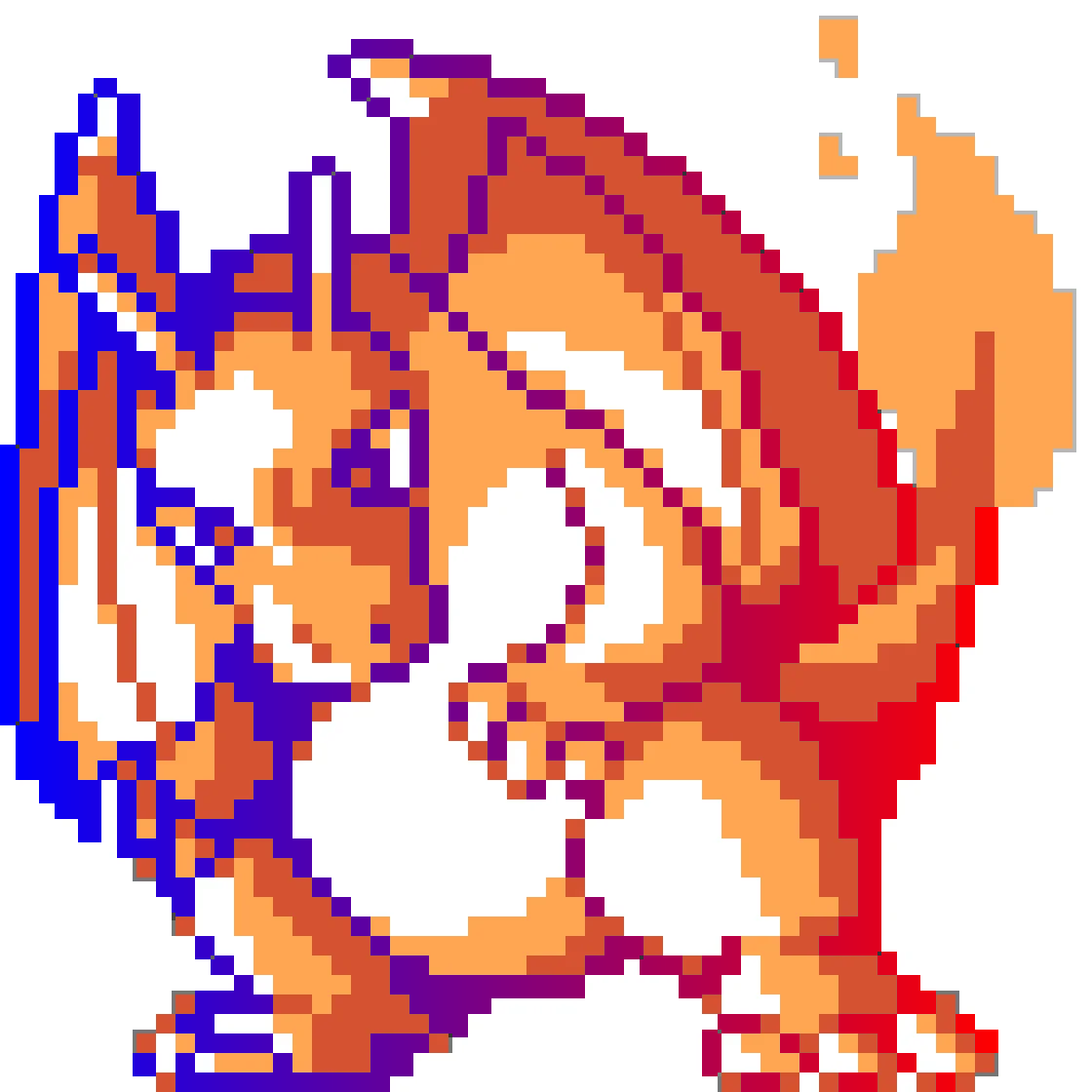 |
radial 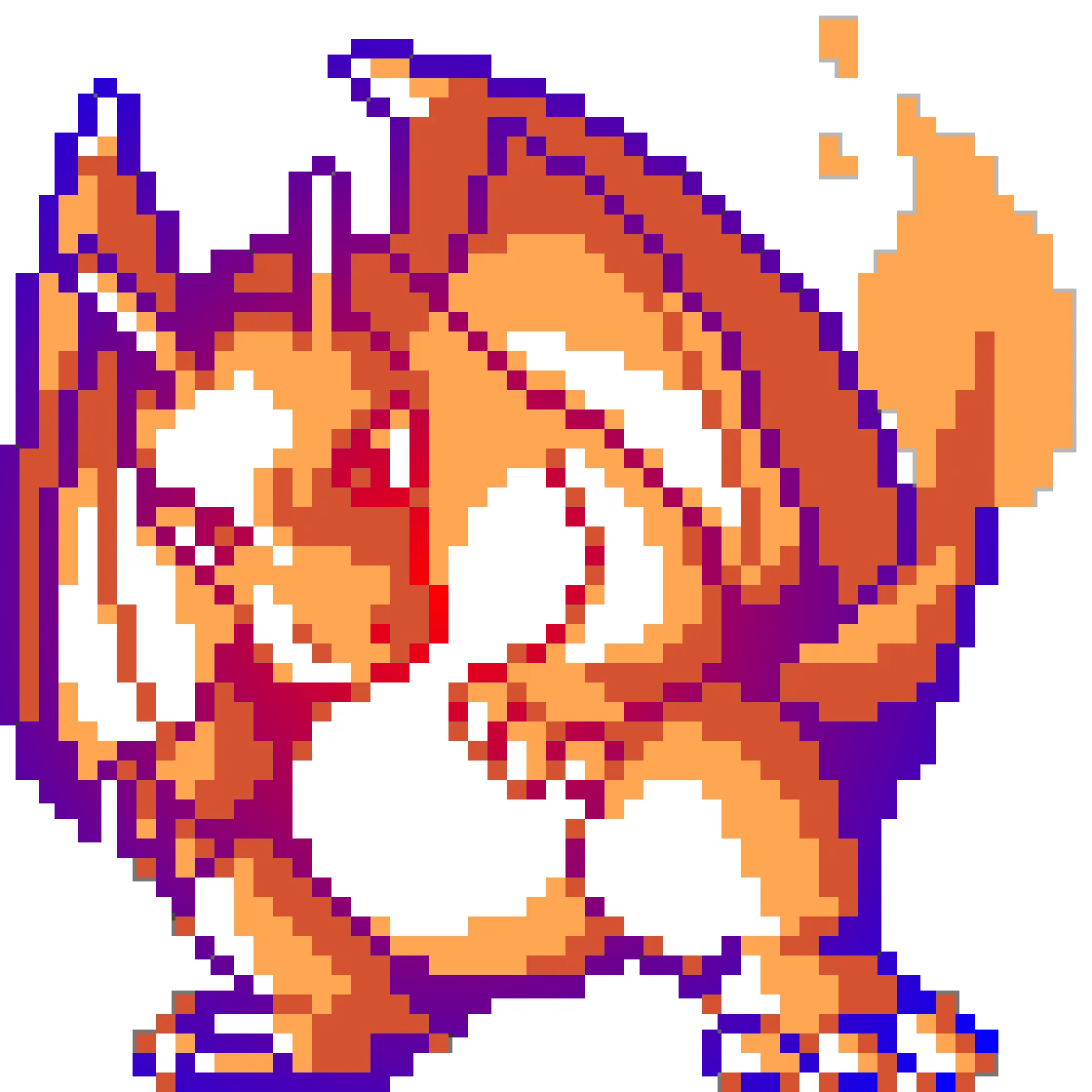 |
CSS Retheming
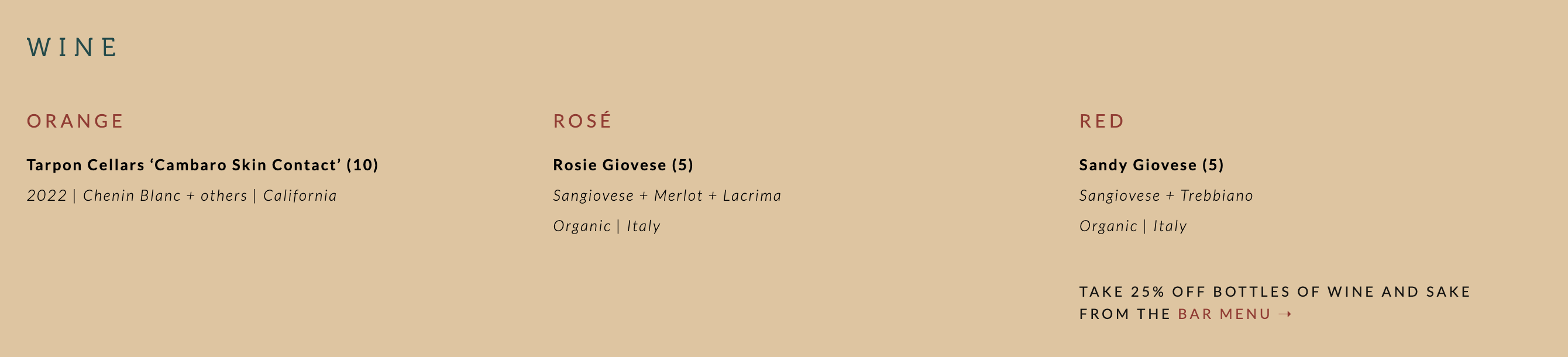
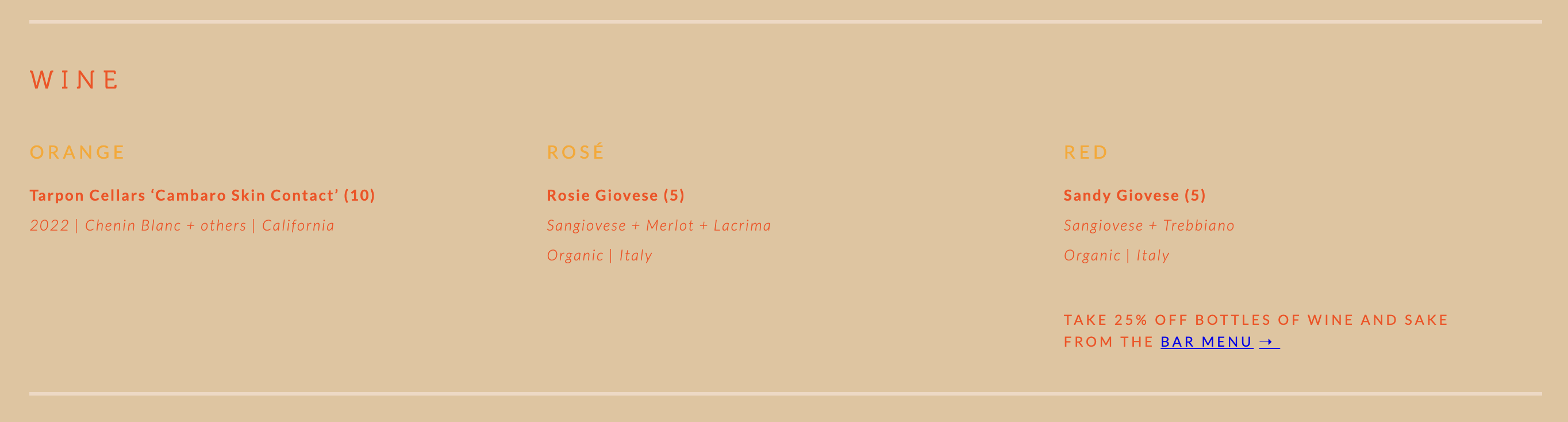
Identify color schemes in CSS and replace with a theme. Every #rgb, #rgba, #rrggbb, #rrggbbaa, rgb() and rgba() value inside a declaration is clustered with KMeans and each cluster is mapped to a theme color; selectors, comments, formatting and alpha channels are left alone.
css-retheme examples/css/site.css Tropical -o site_tropical.css
| Before | After |
|---|---|
 |
 |
 |
 |
Color Themes
Themes included:
Spring 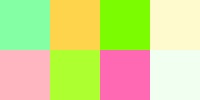 |
Summer  |
Winter  |
Fall 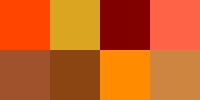 |
Arctic  |
Safari 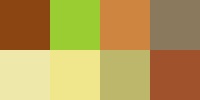 |
Urban  |
Neon 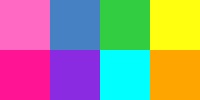 |
Tropical 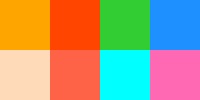 |
Paixão 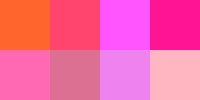 |
Vaporwave  |
Cyberpunk  |
Retro80s  |
Sunset  |
Midnight  |
Forest  |
Oceanic  |
Volcano  |
Example: Charizard
Spring 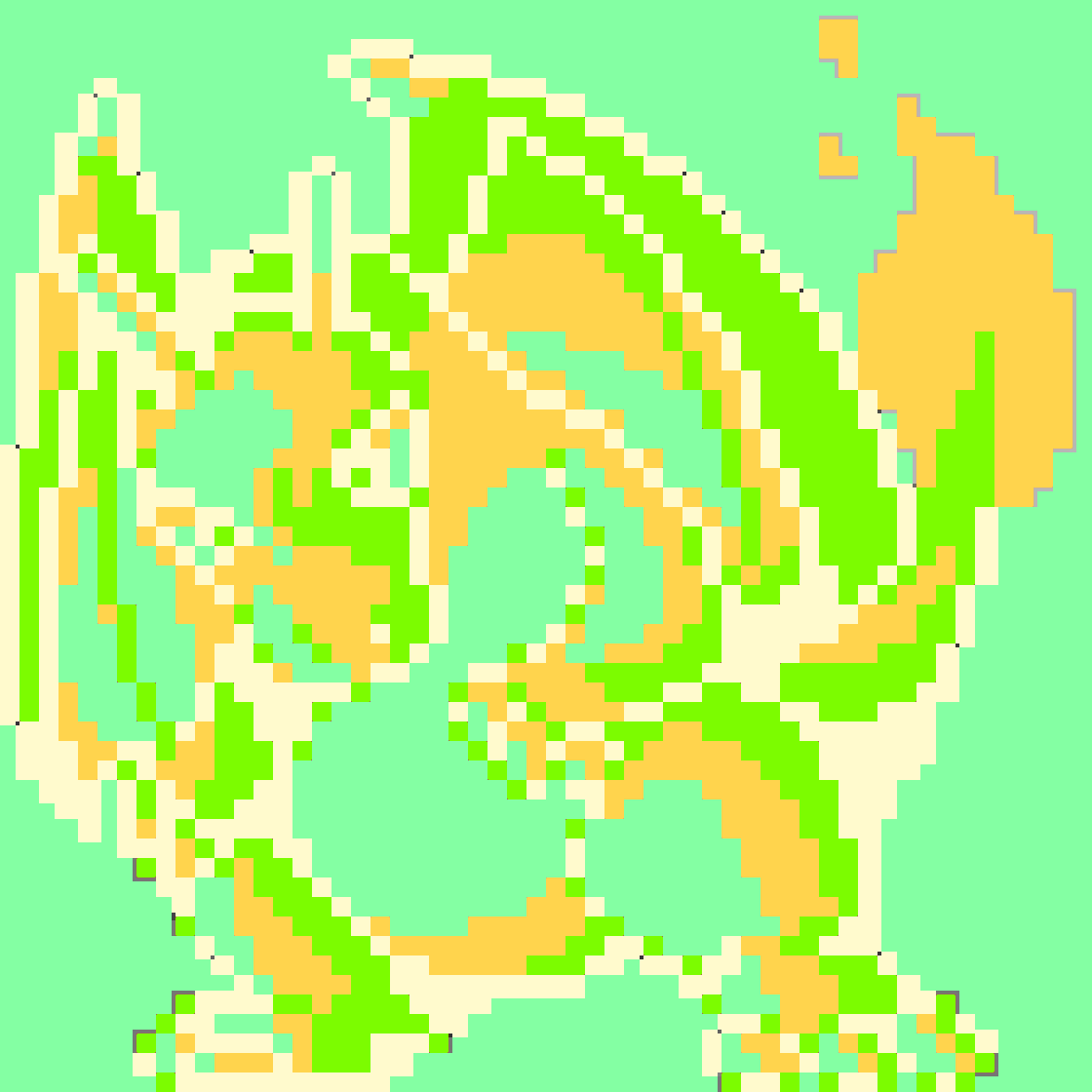 |
Summer 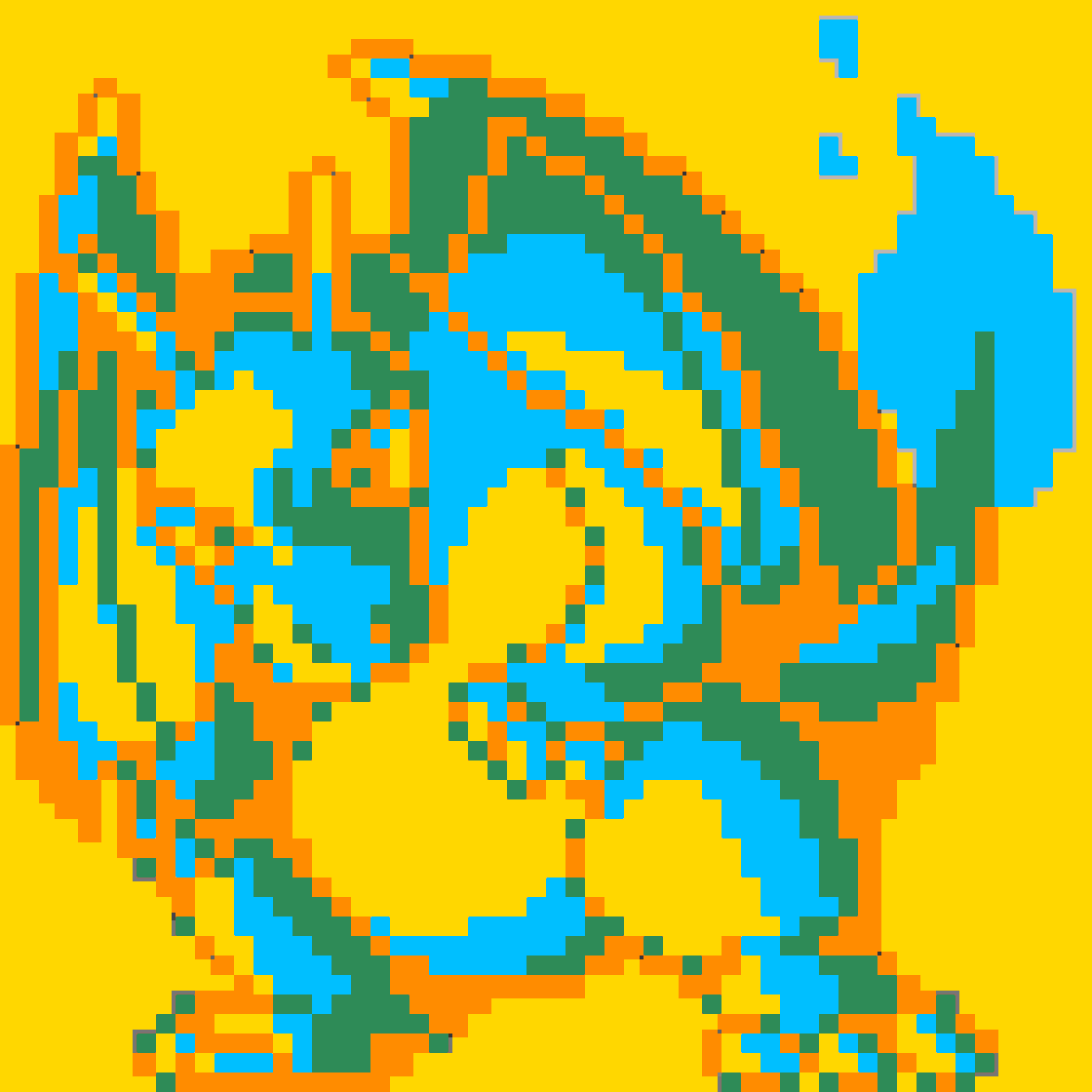 |
Fall 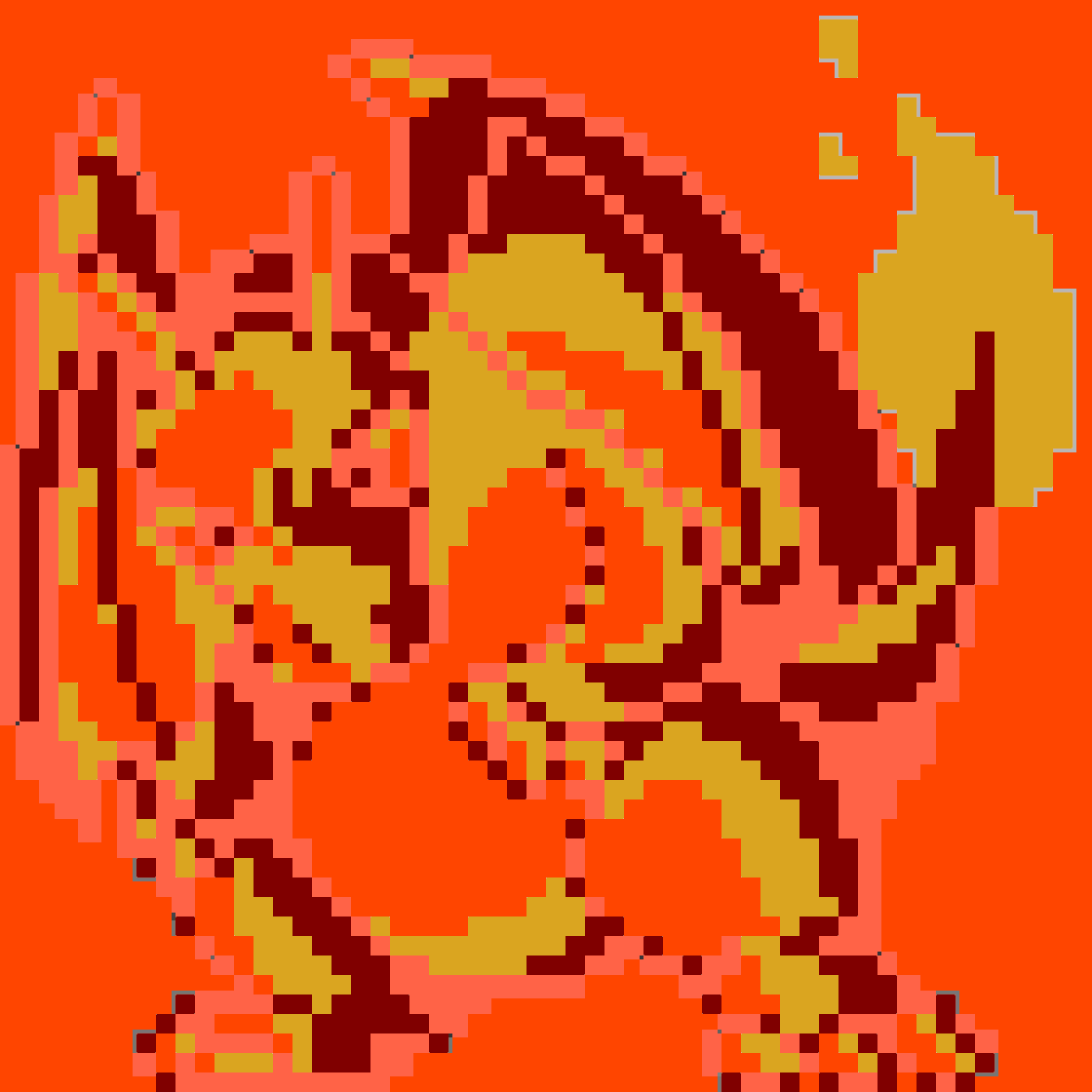 |
Winter 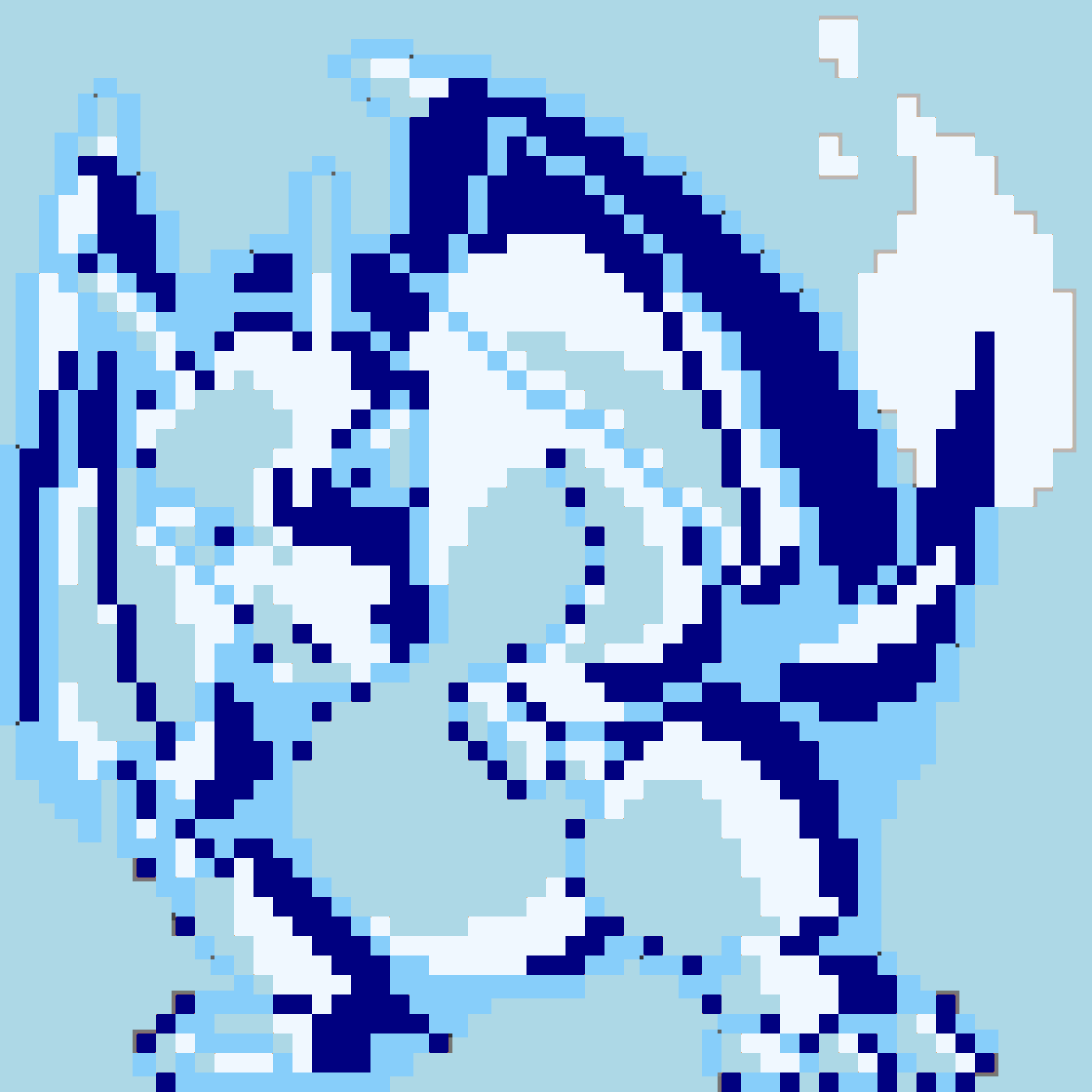 |
Arctic 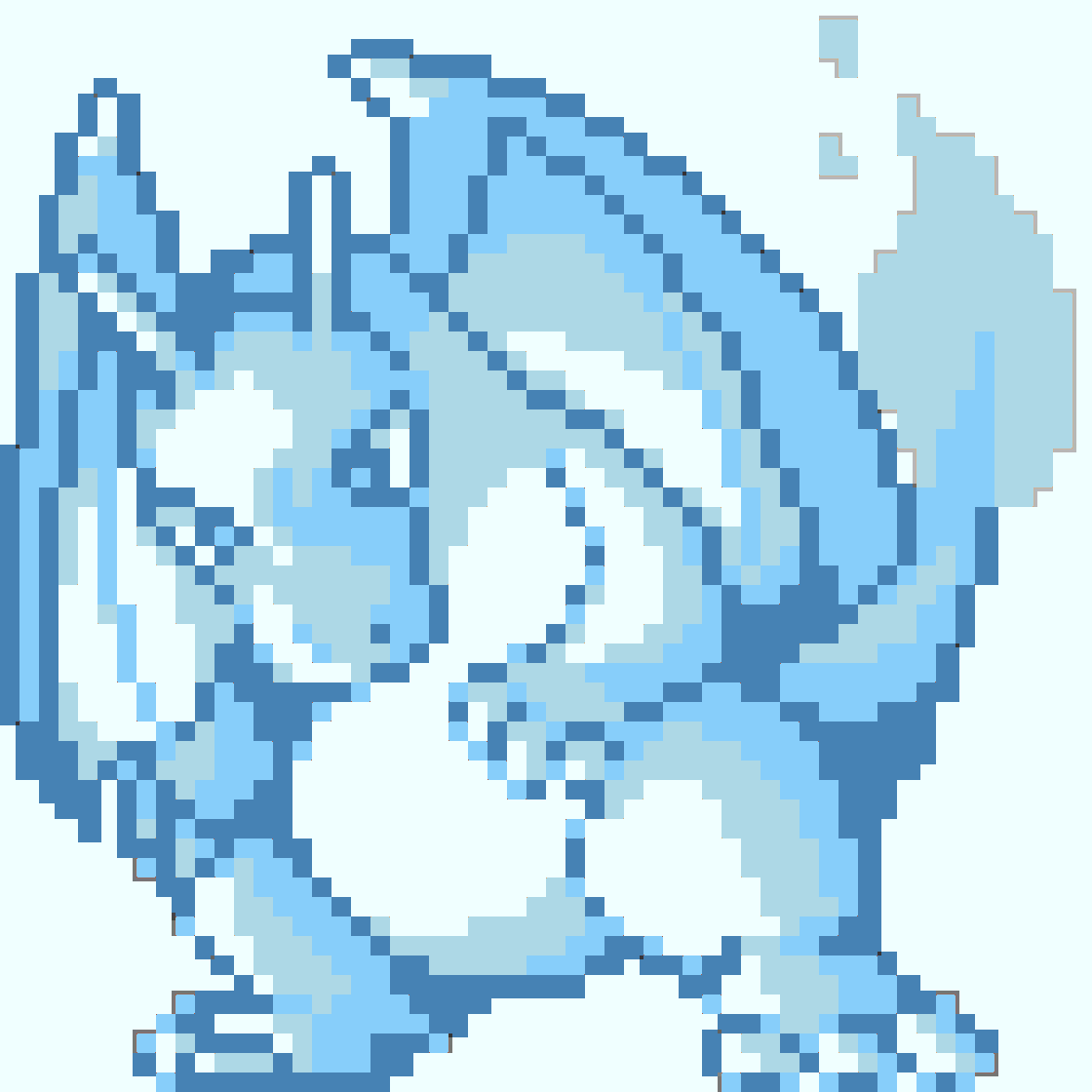 |
Safari 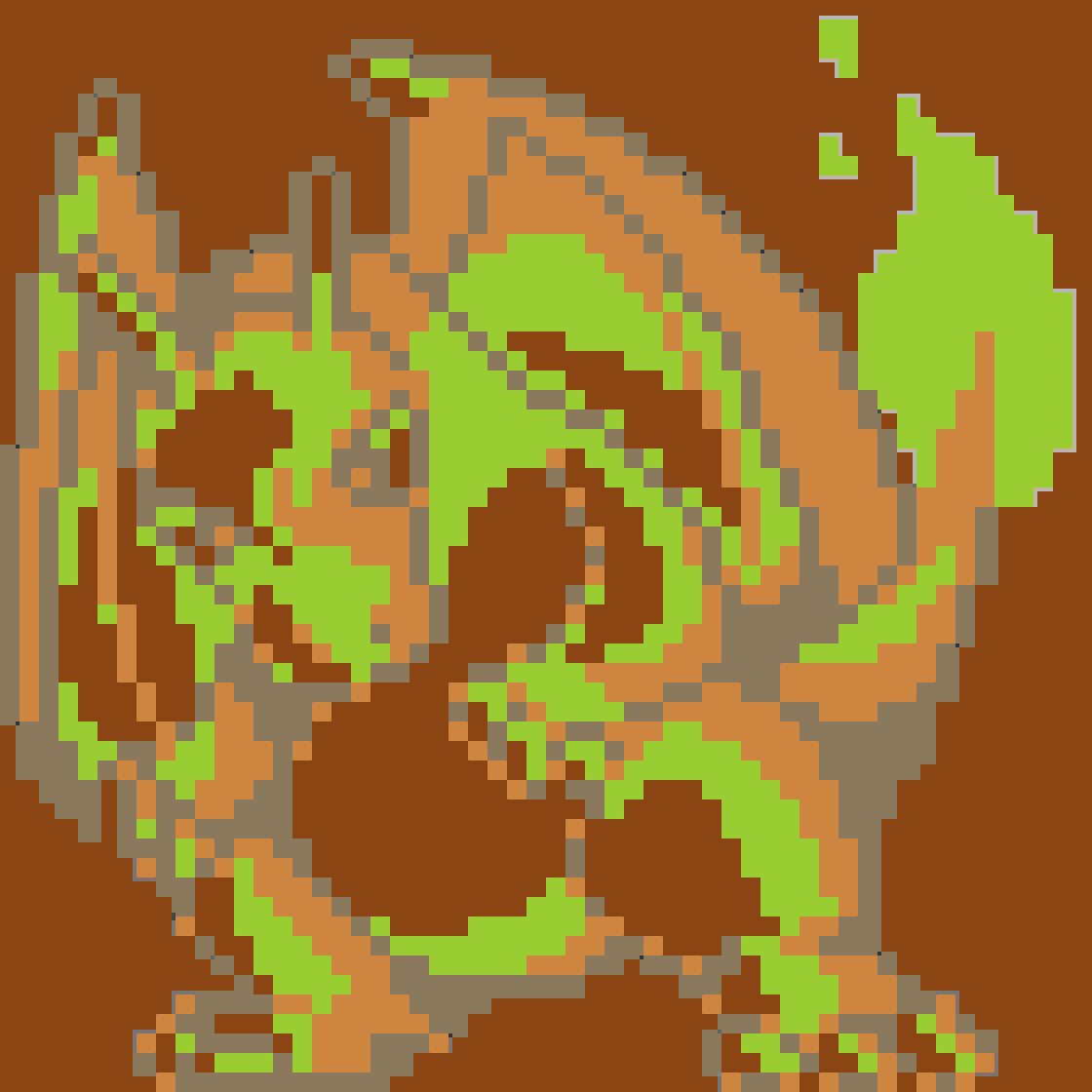 |
Urban 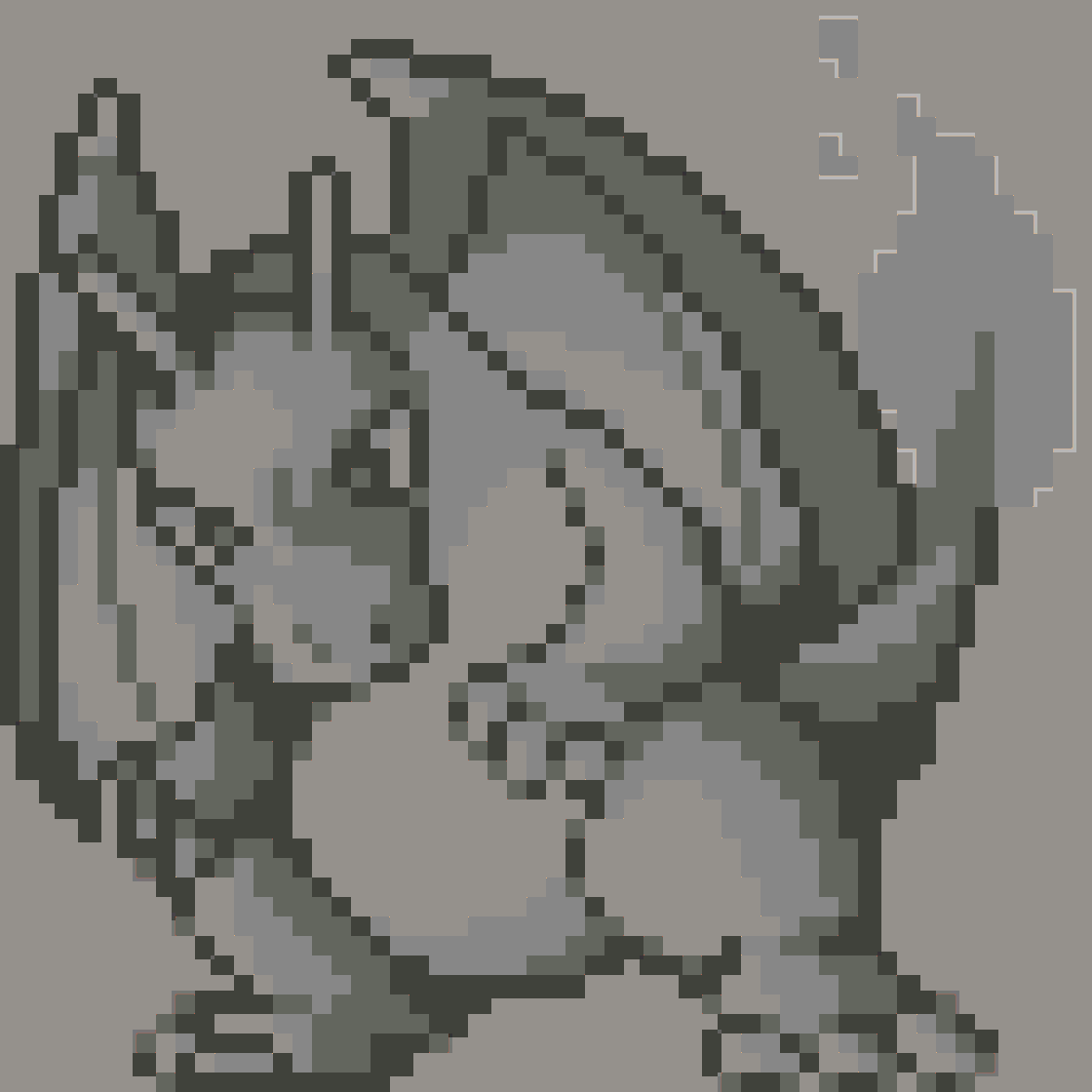 |
Neon 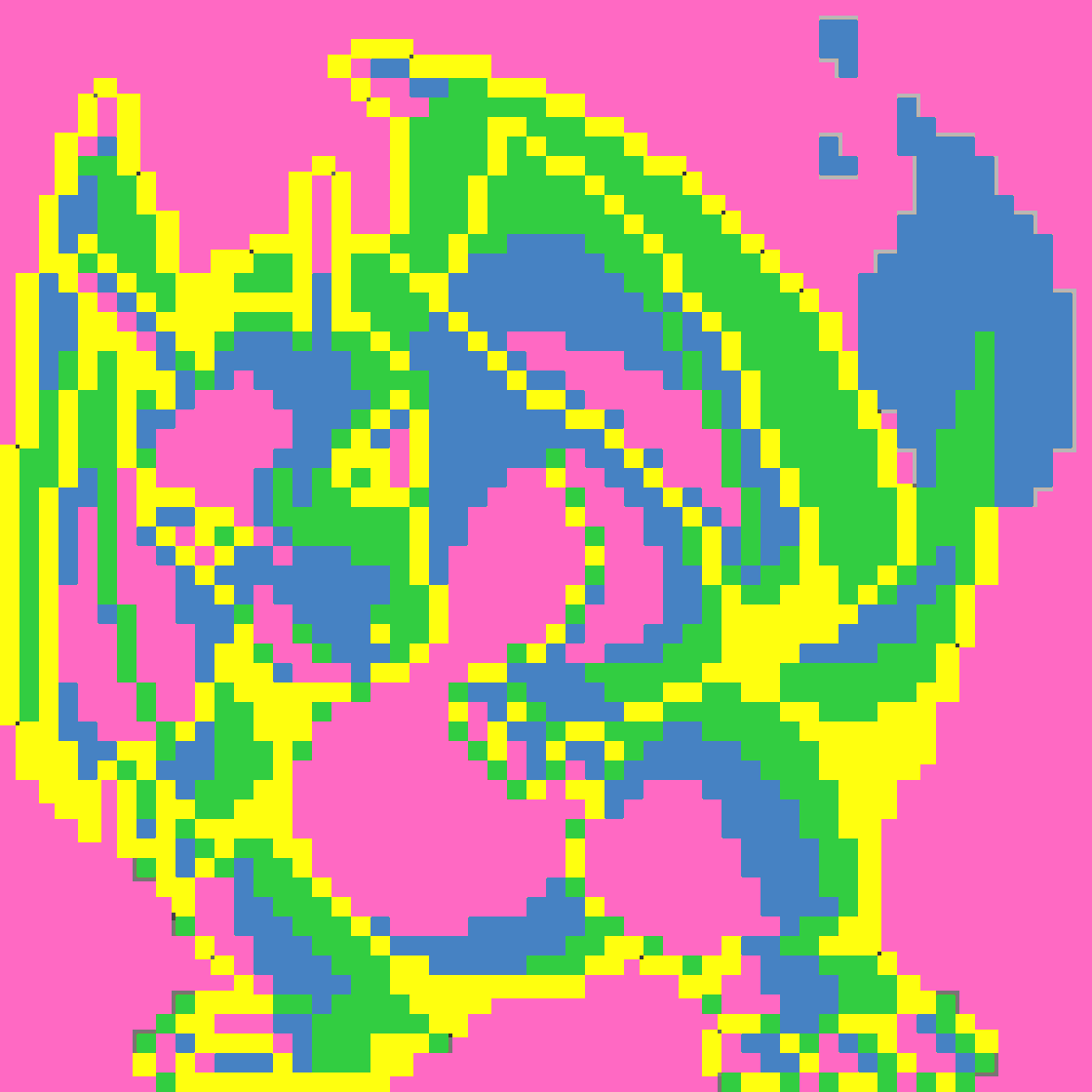 |
Tropical 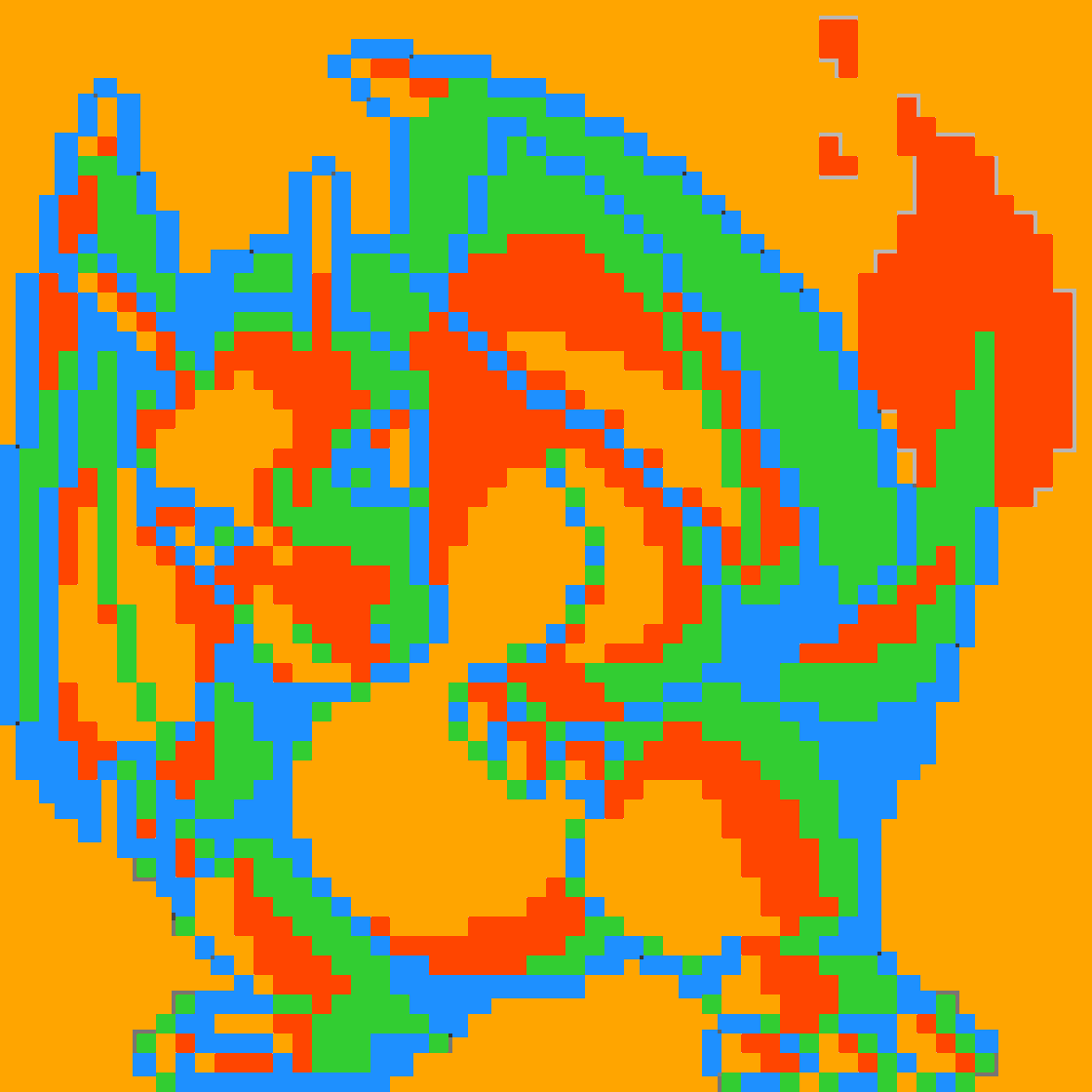 |
Paixão 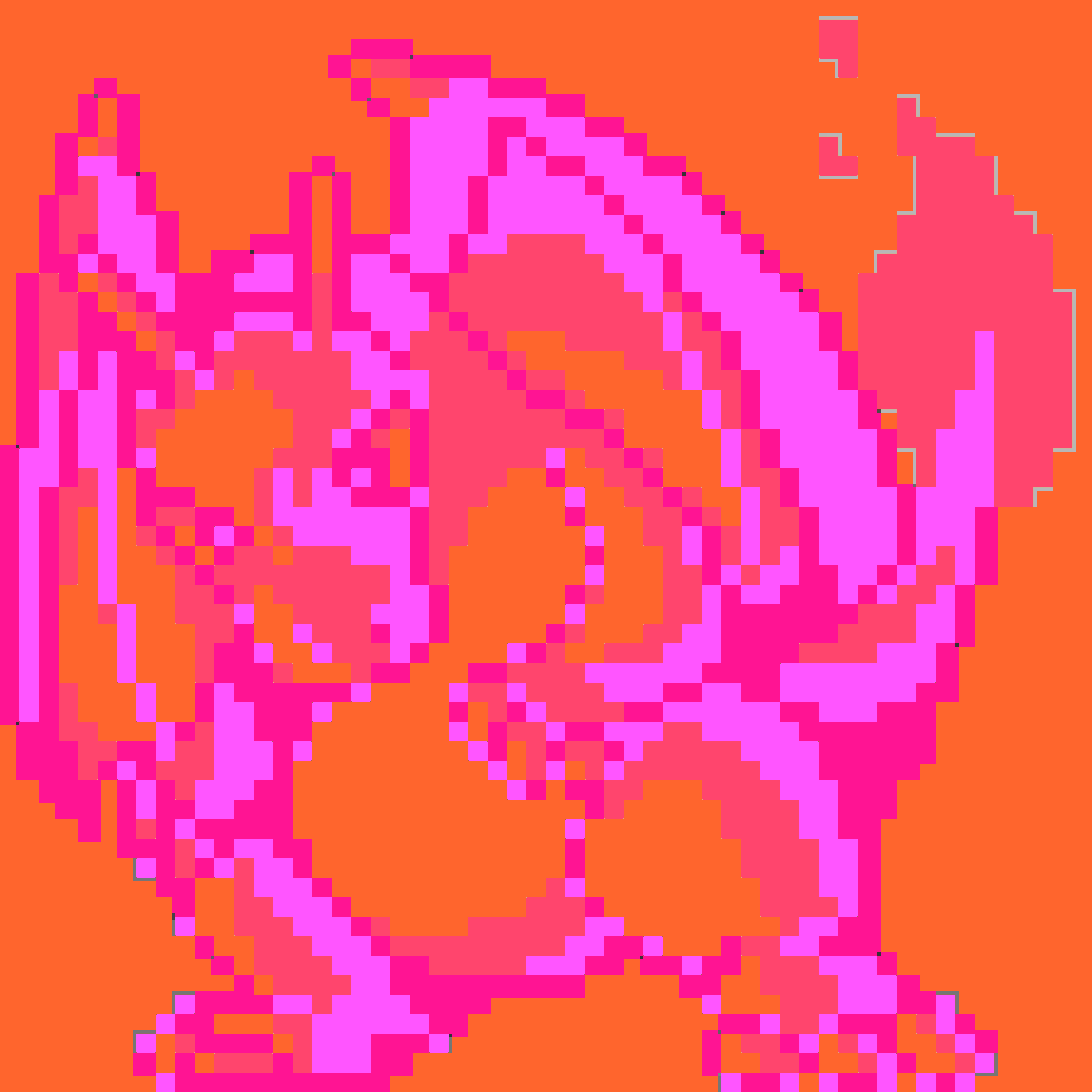 |
Vaporwave 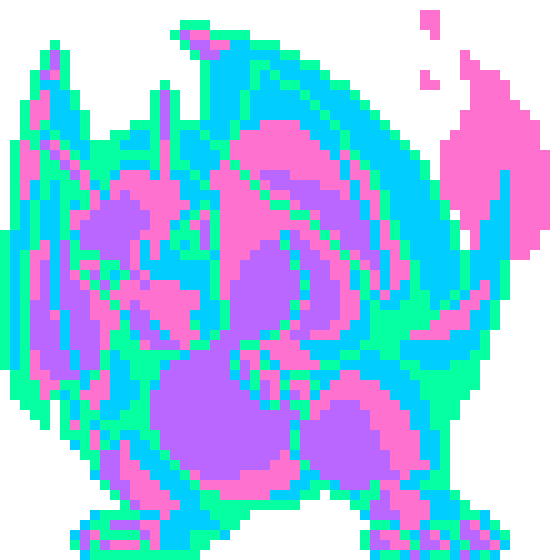 |
Cyberpunk 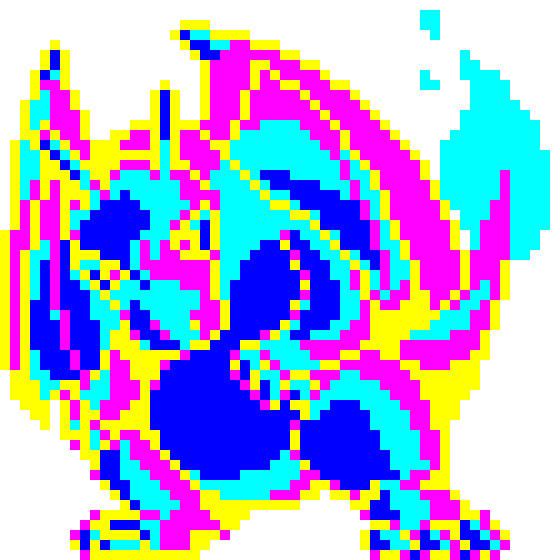 |
Retro80s 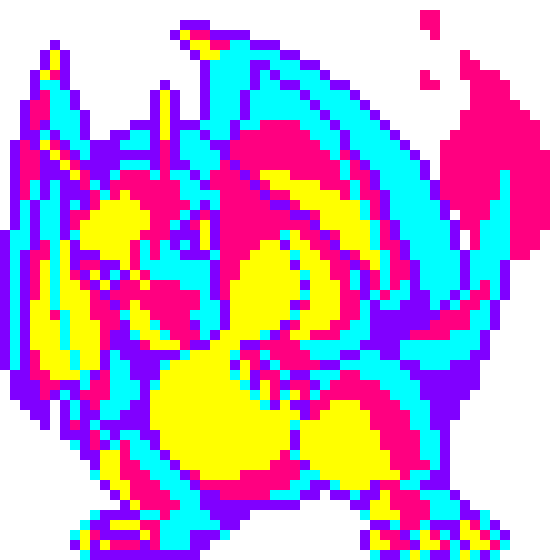 |
Sunset 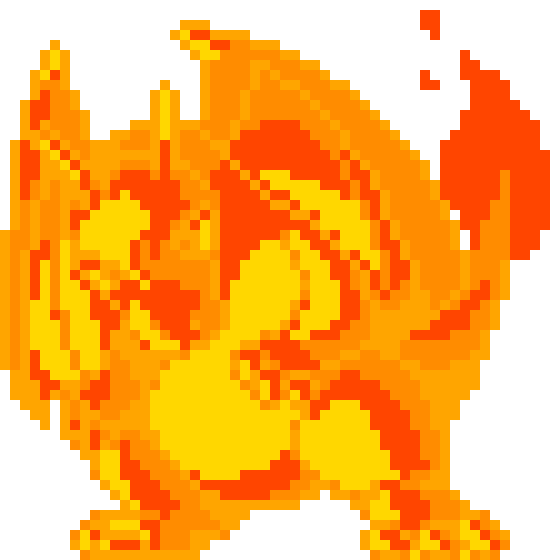 |
Midnight 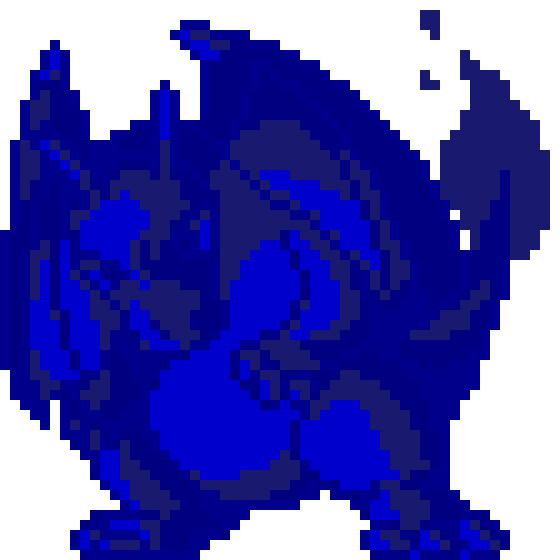 |
Forest 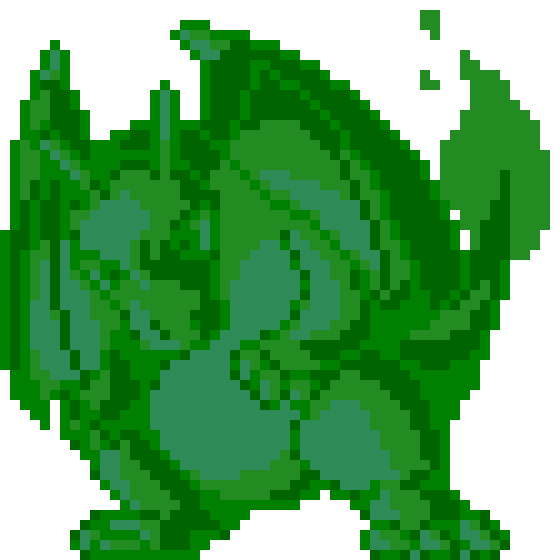 |
Oceanic 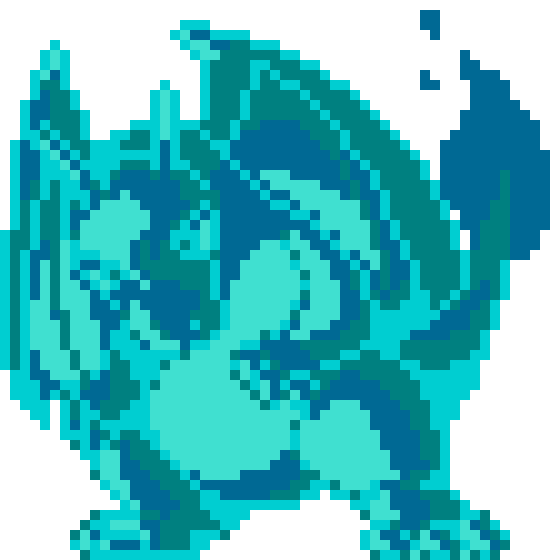 |
Volcano 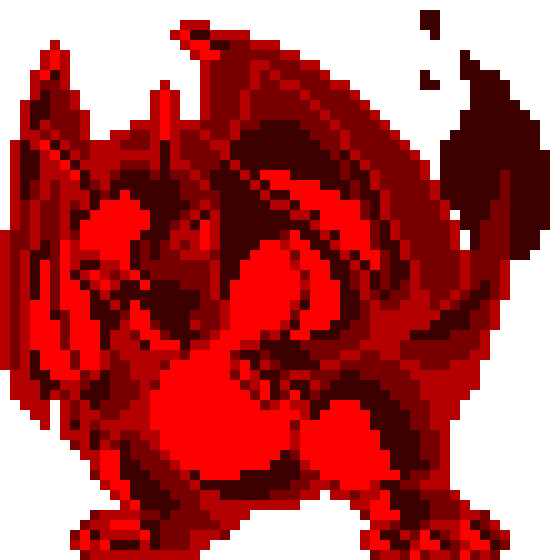 |
Gallery
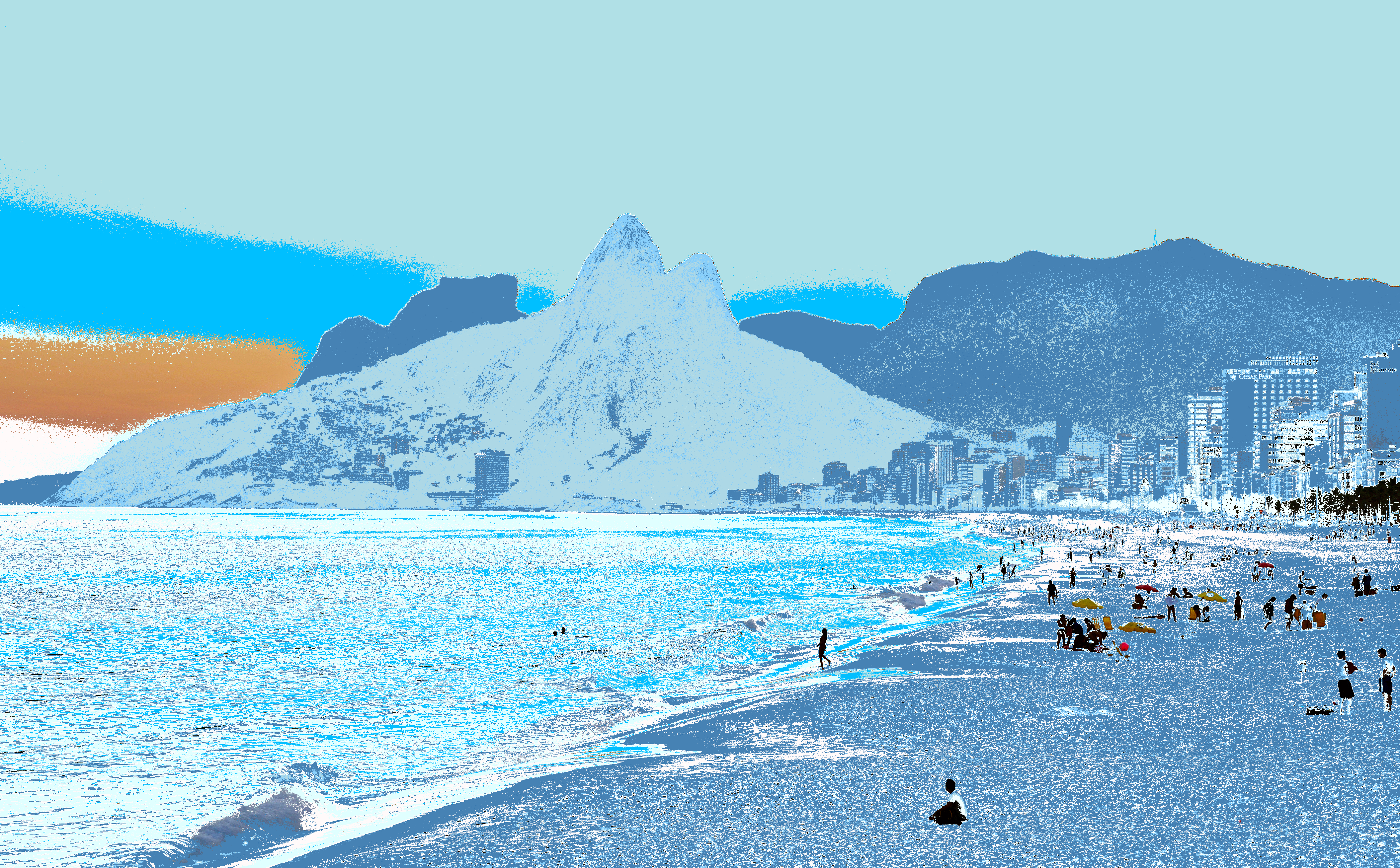
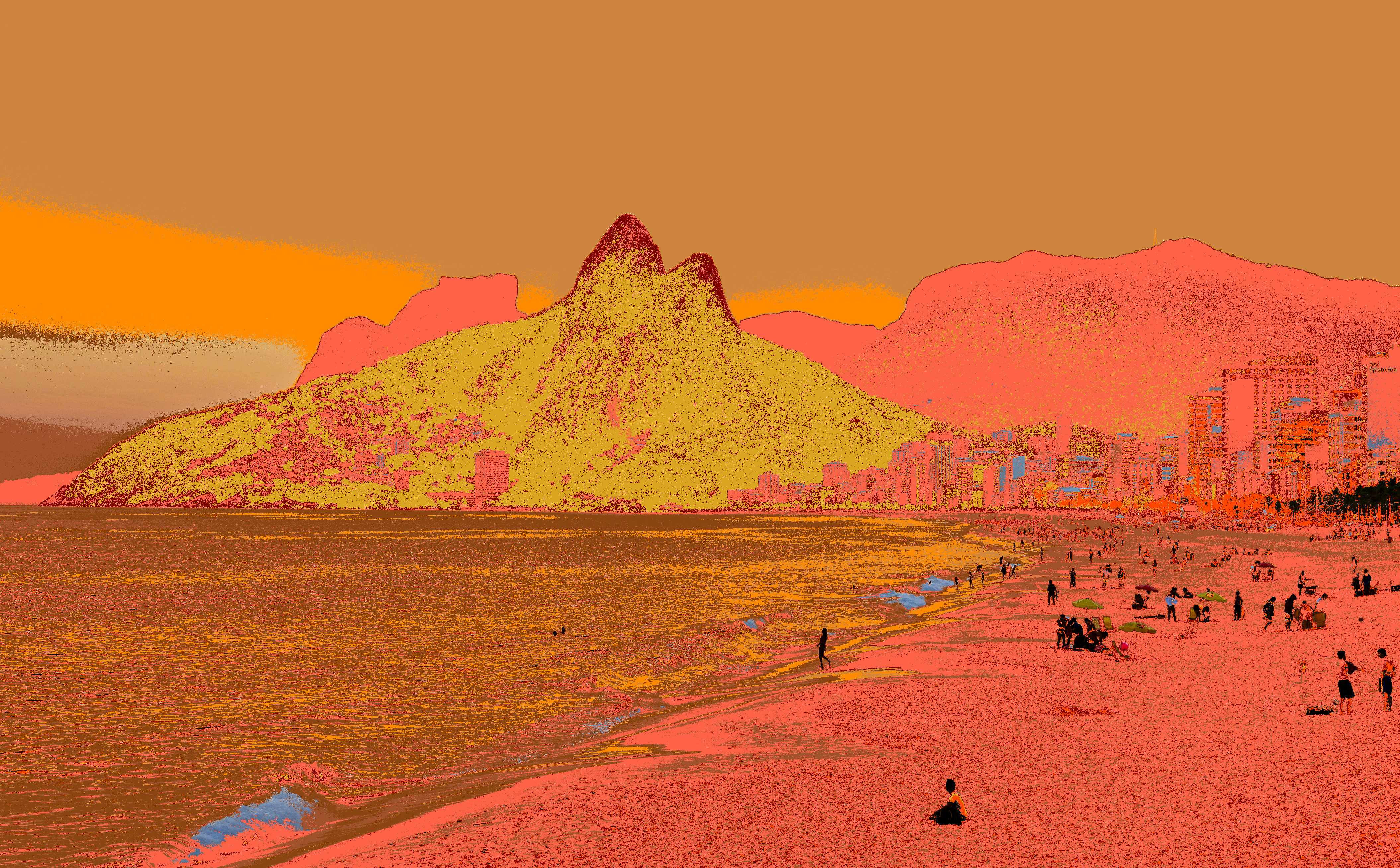
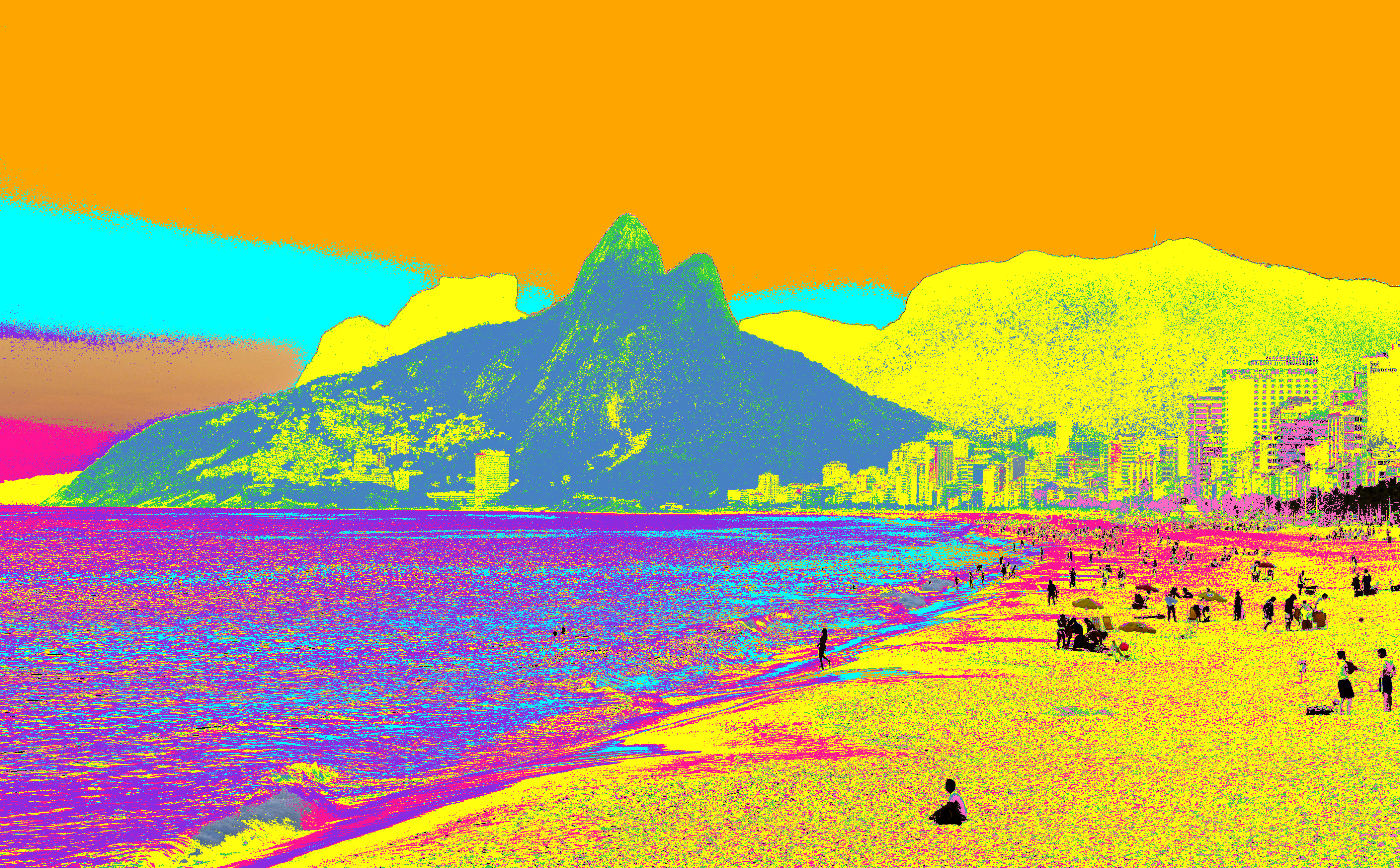
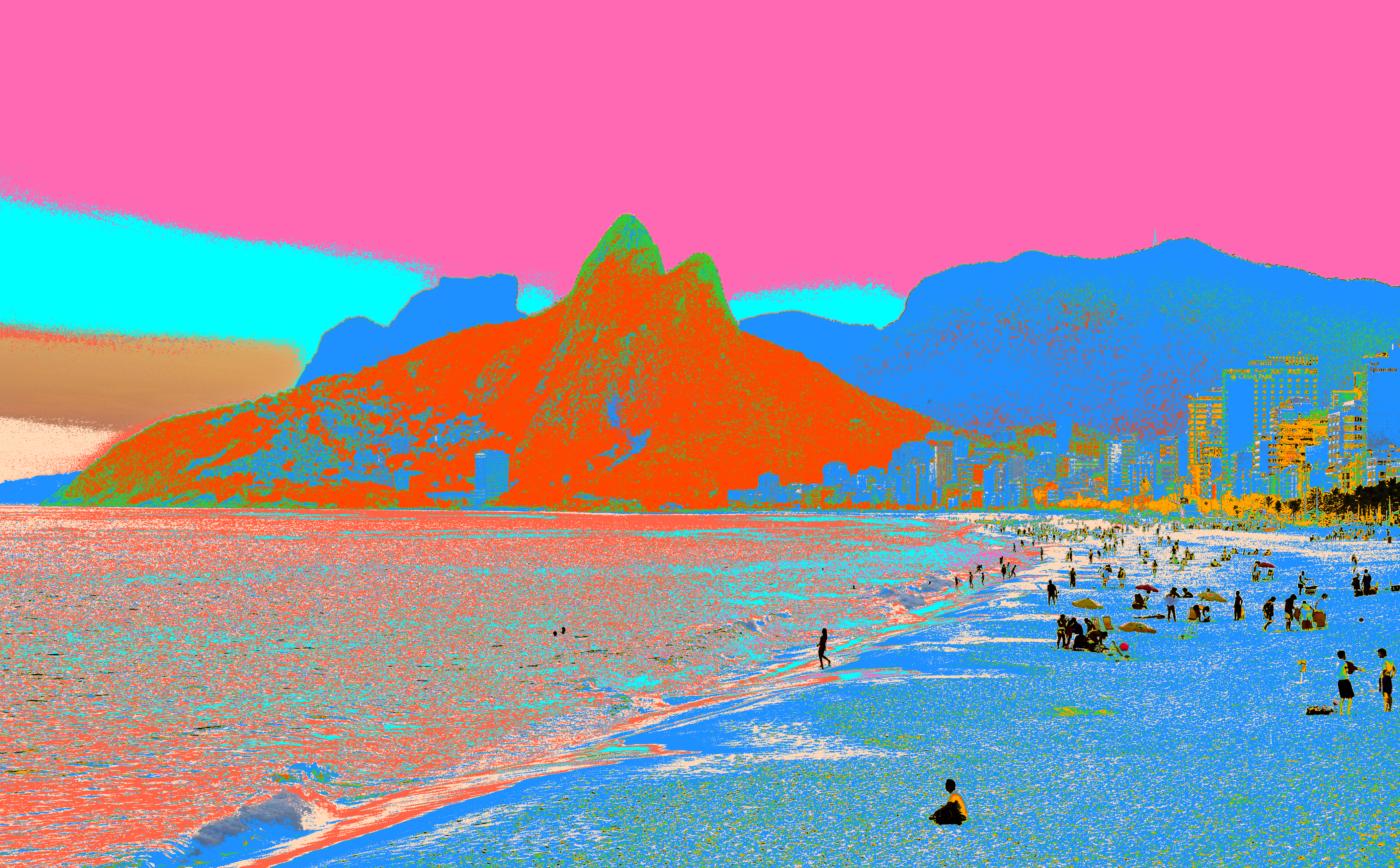
Rio De Janeiro Skyline
| Original | Arctic | Fall | Neon | Tropical |
|---|---|---|---|---|
 |
 |
 |
 |
 |
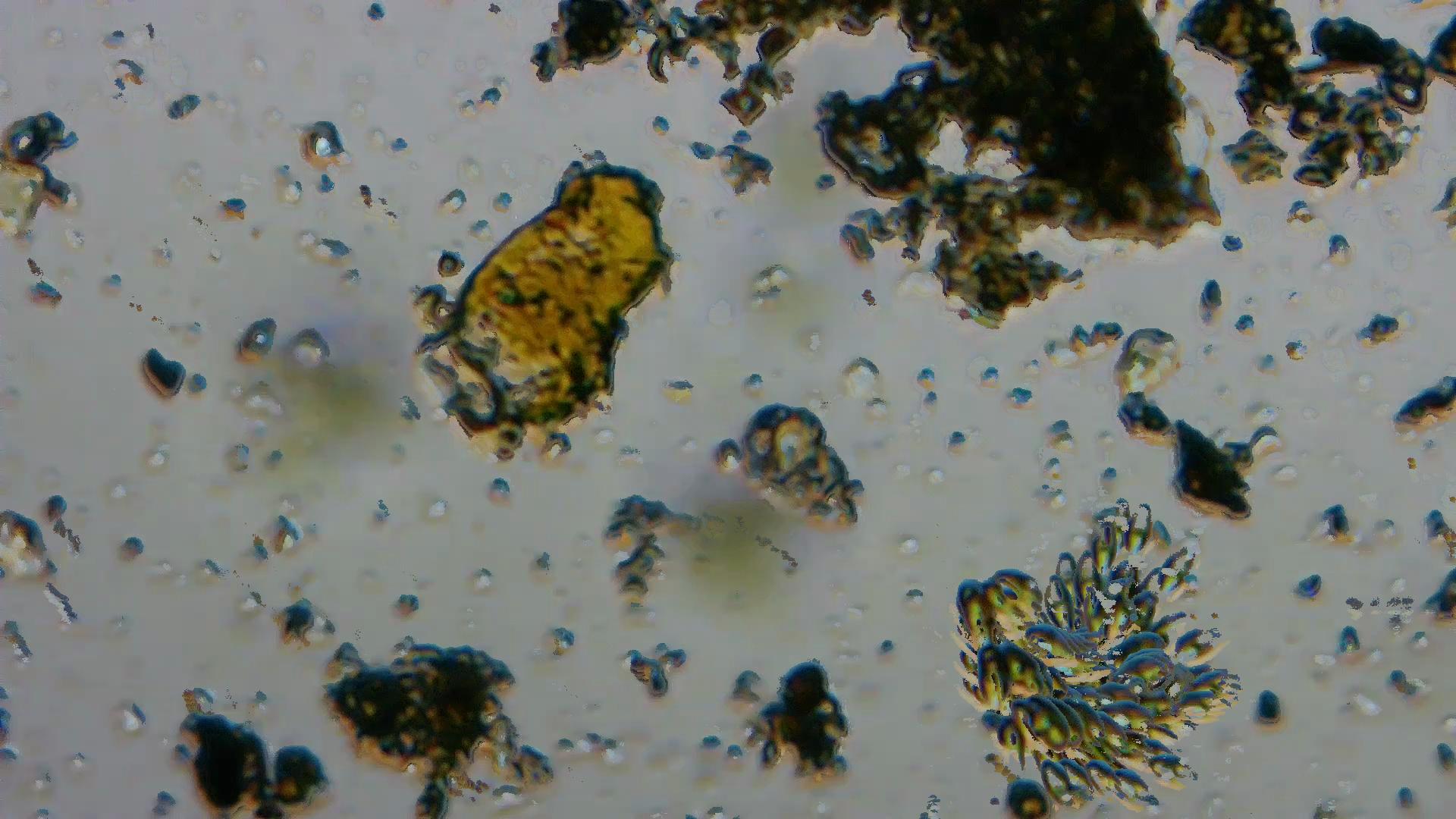
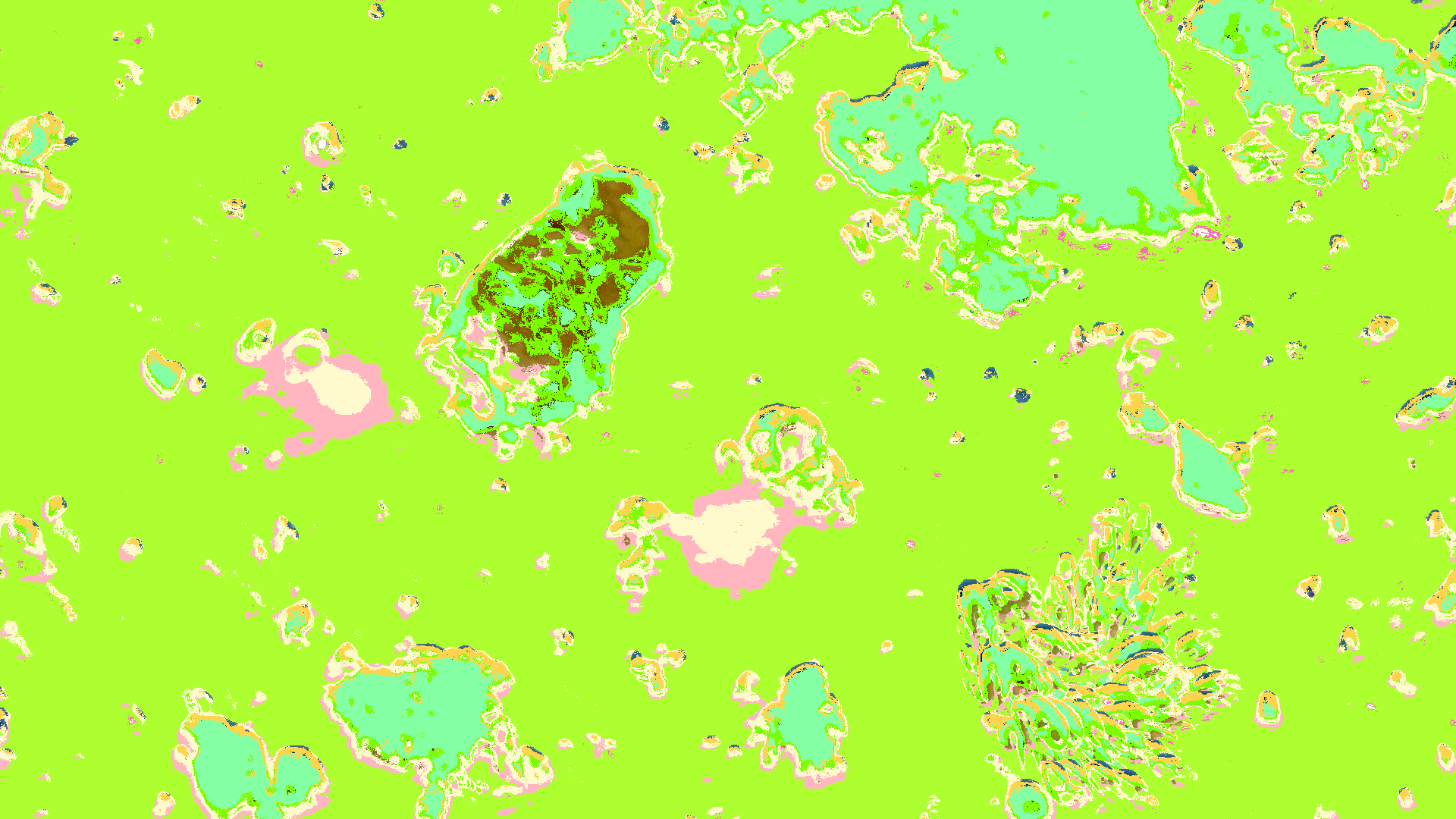
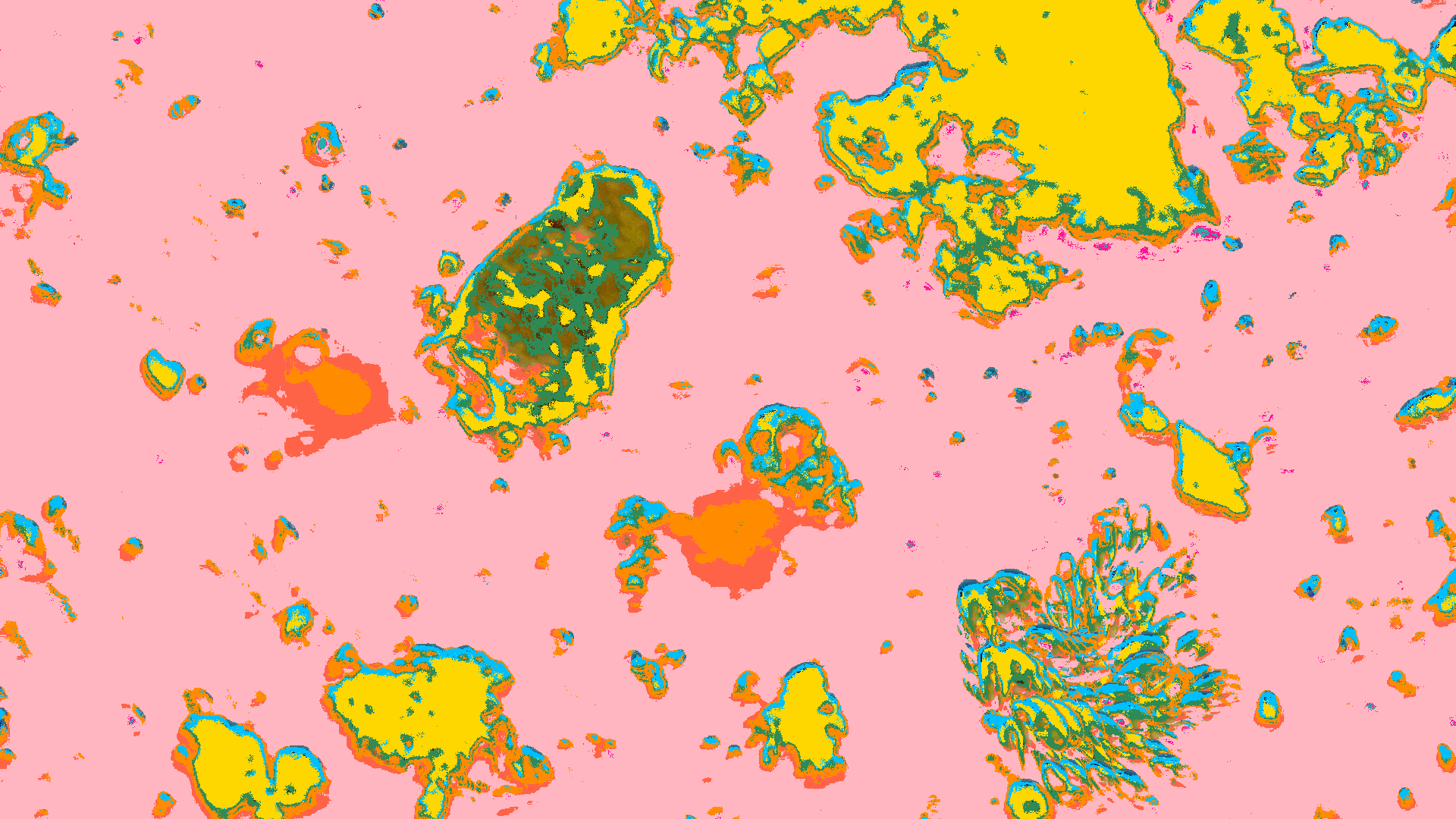
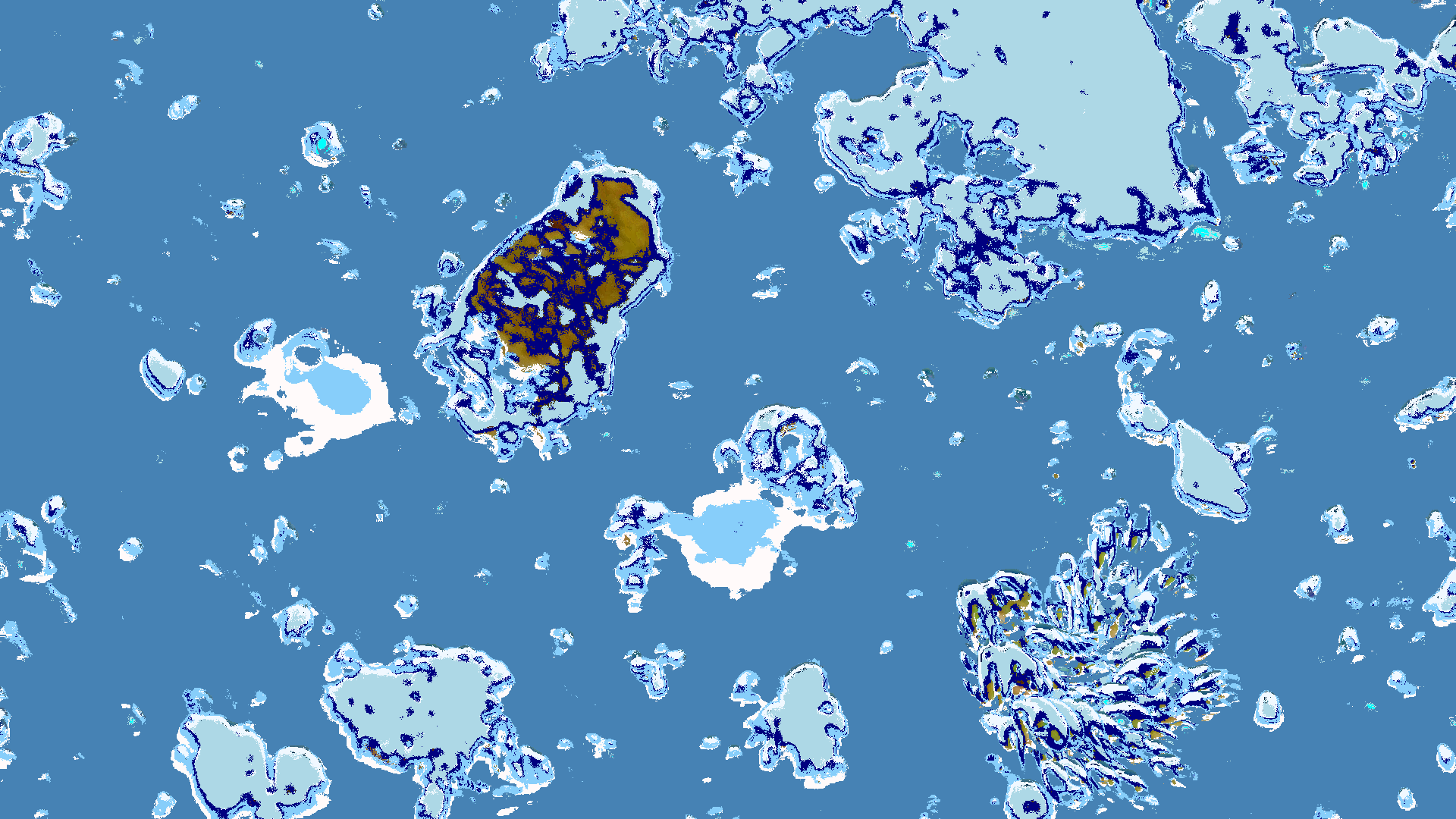
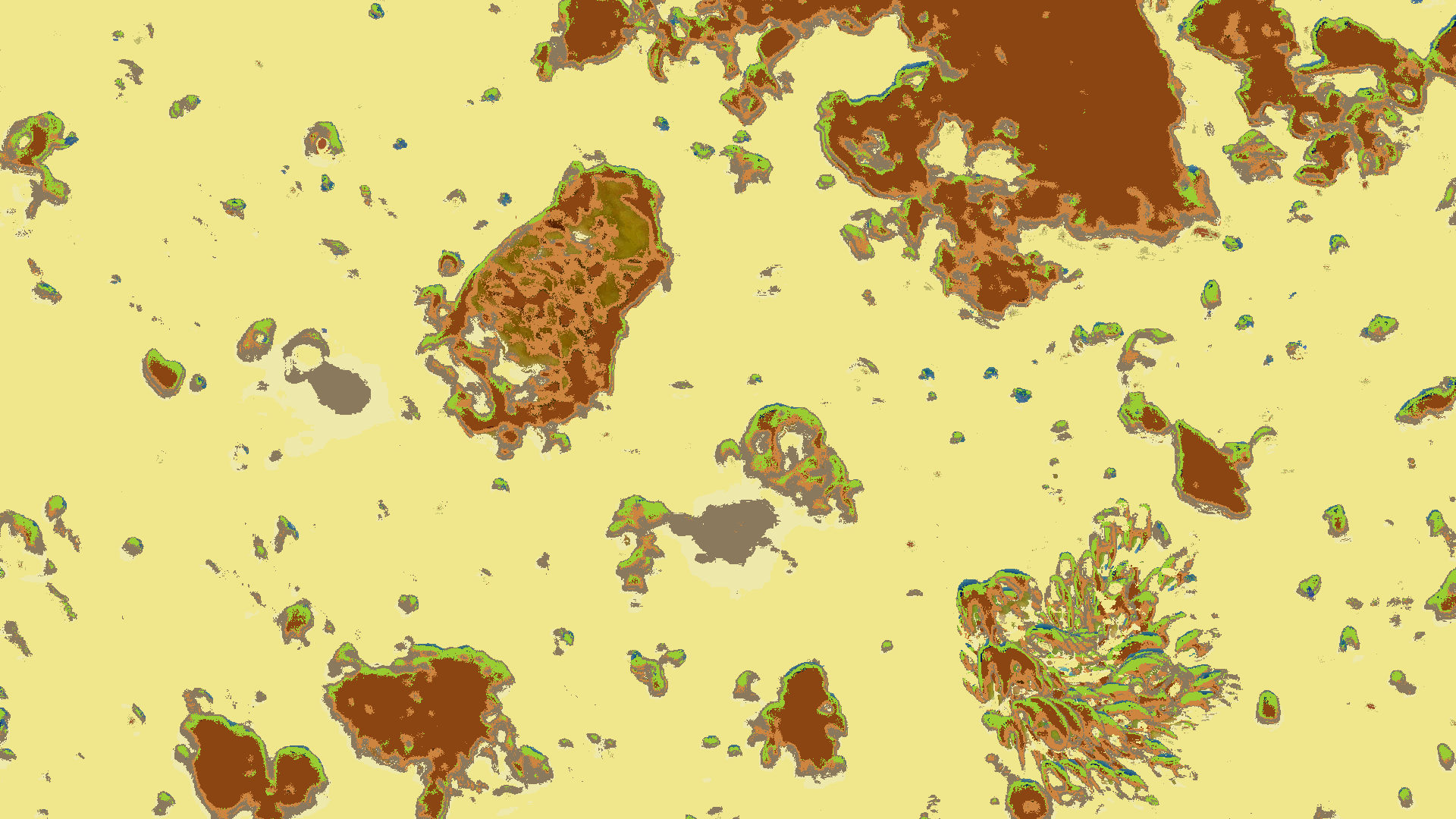
Austin Ladybird Lake Plankton rendered in ZIT
| Original | Spring | Summer | Winter | Safari |
|---|---|---|---|---|
 |
 |
 |
 |
 |
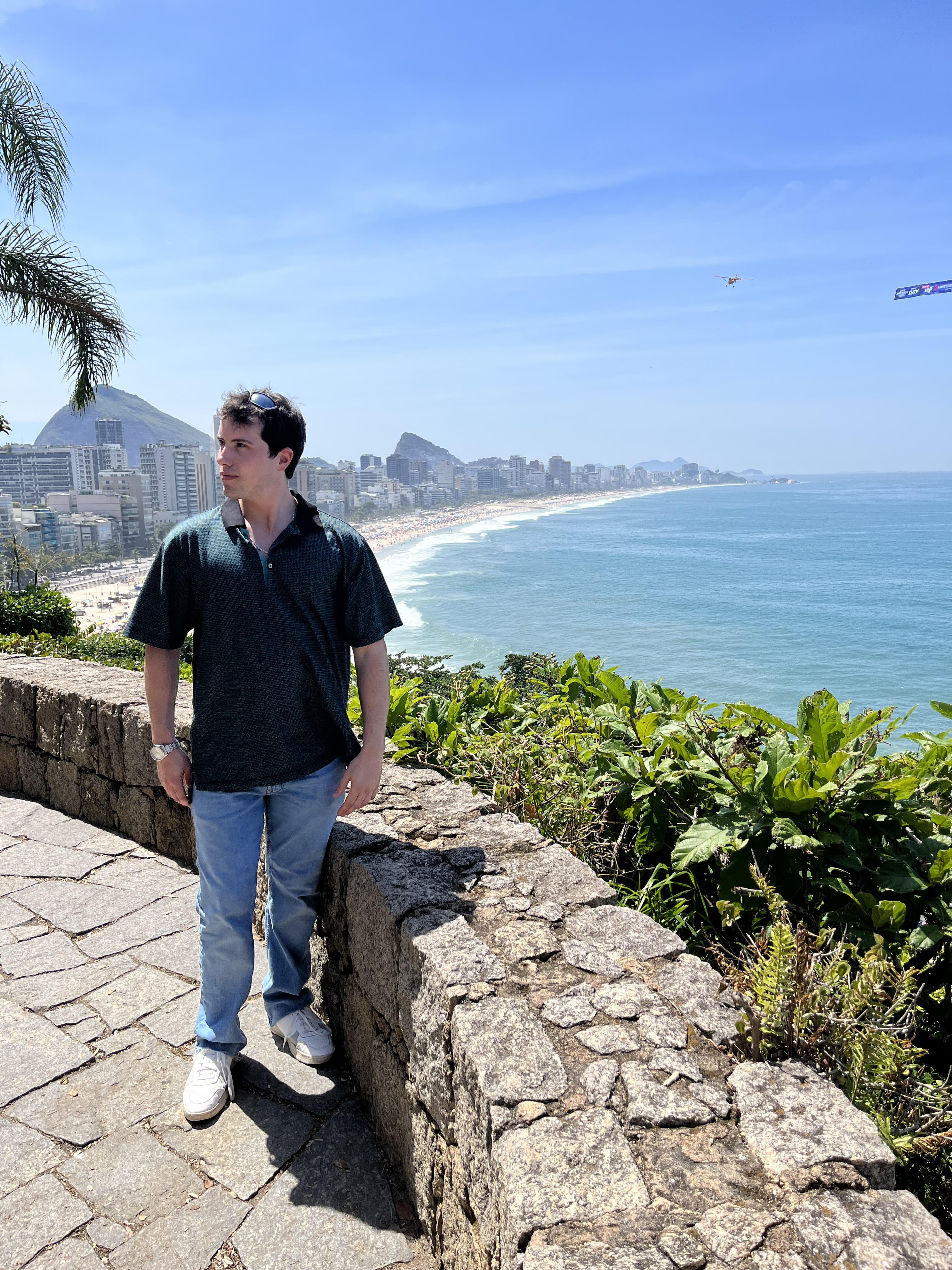
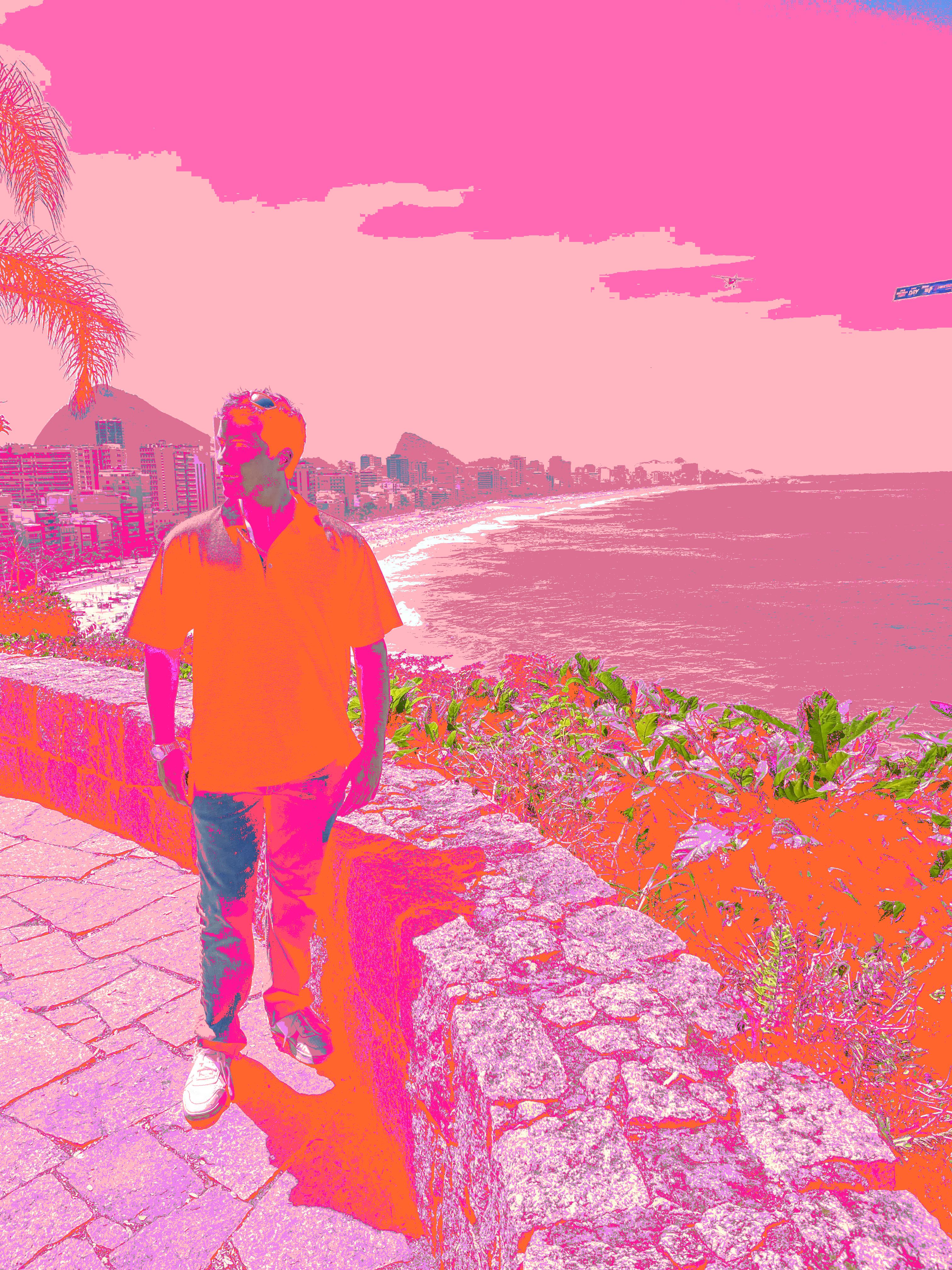
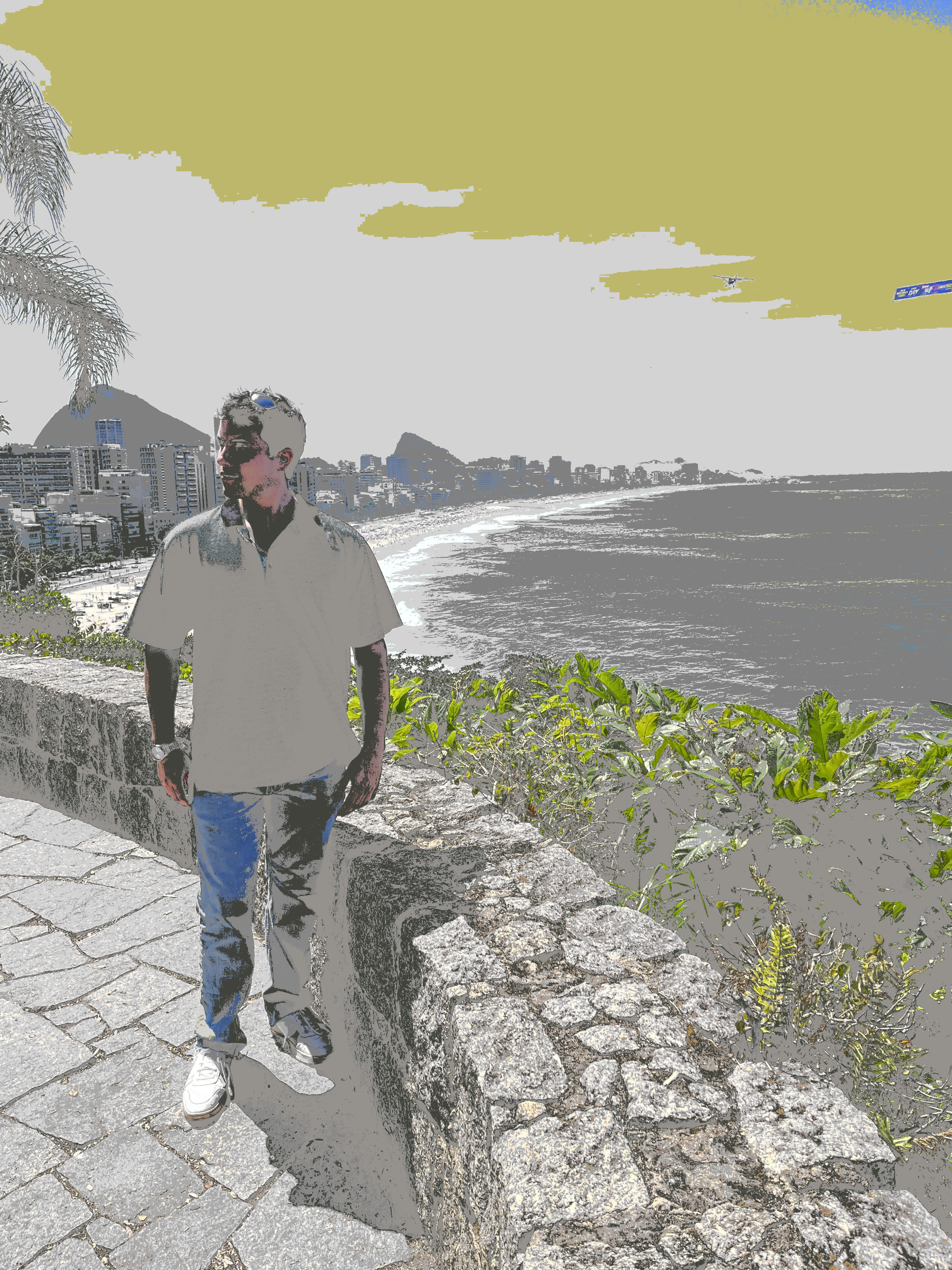
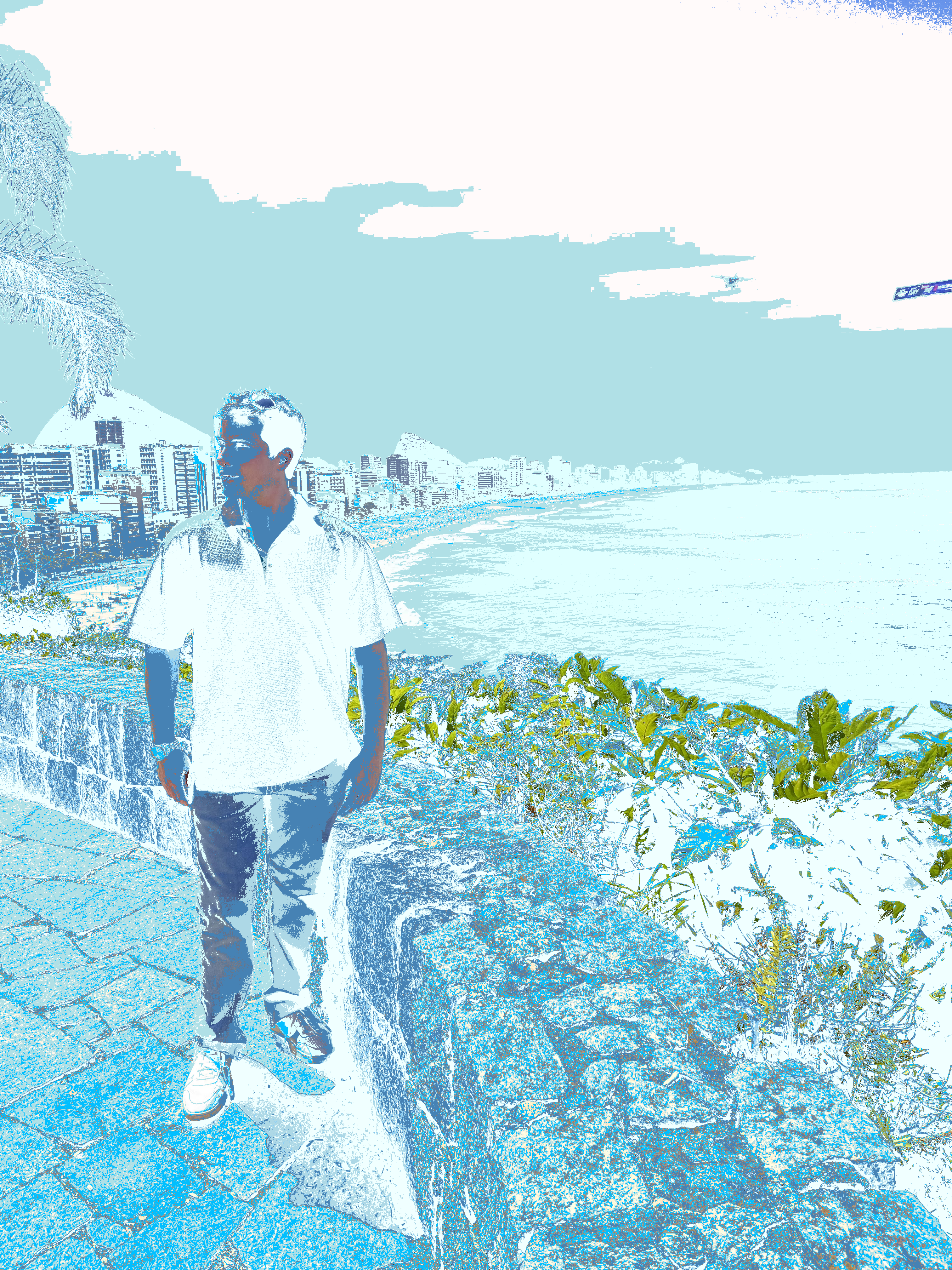
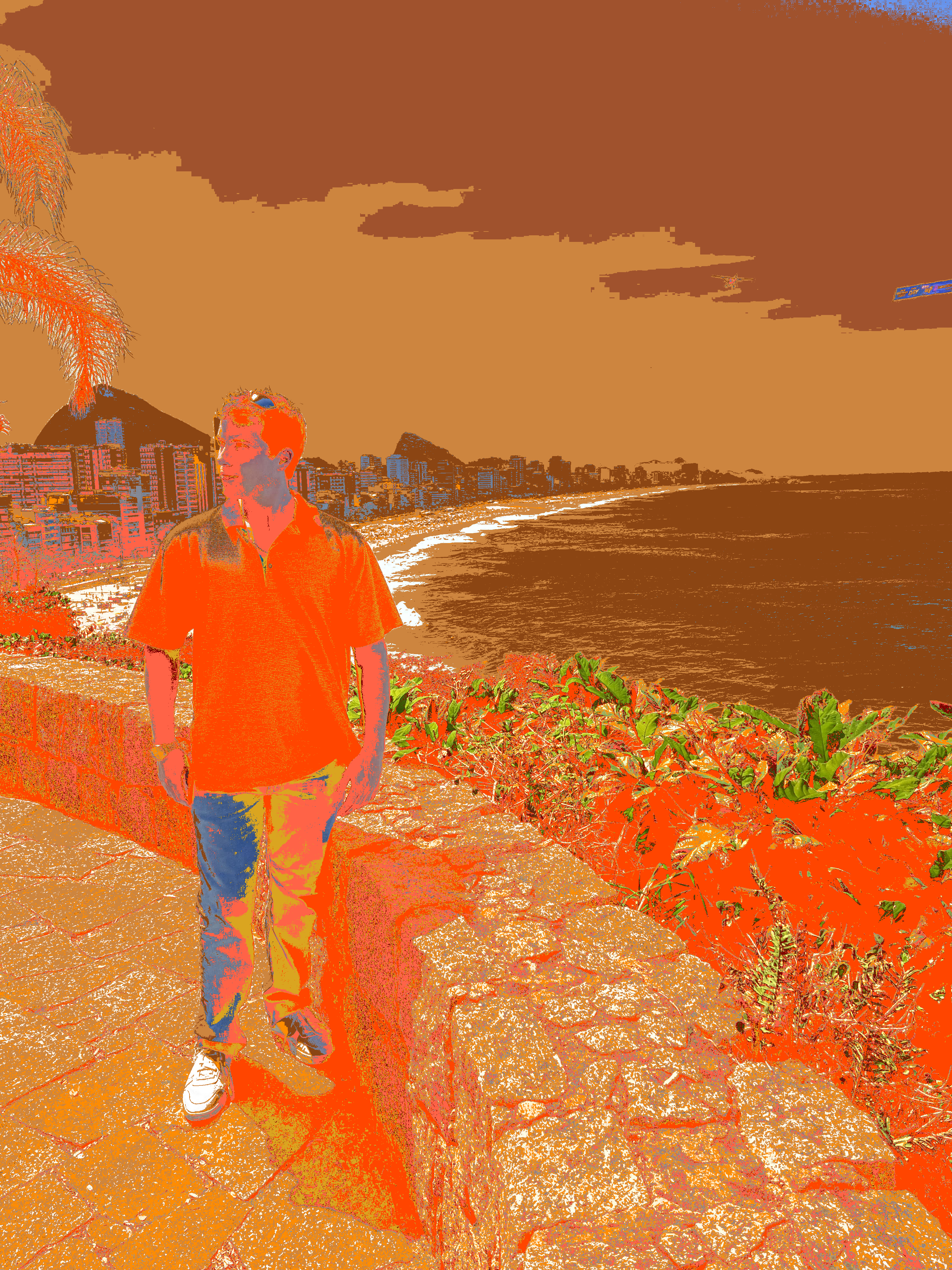
Me in Rio de Janeiro
| Original | Paixão | Urban | Arctic | Fall |
|---|---|---|---|---|
 |
 |
 |
 |
 |
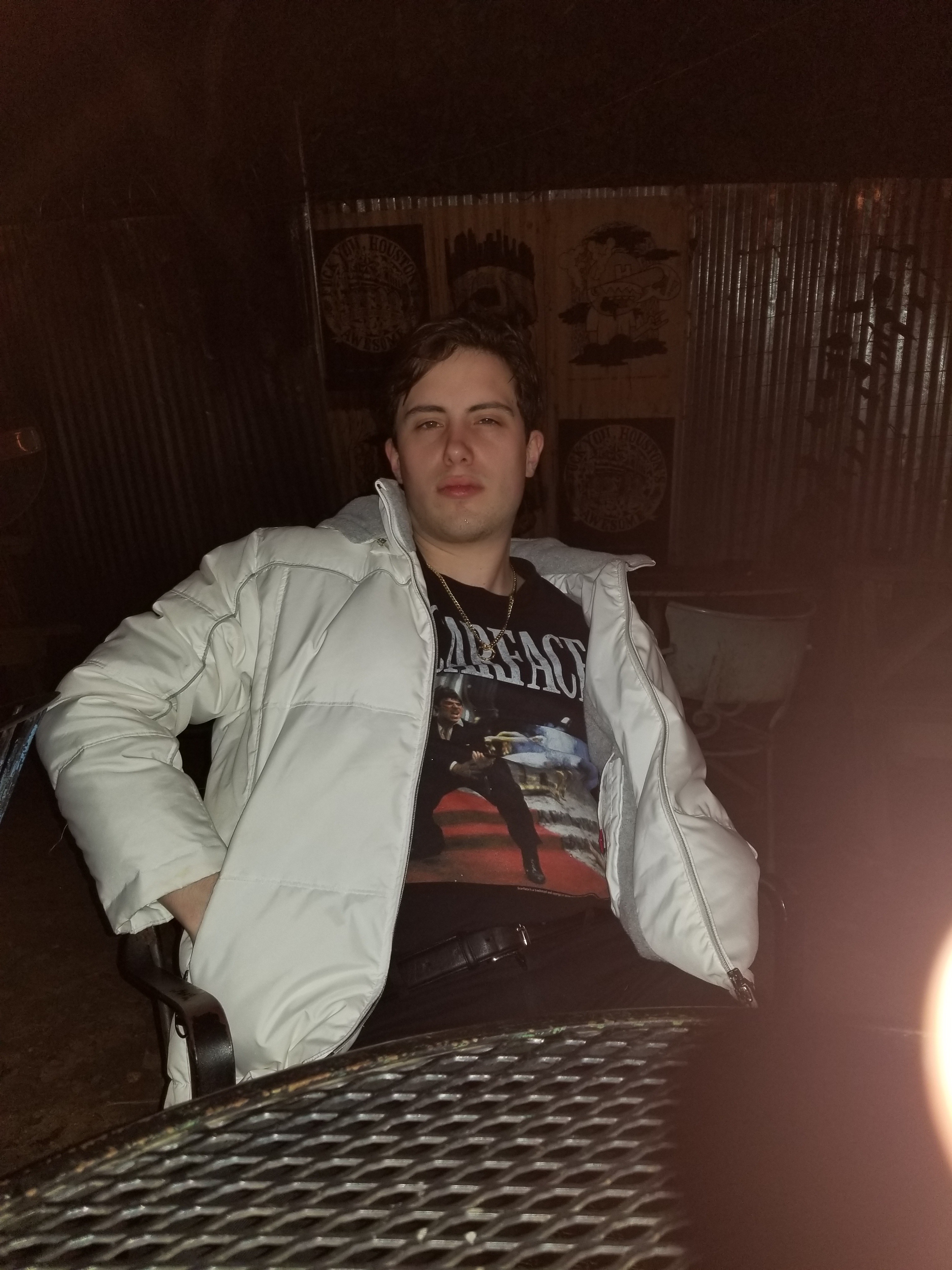
Night Portrait, December 2017
Original
Spring  |
Summer  |
Winter  |
Fall  |
Safari  |
Urban  |
Neon  |
Tropical  |
Arctic  |
Paixão  |
Cyberpunk  |
Sunset  |
Oceanic  |
Vaporwave  |
Retro80s  |
Volcano  |
1 maintainer

Metadata
1 maintainer
Release files for superwand 0.3.2
For a detailed explanation of source distributions (sdists) and built distributions (wheels), please see the package formats documentation.
Source distribution (sdist)
| File | Size | Uploaded | Provenance | |
|---|---|---|---|---|
| superwand-0.3.2.tar.gz | 15.5 MB | With provenance | Details |
Built distribution (wheel)
| File | Interpreter | ABI | Platform | Reset |
|---|---|---|---|---|
| superwand-0.3.2-py3-none-any.whl | Python 3 | none | any | Details |
Total release size: 31.1 MB
Release files / superwand-0.3.2.tar.gz
| Download URL | superwand-0.3.2.tar.gz |
|---|---|
| Size | 15.5 MB |
| Tags | Source |
|
SHA-256 checksum How to use checksums |
27e39886d0421a3df5ae9e09a1f9dddb3f933e044ad57f003b9b409a189958d3
|
|
BLAKE2b-256 checksum How to use checksums |
0ba7ee74747ea2f832207bece43f4bfa76985bfa2f18638c79a6991cf32fd027
|
| Upload date | |
|
Uploaded using Trusted Publishing? What is trusted publishing? |
Yes |
| Uploaded via |
twine/7.0.0 CPython/3.13.14
|
Provenance
Provenance describes where a file came from. On PyPI, provenance is shared via attestations, which provide a verifiable record of the build or publishing details. View details, limitations and caveats.


PyPI Publish Attestation
PyPI verified that this artifact, at this checksum, originated from the publisher listed below.
Signed by GitHub Actions, verified by PyPI on Sep 30, 2026.
Transparency logRelease files / superwand-0.3.2-py3-none-any.whl
| Download URL | superwand-0.3.2-py3-none-any.whl |
|---|---|
| Size | 15.6 MB |
| Tags | Python 3 |
|
SHA-256 checksum How to use checksums |
4bf75dbd255f7c867abe245089ca3739e3237e9e6494837264925729fb8b45c1
|
|
BLAKE2b-256 checksum How to use checksums |
c365059a3724b7ab66979f5ff6efb592811f0107eb736e8de00f9d5537ca8bce
|
| Upload date | |
|
Uploaded using Trusted Publishing? What is trusted publishing? |
Yes |
| Uploaded via |
twine/7.0.0 CPython/3.13.14
|
Provenance
Provenance describes where a file came from. On PyPI, provenance is shared via attestations, which provide a verifiable record of the build or publishing details. View details, limitations and caveats.
PyPI Publish Attestation
PyPI verified that this artifact, at this checksum, originated from the publisher listed below.
Signed by GitHub Actions, verified by PyPI on Sep 30, 2026.
Transparency logSecurity for superwand 0.3.2
Provenance
Provenance describes where a file came from. On PyPI, provenance is shared via attestations, which provide a verifiable record of the build or publishing details. View details, limitations and caveats.
Full provenance
All 2 files in this release have been uploaded with provenance metadata.
Attestation for superwand-0.3.2.tar.gz
PyPI Publish Attestation
PyPI verified that this artifact, at this checksum, originated from the publisher listed below.
Signed by GitHub Actions, verified by PyPI on Sep 30, 2026.
Transparency logA note on package security
PyPI is a repository for distributing packages, not a service for auditing them. While third-party security researchers and our staff do their best to detect and remove malicious packages, PyPI cannot guarantee the quality, security or suitability of any given package.
To learn more about protecting yourself from malicious actors, visit our package security documentation.














