
superwand




Retheme images, SVG and CSS with color palettes and gradients. superwand finds the main color regions of a picture and repaints each one from a theme. It suits posterized art, sprites and vector illustrations, and works on photos too.
Install
pip install superwand                # library and CLI
pip install "superwand[studio]"      # plus the SuperWand Studio web app
Or run it without installing: uvx superwand art.png -t Neon. Needs Python 3.10 or newer.
Quick start
superwand art.png -t Vaporwave                      # writes art_Vaporwave.png
superwand art.png                                   # one file per theme
superwand photo.jpg -t Fall --preserve-shading --smooth
superwand logo.svg site.css -t "#ff0080,#00ffff,#1a0033"
superwand rocket.png --palette-from shrimp.jpg -k 6 # steal another image's palette
superwand sprites/ -t Arctic -j 4 -o out/           # a whole folder, in parallel
superwand art.png -k 2-8 --sheet -o sweep/          # every theme at k = 2..8, plus a grid
superwand                                           # open SuperWand Studio
from superwand import retheme

retheme("art.png", "Vaporwave", k=6).save("art_vaporwave.png")
Features
- Region-based retheming. k-means splits an image into its
kmost prominent color regions, measured in the perceptual OKLab color space, and paints each region with a theme color. - Transparency is preserved. Transparent backgrounds stay transparent, so sprites and icons keep working.
- Preserve shading.
--preserve-shadingkeeps each pixel's light and shadow, so photos look recolored instead of posterized. - Smooth edges.
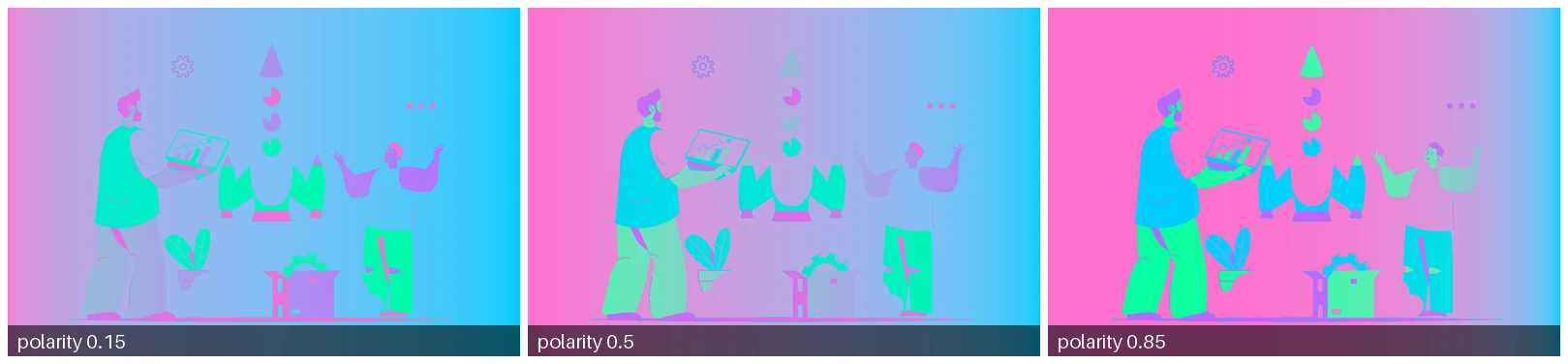
--smoothblends anti-aliased edge pixels between neighboring regions. - Gradients. Linear and radial gradients per region with a movable midpoint (
--polarity), blended in OKLab so a blue-to-yellow gradient doesn't turn gray in the middle. - SVG and CSS. In SVG, recolors
fill,stroke,stop-color,styleattributes and<style>blocks. In CSS, recolors every hex,rgb(),hsl(),oklch(),oklab()and named color, keeping formatting and alpha, with optional WCAG contrast repair. - Any palette. 18 built-in themes, a color list on the command line, palette files (JSON,
TOML, GIMP
.gpl, Adobe.ase,.hex), your own themes folder, or the colors of another image. - Region control. Keep a region's original pixels (
--lock) or pin it to a color (--map). - Theme × k sweeps. Render every theme at several
kvalues in one run (-k 2-8), with a labelled contact sheet (--sheet) and a matching grid view in the Studio. - Palette export. Save an image's dominant colors as hex, JSON, CSS variables,
.gplor.ase. - SuperWand Studio. A local web app for retheming with live previews. It works offline.
Command line
superwand [INPUT ...] [options]
Inputs can be images, .svg or .css files, folders, or glob patterns. Without inputs,
superwand starts SuperWand Studio. Each result is saved as <name>_<theme>.<ext> in the
output folder.
| Option | What it does |
|---|---|
-t, --theme THEME |
Theme name (case-insensitive), a comma list of names (Neon,Arctic), all, a palette file, or colors like "#ff0080,#00ffff". Repeatable. Default: every theme. |
--palette-from IMAGE |
Use the k dominant colors of another image as the theme. |
-k K |
Number of color regions: 4, a list 2,3,4,6,8, or a range 2-8 (default 4). With several values, each k gets its own k<N>/ subfolder. |
--sheet |
Also write <name>_sheet.png, a labelled grid with themes as rows and k as columns. |
--seed N |
k-means seed (default 42). The same seed always gives the same result. |
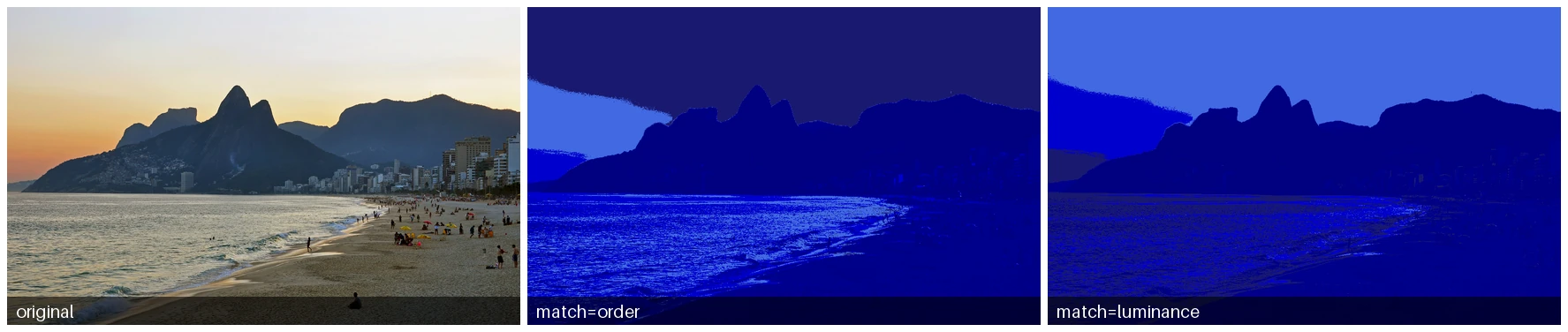
--match order|luminance |
Pair regions with colors by size (order, the default for themes) or by brightness (luminance, the default for --palette-from). |
--preserve-shading |
Keep each pixel's lightness relative to its region. Best for photos. |
--smooth |
Blend colors across region edges. |
--gradient STYLE |
top-down, bottom-up, left-right, right-left or radial (aliases: auto, vertical, horizontal). |
--polarity P |
Where along the gradient the 50/50 blend lands, 0 to 1 (default 0.5). |
--flood |
Close holes in regions and grow them slightly. |
--lock N |
Keep region N's original pixels. Regions are numbered from 1, largest first. |
--map N=COLOR |
Paint region N with COLOR, e.g. --map 2=#ff0080 or --map 3=navy. |
--space oklab|rgb |
Color space for finding regions (default oklab). |
--min-contrast RATIO |
CSS: fix text colors below this WCAG contrast with their background (e.g. 4.5). |
--palette [FILE] |
Print the image's numbered regions and colors, or save them to FILE (.hex, .json, .css, .gpl, .ase). |
--format FMT |
Palette format for --palette: text, hex, json, css, gpl or ase. |
--gif |
Write an animated GIF that cycles through the themes. |
-o, --output-dir DIR |
Where to write results (default: current folder). Also --out-dir. |
-j, --jobs N |
Process inputs in parallel. |
--list-themes |
List built-in and user themes. |
--host, --port, --debug |
Studio server options (default 127.0.0.1:5001). |
Run superwand art.png --palette to see the region numbers that --lock and --map use:
$ superwand charizard.png --palette
  1  #fea654  rgb(254, 166, 84)    27.9%
  2  #d45332  rgb(212, 83, 50)     26.2%
  3  #1a1010  rgb(26, 16, 16)      24.4%
  4  #fffffe  rgb(255, 255, 254)   21.5%
The pre-0.4 spellings (-theme, -gradient, -palette-from, ...) still work.
Sweeping k
Choosing k is easiest side by side. One command renders every theme at every k, finding the
regions once per k and reusing them for all themes:
superwand rocket.jpeg -k 2,3,4,6,8 -t Vaporwave,Neon,Forest,Volcano --sheet -o sweep/
That writes sweep/k2/rocket_Neon.png and so on, plus sweep/rocket_sheet.png:
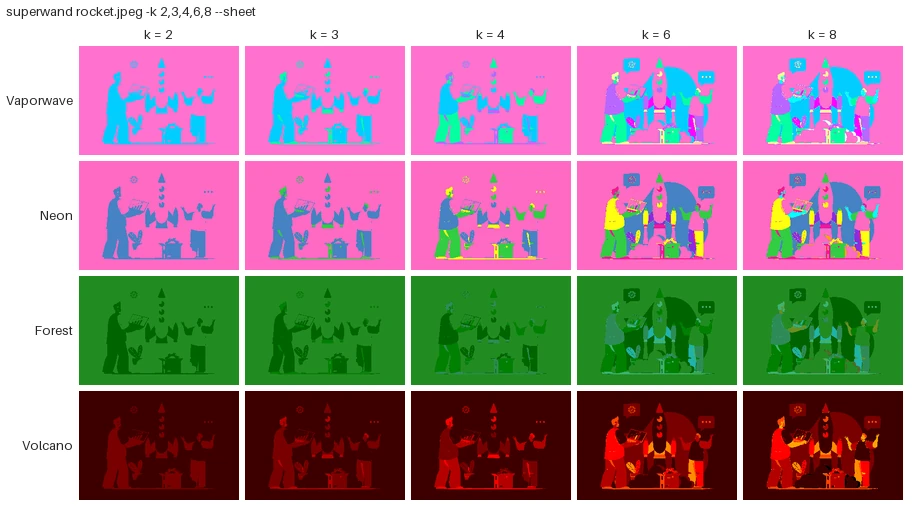
A single -k keeps the flat layout (sweep/rocket_Neon.png). --lock and --map apply at every
k that has that region.
gradient-enforce
Turns each flat color region into a gradient, either from a lighter to a darker shade of its own color or between two colors you choose.
gradient-enforce charizard.png --style radial --color1 "#ff0000" --color2 "#0000ff"
Options: --style, --polarity, --color1/--color2 (given together), -k, --output.
css-retheme
Rethemes a single CSS or SVG file and prints the result, or writes it with -o.
css-retheme site.css Tropical -o site_tropical.css
css-retheme site.css Neon --min-contrast 4.5 -o site_neon.css   # keep text readable
css-retheme site.css --check                                     # list low-contrast pairs
Python API
from superwand import (
    find_regions,
    retheme,
    transfer_palette,
    extract_palette,
    gradient_enforce,
    svg_retheme,
    css_retheme,
    theme_cycle_gif,
    save_palette,
    k_sweep,
    contact_sheet,
)

img = retheme("charizard.png", "Vaporwave", k=6, gradient="radial")  # an RGBA PIL Image
img = retheme("photo.jpg", "Fall", shading=True, smooth=True)
img = retheme("art.png", "#ff0080, #00ffff, navy")  # any palette form
img = retheme("art.png", "Neon", overrides={0: None, 2: "#123456"})  # lock / pin regions
img = transfer_palette("rocket.jpeg", "mantis_shrimp.jpeg", k=6)

regions = find_regions("charizard.png", k=4)  # compute once, reuse for many themes
frames = [retheme("charizard.png", t, regions=regions) for t in ("Neon", "Arctic")]
regions.colors, regions.counts  # region colors and sizes, largest first

colors = extract_palette("mantis_shrimp.jpeg", 6)  # [(r, g, b), ...]
save_palette(colors, "shrimp.ase")  # or .gpl .json .css .hex
svg = svg_retheme("logo.svg", "Forest")
css = css_retheme("site.css", "Tropical", min_contrast=4.5)
theme_cycle_gif("charizard.png", "charizard_themes.gif")

tiles = k_sweep("rocket.jpeg", "2-8", ["Neon", "Forest"])  # [SweepTile(theme, k, image), ...]
contact_sheet(tiles, cell=200).save("sheet.png")
retheme() accepts a path or a PIL image and always returns RGBA. Region indexes in
overrides start at 0 for the largest region.
Custom themes
A theme can be any of these:
- a built-in name:
Neon,neonandpaixaoall work; - a color list:
"#ff0080,#00ffff,#1a0033"or"hotpink navy rgb(0 200 120)"; - a palette file:
.json(["#ff0080", ...]or{"name": ..., "colors": [...]}),.toml(name = ...andcolors = [...]), GIMP.gpl, Adobe.ase,.hex/.txt(one color per line, Lospec style), or CSS custom properties in a.cssfile; - a file in your themes folder, used by name. The folder is
~/.config/superwand/themes(%APPDATA%\superwand\themeson Windows); setSUPERWAND_THEMES_DIRto use another one. User themes show up in--list-themesand in the Studio.
Built-in themes
Spring 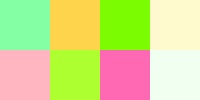 |
Summer  |
Winter  |
Fall 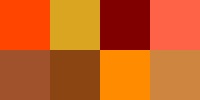 |
Arctic  |
Safari 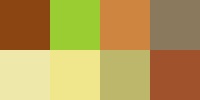 |
Urban  |
Neon 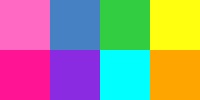 |
Tropical 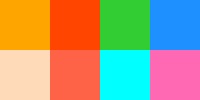 |
Paixão 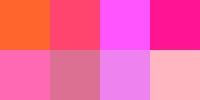 |
Vaporwave 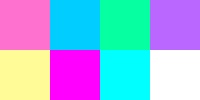 |
Cyberpunk 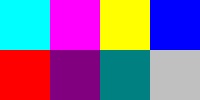 |
Retro80s 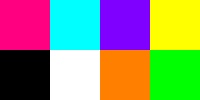 |
Sunset  |
Midnight 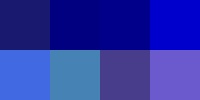 |
Forest  |
Oceanic  |
Volcano 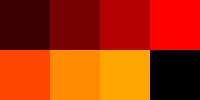 |
SuperWand Studio
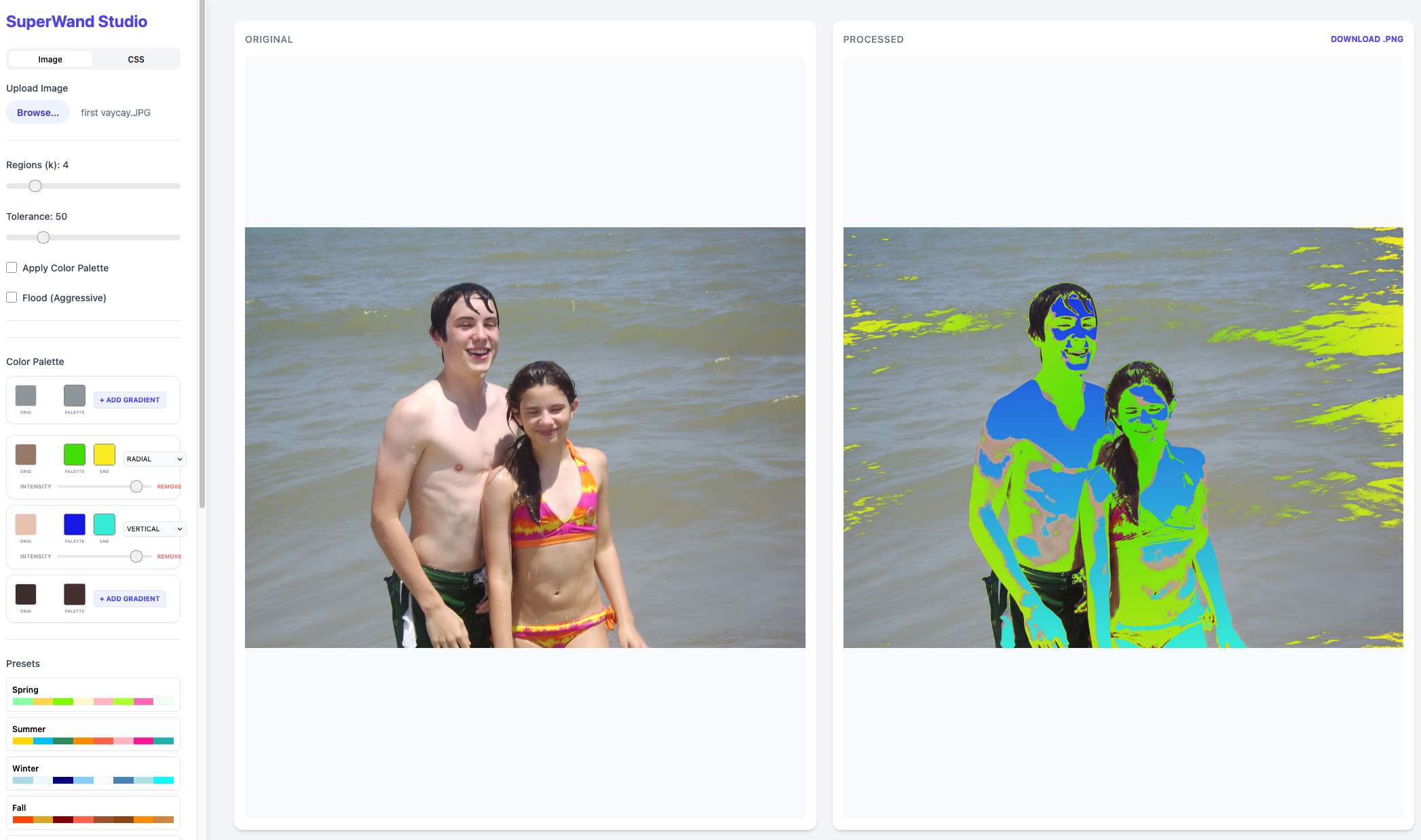
SuperWand Studio is a local web app for interactive retheming. Upload an image, drag the k
slider, pick colors per region, add gradients, toggle smooth edges and preserve shading, compare
before and after, and download the result. The Sweep tab renders a theme × k grid of
thumbnails. Clicking a tile opens that exact combination in the editor, and regions are cached
per k, so switching themes doesn't re-run clustering. It also rethemes CSS and SVG files. Install it with
pip install "superwand[studio]", run superwand, then open http://127.0.0.1:5001.
Demos
All images below are generated by uv run python scripts/generate_demos.py.
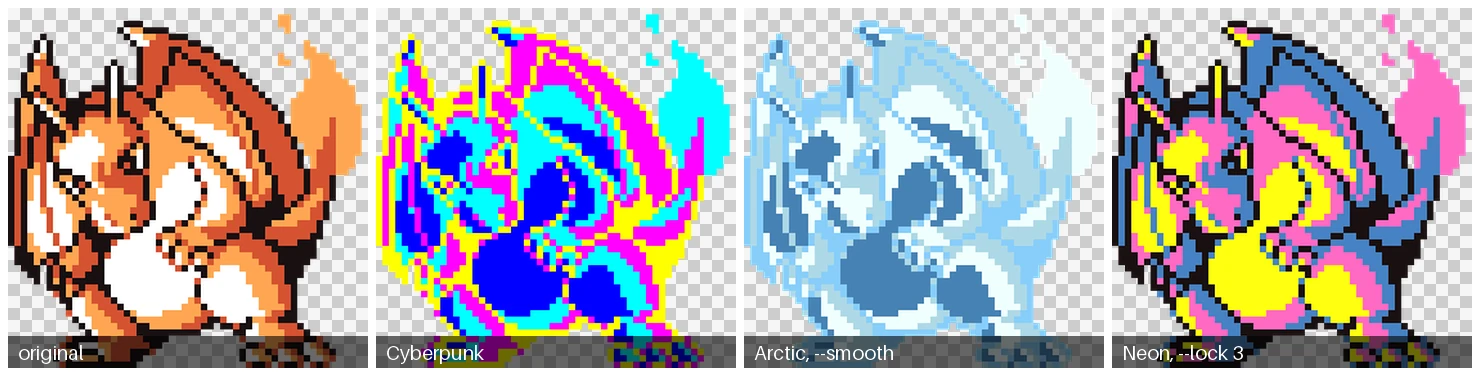
Transparency, smooth edges and locked regions
Preserve shading on photos
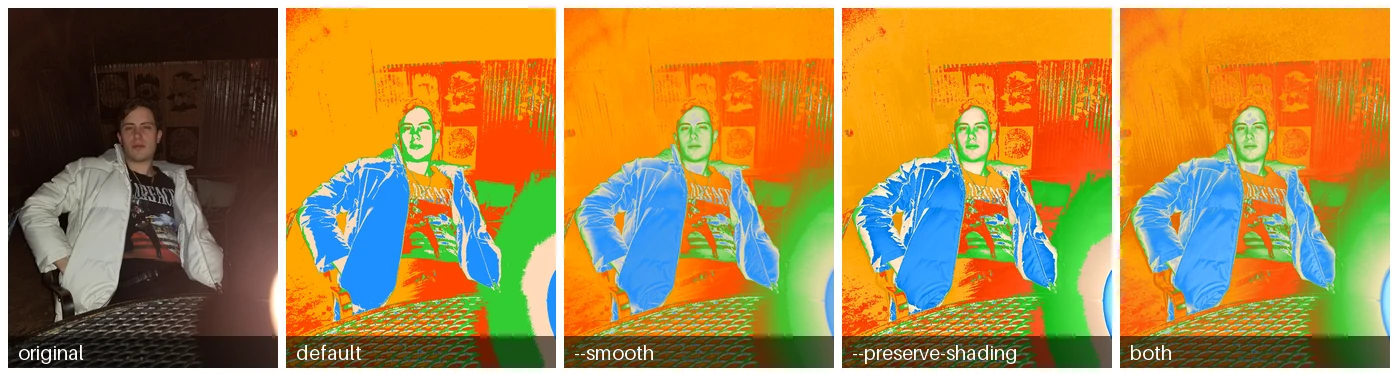
Plain retheming posterizes a photo. --smooth softens region borders, and --preserve-shading
keeps the original light and shadow.
Choosing k
More regions means finer-grained recoloring.

Palette transfer
--palette-from extracts the dominant colors of a reference image and applies them with
luminance matching, so dark stays dark and light stays light.

Matching by order vs. luminance
With match=order colors are assigned by region size, so a bright sunset sky can turn dark.
With match=luminance the sky gets the theme's lightest color and the silhouetted mountains its
darkest.
Gradient polarity
Gradients
bottom-up 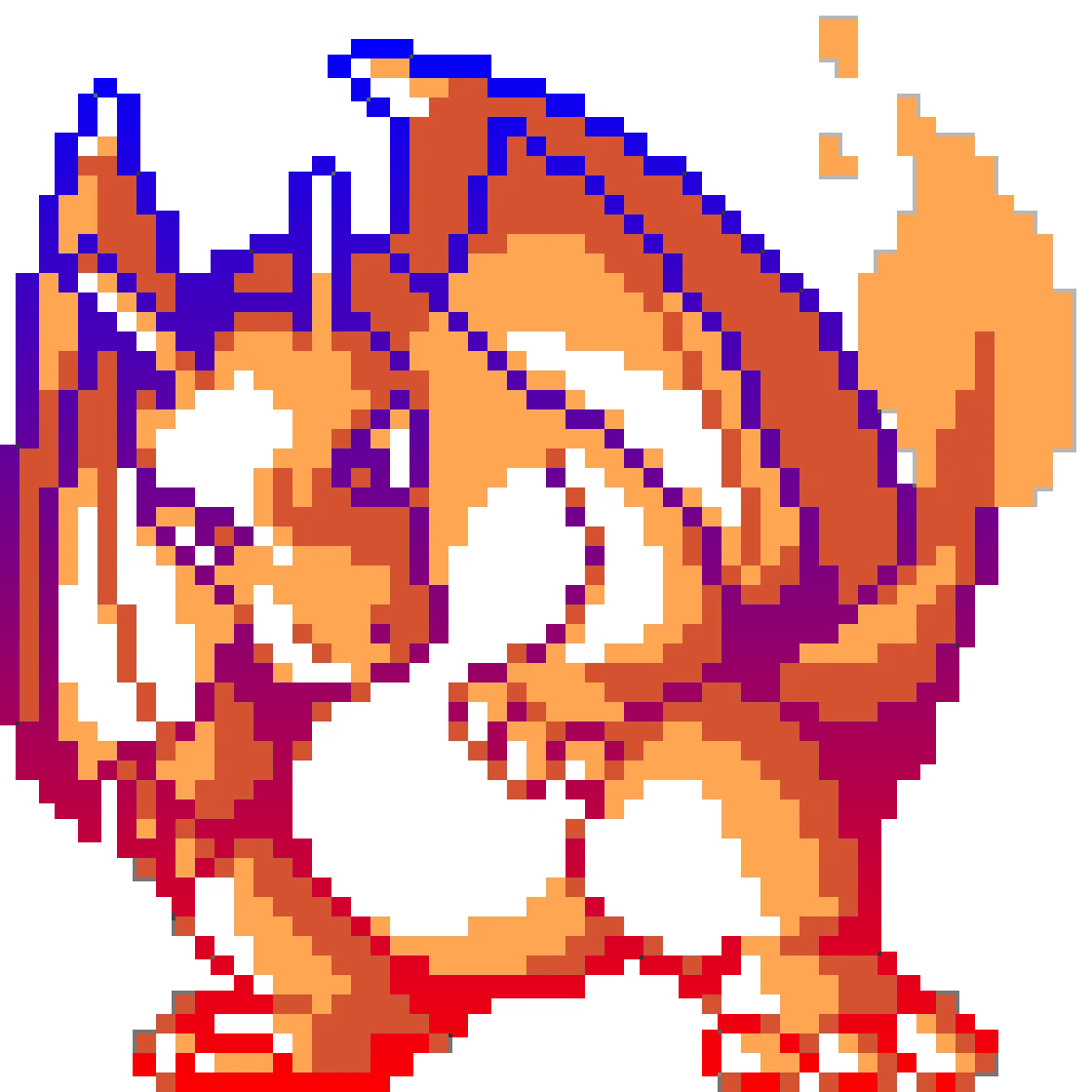 |
top-down 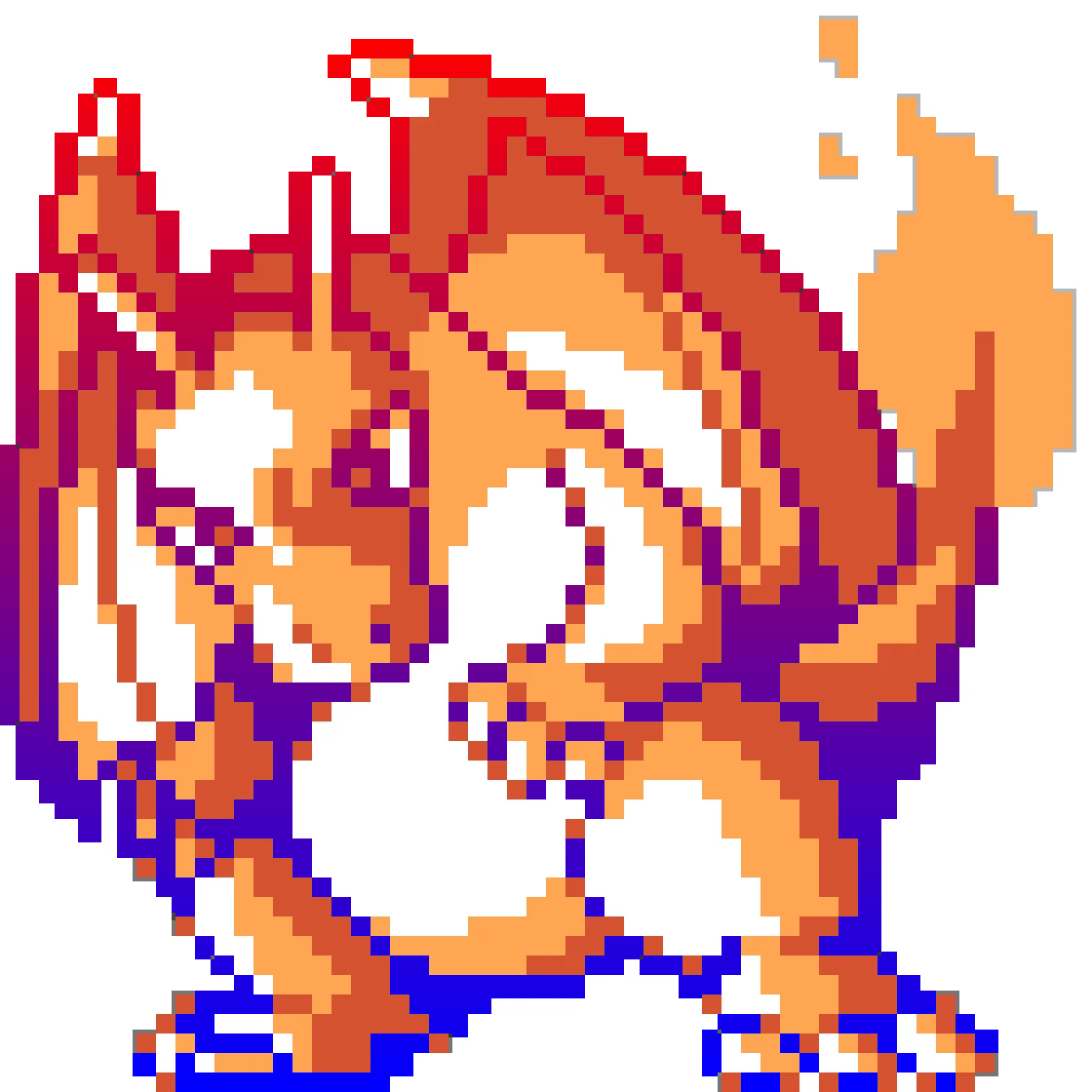 |
left-right 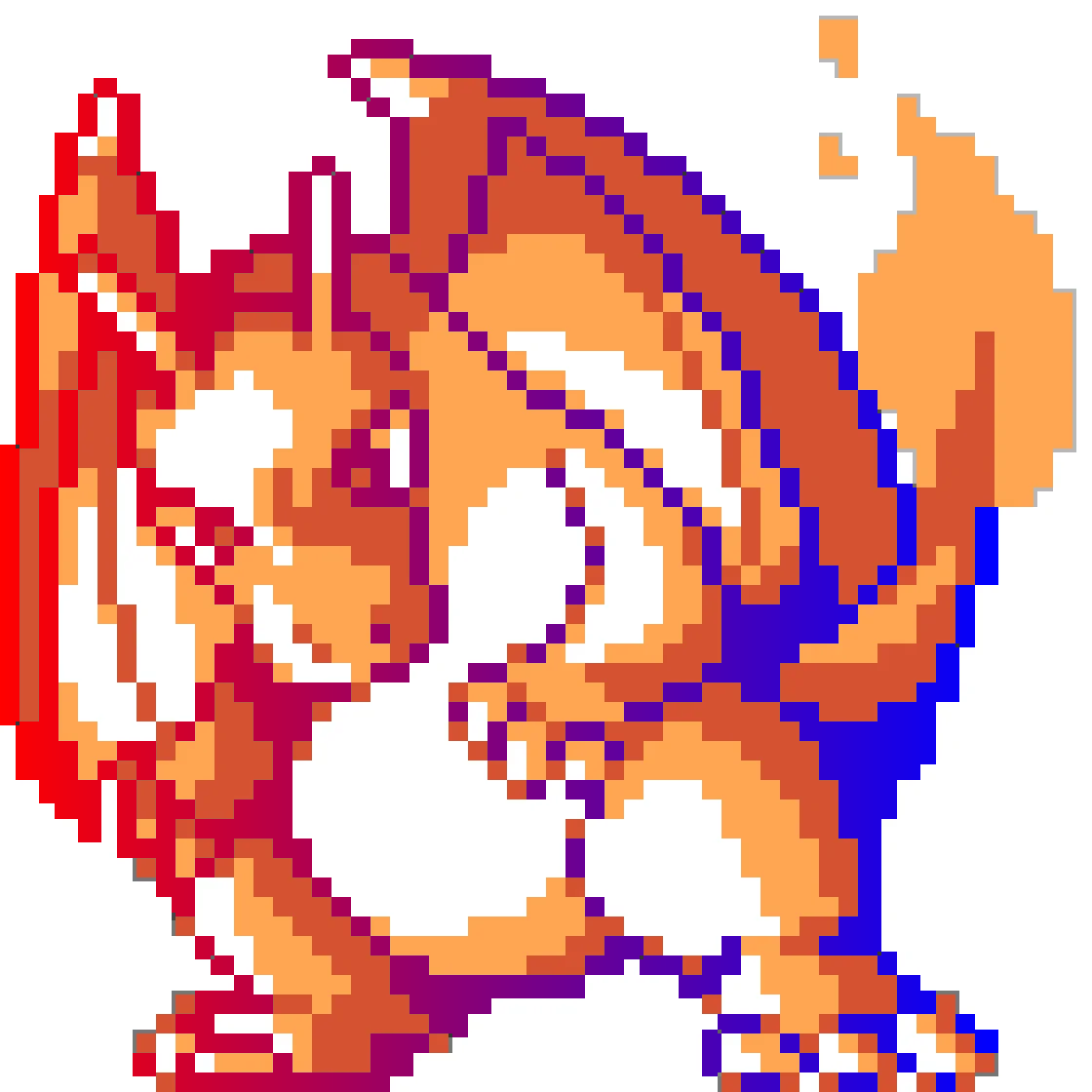 |
right-left 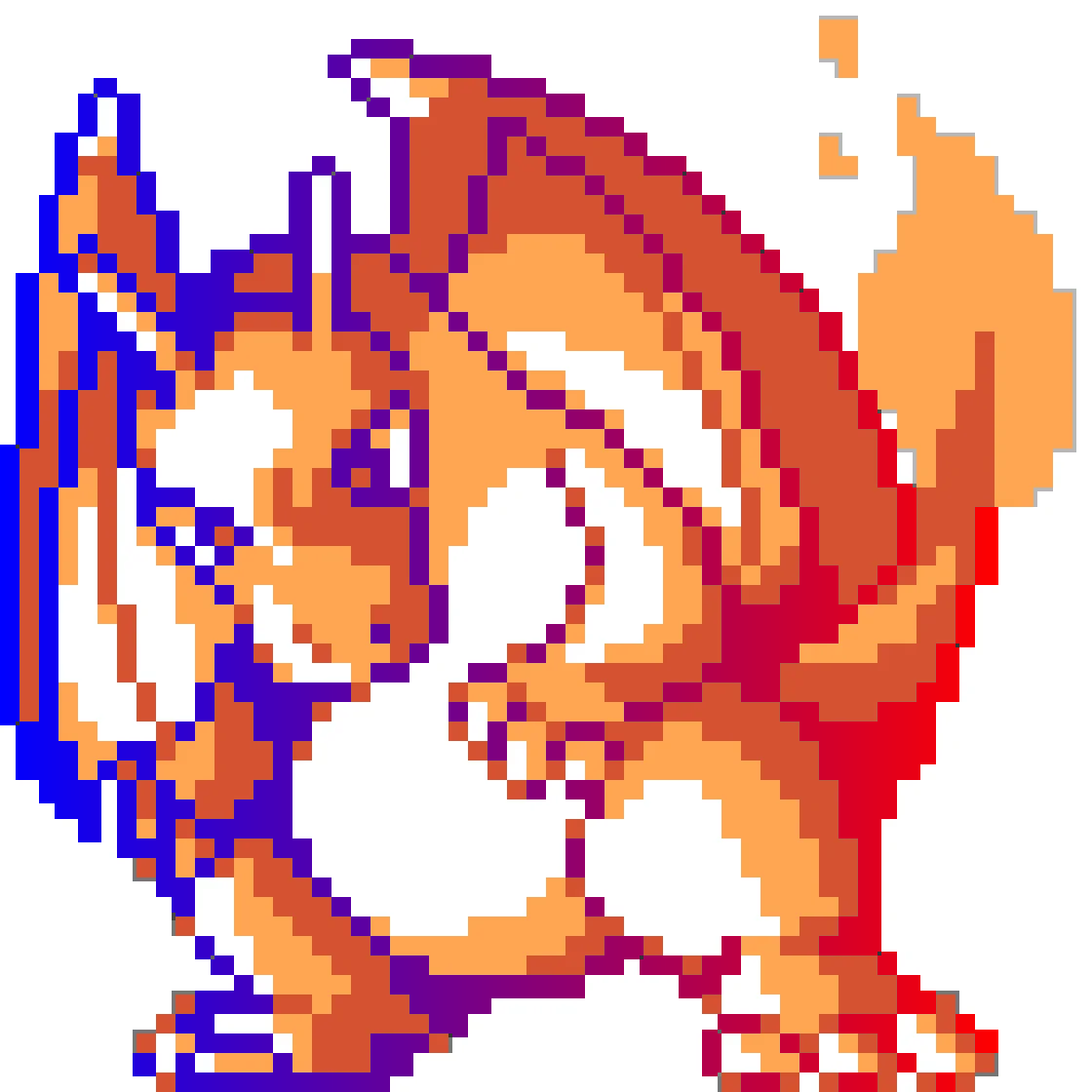 |
radial 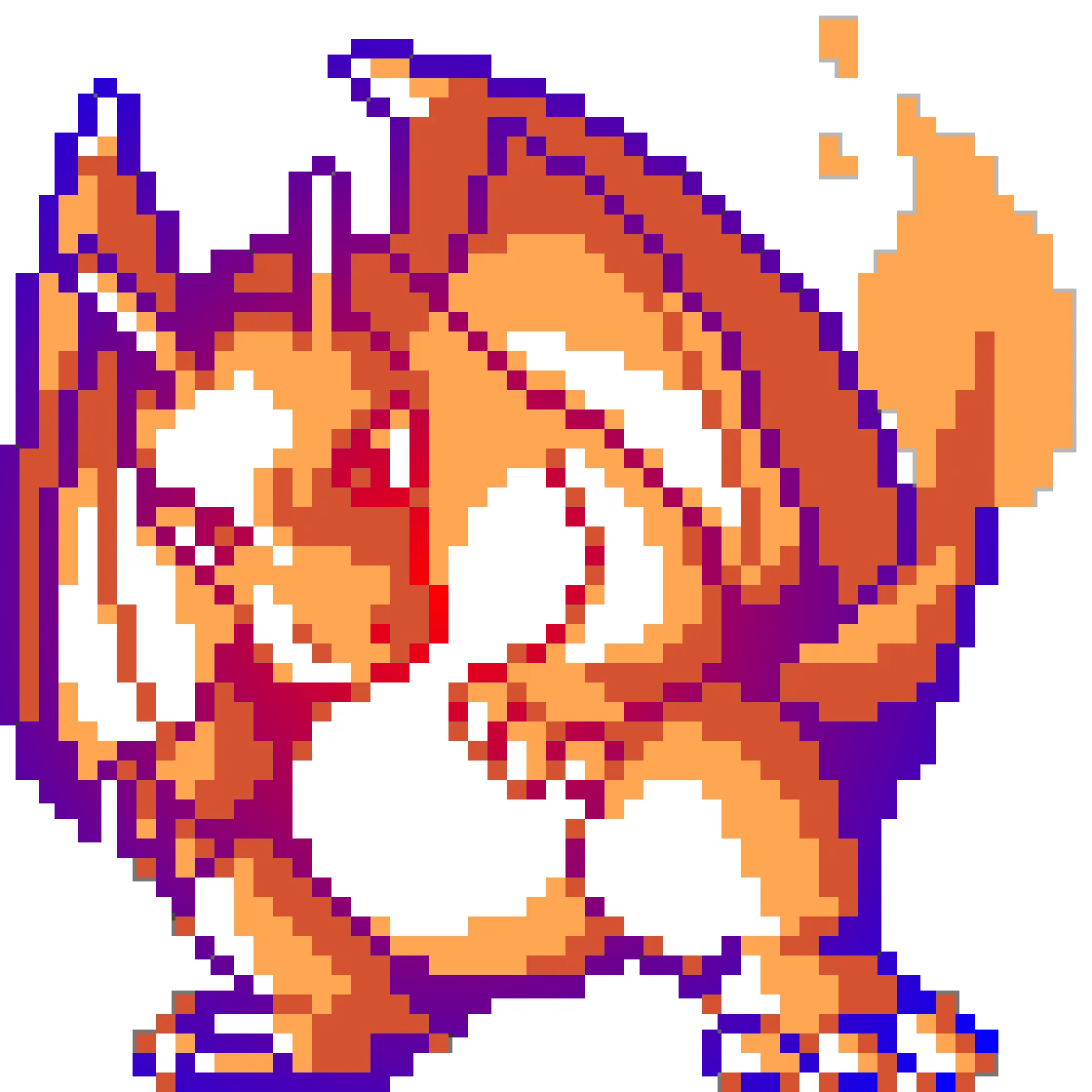 |
SVG
superwand sunset.svg -t Vaporwave -t Forest -t Arctic -t Volcano --match luminance
Original  |
Vaporwave  |
Forest  |
Arctic  |
Volcano  |
CSS
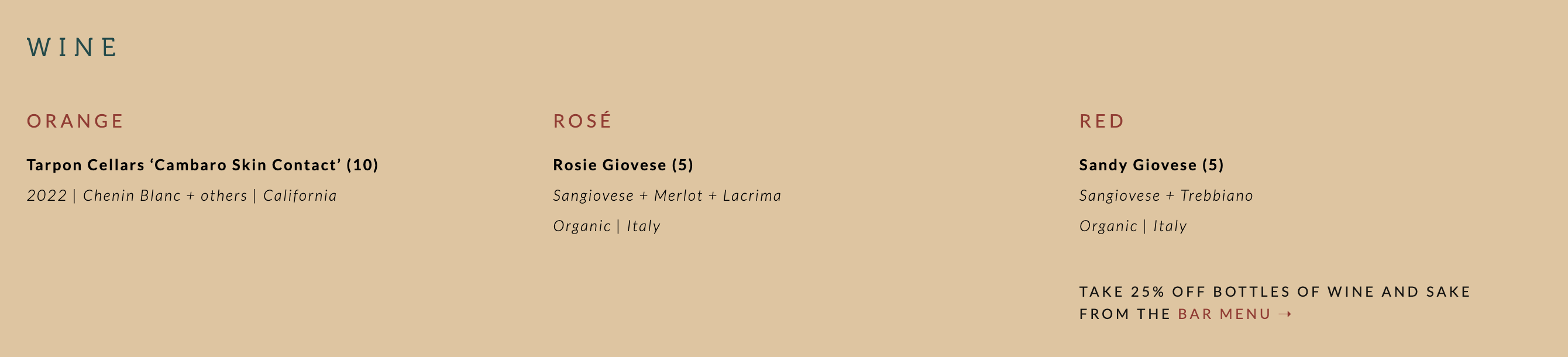
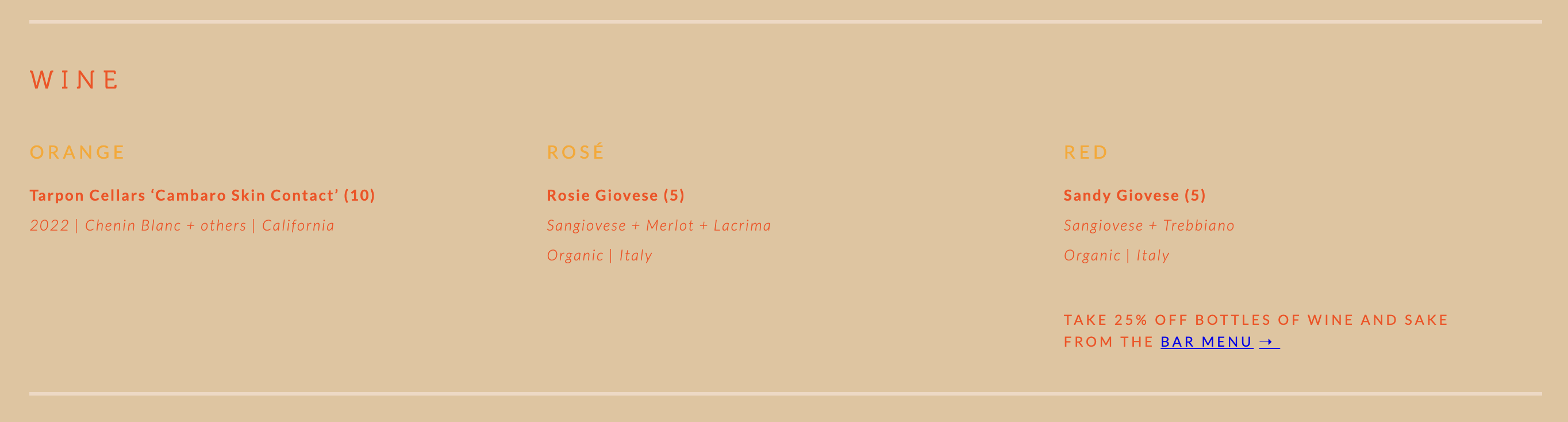
Every color in a declaration is clustered, and each cluster is mapped to a theme color. Selectors, comments, formatting and alpha channels are left alone.
css-retheme examples/css/site.css Tropical -o site_tropical.css
| Before | After |
|---|---|
 |
 |
 |
 |
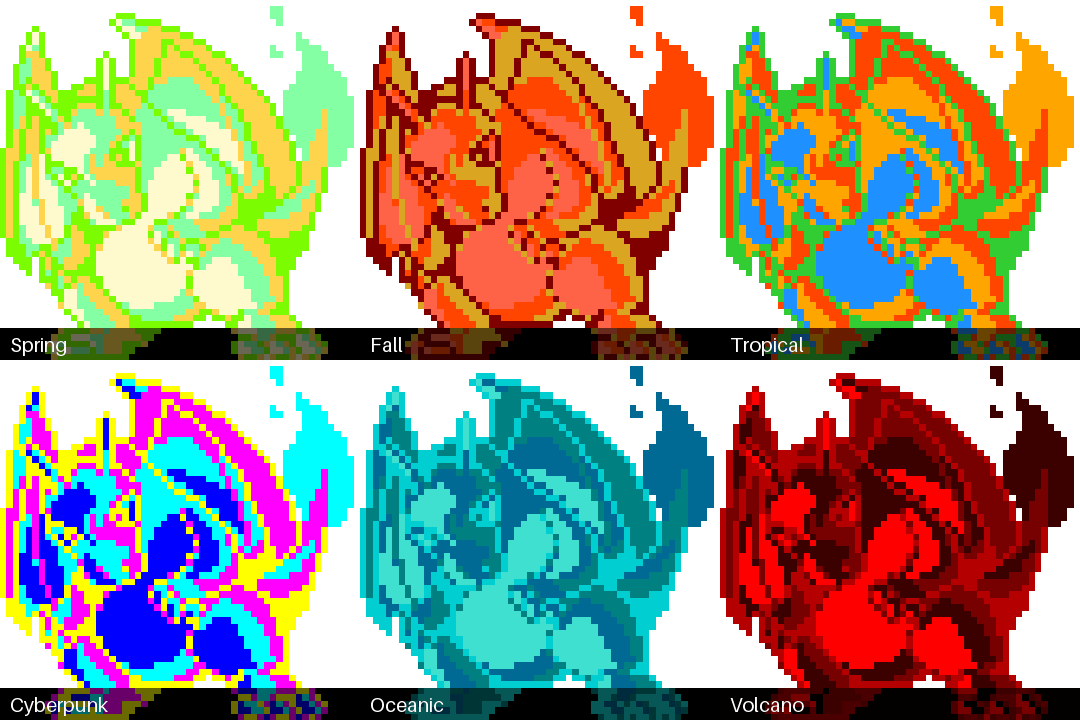
Charizard in every theme
Spring  |
Summer 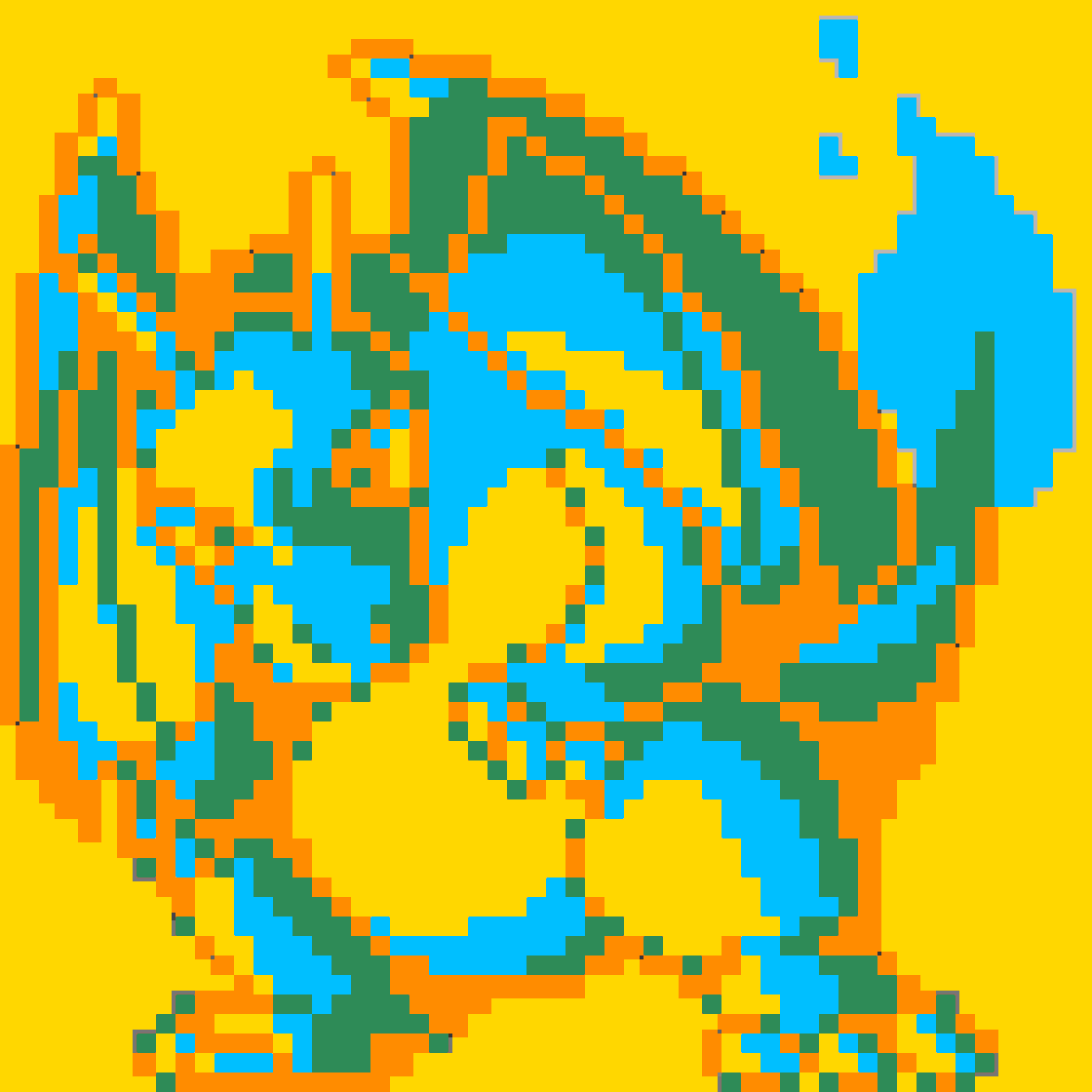 |
Winter 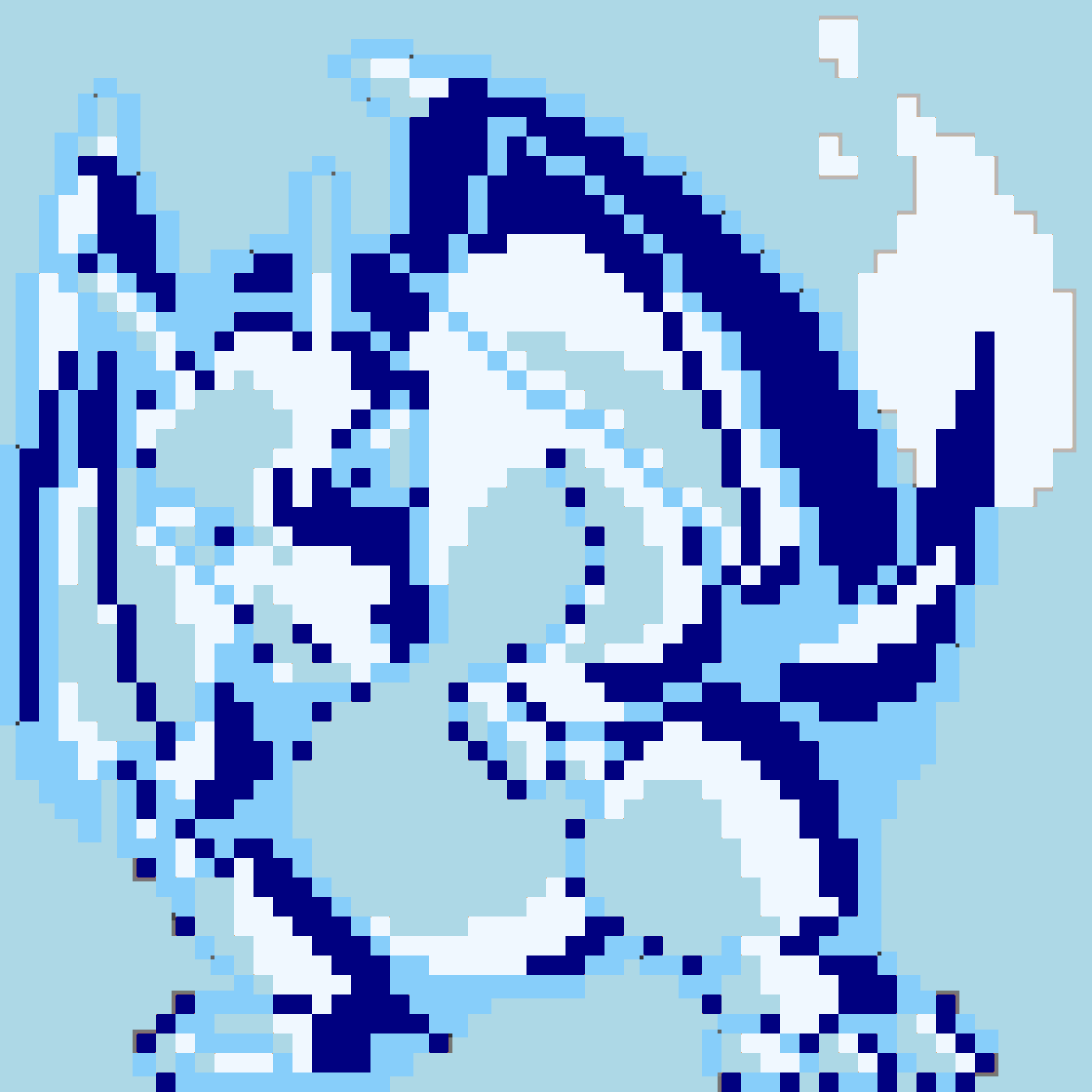 |
Fall 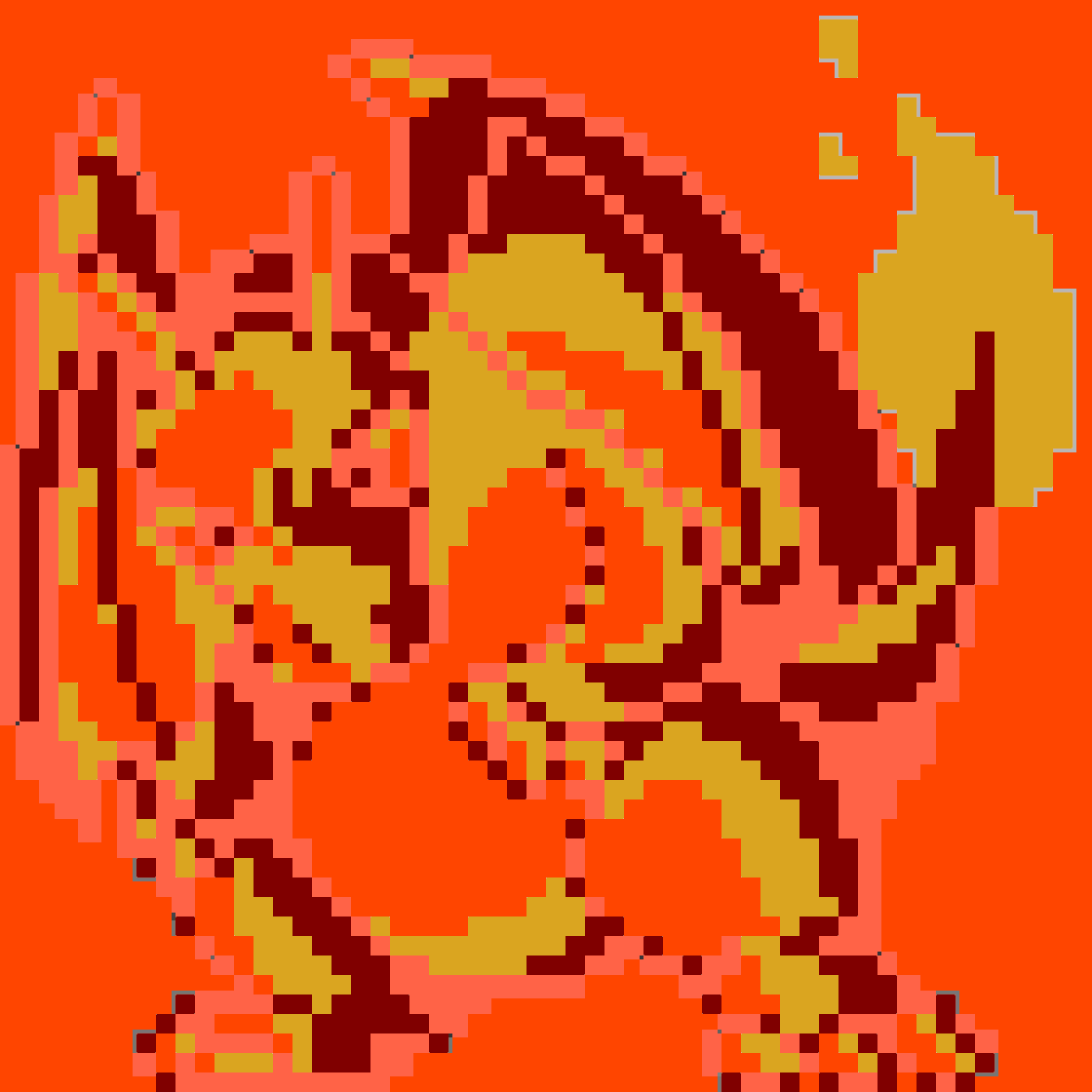 |
Arctic 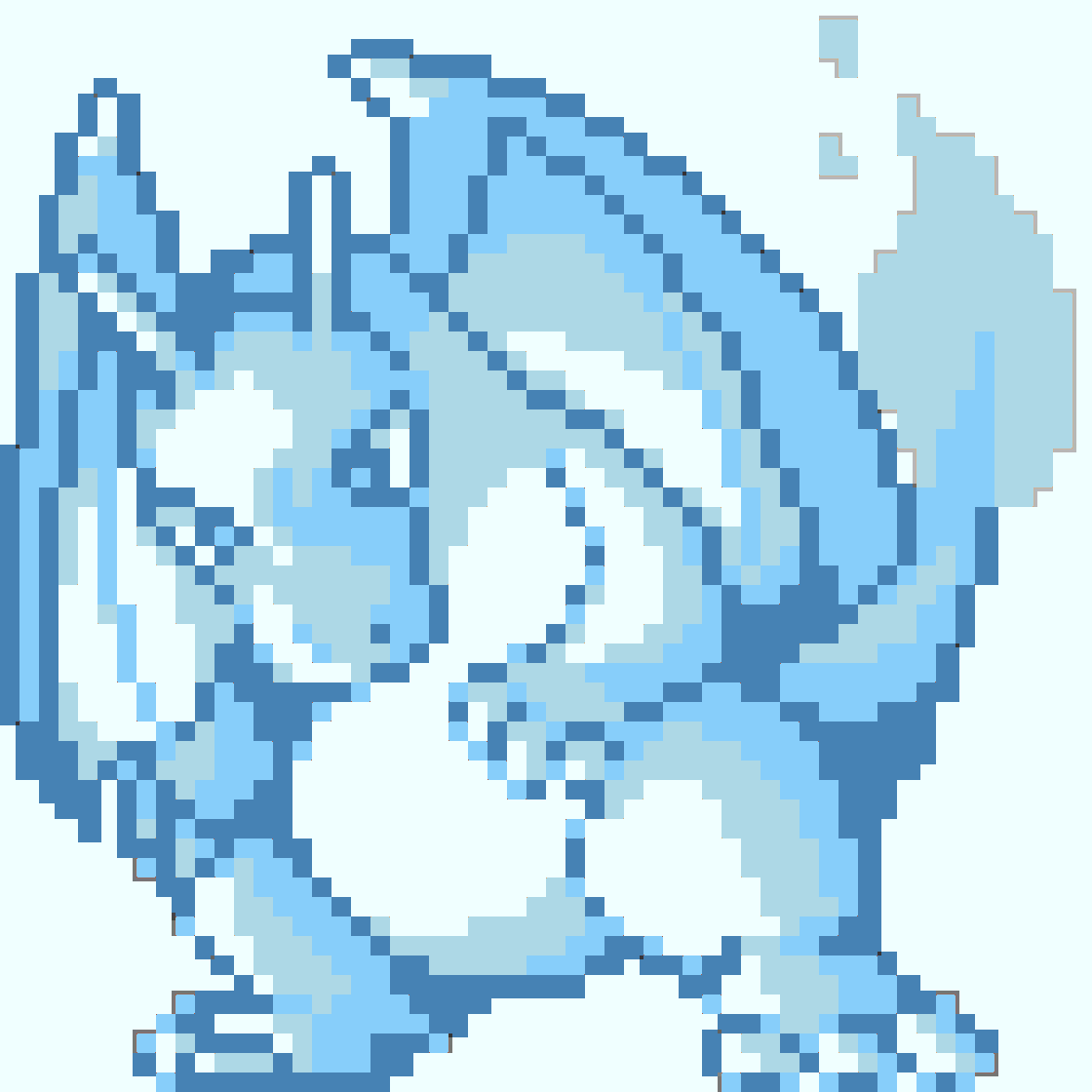 |
Safari 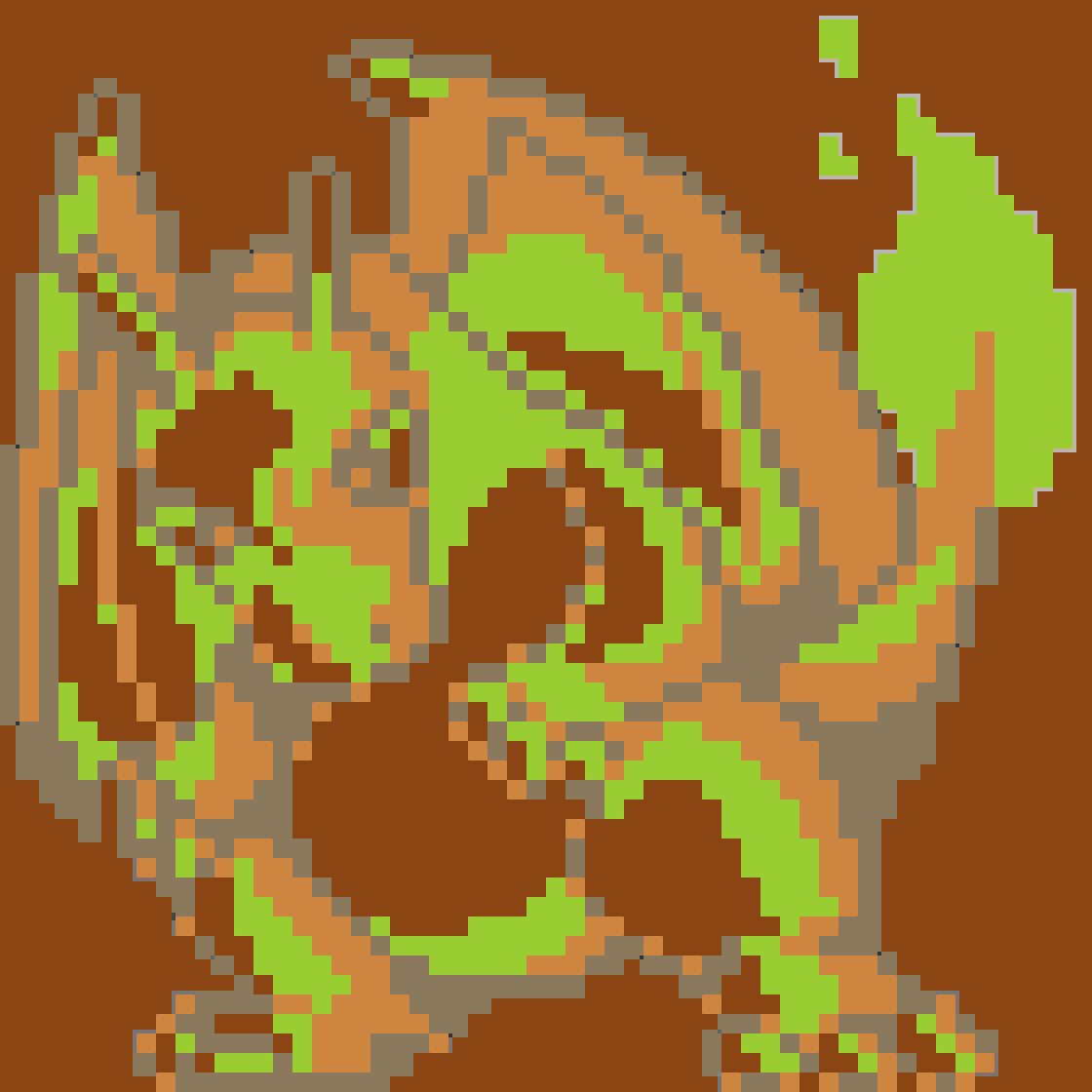 |
Urban 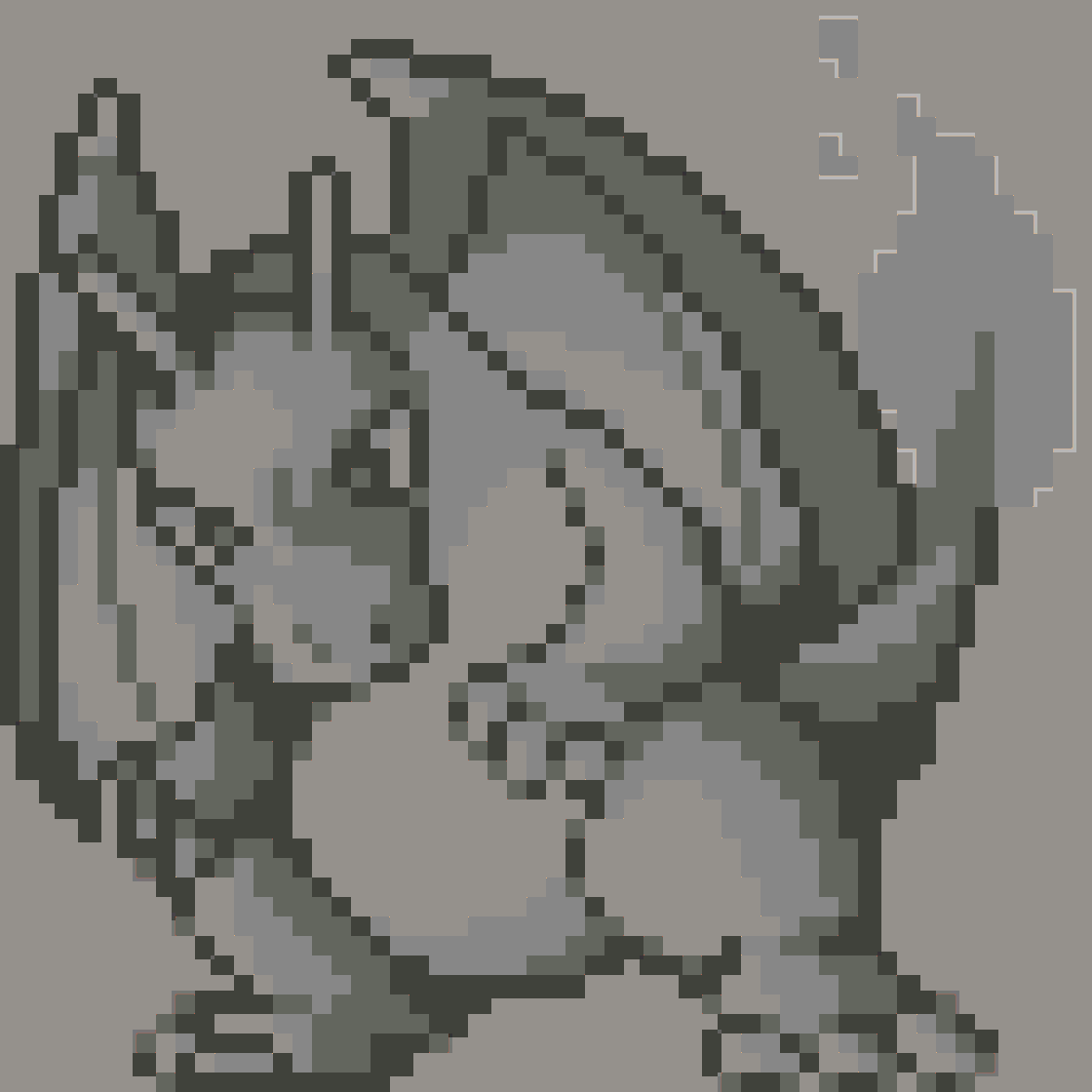 |
Neon 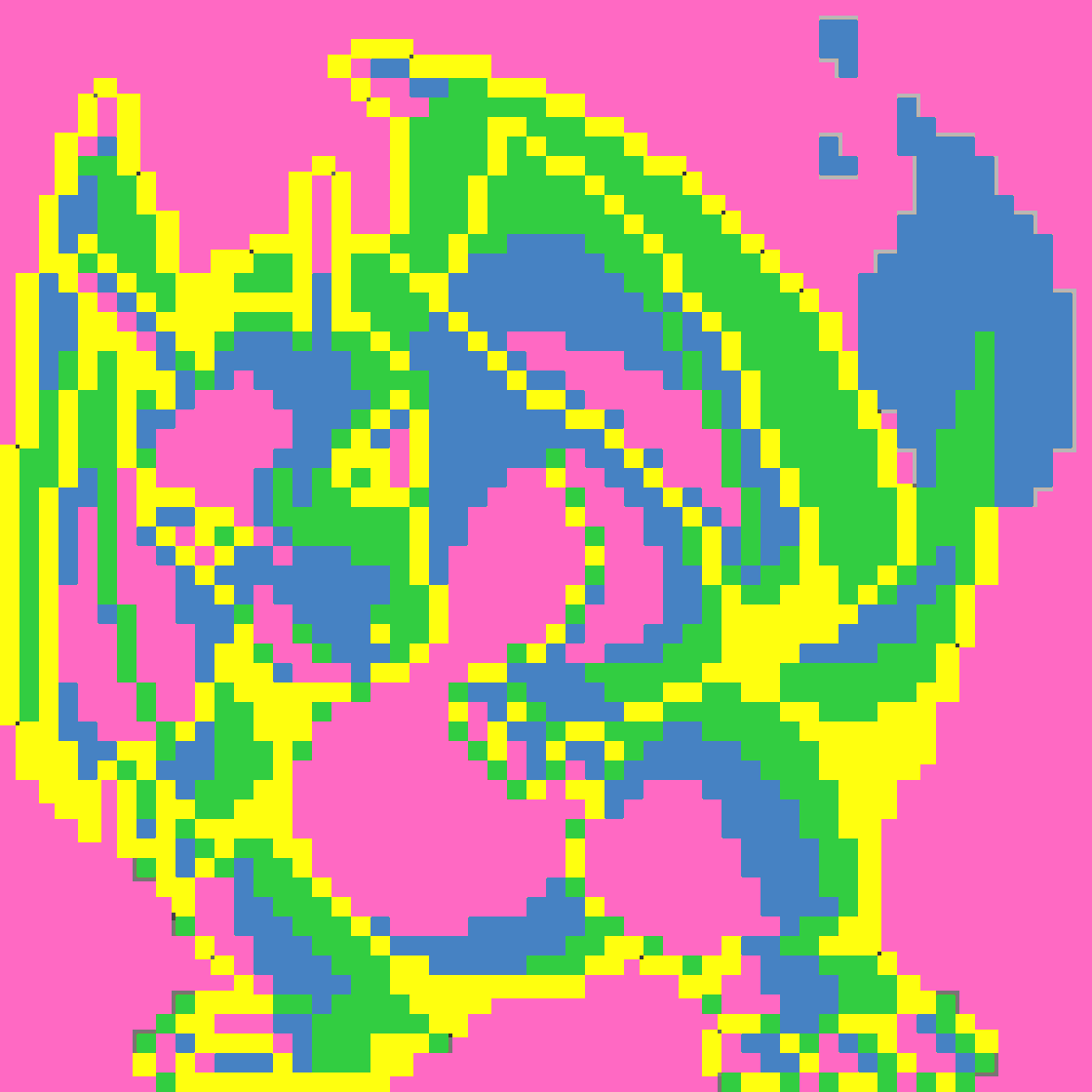 |
Tropical 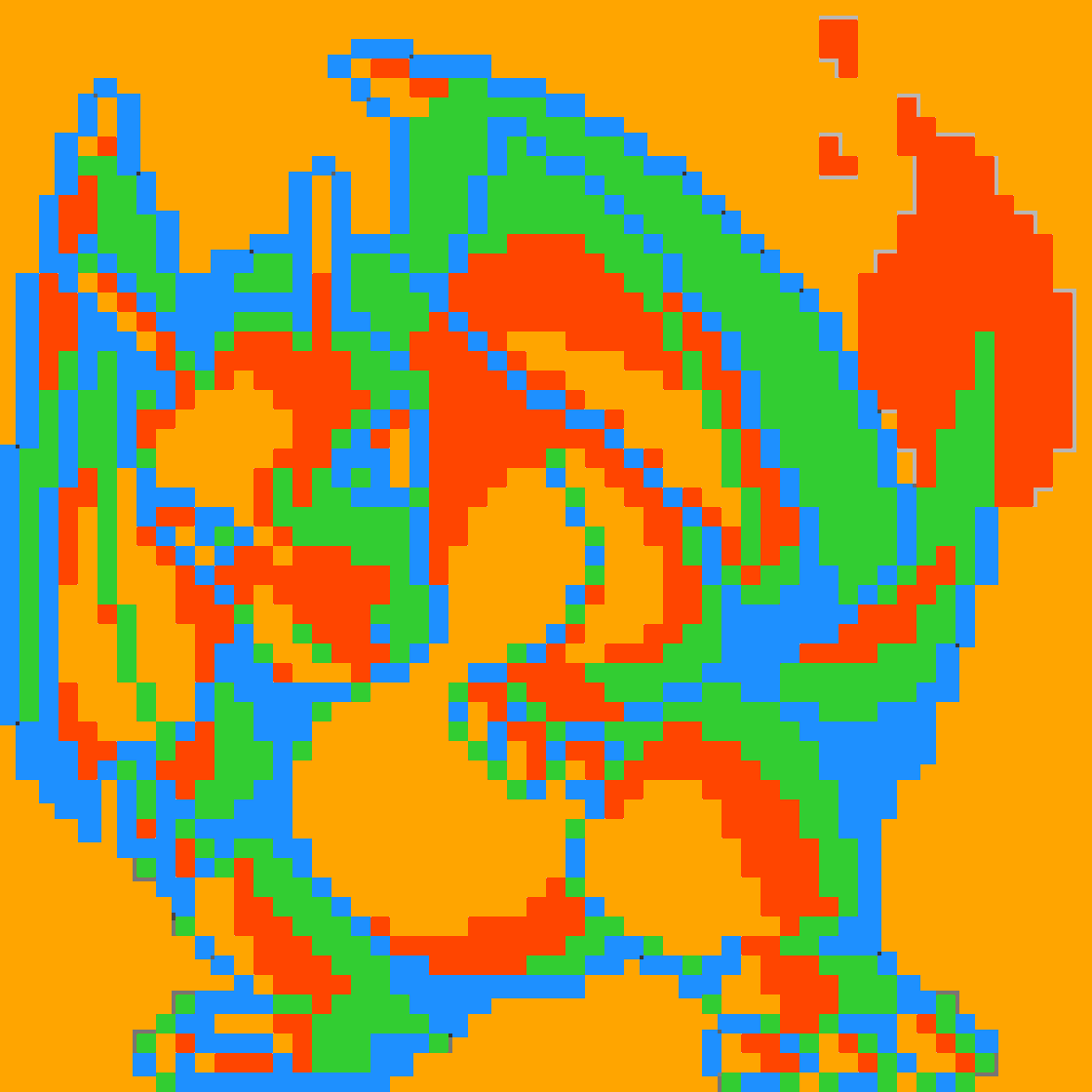 |
Paixão 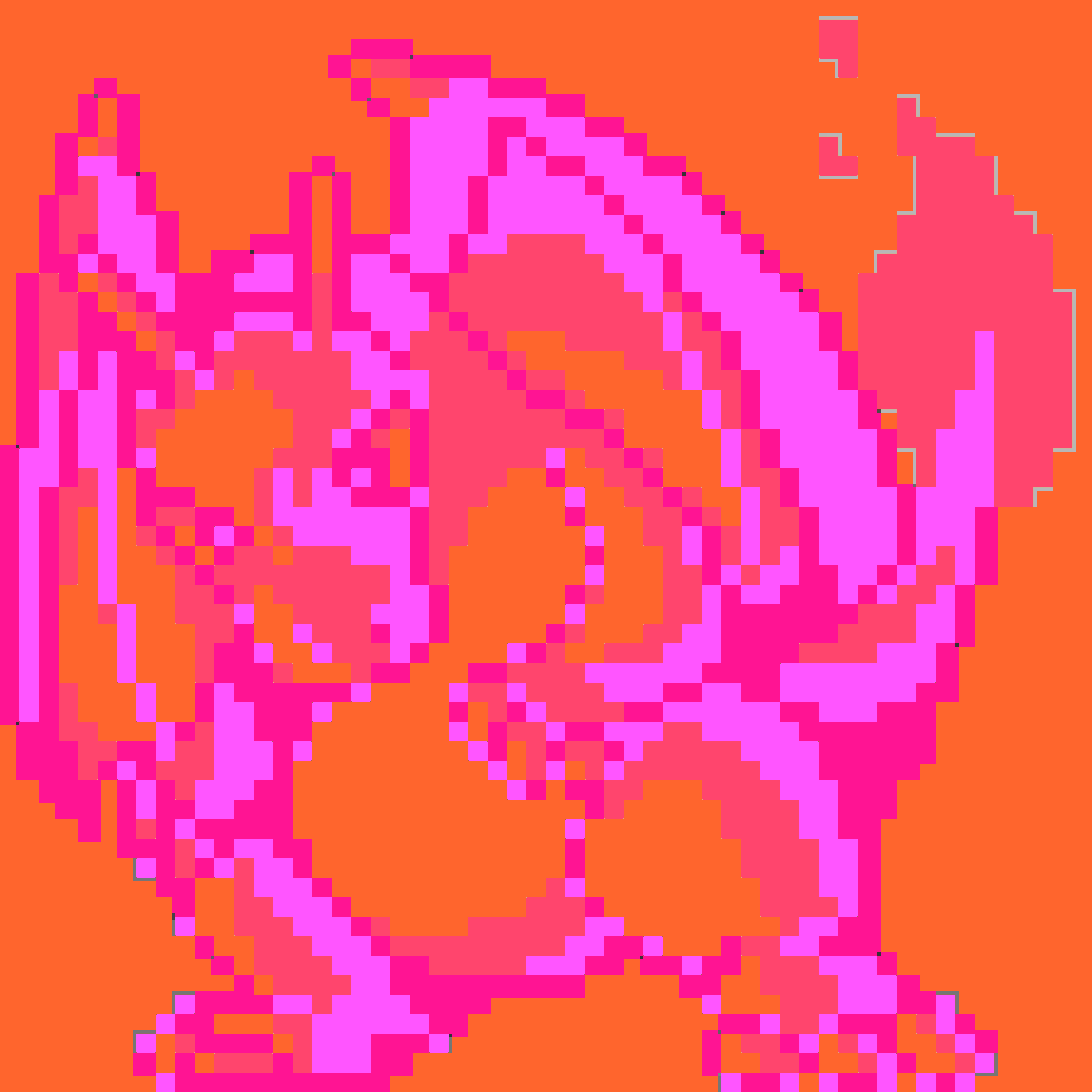 |
Vaporwave 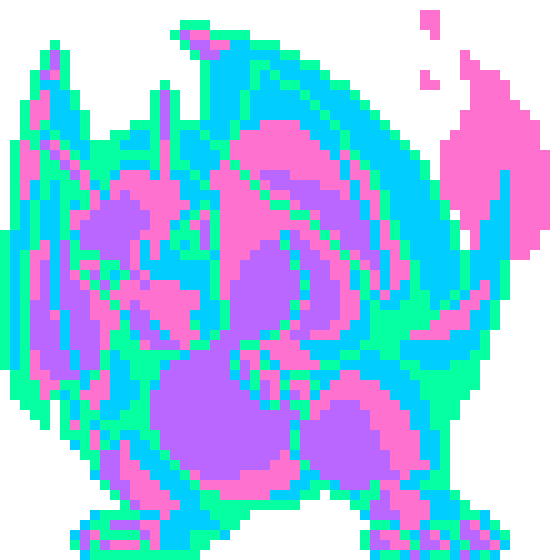 |
Cyberpunk 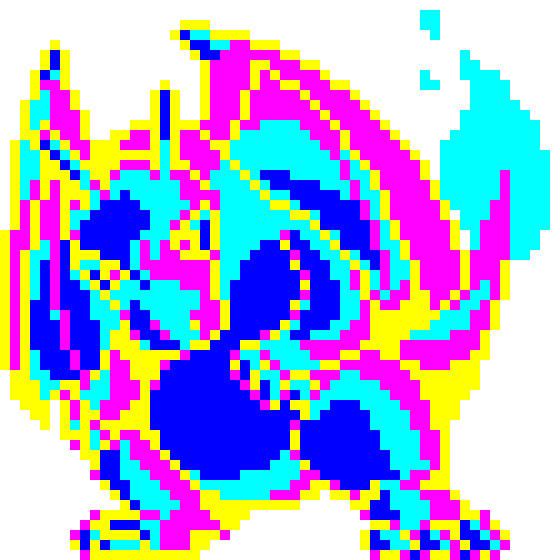 |
Retro80s 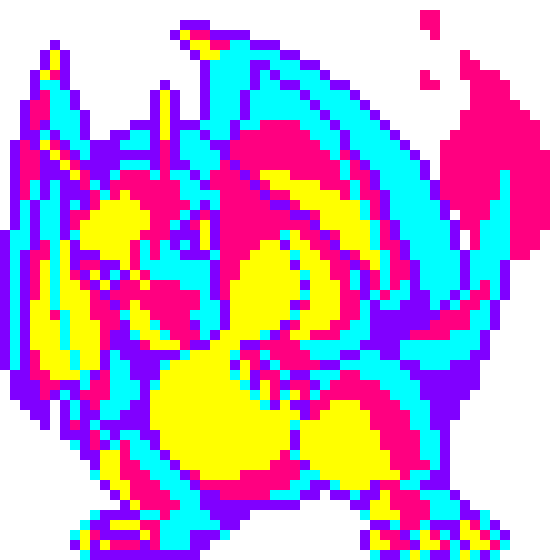 |
Sunset 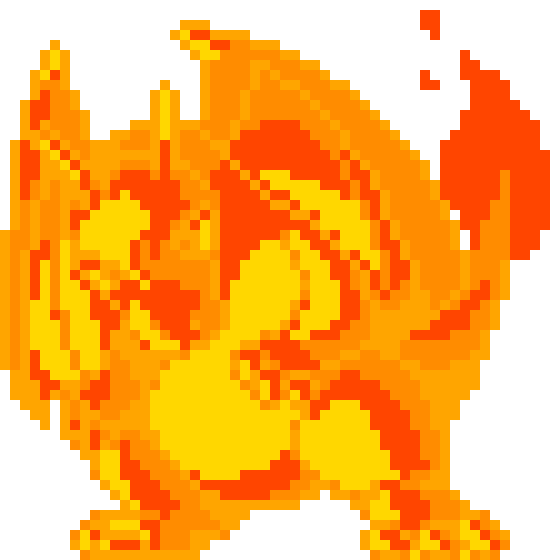 |
Midnight 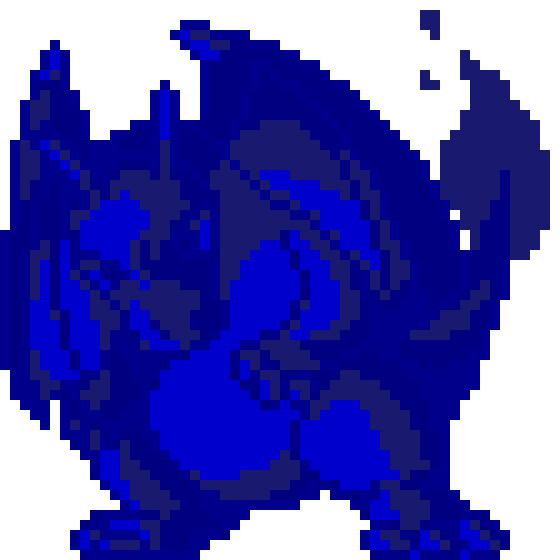 |
Forest 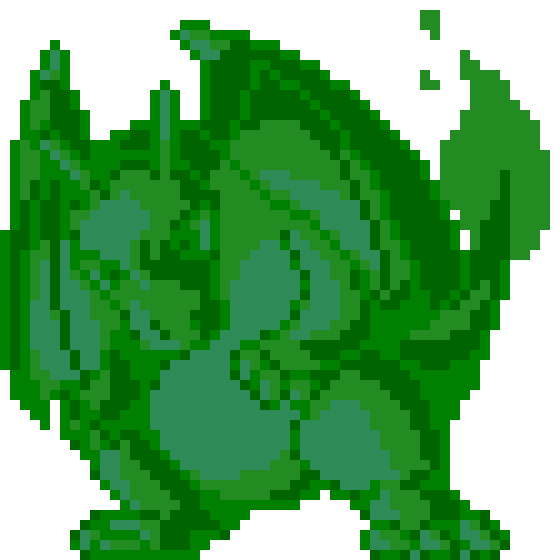 |
Oceanic 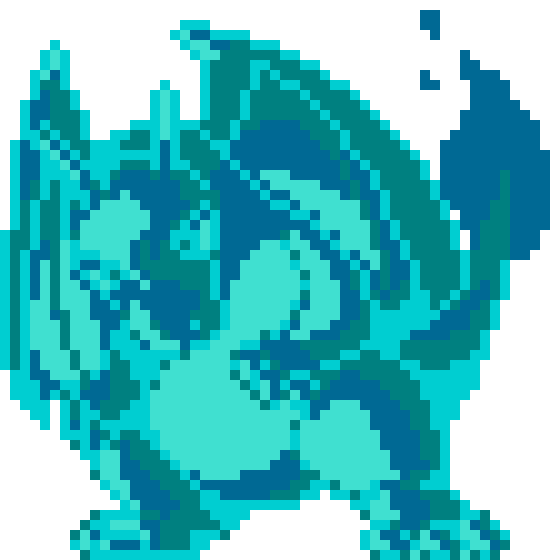 |
Volcano 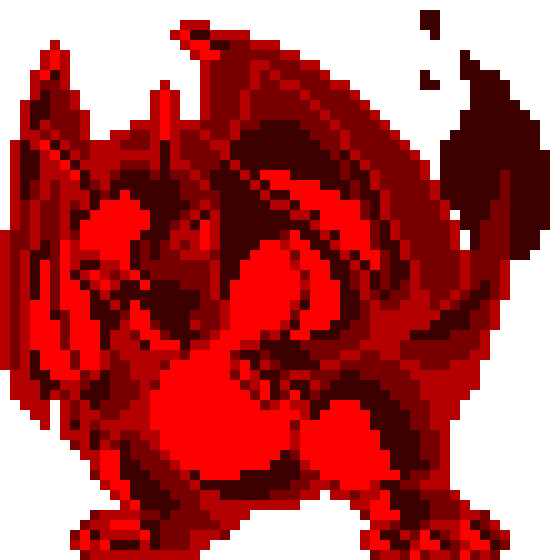 |
Gallery
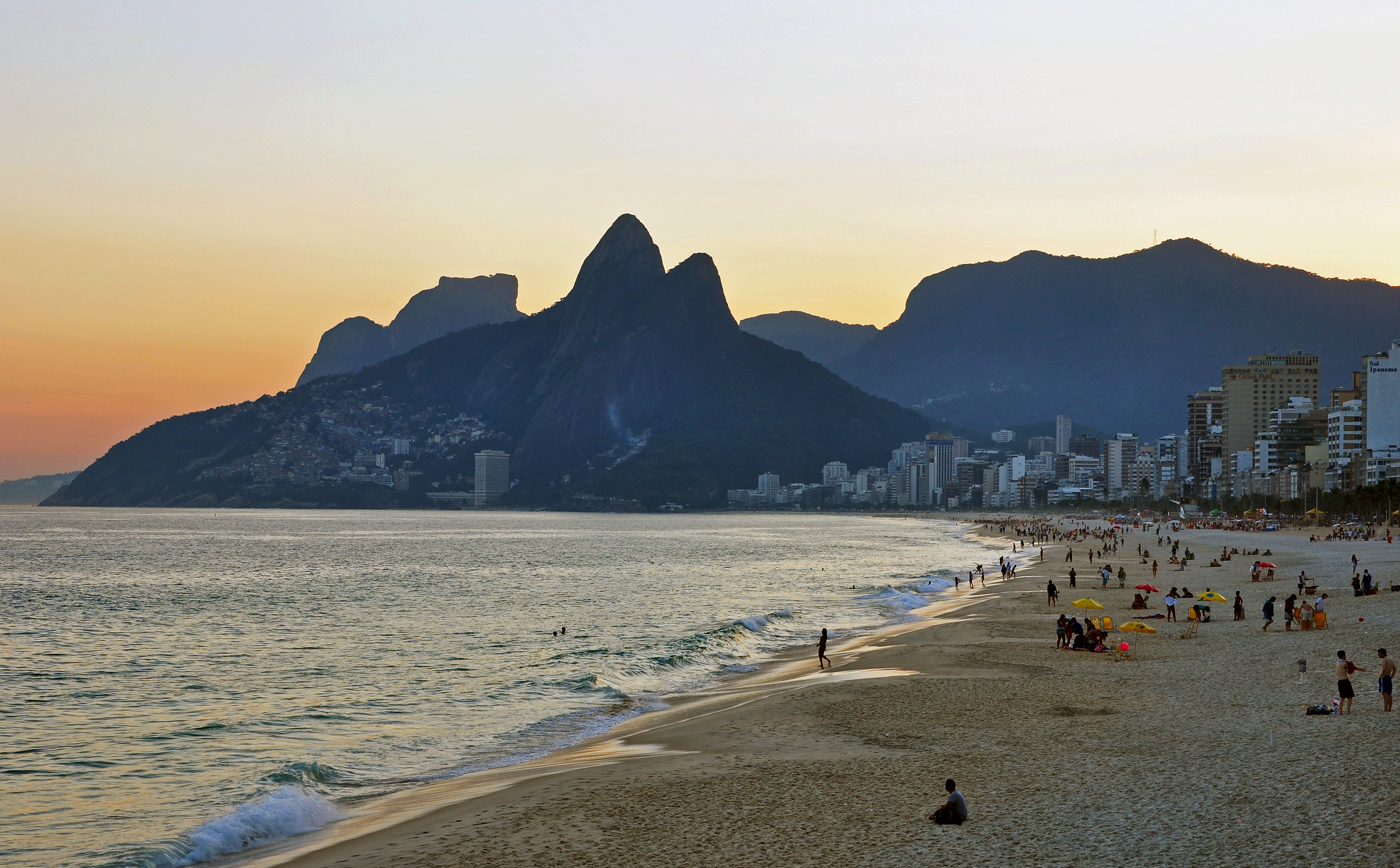
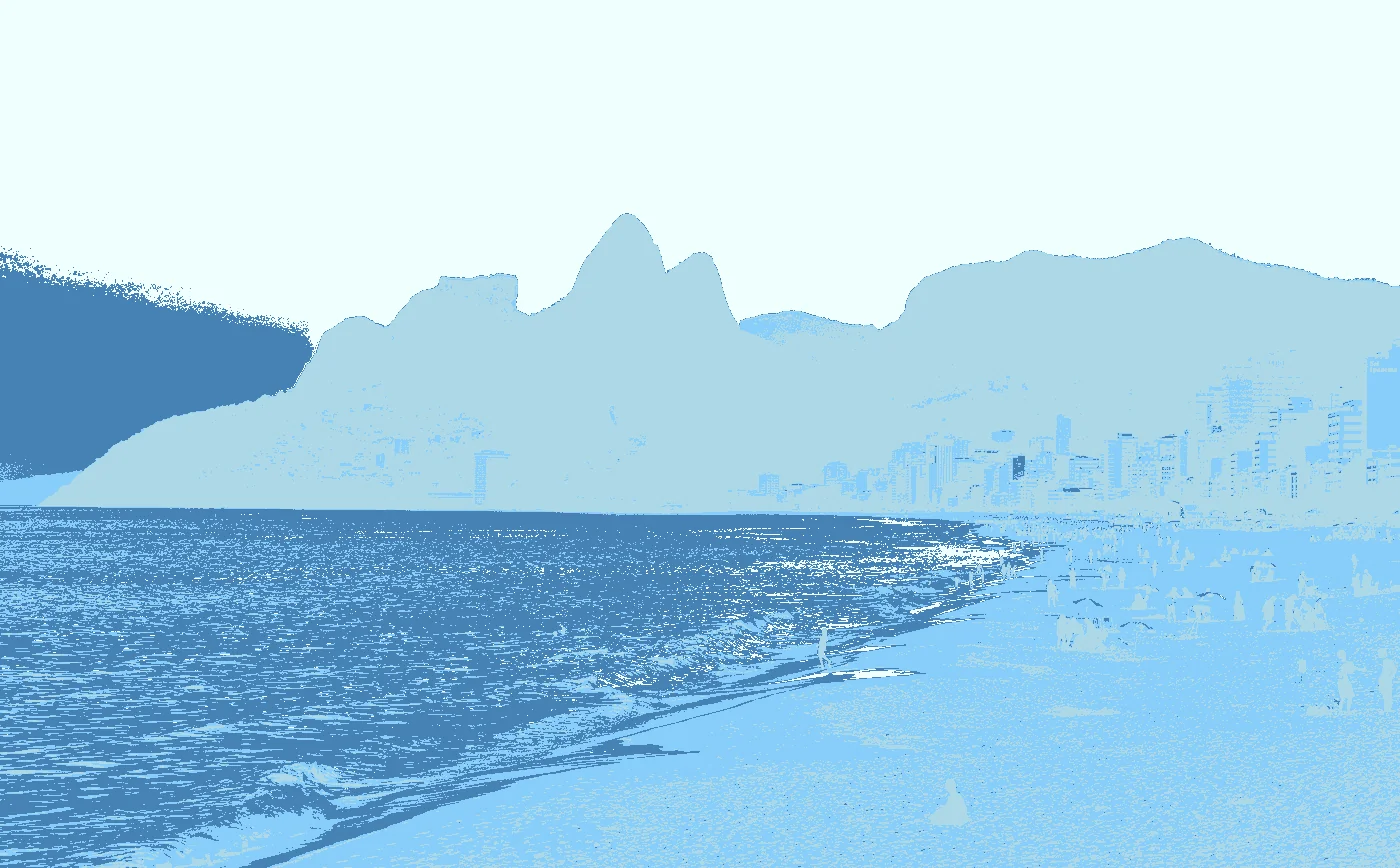
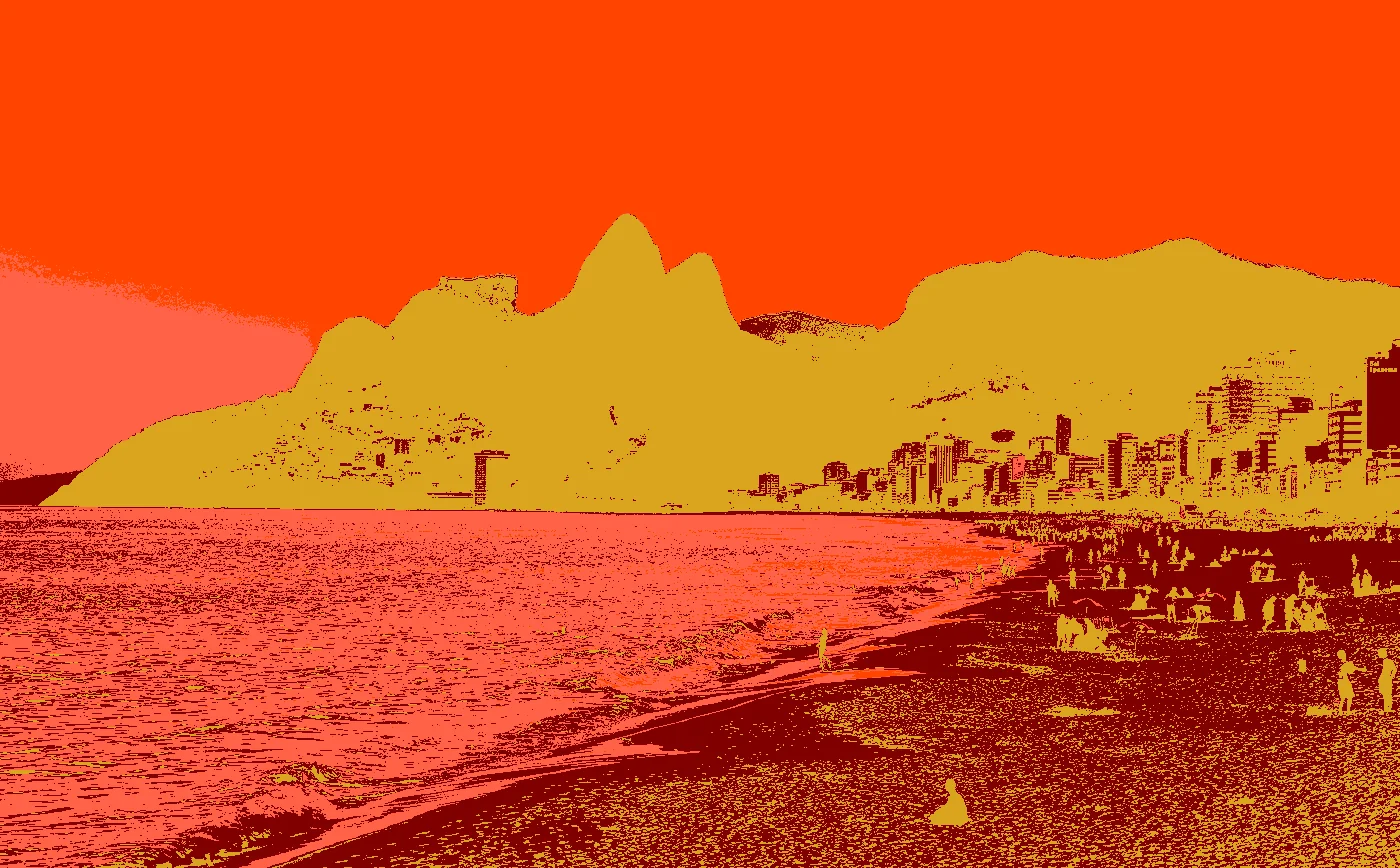
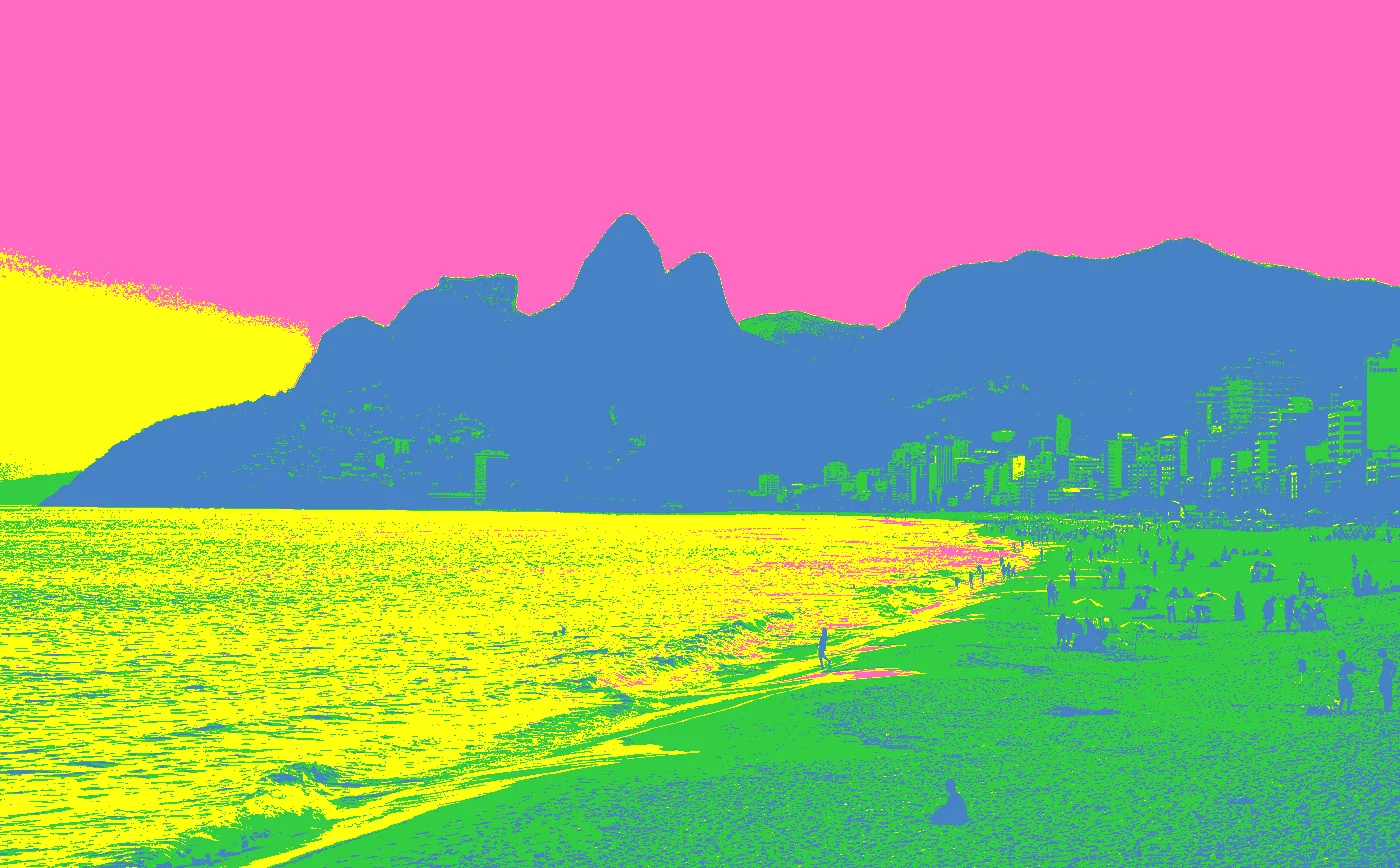
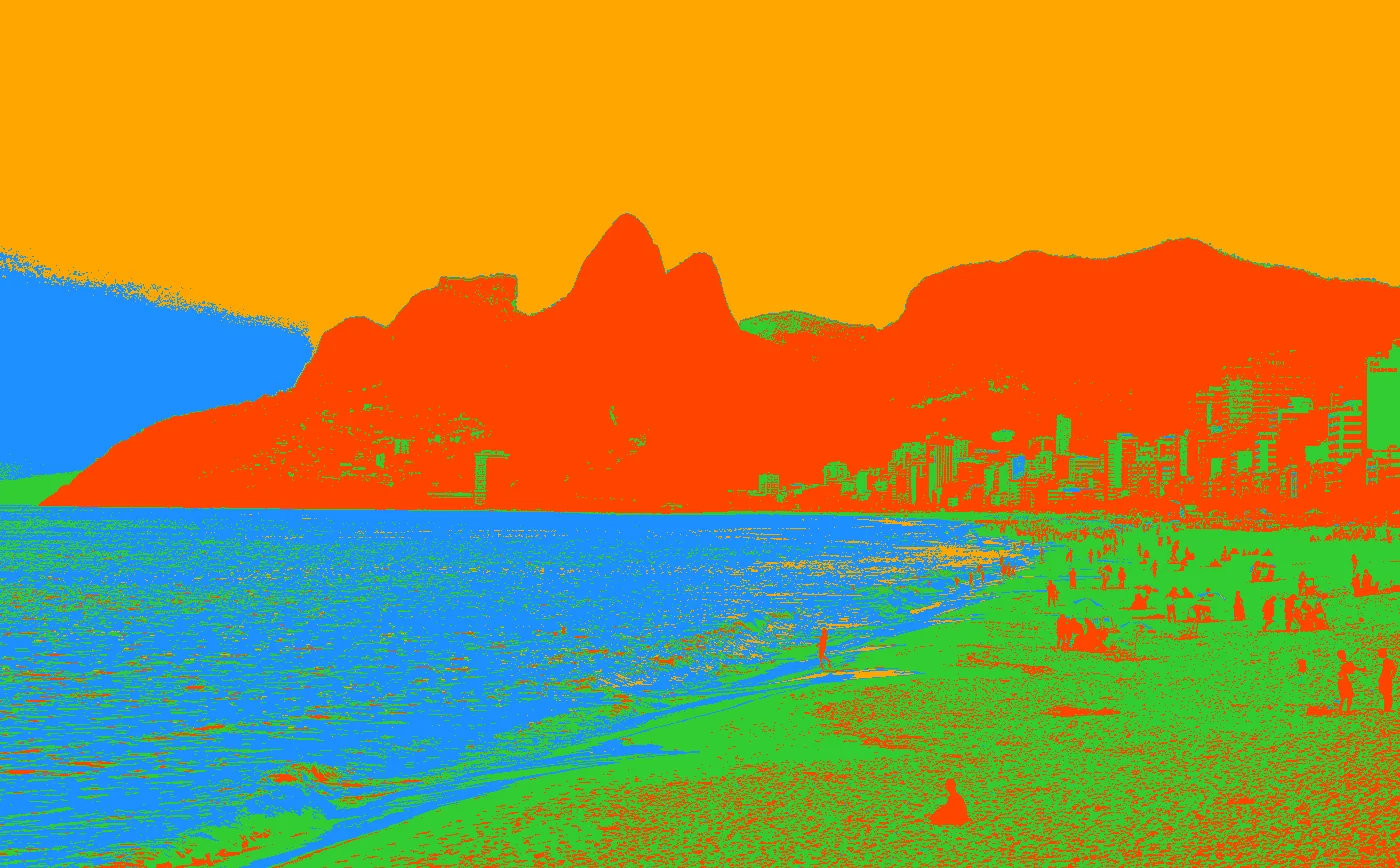
Rio De Janeiro Skyline
| Original | Arctic | Fall | Neon | Tropical |
|---|---|---|---|---|
 |
 |
 |
 |
 |
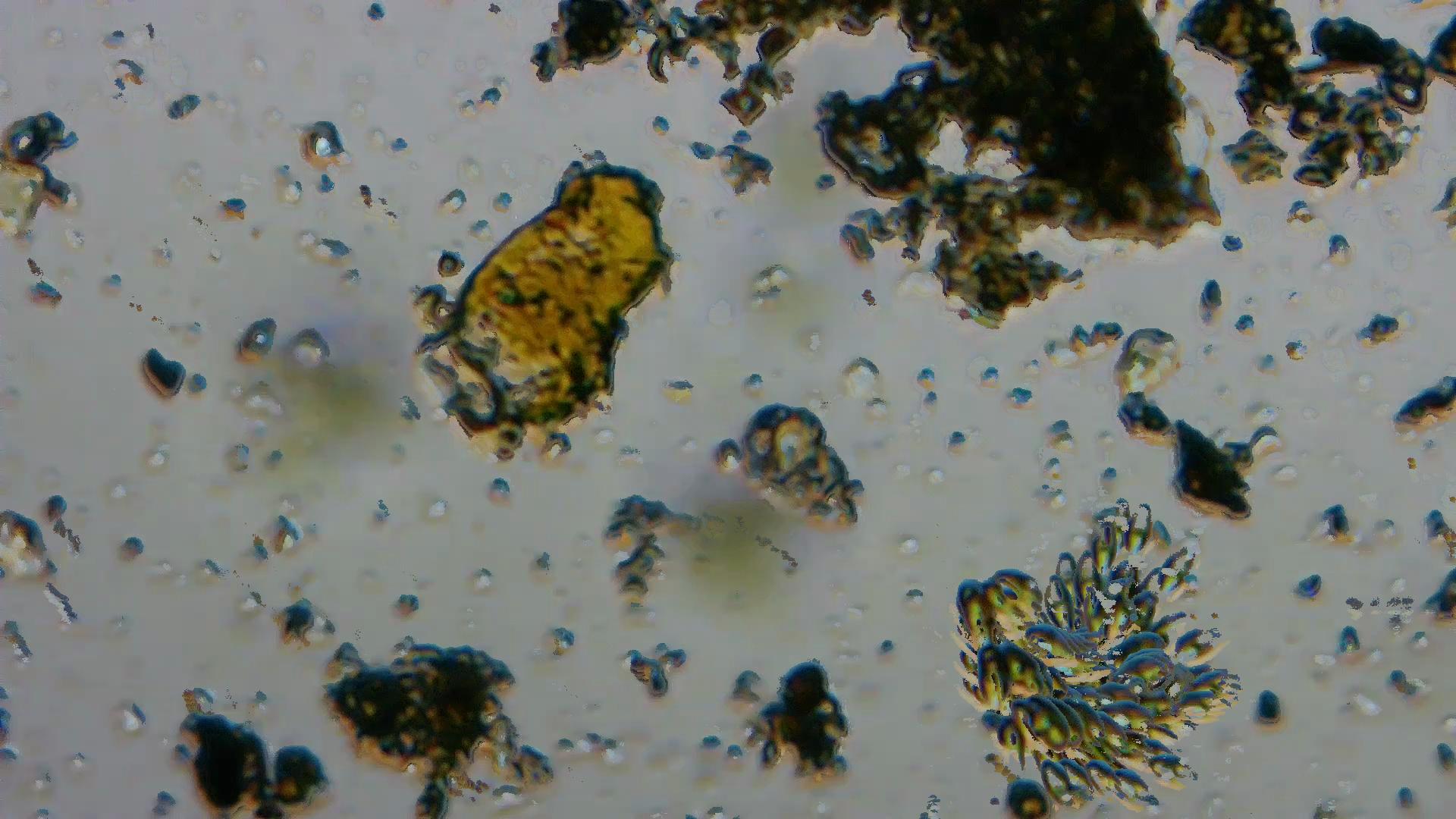
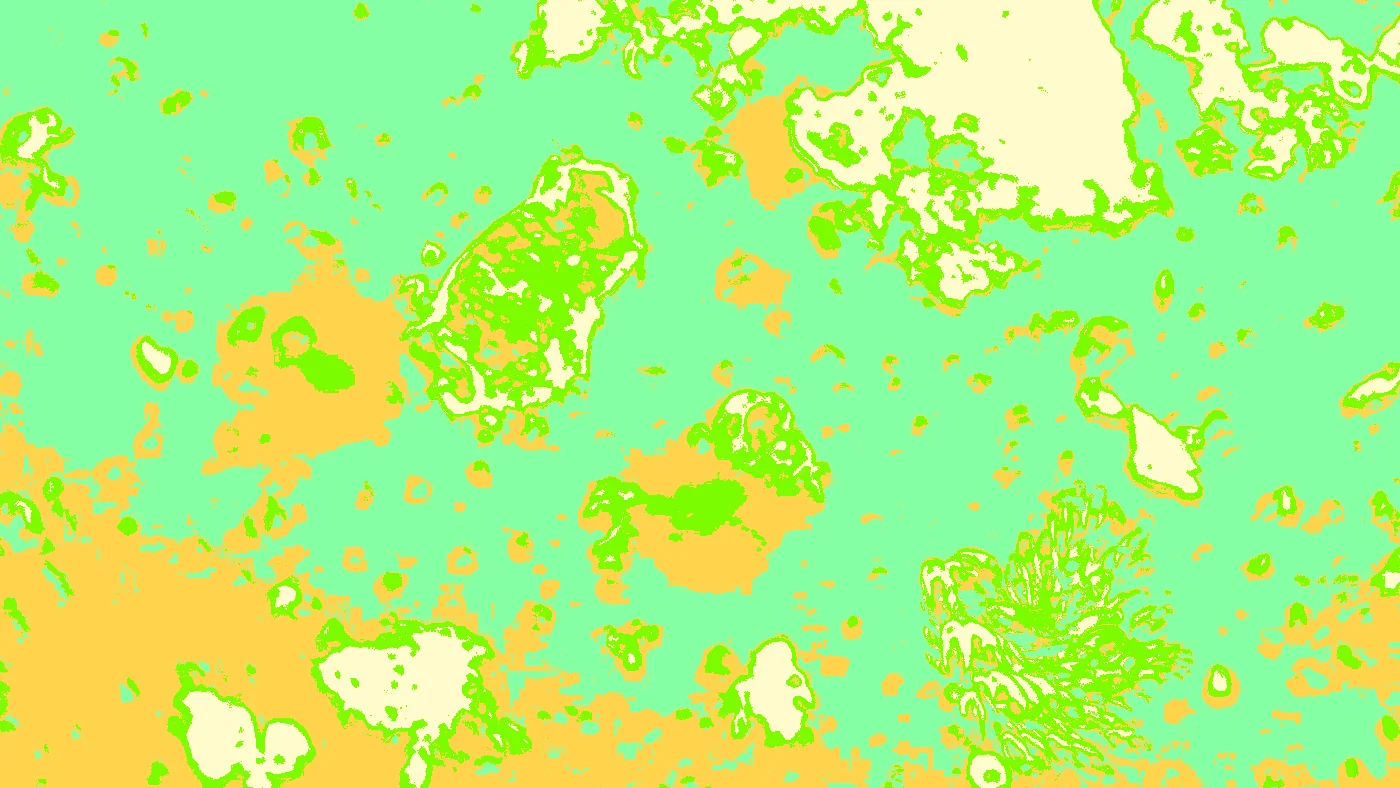
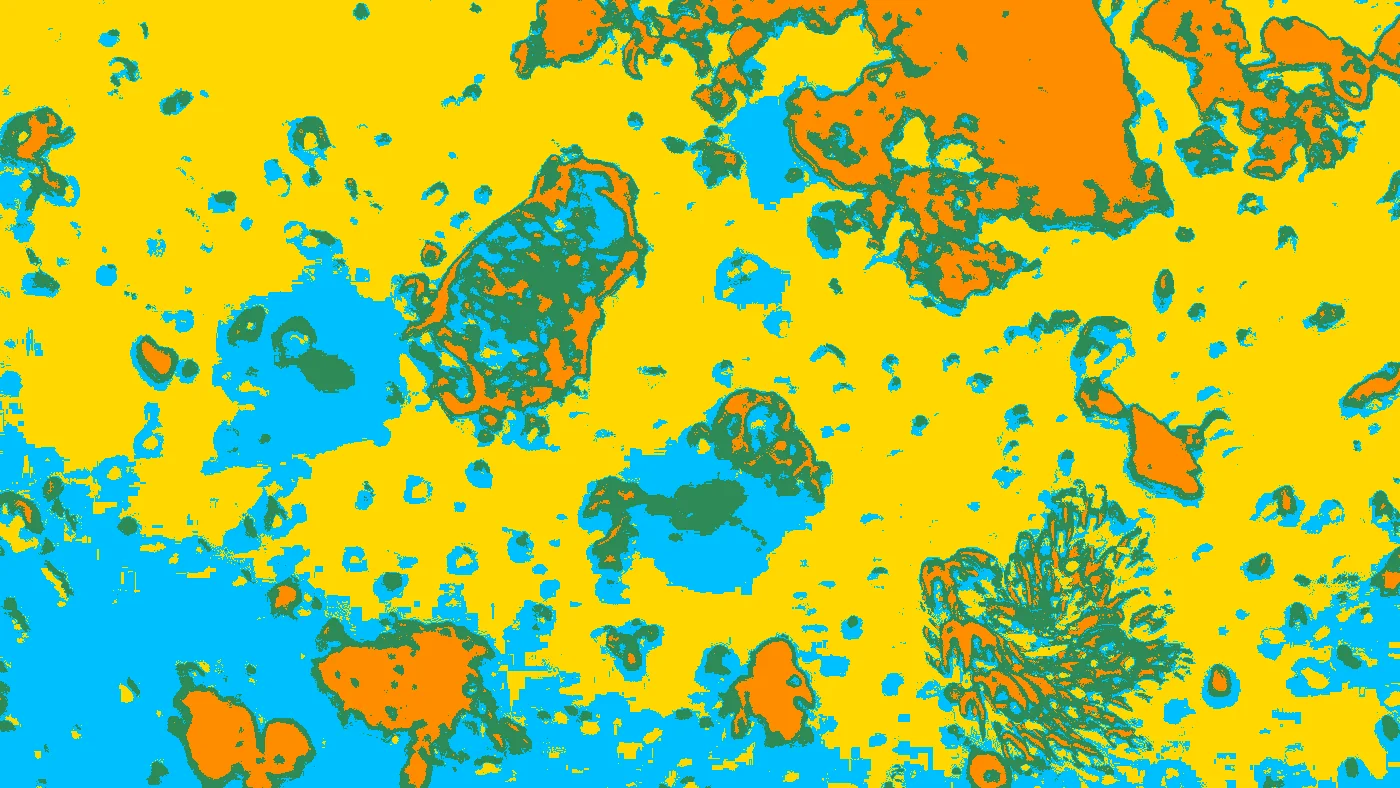
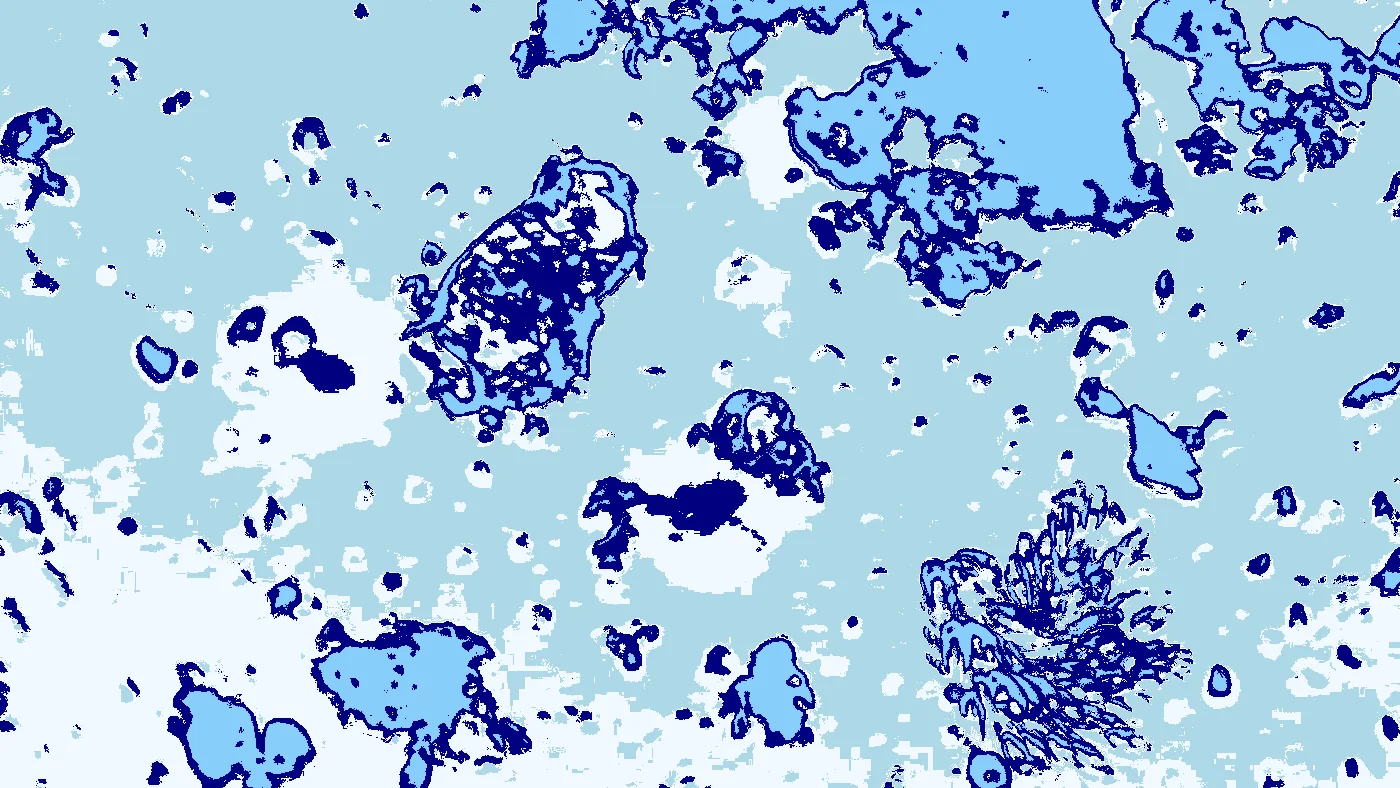
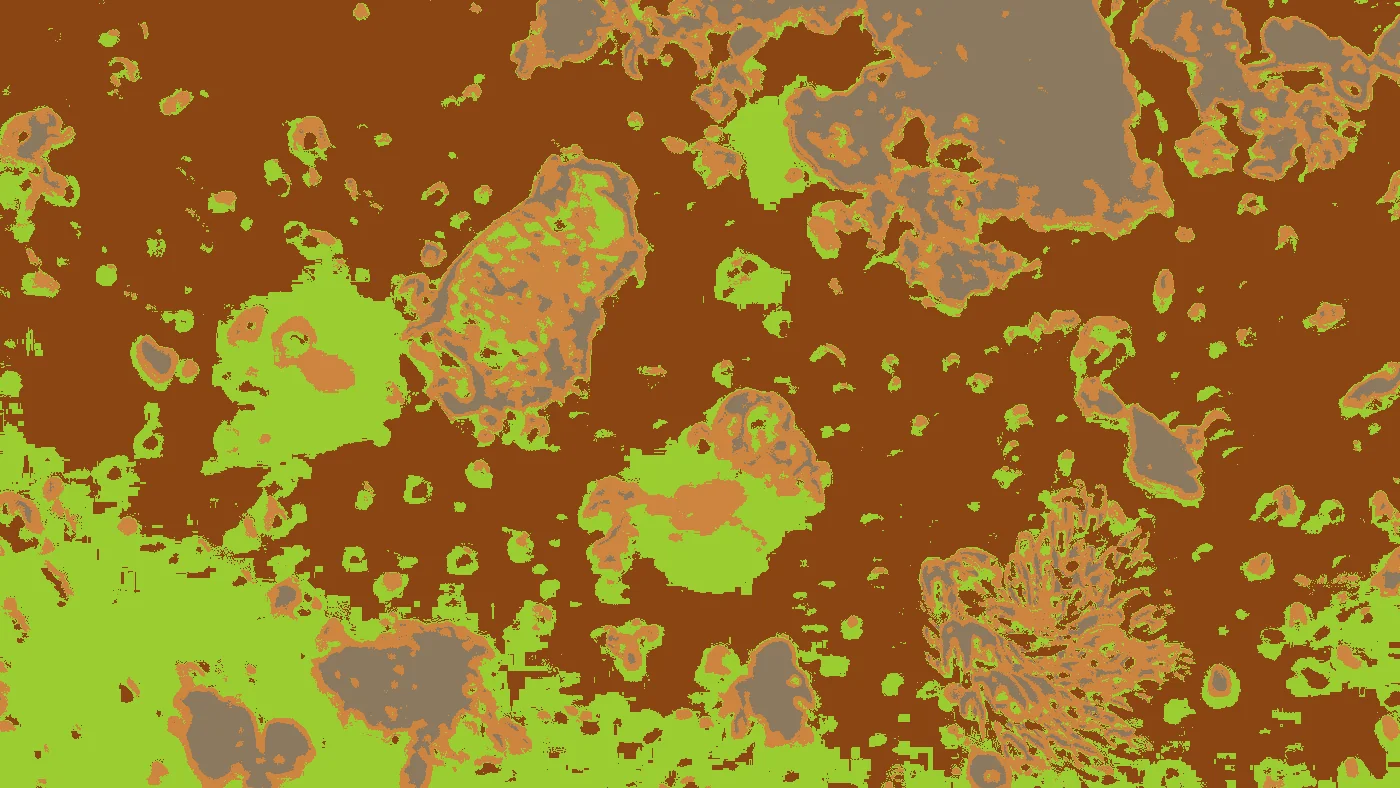
Austin Ladybird Lake Plankton rendered in ZIT
| Original | Spring | Summer | Winter | Safari |
|---|---|---|---|---|
 |
 |
 |
 |
 |
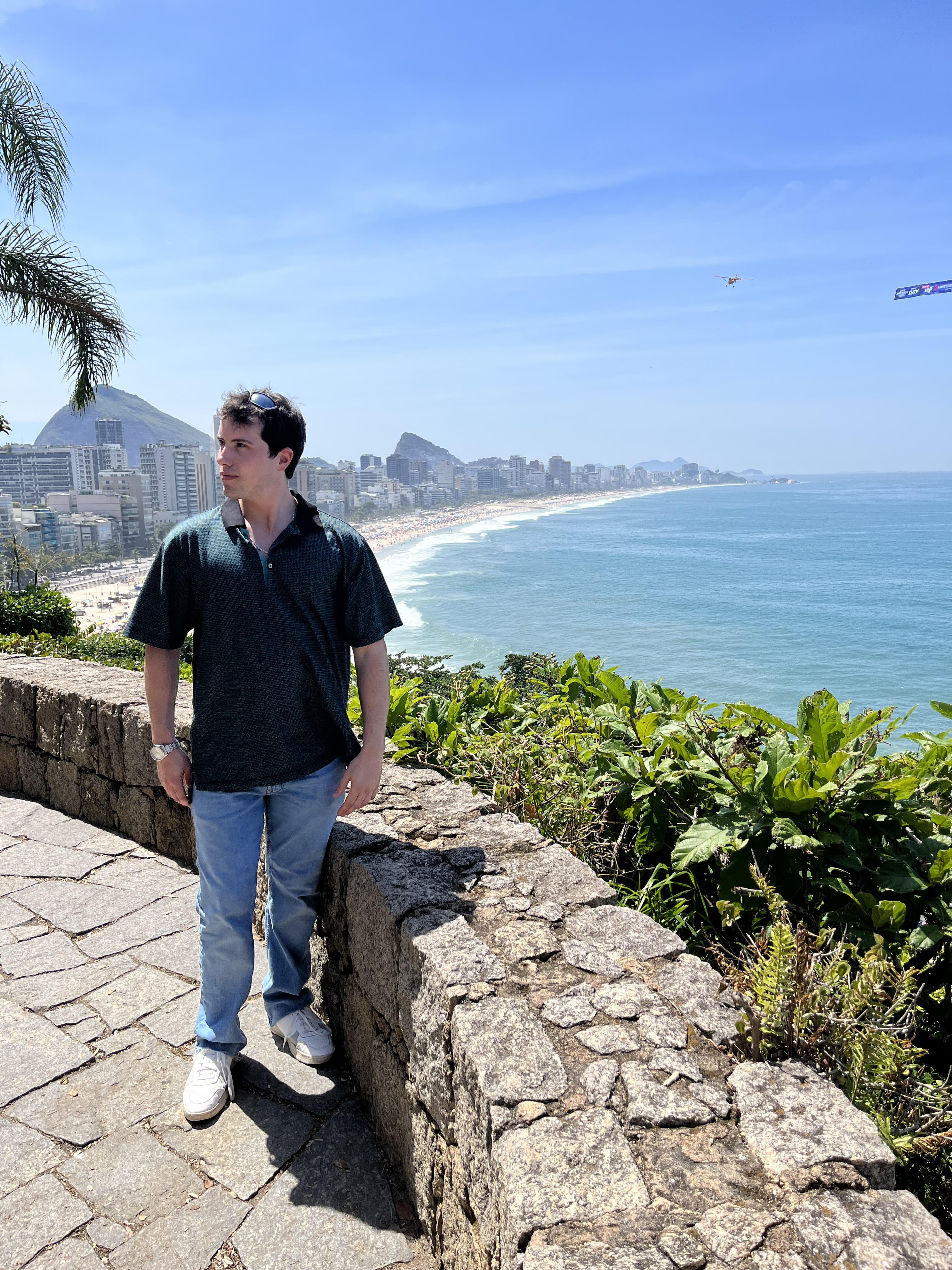
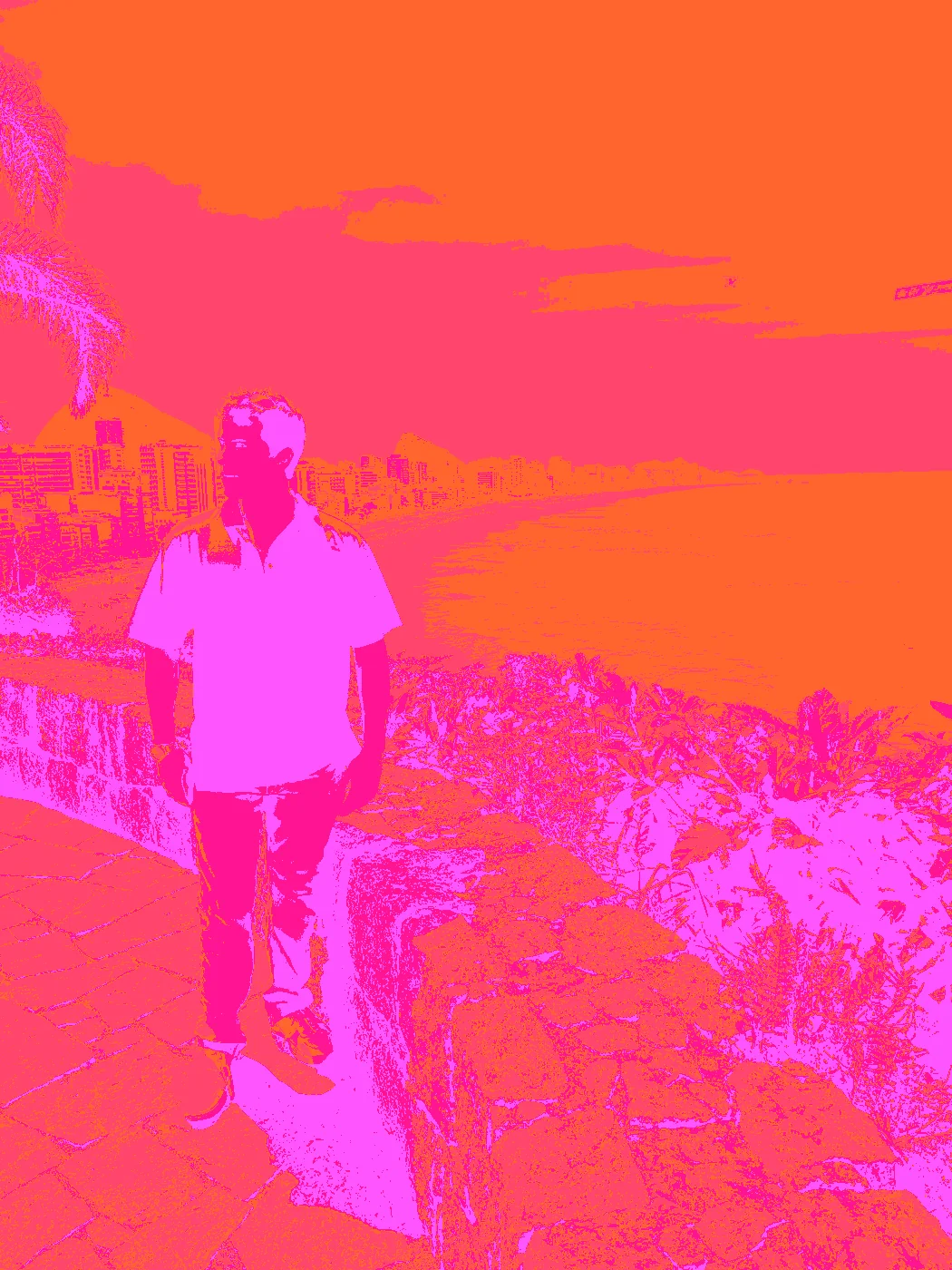
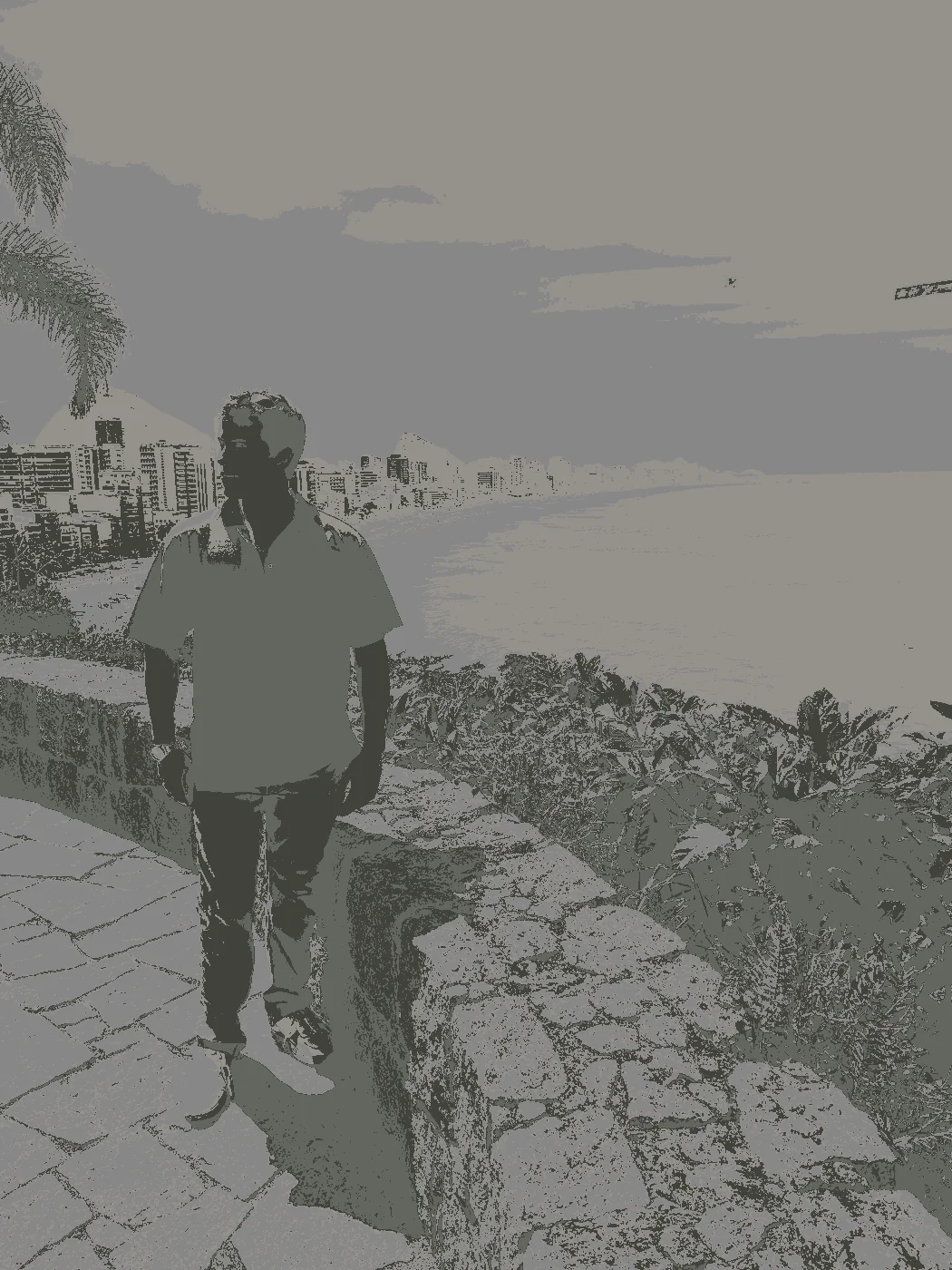
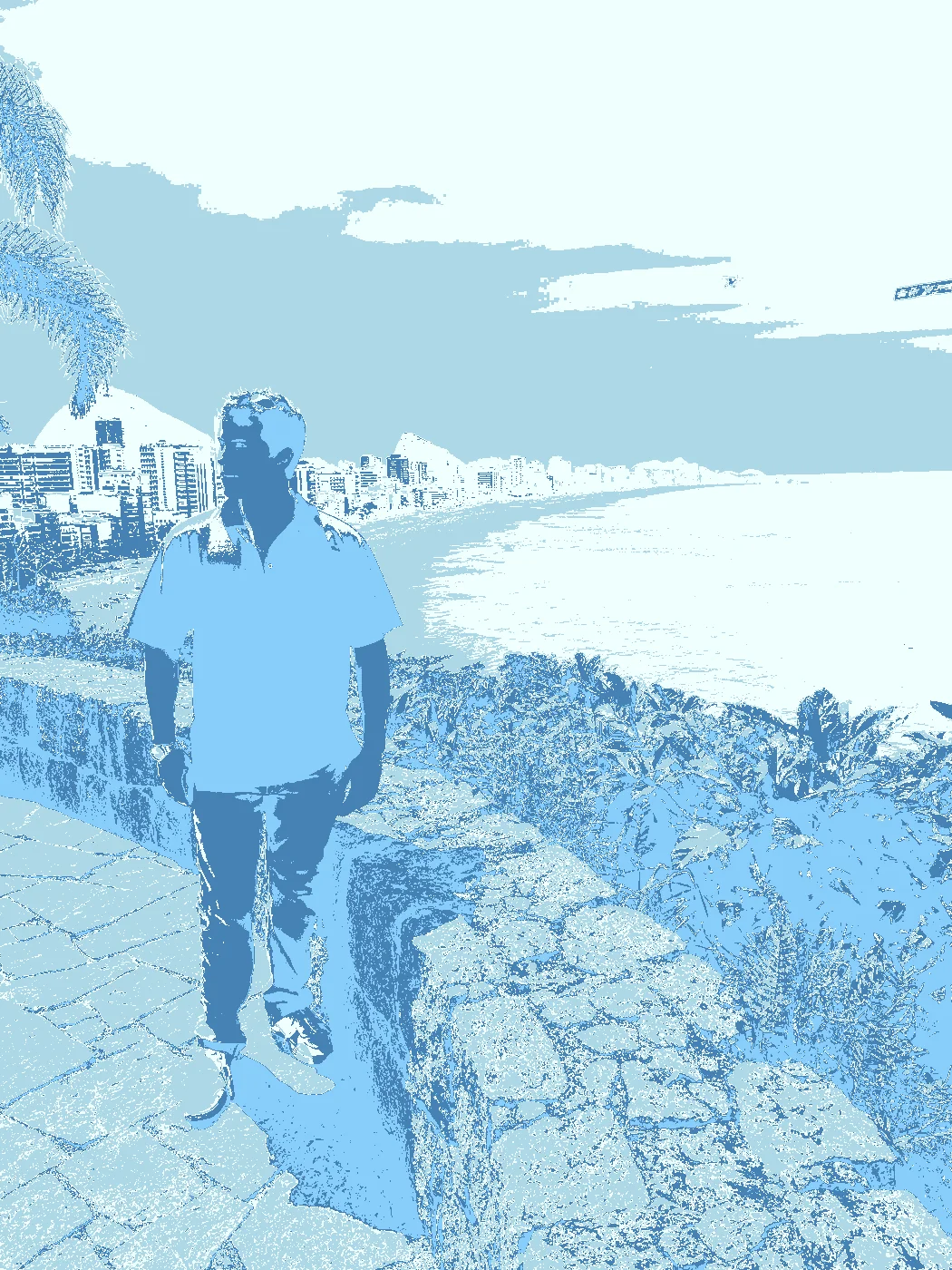
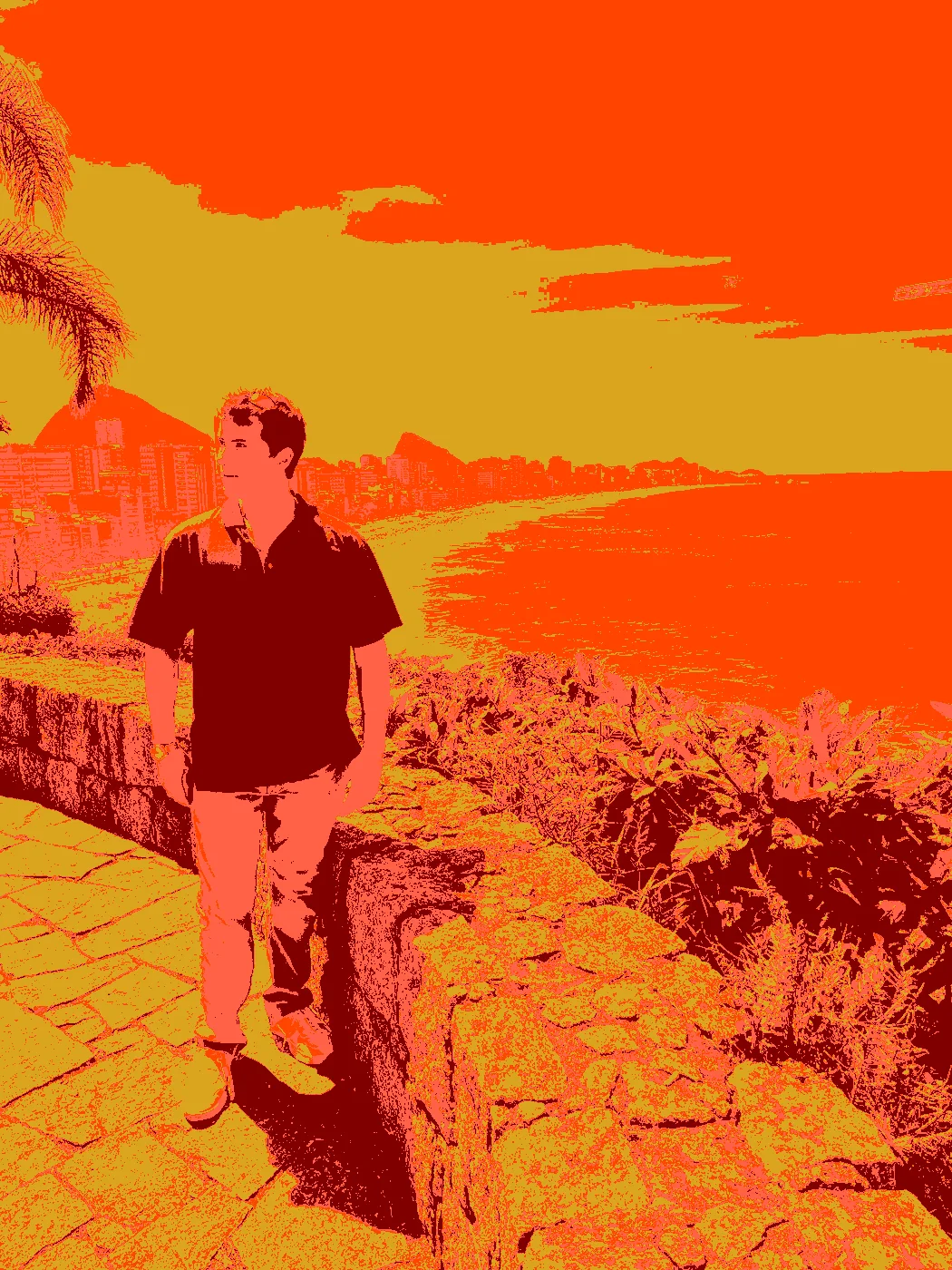
Me in Rio de Janeiro
| Original | Paixão | Urban | Arctic | Fall |
|---|---|---|---|---|
 |
 |
 |
 |
 |
Night Portrait, December 2017
Original
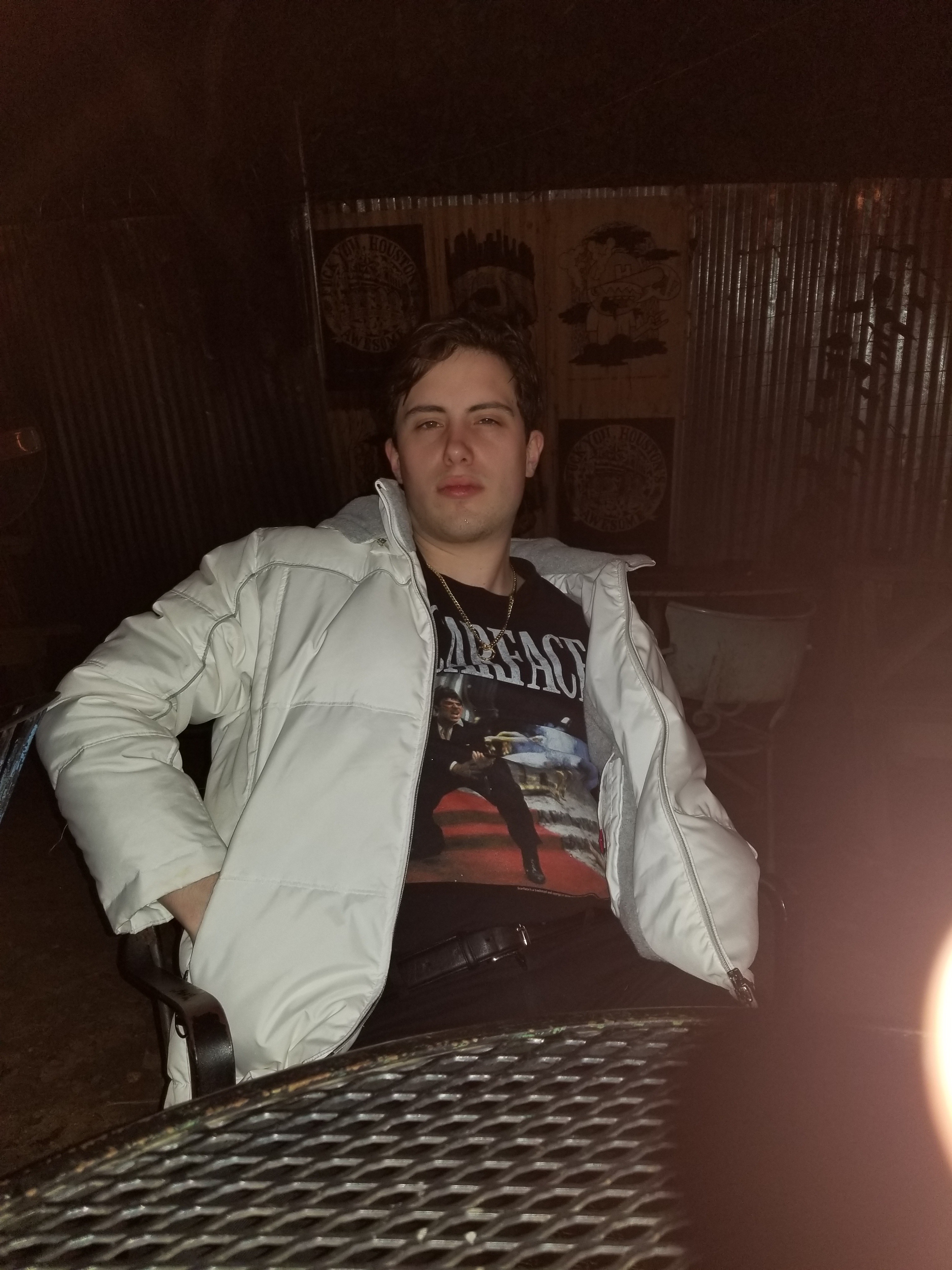
Spring 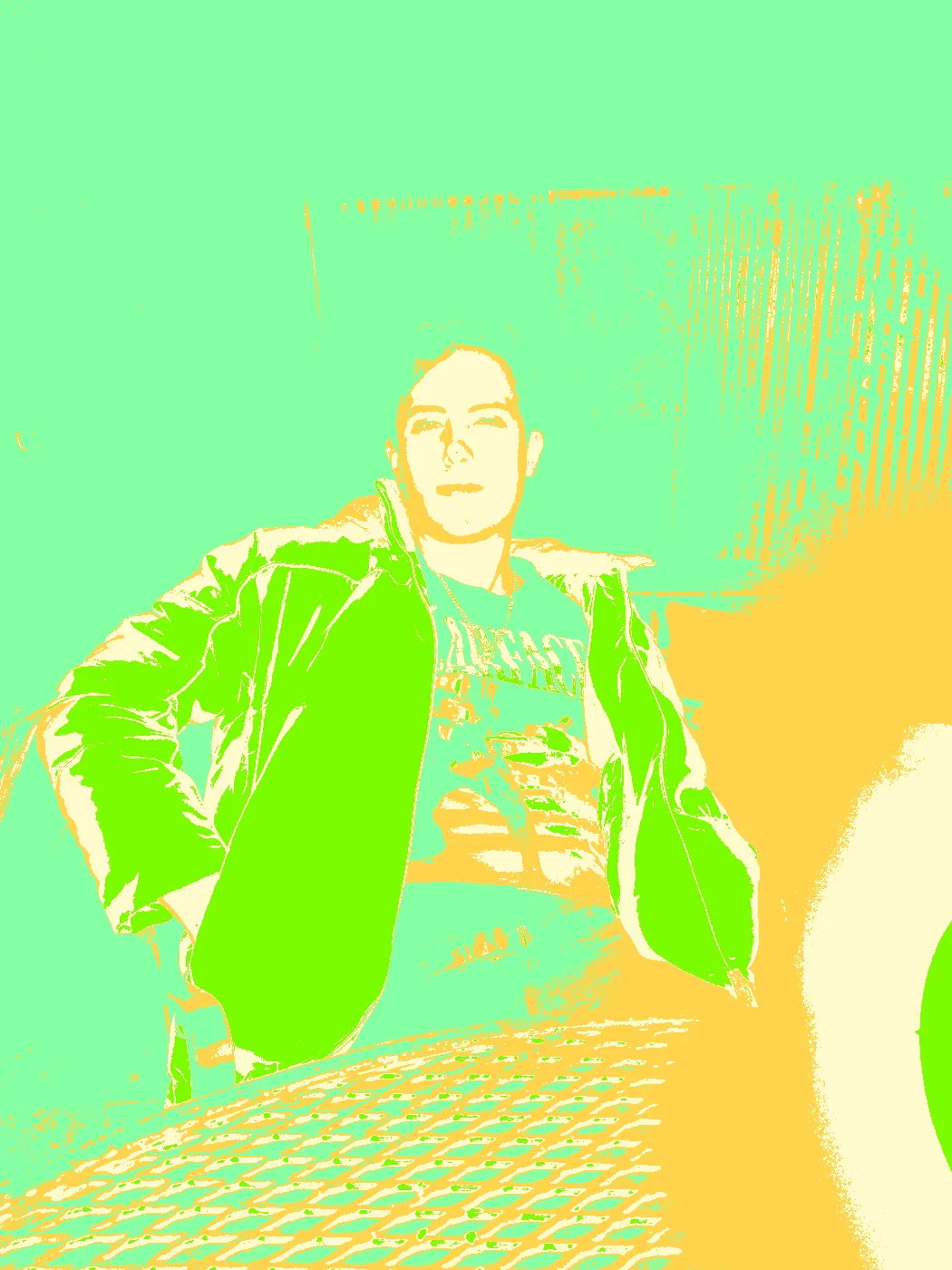 |
Summer 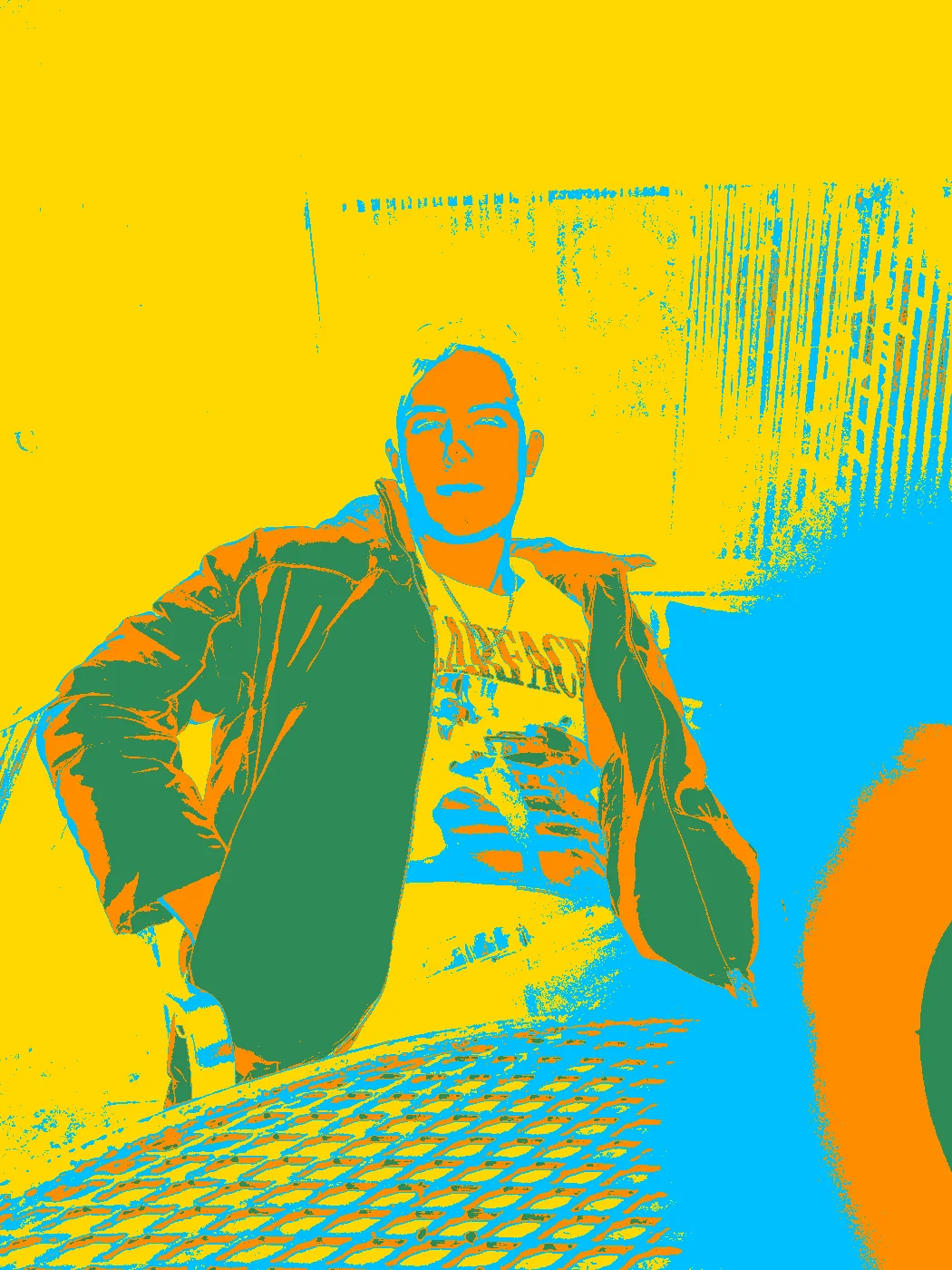 |
Winter 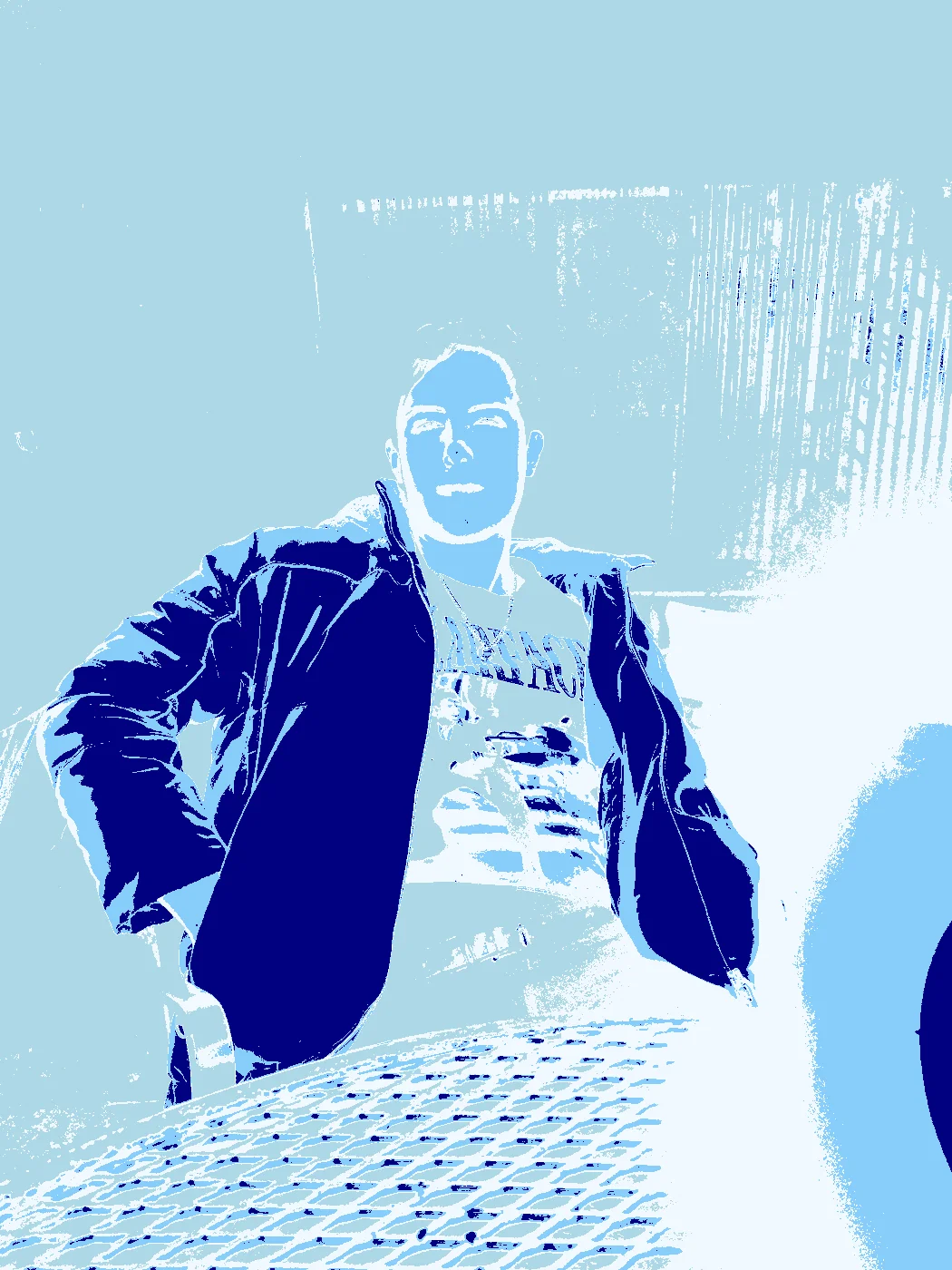 |
Fall 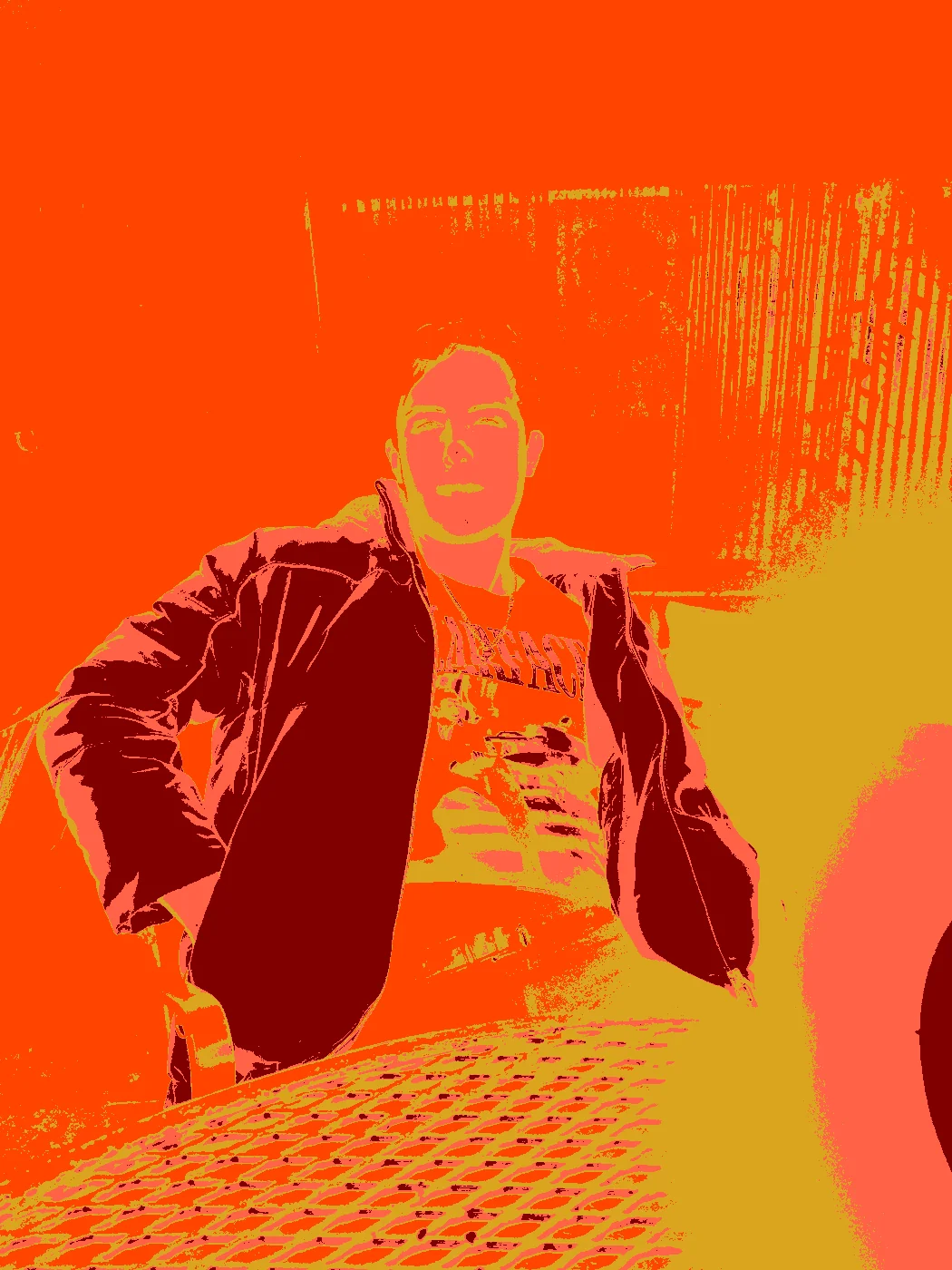 |
Safari 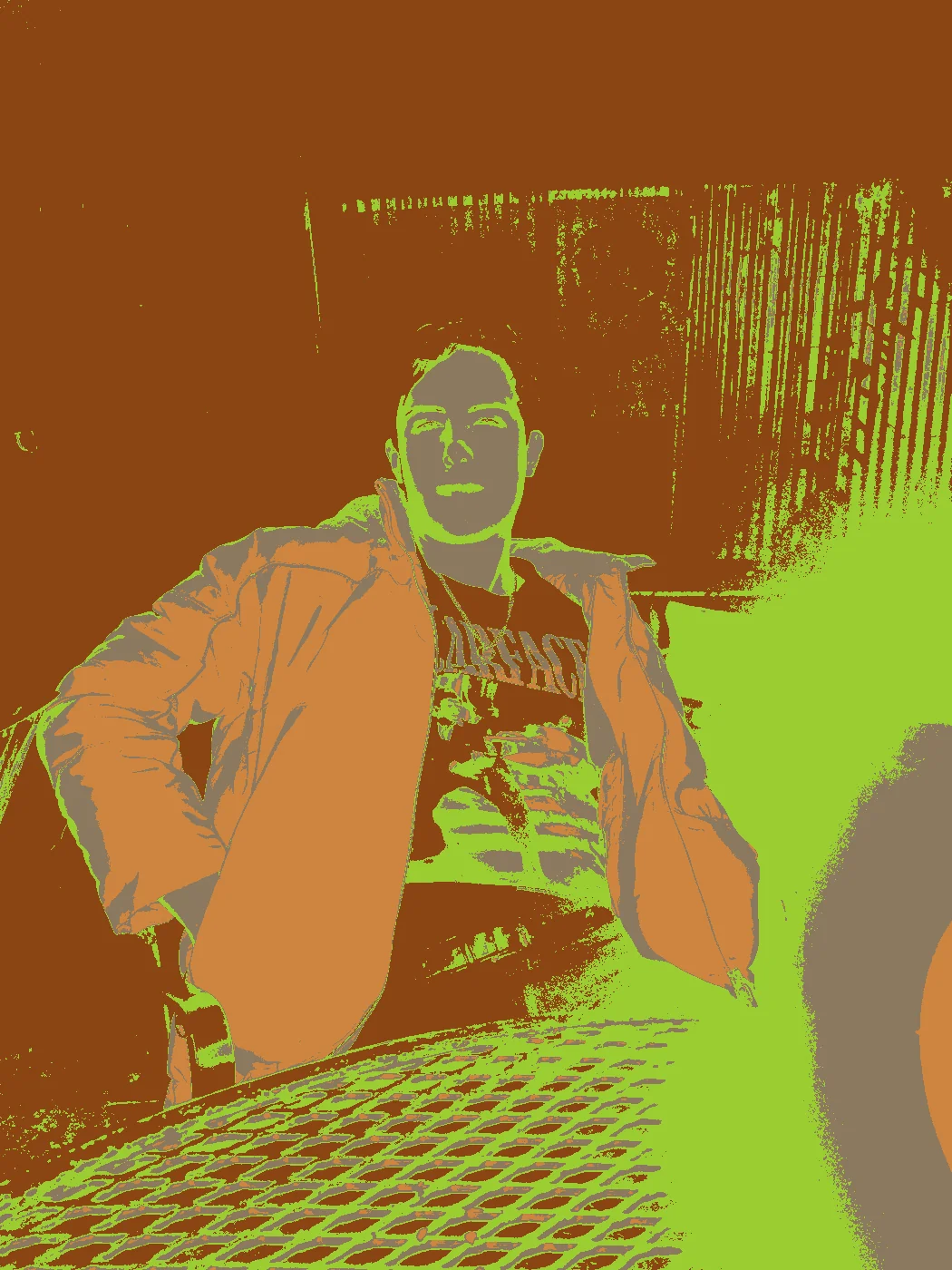 |
Urban 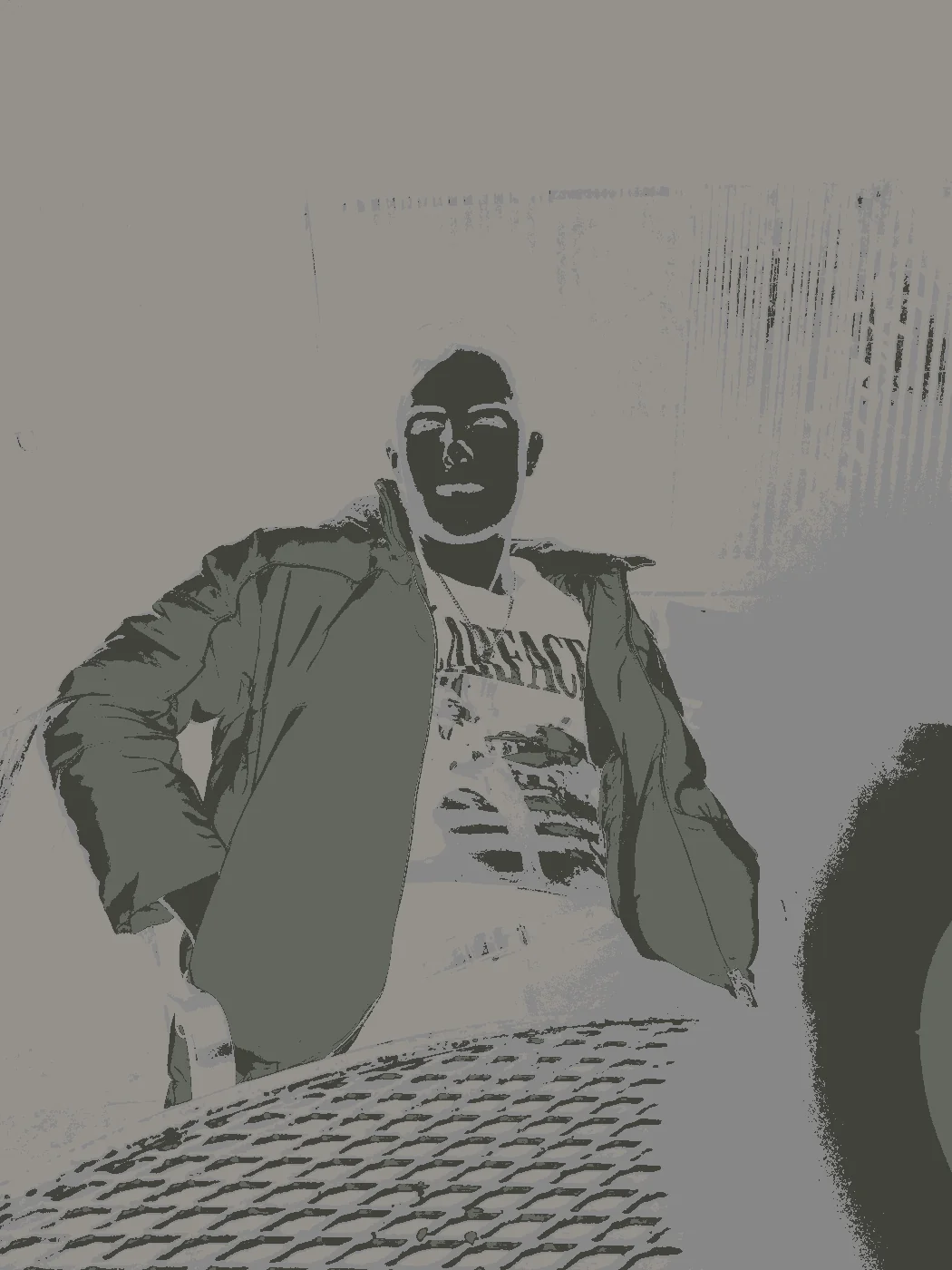 |
Neon 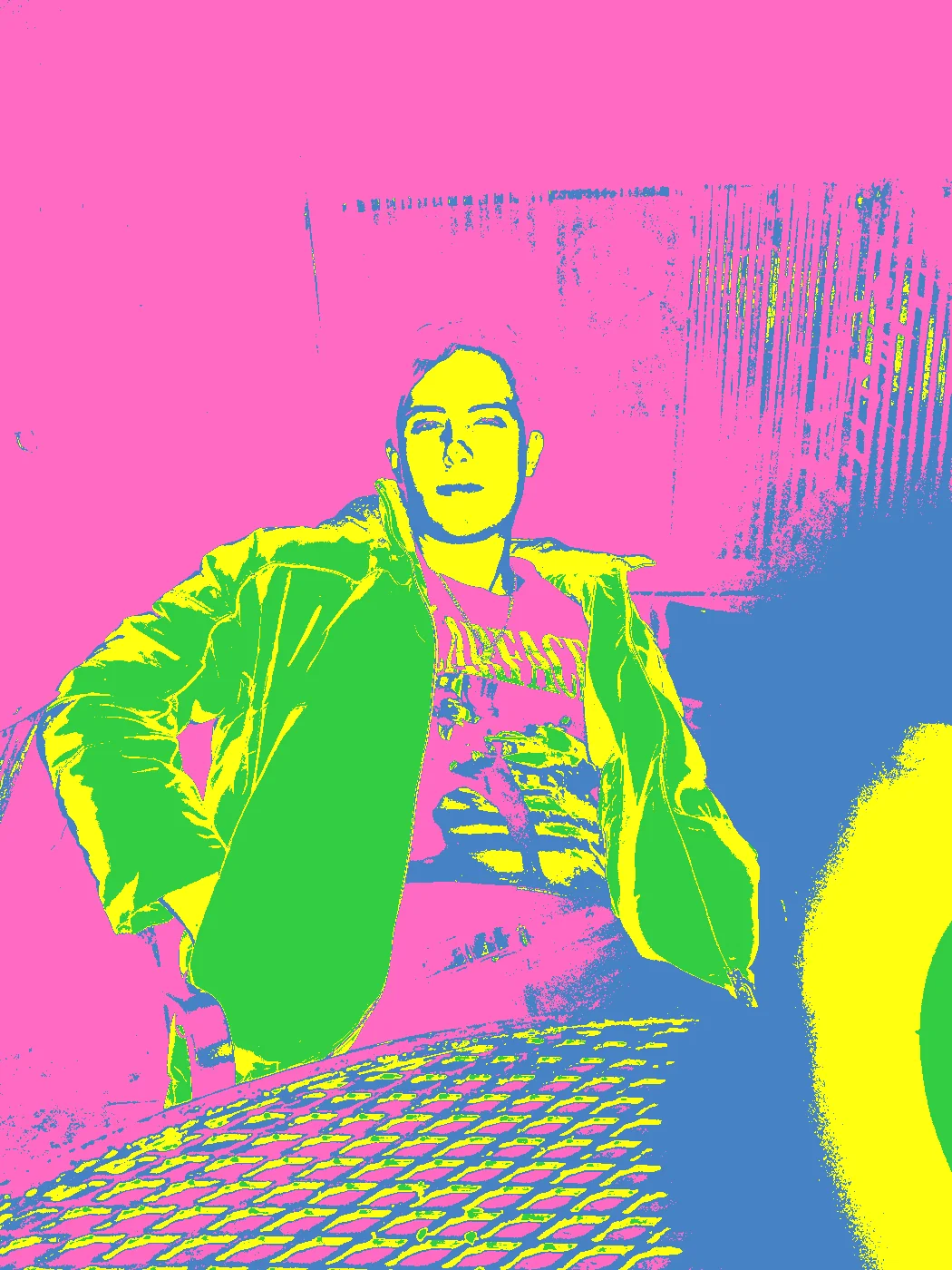 |
Tropical 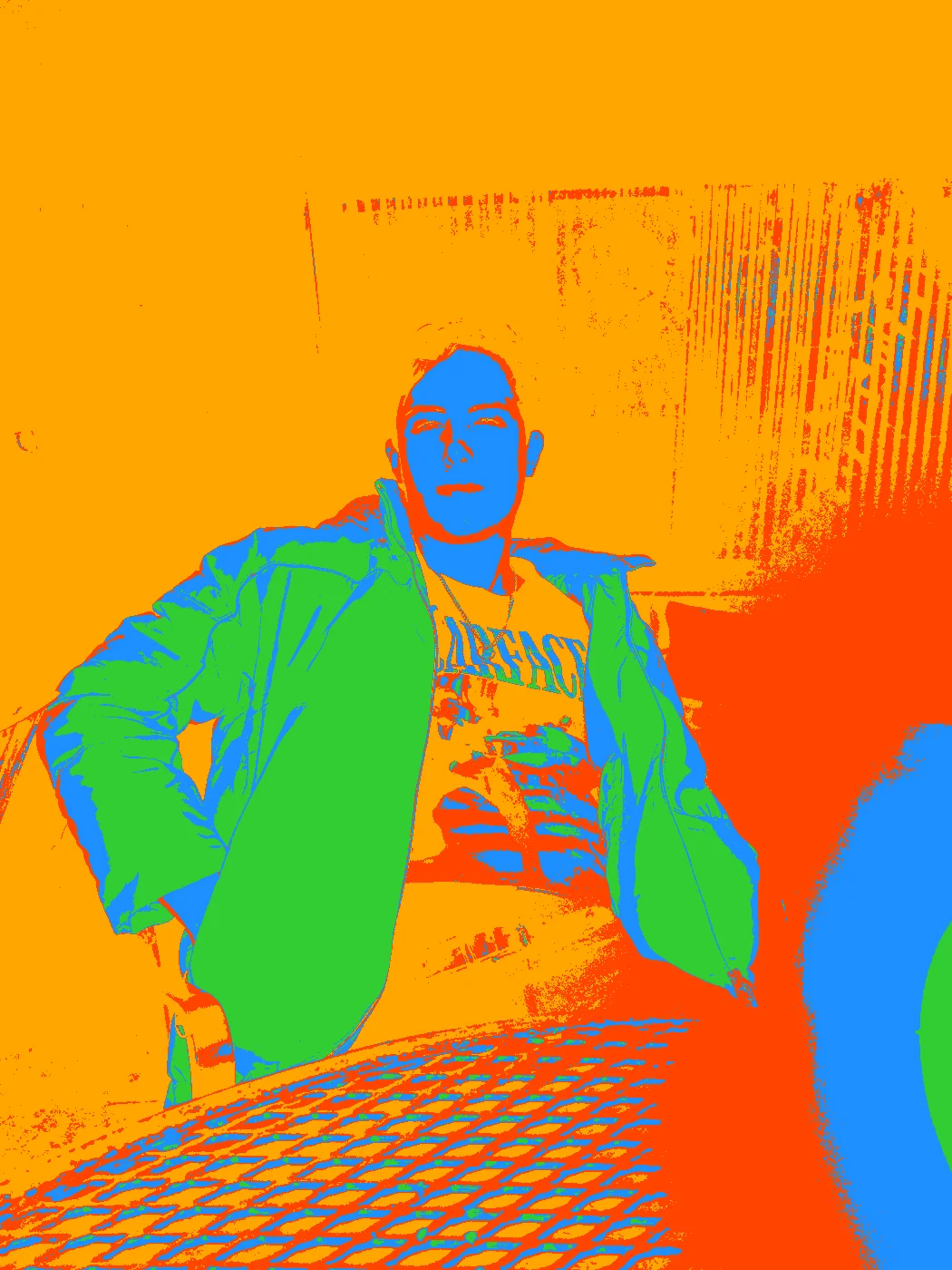 |
Arctic 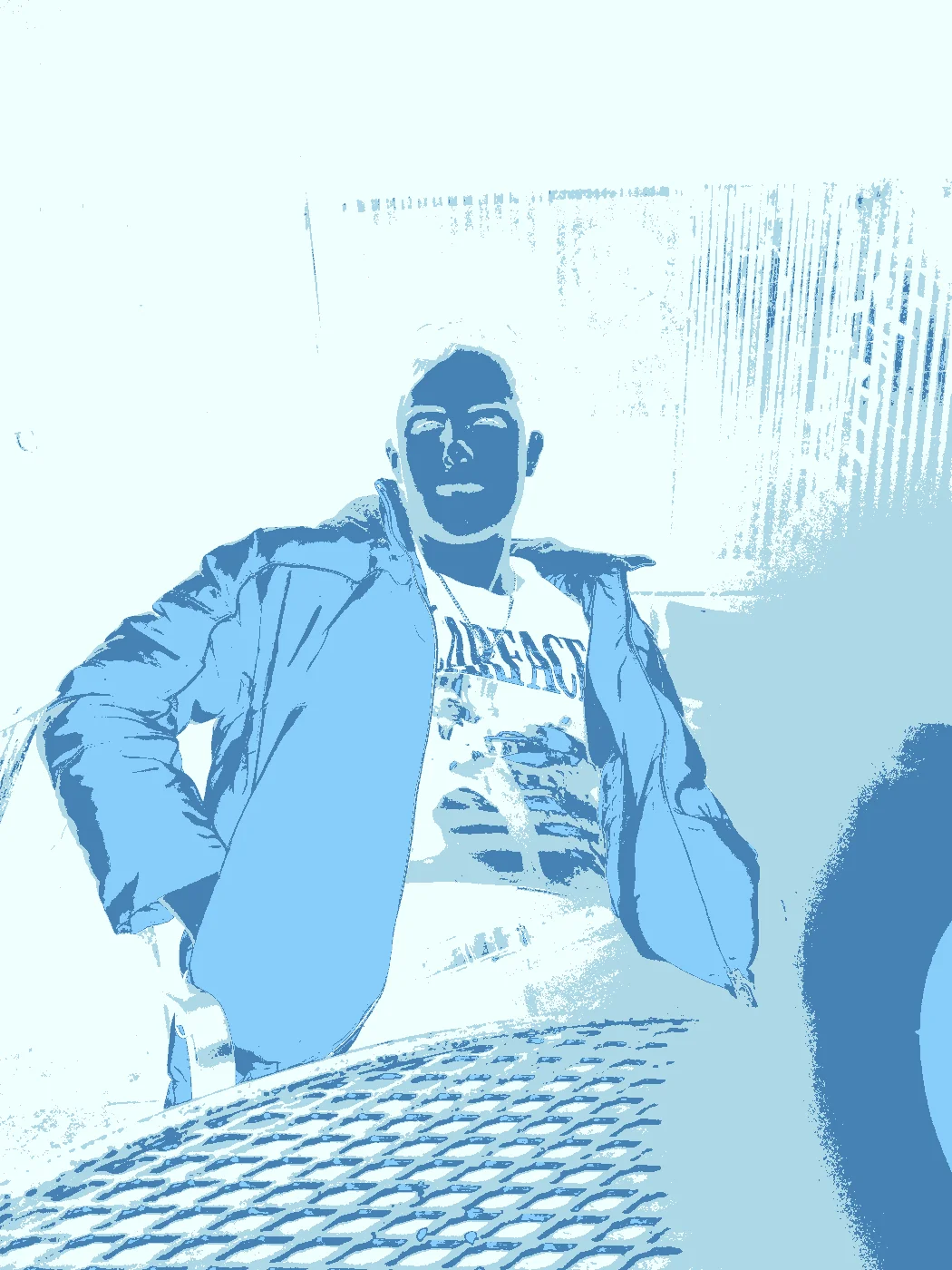 |
Paixão 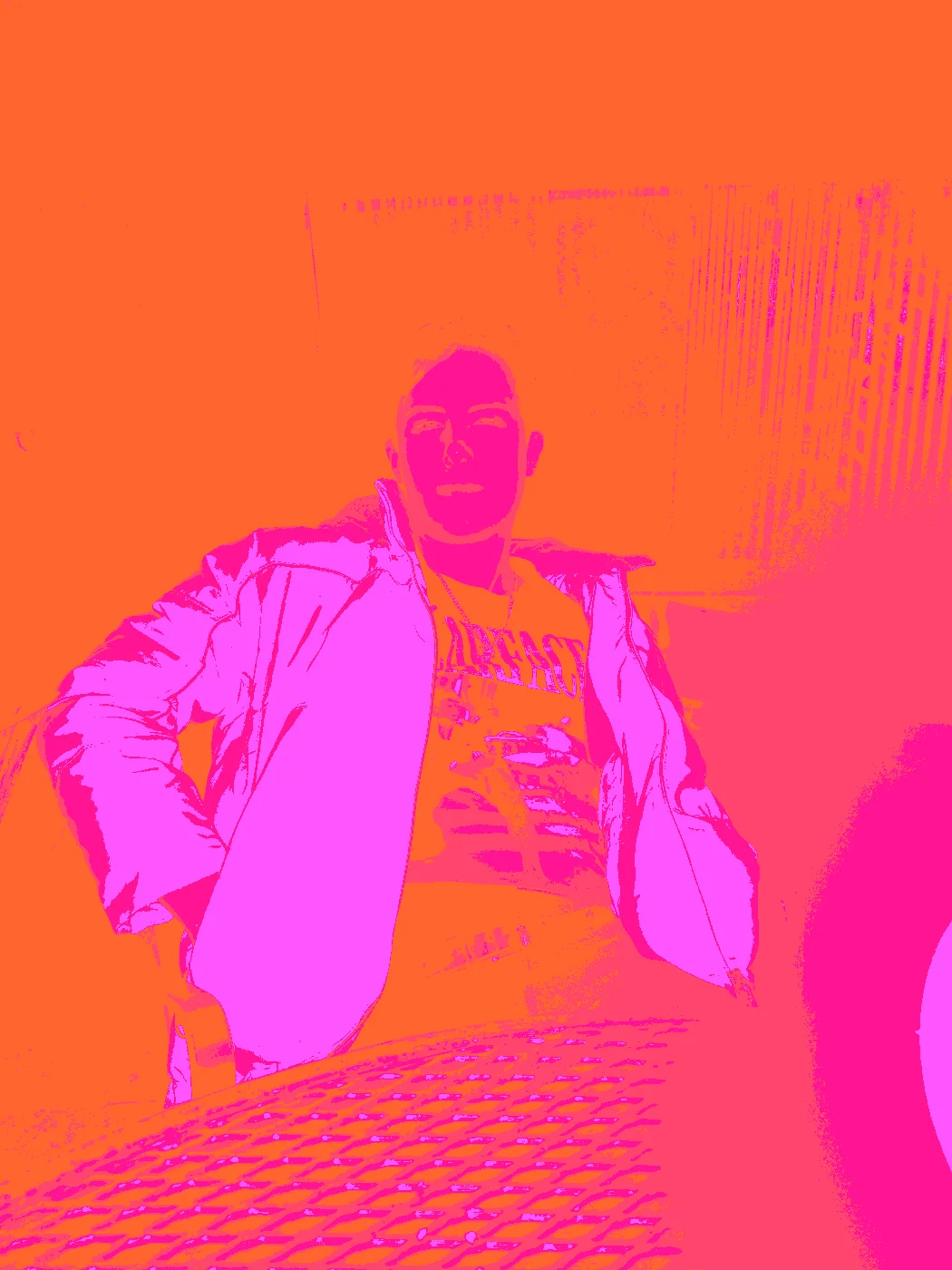 |
Cyberpunk 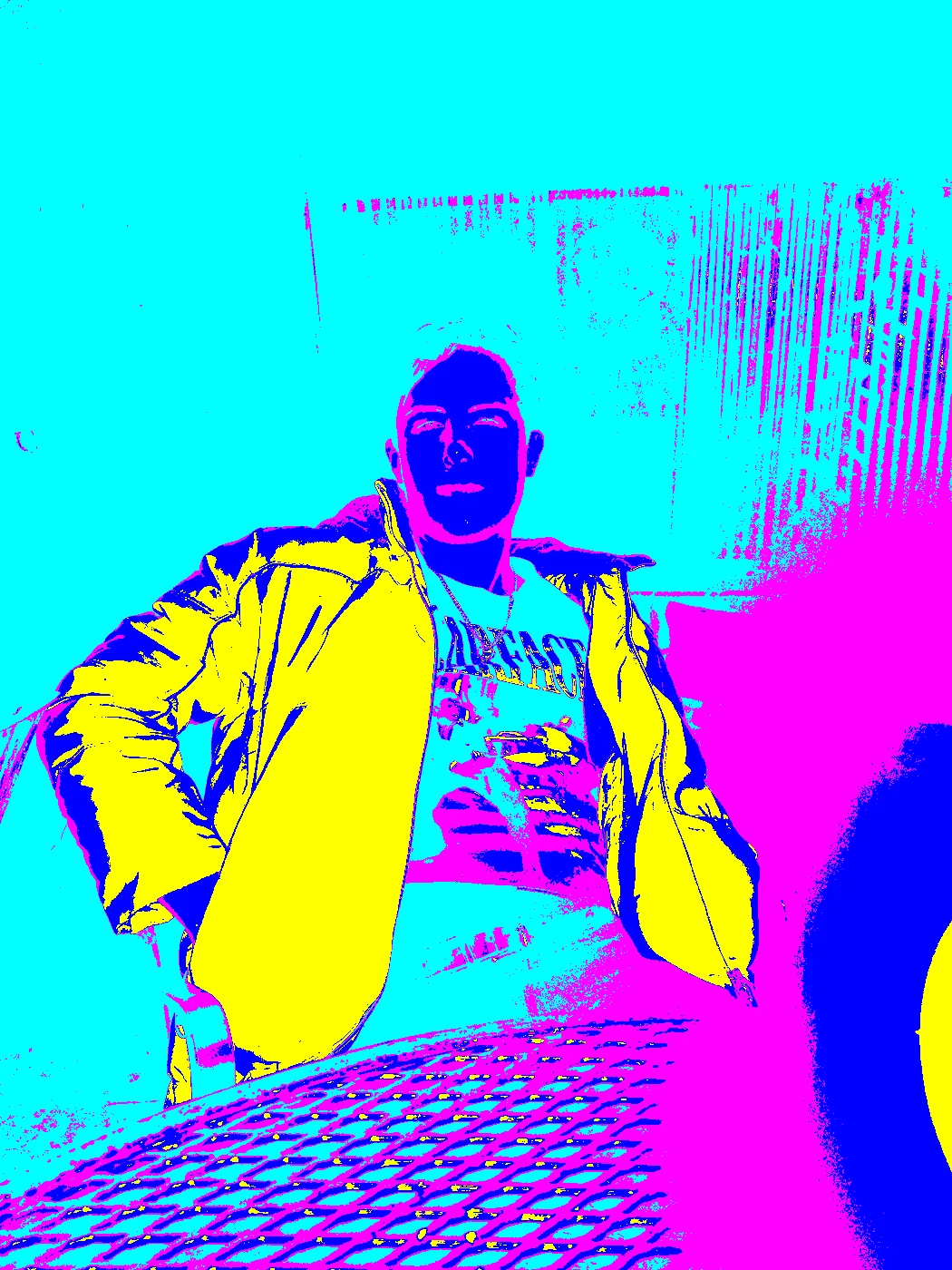 |
Sunset 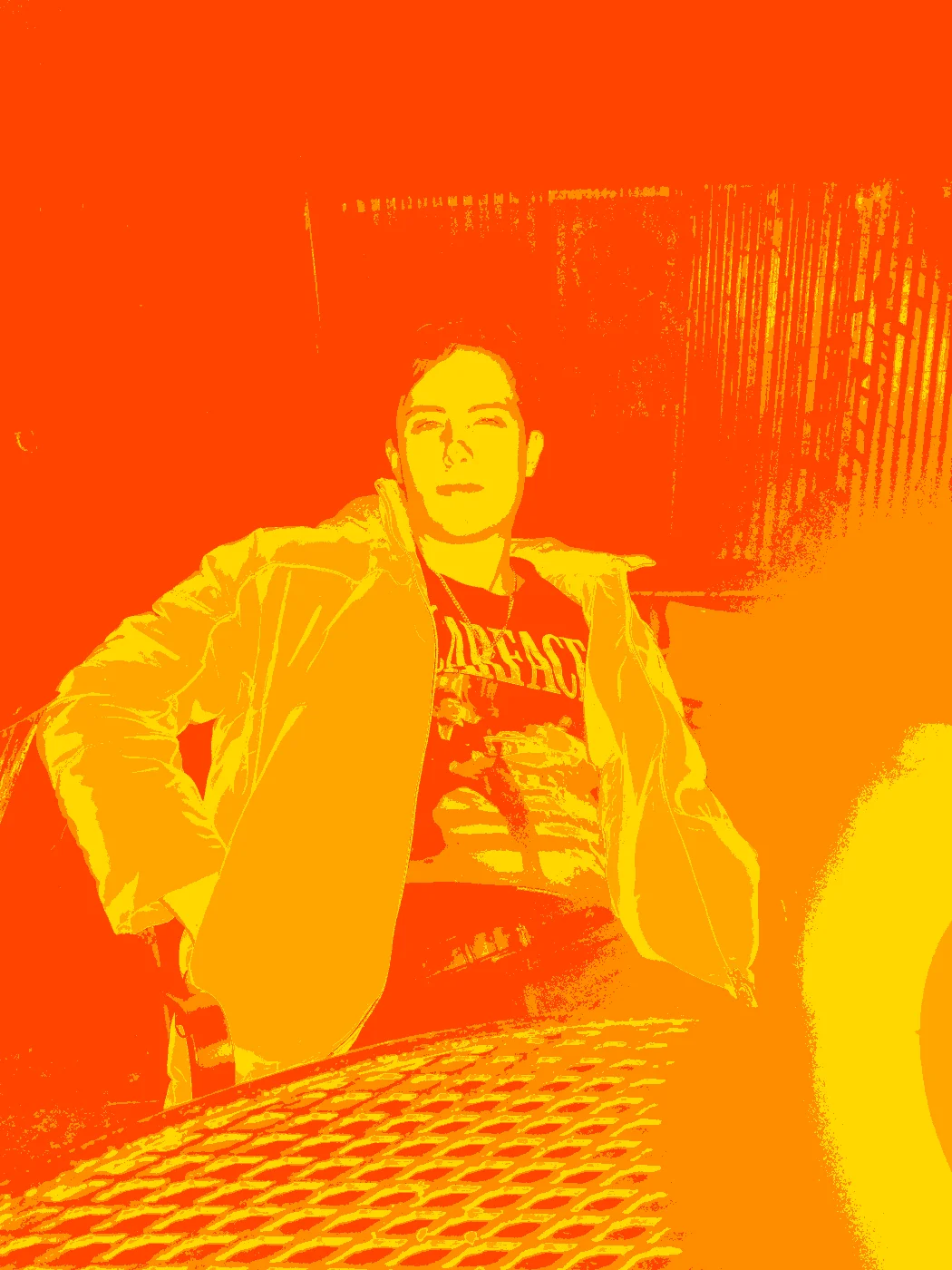 |
Oceanic 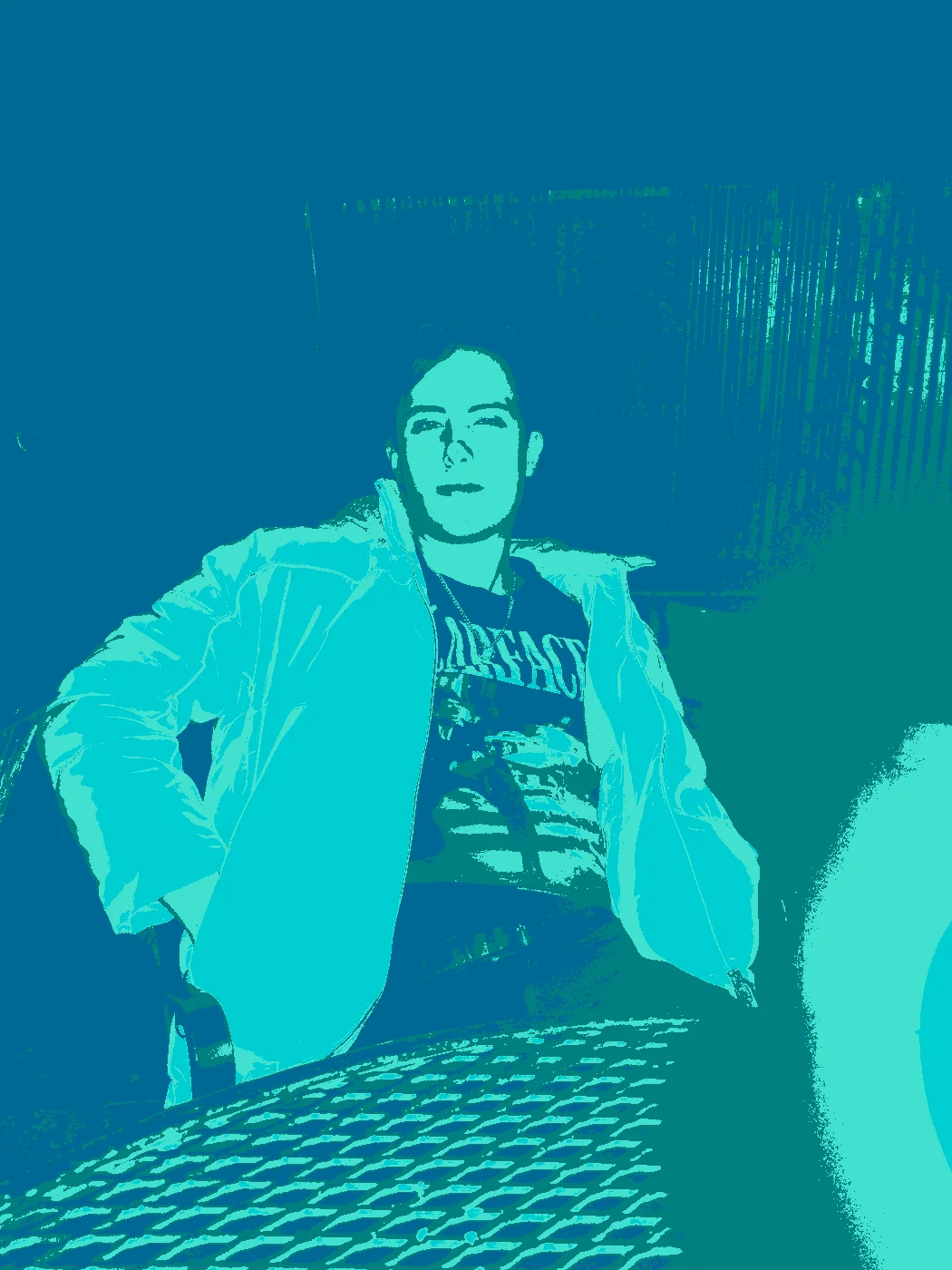 |
Vaporwave 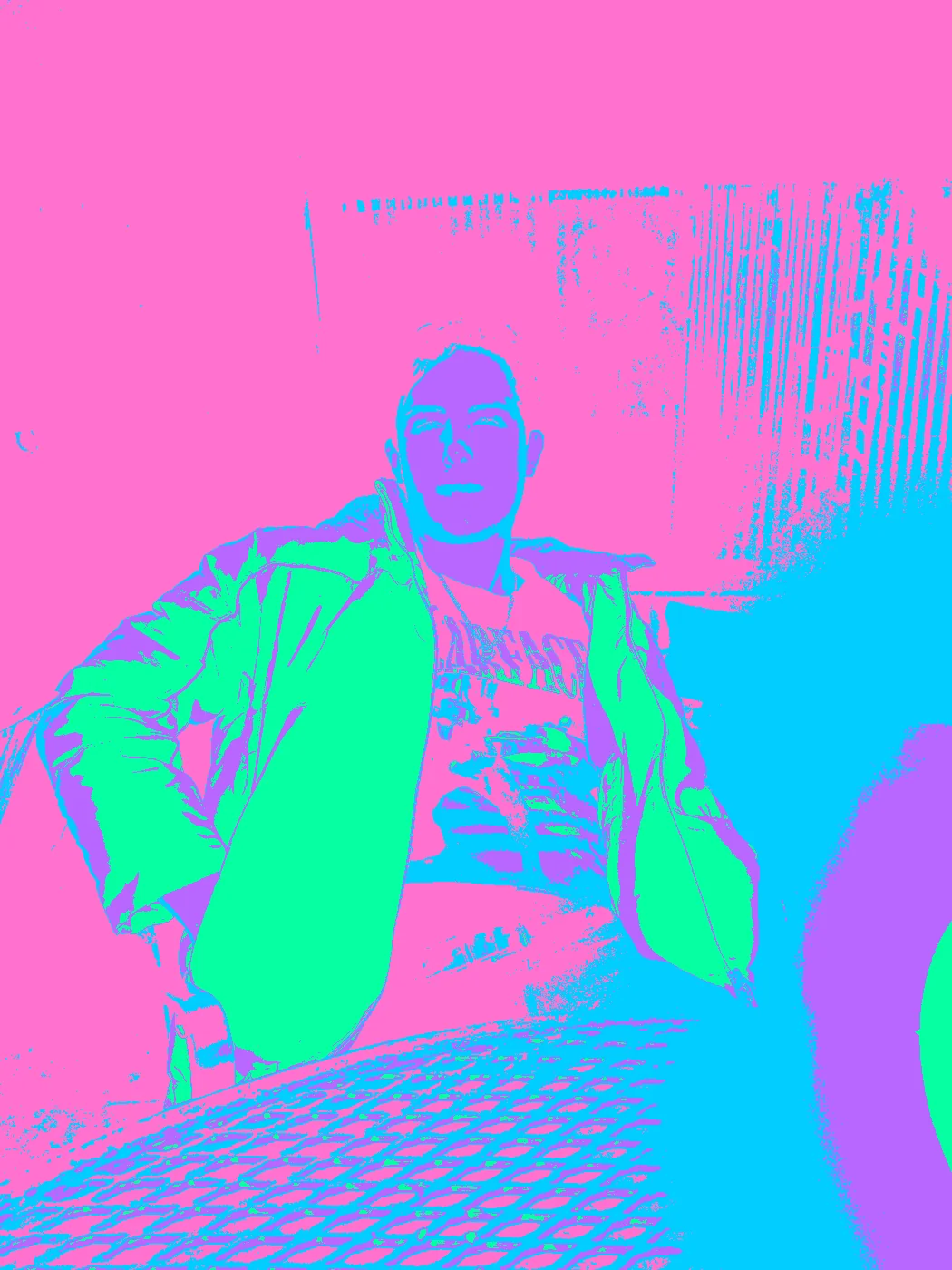 |
Retro80s 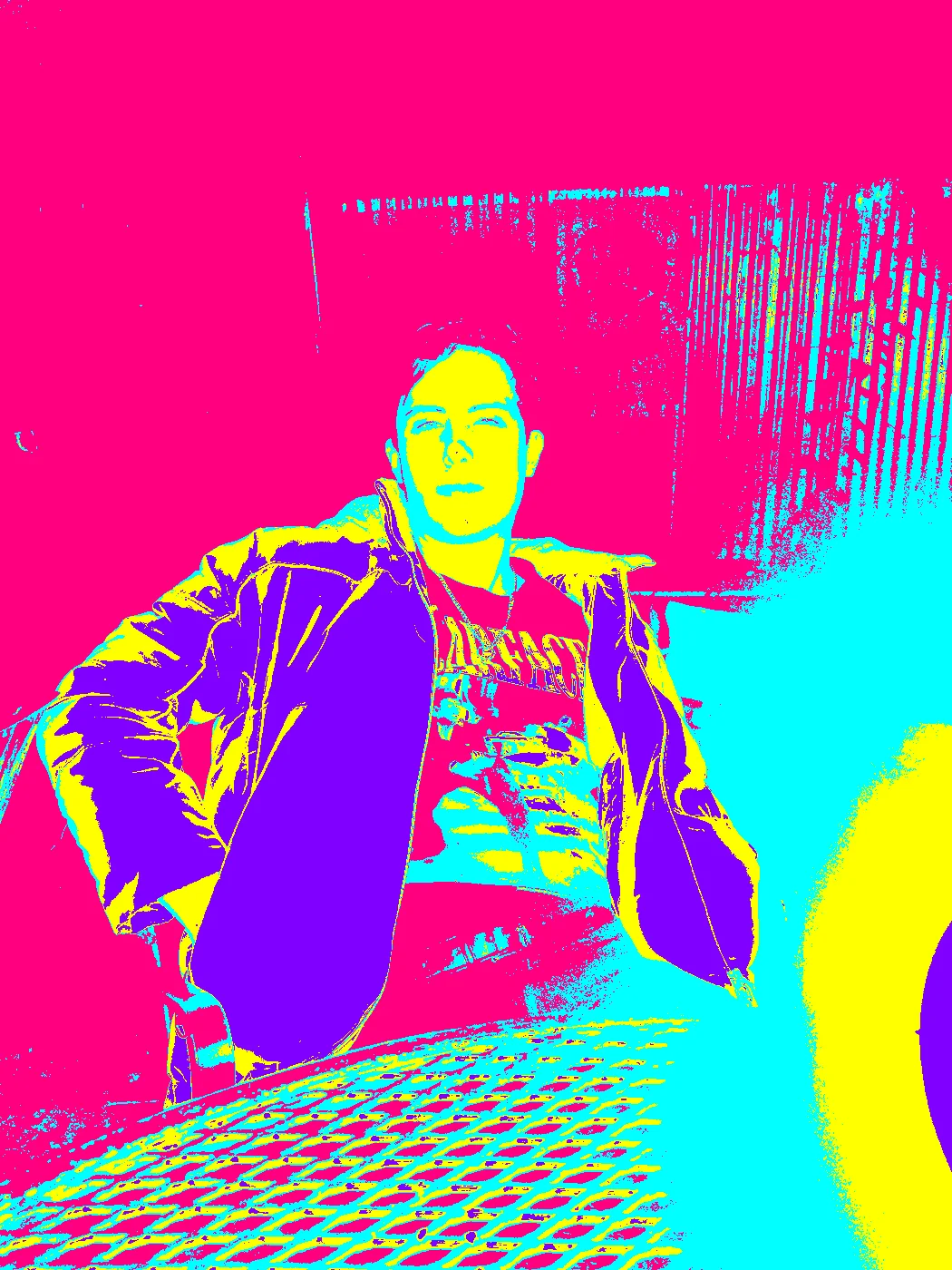 |
Volcano 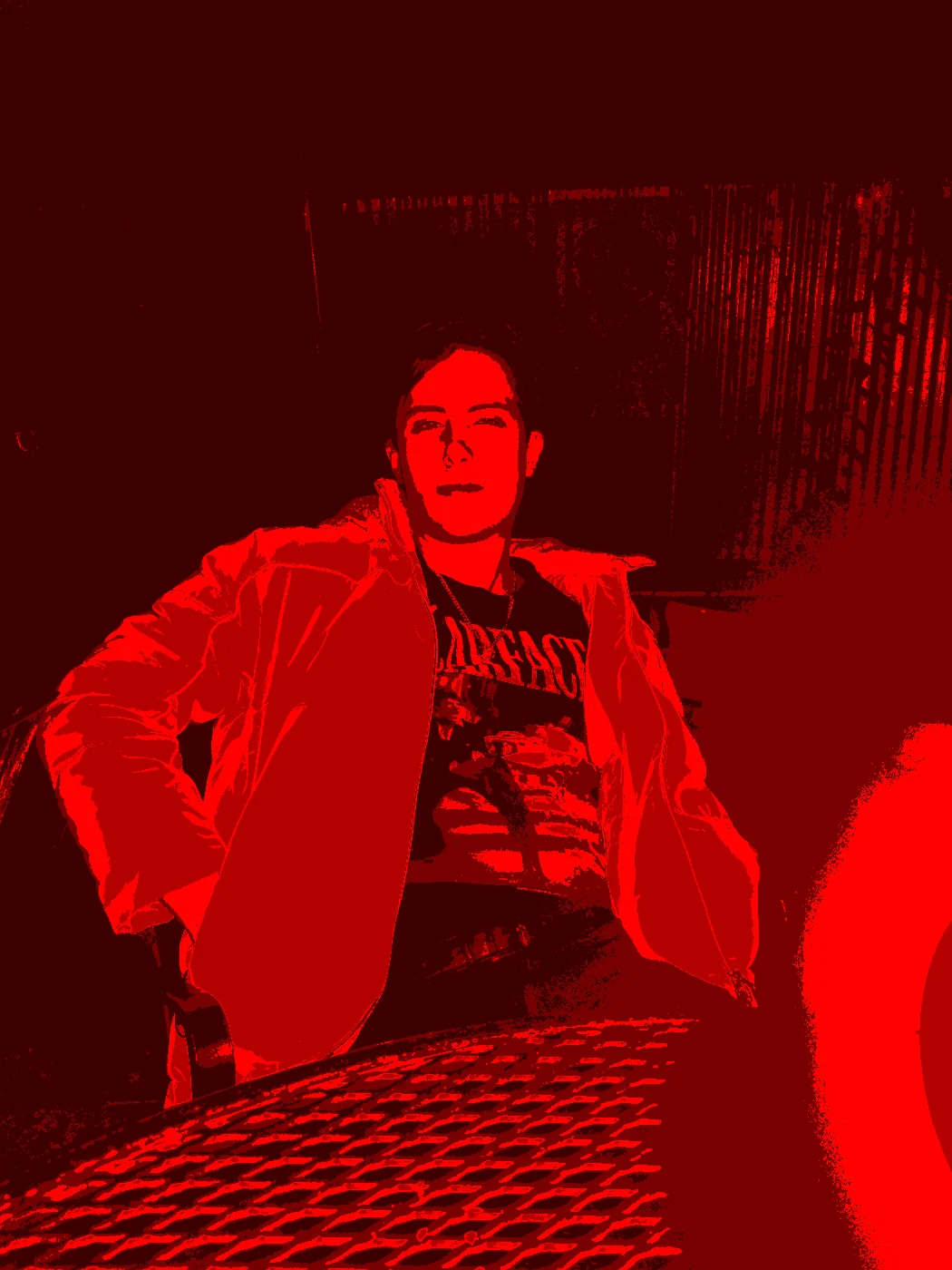 |
Dad at the Beach
Original
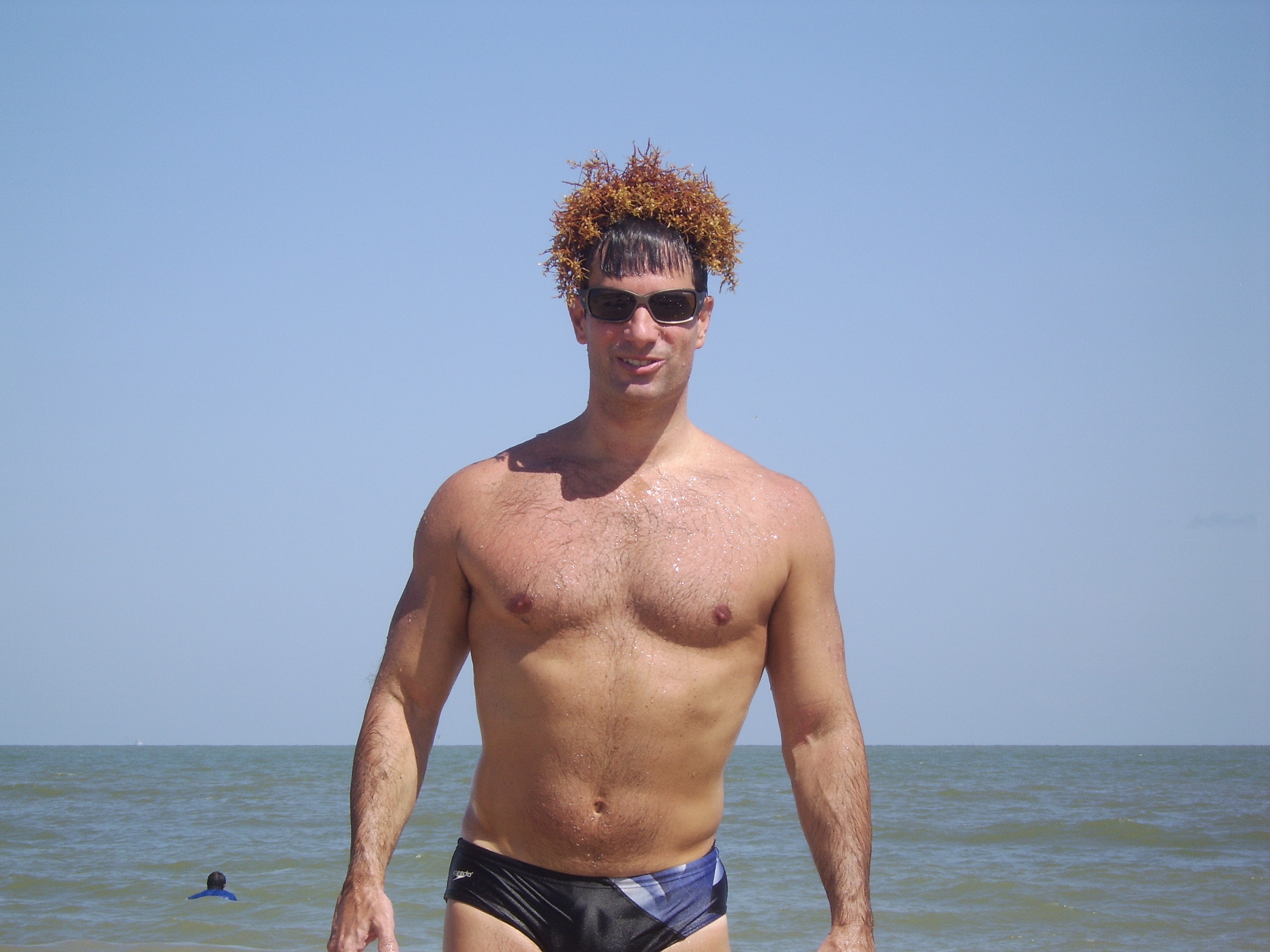
Spring 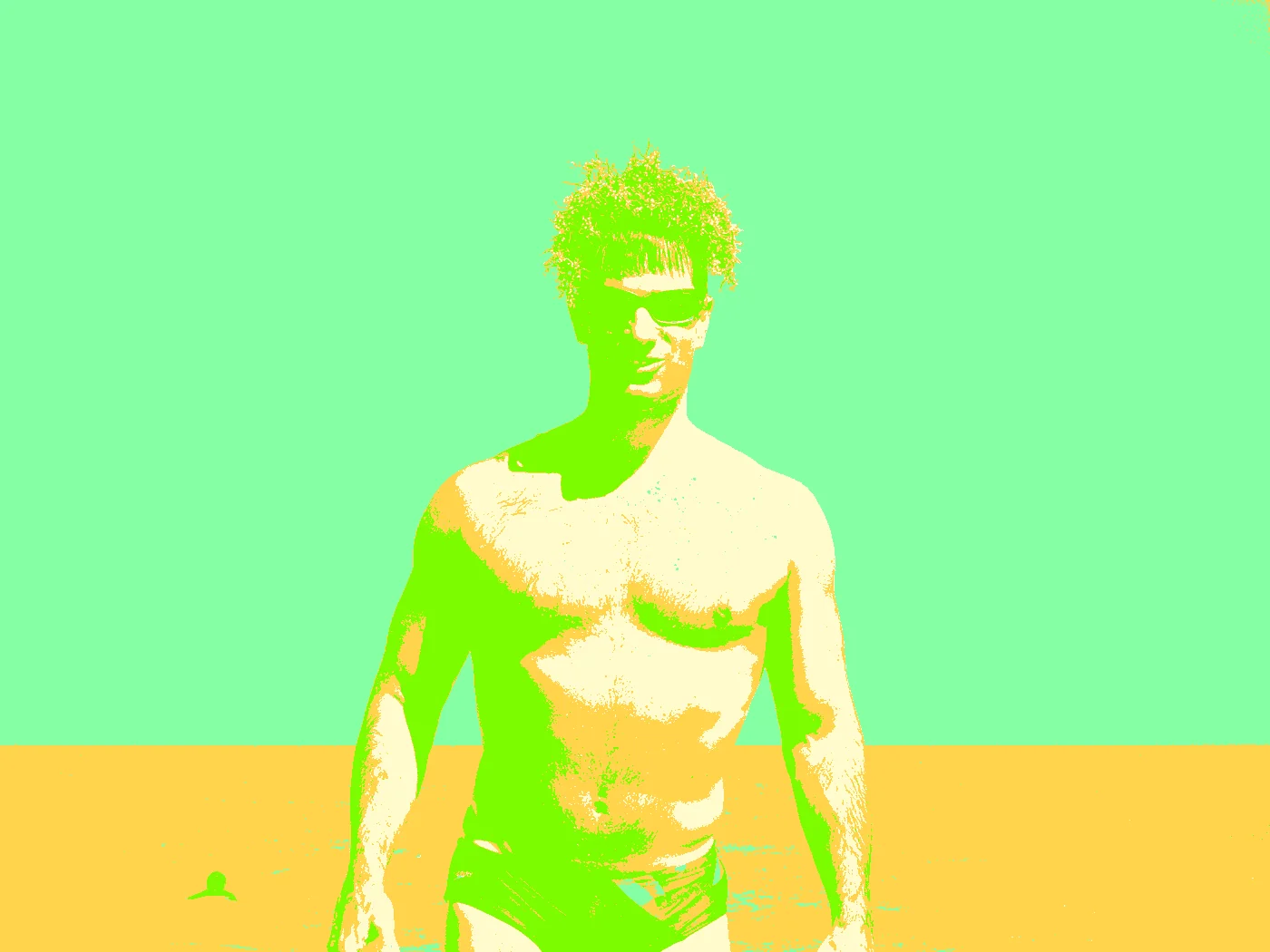 |
Summer 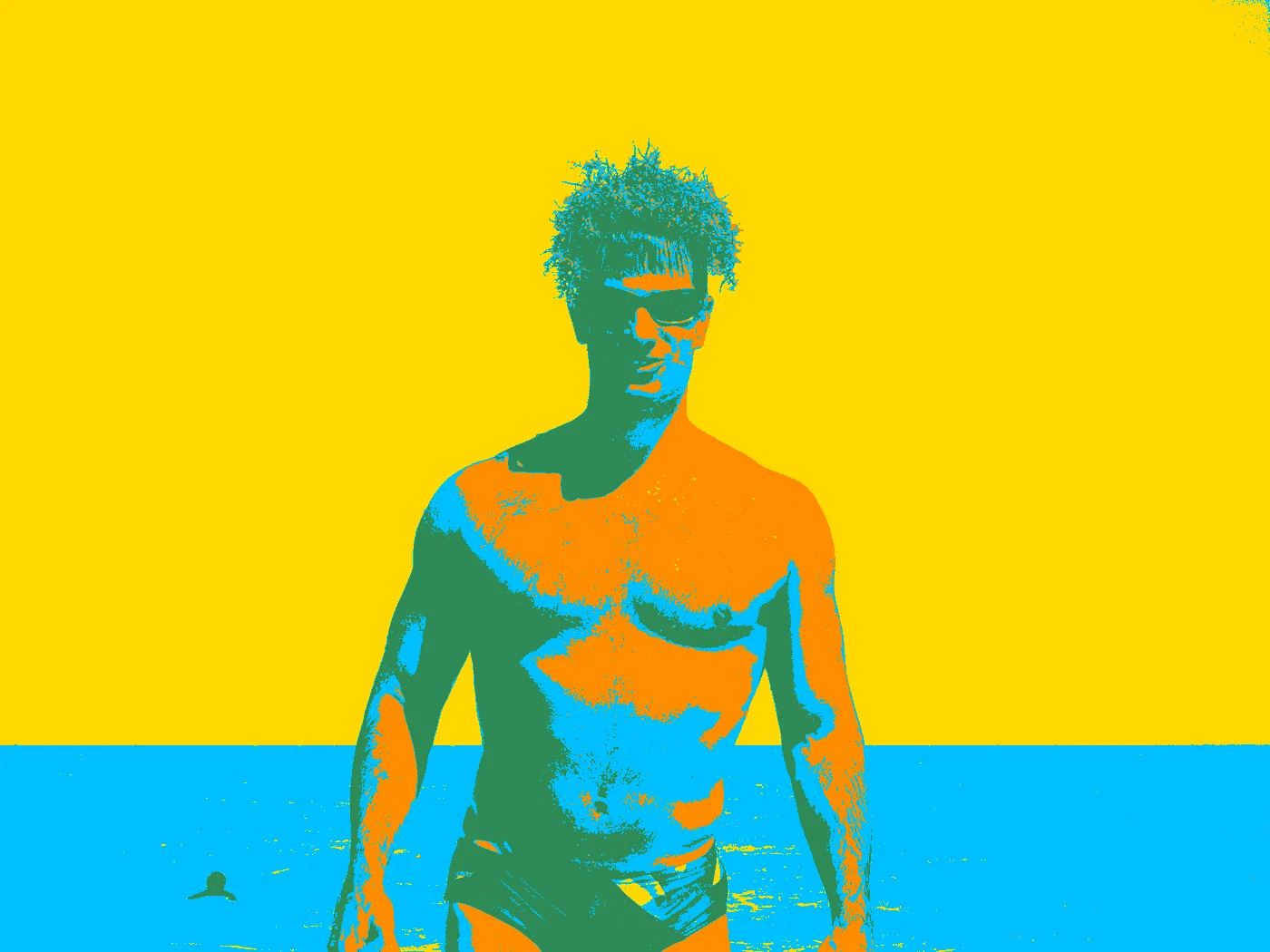 |
Winter 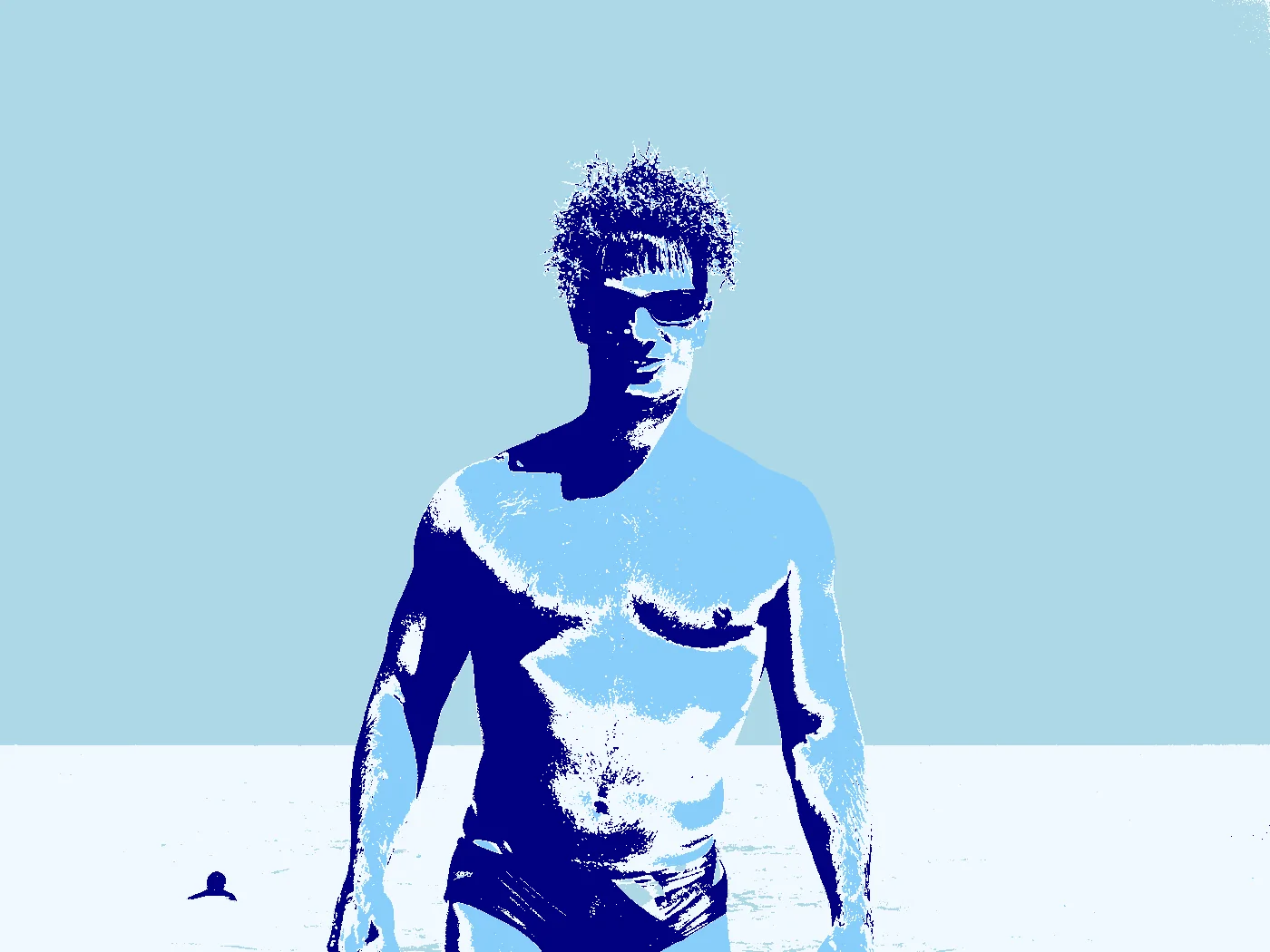 |
Fall 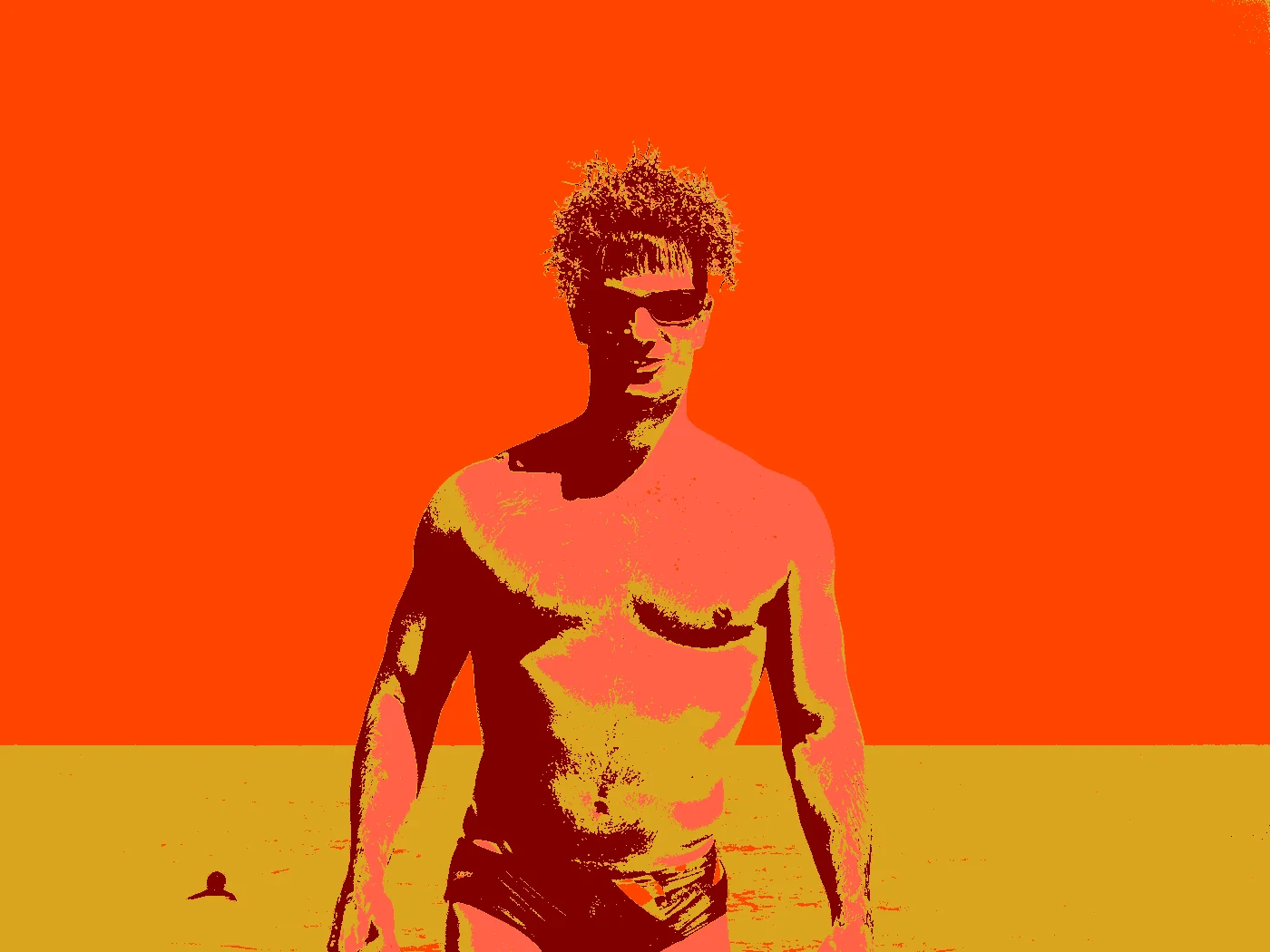 |
Safari 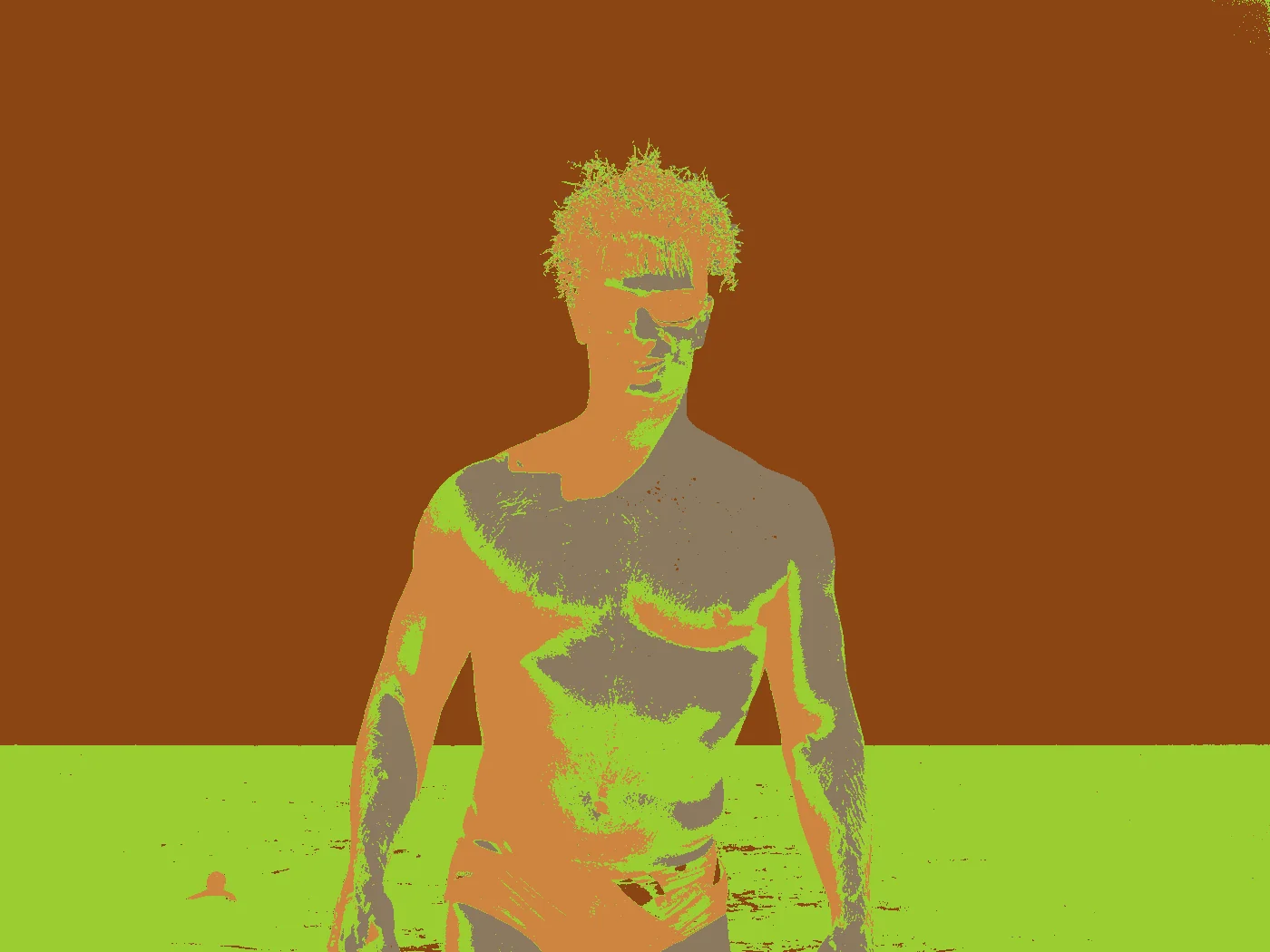 |
Urban 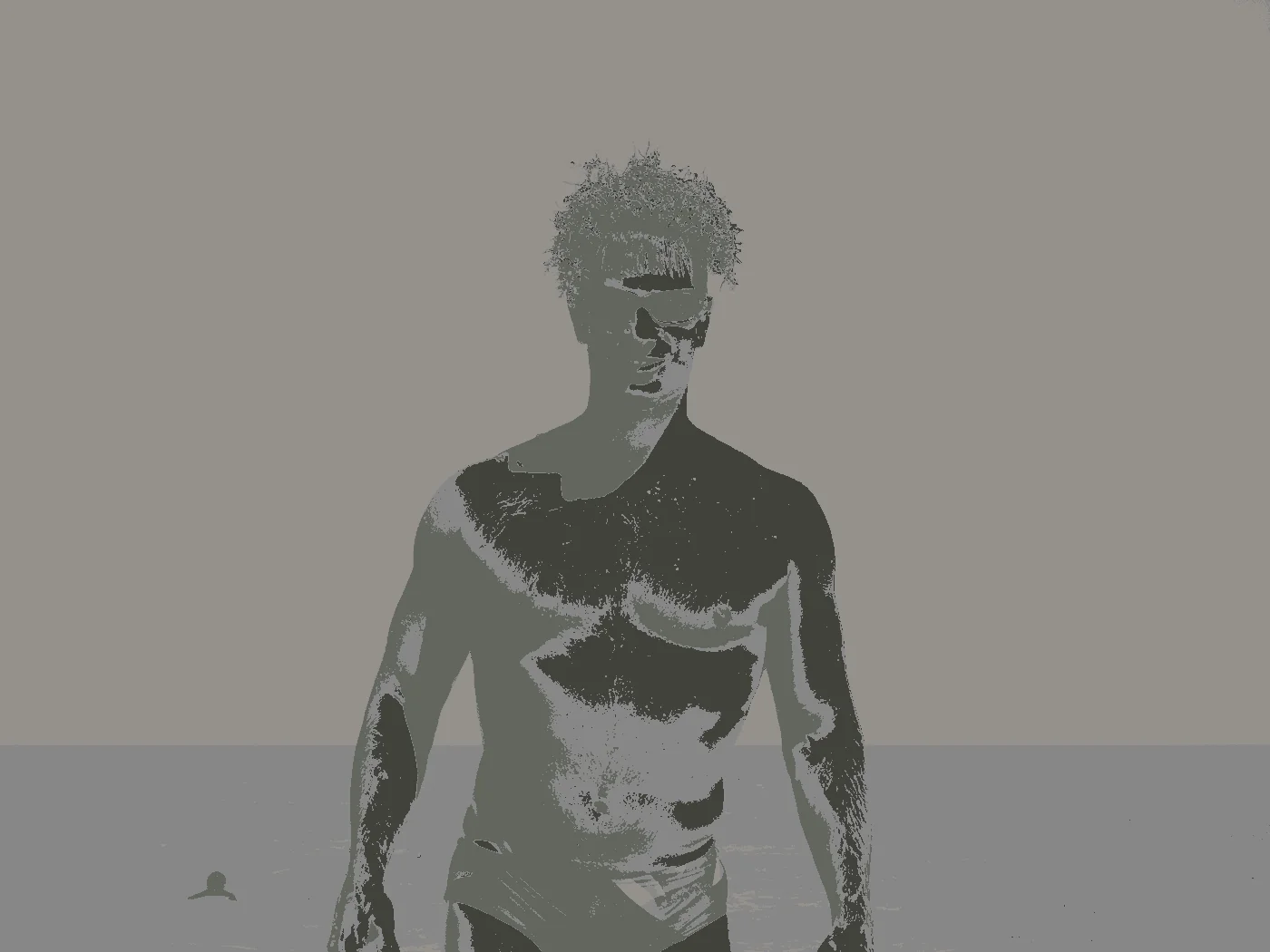 |
Neon 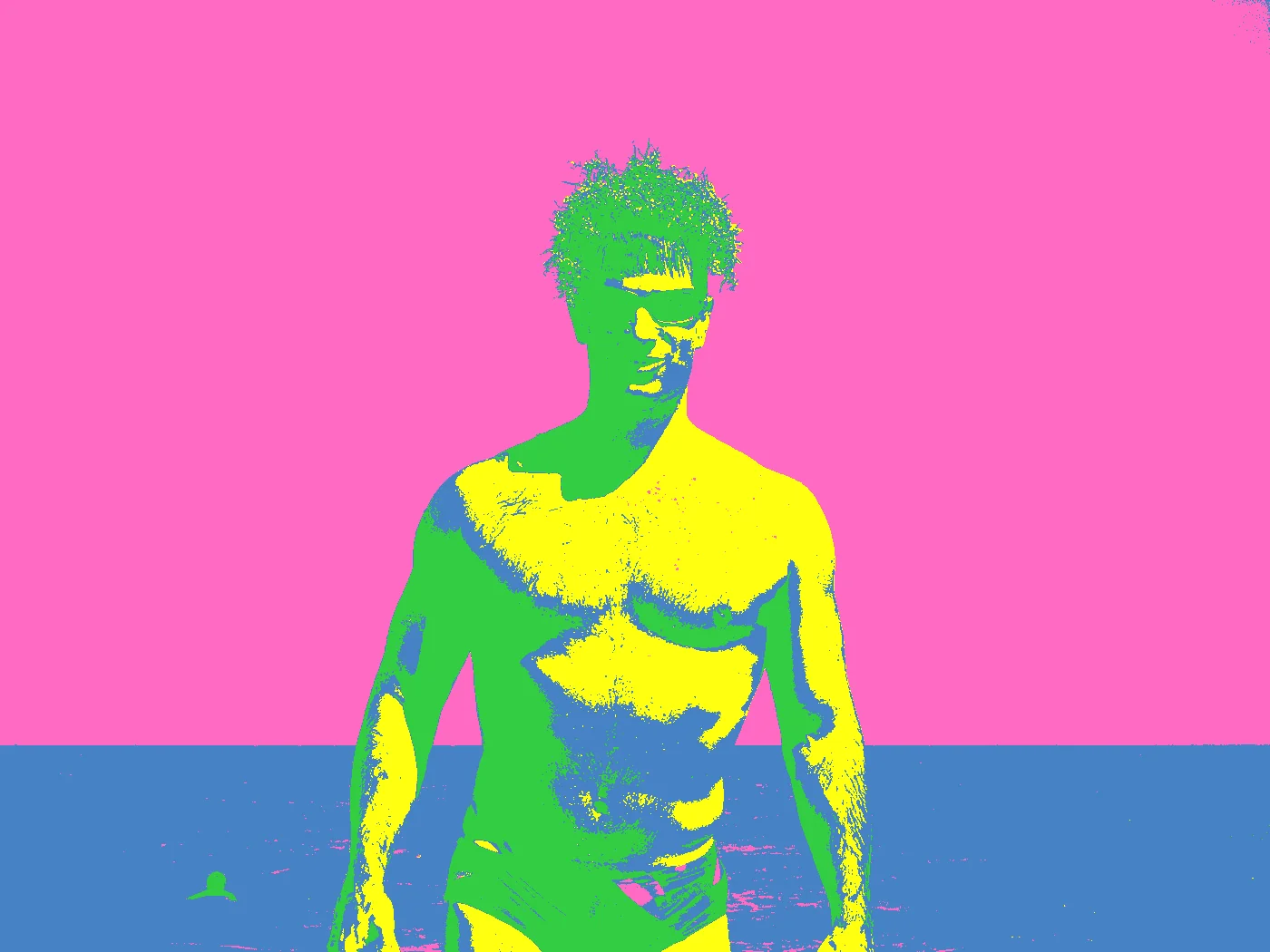 |
Tropical 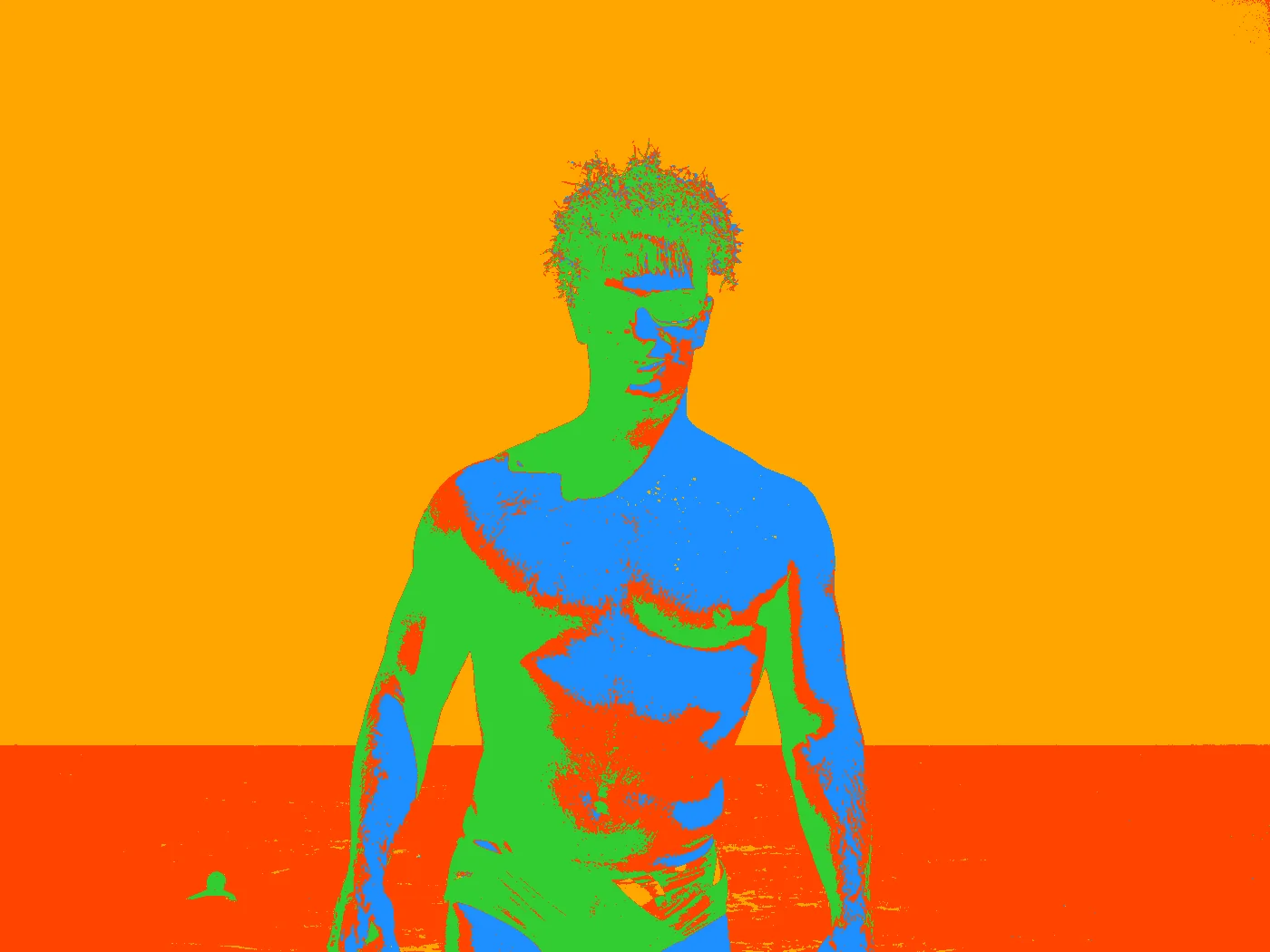 |
Arctic 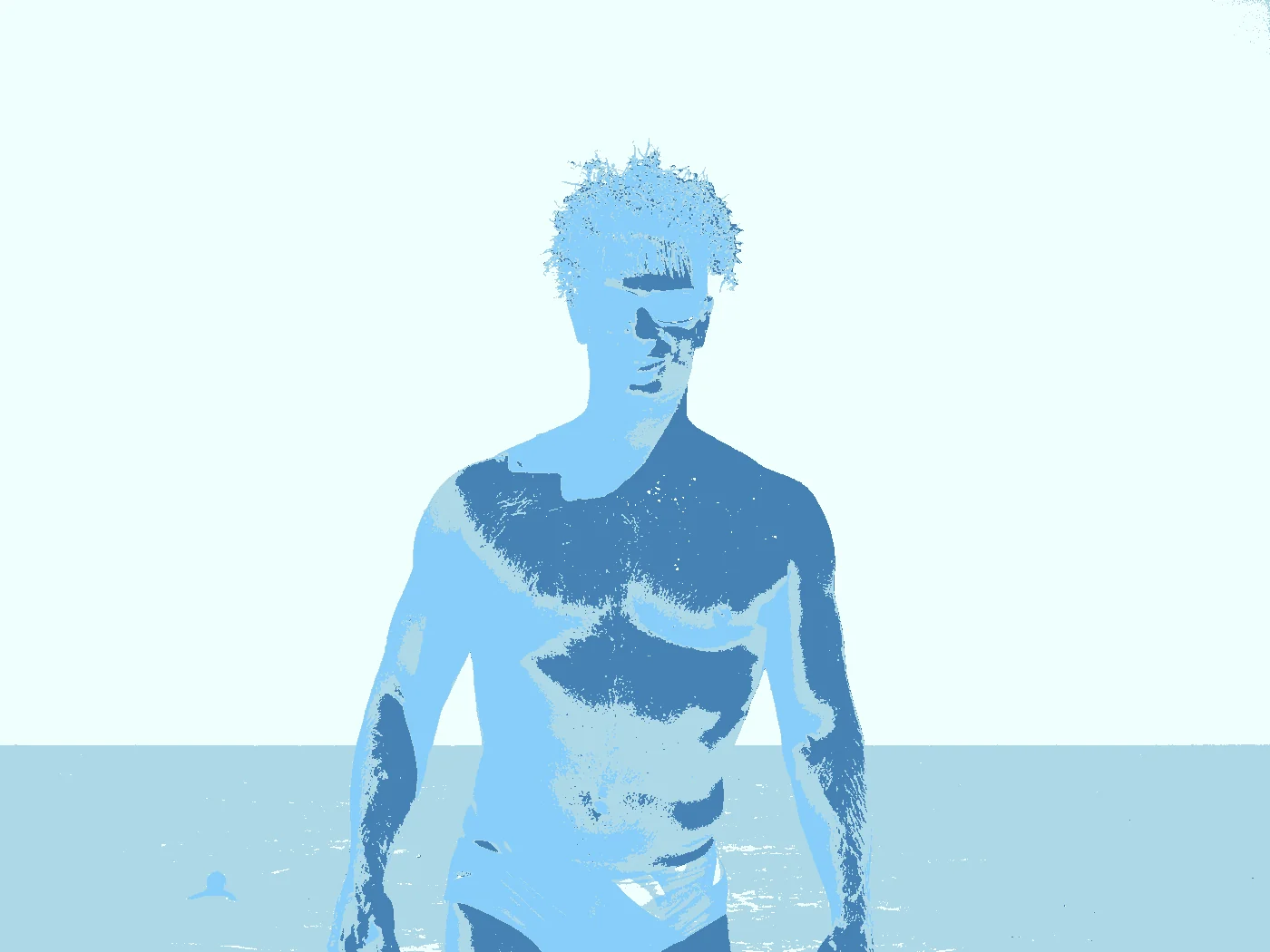 |
Paixão 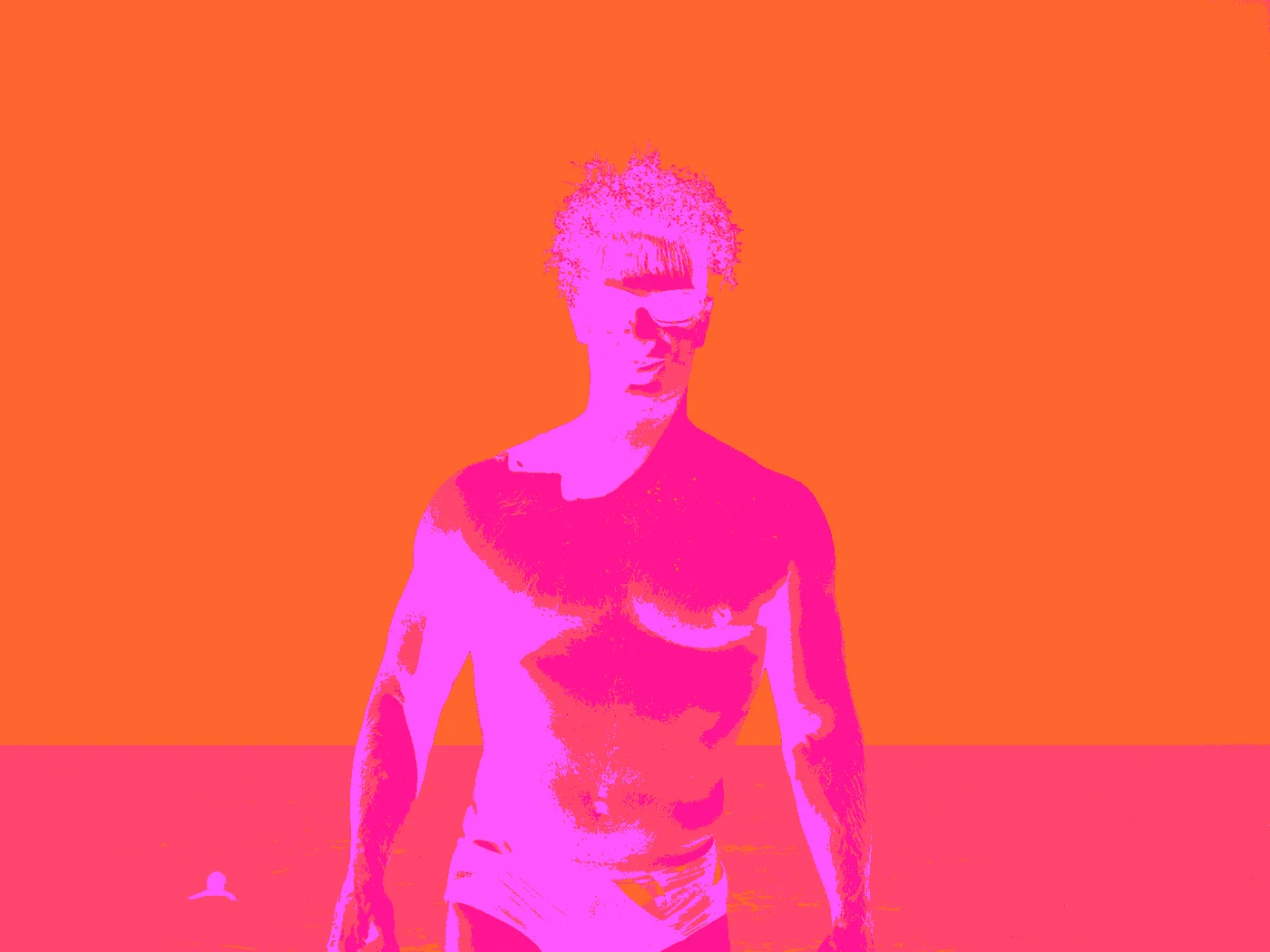 |
Cyberpunk 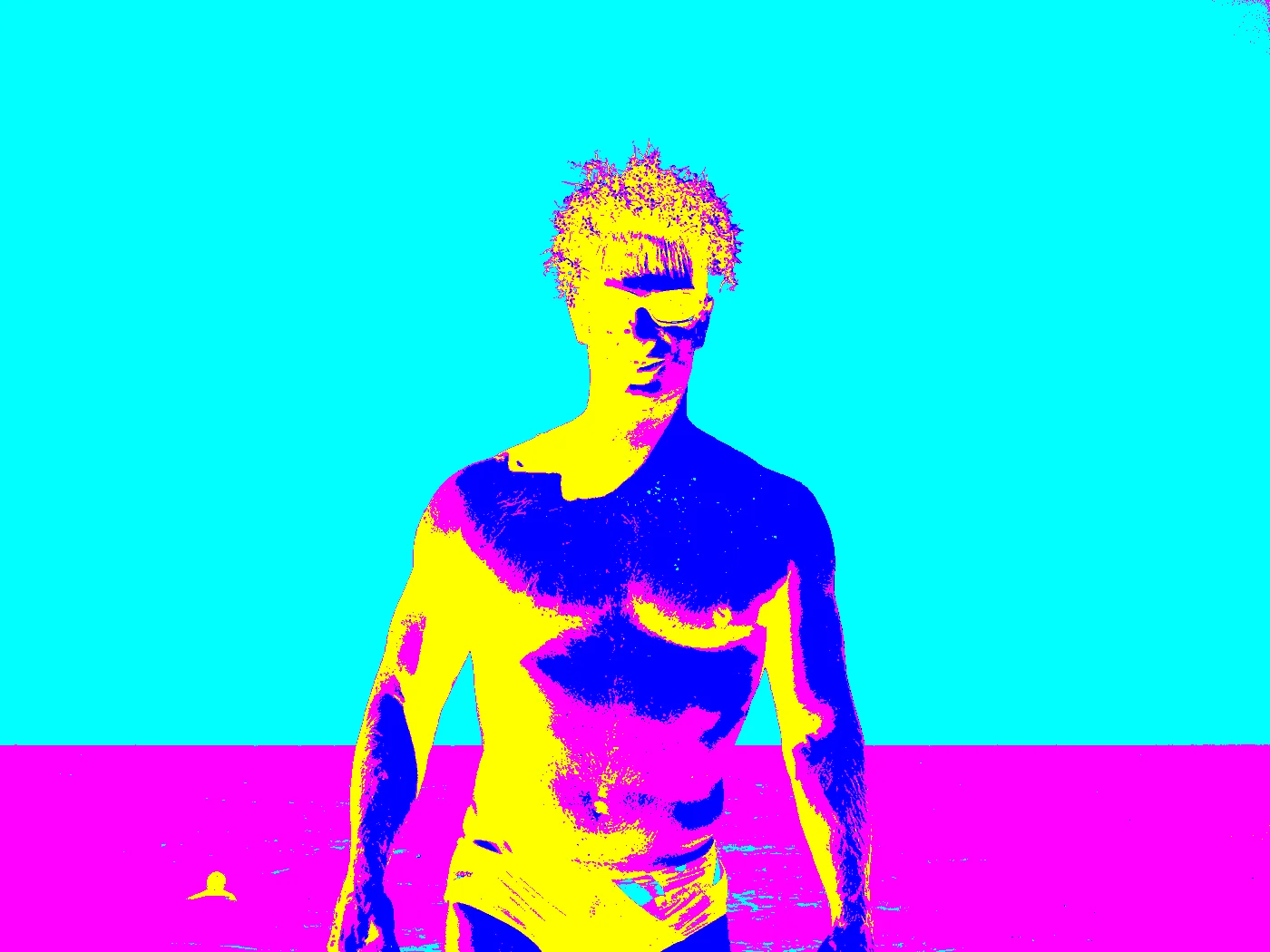 |
Sunset 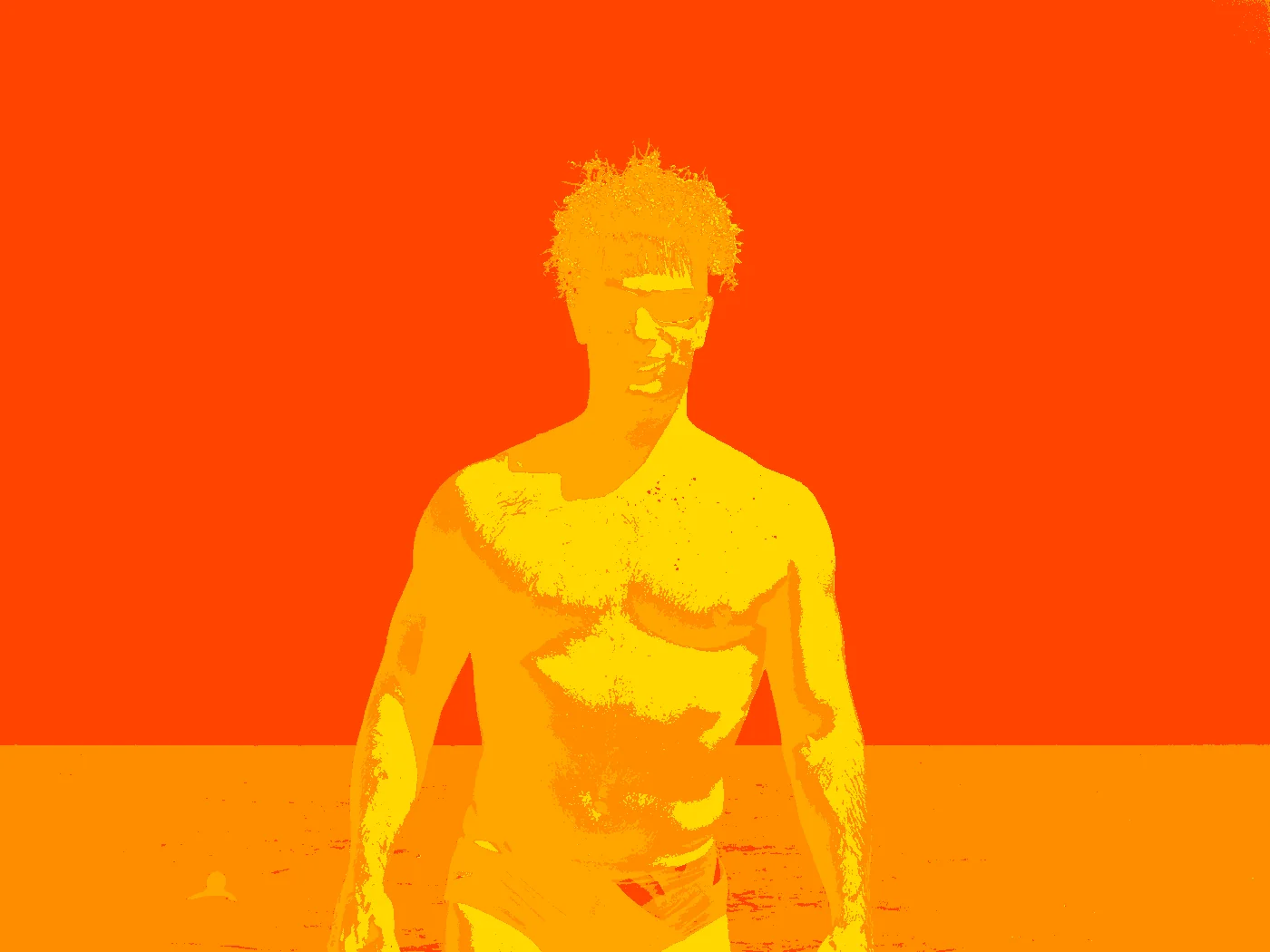 |
Oceanic 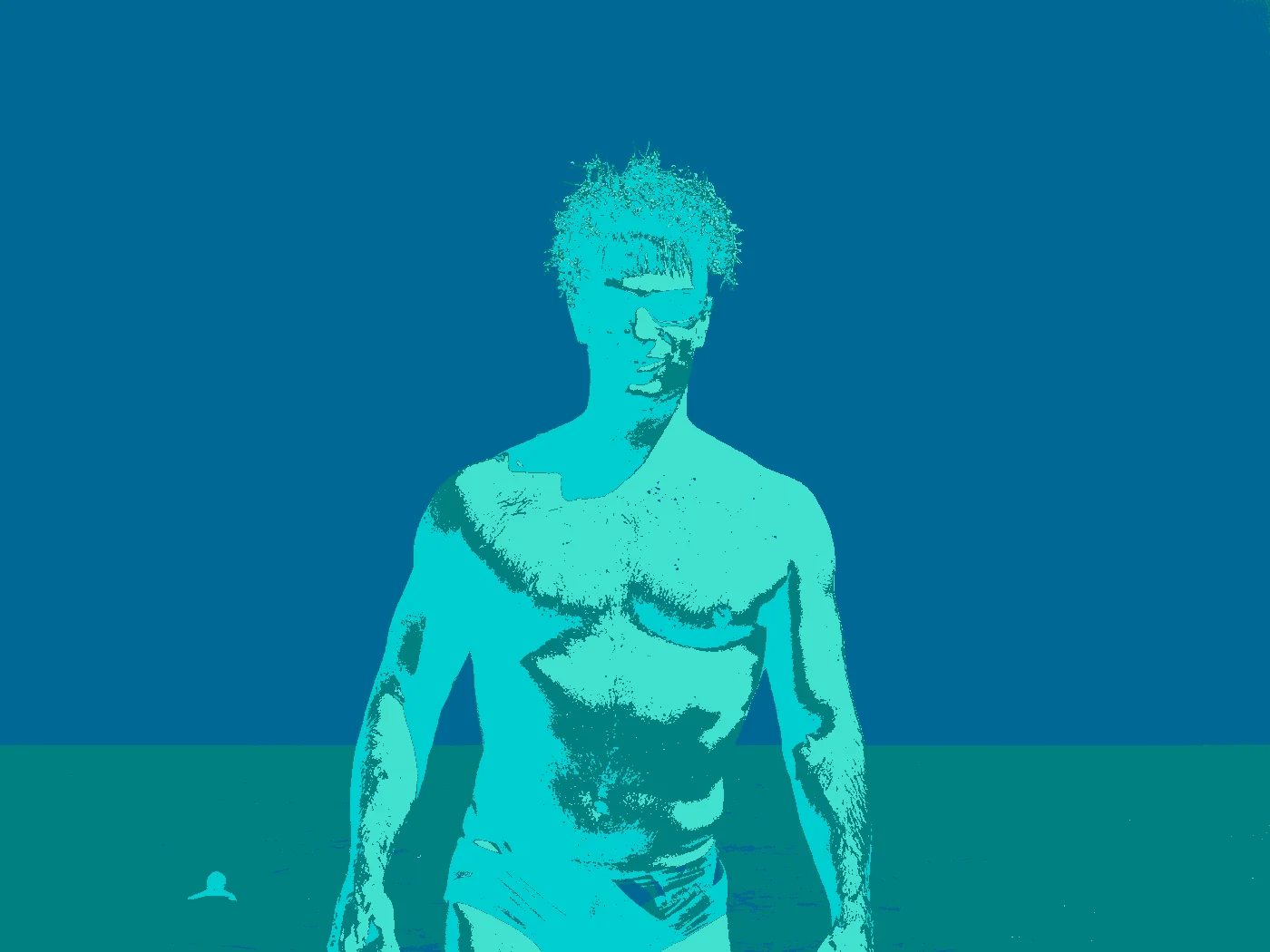 |
Vaporwave 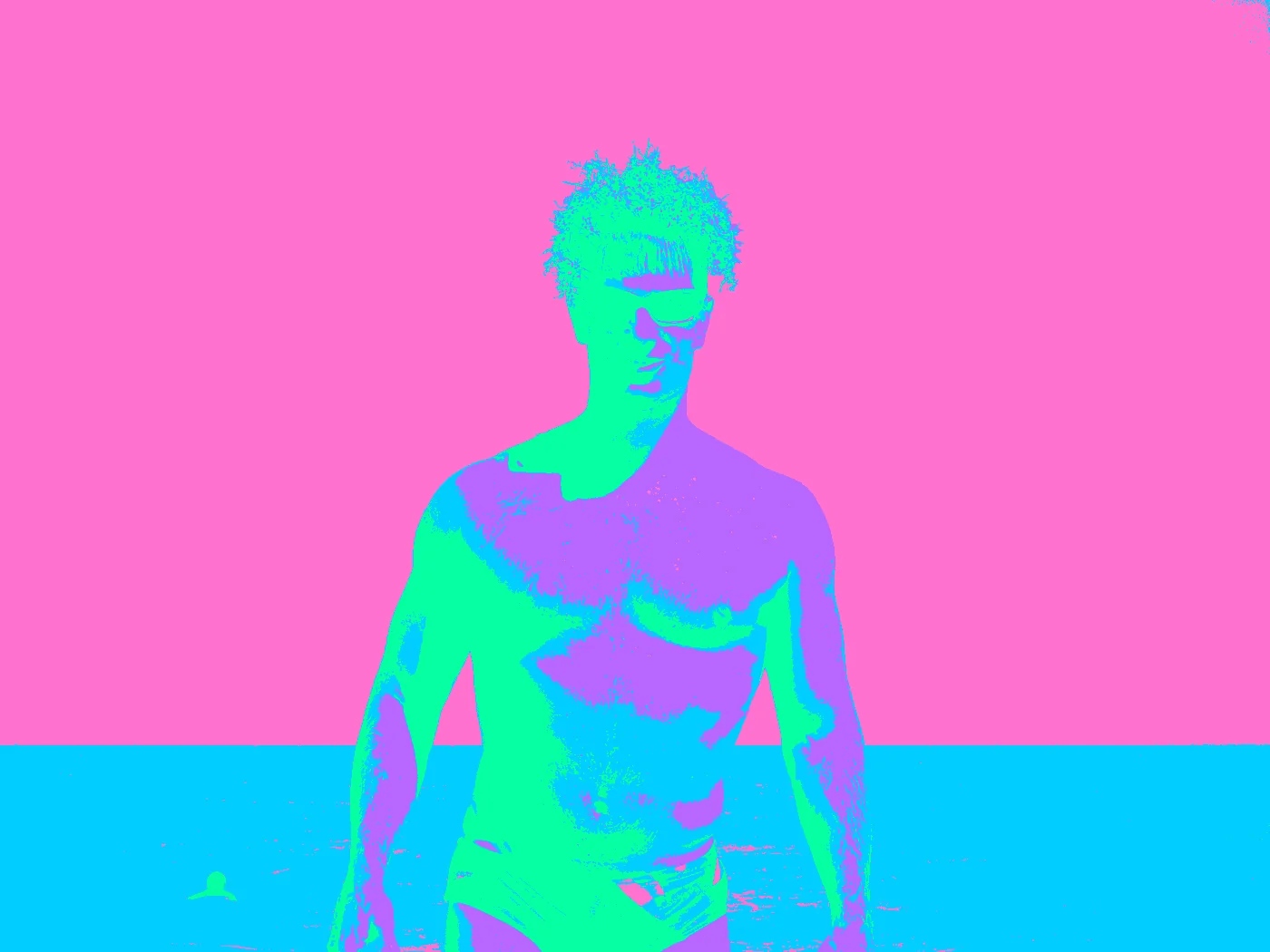 |
Retro80s 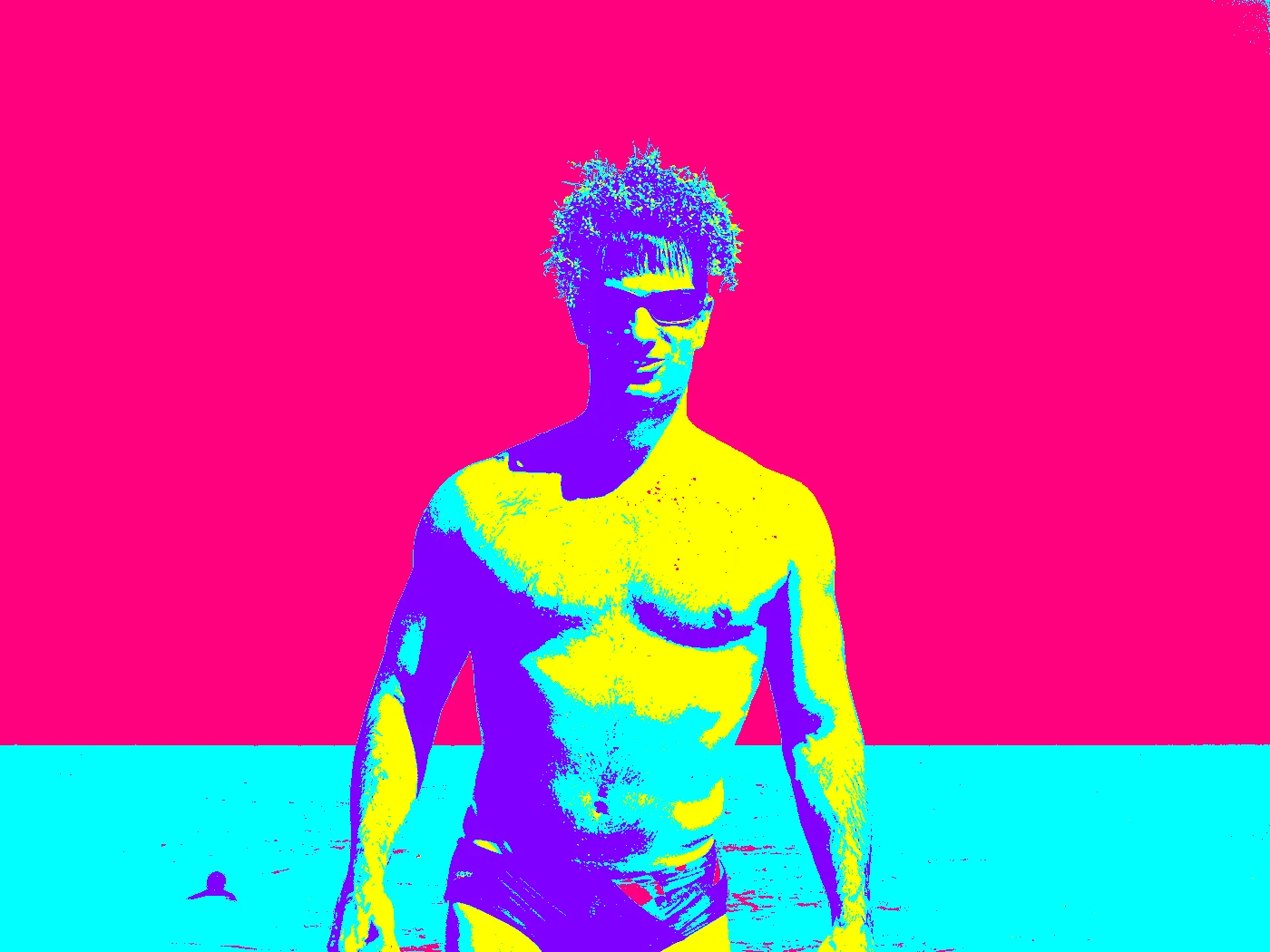 |
Volcano 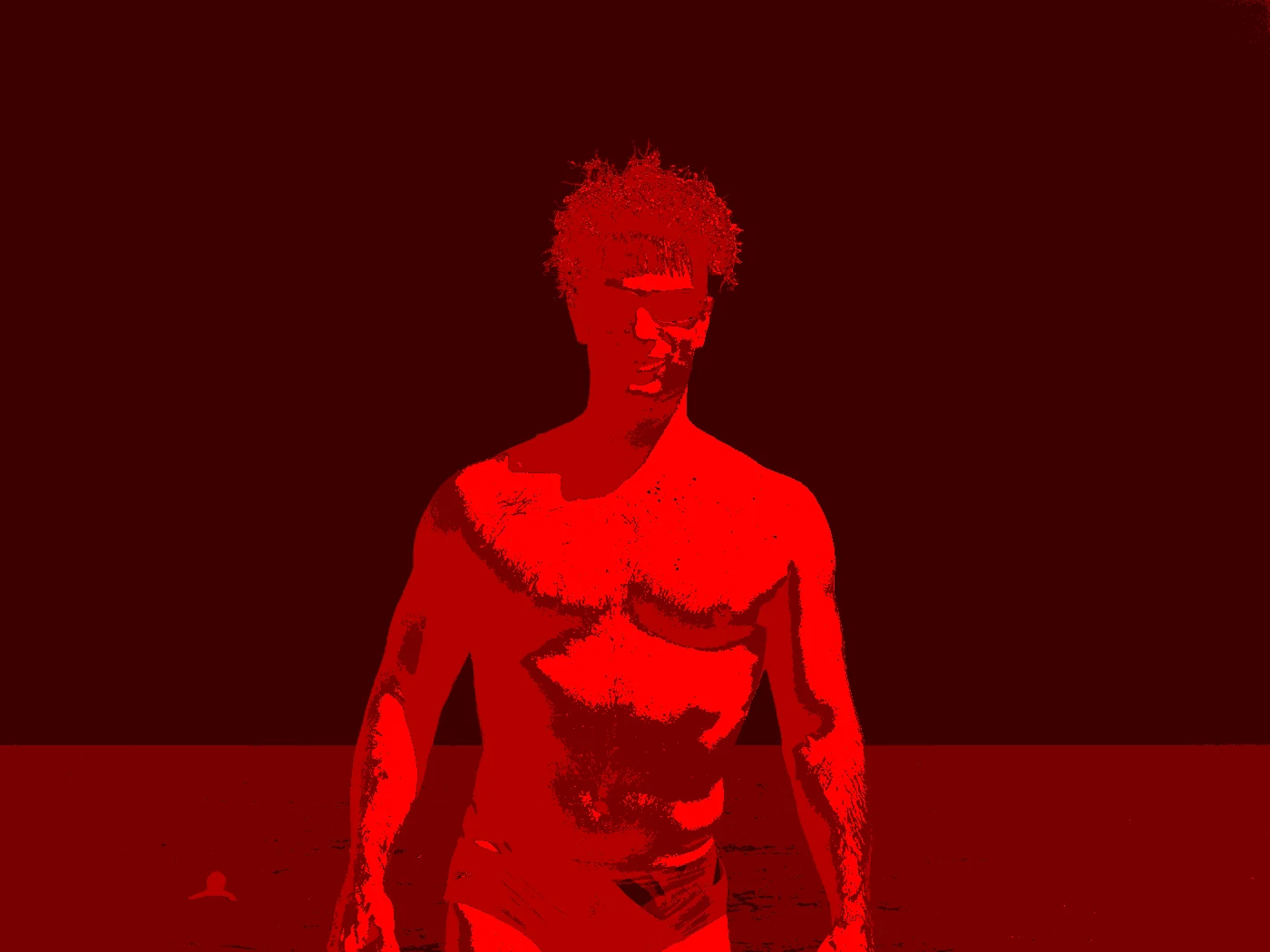 |
Contributing
See CONTRIBUTING.md for setup, checks and the release process, and CHANGELOG.md for what changed in each version.
License
MIT © Julian Henry
1 maintainer

Metadata
1 maintainer
Release files for superwand 0.4.0
For a detailed explanation of source distributions (sdists) and built distributions (wheels), please see the package formats documentation.
Source distribution (sdist)
| File | Size | Uploaded | Provenance | |
|---|---|---|---|---|
| superwand-0.4.0.tar.gz | 392.9 kB | With provenance | Details |
Built distribution (wheel)
| File | Interpreter | ABI | Platform | Reset |
|---|---|---|---|---|
| superwand-0.4.0-py3-none-any.whl | Python 3 | none | any | Details |
Total release size: 466.1 kB
Release files / superwand-0.4.0.tar.gz
| Download URL | superwand-0.4.0.tar.gz |
|---|---|
| Size | 392.9 kB |
| Tags | Source |
|
SHA-256 checksum How to use checksums |
45ea6ba775f63bbd2e78b34e88f8563e99d2a07fc38301183f7408a283e695e1
|
|
BLAKE2b-256 checksum How to use checksums |
f8dcbdd2ce3c7319202f6e5b30b303fe3af95a0638b3535c824f9b868987da57
|
| Upload date | |
|
Uploaded using Trusted Publishing? What is trusted publishing? |
Yes |
| Uploaded via |
twine/7.0.0 CPython/3.13.14
|
Provenance
Provenance describes where a file came from. On PyPI, provenance is shared via attestations, which provide a verifiable record of the build or publishing details. View details, limitations and caveats.


PyPI Publish Attestation
PyPI verified that this artifact, at this checksum, originated from the publisher listed below.
Signed by GitHub Actions, verified by PyPI on Oct 14, 2026.
Transparency logRelease files / superwand-0.4.0-py3-none-any.whl
| Download URL | superwand-0.4.0-py3-none-any.whl |
|---|---|
| Size | 73.3 kB |
| Tags | Python 3 |
|
SHA-256 checksum How to use checksums |
98a1f3802ed897a51d594e9f6ce5a1901d4aeb04fc76429bbc7aa146797a7e96
|
|
BLAKE2b-256 checksum How to use checksums |
e5fd5d2797200767b619a32cd9453d337c2ab92557822e5207364d6637093d1b
|
| Upload date | |
|
Uploaded using Trusted Publishing? What is trusted publishing? |
Yes |
| Uploaded via |
twine/7.0.0 CPython/3.13.14
|
Provenance
Provenance describes where a file came from. On PyPI, provenance is shared via attestations, which provide a verifiable record of the build or publishing details. View details, limitations and caveats.
PyPI Publish Attestation
PyPI verified that this artifact, at this checksum, originated from the publisher listed below.
Signed by GitHub Actions, verified by PyPI on Oct 14, 2026.
Transparency logSecurity for superwand 0.4.0
Provenance
Provenance describes where a file came from. On PyPI, provenance is shared via attestations, which provide a verifiable record of the build or publishing details. View details, limitations and caveats.
Full provenance
All 2 files in this release have been uploaded with provenance metadata.
Attestation for superwand-0.4.0.tar.gz
PyPI Publish Attestation
PyPI verified that this artifact, at this checksum, originated from the publisher listed below.
Signed by GitHub Actions, verified by PyPI on Oct 14, 2026.
Transparency logA note on package security
PyPI is a repository for distributing packages, not a service for auditing them. While third-party security researchers and our staff do their best to detect and remove malicious packages, PyPI cannot guarantee the quality, security or suitability of any given package.
To learn more about protecting yourself from malicious actors, visit our package security documentation.














