
Transformer Lab CLI


Project description
Transformer Lab CLI
Install
uv tool install transformerlab-cli
Usage
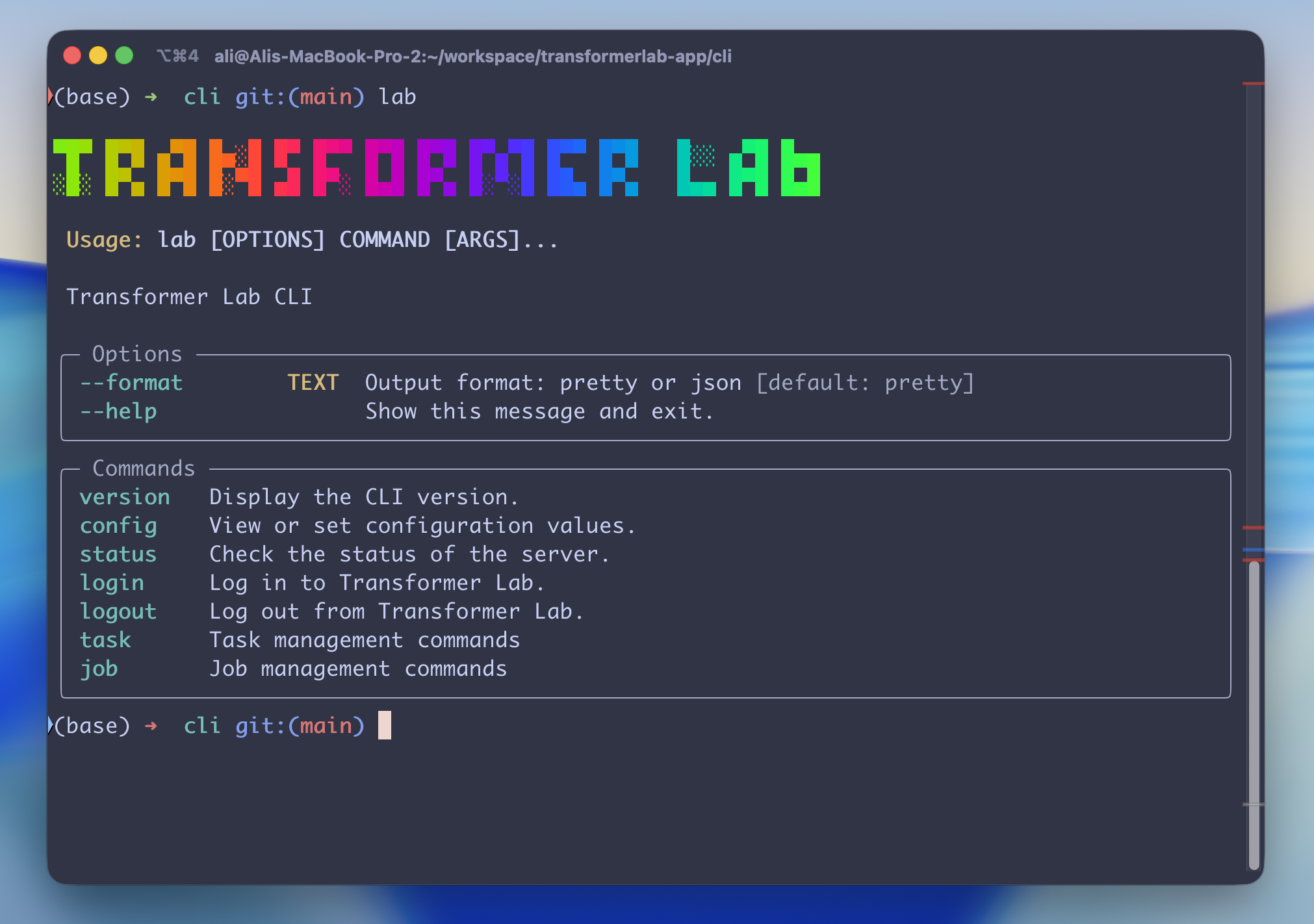
 Usage: lab [OPTIONS] COMMAND [ARGS]...

 Transformer Lab CLI

╭─ Options ────────────────────────────────────────────────────────────────────╮
│ --format        TEXT  Output format: pretty or json [default: pretty]        │
│ --help                Show this message and exit.                            │
╰──────────────────────────────────────────────────────────────────────────────╯
╭─ Commands ───────────────────────────────────────────────────────────────────╮
│ version   Display the CLI version.                                           │
│ config    View or set configuration values.                                  │
│ status    Check the status of the server.                                    │
│ login     Log in to Transformer Lab.                                         │
│ logout    Log out from Transformer Lab.                                      │
│ task      Task management commands                                           │
│ job       Job management commands                                            │
╰──────────────────────────────────────────────────────────────────────────────╯
Command Reference
For a full list of all commands with detailed options and example usage, see COMMANDS.md.
Development
Run (DEV)
uv run src/transformerlab_cli/main.py
Build Locally
uv tool install .
or rebuild with:
uv tool install . --force --reinstall
Adds a lab command to your terminal.
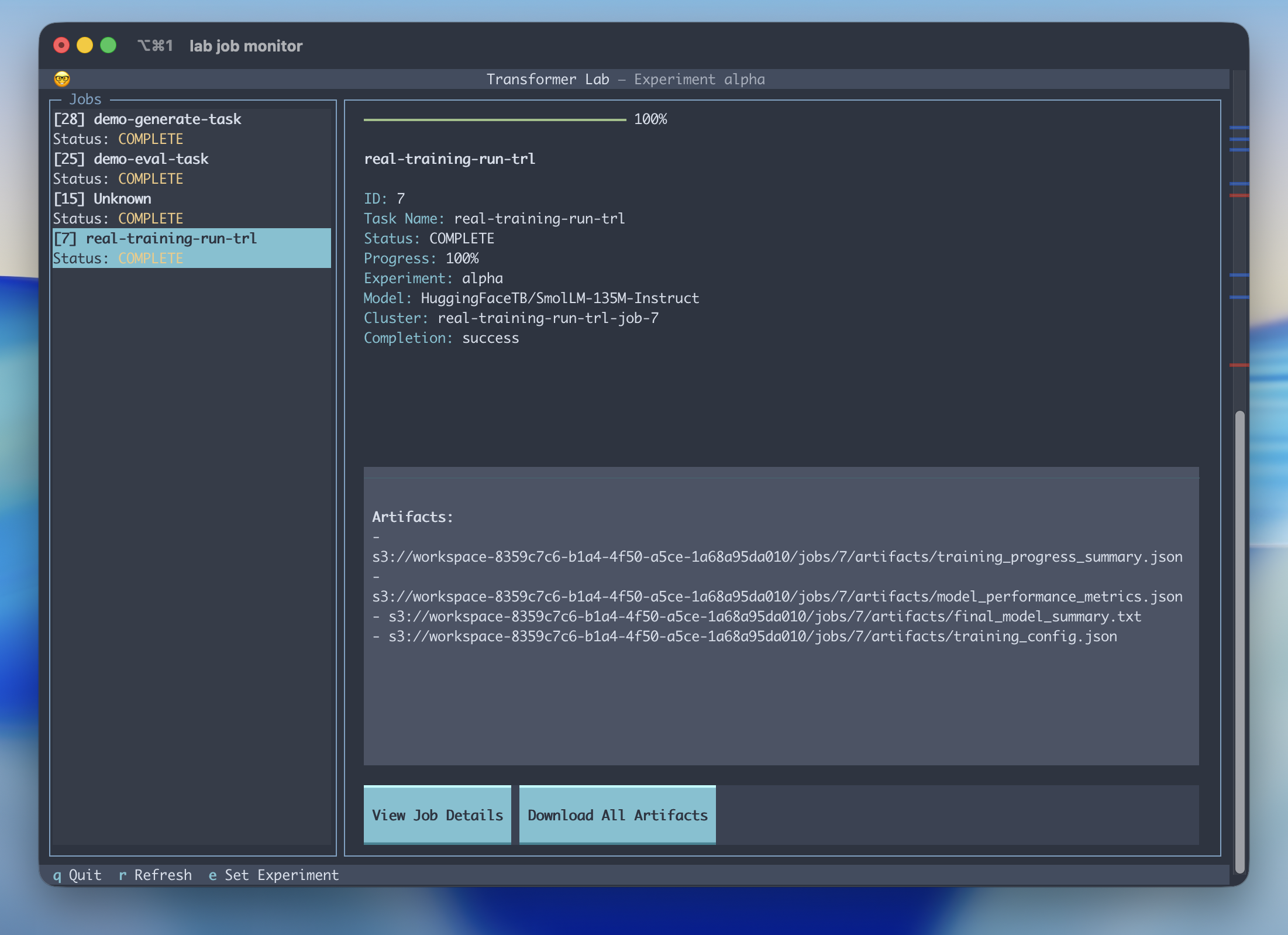
Debug the Job Monitor
pip install -e .
uv run textual run --dev src/transformerlab_cli/commands/job_monitor/job_monitor.py
and then in another window:
textual console -x SYSTEM -x EVENT -x INFO
Run Textual in Browser
uv run textual serve src/transformerlab_cli/commands/job_monitor/job_monitor.py
Release history Release notifications | RSS feed


Download files
Download the file for your platform. If you're not sure which to choose, learn more about installing packages.
Source Distribution
transformerlab_cli-0.0.6.tar.gz
(53.1 kB
view details)
Built Distribution
Filter files by name, interpreter, ABI, and platform.
If you're not sure about the file name format, learn more about wheel file names.
Copy a direct link to the current filters
File details
Details for the file transformerlab_cli-0.0.6.tar.gz.
File metadata
- Download URL: transformerlab_cli-0.0.6.tar.gz
- Upload date:
- Size: 53.1 kB
- Tags: Source
- Uploaded using Trusted Publishing? No
- Uploaded via: twine/6.1.0 CPython/3.13.7
File hashes
| Algorithm | Hash digest | |
|---|---|---|
| SHA256 |
67739141419d3d6d63506b68de66b812fe09f6b10d40da9408ff1b2bf687c75b
|
|
| MD5 |
651b3ba0b61dc1486e750974b3943873
|
|
| BLAKE2b-256 |
a2dd5172bff0dbcbe3fcbfb55d24b7a7af994fbd19ca05c4e07925abe320a7d3
|
File details
Details for the file transformerlab_cli-0.0.6-py3-none-any.whl.
File metadata
- Download URL: transformerlab_cli-0.0.6-py3-none-any.whl
- Upload date:
- Size: 66.8 kB
- Tags: Python 3
- Uploaded using Trusted Publishing? No
- Uploaded via: twine/6.1.0 CPython/3.13.7
File hashes
| Algorithm | Hash digest | |
|---|---|---|
| SHA256 |
26f1b3855d4d9a350447b19d2b086e727009d065390cb029f536eb67e893e1c7
|
|
| MD5 |
1feb96b11eb640adb702ebbea144dd73
|
|
| BLAKE2b-256 |
16a8dee995e10722b03df99da81dcc30a3b978f3ebe8b552634100463e00b675
|






