
SkynetAccessibility Scanner
Overview
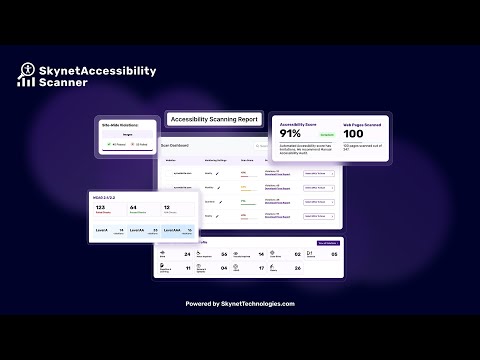
SkynetAccessibility Scanner is a powerful Wagtail accessibility testing and scanning module designed to help organizations identify, monitor, and fix accessibility issues across their websites. It enables businesses, agencies, and government organizations to maintain compliance with global accessibility standards while improving user experience for all visitors.
Built for Wagtail, this module provides automated scanning, detailed reporting, and continuous monitoring - making accessibility management simple and scalable.
Why use Automated Wagtail accessibility monitoring plugin - SkynetAccessibility Scanner?
Accessibility is not a one-time task. With evolving standards and legal requirements, websites require continuous monitoring and improvements. This module helps you:
- Detect accessibility issues automatically
- Track compliance across multiple pages
- Prioritize fixes with actionable recommendations
- Maintain long-term accessibility compliance
It acts as both an accessibility checker and compliance testing tool, helping teams proactively manage accessibility risks.
Features
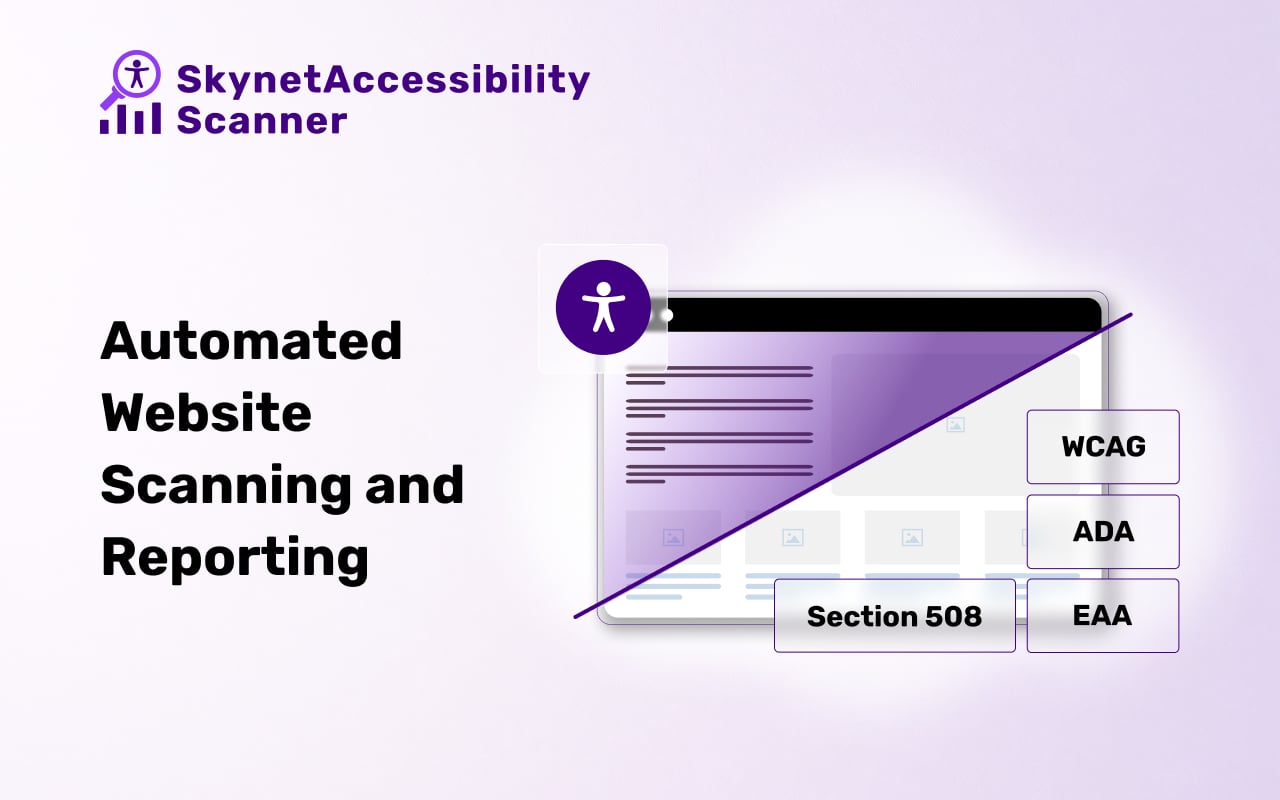
- Automated Accessibility Scanning.
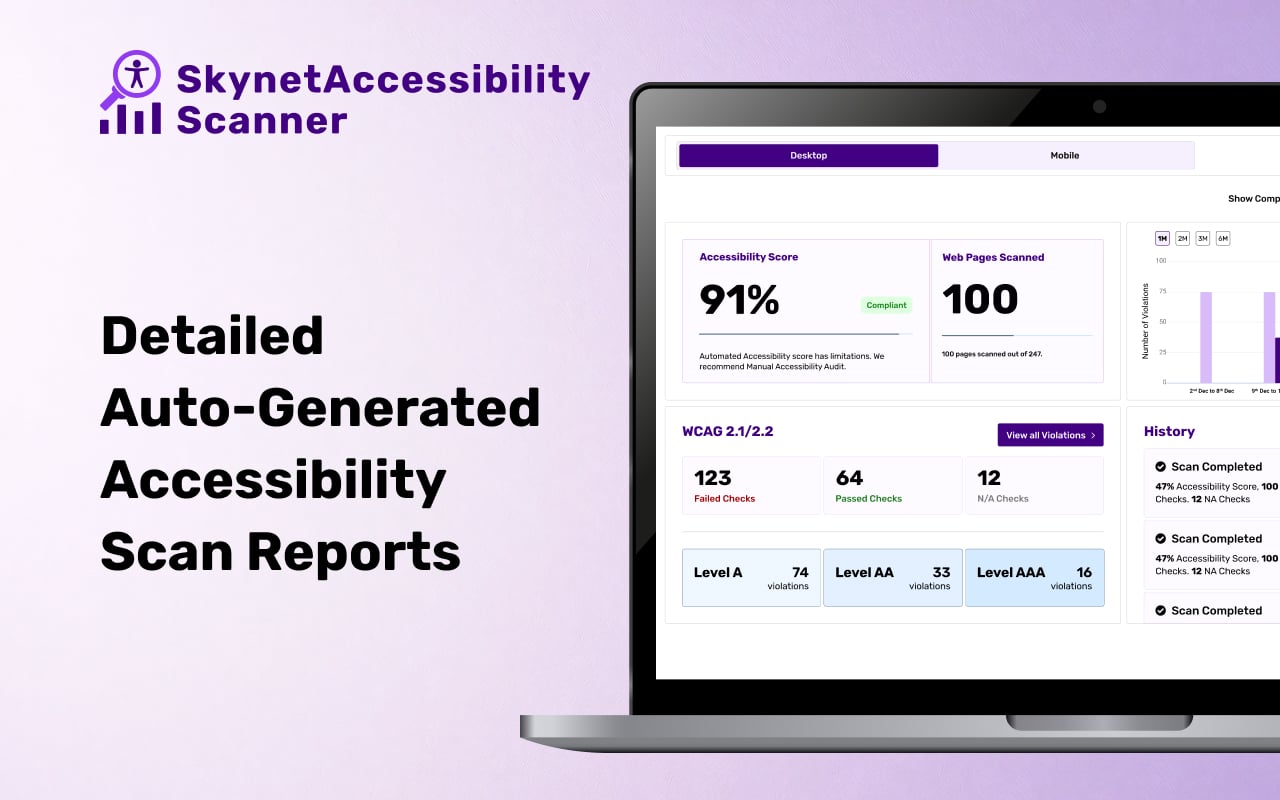
- Detailed Automated generated reports with severity levels, issues descriptions, and clear remediation guidance.
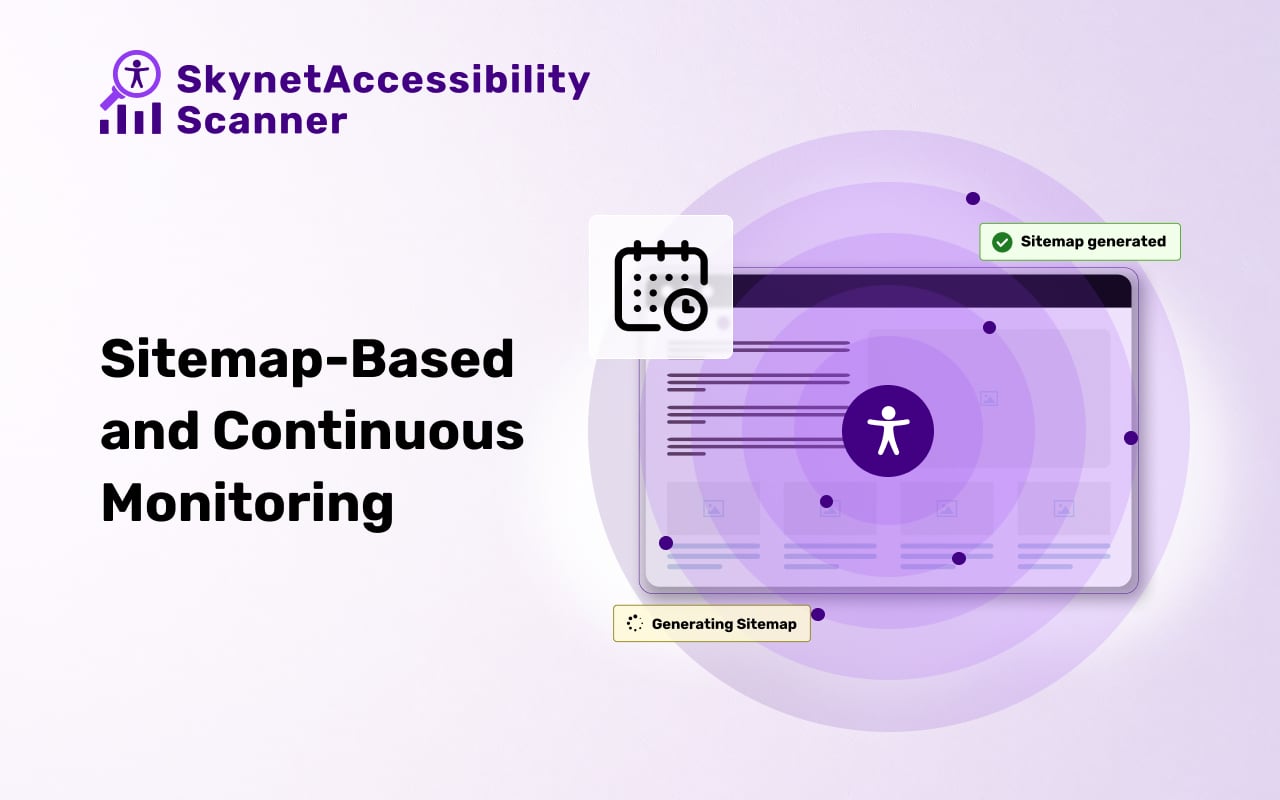
- Sitemap-Based Scanning and Monitoring
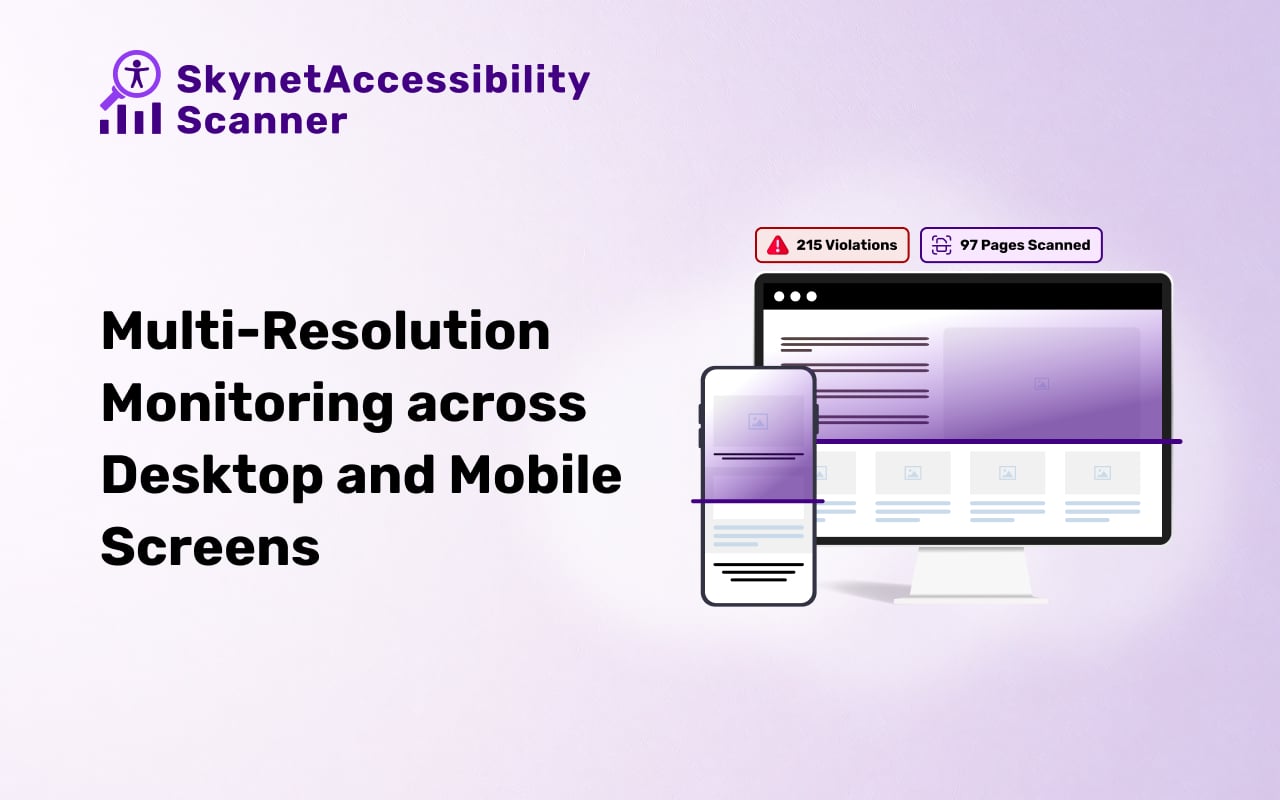
- Multi Resolution Monitoring
- Set up weekly, monthly, or quarterly scheduled ongoing accessibility compliance monitoring
- Supports scanning in 190+ languages, making it ideal for global websites.
- Seamlessly integrates with the All in One Accessibility dashboard for centralized management.
Supported Global Accessibility Compliance Standards
- WCAG 2.0, 2.1, 2.2
- ADA
- Section 508
- EAA EN 301 549 (EU)
- UK Equality Act
- Australian DDA
- Canada ACA
- Ontario AODA
- California Unruh
- Israeli Standard 5568
- Germany BITV 2.0
- France RGAA
- Spain UNE 139803
- Italy Stanca Act
- Indian RPD Act
- GIGW 3.0
- Brazilian Inclusion law LBI 13.146/2015
- Japan JIS X 8341
Key Benefits for Wagtail Users
- Works directly within the Wagtail ecosystem
- Reduces manual accessibility testing efforts
- Helps improve user experience for people with disabilities
- Supports legal and compliance requirements
- Scales across multiple Wagtail websites and projects
Explore the full capabilities of the accessibility monitoring Wagtail module. Flexible plans allow you to evaluate website accessibility requirements.
Pricing
- 10 Days free trial
Single Site
- Small Site (Up to 25 pages): $9 per month
- Medium Site (Up to 250 pages): $19 per month
- Large Site (Up to 1000 pages): $89 per month
- Extra Large Site (Up to 2500 pages): $199 per month
Multi-site
- Silver (3 websites up to 1500 pages): $129 per month
- Gold (5 websites up to 2500 pages): $219 per month
- Platinum (10 websites up to 5000 pages): $399 per month
Paid Add-ons
- Manual Accessibility Audit Report
- Manual Accessibility Remediation
- PDF/Document Accessibility Remediation
- VPAT Report/Accessibility Conformance Report (ACR)
How does Wagtail accessibility scanning and monitoring work?
- Scan Your Website – Run automated scans to detect accessibility issues with our Accessibility Testing Tool.
- Review Reports – Access prioritized issue lists with remediation recommendations.
- Monitor & Maintain – Keep your website accessible with ongoing monitoring using the Accessibility Scanning Monitoring Application.
Getting Started with SkynetAccessibility Scanner
- Visit WCAG Accessibility Scanning and Monitoring
- Request a demo or sign up for a free trial to explore accessibility scanning features.
- Configure your website domain from the scanner dashboard.
- Start monitoring WCAG compliance, track accessibility issues, and download detailed audit reports.
Prerequisites
- Python: 3.10 or higher
- Django: 4.0 or higher
- Wagtail: 4.0 or higher
Installation
-
Install the plugin:
pip install wagtail_skynetaccessibility_scanner
-
Add it to
INSTALLED_APPSinsettings.py:INSTALLED_APPS = [ # ... your existing apps ... 'wagtail_skynetaccessibility_scanner', ]
-
Run migrations:
python manage.py migrate
That's it. Once migrations complete, a default settings record is created automatically and SkynetAccessibility Scanner appears in the Wagtail Admin sidebar — no manual configuration needed to get started.
No URL or template configuration needed. The module registers its own admin page automatically through Wagtail's hook system as soon as it's in
INSTALLED_APPS— do not add a route for it in your project'surls.py. Adding one manually creates a duplicate, unauthenticated copy of the dashboard outside Wagtail's admin login wall and can break the sidebar link. Likewise, nocontext_processorsentry is required.
To deactivate: remove 'wagtail_skynetaccessibility_scanner' from INSTALLED_APPS and re-run python manage.py migrate.
Configuration
After installation, open the Wagtail Admin sidebar and select SkynetAccessibility Scanner to set up your domain and scan preferences from the dashboard.
CORS Policy Configuration
To avoid CORS policy issues, ensure the following URL is allowed in your website's CORS configuration or trusted domains list.
| Domain | Description | Usage |
|---|---|---|
https://skynetaccessibilityscan.com |
Skynet Accessibility Scan (Global Domain) | API access and resources |
If you use django-cors-headers, add:
CORS_ALLOWED_ORIGINS = [
    # ... your existing origins ...
    "https://skynetaccessibilityscan.com",
]
Instructions
- Update your server's CORS configuration to include this domain.
- Ensure wildcard subdomains (
*) are supported where necessary. - Verify the application functionality by testing requests to this domain.
- If issues persist, consult the documentation for CORS configuration guidance.
Known Issues / Before You Deploy
- Static asset paths on non-default storage: the scanner's plan-tier icons are served from a hardcoded
/static/...path and can fail to load (404) on sites that serve static files from S3, a CDN, or anySTATIC_URLother than Django's default/static/. If your icons don't appear, check your browser console for 404s onimg/assets/*.svgand verify your static file routing. - Do not manually add a
urls.pyroute or aTEMPLATEScontext processor entry for this app — see the note under Installation above.
Screenshots
Video
Submit a Support Request
Please visit our support page and fill out the form. Our team will get back to you as soon as possible.
Send Us an Email
Alternatively, you can send an email to our support team: hello@skynettechnologies.com
Accessibility Partnership Opportunities
Accessibility Agency Partnership
Partner with us as an agency to provide comprehensive accessibility solutions to your existing clients. Get access to exclusive resources, training, and support to help you implement and manage accessibility features effectively.
Accessibility Affiliate Partnership
Join our affiliate program and earn hefty commissions by promoting SkynetAccessibility Scanner. Share our accessibility solution within your network and help businesses improve their website accessibility while generating additional revenue.
For more details, please visit Accessibility Partnership Opportunities Page.
Credits
This Accessibility Scanning Monitoring Application is developed and maintained by Skynet Technologies USA LLC
1 maintainer

Metadata
1 maintainer
Release files for wagtail-skynetaccessibility-scanner 1.1.0
For a detailed explanation of source distributions (sdists) and built distributions (wheels), please see the package formats documentation.
Source distribution (sdist)
| File | Size | Uploaded | |
|---|---|---|---|
| wagtail_skynetaccessibility_scanner-1.1.0.tar.gz | 1.0 MB | Details |
Built distribution (wheel)
| File | Interpreter | ABI | Platform | Reset |
|---|---|---|---|---|
| wagtail_skynetaccessibility_scanner-1.1.0-py3-none-any.whl | Python 3 | none | any | Details |
Total release size: 2.0 MB
Release files / wagtail_skynetaccessibility_scanner-1.1.0.tar.gz
| Download URL | wagtail_skynetaccessibility_scanner-1.1.0.tar.gz |
|---|---|
| Size | 1.0 MB |
| Tags | Source |
|
SHA-256 checksum How to use checksums |
e218bc62796e080d1f36f859d7dc0d12c87b91be1fb20c8ffd3293ef3c14e2f6
|
|
BLAKE2b-256 checksum How to use checksums |
4b3e31521925e52ff8a735056456f9601fc2cac804b69c16c38db080d00e357b
|
| Upload date | |
|
Uploaded using Trusted Publishing? What is trusted publishing? |
No |
| Uploaded via |
twine/6.2.0 CPython/3.13.12
|
Release files / wagtail_skynetaccessibility_scanner-1.1.0-py3-none-any.whl
| Download URL | wagtail_skynetaccessibility_scanner-1.1.0-py3-none-any.whl |
|---|---|
| Size | 998.6 kB |
| Tags | Python 3 |
|
SHA-256 checksum How to use checksums |
9d3282a4637d4426c8c1c704086b811a0e647e853684b92b115e3d2b0568e5f1
|
|
BLAKE2b-256 checksum How to use checksums |
d6efde25e5dd1c365a90b274c6855cc36ba14f98376794efcc98b250ec7b1e16
|
| Upload date | |
|
Uploaded using Trusted Publishing? What is trusted publishing? |
No |
| Uploaded via |
twine/6.2.0 CPython/3.13.12
|














