
A Python framework for high-performance simulation and graphics programming


Project description






NVIDIA Warp
Warp is a Python framework for GPU-accelerated simulation, robotics, and machine learning. Warp takes regular Python functions and JIT compiles them to efficient kernel code that can run on the CPU or GPU.
Warp comes with a rich set of primitives for physics simulation, robotics, geometry processing, and more. Warp kernels are differentiable and can be used as part of machine-learning pipelines with frameworks such as PyTorch, JAX and Paddle.
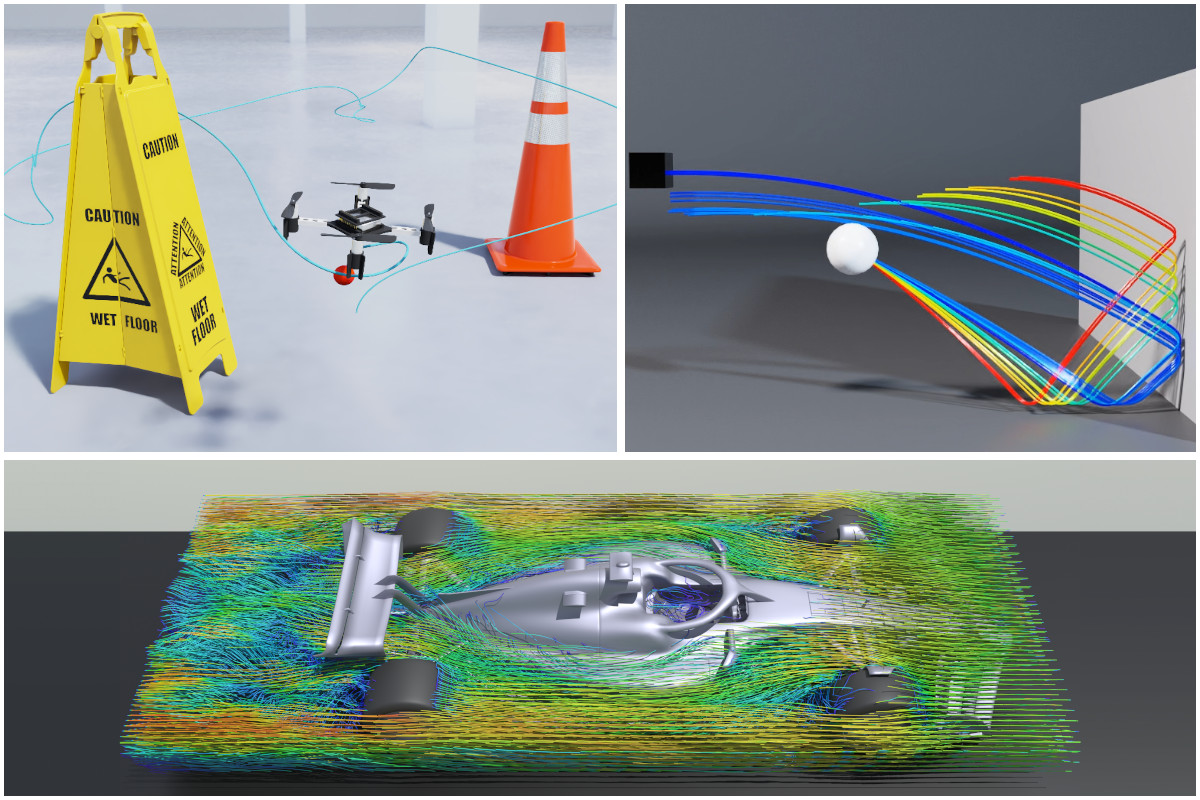
A selection of physical simulations computed with Warp
Quick Start
Simulate one million particles under gravitational attraction, in 20 lines:
import warp as wp
import numpy as np

num_particles = 1_000_000
dt = 0.01

@wp.kernel
def gravity_step(pos: wp.array[wp.vec3], vel: wp.array[wp.vec3]):
    i = wp.tid()
    position = pos[i]
    dist_sq = wp.length_sq(position) + 0.01  # softened distance
    acc = -1000.0 / dist_sq * wp.normalize(position)  # gravitational pull toward origin
    vel[i] = vel[i] + acc * dt
    pos[i] = pos[i] + vel[i] * dt

rng = np.random.default_rng(42)
positions = wp.array(rng.normal(size=(num_particles, 3)), dtype=wp.vec3)
velocities = wp.array(rng.normal(size=(num_particles, 3)), dtype=wp.vec3)

for _ in range(100):
    wp.launch(gravity_step, dim=num_particles, inputs=[positions, velocities])

print(positions.numpy())
Installing
Python version 3.9 or newer is required. Warp can run on x86-64 and ARMv8 CPUs on Windows and Linux, and on Apple Silicon (ARMv8) on macOS. GPU support requires a CUDA-capable NVIDIA GPU and driver (minimum GeForce GTX 9xx).
The easiest way to install Warp is from PyPI:
pip install warp-lang
You can also use pip install warp-lang[examples] to install additional dependencies for running examples and USD-related features.
For nightly builds, conda, CUDA 13 builds, building from source, and CUDA driver requirements, see the Installation Guide.
Tutorial Notebooks
The NVIDIA Accelerated Computing Hub contains the current, actively maintained set of Warp tutorials:
| Notebook | Colab Link |
|---|---|
| Introduction to NVIDIA Warp |  |
| GPU-Accelerated Ising Model Simulation in NVIDIA Warp | |
Additionally, several notebooks in the notebooks directory provide additional examples and cover key Warp features:
Running Examples
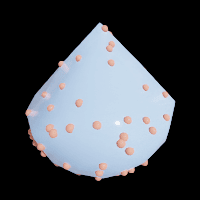
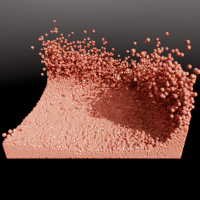
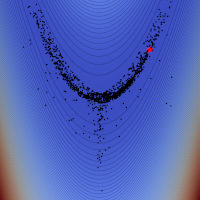
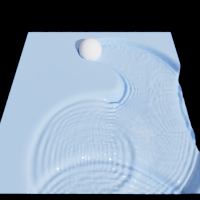
The warp/examples directory contains examples covering physics simulation, geometry processing, optimization, and tile-based GPU programming. Before running examples, install the optional example dependencies using:
pip install warp-lang[examples]
On Linux aarch64 systems (e.g., NVIDIA DGX Spark), the [examples] extra automatically installs
usd-exchange instead of usd-core as a drop-in replacement,
since usd-core wheels are not available for that platform.
Examples can be run from the command-line as follows:
python -m warp.examples.<example_subdir>.<example>
Most examples can be run on either the CPU or a CUDA-capable device, but a handful require a CUDA-capable device. These are marked at the top of the example script. Some examples generate USD files containing time-sampled animations in the current working directory. These can be viewed in Pixar's UsdView, Blender, or any USD-compatible viewer.
To browse the example source code, you can open the directory where the files are located like this:
python -m warp.examples.browse
warp/examples/core
 |
 |
 |
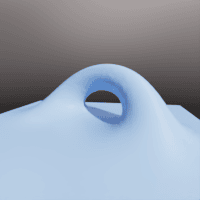 |
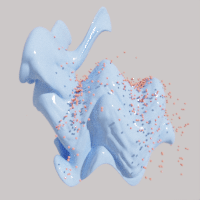
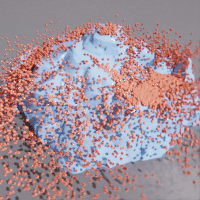
| dem | fluid | graph capture | marching cubes |
 |
 |
 |
 |
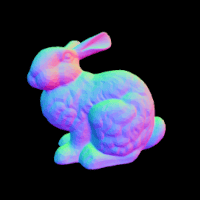
| mesh | nvdb | raycast | raymarch |
 |
 |
 |
 |
| sample mesh | sph | torch | wave |
 |
|||
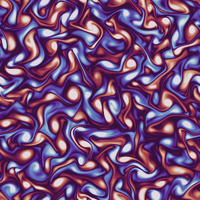
| 2-D incompressible turbulence in a periodic box |
warp/examples/fem
 |
 |
 |
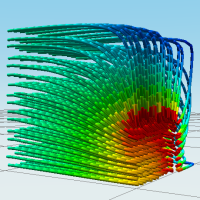 |
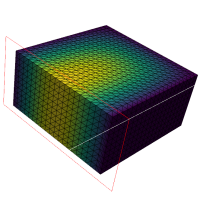
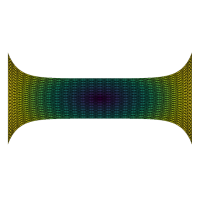
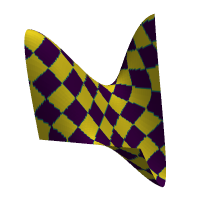
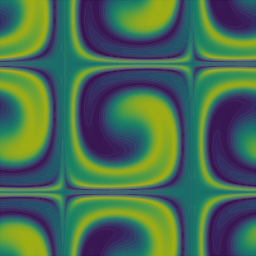
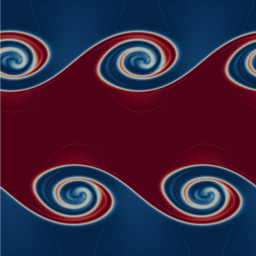
| diffusion 3d | mixed elasticity | apic fluid | streamlines |
 |
 |
 |
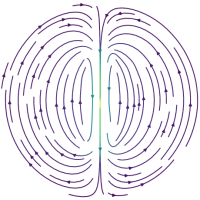 |
| distortion energy | taylor green | kelvin helmholtz | magnetostatics |
 |
 |
 |
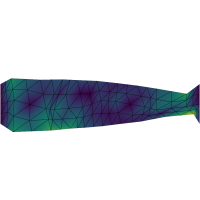 |
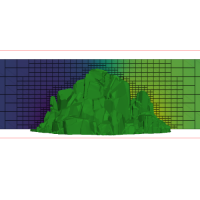
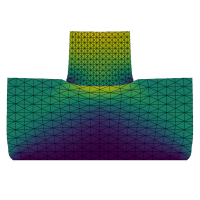
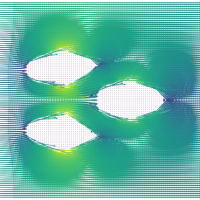
| adaptive grid | nonconforming contact | darcy level-set optimization | elastic shape optimization |
warp/examples/optim
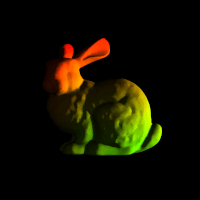 |
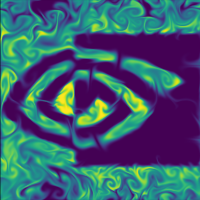 |
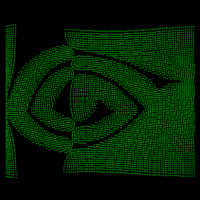 |
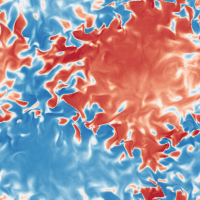 |
| diffray | fluid checkpoint | particle repulsion | navier-stokes perturbation |
warp/examples/tile
 |
 |
 |
|
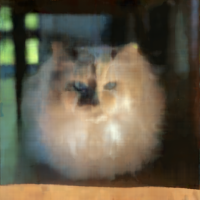
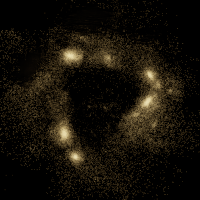
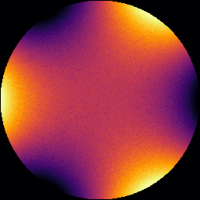
| mlp | nbody | mcgp |
Learn More
Please see the following resources for additional background on Warp:
- Product Page
- SIGGRAPH 2024 Course Slides
- GTC 2024 Presentation
- GTC 2022 Presentation
- GTC 2021 Presentation
- SIGGRAPH Asia 2021 Differentiable Simulation Course
Support
See the FAQ for common questions.
Problems, questions, and feature requests can be opened on GitHub Issues.
For inquiries not suited for GitHub Issues, please email warp-python@nvidia.com.
Contributing
Contributions and pull requests from the community are welcome. Please see the Contribution Guide for more information on contributing to the development of Warp.
License
Warp is provided under the Apache License, Version 2.0. Please see LICENSE.md for full license text.
This project will download and install additional third-party open source software projects. Review the license terms of these open source projects before use.
Publications & Citation
Research Using Warp
Our PUBLICATIONS.md file lists academic and research publications that leverage the capabilities of Warp. We encourage you to add your own published work using Warp to this list.
Citing Warp
If you use Warp in your research, please use the "Cite this repository" button on the GitHub repository page or refer to the CITATION.cff file for citation information.
Release history Release notifications | RSS feed


Download files
Download the file for your platform. If you're not sure which to choose, learn more about installing packages.
Source Distributions
Built Distributions
Filter files by name, interpreter, ABI, and platform.
If you're not sure about the file name format, learn more about wheel file names.
Copy a direct link to the current filters
File details
Details for the file warp_lang-1.12.1-py3-none-win_amd64.whl.
File metadata
- Download URL: warp_lang-1.12.1-py3-none-win_amd64.whl
- Upload date:
- Size: 119.7 MB
- Tags: Python 3, Windows x86-64
- Uploaded using Trusted Publishing? No
- Uploaded via: twine/6.2.0 CPython/3.14.3
File hashes
| Algorithm | Hash digest | |
|---|---|---|
| SHA256 |
826b2f93df8e47eac0c751a8eb5a0533e2fc5434158c8896a63be53bfbd728c7
|
|
| MD5 |
2a8e404cce008972bf57c3424d7dd9df
|
|
| BLAKE2b-256 |
4bcdefe4f259b707368f396a70b6567d0bf270e56db03d2142c0142d52acb656
|
File details
Details for the file warp_lang-1.12.1-py3-none-manylinux_2_34_aarch64.whl.
File metadata
- Download URL: warp_lang-1.12.1-py3-none-manylinux_2_34_aarch64.whl
- Upload date:
- Size: 137.7 MB
- Tags: Python 3, manylinux: glibc 2.34+ ARM64
- Uploaded using Trusted Publishing? No
- Uploaded via: twine/6.2.0 CPython/3.14.3
File hashes
| Algorithm | Hash digest | |
|---|---|---|
| SHA256 |
af6d680e79c1be6e46ddf80ecaa358f222804f882f4683260a7b4abd80a0981b
|
|
| MD5 |
66f7e6bea89a5352d486d68f846c099e
|
|
| BLAKE2b-256 |
c7751af98a828a2b132a7a14515cdb050876c403349c7761730584f9f0a637a5
|
File details
Details for the file warp_lang-1.12.1-py3-none-manylinux_2_28_x86_64.whl.
File metadata
- Download URL: warp_lang-1.12.1-py3-none-manylinux_2_28_x86_64.whl
- Upload date:
- Size: 136.4 MB
- Tags: Python 3, manylinux: glibc 2.28+ x86-64
- Uploaded using Trusted Publishing? No
- Uploaded via: twine/6.2.0 CPython/3.14.3
File hashes
| Algorithm | Hash digest | |
|---|---|---|
| SHA256 |
6bf01f10509488ba8eacaf4ec7fcf7cfbd503118b22e002ecba407b40a17424e
|
|
| MD5 |
1d109ca6b6a2c3ee160a09786a1bb3cb
|
|
| BLAKE2b-256 |
5279c30d6f57c98cc5bb850eb0bd0fce2405abb79a368ed5ef65ebb2b0c58dc0
|
File details
Details for the file warp_lang-1.12.1-py3-none-macosx_11_0_arm64.whl.
File metadata
- Download URL: warp_lang-1.12.1-py3-none-macosx_11_0_arm64.whl
- Upload date:
- Size: 24.1 MB
- Tags: Python 3, macOS 11.0+ ARM64
- Uploaded using Trusted Publishing? No
- Uploaded via: twine/6.2.0 CPython/3.14.3
File hashes
| Algorithm | Hash digest | |
|---|---|---|
| SHA256 |
98df3533a6c40a33cce961f8efa991006b30c9d286356e4cd77ea8ce86928f1d
|
|
| MD5 |
e7064213bf063dd02e7d0a53491d79fb
|
|
| BLAKE2b-256 |
261d2193d186fc5f9766d8db17b64fad55b97405f1e35f9190623d8d95971519
|






