

wizolt
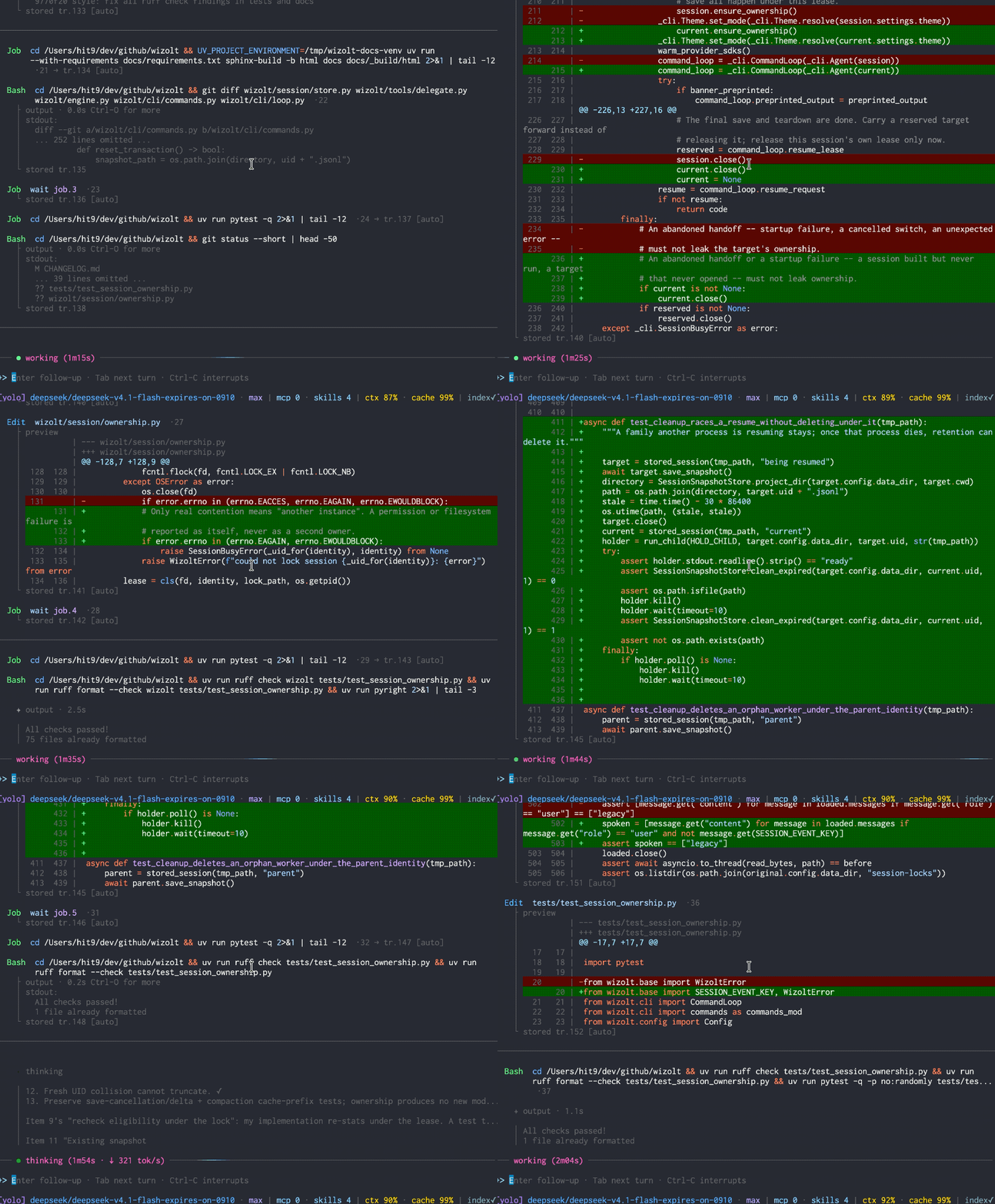
A terminal coding agent I use, maintain, and customize, shipped as a self-contained Python package.
Safety
Use at your own risk. wizolt can edit files and run shell commands in the environment where it starts. It does not provide sandbox isolation; use a container or VM when needed.
What it is
wizolt does not introduce a new kind of coding agent. It combines familiar features — reading and editing files, running commands, follow-ups, sessions, diffs, MCP, and skills — into a tool I use personally.
It works on real repositories, including its own: I use wizolt to build and maintain wizolt. Everything ships in one self-contained Python package, so I can change the behavior directly whenever I want the workflow to work differently.
Wizolt is the former minacode, which began as the single-file nanocode. The implementation outgrew both earlier names; the project history remains continuous.
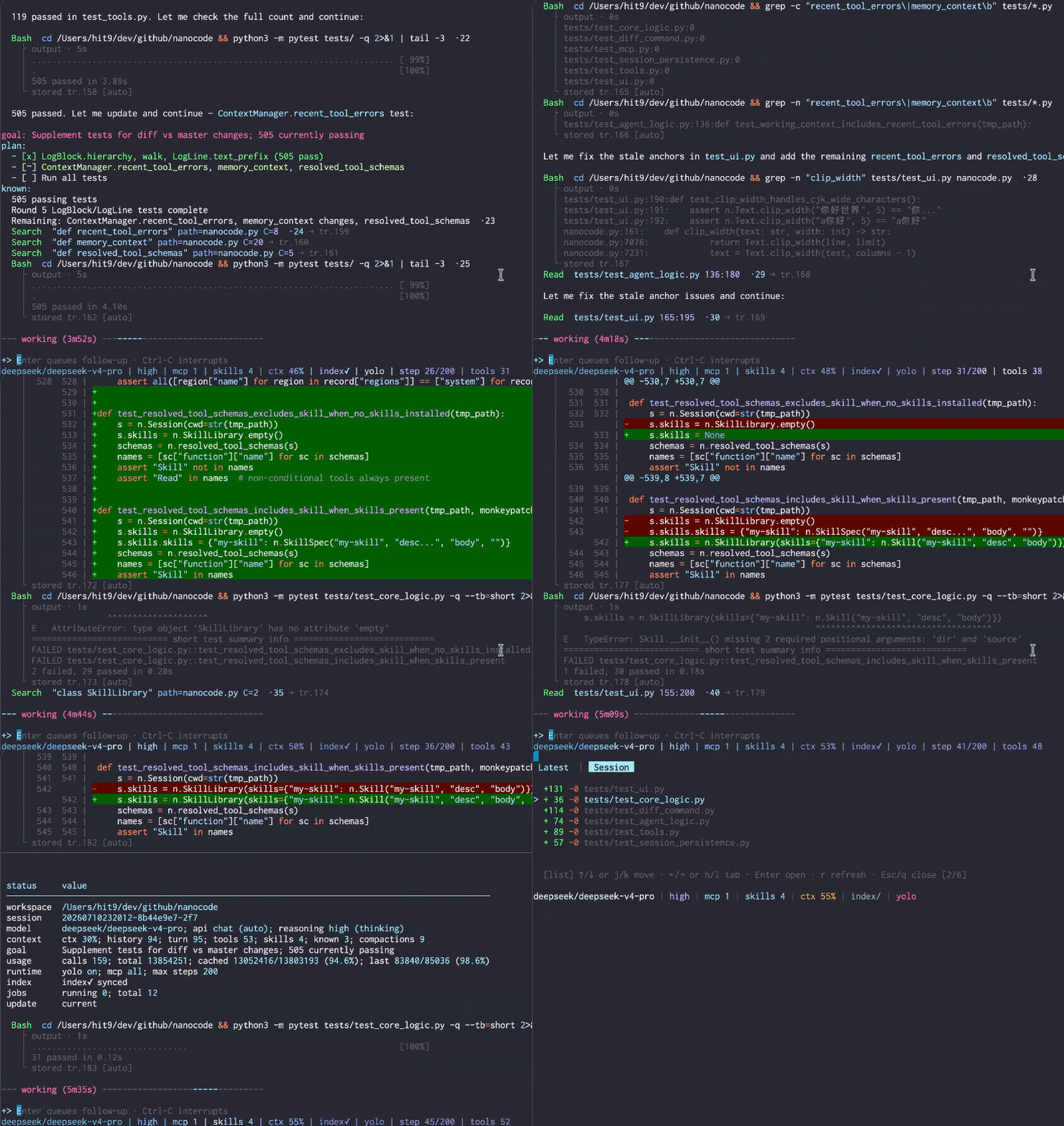
Resuming a saved session with its conversation and tool history.
Highlights
- Prompt caching: stable request prefixes help supported providers reuse earlier work, including during compaction. Check reported cache usage with
/status. - Continuity for long tasks: automatic compaction carries working notes and recent tool activity forward, with older details available for recall. Resume saved conversation, tool history, and diffs with
-cor--resume. - Code navigation: find definitions, callers, references, and implementations through a searchable code index.
- Precise edits: target a numbered source view or an exact, unique text match. Stale or ambiguous targets are rejected before the edit is applied.
- Review changes in place:
/diffshows both the latest round's changes and the net result of the session, without leaving the terminal. - Steer work as it happens: send a follow-up with
Enter, hold a separate task withTab, or interrupt withCtrl-Conce the draft is empty. - Background commands: let long-running commands continue as jobs, inspect their output, and wait for or stop them when needed.
- Worker delegation: give a bounded task to a worker with its own provider and reusable context. Configure it with
/worker; the agent delegates throughDelegate. - Choose your provider: use OpenAI-compatible Chat Completions or Responses APIs, or Anthropic Messages. Optional provider-side web search shows searches and sources in the transcript.
- MCP and skills: connect external tools through MCP and load reusable Markdown instructions on demand.
Install
Requires macOS or Linux, Python 3.11+, and uv.
uv tool install wizolt
wizolt --init-config
Add your provider to ~/.wizolt/config.toml:
[provider]
active = "default"

[provider.default]
url = "https://api.deepseek.com"
key = "sk-..."
model = "deepseek-flash"
Then run:
wizolt
Upgrade with uv tool upgrade wizolt.
Links
- Documentation — full usage guide and reference.
- Blog post — why and how it was built.
- code-symbol-index — the code index library wizolt uses.
1 maintainer

Metadata
1 maintainer
Release files for wizolt 0.52.0
For a detailed explanation of source distributions (sdists) and built distributions (wheels), please see the package formats documentation.
Source distribution (sdist)
| File | Size | Uploaded | |
|---|---|---|---|
| wizolt-0.52.0.tar.gz | 478.9 kB | Details |
Built distribution (wheel)
| File | Interpreter | ABI | Platform | Reset |
|---|---|---|---|---|
| wizolt-0.52.0-py3-none-any.whl | Python 3 | none | any | Details |
Total release size: 996.9 kB
Release files / wizolt-0.52.0.tar.gz
| Download URL | wizolt-0.52.0.tar.gz |
|---|---|
| Size | 478.9 kB |
| Tags | Source |
|
SHA-256 checksum How to use checksums |
600dd556b8eb43c56649d99d6b3375e4d4d2f0c394953bdbbbec142e64c06972
|
|
BLAKE2b-256 checksum How to use checksums |
0974764e36b1f241eed0bbe94b78e2643c25bb52833402fd7ff2a78994a3a76c
|
| Upload date | |
|
Uploaded using Trusted Publishing? What is trusted publishing? |
No |
| Uploaded via |
uv/0.12.17 {"installer":{"name":"uv","version":"0.12.17","subcommand":["publish"]},"python":null,"implementation":{"name":null,"version":null},"distro":{"name":"Ubuntu","version":"24.04","id":"noble","libc":null},"system":{"name":null,"release":null},"cpu":null,"openssl_version":null,"setuptools_version":null,"rustc_version":null,"ci":null}
|
Release files / wizolt-0.52.0-py3-none-any.whl
| Download URL | wizolt-0.52.0-py3-none-any.whl |
|---|---|
| Size | 518.0 kB |
| Tags | Python 3 |
|
SHA-256 checksum How to use checksums |
d77577d62e1fe36d610531f041a6b0f7c8dfa8aa5f2871a4ab090418427330e7
|
|
BLAKE2b-256 checksum How to use checksums |
50b0edfffc25e374a1448160d0808902f2bdc085aaeed283905daf2125e28c65
|
| Upload date | |
|
Uploaded using Trusted Publishing? What is trusted publishing? |
No |
| Uploaded via |
uv/0.12.17 {"installer":{"name":"uv","version":"0.12.17","subcommand":["publish"]},"python":null,"implementation":{"name":null,"version":null},"distro":{"name":"Ubuntu","version":"24.04","id":"noble","libc":null},"system":{"name":null,"release":null},"cpu":null,"openssl_version":null,"setuptools_version":null,"rustc_version":null,"ci":null}
|














