
XPCS Viewer: A python-based interactive tool to visualize and model XPCS dataset

Project description
Python-based XPCS data analysis and visualization tool.


Features:
G2 correlation analysis with fitting
SAXS 1D/2D visualization
Two-time correlation analysis
Mask Editor with Q-map and Q-binning
HDF5 data support (NeXus format)
GUI Features:
Light/dark theme support with system detection
Session persistence (resume where you left off)
Command palette (Ctrl+Shift+P) for quick access
Toast notifications for status updates
Keyboard shortcut management
Drag-and-drop file handling
Theme-aware plots (PyQtGraph & Matplotlib)
UI notes
Menu-driven header (no quick-access toolbar); all actions live under the menus/shortcuts.
Starts maximized with a rectangular layout and a minimum-size floor to prevent cramped controls.
PySide6 GUI interface with modern theming
Performance optimizations
Installation
Requirements: Python 3.12+
# Basic installation
pip install xpcsviewer

# Complete installation with all features and tools
pip install xpcsviewer[all]

# Install with specific optional dependencies
pip install xpcsviewer[dev]        # Development tools
pip install xpcsviewer[docs]       # Documentation building
pip install xpcsviewer[validation] # Profiling and validation tools
pip install xpcsviewer[performance] # Performance analysis tools
Usage
GUI (Interactive):
# Launch GUI with data path
xpcsviewer-gui /path/to/hdf/data

# Launch from current directory
xpcsviewer-gui

# With debug logging
xpcsviewer-gui --log-level DEBUG
CLI (Batch Processing):
# Show available commands
xpcsviewer --help

# Generate twotime plots for all phi angles at q=0.05
xpcsviewer twotime --input /data --output /results --q 0.05

# Generate high-resolution PDF plots
xpcsviewer twotime -i /data -o /results --phi 45 --dpi 300 --format pdf
Citation
Chu et al., “pyXPCSviewer: an open-source interactive tool for X-ray photon correlation spectroscopy visualization and analysis”, Journal of Synchrotron Radiation, (2022) 29, 1122–1129.
Development
# Clone and install
git clone https://github.com/imewei/XPCSViewer.git
cd XPCSViewer
pip install -e .[dev]

# Run tests
make test

# Build docs
make docs
Data Formats
NeXus HDF5 (APS-8IDI beamline)
SAXS 2D/1D data
G2 correlation functions
Time series data
Testing
make test              # Run tests
make test-unit         # Unit tests
make test-integration  # Integration tests
make coverage          # Coverage report
Documentation
make docs              # Build docs
make docs-autobuild    # Live reload docs
Configuration
Environment variables for customization:
Variable |
Description |
Default |
|---|---|---|
XPCS_LOG_LEVEL |
Logging verbosity (DEBUG, INFO, WARNING, ERROR) |
INFO |
XPCS_CACHE_SIZE_MB |
Maximum cache size in MB |
512 |
XPCS_THEME |
UI theme (light, dark, system) |
system |
Project Structure
xpcsviewer/
├── module/            # Analysis modules
├── fileIO/            # HDF5 I/O
├── simplemask/        # Mask editor & Q-map
├── gui/               # GUI modernization
│   ├── theme/         # Light/dark theming
│   ├── state/         # Session & preferences
│   ├── shortcuts/     # Keyboard shortcuts
│   └── widgets/       # Modern UI widgets
├── plothandler/       # Theme-aware plotting
├── threading/         # Async workers
├── utils/             # Utilities
└── xpcs_file.py       # Core data class
Analysis Features
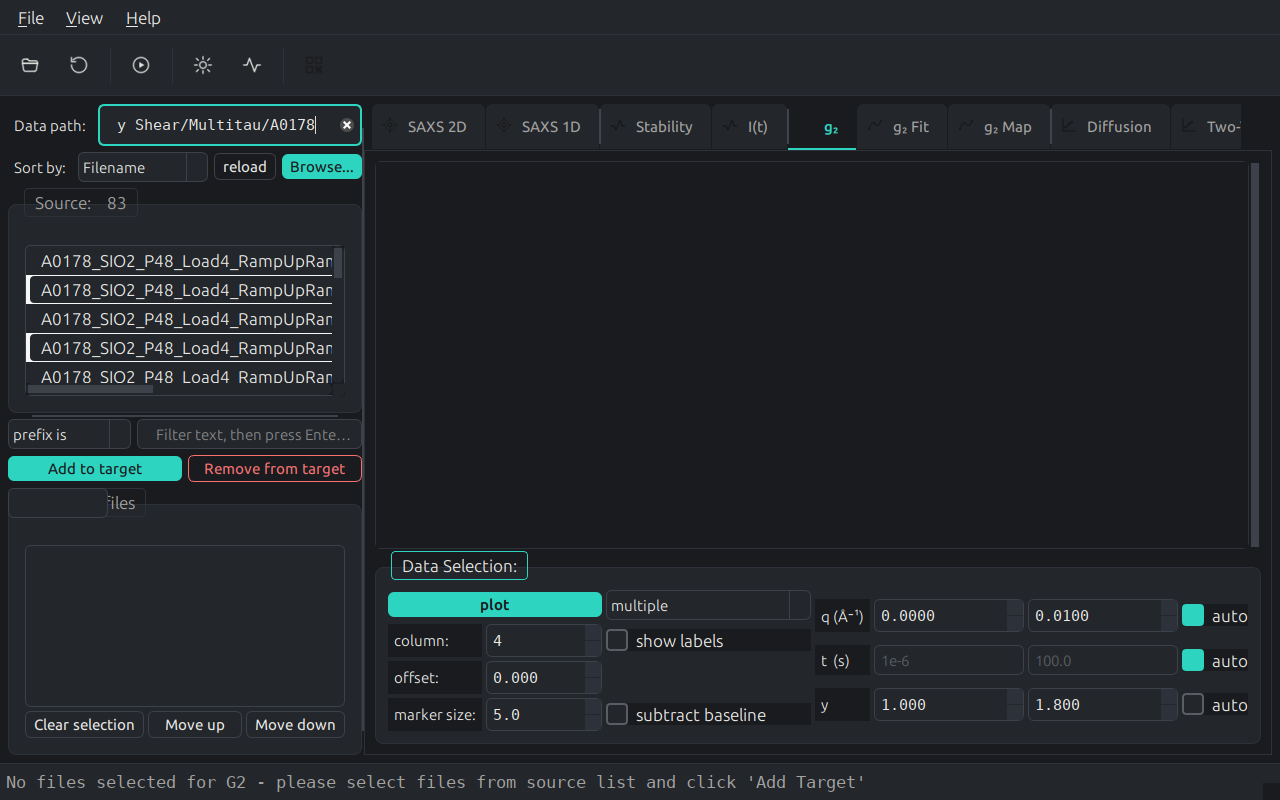
Multi-tau G2 correlation with fitting
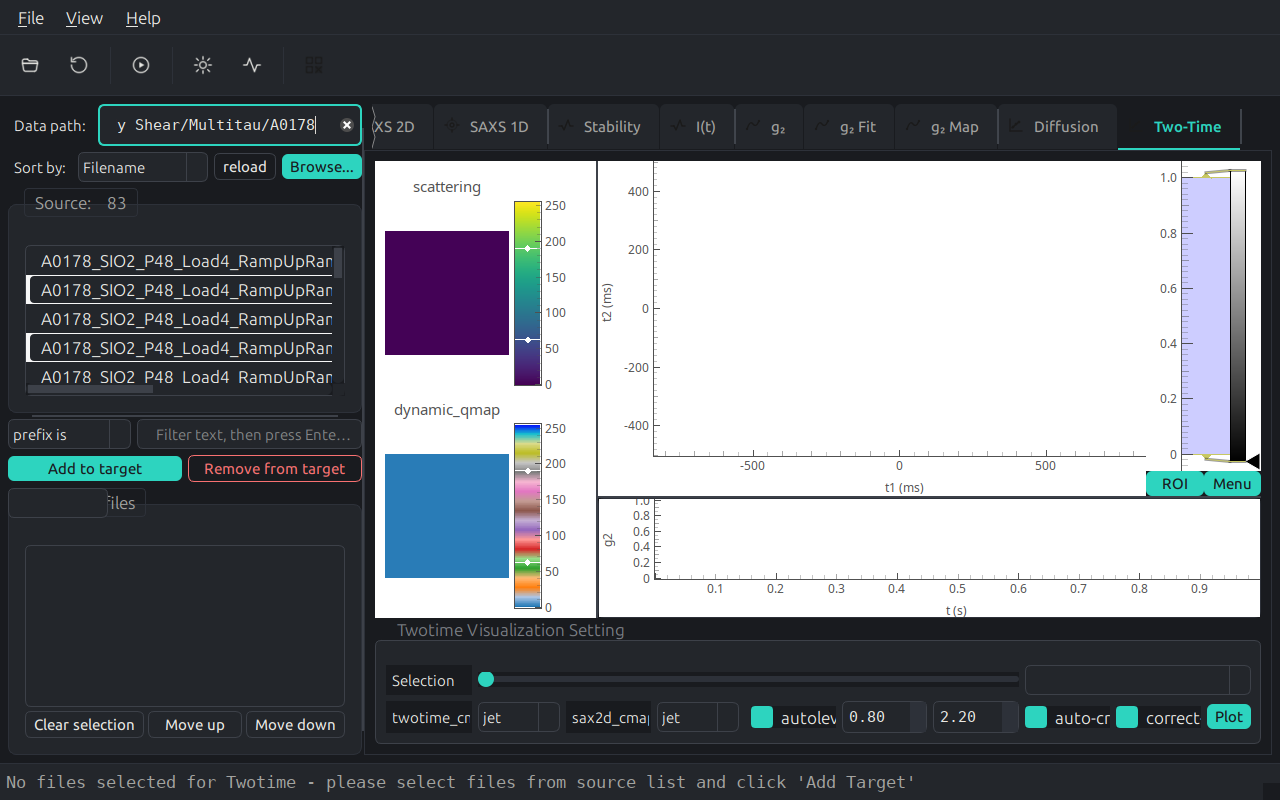
Two-time correlation analysis
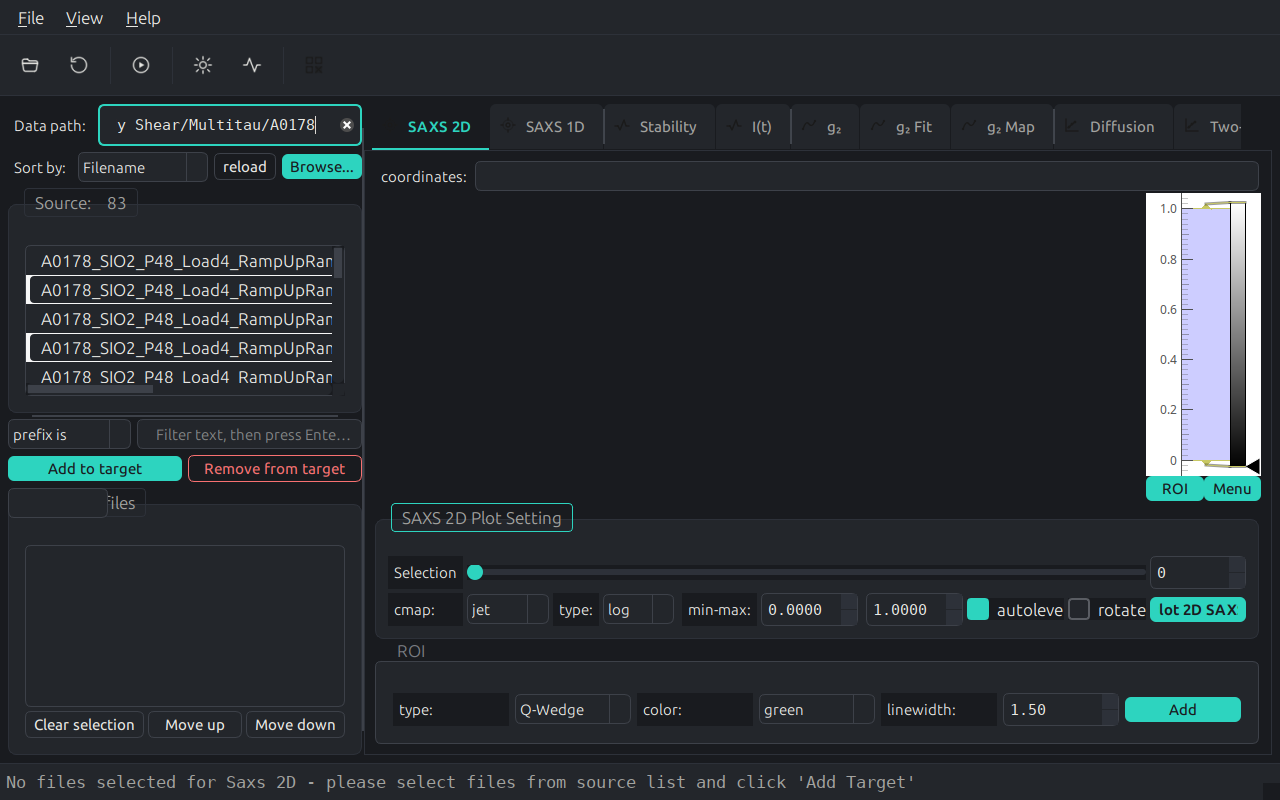
SAXS 2D pattern visualization
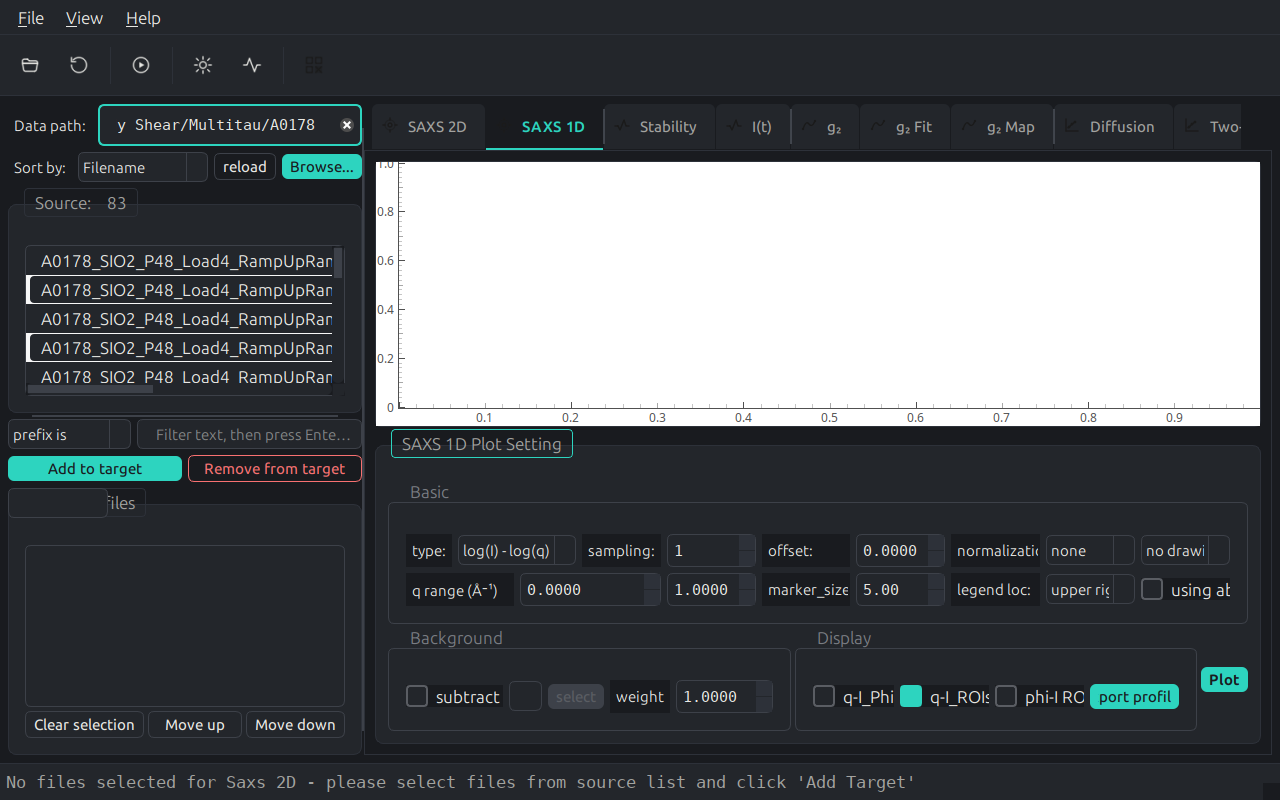
SAXS 1D radial averaging
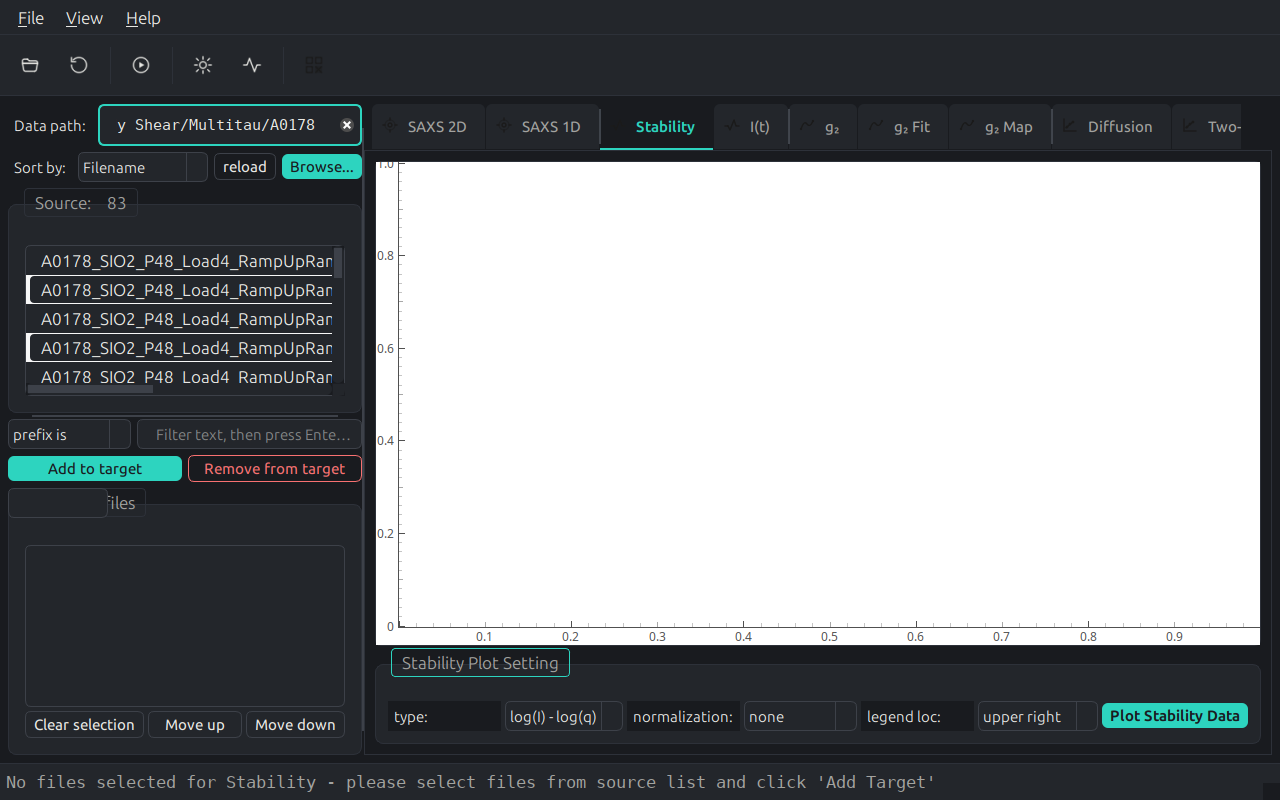
Sample stability monitoring
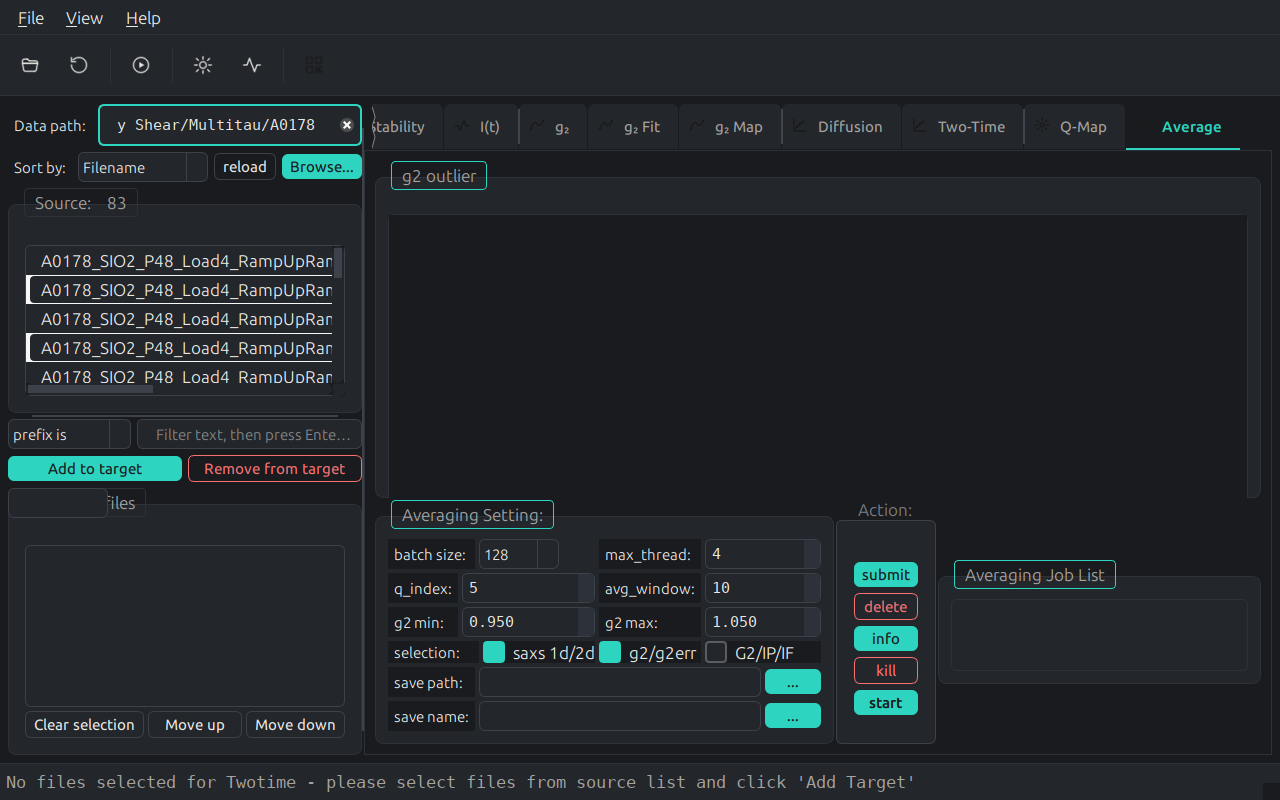
File averaging tools
Mask editing with drawing tools (Rectangle, Circle, Polygon, Line, Ellipse)
Q-map generation from detector geometry
Q-binning (partition) for XPCS analysis
Gallery
Analysis Modules Showcase
Integrated 2D Scattering Pattern
1D SAXS Reduction and Analysis
Sample Stability Assessment
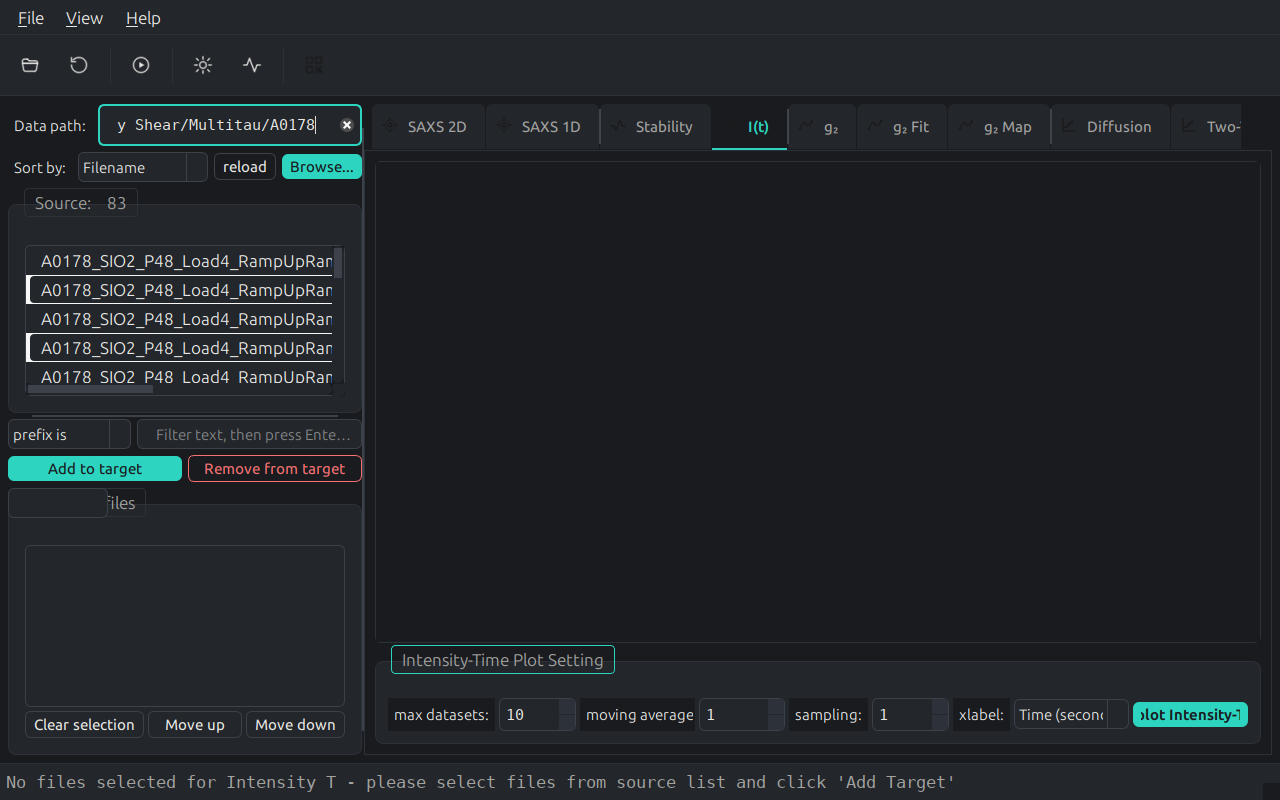
Intensity vs Time Series
File Averaging Toolbox
G2 Correlation Analysis
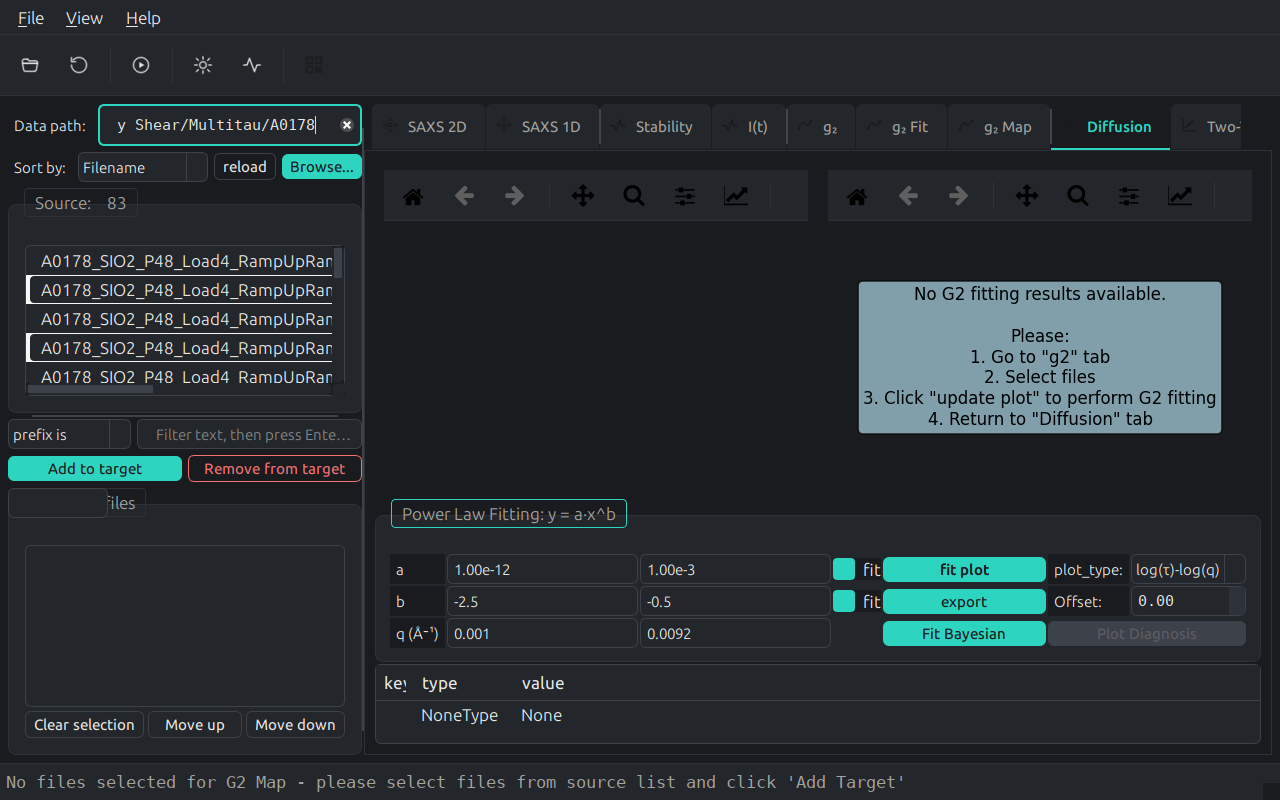
Diffusion Characterization
Two-time Correlation Maps
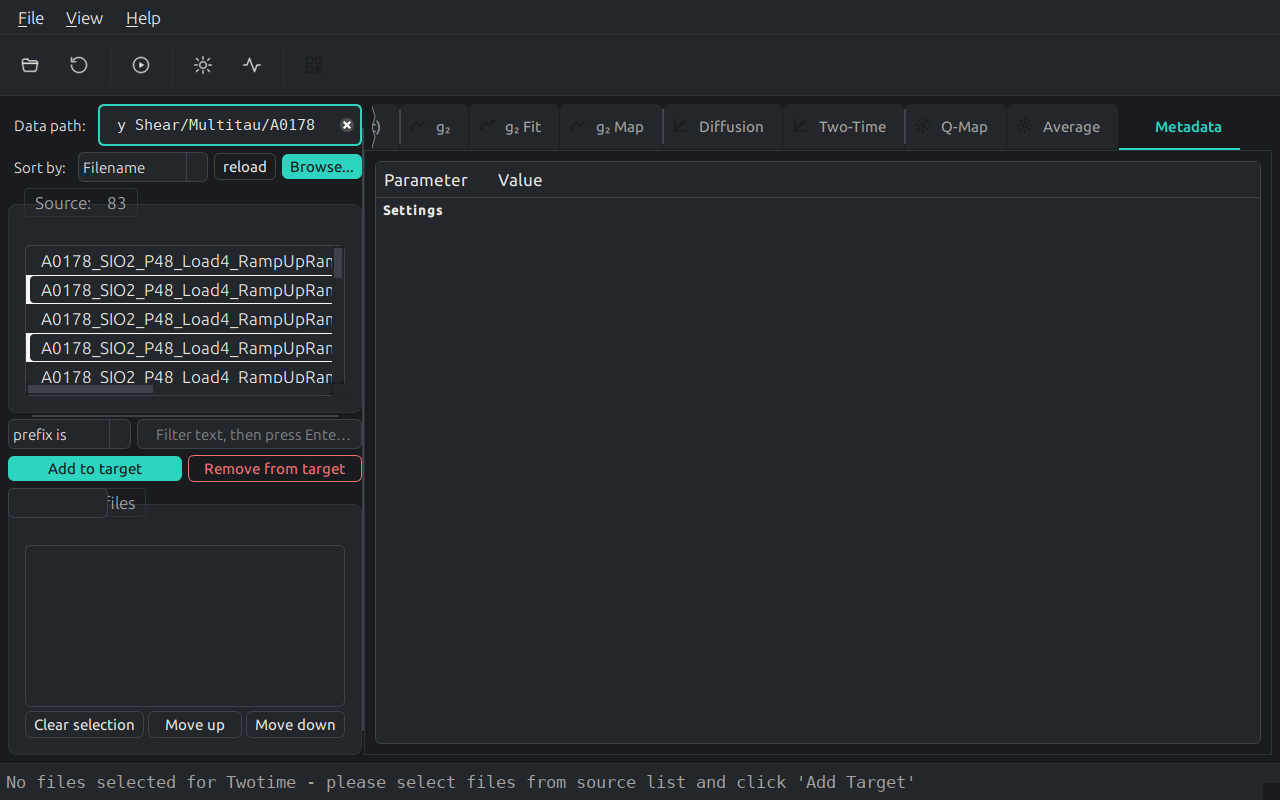
HDF5 Metadata Explorer
License
MIT License. See CONTRIBUTING.rst for development guidelines.


Download files
Download the file for your platform. If you're not sure which to choose, learn more about installing packages.
Source Distribution
Built Distribution
Filter files by name, interpreter, ABI, and platform.
If you're not sure about the file name format, learn more about wheel file names.
Copy a direct link to the current filters
File details
Details for the file xpcsviewer_gui-0.1.2.tar.gz.
File metadata
- Download URL: xpcsviewer_gui-0.1.2.tar.gz
- Upload date:
- Size: 5.6 MB
- Tags: Source
- Uploaded using Trusted Publishing? No
- Uploaded via: twine/6.2.0 CPython/3.13.9
File hashes
| Algorithm | Hash digest | |
|---|---|---|
| SHA256 |
3ccf8ea988c4347f48ad1702b182bdc894f410d3f81bdeaf244311ca7fb662b6
|
|
| MD5 |
1bdbad3e1fa906506525a540c0eb226d
|
|
| BLAKE2b-256 |
9c8a34a557cb91b3bba948c4fcc2747424826deb33041ce2d5b96e6b96cf60d3
|
File details
Details for the file xpcsviewer_gui-0.1.2-py3-none-any.whl.
File metadata
- Download URL: xpcsviewer_gui-0.1.2-py3-none-any.whl
- Upload date:
- Size: 3.8 MB
- Tags: Python 3
- Uploaded using Trusted Publishing? No
- Uploaded via: twine/6.2.0 CPython/3.13.9
File hashes
| Algorithm | Hash digest | |
|---|---|---|
| SHA256 |
b203061c65e384b0a7d3adc045cdbe972ac9c504df661e32160e44fda784c9f9
|
|
| MD5 |
efcb88ef62f9aaf723dc546a381884ec
|
|
| BLAKE2b-256 |
f48cdfd18c7c5f44883ad144ed4c01c03453c3a9179e3e0bdce7999022d50604
|






