
figure-gate




figure-gate reads a matplotlib figure you have already built and tells you which publication requirements it fails. It checks colorblind-safe color, composition, and whether your type is still legible at the size the figure prints.
report(fig) prints one line per check:
Composition audit
  [FAIL] Clipping           clipped: ['x', 'y']  [FIX] add constrained_layout or widen the figure
  [PASS] Type size          smallest 10.0pt on page (floor 7.5)
  [WARN] Alt text           no description attached  [FIX] describe(fig, "...") ...
  ...
  -> FIX THE MARKED CHECKS
Thirteen rows can fail a build. The other eight are advisory: they report WARN
and never FAIL. For a program rather than a person, audit(fig) returns
(ok, rows), 21 rows, one per check, each a (name, status, detail) triple, and
audit_json(fig) serialises the same verdict.
figure-gate verifies figures. It does not draw them, restyle them, or judge whether a figure is good. Each check forbids one named defect, so a figure that passes every row has avoided 21 named defects and nothing more.
Every threshold is a module-level constant you can read, change, or set from a
figure-gate.toml.
Try it
pip install figure-gate                  # or: uv add figure-gate
check-palette "#E69F00,#56B4E9,#009E73" --pairs all
check-figure                             # self-test on a deliberately broken figure
check-figure prints a failing report and exits 0: its self-test passes only
when the checker rejects the broken figure.
Copying the scripts in works too, and is the route if you want the thresholds beside the figures they gate. The install page covers all three routes.
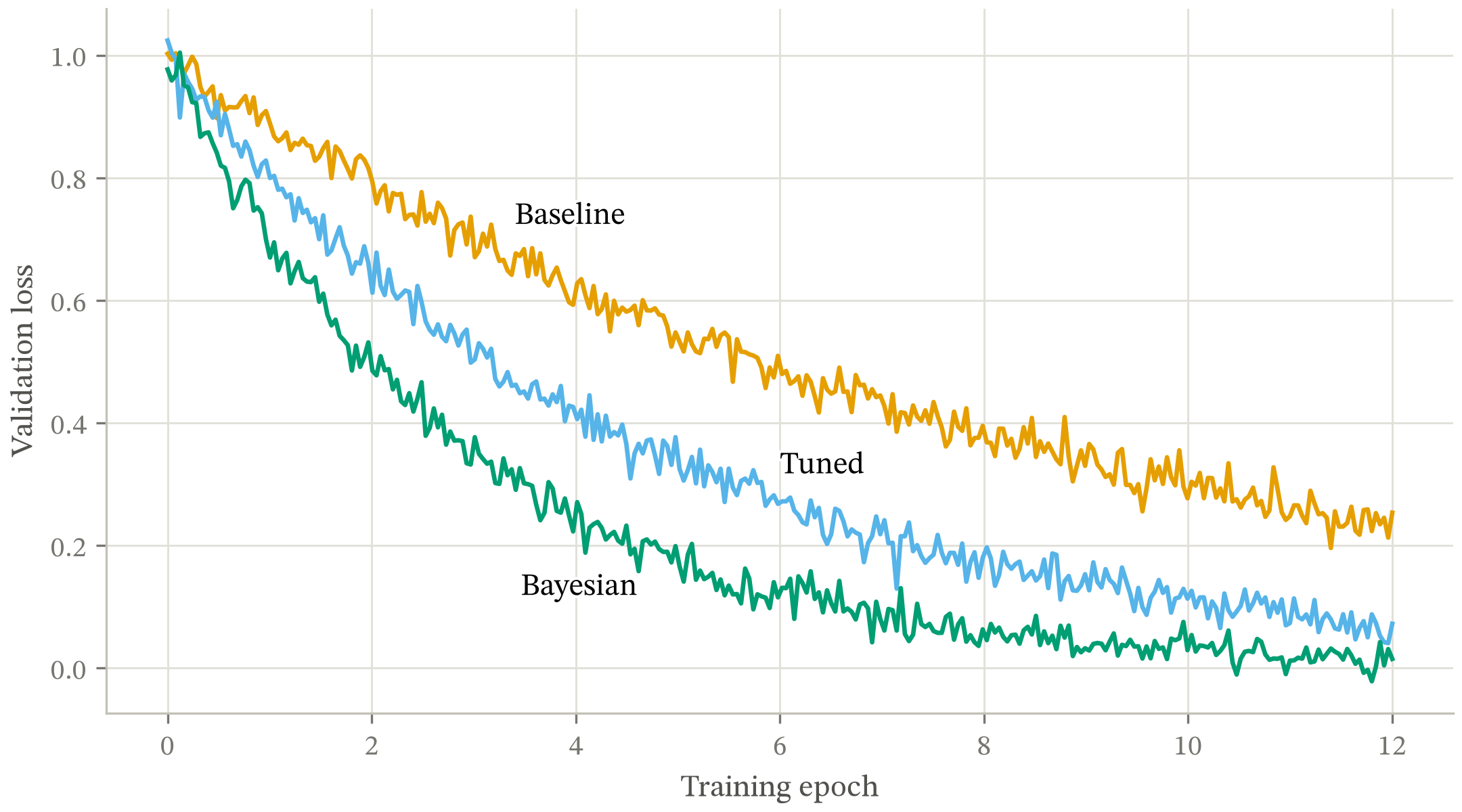
python examples/demo.py builds that figure and audits it.
python examples/gallery.py builds the harder forms. Writing those twenty
exposed defects in the checks themselves, listed on the
gallery page.
Documentation
The documentation site is organised by what you came to do.
Learning
Start here if you have not run the checkers before:
- Gate your first figure: build a figure that fails, read the report, make it pass
Doing a task
Step-by-step directions for a goal you already have:
- Install figure-gate: copy the scripts, install the package, or install from conda-forge
- How-to guides: fix a failing row, gate a test suite, place at half width, attach alt text
Looking something up
What each check measures and what each function takes:
- The gates: every row, its threshold, and whether it can fail a build
- Commands: both command-line tools, their flags, and their exit codes
- Compatibility: Python and matplotlib floors, optional dependencies, import lines by version
- API reference: signatures and defaults, generated from the scripts when the site builds
Understanding why
Background, evidence, and the decisions behind the thresholds:
- How the checkers decide: the measurement model, the evidence, and what a passing run does not mean
- Figure style guide: the measurement behind each threshold, and the rules tried and reverted
- Choosing a form: the decision no styling rule rescues, built on Cleveland and McGill's ordering
- Gallery: twenty audited figures covering the forms that are hard to check
Use it with Claude Code
This repository is also a plugin marketplace, so Claude Code applies the same checks when it builds a figure for you. See Install it as a Claude Code skill.
Where this sits
Prescriptive style sheets already exist and are good: SciencePlots and LovelyPlots for journal looks, tueplots and mpl_sizes for exact conference sizing. Accessibility tooling exists too: matplotalt generates alt text, Chart4Blind converts a chart image into an accessible one, and contrast reporters check colors in isolation.
Each of those acts before or beside the figure. None of them reads the built result and reports what it fails. A style sheet and figure-gate are complementary: set your defaults with one, verify them with the other.
Stability
Below version 1.0, a minor release may break the public API, and every break is named in the changelog. The version policy says what the public API covers.
Contributing
New gates are welcome at the bar the project holds itself to:
- A test proving the gate fails on a figure with that defect.
- A test proving it does not over-fire on the nearest legitimate case.
- A note naming the real failure that motivated it.
See CONTRIBUTING.md and SECURITY.md.
License
MIT. See LICENSE.
1 maintainer

Metadata
1 maintainer
Release files for figure-gate 0.10.0
For a detailed explanation of source distributions (sdists) and built distributions (wheels), please see the package formats documentation.
Source distribution (sdist)
| File | Size | Uploaded | |
|---|---|---|---|
| figure_gate-0.10.0.tar.gz | 3.8 MB | Details |
Built distribution (wheel)
| File | Interpreter | ABI | Platform | Reset |
|---|---|---|---|---|
| figure_gate-0.10.0-py3-none-any.whl | Python 3 | none | any | Details |
Total release size: 3.9 MB
Release files / figure_gate-0.10.0.tar.gz
| Download URL | figure_gate-0.10.0.tar.gz |
|---|---|
| Size | 3.8 MB |
| Tags | Source |
|
SHA-256 checksum How to use checksums |
e5829dc86f1081a78e2157f1f84787fdfeb399f098cb9371a153ae636d157649
|
|
BLAKE2b-256 checksum How to use checksums |
640ed5e693f6b7071ac8256d513dc08524560c059c8c9746b1c091d2950b59c5
|
| Upload date | |
|
Uploaded using Trusted Publishing? What is trusted publishing? |
Yes |
| Uploaded via |
twine/7.0.0 CPython/3.13.14
|
Provenance
Provenance describes where a file came from. On PyPI, provenance is shared via attestations, which provide a verifiable record of the build or publishing details. View details, limitations and caveats.


PyPI Publish Attestation
PyPI verified that this artifact, at this checksum, originated from the publisher listed below.
Signed by GitHub Actions, verified by PyPI on Sep 30, 2026.
Transparency logRelease files / figure_gate-0.10.0-py3-none-any.whl
| Download URL | figure_gate-0.10.0-py3-none-any.whl |
|---|---|
| Size | 115.6 kB |
| Tags | Python 3 |
|
SHA-256 checksum How to use checksums |
9aa2a8818ef9d8f8cccf8996f991f61fc119120924e2f8456ab4227e59b91525
|
|
BLAKE2b-256 checksum How to use checksums |
5a49fd8cb6cf5fecf4fc7db32d4e907ea63b50ffc51959ff476c937e98f7e94e
|
| Upload date | |
|
Uploaded using Trusted Publishing? What is trusted publishing? |
Yes |
| Uploaded via |
twine/7.0.0 CPython/3.13.14
|
Provenance
Provenance describes where a file came from. On PyPI, provenance is shared via attestations, which provide a verifiable record of the build or publishing details. View details, limitations and caveats.
PyPI Publish Attestation
PyPI verified that this artifact, at this checksum, originated from the publisher listed below.
Signed by GitHub Actions, verified by PyPI on Sep 30, 2026.
Transparency log













