
An AR controller designed to seamlessly control objects in MuJoCo and for other general uses by receiving position and rotation data from a connected iOS application.

Project description
MuJoCo AR

MuJoCo AR is a plugin for MuJoCo that enables the integration of ARKit data from a connected iOS device to control MuJoCo frames in real-time. It can also be used in non-MuJoCo applications (see the flexible setup section below). This package accompanies the MuJoCo AR iOS app that can be downloaded from here.
Demos
| Position Control | |||
|---|---|---|---|
| MuJoCo Fruits Pick and Place | MuJoCo PushT | ||
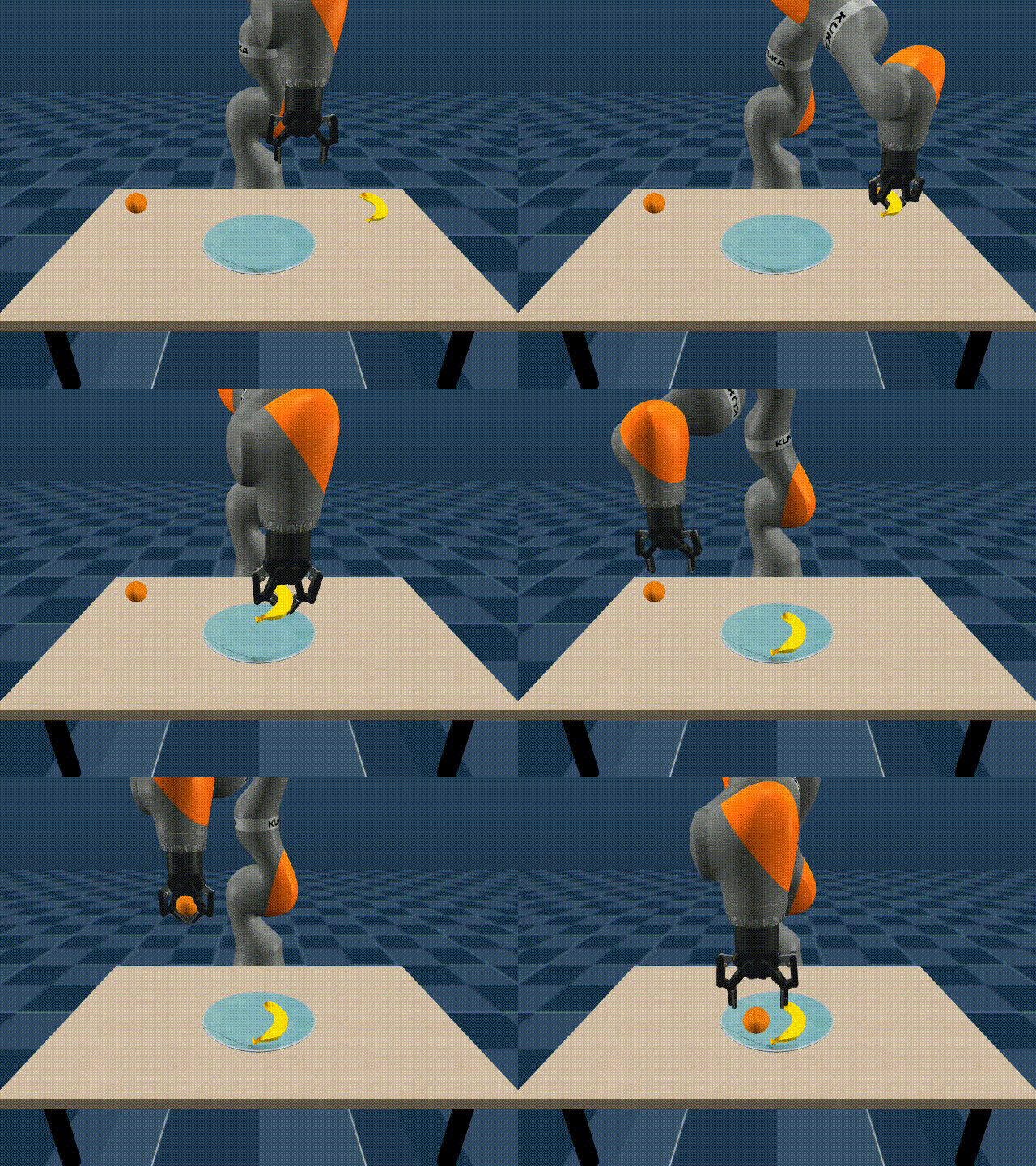 |
 |
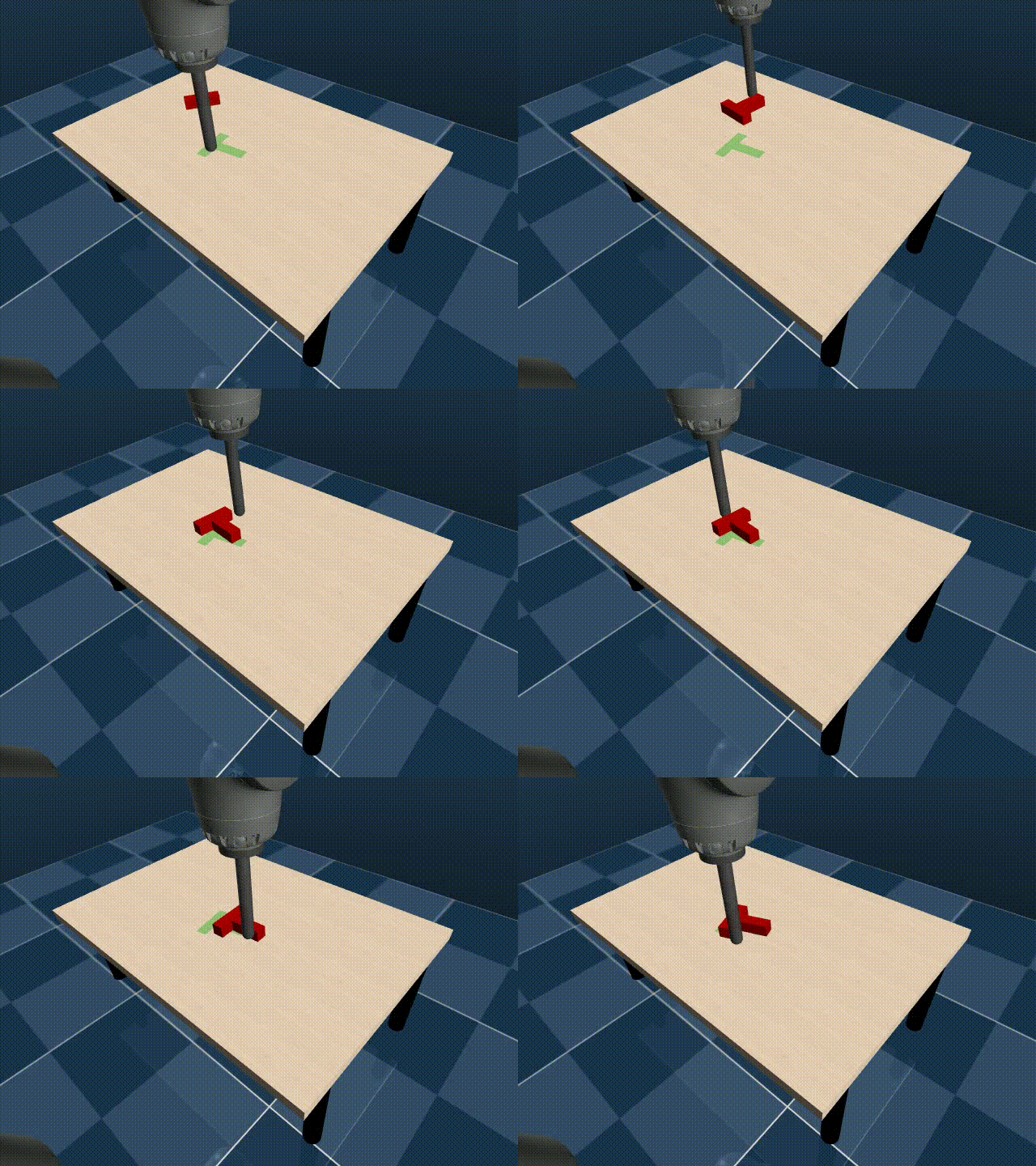 |
 |
| Position and Rotation Control |
Examples of MuJoCo AR linked to the end-effectors of multiple manipulators can be found in this fork of Mink.
Installation
-
iOS App: Download the iOS app from the App Store here
-
Python Package: Install the Python package using pip:
pip install mujoco_ar
Usage
Quick MuJoCo Setup
This setup allows you to directly control a MuJoCo frame (body, geom, or site), with the frame's position and orientation matching the ARKit data received from the connected iOS device.
from mujoco_ar import MujocoARConnector

# Initialize the connector with your desired parameters
mj_ar = MujocoARConnector(mujoco_model=my_model,mujoco_data=my_data)

# Link a MuJoCo frame (link_body(), link_geom() or link_site())
mj_ar.link_body(name="eef_target")

# Start the connector
mj_ar.start()
Full MuJoCo Setup
In addition to what the quick setup allows you to do, this setup allows you to automate the applying of a translation, rotation or scaling of the recieved pose. Additionally, you can pass functions to button_fn and toggle_fn to be triggered when the button or toggle are activated
from mujoco_ar import MujocoARConnector

# Initialize the connector with your desired parameters
mj_ar = MujocoARConnector(
    mujoco_model=my_model,
    mujoco_data=my_data,
    port=8888,                                           # Optional, defaults to 8888 if not provided
    debug=False                                          # Optional, defaults to False if not provided
)

# Link a MuJoCo frame (link_body(), link_geom() or link_site())
mj_ar.link_body(
    name="eef_target",
    scale=1.0,                                           # Optional, defaults to 1.0 if not provided
    position_origin=np.array([0.0, 0.0, 0.0]),           # Optional, defaults to [0, 0, 0] if not provided
    rotation_origin=np.identity(3),                      # Optional, defaults to I(3) if not provided
    toggle_fn=my_toggle_function,                        # Optional, calls nothing if not provided
    button_fn=my_button_function,                        # Optional, calls nothing if not provided
    disable_pos=False,                                   # Optional, defaults to False if not provided
    disable_rot=False                                    # Optional, defaults to False if not provided
)

# Start the connector
mj_ar.start()
Flexible Setup (works without MuJoCo):
You can retrieve the ARKit data including the position, rotation, button, and toggle states directly from a connected iOS device, making it flexible for usage in various applications beyond physics simulations.
from mujoco_ar import MujocoARConnector

# Initialize the connector with your desired parameters
connector = MujocoARConnector()

# Start the connector
connector.start()

# Retrieve the latest AR data (after connecting the iOS device, see the guide below)
data = connector.get_latest_data()  # Returns {"position": (3, 1), "rotation": (3, 3), "button": bool, "toggle": bool}
Author
Omar Rayyan (olr7742@nyu.edu)
Release history Release notifications | RSS feed


Download files
Download the file for your platform. If you're not sure which to choose, learn more about installing packages.
Source Distribution
Built Distribution
Filter files by name, interpreter, ABI, and platform.
If you're not sure about the file name format, learn more about wheel file names.
Copy a direct link to the current filters
File details
Details for the file mujoco_ar-1.0.0.tar.gz.
File metadata
- Download URL: mujoco_ar-1.0.0.tar.gz
- Upload date:
- Size: 6.7 kB
- Tags: Source
- Uploaded using Trusted Publishing? No
- Uploaded via: twine/5.1.1 CPython/3.12.2
File hashes
| Algorithm | Hash digest | |
|---|---|---|
| SHA256 |
34e66a3738691f83c63e7a5dafbea1632493d9f6feeee5aec07092290b356282
|
|
| MD5 |
d89e934b5636a2104e081ffe814c2799
|
|
| BLAKE2b-256 |
b5a59ed1811730bfac47f849281c522f1af615f1c1f4211f49d6b5481c6d7bd4
|
File details
Details for the file mujoco_ar-1.0.0-py3-none-any.whl.
File metadata
- Download URL: mujoco_ar-1.0.0-py3-none-any.whl
- Upload date:
- Size: 6.6 kB
- Tags: Python 3
- Uploaded using Trusted Publishing? No
- Uploaded via: twine/5.1.1 CPython/3.12.2
File hashes
| Algorithm | Hash digest | |
|---|---|---|
| SHA256 |
59c98ccf517e9bf374f95bc68f2283d94933e037bde5d60c0d137d102f29b294
|
|
| MD5 |
eb56a624b2f387c9de807d7999c272fc
|
|
| BLAKE2b-256 |
29215d56a7c9b4a337a2827334c15b17e33b8bccb2fa9fb9f864e21bedd7c205
|






