
 MuJoCo AR



mujoco_ar is a plugin for MuJoCo that lets you control frames using your iOS/Android device's AR data.
Recent Updates
- Android support thanks to @Lr-2002's contribution.
- Trigger vibrations on your iOS device for haptic feedback (release log).
MuJoCo Demos
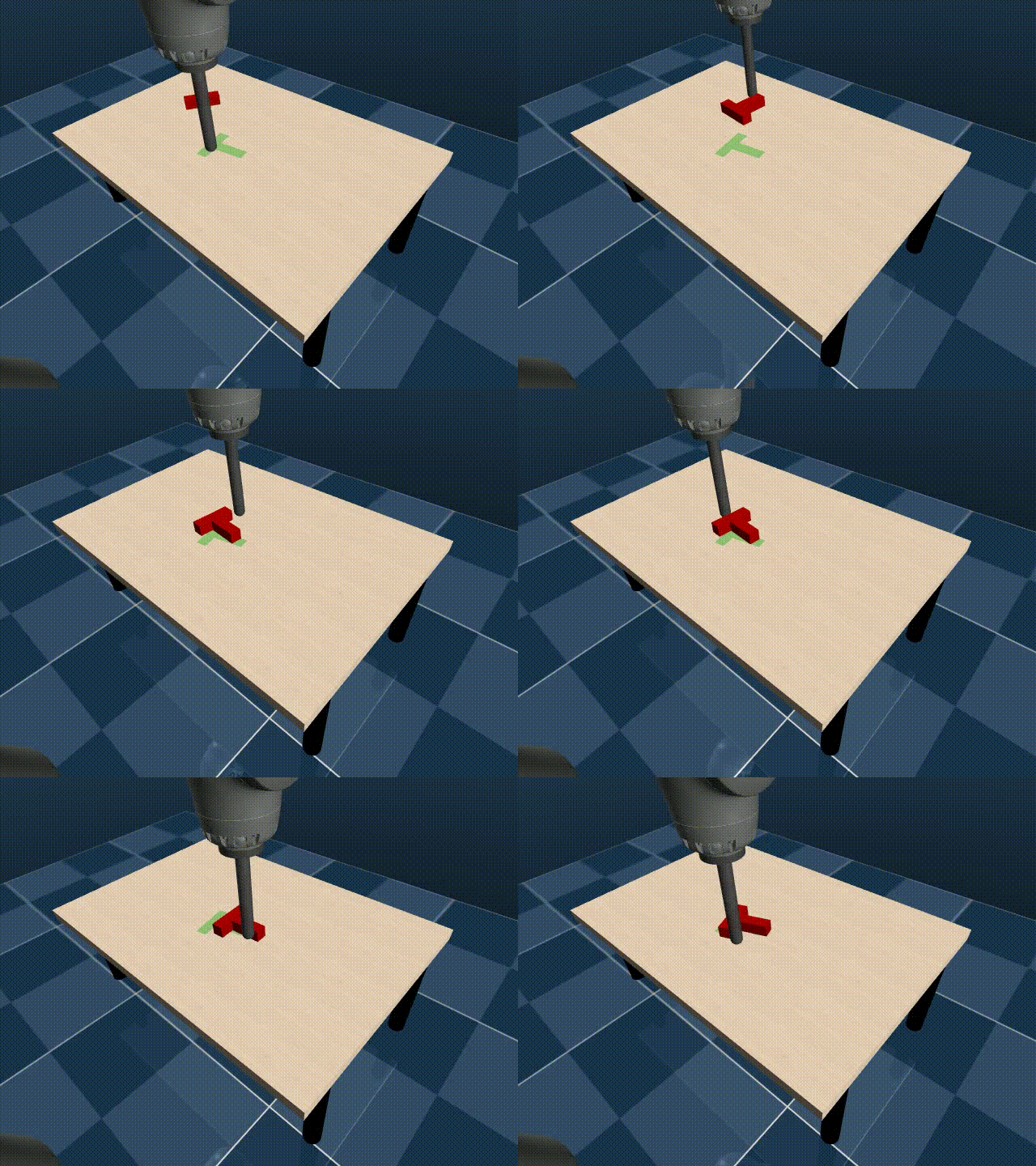
| Position Control | |||
|---|---|---|---|
| MuJoCo Fruits Pick and Place | MuJoCo PushT | ||
 |
 |
 |
 |
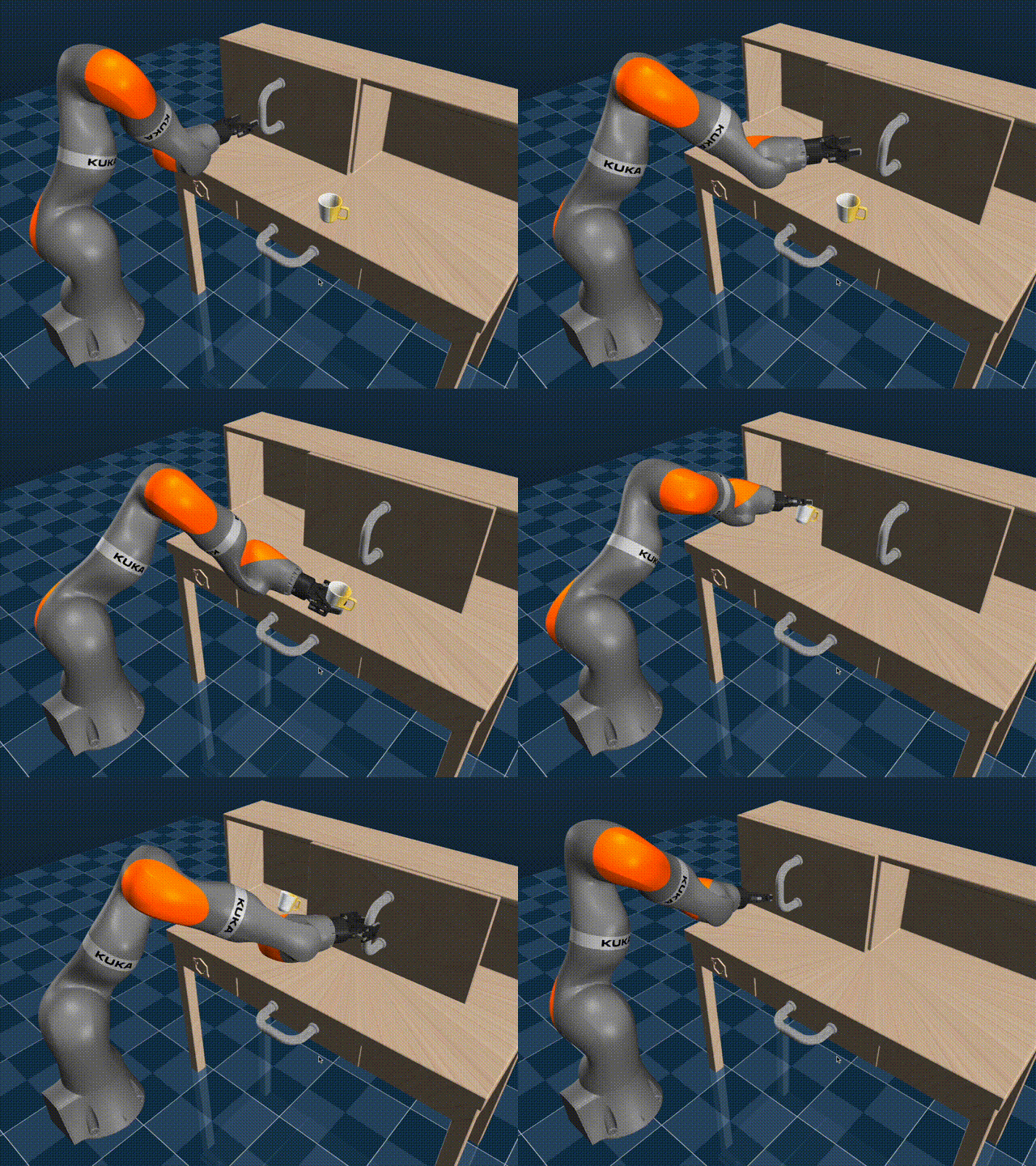
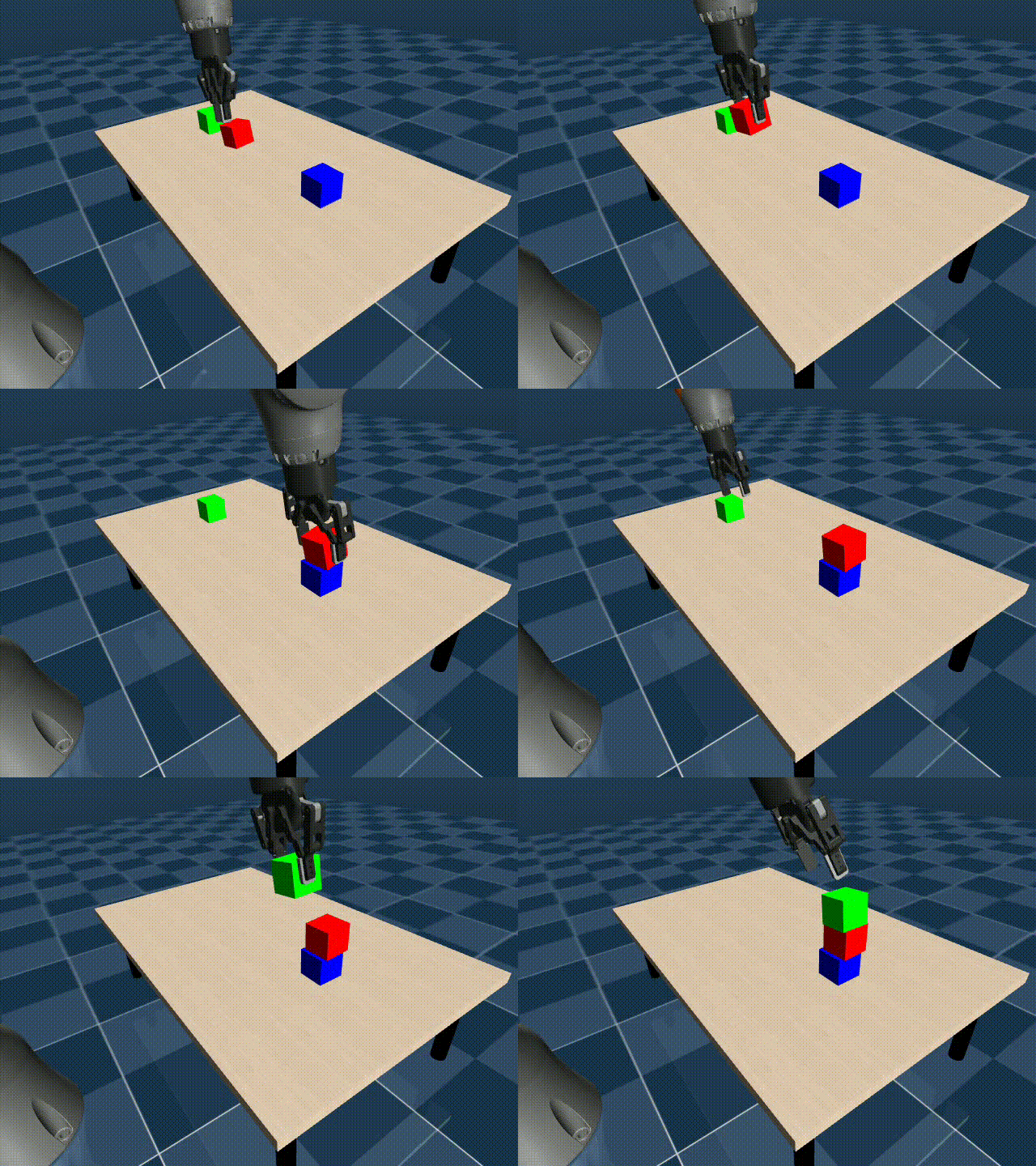
| Position and Rotation Control | |||
| MuJoCo Study Desk | MuJoCo Blocks Stacking | ||
 |
 |
 |
 |
Real Demo
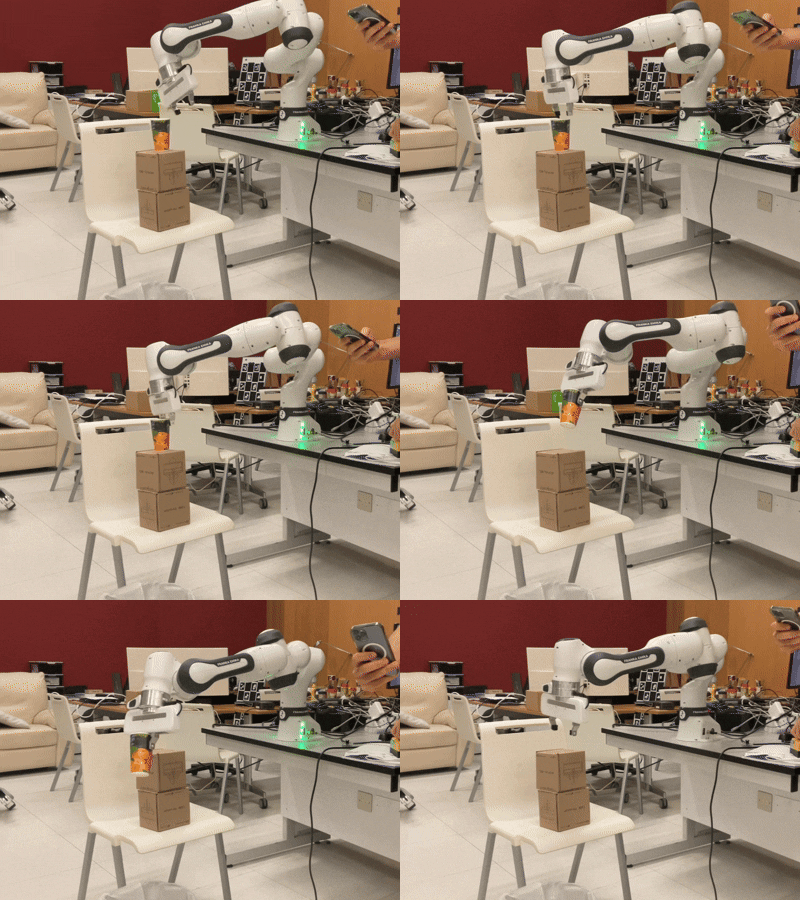
Examples of MuJoCo AR linked to the end-effectors of multiple manipulators can be found in this fork of Mink.
Installation
You can install mujoco_ar package using pip:
pip install mujoco_ar
You can download the app from the App Store for iOS devices or here for Android devices.
Usage
Quick MuJoCo Setup
This setup allows you to directly control a MuJoCo frame (body, geom, or site), with the frame's position and orientation matching the ARKit data received from the connected iOS device.
from mujoco_ar import MujocoARConnector

# Initialize the connector with your desired parameters
mj_ar = MujocoARConnector(mujoco_model=my_model,mujoco_data=my_data)

# Link a MuJoCo frame (link_body(), link_geom() or link_site())
mj_ar.link_body(name="eef_target")

# Start the connector
mj_ar.start()
Full MuJoCo Setup
In addition to what the quick setup allows you to do, this setup allows you to automate the applying of a translation, rotation or scaling of the recieved pose. Additionally, you can pass functions to button_fn and toggle_fn to be triggered when the button or toggle are activated
from mujoco_ar import MujocoARConnector

# Initialize the connector with your desired parameters
mj_ar = MujocoARConnector(
    mujoco_model=my_model,
    mujoco_data=my_data,
    port=8888,                                           # Optional, defaults to 8888 if not provided
    debug=False                                          # Optional, defaults to False if not provided
)

# Link a MuJoCo frame (link_body(), link_geom() or link_site())
mj_ar.link_body(
    name="eef_target",
    scale=1.0,                                           # Optional, defaults to 1.0 if not provided
    position_origin=np.array([0.0, 0.0, 0.0]),           # Optional, defaults to [0, 0, 0] if not provided
    rotation_origin=np.identity(3),                      # Optional, defaults to I(3) if not provided
    toggle_fn=my_toggle_function,                        # Optional, calls nothing if not provided
    button_fn=my_button_function,                        # Optional, calls nothing if not provided
    disable_pos=False,                                   # Optional, defaults to False if not provided
    disable_rot=False                                    # Optional, defaults to False if not provided
)

# Start the connector
mj_ar.start()
Flexible Setup (works without MuJoCo):
You can retrieve the ARKit data including the position, rotation, button, and toggle states directly from a connected iOS device, making it flexible for usage in various applications beyond physics simulations. Try running mjpython demos/flexible_setup.py.
from mujoco_ar import MujocoARConnector

# Initialize the connector with your desired parameters
connector = MujocoARConnector()

# Start the connector
connector.start()

# Retrieve the latest AR data (after connecting the iOS device, see the guide below)
data = connector.get_latest_data()  # Returns {"position": (3, 1), "rotation": (3, 3), "button": bool, "toggle": bool}
Additional Functions
connector.vibrate(sharpness=0.8, intensity=0.4, duration=0.01) # Trigger a vibration on the connected device
connector.pause_updates()  # Temporarily stops receiving updates from the connected device.
connector.resume_updates() # Resumes receiving updates from the connected device.
connector.reset_position() # Resets the current position as the origin (0,0,0).
FAQ
How can I reduce latency?
- If you're experiencing latency, try connecting your PC to your device's hotspot. This should significantly reduce latency if you're far from a router since the communication happens locally via WebSockets.
Can I use it for a non-MuJoCo application?
- Yes, check the Flexible Setup out where you can retrive the pure ARKit position and rotation and use it as you wish. You wouldn't need to pass in the MuJoCo model and data in such a case.
How to contribute?
Report any bugs you encounter to the issue tracker. Also, feel free to suggest any features. Those could be regarding the app (iOS swift code) or the python package.
Acknowledgements
- Thanks to @Lr-2002 for creating an Android app that works with the package.
- Thanks to @kevinzakka for the mink and mjctrl libraries, which are used in the provided demos.
Citation
If you use mujoco_ar in your research, please cite it as follows:
@software{ayyan2024mujocoar,
  author = {Rayyan, Omar},
  license = {Apache-2.0},
  title = {{MuJoCo AR: Phone Teleoperation for Robots}},
  url = {https://github.com/omarrayyann/mujocoar},
  version = {1.3.0},
  year = {2024},
  month = aug,
}
1 maintainer

Metadata
1 maintainer
Release files for mujoco-ar 1.4.0
For a detailed explanation of source distributions (sdists) and built distributions (wheels), please see the package formats documentation.
Source distribution (sdist)
| File | Size | Uploaded | Provenance | |
|---|---|---|---|---|
| mujoco_ar-1.4.0.tar.gz | 12.4 kB | Without provenance | Details |
Built distribution (wheel)
| File | Interpreter | ABI | Platform | Reset |
|---|---|---|---|---|
| mujoco_ar-1.4.0-py3-none-any.whl | Python 3 | none | any | Details |
Total release size: 22.2 kB
Release files / mujoco_ar-1.4.0.tar.gz
| Download URL | mujoco_ar-1.4.0.tar.gz |
|---|---|
| Size | 12.4 kB |
| Tags | Source |
|
SHA-256 checksum How to use checksums |
e6bceaec40d6c5499bb5e414b562ed5b0f26f6735c2fa7f59739f27848ce0633
|
|
BLAKE2b-256 checksum How to use checksums |
005231df61dca0fcc18f173998227ab55dc73eb8282131c56cc75d2b5e1f45fe
|
| Upload date | |
|
Uploaded using Trusted Publishing? What is trusted publishing? |
No |
| Uploaded via |
twine/6.1.0 CPython/3.12.7
|
Release files / mujoco_ar-1.4.0-py3-none-any.whl
| Download URL | mujoco_ar-1.4.0-py3-none-any.whl |
|---|---|
| Size | 9.9 kB |
| Tags | Python 3 |
|
SHA-256 checksum How to use checksums |
1aab255a15375165e1bd19f1a66816fffc35d28a34ffe127479173bf9cbc8d20
|
|
BLAKE2b-256 checksum How to use checksums |
22187c71bec9191f919daf786d2d5cf14ba3e094e7de5f12f19ac428eb2a0389
|
| Upload date | |
|
Uploaded using Trusted Publishing? What is trusted publishing? |
No |
| Uploaded via |
twine/6.1.0 CPython/3.12.7
|
Security for mujoco-ar 1.4.0
Provenance
Provenance describes where a file came from. On PyPI, provenance is shared via attestations, which provide a verifiable record of the build or publishing details. View details, limitations and caveats.
No provenance found
None of the files in this release were uploaded with provenance metadata.
A note on package security
PyPI is a repository for distributing packages, not a service for auditing them. While third-party security researchers and our staff do their best to detect and remove malicious packages, PyPI cannot guarantee the quality, security or suitability of any given package.
To learn more about protecting yourself from malicious actors, visit our package security documentation.














