
Robotics-AI Training in Hyperrealistic Game Environments


Project description

Infinite synthetic data generation for embodied AI






https://github.com/user-attachments/assets/0ab2953d-b188-4af7-a225-71decdd2378c
Lucky Robots
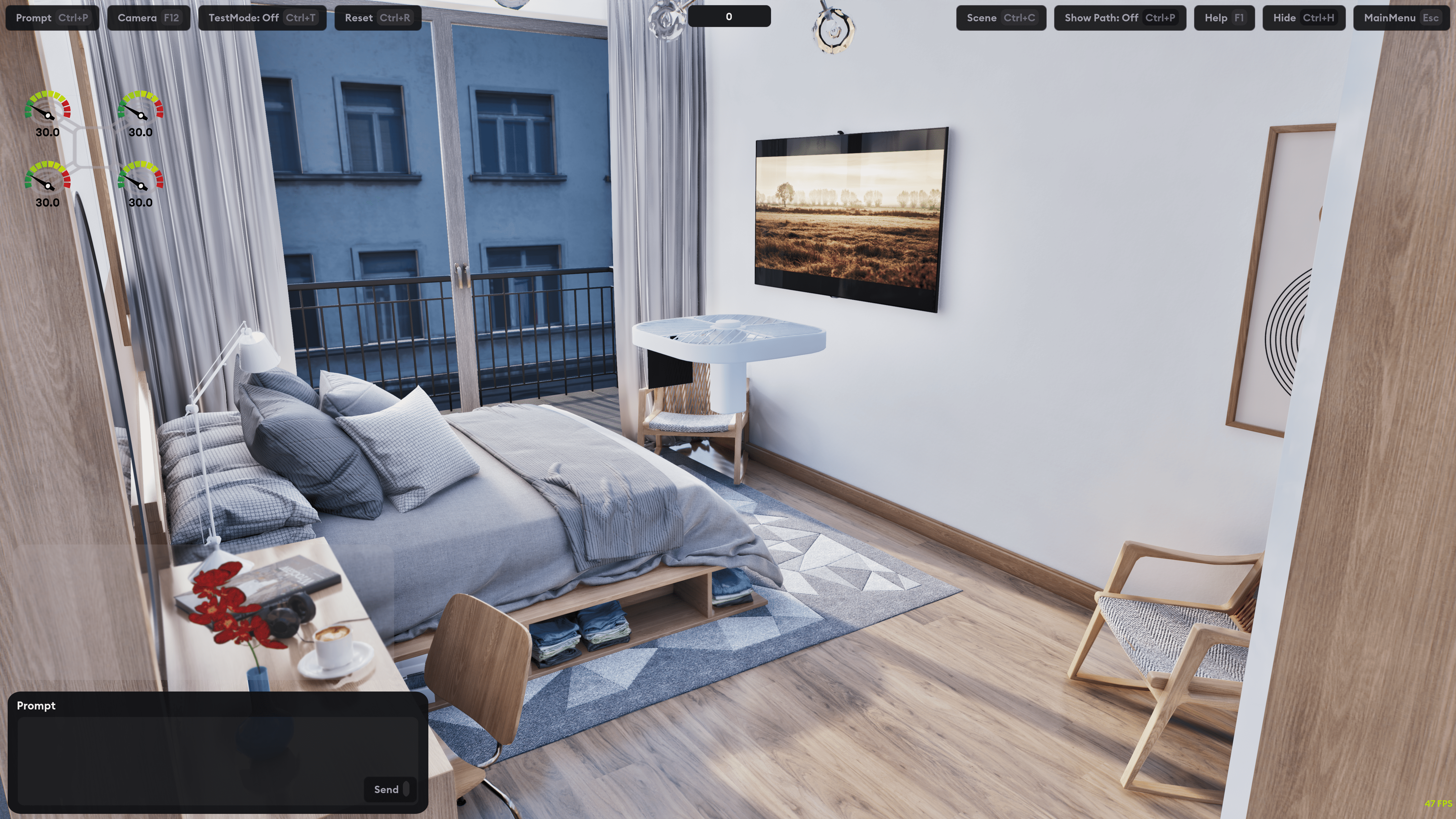
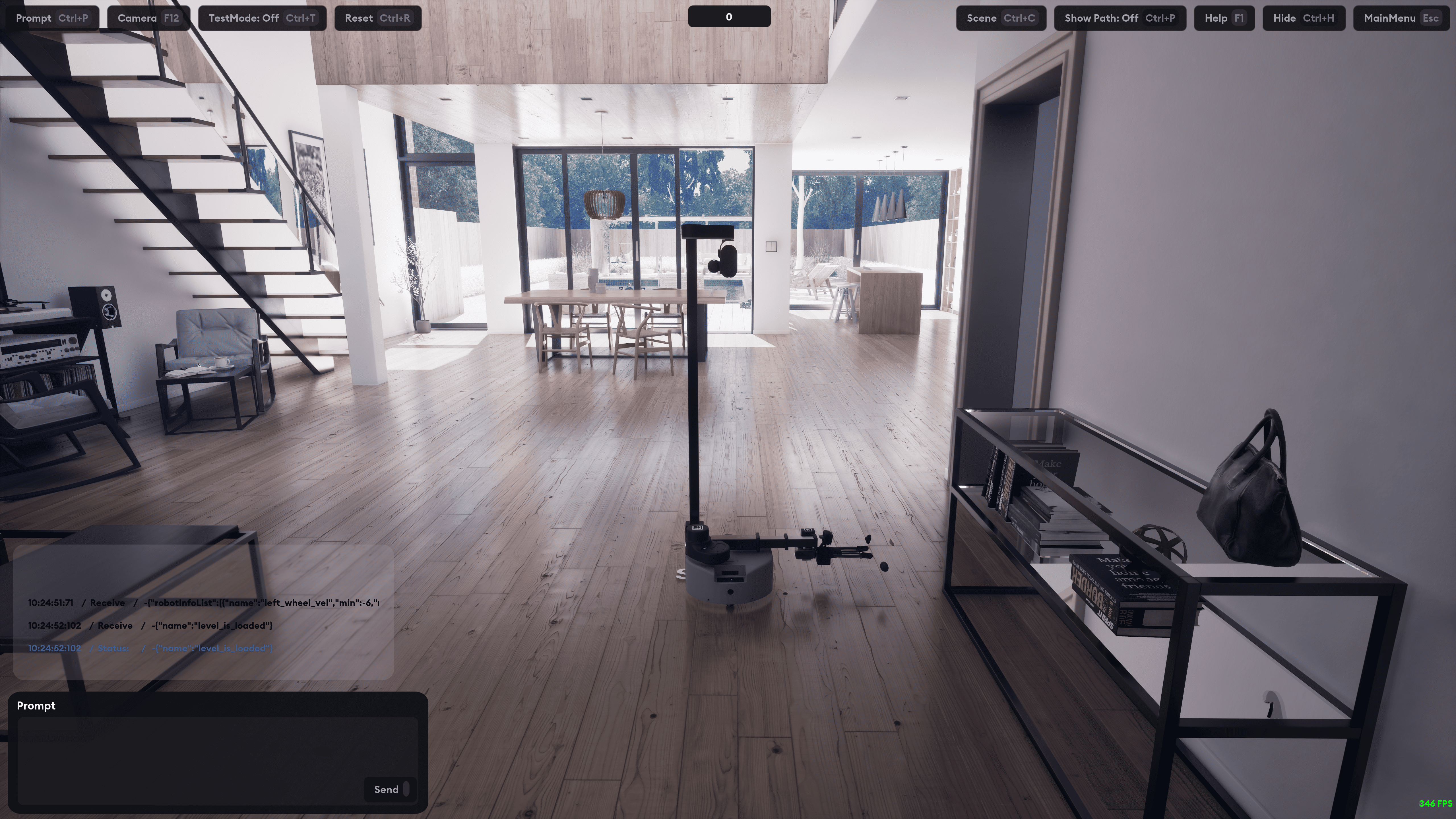
Hyperrealistic robotics simulation framework with Python API for embodied AI training and testing.
Quick Start
-
Create conda environment (recommended)
conda create -n luckyrobots python
conda activate luckyrobots
-
Install
pip install luckyrobots
-
Run Example
git clone https://github.com/luckyrobots/luckyrobots.git
cd luckyrobots/examples
python controller.py
Basic Usage
from luckyrobots import LuckyRobots, Node
import numpy as np

# Create controller node
class RobotController(Node):
    async def control_loop(self):
        # Reset environment
        reset_response = await self.reset_client.call(Reset.Request())

        # Send actions
        actuator_values = np.array([0.1, 0.2, -0.1, 0.0, 0.5, 1.0])
        step_response = await self.step_client.call(Step.Request(actuator_values=actuator_values))

        # Access observations
        observation = step_response.observation
        joint_states = observation.observation_state
        camera_data = observation.observation_cameras

# Start simulation
luckyrobots = LuckyRobots()
controller = RobotController()
luckyrobots.register_node(controller)
luckyrobots.start(scene="kitchen", robot="so100", task="pickandplace")
Available Robots & Environments
Robots
- so100: 6-DOF manipulator with gripper
- stretch_v1: Mobile manipulator
- dji300: Quadcopter drone
Scenes
- kitchen: Residential kitchen environment
- loft: Open floor plan apartment
- drone_flight: Outdoor flight area
Tasks
- pickandplace: Object manipulation
- navigation: Path planning and movement
API Reference
Core Classes
LuckyRobots: Main simulation manager
start(scene, robot, task, observation_type): Initialize simulationregister_node(node): Add controller nodespin(): Run main loop
Node: Base class for robot controllers
create_client(service_type, service_name): Create service clientcreate_service(service_type, service_name, handler): Create service server
Services
Reset: Reset robot to initial state
request = Reset.Request(seed=42, options={})
response = await reset_client.call(request)
Step: Send action and get observation
request = Step.Request(actuator_values=[0.1, 0.2, -0.1])
response = await step_client.call(request)
Observations
Access sensor data from step responses:
# Joint positions and velocities
joint_states = response.observation.observation_state

# Camera images (RGB + depth)
for camera in response.observation.observation_cameras:
    image = camera.image_data  # numpy array
    name = camera.camera_name  # "head_cam", "hand_cam", etc.
Command Line Interface
# Basic usage
python controller.py --robot so100 --scene kitchen --task pickandplace

# With camera display
python controller.py --show-camera --rate 30

# Custom host/port
python controller.py --host 192.168.1.100 --port 3001
Configuration
Robot configurations are defined in src/luckyrobots/config/robots.yaml:
so100:
  action_space:
    actuator_names: [shoulder_pan, shoulder_lift, elbow_flex, wrist_flex, wrist_roll, gripper]
    actuator_limits:
      - name: shoulder_pan
        lower: -2.2
        upper: 2.2
  available_scenes: [kitchen]
  available_tasks: [pickandplace]
Architecture
Lucky Robots uses a distributed node architecture:
- Manager Node: Central message routing
- LuckyRobots Node: Simulation interface
- Controller Nodes: User-defined robot controllers
- WebSocket Transport: Inter-node communication
- Lucky World: Physics simulation backend
Development
Setup Development Environment
git clone https://github.com/luckyrobots/luckyrobots.git
cd luckyrobots
pip install -e .
Library Development Mode
python -m luckyrobots --lr-library-dev
Creates a symlink for local development without reinstalling.
Contributing
- Fork the repository
- Create a feature branch
- Make changes and add tests
- Submit a pull request
License
MIT License - see LICENSE file.
Support
- Issues: GitHub Issues
- Discussions: GitHub Discussions
- Discord: Community Server
Release history Release notifications | RSS feed


Download files
Download the file for your platform. If you're not sure which to choose, learn more about installing packages.
Source Distribution
Built Distribution
Filter files by name, interpreter, ABI, and platform.
If you're not sure about the file name format, learn more about wheel file names.
Copy a direct link to the current filters
File details
Details for the file luckyrobots-0.1.61.tar.gz.
File metadata
- Download URL: luckyrobots-0.1.61.tar.gz
- Upload date:
- Size: 26.6 kB
- Tags: Source
- Uploaded using Trusted Publishing? No
- Uploaded via: twine/6.1.0 CPython/3.13.2
File hashes
| Algorithm | Hash digest | |
|---|---|---|
| SHA256 |
2c7fa94580258b2e878fd276cc7df4a80dd0950e708903a4a4c29776d59498f7
|
|
| MD5 |
bbfcc3a464dba46ec2af71f56519393d
|
|
| BLAKE2b-256 |
d98805f5b0e990da4adc103a1f5ddc89217eb438309a3105cab512c602366a5a
|
File details
Details for the file luckyrobots-0.1.61-py3-none-any.whl.
File metadata
- Download URL: luckyrobots-0.1.61-py3-none-any.whl
- Upload date:
- Size: 35.7 kB
- Tags: Python 3
- Uploaded using Trusted Publishing? No
- Uploaded via: twine/6.1.0 CPython/3.13.2
File hashes
| Algorithm | Hash digest | |
|---|---|---|
| SHA256 |
4ae557e2fb9556774e75b60fc1b4165496e6e3ef4582f8a2d2a1f2e479f52576
|
|
| MD5 |
c0b69c950e88c09d63a14d3e949ee602
|
|
| BLAKE2b-256 |
ad9c59562fe877aaedeff92fde7e28f6942835253c7498fc496609fe36934dd5
|






