
Create AWS Palace FEM Models from GDSII layout files
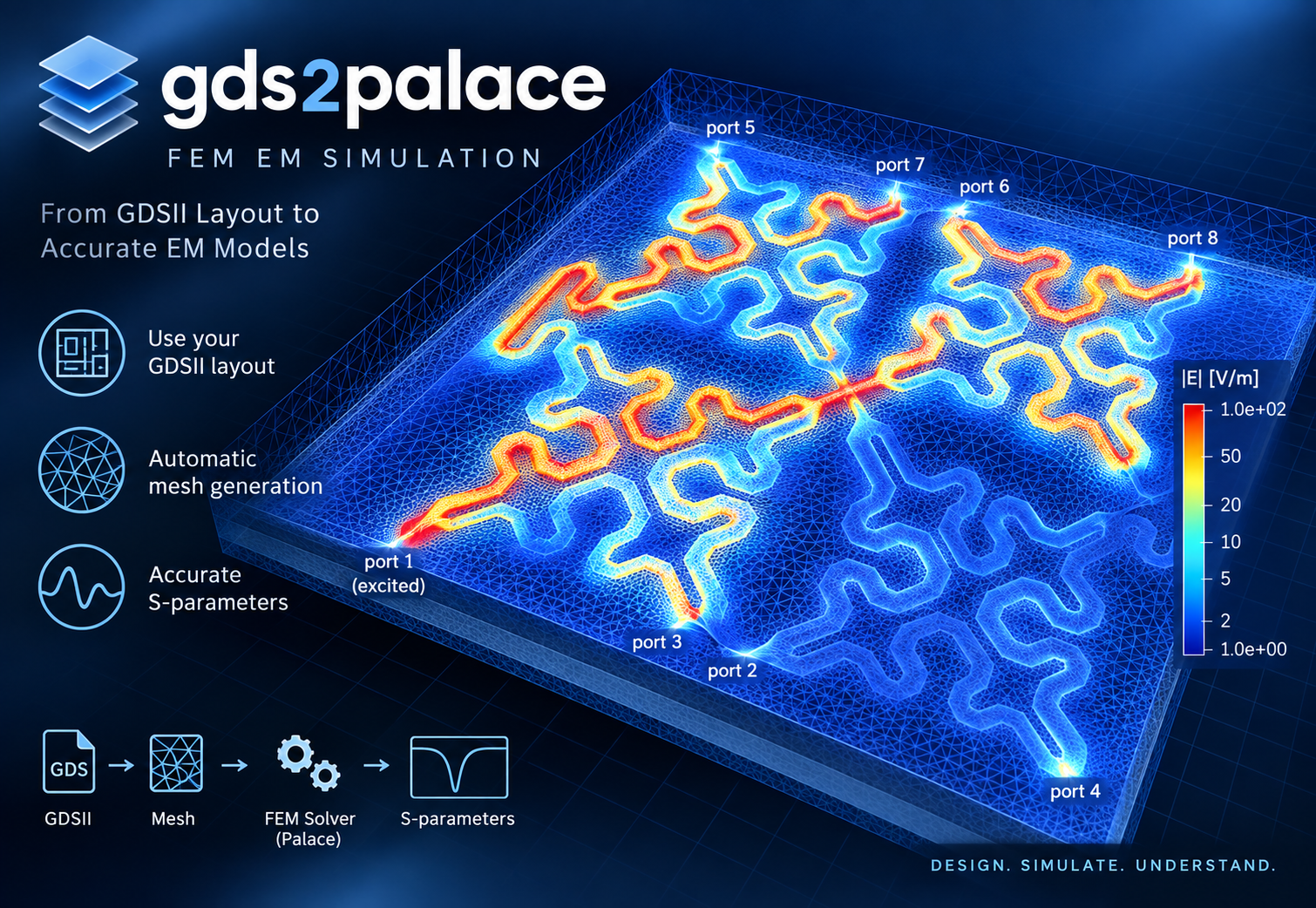
The files provided here enable RFIC FEM simulation using AWS Palace from GDSII layouts created in IHP SG13G2 RFIC technology.
Palace, is an open-source, parallel finite element code for full-wave 3D electromagnetic simulations. It can be scaled from single computer to large high performance simulation clusters and cloud-based computing.
https://awslabs.github.io/palace/stable/
In addition to AWS Palace, gds2palace can also generate models for Elmer FEM, as an additional workflow option for EM (S-parameter) simulation as well as steady-state thermal simulation. See CHANGES.md for this and other recent additions.
The gds2palace workflow in this repository is pre-configured for GDSII layout files in the IHP SG13G2 Open PDK. Special thanks to IHP and the public funded German project FMD-QNC (16ME0831) https://www.elektronikforschung.de/projekte/fmd-qnc for financial support, which has contributed to this work.
Install
pip install gds2palace
Full documentation, installation guide, and usage walkthrough: https://github.com/VolkerMuehlhaus/gds2palace_ihp_sg13g2
Recent changes
15 November-2026
gds2palace 0.10.7
Changed behaviour: the frequencies that replace DC
With fstart = 0, gds2palace simulates two low frequency points instead of 0 Hz, and combine_snp extrapolates the 0 Hz point of the _dc file from them. These points were always 10 MHz and 20 MHz. For a mesh finer than 0.5 um (refined_cellsize or any refined_cellsize_override value) they now move up: the first one is 5 MHz*um divided by the smallest cell size, rounded up to a full MHz, the second one twice that (25 and 50 MHz at 0.2 um, 100 and 200 MHz at 0.05 um). Models with cell sizes of 0.5 um and more keep 10 and 20 MHz. Reason: on such a fine mesh the solver breaks down at low frequency, in all Palace versions tested (0.17 to 0.19): Palace could stop with SuperLUSolver: Found a singular matrix, or the solver did not converge. When the point is raised, the console message Start frequency changed from DC to ... GHz! gets a second line that says why. A low fstart or fpoint that you set yourself is not changed. See the FAQ, "Why can't I simulate at 0 Hz, and how is DC handled?".
Fix
The _dc Touchstone file written by combine_snp (combine_extend_snp.py 1.5) keeps all simulated frequency points now and only adds the 0 Hz point in front. Before, a result with the two low frequency points of fstart = 0 was resampled to a uniform frequency grid: the simulated points, among them the two low ones, were replaced by interpolated values at slightly different frequencies (e.g. 0.4902 GHz steps instead of 0.5 GHz). The 0 Hz value itself is unchanged. For the smooth results checked, the interpolated S-parameters were within 0.004 of the simulated ones. The file is no longer uniformly spaced when the sweep starts at 0 Hz.
13 November-2026
gds2palace 0.10.6
Fix
Port walls with a reference plane shift or a port wall extension: R and Q below fstop/20 were wrong. The standards were solved at fstop/20, fstop/5 and fstop only, and below fstop/20 the feed line's loss was extrapolated with sqrt(f), towards zero at DC. A thin line's resistance stays at its DC value there, so too little of it was removed. Example: an rfcmim capacitor with two 35 µm feed lines, series resistance at 0.01 GHz 0.74 Ω instead of 0.25 Ω (PDK model 0.25 Ω). The standards are now also solved at the model's lowest frequency, which gives the line's resistance there, and between the solved frequencies the loss is interpolated linearly in sqrt(f). Results without a shift or extension change very little, capacitance and inductance not at all. Models written by an earlier version keep their own combine_extend_snp.py and their results; write the model again to get the fix. combine_extend_snp.py is 1.4.
New example
more_examples/calibrated_boxwall_ports: step-by-step guide to port walls on an rfcmim capacitor, compared with the PDK model.
13 November-2026
gds2palace 0.10.5
Fix
Port walls with a conformal passivation stackup (SG13G2_FEM_200um_passi3D.xml): the passivation around TopMetal2 is a derived layer grown by 0.6 µm, and where a line ends at the layout edge (a region cut out of a larger layout, e.g. by the KLayout plug-in) it reached 0.6 µm past the edge. The port wall was then placed there, away from the ports, and stopped with "port wall ... has no port". The layout edge of port walls, wall extensions and PEC walls at the layout edge is now the drawn one, and derived layers are cut there on those sides. Models without such a wall are unchanged.
Full history: CHANGES.md
Note: the gds2palace PyPI package itself only requires:
- gdspy>1.6.0
- gmsh
- numpy
- shapely>=2.0
(Other Python modules mentioned above are only needed to run the example/model scripts in this repository, not to use the installed package.)
1 maintainer

Metadata
1 maintainer
Release files for gds2palace 0.10.7
For a detailed explanation of source distributions (sdists) and built distributions (wheels), please see the package formats documentation.
Source distribution (sdist)
| File | Size | Uploaded | Provenance | Actions |
|---|---|---|---|---|
| gds2palace-0.10.7.tar.gz | 177.5 kB | Without provenance | Details for gds2palace-0.10.7.tar.gz |
Built distribution (wheel)
| File | Interpreter | ABI | Platform | Actions Reset |
|---|---|---|---|---|
| gds2palace-0.10.7-py3-none-any.whl | Python 3 | none | any | Details for gds2palace-0.10.7-py3-none-any.whl |
Total release size: 340.0 kB
Release files / gds2palace-0.10.7.tar.gz
| Download URL | gds2palace-0.10.7.tar.gz |
|---|---|
| Size | 177.5 kB |
| Tags | Source |
|
SHA-256 checksum How to use checksums |
3c3dd7c5f57e44e09c25bbb57100c50c82bf74b1a5a6a41813cc5042762ca702
|
|
BLAKE2b-256 checksum How to use checksums |
a9486d0d0777a09b75e17d6cf59c085cf8fde69604cf51e9ecfd2bb196143b06
|
| Upload date | |
|
Uploaded using Trusted Publishing? What is trusted publishing? |
No |
| Uploaded via |
twine/6.2.0 CPython/3.13.14
|
Release files / gds2palace-0.10.7-py3-none-any.whl
| Download URL | gds2palace-0.10.7-py3-none-any.whl |
|---|---|
| Size | 162.5 kB |
| Tags | Python 3 |
|
SHA-256 checksum How to use checksums |
19040bd705ed2d01c80716c67726c7cb8e10ff94c736a35519e007be67e8e192
|
|
BLAKE2b-256 checksum How to use checksums |
86e2691a5004ea9b2910f7e950ea2f0c3d4bdc1e2226488022b5c246ff460ff6
|
| Upload date | |
|
Uploaded using Trusted Publishing? What is trusted publishing? |
No |
| Uploaded via |
twine/6.2.0 CPython/3.13.14
|
Security for gds2palace 0.10.7
Provenance
Provenance describes where a file came from. On PyPI, provenance is shared via attestations, which provide a verifiable record of the build or publishing details. View details, limitations and caveats.
No provenance found
None of the files in this release were uploaded with provenance metadata.
A note on package security
PyPI is a repository for distributing packages, not a service for auditing them. While third-party security researchers and our staff do their best to detect and remove malicious packages, PyPI cannot guarantee the quality, security or suitability of any given package.
To learn more about protecting yourself from malicious actors, visit our package security documentation.














