
A set of easy-to-use utils that will come in handy in any Computer Vision project


Project description








👋 hello
We write your reusable computer vision tools. Whether you need to load your dataset from your hard drive, draw detections on an image or video, or count how many detections are in a zone. You can count on us! 🤝
💻 install
Pip install the supervision package in a Python>=3.8 environment.
pip install supervision
Read more about desktop, headless, and local installation in our guide.
🔥 quickstart
models
Supervision was designed to be model agnostic. Just plug in any classification, detection, or segmentation model. For your convenience, we have created connectors for the most popular libraries like Ultralytics, Transformers, or MMDetection.
import cv2
import supervision as sv
from ultralytics import YOLO

image = cv2.imread(...)
model = YOLO('yolov8s.pt')
result = model(image)[0]
detections = sv.Detections.from_ultralytics(result)

len(detections)
# 5
👉 more model connectors
-
inference
Running with Inference requires a Roboflow API KEY.
import cv2
import supervision as sv
from inference.models.utils import get_roboflow_model

image = cv2.imread(...)
model = get_roboflow_model(model_id="yolov8s-640", api_key=<ROBOFLOW API KEY>)
result = model.infer(image)[0]
detections = sv.Detections.from_inference(result)

len(detections)
# 5
annotators
Supervision offers a wide range of highly customizable annotators, allowing you to compose the perfect visualization for your use case.
import cv2
import supervision as sv

image = cv2.imread(...)
detections = sv.Detections(...)

bounding_box_annotator = sv.BoundingBoxAnnotator()
annotated_frame = bounding_box_annotator.annotate(
    scene=image.copy(),
    detections=detections
)
https://github.com/roboflow/supervision/assets/26109316/691e219c-0565-4403-9218-ab5644f39bce
datasets
Supervision provides a set of utils that allow you to load, split, merge, and save datasets in one of the supported formats.
import supervision as sv

dataset = sv.DetectionDataset.from_yolo(
    images_directory_path=...,
    annotations_directory_path=...,
    data_yaml_path=...
)

dataset.classes
['dog', 'person']

len(dataset)
# 1000
👉 more dataset utils
-
load
dataset = sv.DetectionDataset.from_yolo(
    images_directory_path=...,
    annotations_directory_path=...,
    data_yaml_path=...
)

dataset = sv.DetectionDataset.from_pascal_voc(
    images_directory_path=...,
    annotations_directory_path=...
)

dataset = sv.DetectionDataset.from_coco(
    images_directory_path=...,
    annotations_path=...
)
-
split
train_dataset, test_dataset = dataset.split(split_ratio=0.7)
test_dataset, valid_dataset = test_dataset.split(split_ratio=0.5)

len(train_dataset), len(test_dataset), len(valid_dataset)
# (700, 150, 150)
-
merge
ds_1 = sv.DetectionDataset(...)
len(ds_1)
# 100
ds_1.classes
# ['dog', 'person']

ds_2 = sv.DetectionDataset(...)
len(ds_2)
# 200
ds_2.classes
# ['cat']

ds_merged = sv.DetectionDataset.merge([ds_1, ds_2])
len(ds_merged)
# 300
ds_merged.classes
# ['cat', 'dog', 'person']
-
save
dataset.as_yolo(
    images_directory_path=...,
    annotations_directory_path=...,
    data_yaml_path=...
)

dataset.as_pascal_voc(
    images_directory_path=...,
    annotations_directory_path=...
)

dataset.as_coco(
    images_directory_path=...,
    annotations_path=...
)
-
convert
sv.DetectionDataset.from_yolo(
    images_directory_path=...,
    annotations_directory_path=...,
    data_yaml_path=...
).as_pascal_voc(
    images_directory_path=...,
    annotations_directory_path=...
)
🎬 tutorials
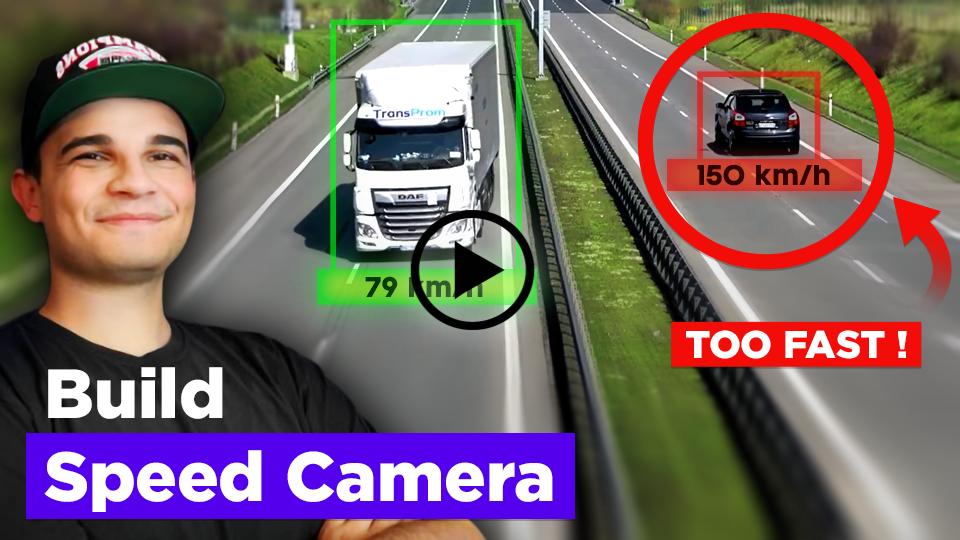
Learn how to track and estimate the speed of vehicles using YOLO, ByteTrack, and Roboflow Inference. This comprehensive tutorial covers object detection, multi-object tracking, filtering detections, perspective transformation, speed estimation, visualization improvements, and more.
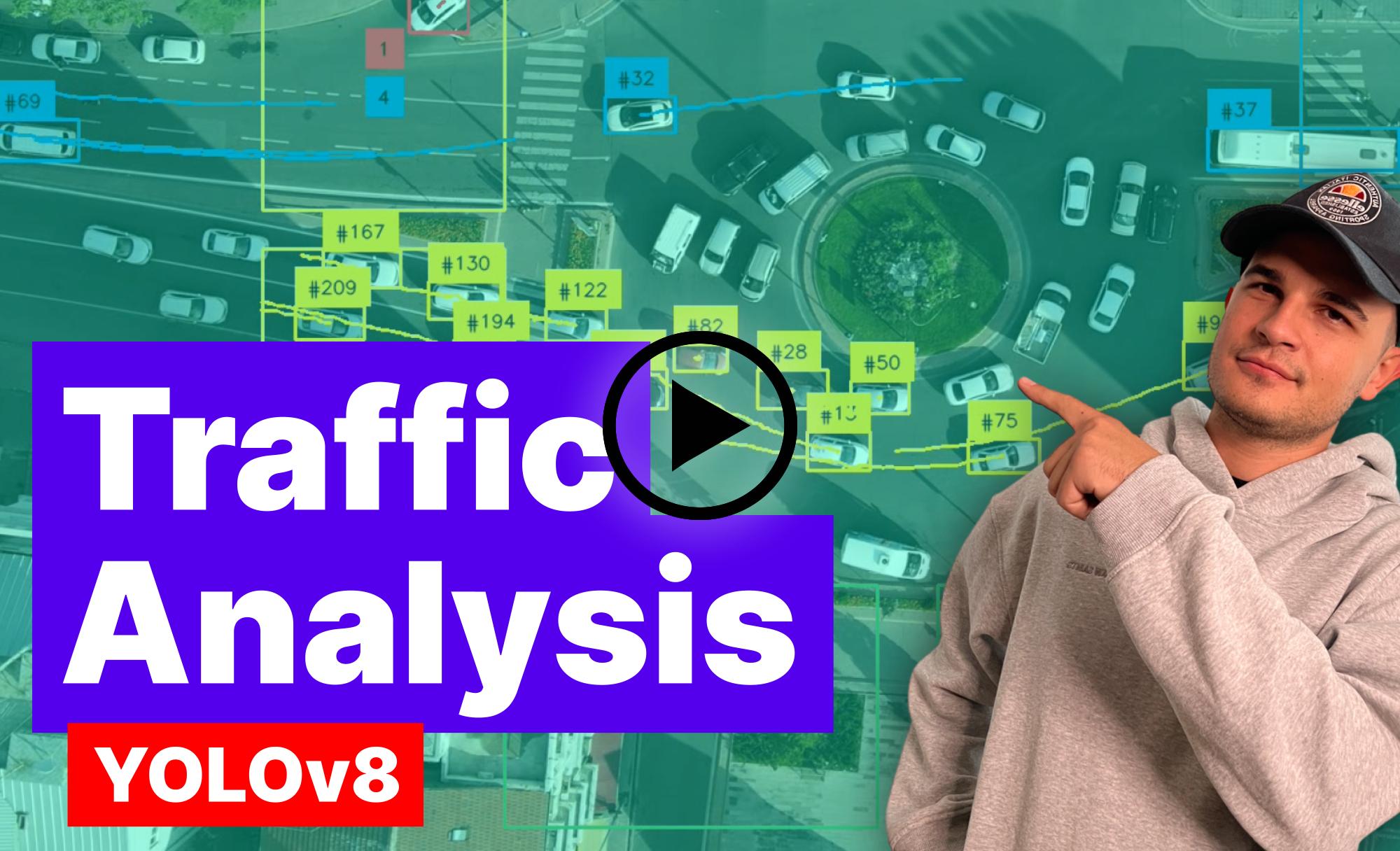
In this video, we explore real-time traffic analysis using YOLOv8 and ByteTrack to detect and track vehicles on aerial images. Harnessing the power of Python and Supervision, we delve deep into assigning cars to specific entry zones and understanding their direction of movement. By visualizing their paths, we gain insights into traffic flow across bustling roundabouts...
💜 built with supervision
Did you build something cool using supervision? Let us know!
https://github.com/roboflow/supervision/assets/26109316/c9436828-9fbf-4c25-ae8c-60e9c81b3900
https://github.com/roboflow/supervision/assets/26109316/3ac6982f-4943-4108-9b7f-51787ef1a69f
📚 documentation
Visit our documentation page to learn how supervision can help you build computer vision applications faster and more reliably.
🏆 contribution
We love your input! Please see our contributing guide to get started. Thank you 🙏 to all our contributors!







Release history Release notifications | RSS feed


Download files
Download the file for your platform. If you're not sure which to choose, learn more about installing packages.
Source Distribution
Built Distribution
Filter files by name, interpreter, ABI, and platform.
If you're not sure about the file name format, learn more about wheel file names.
Copy a direct link to the current filters
File details
Details for the file supervision-0.18.0rc4.tar.gz.
File metadata
- Download URL: supervision-0.18.0rc4.tar.gz
- Upload date:
- Size: 74.6 kB
- Tags: Source
- Uploaded using Trusted Publishing? No
- Uploaded via: twine/4.0.2 CPython/3.11.7
File hashes
| Algorithm | Hash digest | |
|---|---|---|
| SHA256 |
65382dfcbae2c56382358b51205f884c339018f021a3f434d1ef43da8d3b943d
|
|
| MD5 |
c7cb141eabc90e6b3bbadda89a896ada
|
|
| BLAKE2b-256 |
9b07dc18c0554e0d5d257a1445e75211813f81e3ed69c22f7ca43318ede83f21
|
File details
Details for the file supervision-0.18.0rc4-py3-none-any.whl.
File metadata
- Download URL: supervision-0.18.0rc4-py3-none-any.whl
- Upload date:
- Size: 86.6 kB
- Tags: Python 3
- Uploaded using Trusted Publishing? No
- Uploaded via: twine/4.0.2 CPython/3.11.7
File hashes
| Algorithm | Hash digest | |
|---|---|---|
| SHA256 |
33aca8953d70cc5f24409cef81f6e667f6ed17e54b6e504e97ac47c7a66236af
|
|
| MD5 |
926c0c554a16f5dbc2eed6365829f22f
|
|
| BLAKE2b-256 |
a01f56d192205013dd776049f17ced90ed0b48c5cc1006111c78179b56217592
|






